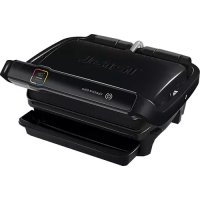
OptiGrill Elite GC7508 - Griddle TEFAL - Free user manual and instructions
Find the device manual for free OptiGrill Elite GC7508 TEFAL in PDF.



| Product type | Electric plancha |
| Brand | Tefal |
| Model | OptiGrill Elite GC7508 |
| Cooking programs | 12 automatic programs + manual mode |
| Special functions | Frozen food, Intensive sear |
| Cooking indicator | Yes, with levels (rare, medium, well-done, etc.) |
| Cooking plates | Removable, non-stick coating, dishwasher safe |
| Drip tray | Removable, dishwasher safe |
| Power supply | Mains (220-240 V) |
| Safety | Automatic shut-off, safety lock, hot surfaces |
| Maintenance | Plates and tray dishwasher safe or wash with warm soapy water; control panel clean with a dry cloth |
| Included accessories | Cooking plates, drip tray, power cord |
| Usage | Household use only |
| Repairability | Contact an authorized service center |
Frequently Asked Questions - OptiGrill Elite GC7508 TEFAL
User questions about OptiGrill Elite GC7508 TEFAL
0 question about this device. Answer the ones you know or ask your own.
Ask a new question about this device
Download the instructions for your Griddle in PDF format for free! Find your manual OptiGrill Elite GC7508 - TEFAL and take your electronic device back in hand. On this page are published all the documents necessary for the use of your device. OptiGrill Elite GC7508 by TEFAL.
USER MANUAL OptiGrill Elite GC7508 TEFAL
natural_image
Black and white photo of a Teller with a colorful logo on top, no visible text or symbols on the device itself.Mode d'emploi - Instructies voor gebruik-Bedienungsanleitung - Instructions for use - Istruzioni d'uso -Instrucciones de uso - Manual de instruções - Οδηγίες χρήσης
CONSIGNES DE SÉCURITÉ PRÉCAUTIONS IMPORTANTES
natural_image
Close-up of a hand pressing down on a mechanical component (no visible text or symbols)2
natural_image
Illustration of a printer with a paper feeding into a plastic container (no text or symbols visible)3
natural_image
Illustration of a Tefa printer with open lid and control panel (no text or symbols on device)4
5
natural_image
Illustration of a hand pressing down on a keyboard (no text or symbols visible)6
7
8
12 13
natural_image
Close-up of a finger pressing a button on a device interface (no text or symbols visible)14 15
18 19
22 23
Préchauffe en cours
24
Mettez vos aliments
25 26
natural_image
Diagram of a printer's internal structure with a paper feeding into a tray (no text or symbols visible)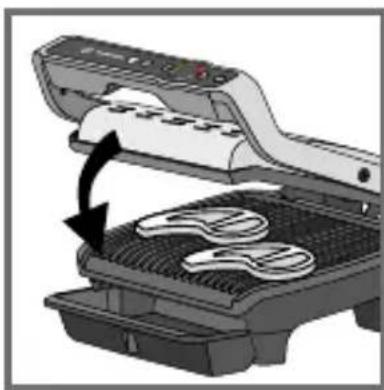
natural_image
Illustration of a microwave oven with a black arrow indicating the process (no text or symbols present)27 28
natural_image
Illustration of a printer emitting steam, no text or symbols present25-26
natural_image
Diagram of a device with a curved arrow indicating rotation or movement, showing internal components (no text or symbols)33 34
natural_image
Illustration of a printer being processed with a cloth, showing the process from paper to a mesh (no text or symbols present)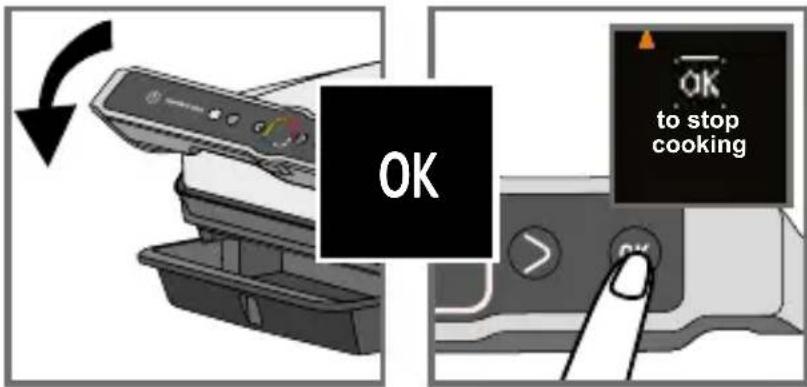
natural_image
Illustration of a printer being placed on a tray with a cloth, showing the blade being folded (no text or symbols present)37 38
Nouvelle cuisson ?
39 40
Préchauffe en cours
41 42
45 46
47 48
natural_image
Illustration of a hand inserting a device into a printer (no text or symbols visible)51 52
natural_image
Illustration of a food processor with steam rising, emitting smoke, and a stopwatch above (no text or symbols)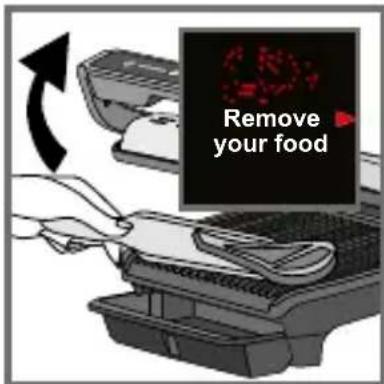
natural_image
Illustration of a hand inserting a plug into an electrical socket (no text or symbols)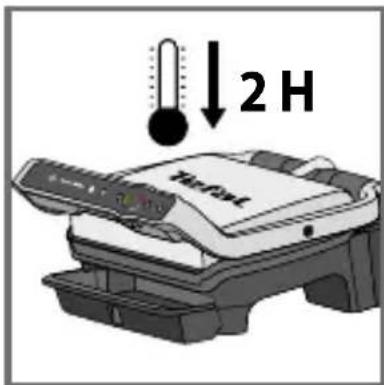
57
natural_image
Close-up of a hand pressing down on a mechanical component (no visible text or symbols)2
natural_image
Illustration of a printer with a paper feeding into a plastic container (no text or symbols visible)3
natural_image
Illustration of a Tefa printer with control panel and open base (no text or symbols on device)4
5
natural_image
Illustration of a hand pressing down on a computer keyboard (no text or symbols visible)6
7
8
12 13
natural_image
Close-up of a finger pointing at a colorful icon on a gray device (no text or symbols visible)14 15
18 19
natural_image
Close-up of a finger pressing a button on a device interface (no text or symbols visible)natural_image
Close-up of a finger pressing a button with an arrow icon (no text or symbols visible)22 23
24
natural_image
Diagram showing a printer's internal structure being processed with a hand using a tool (no text or symbols visible)26
25
natural_image
Illustration of a grating machine with a black arrow indicating the process (no text or symbols present)27
natural_image
Illustration of a printer emitting steam from its cover (no text or symbols visible)Well-done in 01:35
natural_image
Diagram of a device with open lid and internal components, showing a rotating arrow indicating rotation (no text or symbols present)33 34
natural_image
Illustration of a printer being inserted into a rack, showing cable routing (no text or symbols)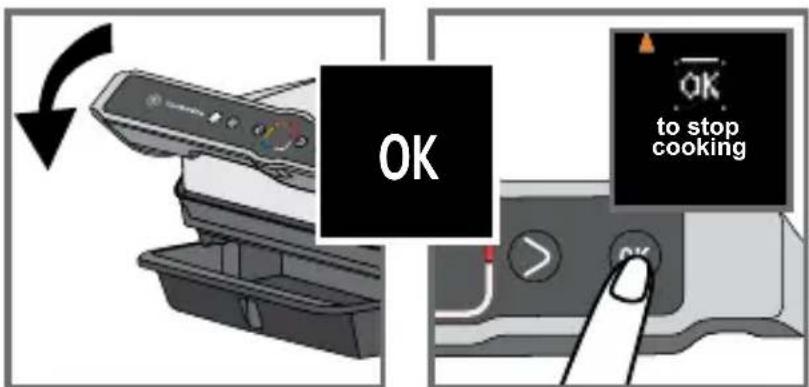
natural_image
Illustration of a printer being inserted into a rack, showing fabric and cable manipulation (no text or symbols)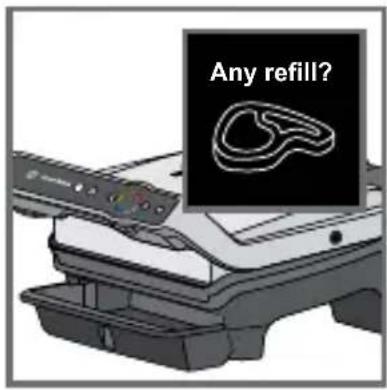
Bijvullen?
45 46
47 48
natural_image
Illustration of a printer being inserted into a rack, showing the blade and paper (no text or symbols)51 52
natural_image
Illustration of a steam iron on a flatbed stove with a stopwatch above (no text or symbols)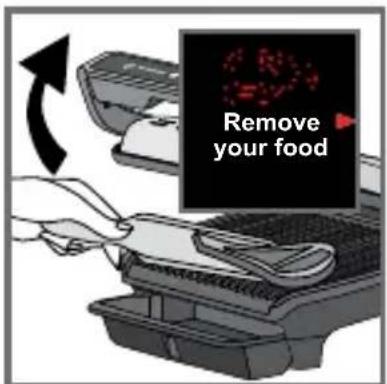
Risico op te gaar
53 54
51-53
natural_image
Illustration of a hand inserting a plug into an electrical socket, with arrows indicating direction (no text or symbols)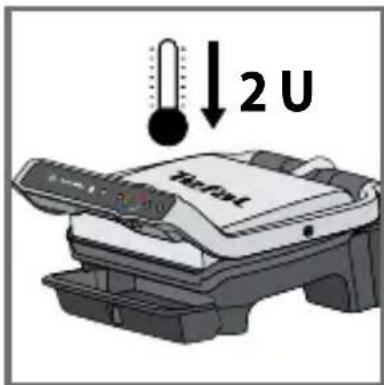
57
natural_image
Close-up of a car intake tray with arrows indicating movement or force (no text or symbols visible)58 59
natural_image
Diagram showing a container with contents being processed into three stacked trays (no text or symbols visible)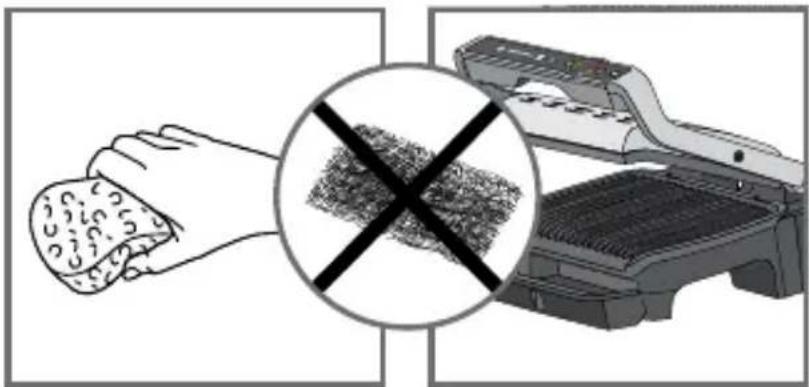
natural_image
Illustration showing a hand holding a textured object and a crossed-out photo of a grater (no text or symbols)60 61
natural_image
Illustration of a hand cleaning a food item from a Tefat printer (no text or symbols on the object itself)62 63
natural_image
Illustration of a Tefal device mounted on a shelf, no visible text or symbols on the device itself64

natural_image
Illustration of a hand pressing down on a mechanical component (no text or symbols visible)2
natural_image
Illustration of a Teful printer with a tray and base, no visible text or symbols3
natural_image
Illustration of a Tefa printer with open lid and base tray, no visible text or symbols on the device itself4
5
natural_image
Illustration of a hand pressing down on a computer keyboard (no text or symbols visible)6
7
8
12 13
14 15
18 19
22 23
Wird vorgeheizt
24
Speisen einlegen
natural_image
Diagram showing a printer pressing down on a keyboard with a hand holding the tray (no text or symbols present)26
(25-26)
natural_image
Illustration of a grater with a curved arrow indicating process (no text or symbols)27
Garvorgang starten
28
natural_image
Illustration of a printer emitting steam from its paper (no text or symbols visible)30
27-29
natural_image
Diagram of a device with a scroll and gear mechanism, showing a rotating arrow (no text or symbols)33 34
natural_image
Illustration of a washing machine being processed with a bag, showing the blade being folded (no text or symbols present)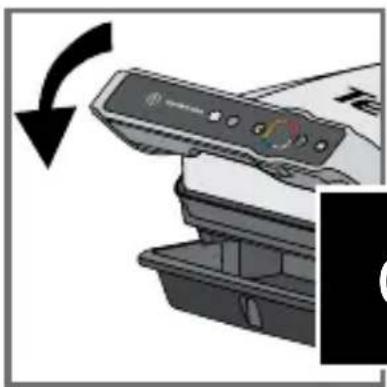
natural_image
Close-up of a printer's front panel with a black arrow indicating rotation (no text or symbols visible)35 36
Garvorgang beenden
natural_image
Illustration of a printer being inserted into a rack with a bandage, showing the process (no text or symbols)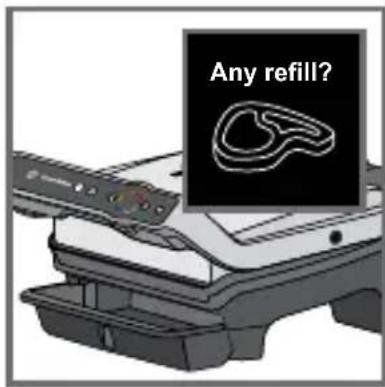
Nachlegen?
Wird vorgeheizt
39 40
45 46

47 48

Garvorgang beenden
natural_image
Illustration of a hand inserting a card into a printer (no text or symbols visible)51 52
natural_image
Illustration of a Tærdel printer emitting steam, with a stopwatch above (no text or symbols on the device itself)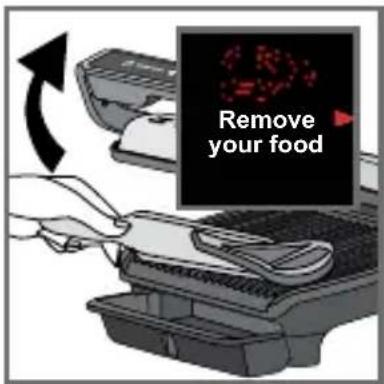
natural_image
Illustration of a hand inserting a plug into an electrical socket (no text or symbols)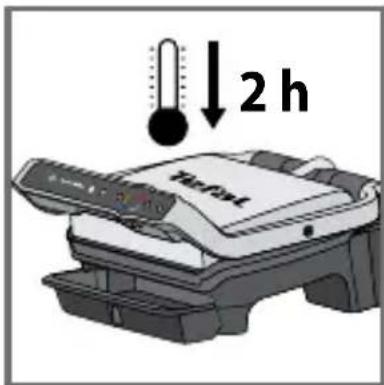
57
natural_image
Diagram of a car interior showing airflow or ventilation system with arrows indicating direction (no text or symbols)58 59
natural_image
Diagram showing a container being processed with three stacked trays, one moving upward (no text or symbols)natural_image
Illustration showing a hand holding food next to a washing machine with a crossed-out mark symbol (no text or labels present)60 61
natural_image
Illustration of a hand cleaning a food item from a Tefel printer (no text or symbols visible)62 63
natural_image
Illustration of a Tefal device mounted on a stand, no text or symbols visible64
60-61
SAFETY INSTRUCTIONS IMPORTANT SAFEGUARDS
Use, maintenance and product installation guidelines: for your own safety, please read through all paragraphs of the instruction manual including the associated pictograms.

This appliance is intended for indoor, domestic household use only. It is not intended to be used in the following applications, and the guarantee will not apply for:
- staff kitchen areas in shops, offices and other working environments;
- farm houses;
- by clients in hotels, motels and other residential type environments;
- bed and breakfast type environments.
Before first use remove all packaging materials, stickers and accessories from the inside and the outside of the appliance.
This appliance is not intended for use by persons (including children) with reduced physical, sensory or mental capabilities, or lack of experience and knowledge, unless they have been given supervision or instruction concerning use of the appliance by an adult responsible for their safety. Children should be supervised to ensure that they do not play with the appliance, and do not use as a toy.
This appliance can be used by children aged from 8 years and above and persons with reduced physical, sensory or mental capabilities or lack of experience and knowledge if they have been given supervision or instruction concerning use of the appliance in a safe way and understand the hazards involved. Cleaning and user maintenance shall not be made by children unless they are older than 8 and supervised.
Keep the appliance and its cord out of reach of children less than 8 years. Never leave the appliance unattended when in use.
Accessible surface temperatures can be high when the appliance is operating. Never touch the hot surfaces of the appliance.
This appliance is not intended to be operated by means of an external timer
or separate remote-control system.
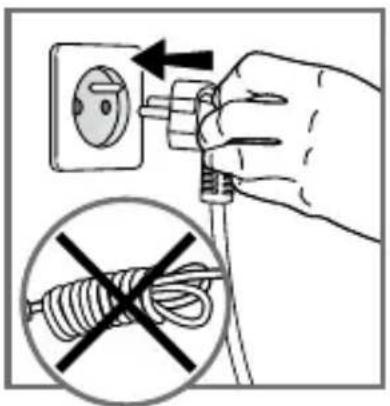
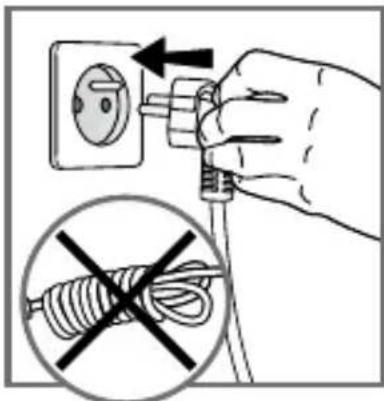
Fully unwind the power cord before plugging in the appliance.
If the power supply cord is damaged, it must be replaced by the manufacturer or its after sales service in order to avoid any danger.

Do not use an extension lead. If you accept liability for doing so, only use an extension lead which is in good condition, has a plug with an earth connection and is suited to the power rating of the appliance. Take all necessary precautions to prevent anyone tripping over an extension cord.
Always plug the appliance into an earthed socket.
Make sure that the electric power supply is compatible with the power rating and voltage indicated on the bottom of the appliance.
Use a sponge, hot water and washing up liquid to clean the cooking plates.
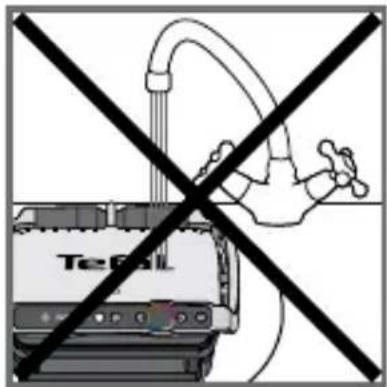
Never immerse the appliance, its power cord or plug in water or any other liquid.
WARNING: Do not heat or pre-heat without the 2 cooking plates inside the grill.
Do
- Read the instructions carefully, common to different models depending on the accessories your appliance with supplied with. Keep the instructions within reach.
- If an accident occurs, rinse the burn immediately with cold water and call a doctor if necessary.
- Before first use, wash the plates (see paragraph 5), pour a little cooking oil onto the plates and wipe with a soft cloth or paper kitchen towel.
- Position the power cord carefully, whether an extension is used or not, so that guests can move freely around the table without tripping over it.
- Cooking fumes may be dangerous for animals which have a particularly sensitive respiratory system, such as birds. We advise bird owners to keep them away from the cooking area.
• Always keep the appliance out of the reach of children. - Check that both faces of the plate are clean before use.
- To prevent damage to the plates, only use them on the appliance for which they were designed (e.g., do not place in an oven, on the gas ring or electric hot-plate, etc.).
- Ensure that the plates are stable, well positioned and correctly clipped to the appliance. Only use the plates provided with the appliance or bought from an Approved Service Centre.
• Always use a wooden or plastic spatula to avoid damaging the cooking plates. - Only use parts or accessories provided with the appliance or bought from an Approved Service Centre. Do not use them for other appliances or intention.
Do not
- Do not use the appliance outside.
- Never leave the appliance unattended when plugged in or in use.
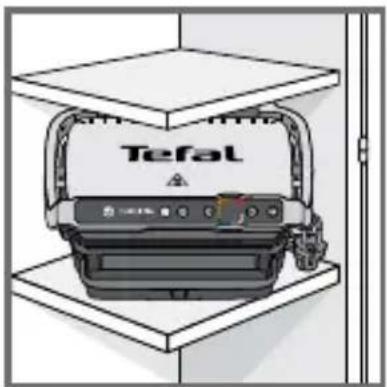
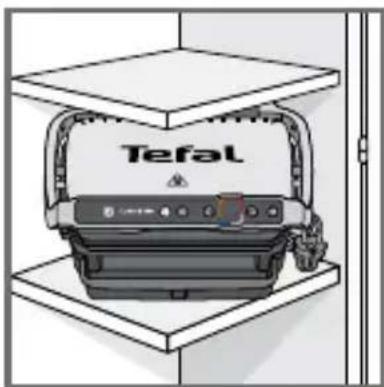
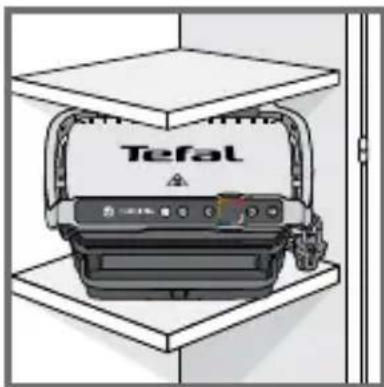
- To prevent the appliance from overheating, do not place it in a corner or below a wall cupboard.
-
Never place the appliance directly on a fragile surface (glass table, tablecloth, varnished furniture, etc.) or on a soft surface such as a tea-towel.
-
Never place the appliance under a cupboard attached to a wall or a shelf or next to inflammable materials such as blinds, curtains or wall hangings.
- Never place the appliance on or near hot or slippery surfaces; the power cord must never be close to or in contact with hot parts of the appliance, close to a source of heat or resting on sharp edges.
- Do not place cooking utensils on the cooking surfaces of the appliance.
- Never cut food directly on the plates,
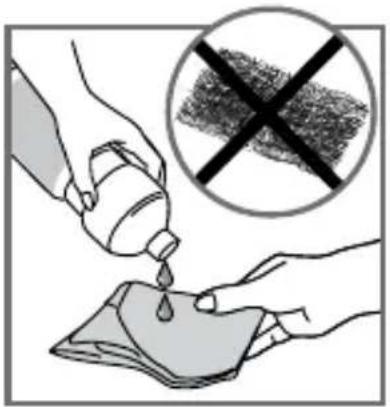
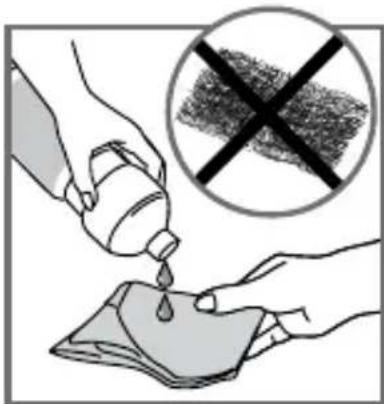
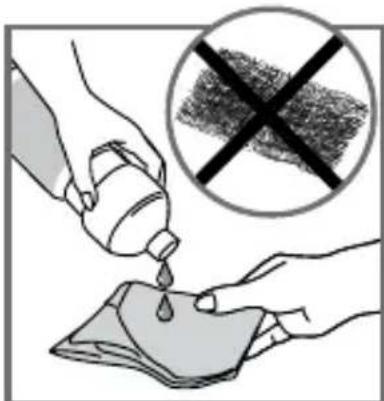
- Do not use metal scouring pads, abrasive wire wool or harsh scouring powder as this may damage the nonstick coating.
- Do not move the appliance when in use.
- Do not carry the appliance by the handle or metallic wires.
- Never run the appliance empty.
- Do not use aluminium foil or other objects between the plate and the food being cooked.
- Do not remove the grease collection tray while cooking. If the grease collection tray becomes full when cooking: let the appliance cool down before emptying.
- Do not place the hot plate on a fragile surface or under water.
- To preserve the non-stick properties of the coating, avoid excessive pre-heating with the appliance empty.
- The plates should never be handled when hot.
- Do not cook food in aluminium foil.
- To avoid spoiling your appliance, do not use flambé recipes in connection with it at any time.
- Do not place a sheet of aluminum or any other object between the plates and the heating element.
- Never heat or cook whilst the grill is open.
- Never heat up the appliance without the cooking plates.
Tips/information
- Thank you for buying this appliance, which is intended for domestic use only.
- For your safety, this appliance complies with the applicable standards and regulations - Low voltage directive - Electromagnetic compatibility - The environment - Materials in contact with food.
- On first use, there may be a slight odour and a little smoke during the first few minutes.
- Our company has an ongoing policy of research and development and may modify these products without prior notice.
- Do not consume foodstuff that comes into contact with the parts marked with logo
- If the food is too thick, the safety system will stop the appliance from working.
- The instrument panel is fragile: clean, wipe and dry with a dry, soft cloth only. Do not clean it with a wet sponge as this may damage its functions.
Environment
Environment protection first!
Your appliance contains valuable materials which can be recovered or recycled. Leave it at a local civic waste collection point.

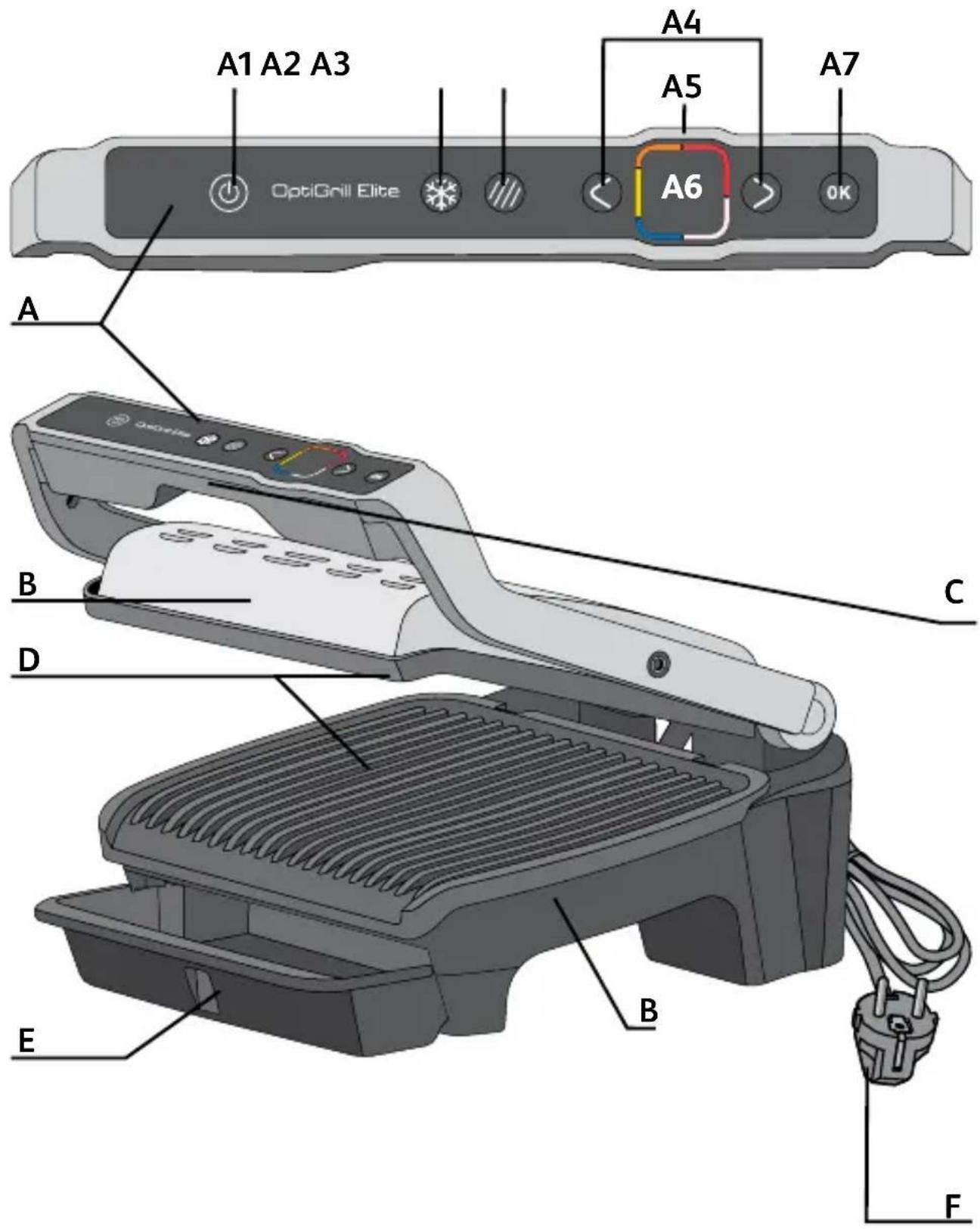
Description
A Control panel
A1 On/Off button
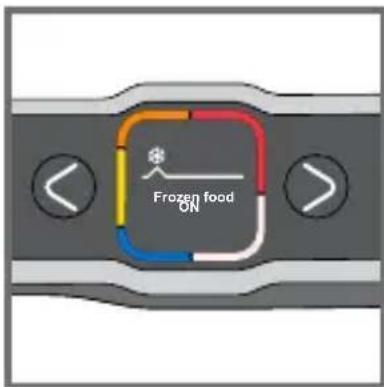
A2 Frozen food function
A3 Searing function
A4 Adjustment and navigation buttons
A5 Preheating indicator and cooking level
A6 Display screen
A7 OK button
B Appliance body
C Handle
D Cooking plates
E Drip tray
F Power cord
12 automatic cooking programs
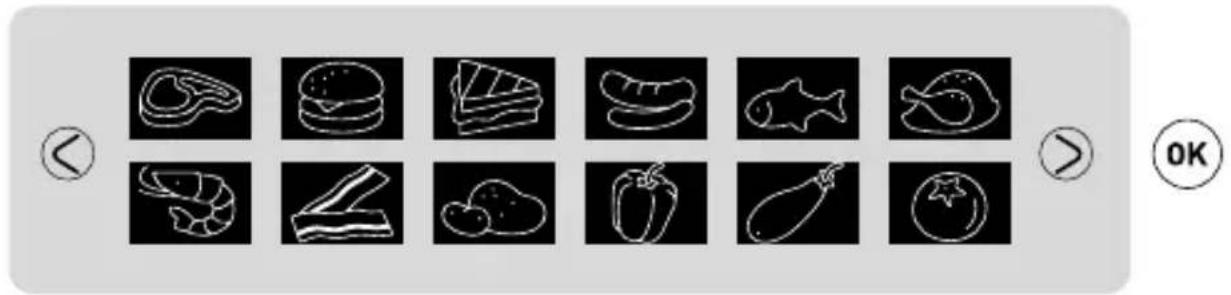

Two additional cooking options in automatic mode

Frozen food function
Searing function
Note: The Frozen food function and Searing function can be used independently or both at the same time.
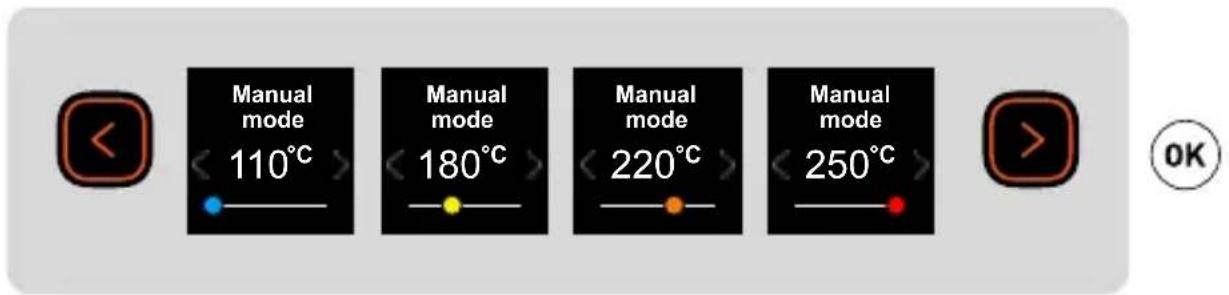
Manual mode
1 Before first use

1
natural_image
Illustration of a hand pressing down on a mechanical component (no text or symbols visible)2
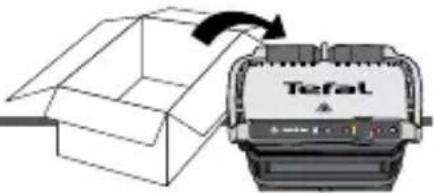
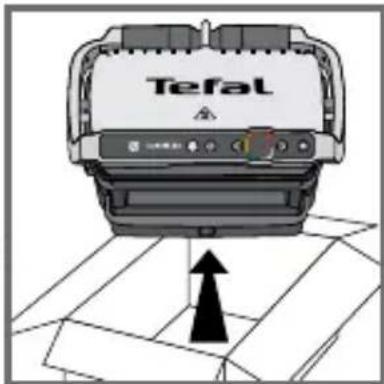
1 Remove all packaging, stickers and various accessories from both the inside and outside of the appliance.
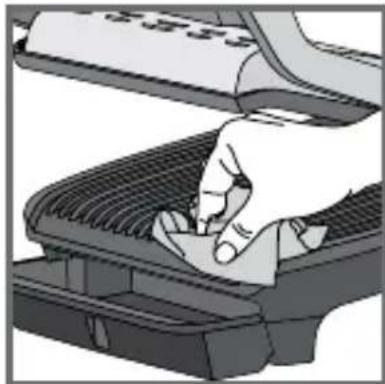
2 Prior to first use, thoroughly clean the cooking plates using some hot water and some washing-up liquid, carefully rinse and dry.
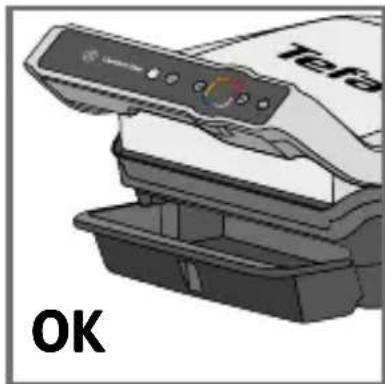
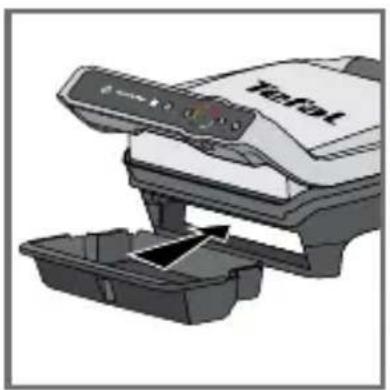
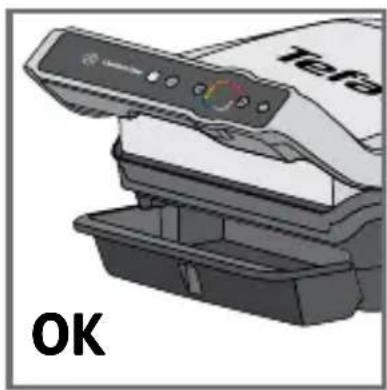
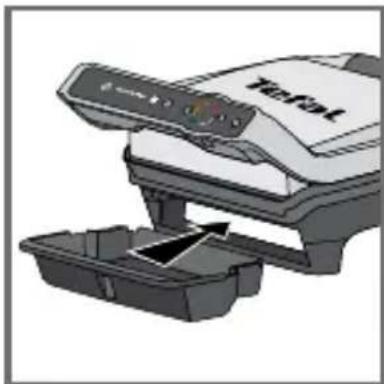
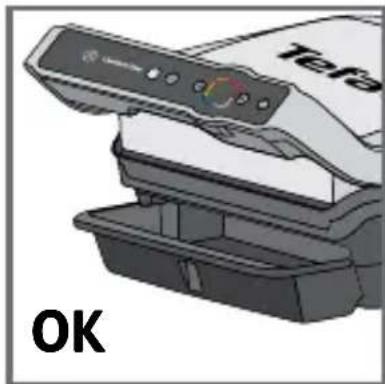
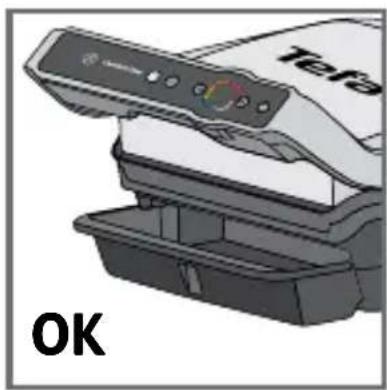
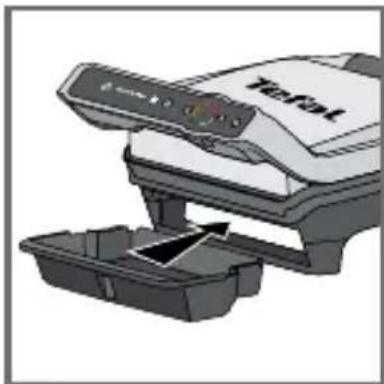
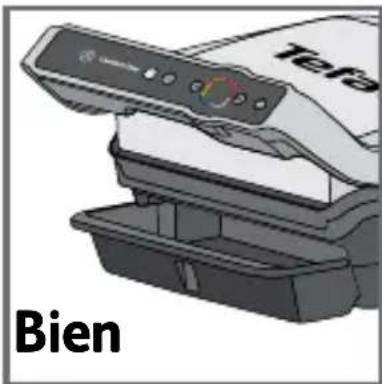
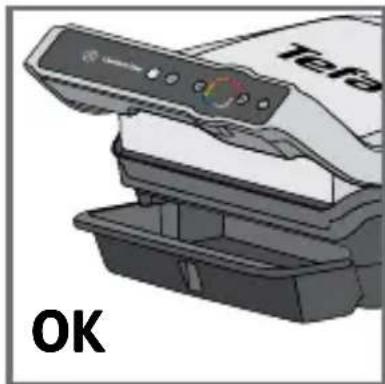
3-4 Install the removable drip tray at the front of the machine.
natural_image
Illustration of a printer with a paper feeding into a plastic container (no text or symbols visible)3
natural_image
Illustration of a Tefa printer with a black cover and control panel, no visible text or symbols on the device itself.4

5
natural_image
Illustration of a hand pressing down on a computer keyboard (no text or symbols visible)6
7
8
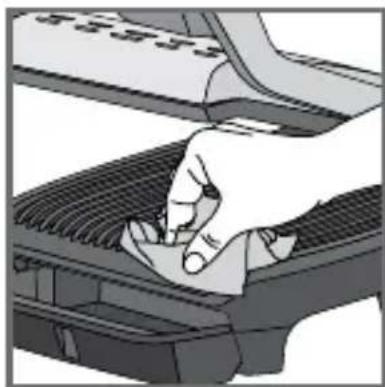
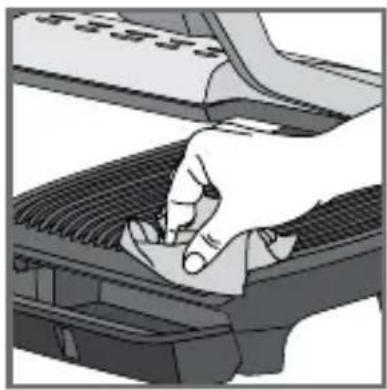
5If you wish, for best results and to improve the effectiveness of the non-stick surface, you can wipe the cooking plates with a paper towel dipped in a little cooking oil.
6 Remove any excess oil with a clean paper towel.
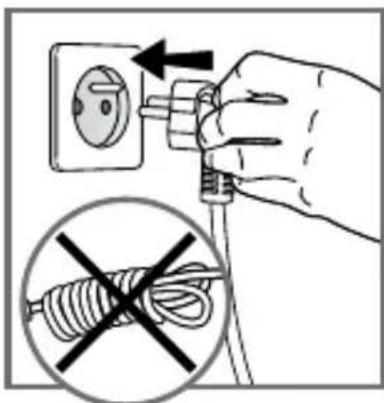
7 Make sure the top and bottom plates are correctly positioned in the appliance. Do not start preheating without the plates. Connect the appliance to the mains supply. (the cable must be completely unwound).
7 Make sure the top and bottom plates are correctly positioned in the appliance. Do not start preheating without the plates. Connect the appliance to the mains supply. (the cable must be completely unwound).
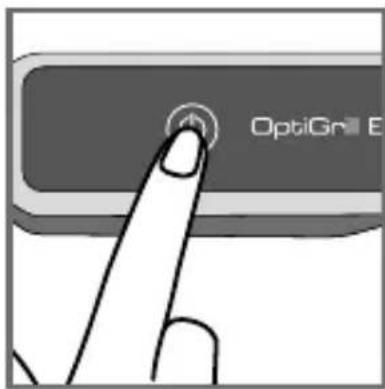
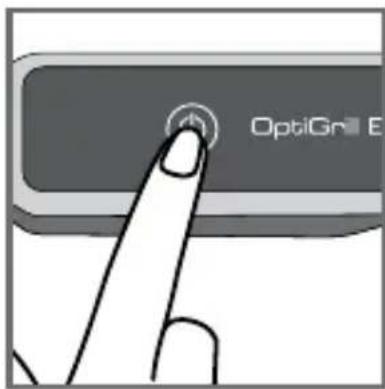
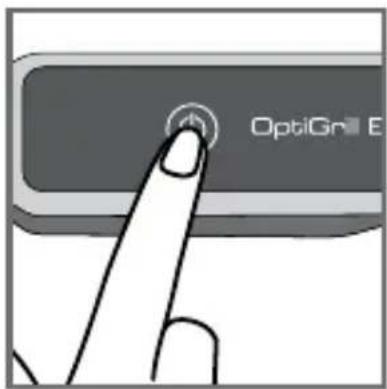
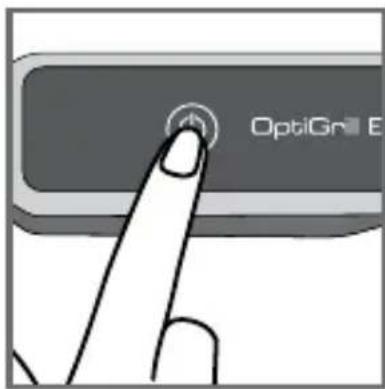
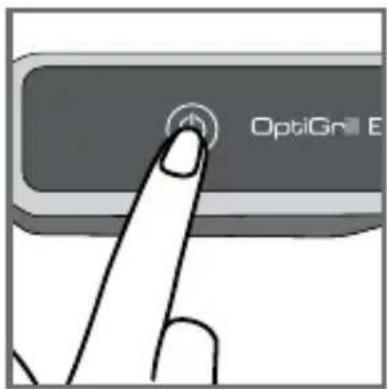
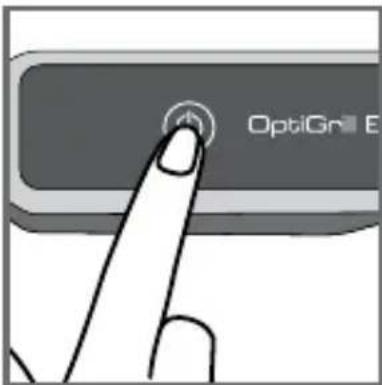
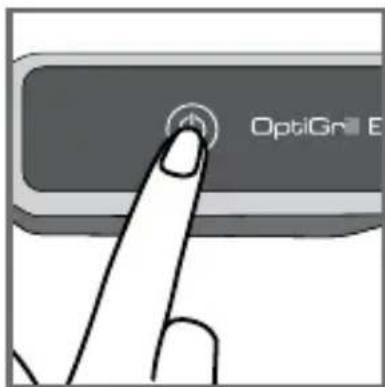
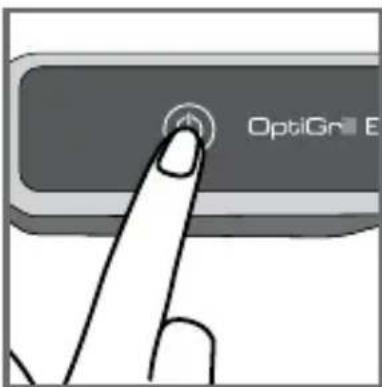
8 Press the On/Off button.
Caution: Ensure that there is no food between the plates.
2 Using for the first time
9 Select your language using the arrows then press ok.
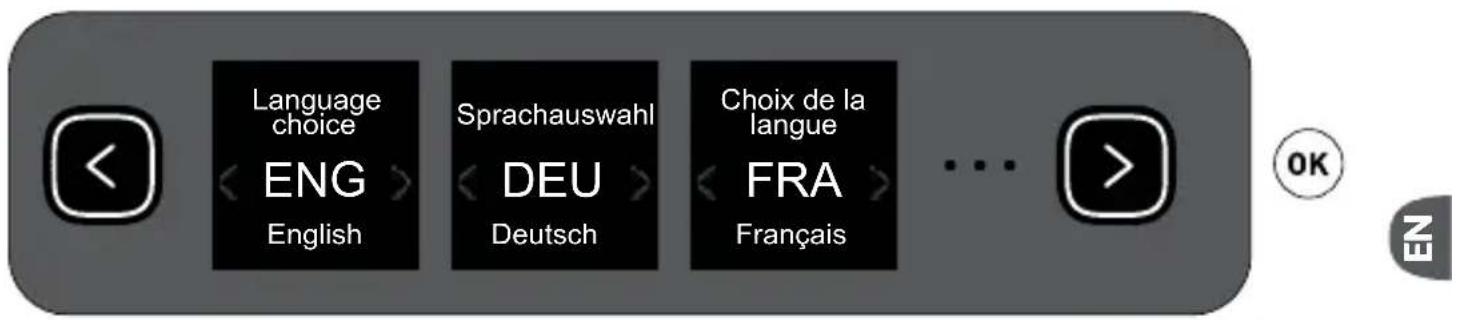
9
3 On/Off button
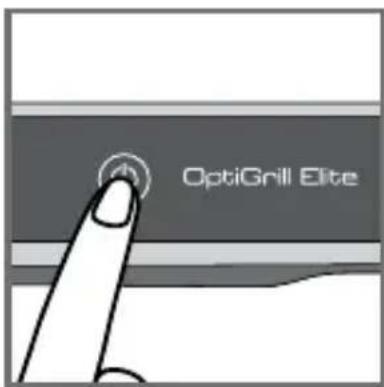
10 11
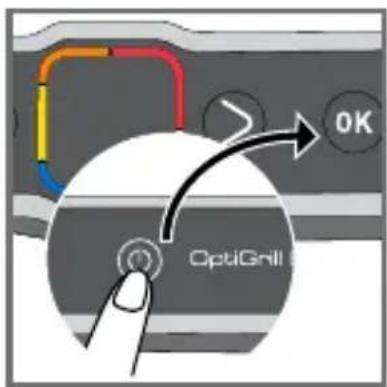
10 Switch on fig. 10.
11 To switch off the grill press once on the On/Off button and once on the OK button to switch off the appliance.
4 Frozen food function in automatic mode only
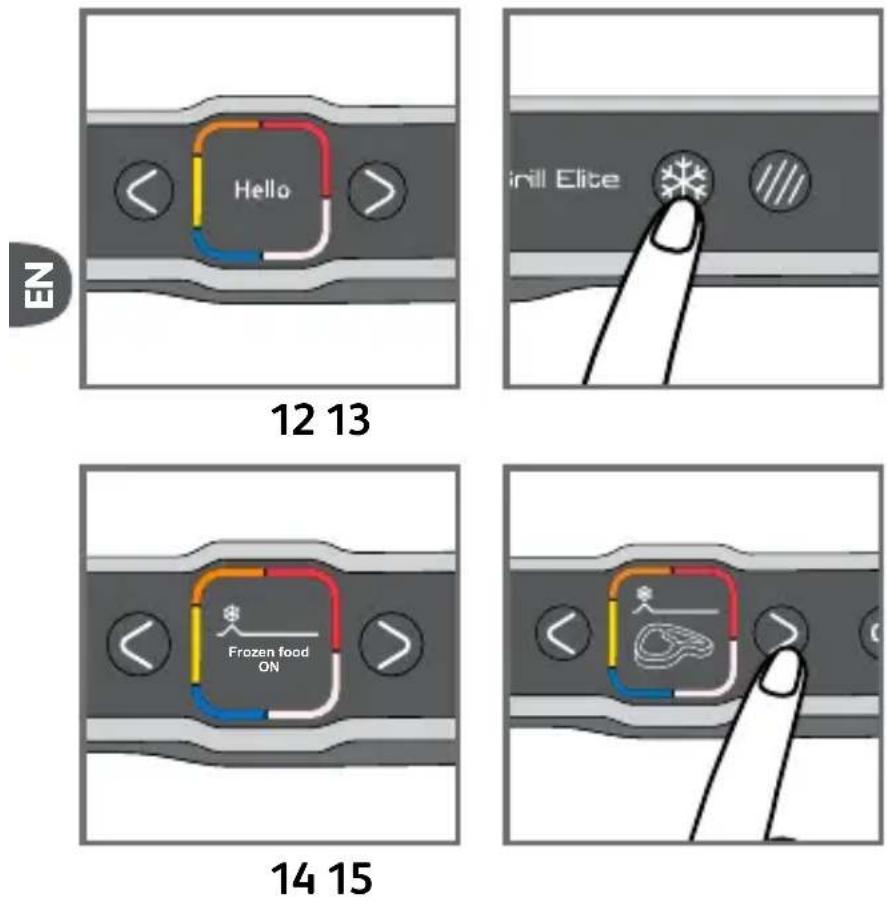
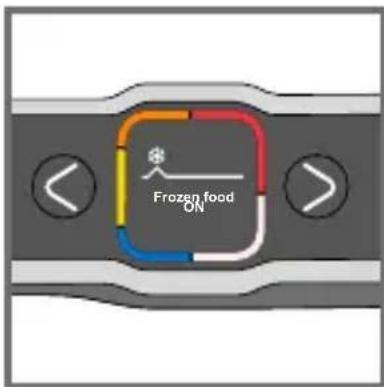
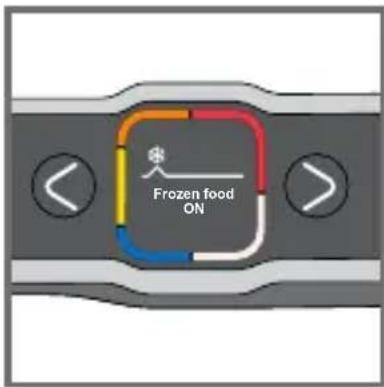
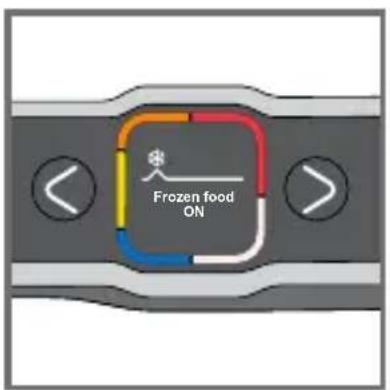
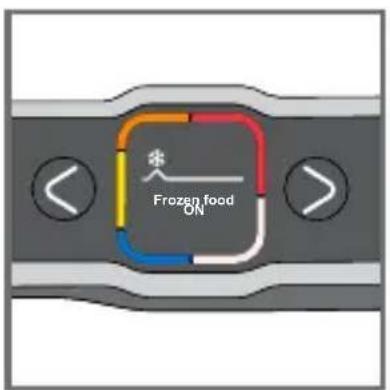
13-15 Frozen food function must be activated before starting preheating, if the food to be cooked is frozen/deep frozen.
If you forget to activate the option, turn off the appliance and repeat the steps.
This function is only available in automatic mode, not in manual mode.
5 Searing function in automatic only
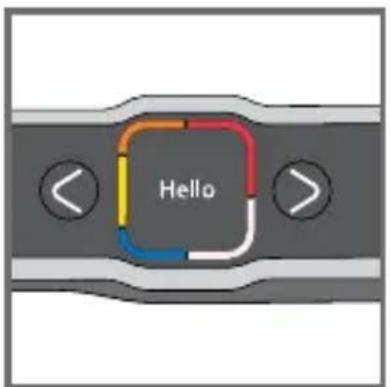
16 17
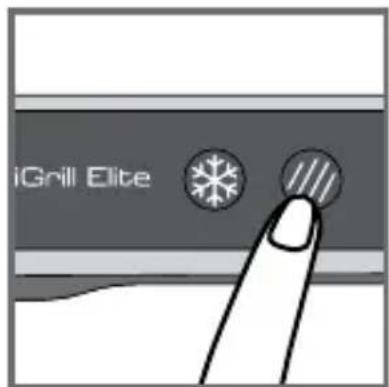
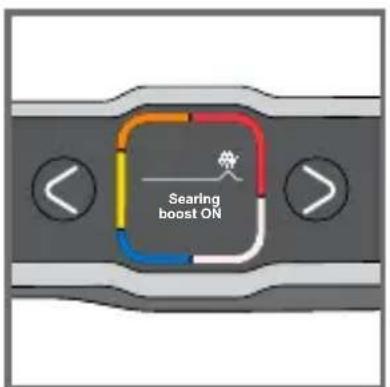
18 19
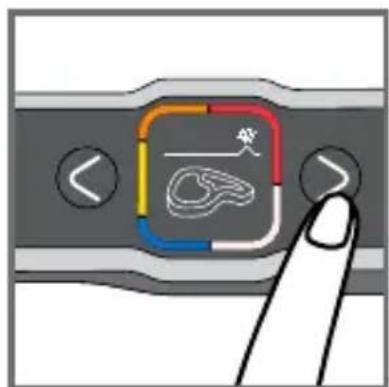
17-19 Searing function must be activated before starting preheating, if you want significant searing on the food to be cooked.
If you forget to activate the option, turn off the appliance and repeat the steps.
This function is only available in automatic mode, not in manual mode.
6 Cooking in automatic mode
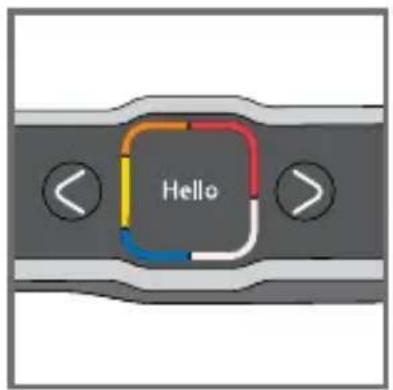
20 21
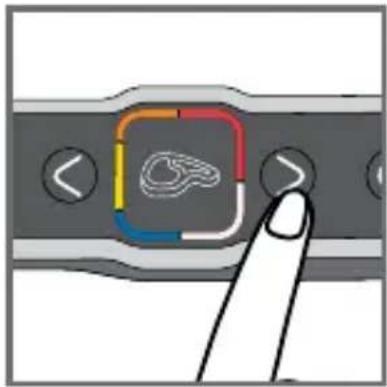
21 Select the appropriate cooking mode according to the type of food to be cooked.
Note about meat: the cooking results of the pre-defined programs may vary depending on the origin, the cut and the quality of the food to be cooked; the programs having been developed and tested with food of good quality.
Similarly, the thickness of the meat must be taken into account during cooking; you must not cook foods over 4 cm thick.
If you are unsure of which cooking mode to use, please refer to the Cooking Guide, page 89.
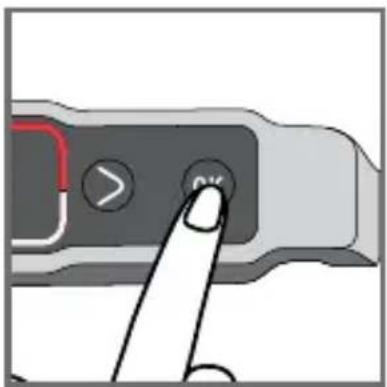
22 23
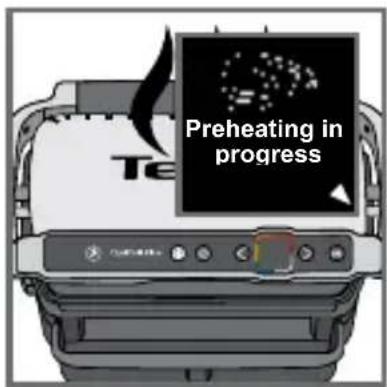
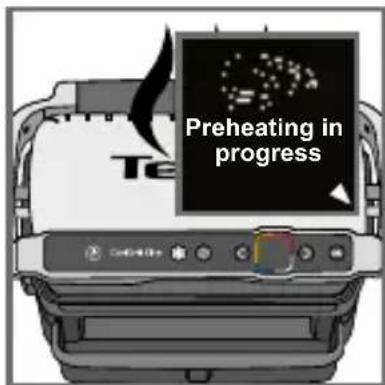
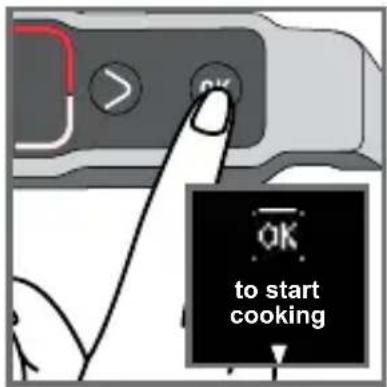
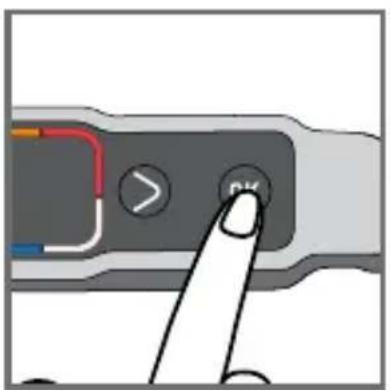
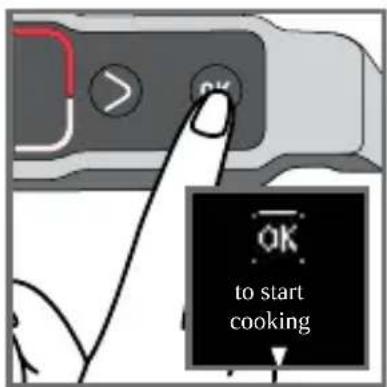
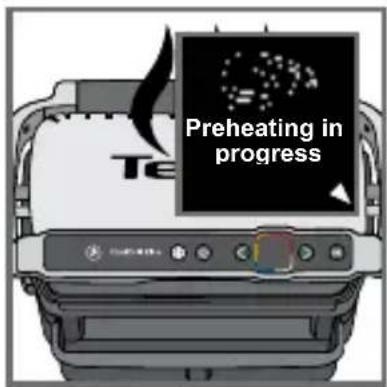
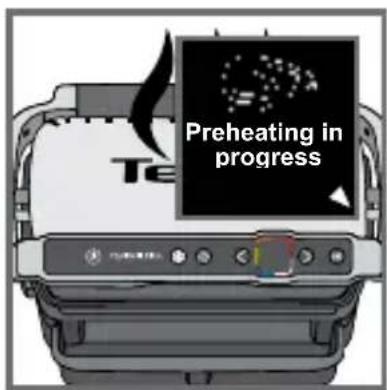
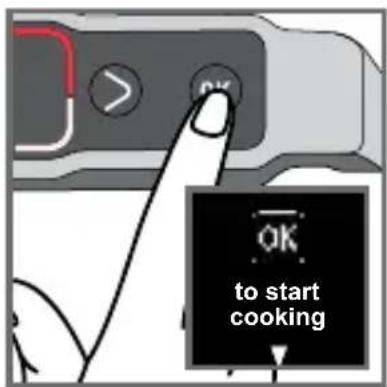
22PresstheOK button: the appliance starts to preheat.
Note: if you select the wrong program, switch off the grill and go back to step 8.
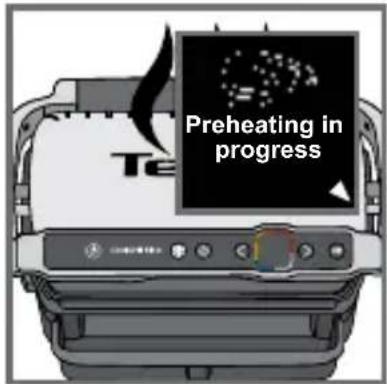
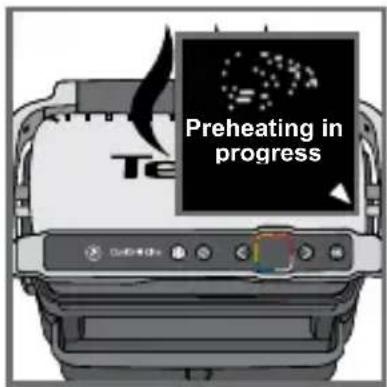
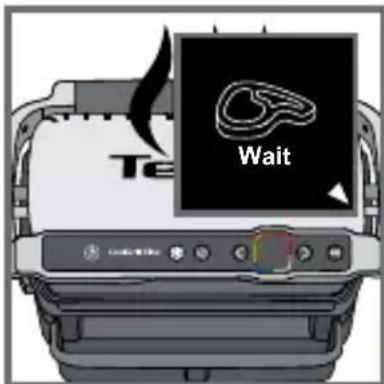
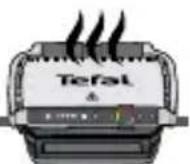
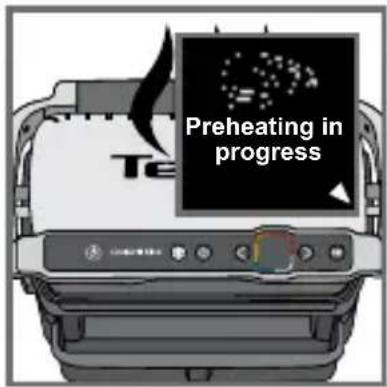
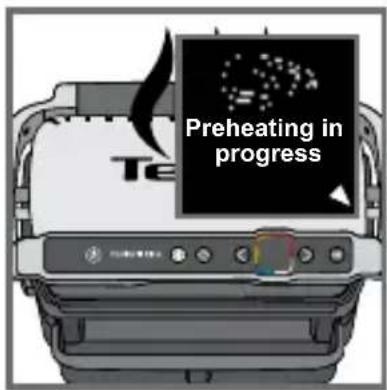
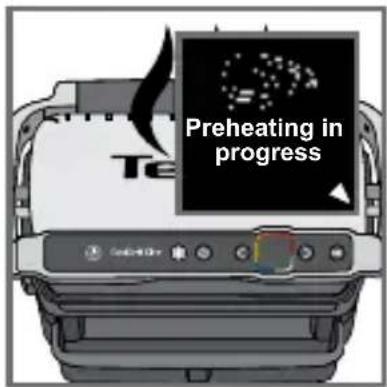
23 Wait 4 to 7 minutes.
24
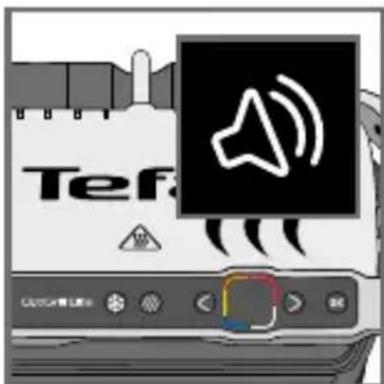
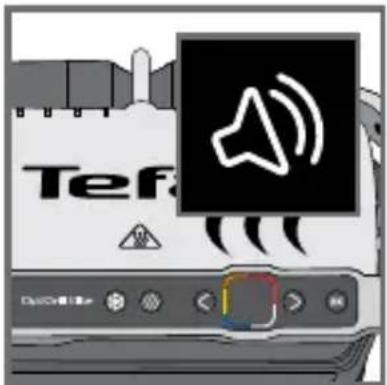
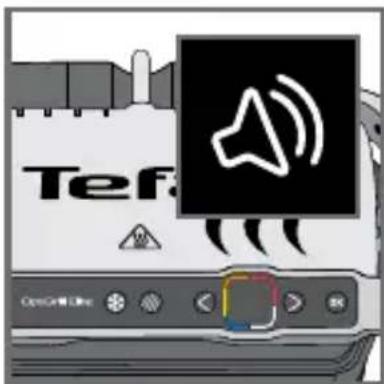
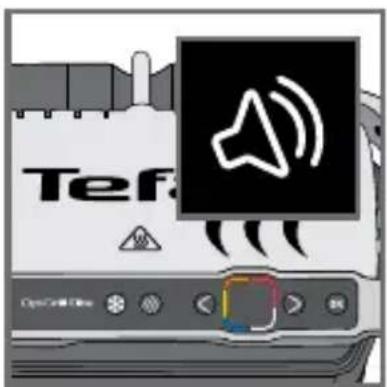
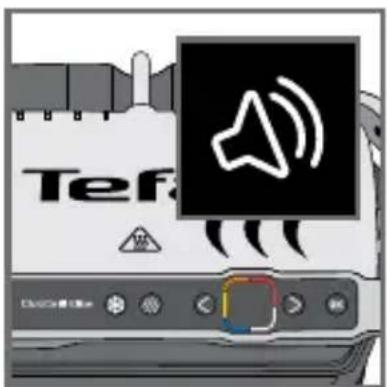
24 A beep sounds to signal that preheating is finished.
Caution: if the appliance remains closed for too long after preheating is finished, the safety system will turn off the appliance.

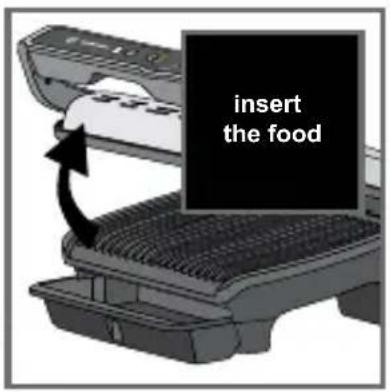
25 26
natural_image
Diagram showing a printer's internal structure with a hand holding a tray and a scroll, no text or symbols present.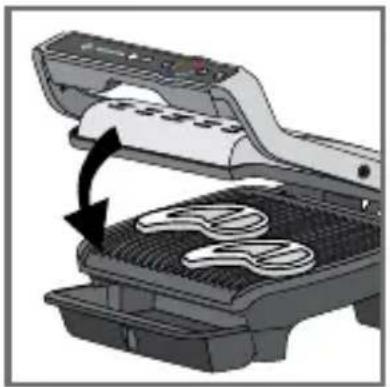
natural_image
Illustration of a grating machine with a black arrow indicating the process (no text or symbols present)27 28
29 30
natural_image
Illustration of a printer emitting steam from its lid (no text or symbols)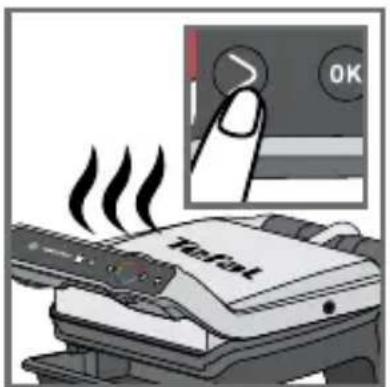
31 32
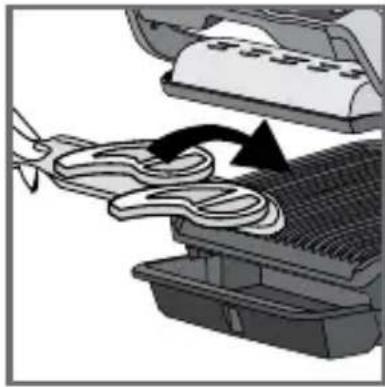
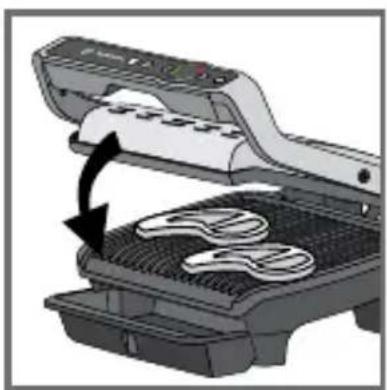
25-26
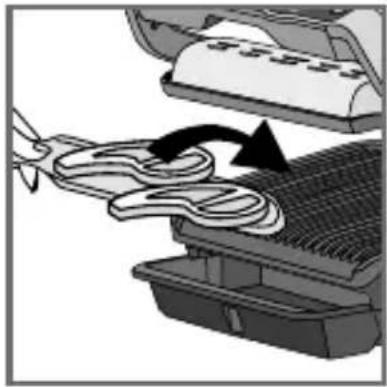
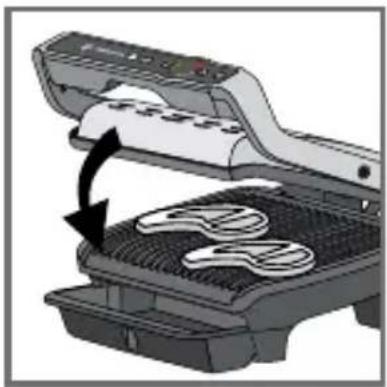
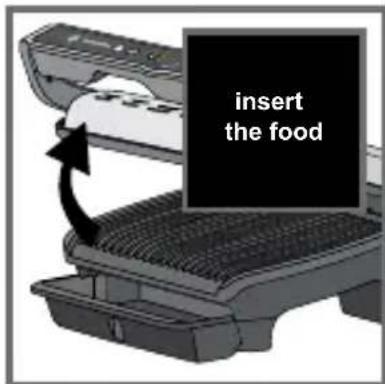
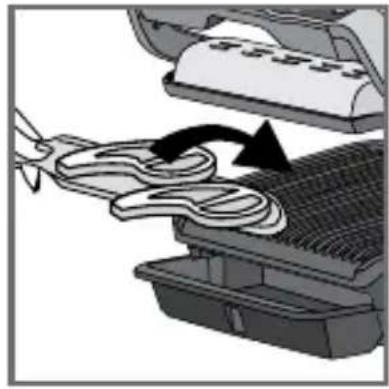
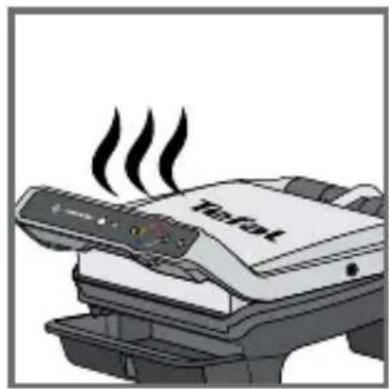
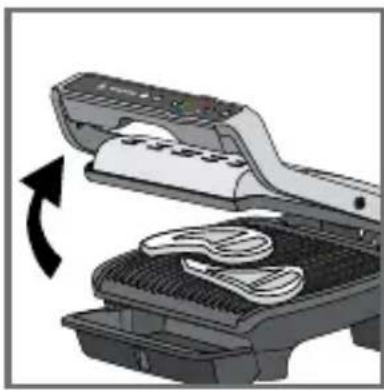
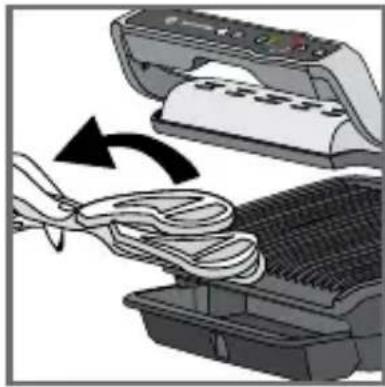
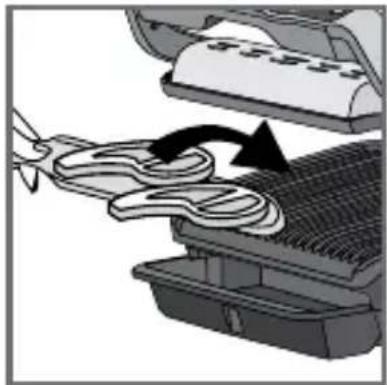
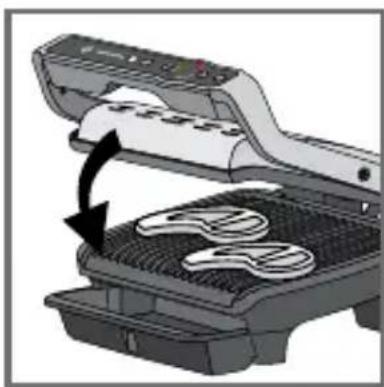
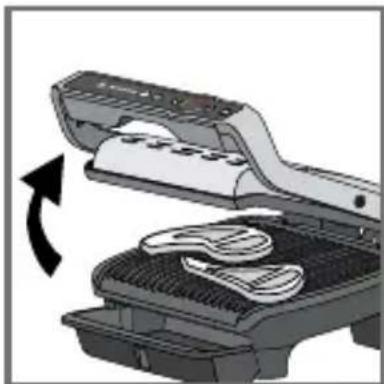
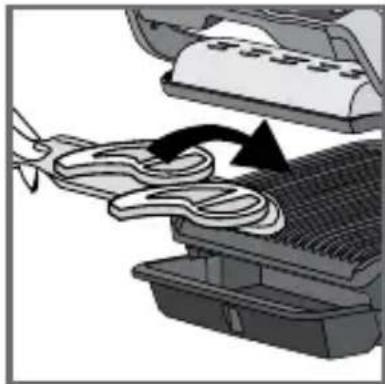
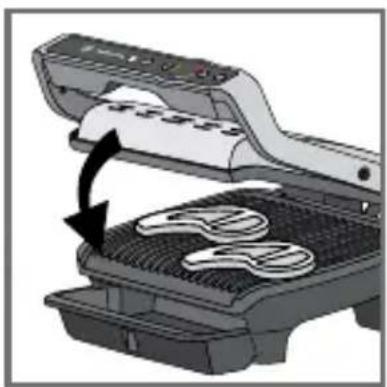
Once preheating has finished, you can insert your ingredients. Fully lift the grill lid and place the food on the grill.
Caution: if the appliance remains open for too long, the safety system will turn off the appliance.
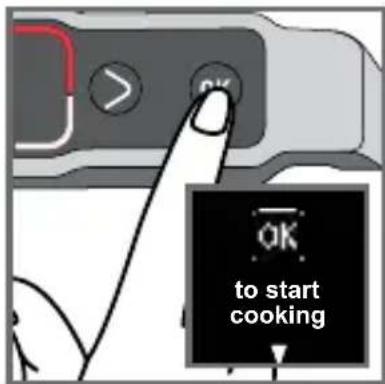
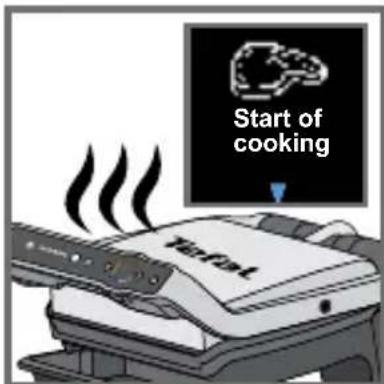
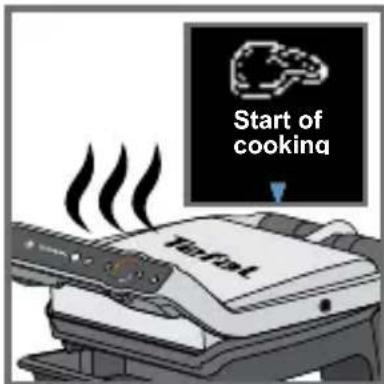
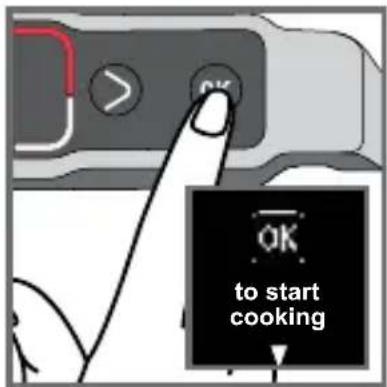
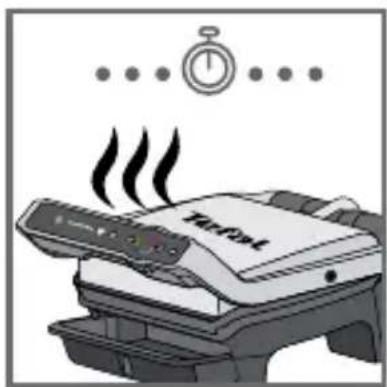
27-29
The appliance automatica calculates the cooking cycle (time and temperature) according to the quantity and thickness of the food.
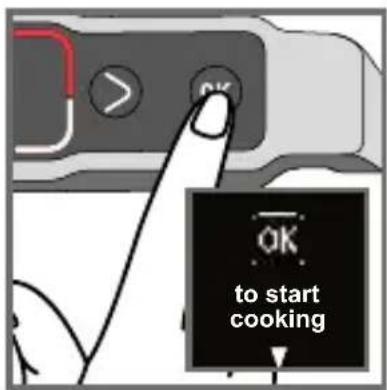
Close the appliance so that the cooking cycle can start.
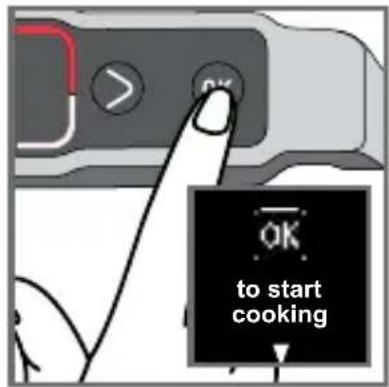
Note for very thin foods, such as bacon: The "OK" button is on. Then press "OK" again to make sure that the appliance recognises the food and that the cooking cycle starts.
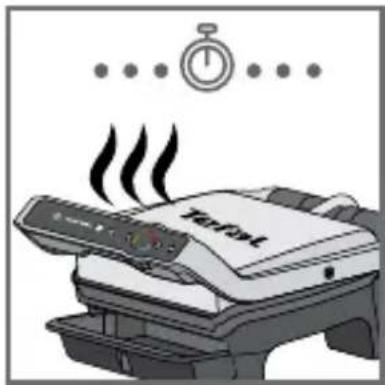
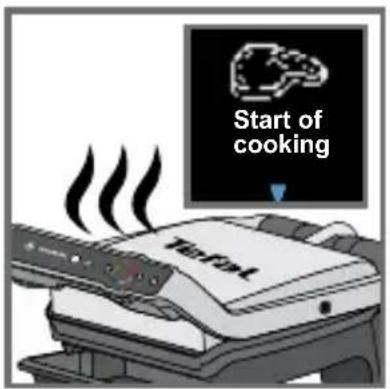
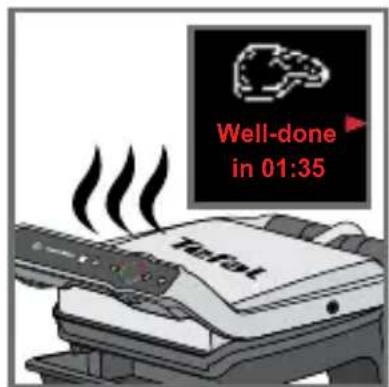
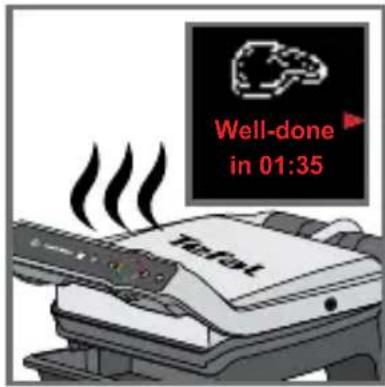
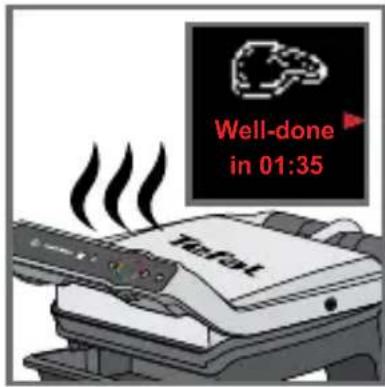
The arrow moves along the cooking level indicator and when it reaches a cooking level, the level is displayed and a beep sounds.
Note: the cooking levels are pre-programmed for each automatic mode.
During cooking, a beep will alert the user each time a cooking level is reached (e.g. rare/yellow).
Depending on the degree of cooking, the indicator changes colour and the cooking progress arrow moves on the screen.
Note, especially for meat, that it is normal for the cooking results to vary according to the type, quality and origin of the food.
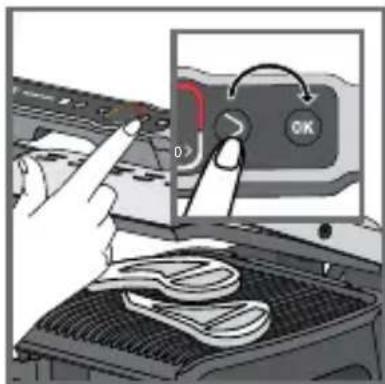
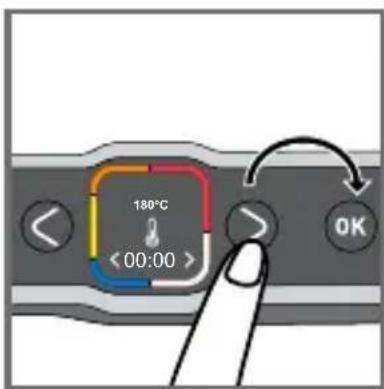
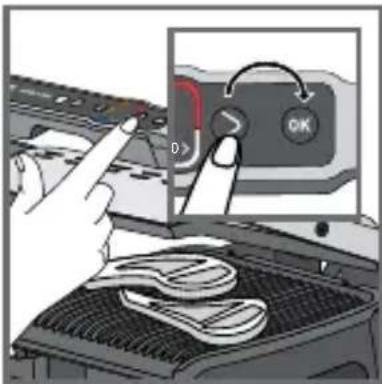
31-32 At any time, you can find out the time remaining to reach the different levels of cooking. Press the right arrow if you want to see in how long before the next cooking level is reached. Note that this does not select the cooking levels. The grill continues to cook to the last cooking level and a beep sounds at each level.
natural_image
Diagram of a device with open lid and internal components, showing a curved arrow indicating rotation (no text or symbols present)33 34
natural_image
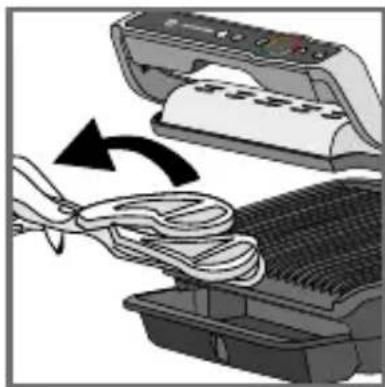
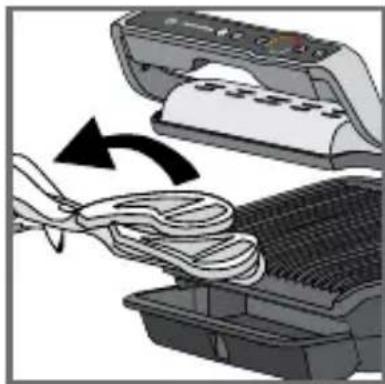
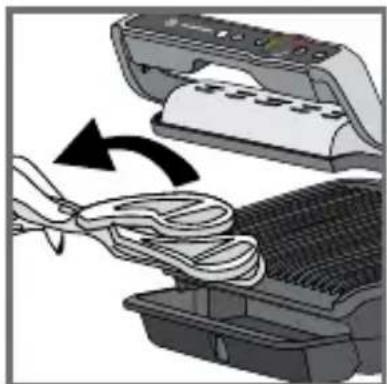
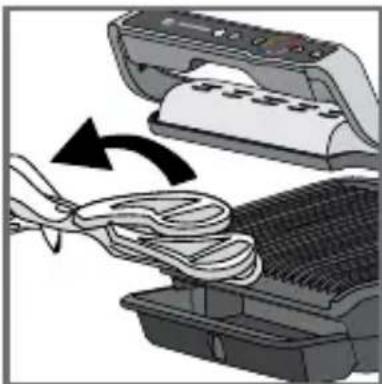
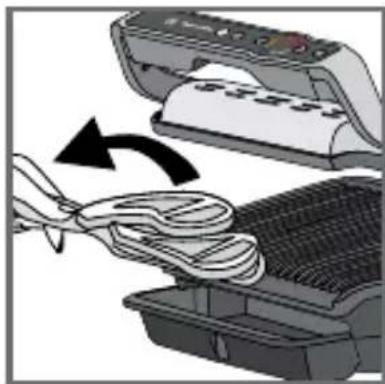
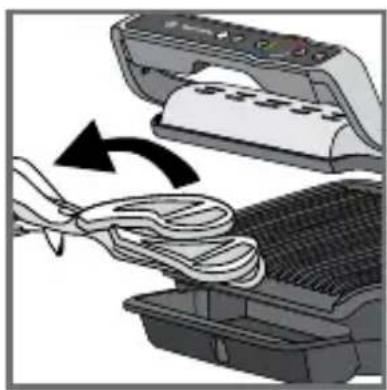
Illustration of a printer being inserted into a rack with a cloth, showing the process (no text or symbols)33-34 When the cooking level of your choice is reached and the beep sounds, open the appliance and remove your food.

35
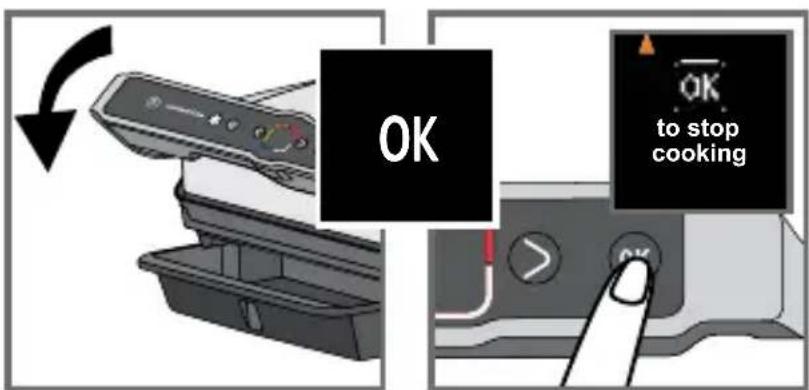
36
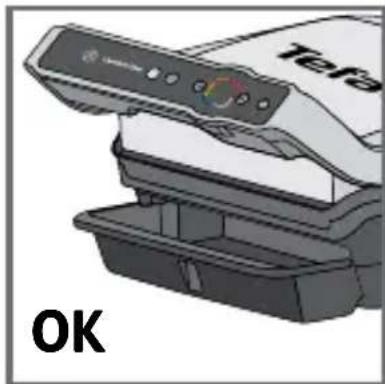
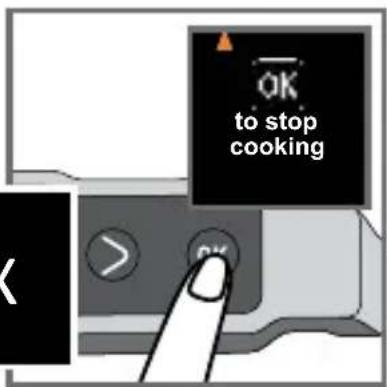
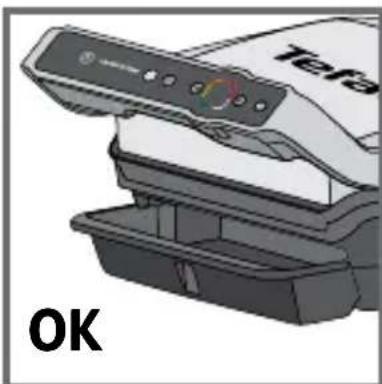
35-36 Close the lid. The screen asks for your confirmation to stop cooking. Confirm with OK if all foods have been removed, otherwise allow it to continue cooking.
If you wish to cook more food, refer to section 7, page 82.
Note: the safety system will turn off the power automatically if no program is selected after a certain time.
7 How to cook a second batch
Second batch of the same type of food

natural_image
Illustration of a printer being inserted into a rack with a cloth, showing the process (no text or symbols)37 38
39 40
41 42
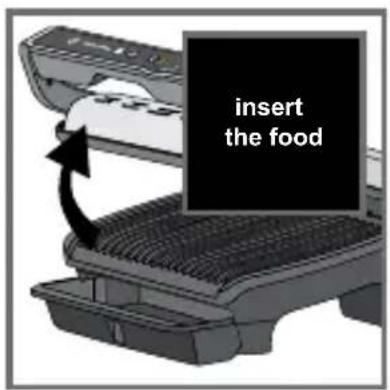
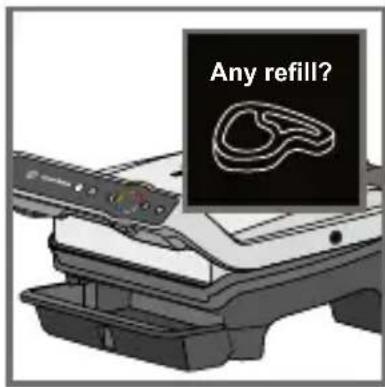
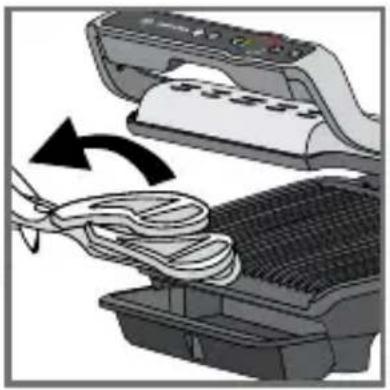
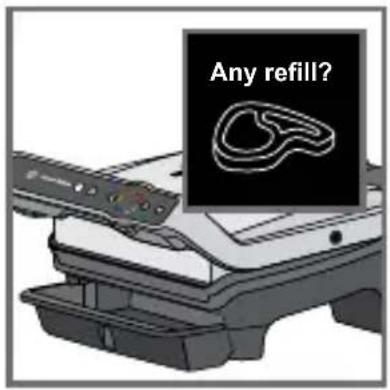
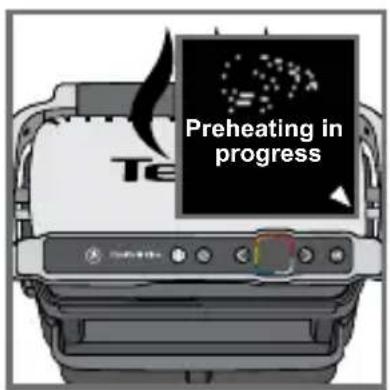
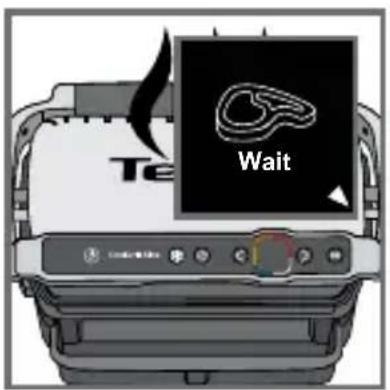
37-38 At the end of the first cook, an "any refill" screen appears. If you want to grill the same type of food, press OK.
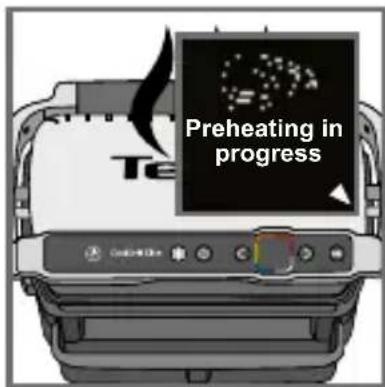
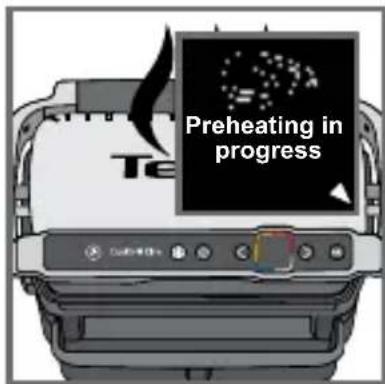
39 The appliance starts preheating.
40 Wait until preheating has finished.
41 Put the food on the grill.
42 Then follow steps 26 to 36.
Second cooking with a different type of food
Once cooking your first ingredient has finished:
- Ensure that the appliance is closed and that there is no food inside.
- Select the appropriate cooking program or mode.
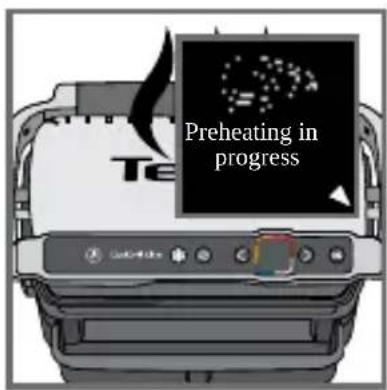
- Press the OK button to start preheating. During preheating, the preheating indicator is displayed on the screen.
- Once preheating has finished, a beep sounds and the preheating information is shown on the screen.
- The appliance is ready to use once preheating has finished. Lift the grill lid and place the food inside the grill. Then follow steps 26-36.
Important:
- Preheating is essential to cooking.
Reminder: before starting preheating, ensure that the appliance is closed and that there is no food inside.
- Wait until preheating is finished before opening the grill and putting food inside.
Note: if the new preheating cycle is started immediately after the end of the previous cycle, the preheating time will be shorter.
8 Cooking in manual mode
Z
43 44
45 46
47 48
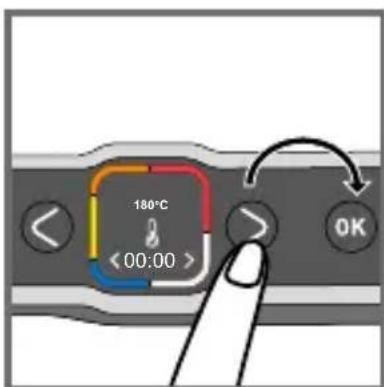
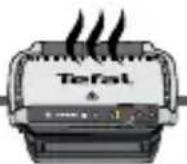
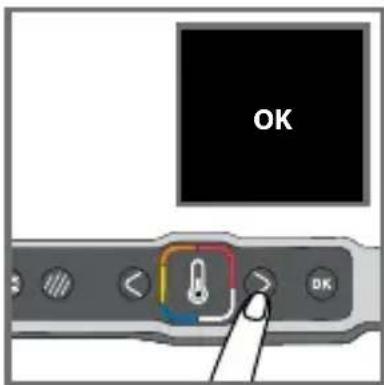
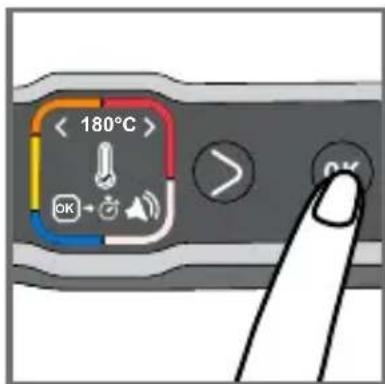
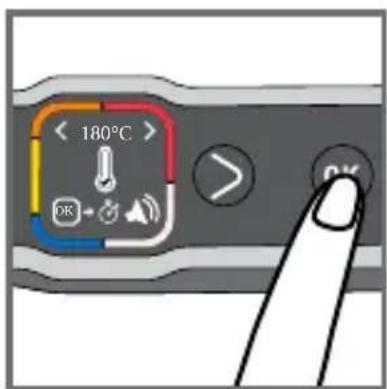
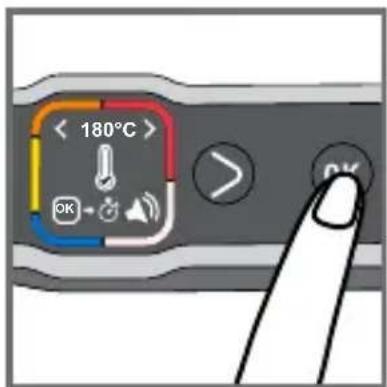
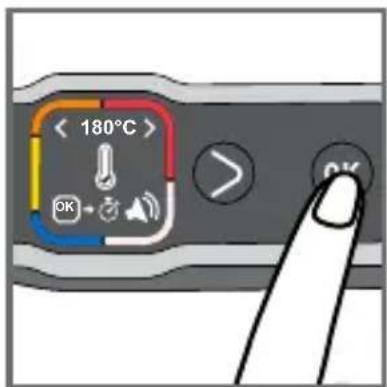
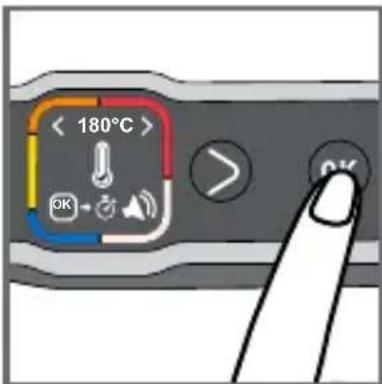
43 Select manual mode and press OK to confirm.
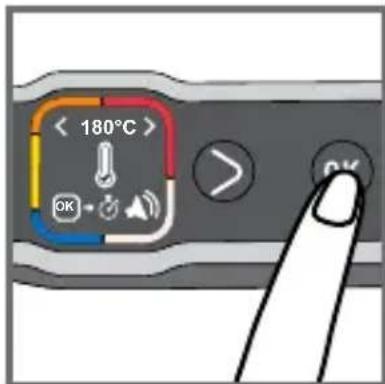
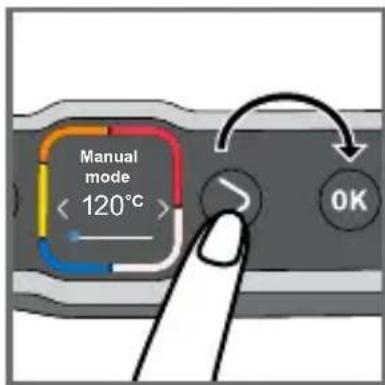
44 Select the desired temperature using the adjustment buttons. Please refer to manual cooking guide page 90.
Press OK to confirm the selected temperature.
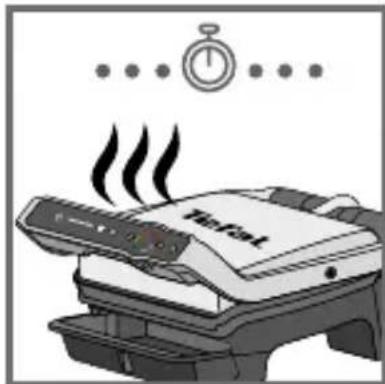
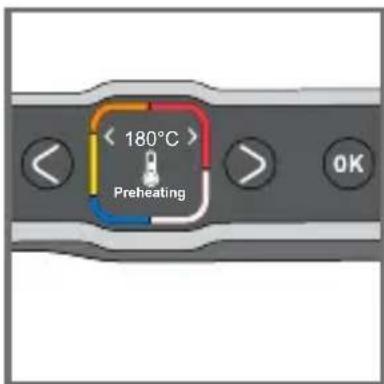
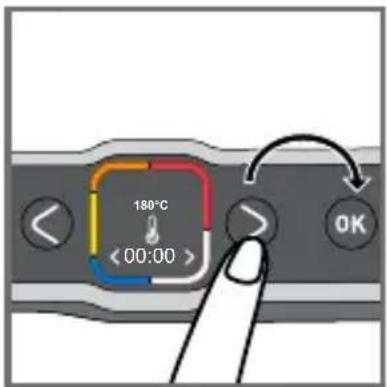
45 Wait until preheating has finished.
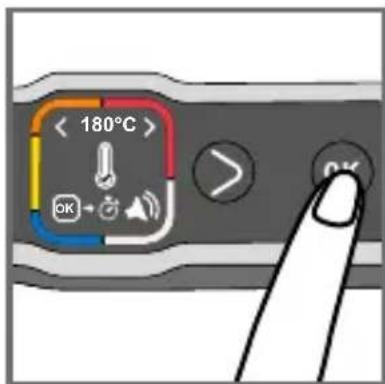
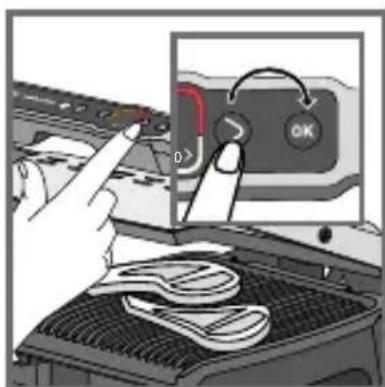
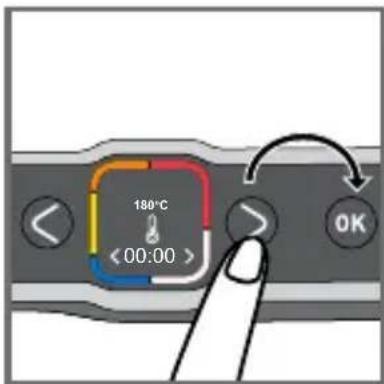
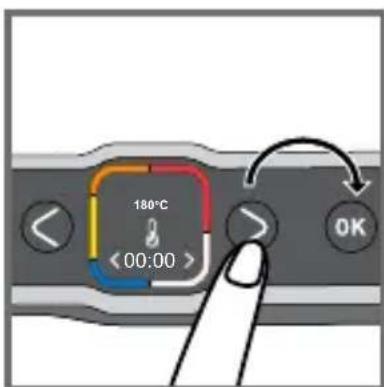
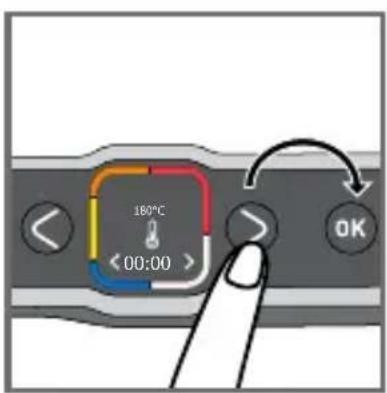
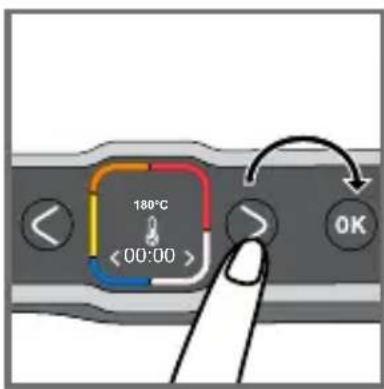
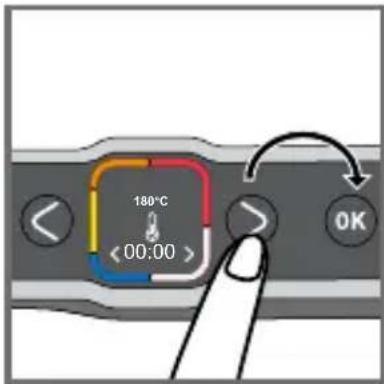
46 Once preheating has finished, press OK to start the timer.
Note: the cooking time can also be set from the start of preheating.
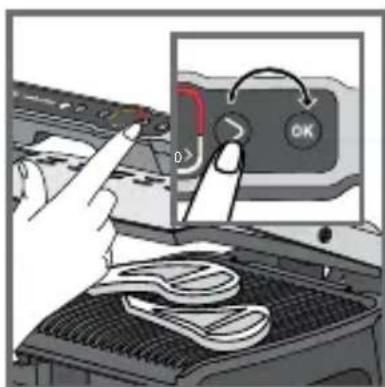
47 Press the adjustment buttons to select the desired cooking time.
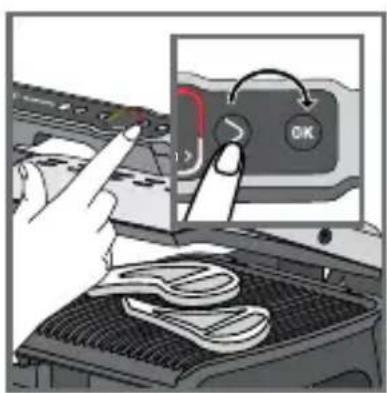
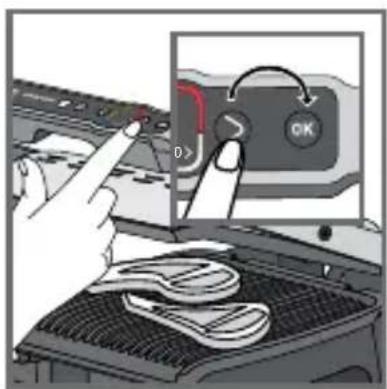
48 Insert your food and press OK to start cooking.
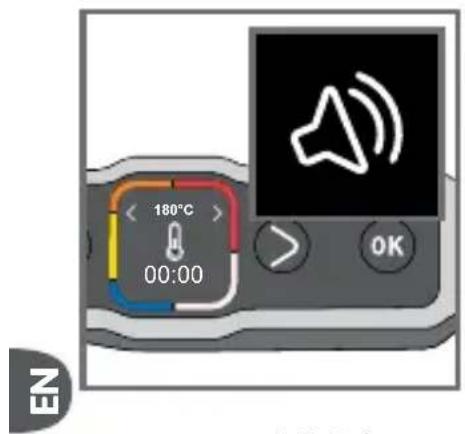
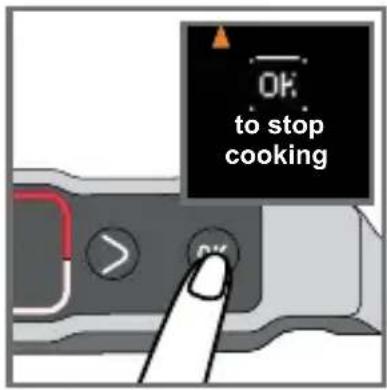
49-50 A beep sounds to indicate when the cooking time has finished. Remove your food.
Press OK to stop cooking and remove your food.
9 Comments
natural_image
Illustration of a hand inserting a card into a printer device (no text or symbols visible)51 52
natural_image
Illustration of a printer emitting steam from its lid, with a stopwatch above (no text or symbols on the device itself)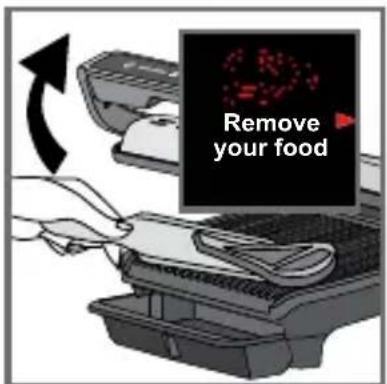
53 54
51-53
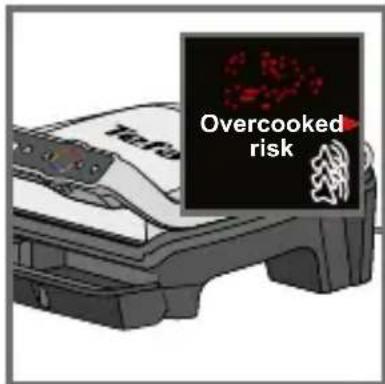
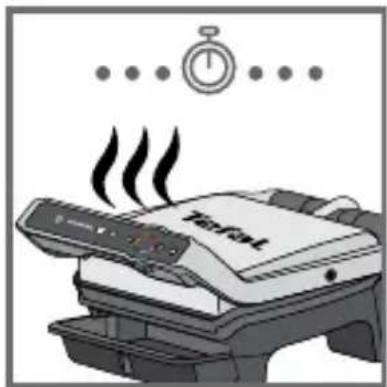
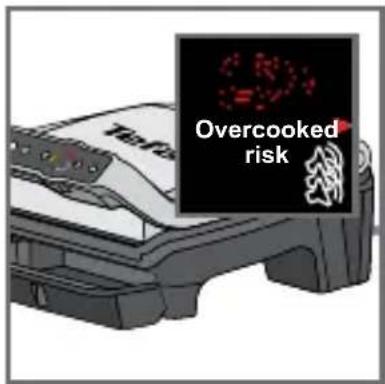
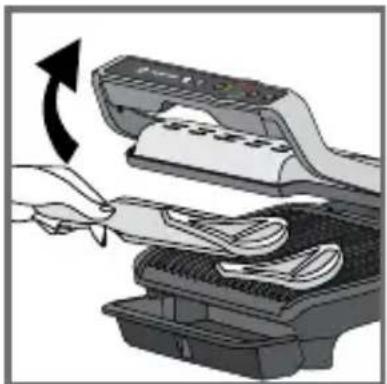
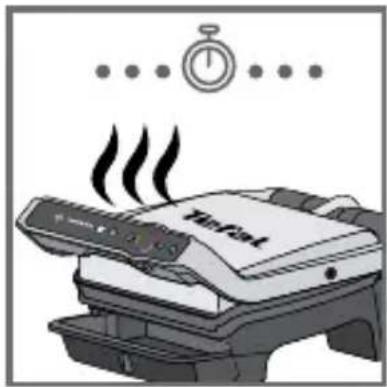
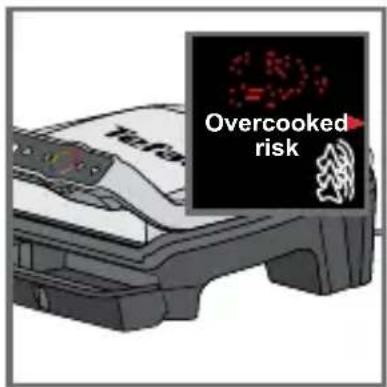
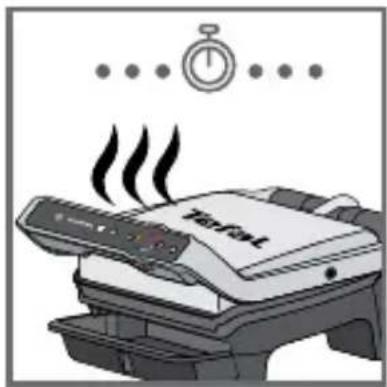
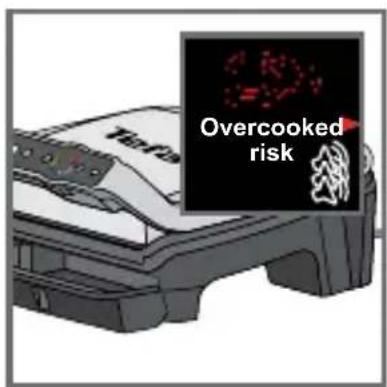
Depending on your personal preferences, open the grill and remove foods that have reached the desired cooking level, then close the grill to continue cooking other foods. The program will continue the cooking cycle until the last cooking level of the selected mode.
54Note: the safety system will turn off the power automatically after a certain time.
10 End of use

55 56
natural_image
Illustration of a hand holding a wall-mounted power plug next to an open electrical socket (no text or symbols)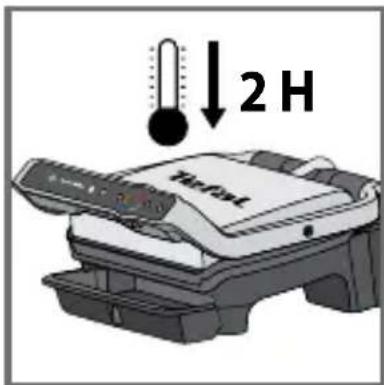
57
55 Press the On/Off button and confirm by pressing the OK button.
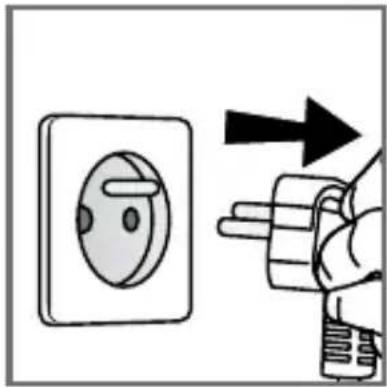
56 Unplug the appliance.
57 Let it cool for at least 2 hours.
To prevent accidental burns, allow the grill to cool completely before cleaning.

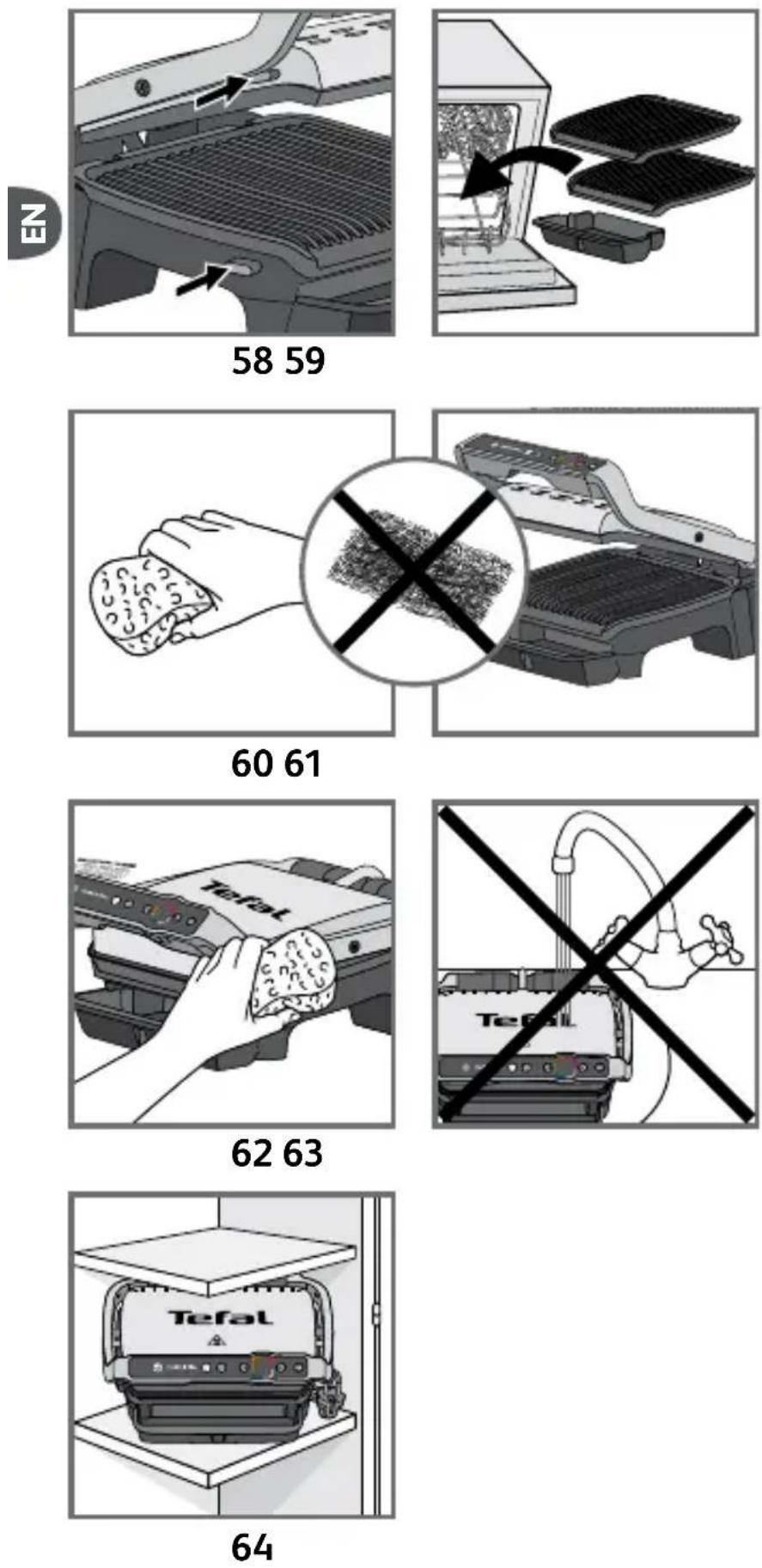
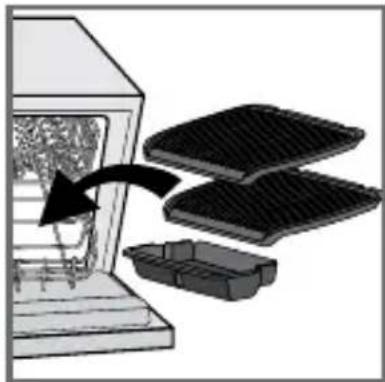
58 To unlock the plates, press the release tabs on the left hand side of the appliance. Before cleaning, unlock and remove the plates to prevent damage to the cooking plates.
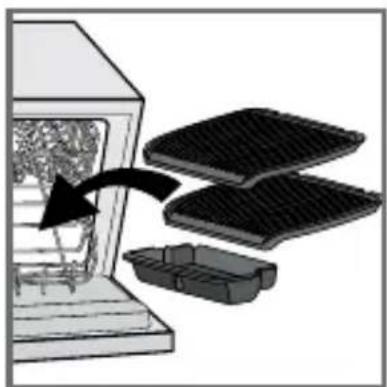
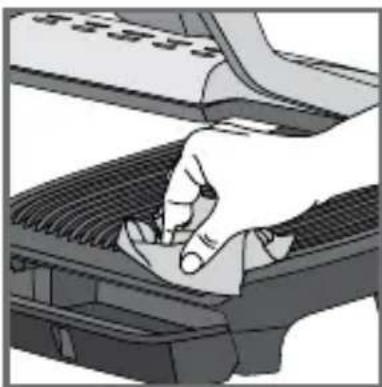
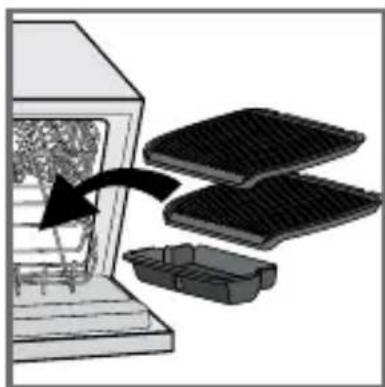
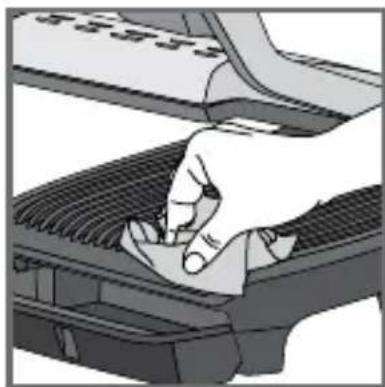
59 The drip tray and cooking plates are dishwasher safe. The appliance and its power cord must never be put in the dishwasher. If you wash the plates in a dishwasher, always wipe the plates over with a little cooking oil on next use in order to condition the coating and ensure the best performance from the non-stick. The heating elements should never be cleaned after the plates have been removed. If they are very dirty, wait until the appliance has cooled down completely and clean them with a dry cloth.
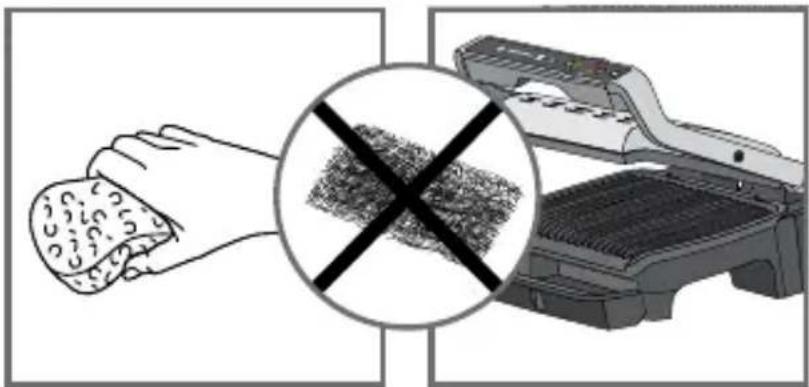
60-61
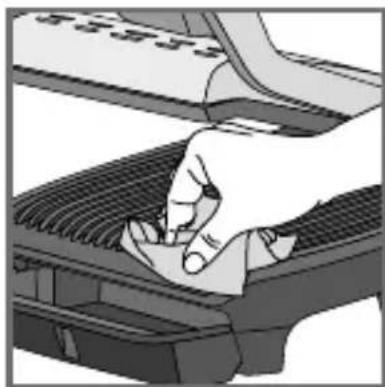
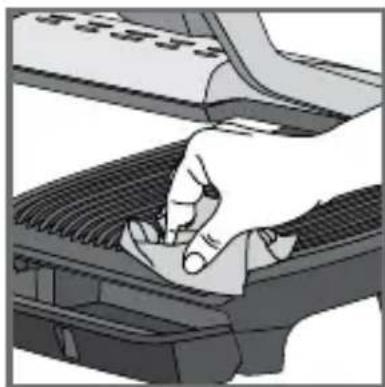
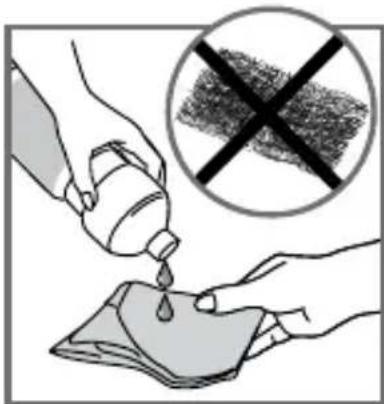
If you do not wish to put the plates in the dishwasher, use some hot water and some washing-up liquid to wash them, then rinse thoroughly to remove all residue. Dry them gently with a paper towel.
Do not use metal scouring pads, steel wool or abrasive cleaners to clean any part of the grill or cooking plates, use only nylon or non-metallic cleaning pads suitable for non-stick surfaces.
Empty the drip tray and wash it in warm, slightly soapy water, then wipe it thoroughly with a paper towel.
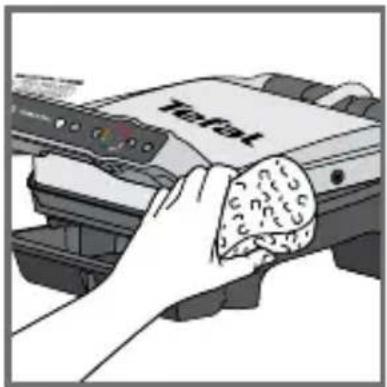
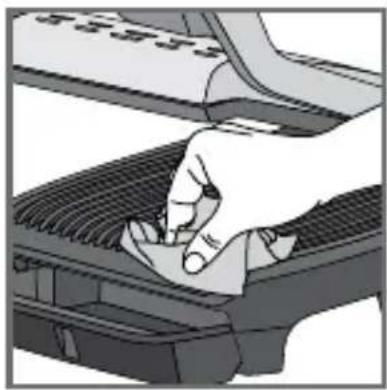
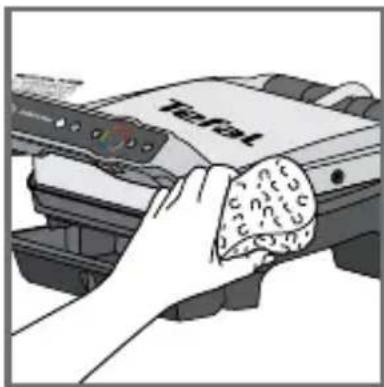
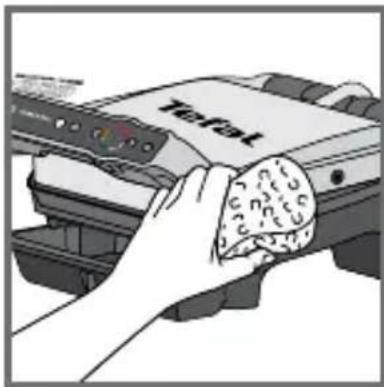
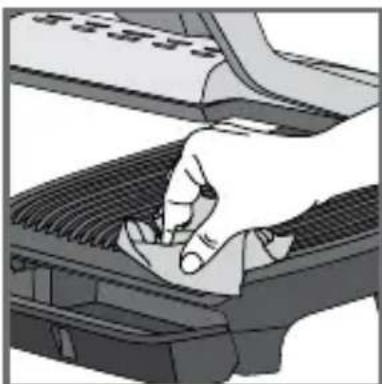
62 To clean the grill lid, wipe with a sponge moistened with warm water and dry with a soft, dry cloth. To clean the control panel, use only a soft, dry cloth.
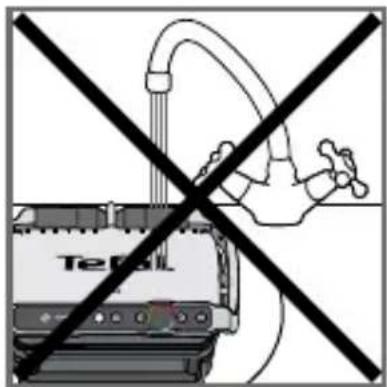
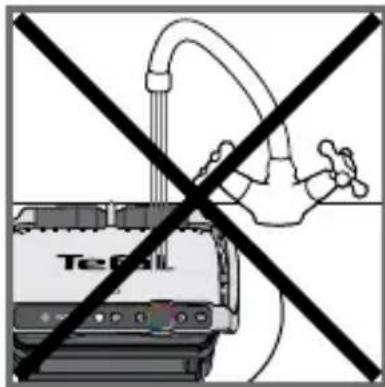
63 The appliance must not be submerged in water or in any other liquid.
64 Always ensure that the appliance is clean, cold and dry prior to storage.
All repairs must be done by an authorised service centre.
Troubleshooting Guide
| OPTIGRILL ELITE TROUBLESHOOTING GUIDE | ||
| Problem Cause | Solution | |
| A change of language S | switch on the grill, press ON, then | immediately on the Frozen button (while the screen displays "Hello") |
 | The preheating time was not completely finished. The grill was opened and the food placed on the plate before the end of preheating. | It is possible to cook the food, but you have to check the cooking progress because the grill is in manual mode. The temperature can be adjusted. Or Open the grill, remove the food, close the grill properly and wait until the end of preheating. |
  | ||
| My appliance does not switch off | Missing a second press or too long a time between the 2 presses. | Press the On/Off button twice. Or Press the On/Off button once then press OK |
| Err 1 to Err 8 The unit has been stored or used in a room that is too cold. Appliance overheating. | Unplug the appliance and wait a few minutes. Plug the grill in again and switch it on. If the problem persists, contact customer services. | |
| Err 9 to Err 13 Appliance failure. Unplug the appliance and contact customer services. | ||
| The appliance shuts down itself during the preheating or cooking cycle. | The appliance remained open for too long during cooking. The unit has been idle for too long after preheating or preheating has finished. | Unplug the appliance and wait a few minutes. Then plug in your appliance again and turn it on. |
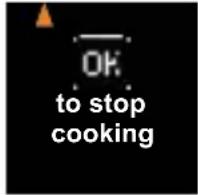 | End of cooking confirmation request | 2 solutions:Press OK if all of the food has been removedOrDo not press OK and leave the food to cook a little longer |
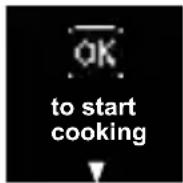 | Food not detected because it is too thin, for example bacon | Press OK to start cooking |
 | Food too thick, over 4 cm 2 solutions | Press OK to continue cooking in manual modeOrRemove the food and cut thinner to reduce the thickness, to allow cooking in automatic mode |
| I cannot set a time in manual mode | The screen is stuck on temperature setting | Press OK once to go to the time setting and then adjust it using the arrows. Press OK to confirm.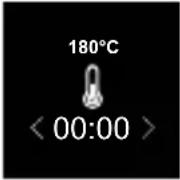 |
Cooking levels for each automatic program
| 12 AUTOMATIC PROGRAMS | |||||
| AUTOMATIC PROGRAMS | COOKING LEVEL INDICATOR | ||||
| MENUS |  |  |  |  | |
| Beef | Very rare (Blue) | Rare Medium Well done | |||
| Chicken breast* --- Well done | |||||
| Sausage --- Well done | |||||
| Bacon** --- Medium Crispy | |||||
| Beef Burger*** --- Well done | |||||
| Panini - | Lightly cooked | Toasted Crispy | |||
| Fish | - Medium | Medium to well-done | Well done | ||
| Seafood - Medium | Medium to well-done | Well done | |||
| Potato | --- Soft | ||||
| Pepper | -- Crunchy Soft | ||||
| Aubergine | --- Grilled | ||||
| Tomato | -- Crunchy Soft | ||||
* For the UK only: do not cook chicken breast from frozen. Always thaw completely first.
** As bacon is a thin food, after closing the lid, press the "OK" button to make sure the appliance recognise the food and the cooking cycle starts.
*** For the UK only: For food safety reasons the Food Standards Agency do not advise serving rare or medium burgers. Only serve well done burgers.

| COOKING ADVICE FOR OTHER FOODS | ||
| PRODUCTS | COOKING PROGRAM | COOKING TIP |
| Pork tenderloin (boneless), pork belly |  | Well done* |
| Bratwurst (pre-cooked pork) | min 30 sec  | 220°C / 8 min 30 sec |
| Rindswurst (pre-cooked beef) 220°C / 8 | ||
| Nürnberger Wurst (pre-cooked pork) 220°C / 4 min 30 sec | ||
| MANUAL MODE | ||
| FRUIT OR VEGETABLES | ||
| From 180°C to 195°C | From 220°C to 235°C | From 225°C to 270°C |
| -- Courgette (slides) | ||
| -- Asparagus (whole) | ||
| -- Mushroom | ||
| - Onion - | ||
| Broccoli florets -- | ||
| Baby carrot -- | ||
| - Fennel - | ||
| Sweet potato (slices) | - | - |
| - Apple (slices) - | ||
| - Banana - | ||
| - Peach (Stoned and sliced) - | ||
| OPTIGRILL ELITE PREPARATION ADVICE | |
| For more significant searing, it is best to return the grilled food to the grill before serving it to your guests. | |
| PRODUCTS PREPARATION ADVICE | |
| POTATO | Cut lengthwaysCoat or brush the potato slices with oil for the best cooking results. |
| PEPPER• Cut in half lengthway and remove seeds | |
| AUBERGINE | Cut lengthwaysCoat or brush the aubergine slices with oil for the best cooking results. |
| TOMATO | Use round tomatoesUse tomatoes that are not too ripeCut in half widthwaysFor optimal cooking, place the rounded side of the halved tomato on the bottom plate of the grill. |
| PORK* Use the searing function if the thickness is more than 20 mm. | |

ISTRUZIONI DI SICUREZZA AVVERTENZE IMPORTANTI
natural_image
Illustration of a hand pressing down on a mechanical component (no text or symbols visible)2
natural_image
Illustration of a Teful printer with a tray and base, no visible text or symbols3
natural_image
Illustration of a Tefa printer with open lid and base tray, no visible text or symbols on the device itself4
5
natural_image
Illustration of a hand pressing down on a computer keyboard (no text or symbols visible)6
7
8
18 19
natural_image
Close-up of a finger pressing a button on a device interface (no text or symbols visible)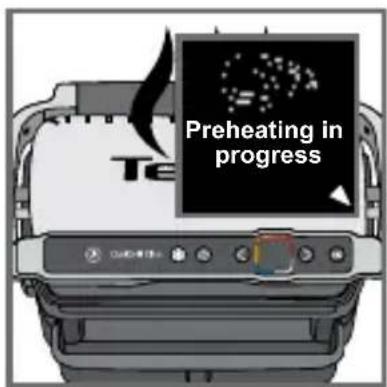
Inserire l'alimento
natural_image
Diagram showing a mechanical device with a rotating component and a hand interacting with it (no text or symbols visible)26
25
natural_image
Illustration of a sewing machine with a black arrow indicating the process (no text or symbols present)27
inizio cottura
28
natural_image
Illustration of a printer emitting steam from its lid (no text or symbols)30
25-26
31 32
Ben cotta tra 01:35
natural_image
Diagram of a device with open lid and internal components, showing a rotational arrow (no text or symbols)33 34
natural_image
Illustration of a printer being inserted into a rack with coiled cable (no text or symbols visible)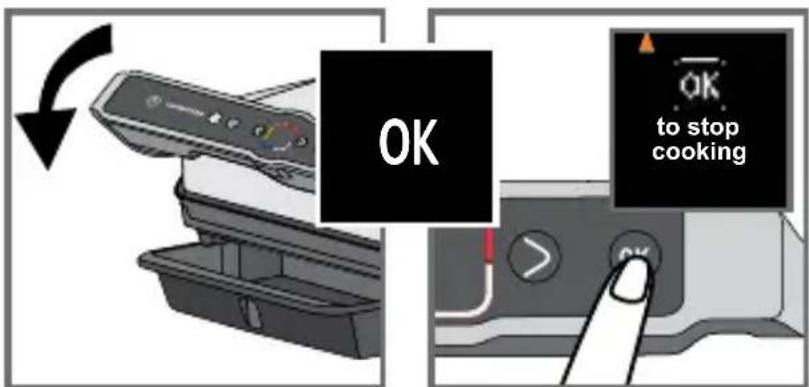
natural_image
Illustration of a printer being inserted into a rack with a bandage, showing the process (no text or symbols)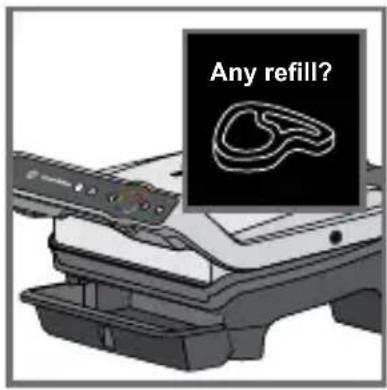
Un'altra cottura?
45 46
47 48
natural_image
Illustration of a hand pressing a button on a device with a lock, showing mechanical components and wiring (no text or symbols)natural_image
Illustration of a hand inserting a plug into an electrical socket (no text or symbols)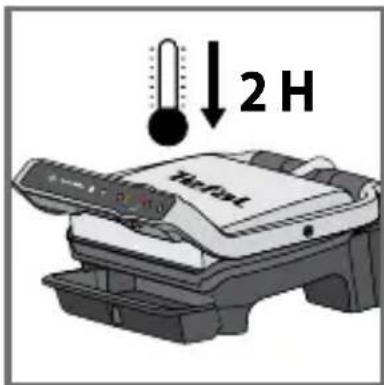
57
natural_image
Illustration of a Tefal device mounted on a shelf, no text or symbols visible64
natural_image
Illustration of a hand pressing down on a mechanical component (no text or symbols visible)2
natural_image
Illustration of a printer with a paper feeding into a plastic container (no text or symbols visible)3
4
5
natural_image
Illustration of a hand pressing down on a keyboard (no text or symbols visible)6
7
8
12 13
natural_image
Close-up of a finger pressing a button on a device interface (no text or symbols visible)14 15
18 19
natural_image
Diagram showing a finger pressing a button on a device interface with colored arrows and a stylized heart-shaped icon (no text or symbols)22 23
Precalentando
24
natural_image
Diagram showing a printer's internal structure being processed with a hand using a tool (no text or symbols visible)26
25

natural_image
Illustration of a grater being cut with a black arrow indicating the process (no text or symbols present)27
natural_image
Illustration of a printer emitting steam from its lid (no text or symbols visible)30
25-26
31 32
Muy hecho en 01:35
natural_image
Diagram of a device with a scroll and gear mechanism, showing a rotating arrow (no text or symbols)33 34
natural_image
Illustration of a printer being inserted into a rack with a hand holding a cable (no text or symbols visible)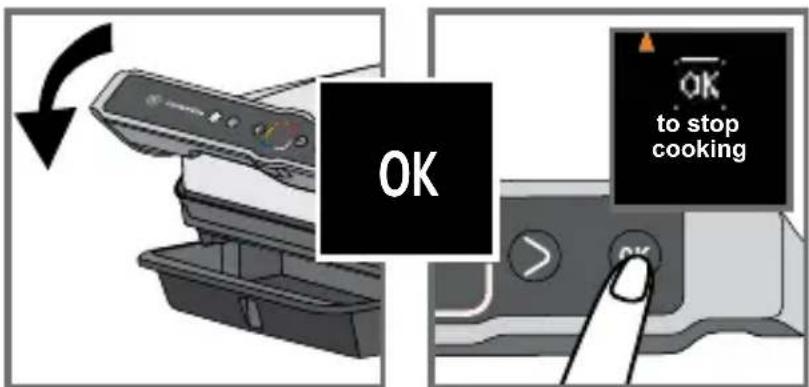
natural_image
Illustration of a printer being inserted into a rack with a cable being inserted (no text or symbols visible)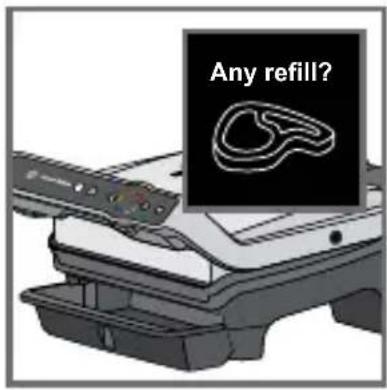
¿Añadir?
Precalentando
45 46
47 48

natural_image
Illustration of a hand inserting a plug into an electrical socket (no text or symbols)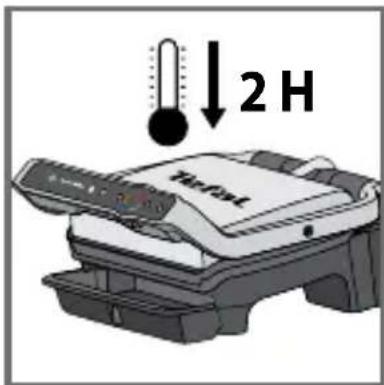
57
natural_image
Close-up of a car intake tray with mesh grille and side door (no text or symbols visible)58 59
natural_image
Diagram showing a container being processed with three stacked trays, one being inserted (no text or symbols present)S
natural_image
Illustration showing a hand holding a textured object and a crossed-out photo of a grater (no text or symbols)60 61
natural_image
Illustration of a hand holding a Tefat printer next to a dough roll (no text or symbols visible)62 63
natural_image
Illustration of a Tefal device mounted on a stand, no text or symbols visible64
natural_image
Illustration of a hand pressing down on a mechanical component (no text or symbols visible)2
natural_image
Illustration of a printer with a paper feeding into a plastic container (no text or symbols visible)3
natural_image
Illustration of a Tefa printer with a black cover and control panel, no visible text or symbols on the device itself.4
5
natural_image
Illustration of a hand pressing down on a computer keyboard (no text or symbols visible)6
7
8
natural_image
Close-up of a finger pressing a button on a device interface (no text or symbols visible)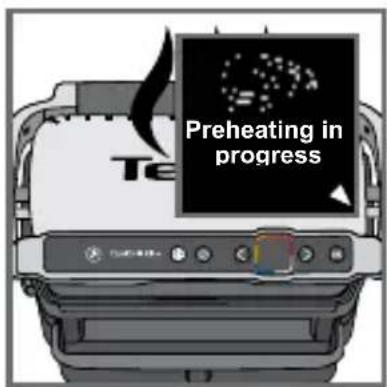
natural_image
Diagram showing a printer pressing down on a textured surface with an arrow indicating motion (no text or symbols present)natural_image
Illustration of a grater with a black arrow indicating compression or disassembly process (no text or symbols)27 28

natural_image
Illustration of a Tertel printer emitting steam (no text or symbols on the device itself)25-26
natural_image
Illustration of a printer being inserted into a rack with a cable being inserted (no text or symbols visible)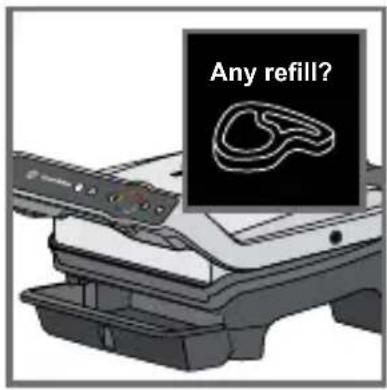
Grelhar novamente?
45 46
47 48
natural_image
Illustration of a hand inserting a device into a printer case, showing the process with no text or symbols.51 52
natural_image
Illustration of a food processing machine with steam rising, accompanied by a stopwatch and clock (no text or symbols)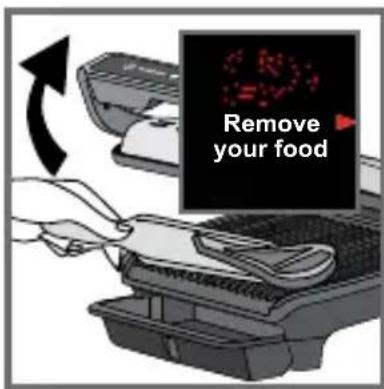
natural_image
Illustration of a hand inserting a plug into an electrical socket (no text or symbols)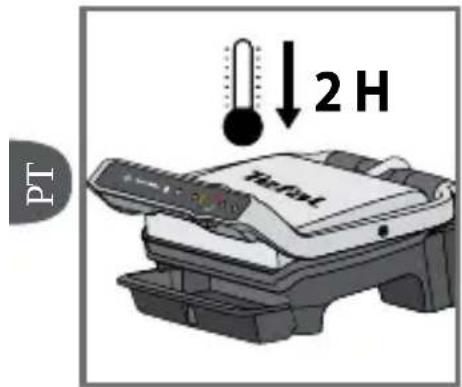
57
natural_image
Illustration of a hand pressing down on a mechanical component (no text or symbols visible)2
natural_image
Illustration of a printer with a paper feeding into a container (no text or symbols visible)3
natural_image
Illustration of a printer with Tefa branding and 'OK' text label (no other readable text or symbols)4

5
natural_image
Illustration of a hand pressing down on a keyboard (no text or symbols visible)6
7
8
natural_image
Close-up of a finger pressing a button on a device interface (no text or symbols visible)1819
natural_image
Close-up of a finger pressing a button on a device interface (no text or symbols visible)2223
natural_image
Diagram showing a printer's internal structure being processed with a tool, no text or symbols present26
25

natural_image
Illustration of a grating machine with two meat cuts being placed on its side (no text or symbols visible)27
natural_image
Illustration of a printer emitting steam from its lid (no text or symbols)30
25-26
Καλοψημένο σε 01:35
natural_image
Diagram of a device with a scroll and gear mechanism, showing a rotating arrow (no text or symbols)3334
natural_image
Illustration of a printer being inserted into a rack with a cloth, showing the process (no text or symbols)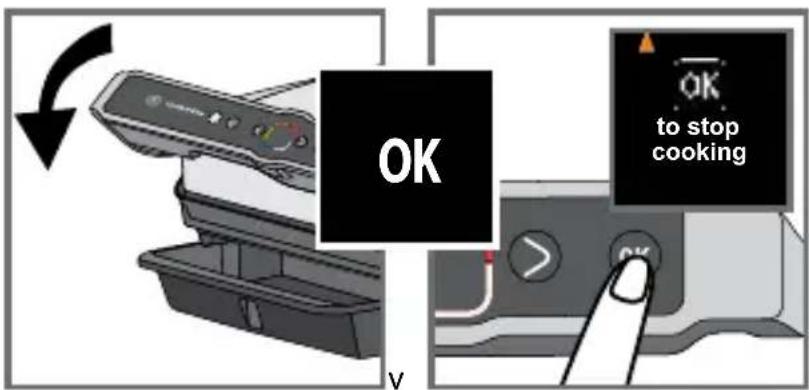
natural_image
Illustration of a hand inserting cable into a device with an arrow indicating rotation (no text or symbols present)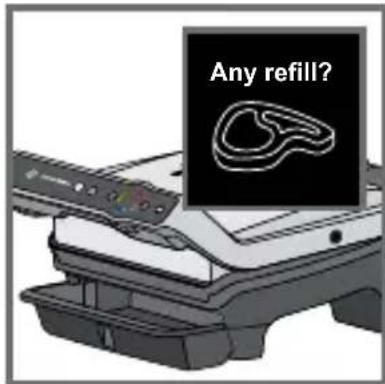
Θα ψήσετε κι άλλα;
4546
4748
natural_image
Illustration of a hand pressing down on a keyboard with a close-up of the key switch (no text or symbols visible)4950
natural_image
Illustration of a hand inserting a device into a printer case, showing the blade being inserted (no text or symbols present)5152
natural_image
Illustration of a food grater with steam rising, accompanied by a stopwatch and magnifying glass (no text or symbols)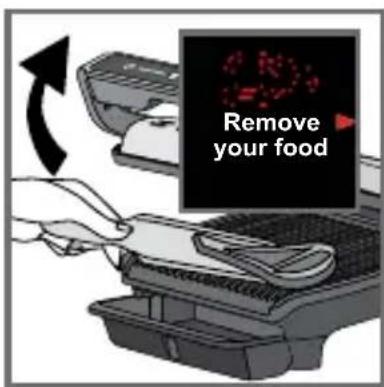
natural_image
Illustration of a hand holding an electrical plug with a socket, showing a right-hand rule (no text or symbols)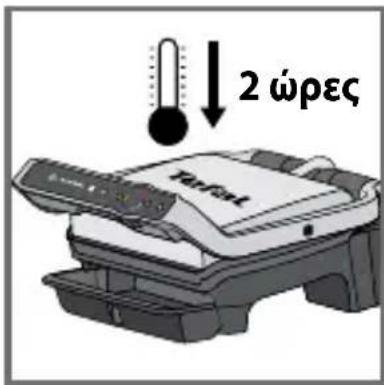
57
- CONSIGNES DE SÉCURITÉ PRÉCAUTIONS IMPORTANTES
- 25-26
- 51-53
- (25-26)
- 27-29
- 60-61
- SAFETY INSTRUCTIONS IMPORTANT SAFEGUARDS
- Do
- Do not
- Tips/information
- Environment
- Environment protection first!
- Description
- automatic cooking programs
- Two additional cooking options in automatic mode
- Manual mode
- Before first use
- Using for the first time
- On/Off button
- Frozen food function in automatic mode only
- Searing function in automatic only
- Cooking in automatic mode
- How to cook a second batch
- Second batch of the same type of food
- Second cooking with a different type of food
- Important:
- Cooking in manual mode
- Comments
- End of use
- Cooking levels for each automatic program
- ISTRUZIONI DI SICUREZZA AVVERTENZE IMPORTANTI
Brand : TEFAL
Model : OptiGrill Elite GC7508
Category : Griddle