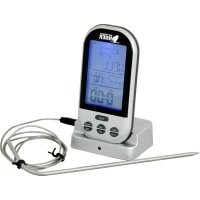
WS 1050 - Food thermometer TECHNOLINE - Free user manual and instructions
Find the device manual for free WS 1050 TECHNOLINE in PDF.



| Product type | Wireless food thermometer |
| Brand | Technoline |
| Model | WS 1050 |
| Monitor dimensions | 75 x 55 x 130 mm |
| Sensor cable length | 1 m |
| Power supply | 4 AAA 1.5 V batteries (not included) |
| Temperature measurement range | 0 °C to 250 °C (32 °F to 482 °F) |
| Resolution | 1 °C (1 °F) |
| Transmission frequency | 433 MHz |
| Transmission range | 30 meters |
| Meat type selection | Beef, lamb, veal, hamburger, pork, turkey, chicken, fish |
| Preset cooking levels | Rare, medium rare, medium, well done, very well done |
| Manual temperature setting | Yes, up to 250 °C |
| Temperature alert function | Beeps when desired temperature is reached |
| Timer | Count up and count down, up to 99:59 minutes |
| Temperature display | °C or °F (switchable) |
| Backlight | Yes, 5 seconds |
| Automatic data transmission | Every 30 seconds if temperature stable, immediate if variation > 1 °C |
| Intended use | Indoor only |
| Sensor maintenance | Clean with water and mild detergent |
| Monitor and transmitter maintenance | Damp cloth |
| Precautions | Do not immerse in water, do not expose to flames, avoid shocks and extreme temperatures |
| Recommended battery type | Alkaline, non-rechargeable |
| Number of batteries | 4 AAA batteries (2 for monitor, 2 for transmitter) |
Frequently Asked Questions - WS 1050 TECHNOLINE
User questions about WS 1050 TECHNOLINE
0 question about this device. Answer the ones you know or ask your own.
Ask a new question about this device
Download the instructions for your Food thermometer in PDF format for free! Find your manual WS 1050 - TECHNOLINE and take your electronic device back in hand. On this page are published all the documents necessary for the use of your device. WS 1050 by TECHNOLINE.
USER MANUAL WS 1050 TECHNOLINE
- Meat type and taste level selection
• Current and target meat temperature
• Temperature alert function
• Temperature display in °C/°F
• Count-down/ Count-up timer function - Backlight
Startup (Monitor)
Remove the battery compartment cover on the back of the monitor. Insert 2 x AAA batteries in the battery compartment as indicated by the polarity symbols (+/-). Replace the cover.
Switch the POWER switch on the back of the monitor to ON.
Startup (Transmitter)
Remove the battery compartment cover on the bottom of the transmitter. Insert 2 x AAA batteries in the battery compartment as indicated by the polarity symbols (+/-). Replace the cover.
Switch the POWER switch on the bottom of the transmitter to ON.
Insert the temperature probe connector-plug into the socket on the right side of the transmitter.
After the transmitter is powered up, the red LED starts to flash. Now the transmitter transmits temperature data to the monitor.
NOTE: If the temperature on temperature probe remains unchanged, the transmitter every 30 seconds transmits a signal to the monitor. If the temperature on temperature probe changes more than 1° C, the transmitter will directly transmit a signal to the monitor.
COOKING WITH TARGET TEMPERATURE
Insert the tip of the temperature probe into the center of the meat.
Take care not to pierce through it! Do not expose any part of the probe to open flames!
The current meat temperature appears on the LCD screen.
To select meat type and taste level
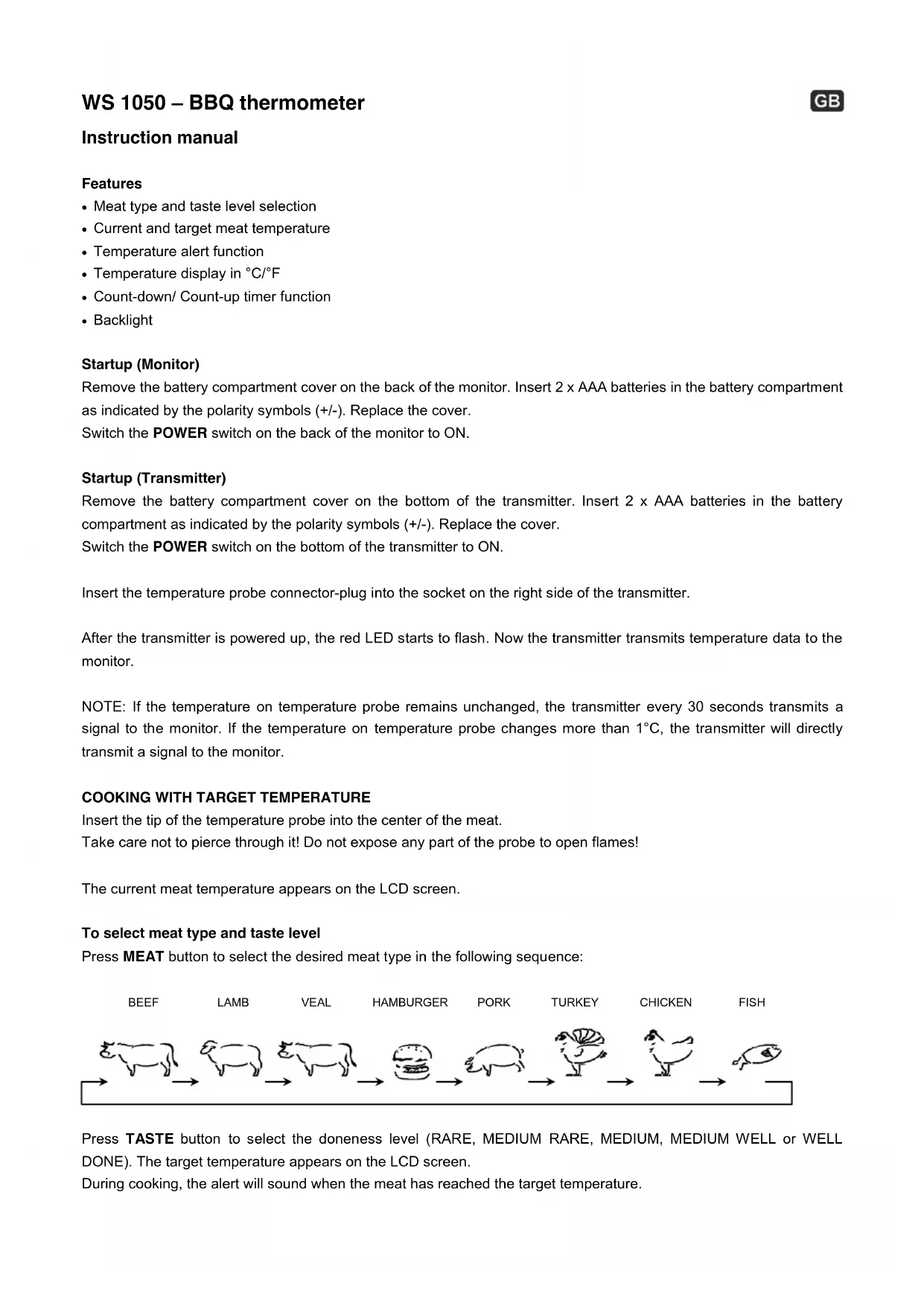
Press MEAT button to select the desired meat type in the following sequence:
![graph LR A["BEEF"] --> B["LAMB"] B --> C["VEAL"] C --> D["HAMBURGER"] D --> E["PORK"] E --> F["TURKEY"] F --> G["CHICKEN"] G --> H["FISH"]](/content/2026/04/594850/images/4d99c96bee3eb0a7d04508e550e573b674b164e9a11500fe300913901f7697a5.jpg)
Press TASTE button to select the doneness level (RARE, MEDIUM RARE, MEDIUM, MEDIUM WELL or WELL DONE). The target temperature appears on the LCD screen.
During cooking, the alert will sound when the meat has reached the target temperature.
| MEAT | BEEF | LAMP | VEAL | HAMBURGER | PORK | TURKEY | CHICKEN | FISH |
| SYMBOL | 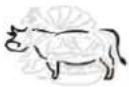 |  | 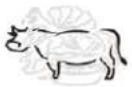 |  | 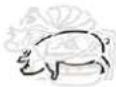 |  |  |  |
| WELL | ≥ 76°C | ≥ 76°C | ≥ 76°C | ≥ 71°C | ≥ 76°C | ≥ 79°C | ≥ 79°C | ≥ 58°C |
| M WELL | ≥ 73°C | ≥ 73°C | ≥ 71°C | / | ≥ 73°C | / | / | / |
| MEDIUM | ≥ 71°C | ≥ 71°C | ≥ 62°C | / | ≥ 71°C | / | / | / |
| M RARE | ≥ 62°C | ≥ 62°C | ≥ 60°C | / | / | / | / | / |
| RARE | ≥ 60°C | / | / | / | / | / | / | / |
To set target temperature manually
Press and hold MODE button for 3 seconds to switch to manual temperature setting. Press MIN (up) and SEC (down) to select the desired temperature. Press MODE button to confirm the setting.
During cooking, the alert will sound when the meat has reached the desired target temperature.
AFTER COOKING
Once cooking is finished, remove the temperature probe by using an oven mitt.
Clean the temperature probe with water and a mild detergent. The monitor and transmitter clean with a damp cloth.
°C/°F TEMPERATURE DISPLAY
To select temperature display in °C (Celsius) or °F (Fahrenheit), press MODE button to switch between the individual models.
COUNT-UP/COUNT-DOWN TIMER
The count-up and count-down timers operate independently of the temperature sensor.
To set count-up timer
If no count-down time is set the timer will act as a count-up timer.
To set count-down timer
Use MIN and SEC to set the desired count-down time.
Press START/STOP button to start the timer. Press START/STOP button again to pause. During pause, press CLEAR button to reset the time to 0:00.
When the count-down has finished, the monitor will beep. Press any button to stop beeping sound.
NOTE: The countdown timer will count up to 99:59 minutes.
BACKLIGHT
Press LIGHT button or any other button to illuminate the LCD screen for 5 seconds.
SPECIFICATIONS
Dimensions: 75 x 55 x 130mm (+ temperature probe with 1m cable)
Power requirements: 4 x AAA Micro 1.5V batteries (not included)
Temperature measurement range: 0°C \~ 250°C (32°F \~ 482°F)
Resolution: 1° C ( 1° F)
Transmission frequency: 433 MHz
Transmission range: 30m
Precautions
- This main unit is intended to be used only indoors.
- Do not subject the unit to excessive force or shock.
- Do not expose the unit to extreme temperatures, direct sunlight, dust or humidity.
- Do not immerse in water.
- Avoid contact with any corrosive materials.
- Do not dispose this unit in a fire as it may explode.
- Do not open the inner back case or tamper with any components of this unit.
Batteries safety warnings
- Use only alkaline batteries, not rechargeable batteries.
• Install batteries correctly by matching the polarities (+/-).
• Always replace a complete set of batteries. - Never mix used and new batteries.
- Remove exhausted batteries immediately.
- Remove batteries when not in use.
- Do not recharge and do not dispose of batteries in fire as the batteries may explode.
- Ensure batteries are stored away from metal objects as contact may cause a short circuit.
- Avoid exposing batteries to extreme temperature or humidity or direct sunlight.
- Keep all batteries out of reach from children. They are a choking hazard.
- Use the product only for its intended purpose!
Consideration of duty according to the battery law

Old batteries do not belong to domestic waste because they could cause damages of health and environment. You can return used batteries free of charge to your dealer and collection points. As end-user you are committed by law to bring back needed batteries to distributors and other collecting points!
Consideration of duty according to the law of electrical devices
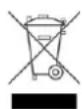
This symbol means that you must dispose of electrical devices from the General household waste when it reaches the end of its useful life. Take your charger to your local waste collection point or recycling centre. This applies to all countries of the European Union, and to other European countries with a separate waste collection system.
PŘÍPRAVA MASA S CÍLOVOU TEPLOTOU
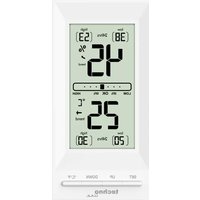
- STARTUP (MONITOR)
- STARTUP (TRANSMITTER)
- COOKING WITH TARGET TEMPERATURE
- TO SELECT MEAT TYPE AND TASTE LEVEL
- TO SET TARGET TEMPERATURE MANUALLY
- AFTER COOKING
- °C/°F TEMPERATURE DISPLAY
- COUNT-UP/COUNT-DOWN TIMER
- TO SET COUNT-UP TIMER
- TO SET COUNT-DOWN TIMER
- BACKLIGHT
- SPECIFICATIONS
- PRECAUTIONS
- BATTERIES SAFETY WARNINGS
- CONSIDERATION OF DUTY ACCORDING TO THE BATTERY LAW
- CONSIDERATION OF DUTY ACCORDING TO THE LAW OF ELECTRICAL DEVICES
- PŘÍPRAVA MASA S CÍLOVOU TEPLOTOU
Brand : TECHNOLINE
Model : WS 1050
Category : Food thermometer