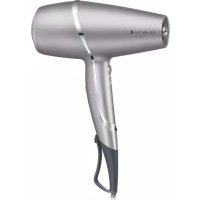
PROluxe You AC9800 - Tumble dryer REMINGTON - Free user manual and instructions
Find the device manual for free PROluxe You AC9800 REMINGTON in PDF.



| Product type | Hair dryer |
| Brand | Remington |
| Model | PROluxe You AC9800 |
| Power | 2000 W |
| Power supply | Mains |
| Voltage | See device |
| Drying modes | StyleAdapt (Diffuse, Style, Quick Dry) and manual |
| Speed settings | 3 levels (Low, Medium, High) |
| Temperature control | Automatic in StyleAdapt mode, manual in manual mode (3 levels) |
| Included accessories | Slim styling concentrator, Wide styling concentrator, Diffuser |
| Special features | StyleAdapt™ sensor, Cool shot function, Settings memory |
| Filtration system | Removable rear filter |
| Cleaning | Clean the filter grille regularly with a cloth or soft brush |
| Safety | Overheat protection, automatic shut-off if grilles are blocked, RCD recommended |
| Grille material | Advanced ceramic conditioning |
| Indicator light | StyleAdapt™ indicator on handle |
| Display | Mode and speed display screen |
| Weight | Approximately 0.5 kg |
| Dimensions | Approximately 22 x 8 x 25 cm |
| Cable length | Approximately 2 m |
Frequently Asked Questions - PROluxe You AC9800 REMINGTON
User questions about PROluxe You AC9800 REMINGTON
0 question about this device. Answer the ones you know or ask your own.
Ask a new question about this device
Download the instructions for your Tumble dryer in PDF format for free! Find your manual PROluxe You AC9800 - REMINGTON and take your electronic device back in hand. On this page are published all the documents necessary for the use of your device. PROluxe You AC9800 by REMINGTON.
USER MANUAL PROluxe You AC9800 REMINGTON
PROluxe You™ Adaptive Hairdryer AC9800
Please read these instructions carefully and keep them safe. Remove all packaging before use.

IMPORTANT SAFEGUARDS
- This appliance can be used by children aged from 8 years and above and persons with reduced physical, sensory or mental capabilities or lack of experience and knowledge if they have been supervised/instructed and understand the hazards involved. Children shall not play with the appliance. Cleaning and user maintenance shall not be done by children unless they are older than 8 and supervised. Keep the appliance and cable out of reach of children under 8 years.

Do not use this appliance near bathtubs, showers, basins or other vessels containing water.
- When the appliance is used in a bathroom, unplug it after use since the proximity of water presents a hazard even when the appliance is switched off.
- For additional protection, the installation of a residual current device (RCD) having a rated residual operating current not exceeding 30 mA is advisable in the electrical circuit supplying the bathroom*.
* Currently, the fitting in a bathroom of an electrical socket suitable or capable of operating the appliance is not permitted in the UK (see BS7671).
- If the supply cord is damaged, it must be replaced by the manufacturer, its service agent or similarly qualified persons in order to avoid a hazard.
- Always ensure the voltage to be used corresponds to the voltage stated on the unit before plugging the appliance into the mains socket.
- Keep direct airflow away from eyes or other sensitive areas.
- Do not allow any part of the appliance touch the face, neck or scalp.
- During use, always ensure the inlet and outlet grilles are not blocked in any way as this will cause the unit to automatically stop. If this should occur, switch off and allow the unit to cool.
- Keep the power plug and cord away from heated surfaces.
- Do not leave the appliance unattended while plugged in.
- Do not place the appliance on any soft furnishings.
- Do not use attachments other than those we supply.
- Do not set the appliance down while still on.
- Do not twist or kink the cable, or wrap it round the appliance.
- Do not use the appliance if it is damaged or malfunctions.
- Check the cord regularly for any sign damage.
• This appliance is not intended for commercial or salon use.
PARTS
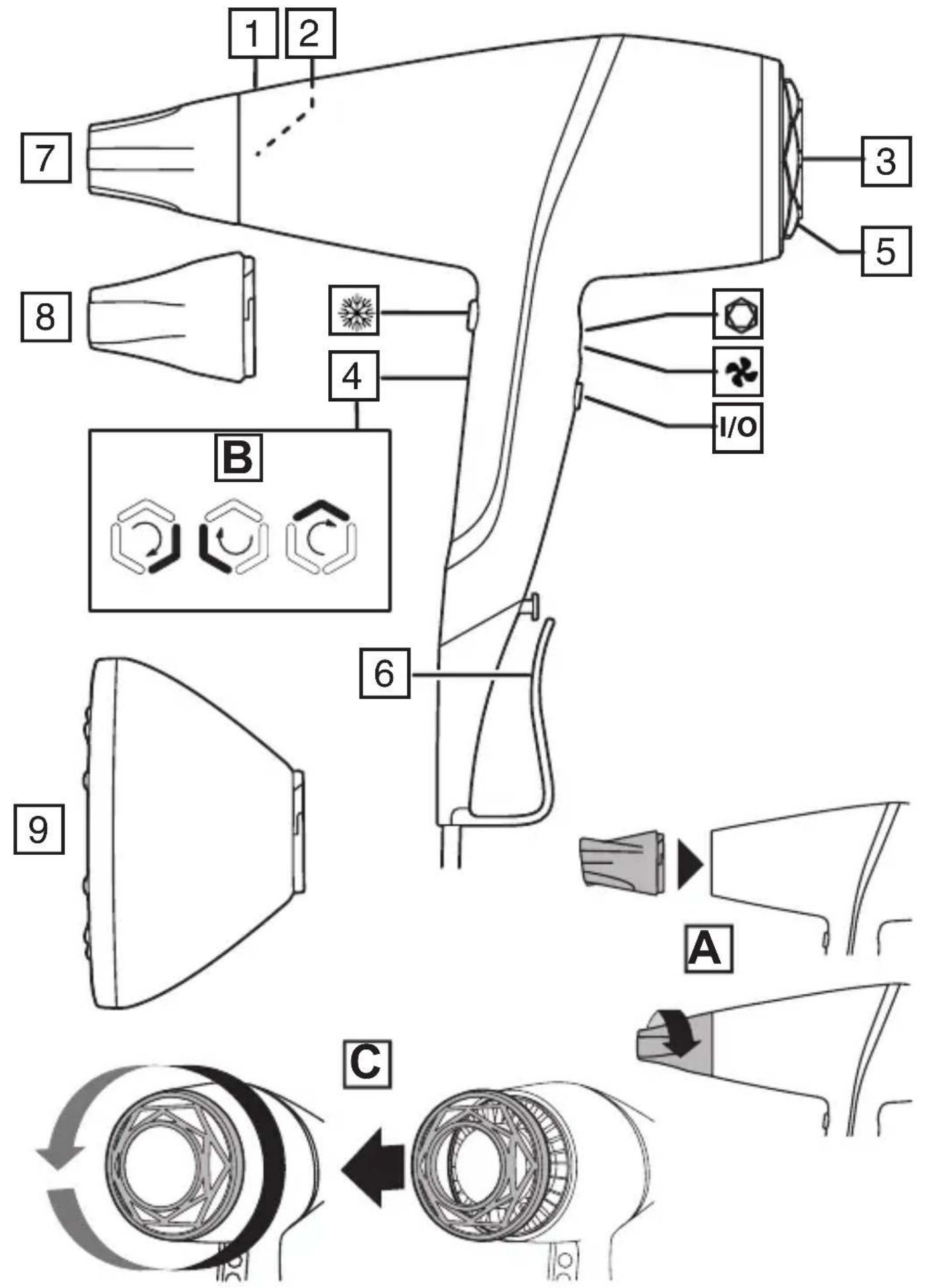
- Outlet grille with advanced ceramic coating
- StyleAdapt™ Sensor
- Display
- StyleAdapt™ indicator
- Removable easy clean rear grille
- Hang up loop/cord storage
-
Slim styling concentrator
-
Wide drying concentrator
- Diffuser
Controls:
I/O On/off switch
StyleAdapt™ button
Speed selector button
Cool shot on/off button
INSTRUCTIONS FOR USE
- Wash and condition your hair as normal.
- Squeeze out excess moisture with a towel and comb through.
- Hairsprays contain flammable material – do not use while using this product.
-
Attach diffuser/concentrators by fitting them to the front of the hairdryer and twisting clockwise to lock (Fig. A). Take care when you do this because the attachments can become hot during use. TIP: Holding the cool shot button for a few seconds before removing accessories can help to reduce their temperature.
-
Plug the product into the mains power supply.
-
Slide the on/off switch (I/O) to switch on.
StyleAdapt Mode
-
When first switched on your dryer will be in StyleAdapt™ mode. The StyleAdapt™ indicator on the dryer handle will spin (Fig. B) and Quick Dry will be shown on the display.
-
Select the desired mode using the ⏻ button. Each press of the button will select a different mode. The mode will be displayed on the display:
| StyleAdapt Mode Use for: Recommended Accessory | ||
| Diffuse | Maintaining your curl's natural shape | Diffuser |
| Style Smoothing and sh | shaping Slim styling concentrator | |
| Quick Dry Fast drying | Wide Drying Concentrator | |
- Select the desired air speed using the speed selector (✗) button. The segments lit up on the display will show the selected air speed:
| Setting Speed | |
 | Low |
 | Medium |
 | High |
- During styling the StyleAdapt™ indicator will spin (fig. B) indicating that your dryer is learning about your hair and adjusting the air temperature to a heat that is personalised to you. The temperature changes are not shown on the display but happen quickly and automatically during styling.
Manual Mode
-
To override the StyleAdapt™ mode and use as a standard hairdryer, press the 🔒 button several times until the display shows Manual and the StyleAdapt™ indicator goes off. Note that in manual mode, your dryer will no longer be learning about your hair and adapting the heat.
-
Select the desired heat and speed setting using the speed selector (✗) button. The segments lit up on the display will show the selected setting.
| Setting Speed/Heat | |
 | Low speed / low heat |
 | Medium speed / medium heat |
 | High speed / high heat |
- To re-activate StyleAdapt™ mode press the ⏻ button until one of the StyleAdapt™ modes is selected and the StyleAdapt™ indicator is illuminated. Your dryer will now be learning about your hair and adapting the heat again.
- After use, slide the (I/O) button to turn off and then unplug your dryer.
Cool shot
To set your style with cold air, press and hold down the button whilst drying.
Memory Function
Each time you use your dryer it will automatically set itself to the last mode and speed used.

TIPS
• To create smooth styles and shape use the slim styling concentrator and a round hair brush (not included) whilst drying.
- For fast drying use the highest speed setting and wide drying concentrator.
• To help maintain your curls natural shape use the lowest speed setting and diffuser attachment. Turn your head upside down and gently place your hair into the diffuser bowl slightly rotating the dryer as you style.
• To create extra volume at the roots of the hair, keep your head upright and place the diffuser against the top of your head. Gently rotate the hairdryer allowing the diffuser fingers to gently massage the scalp being careful not to burn the scalp. Dry gently on the low speed setting.
- CAUTION: Do not use the diffuser on the highest manual heat setting.
STORAGE, CLEANING AND MAINTENANCE
Let the appliance cool down before cleaning and storing away
- To maintain peak product performance and to prolong motor life, it is important to regularly remove any dust and dirt from the inlet grille.
- Remove the grille as shown (FIG C), clean with a cloth or soft brush, then replace it.
OVERHEAT PROTECTION
In the event of overheating, the appliance may either stop unexpectedly or start to blow cold air. Overheating is usually caused by a blocked grille/filter. If this happens, immediately unplug the appliance and refer to STORAGE, CLEANING AND MAINTENANCE to clean the grille/filter. If, after doing this overheating continues to happen, stop using the appliance and contact Customer Service.
RECYCLING
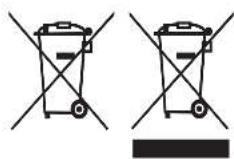
To avoid environmental and health problems due to hazardous substances, appliances and rechargeable and non-rechargeable batteries marked with one of these symbols must not be disposed of with unsorted municipal waste. Always dispose of electrical and electronic products and, where applicable, rechargeable and non-rechargeable batteries, at an appropriate official recycling/collection point.
I/O Interruttore on/off
Pulsante StyleAdapt™
Remington ® is a Registered Trade Mark of Spectrum Brands, Inc.,
or one of its subsidiaries
Russell Hobbs Deutschland GmbH, Am Unisyspark 1, 65843 Sulzbach, Germany remington-europe.com


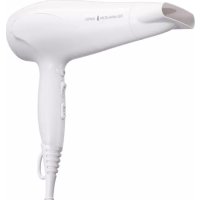
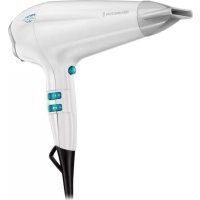
Brand : REMINGTON
Model : PROluxe You AC9800
Category : Tumble dryer