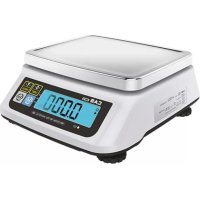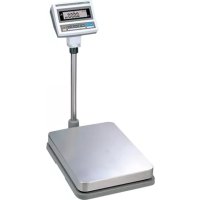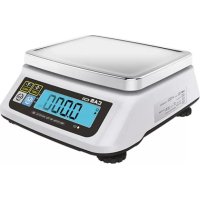
859320 - Scale CAS - Free user manual and instructions
Find the device manual for free 859320 CAS in PDF.


| Product Type | Precision Scale |
| Brand | CAS |
| Model | 859320 (SW-1S/1C) |
| Dimensions (L x D x H) | 260 x 287 x 137 mm |
| Platform Dimensions (L x D) | 230 x 190 mm |
| Net Weight | 2.8 kg |
| Power Supply | 6 x 1.5V D-type batteries or 9V adapter |
| Maximum Capacity | Up to 20 kg depending on model (2 kg, 5 kg, 10 kg or 20 kg) |
| External Resolution | 1/2000 to 1/2500 |
| Display | LCD 5-digit, 110 x 35 mm |
| Display Symbols | STABLE, ZERO, TARE, HI/OK/LO, PCS, g, kg, lb, oz, low battery |
| Main Functions | Weighing, tare, zeroing, hold (SW-1S), counting (SW-1C), comparison (SW-1C), unit change, auto-off |
| Operating Temperature | -10 °C to +40 °C |
| Battery Life | Approximately 800 h (manganese) / 1600 h (alkaline at 20 °C) |
| Maintenance and Cleaning | Clean with a soft dry cloth; avoid liquids and moisture; do not disassemble |
| Safety | Do not exceed maximum load; grounding; avoid flammable gases, shocks, exposure to sunlight; use a suitable adapter |
| Spare Parts and Repairability | Batteries, adapter and stainless steel pan optional; repair only by authorized distributor |
| General Information | User manual provided; periodic checks recommended |
Frequently Asked Questions - 859320 CAS
User questions about 859320 CAS
0 question about this device. Answer the ones you know or ask your own.
Ask a new question about this device
Download the instructions for your Scale in PDF format for free! Find your manual 859320 - CAS and take your electronic device back in hand. On this page are published all the documents necessary for the use of your device. 859320 by CAS.
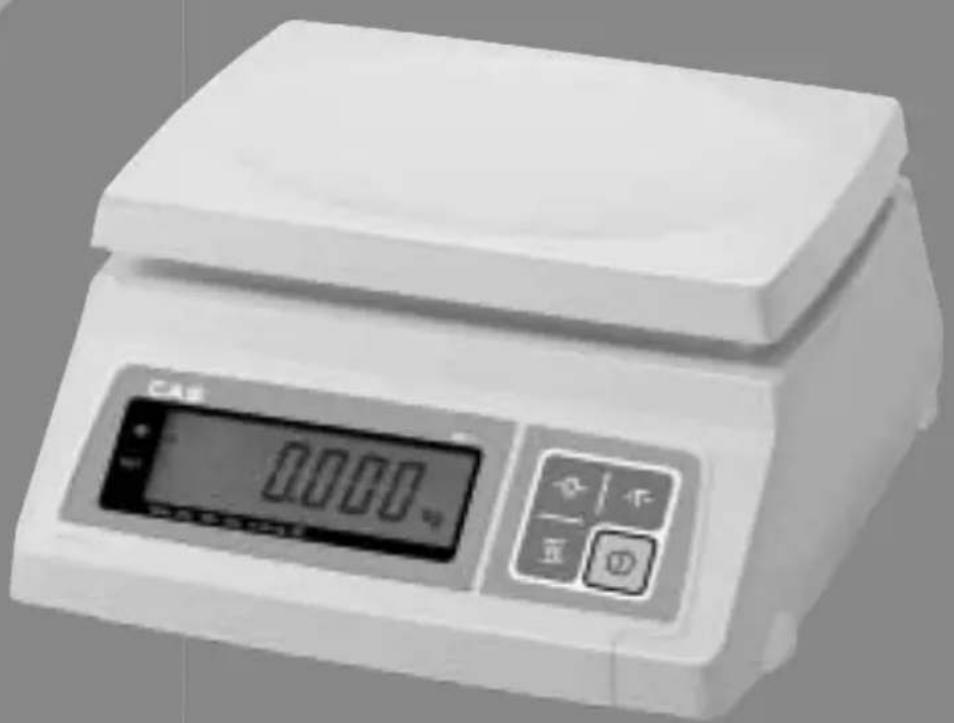
USER MANUAL 859320 CAS
Simple Weighing Scale
SW-1S / 1C Series
OWNER'S MANUAL
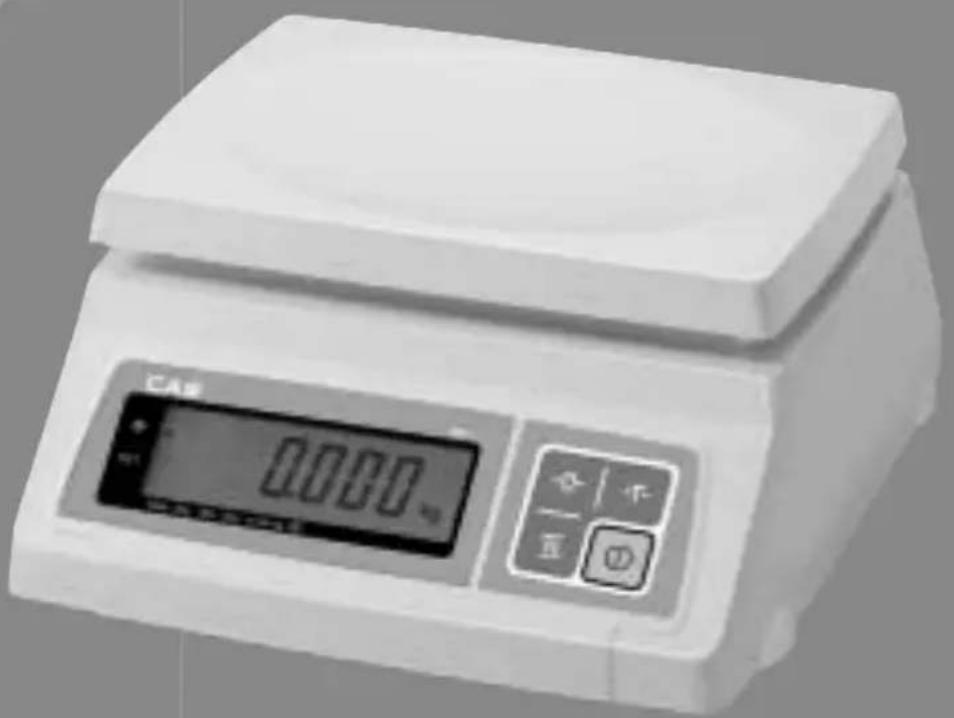
natural_image
Digital laboratory balance scale with digital display and control buttons (no visible text or symbols)EMGA
CONTENTS
PRECAUTIONS 4
PREFACE 6
NAMES AND FUNCTIONS 6
OPERATIONS 8
- Simple Weighing Mode 8
- Weighing with Tare 8
- Changing Unit of Weight 9
- Hold Function (SW-1S only) 9
- Comparator Function (SW-1C only) 10
- Counting Function (SW-1C only) 11
- Auto-Power Off Function 13
BATTERY MAINTENACE 14
ERROR MESSAGE 14
SPECIFICATIONS 15
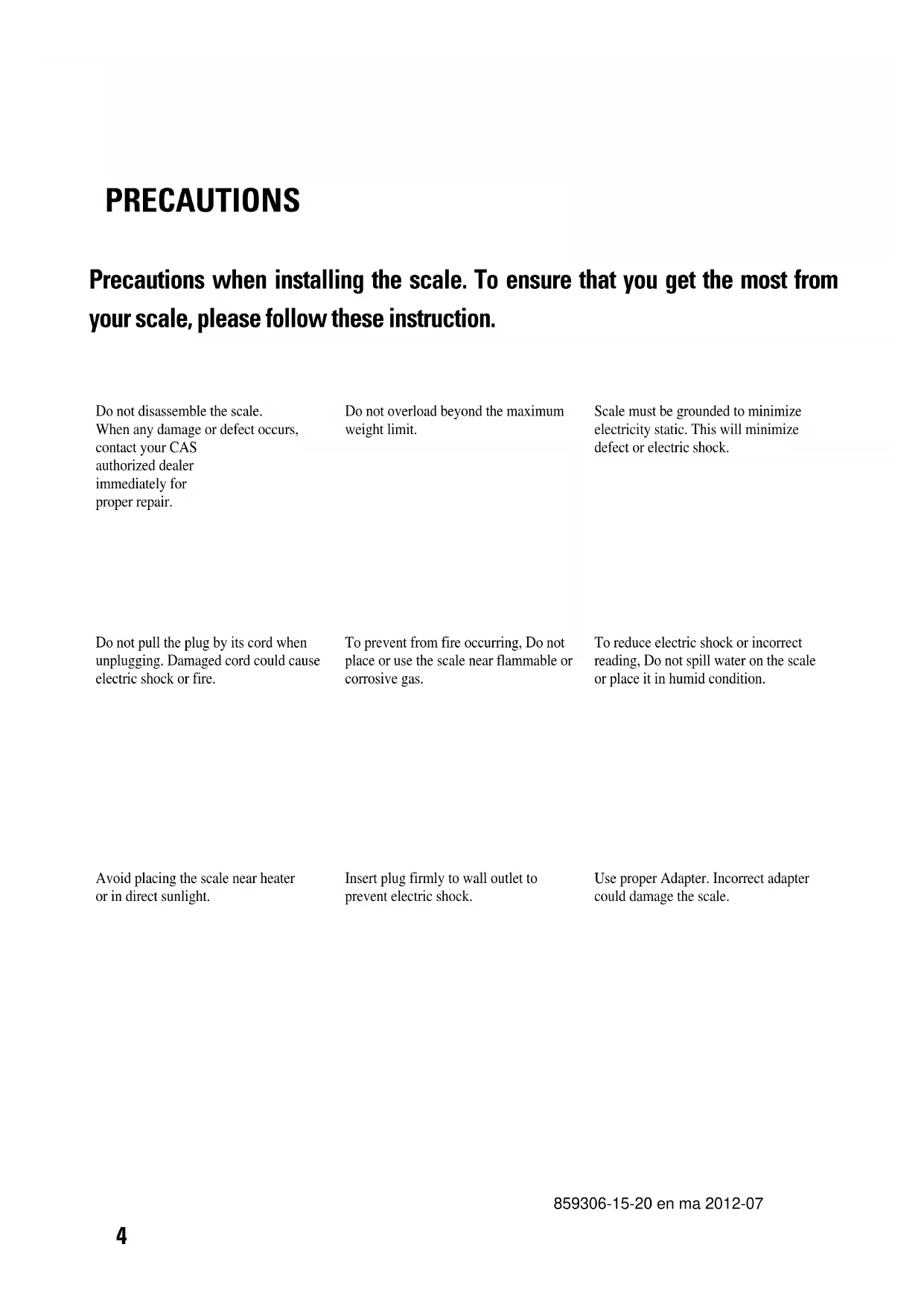
PRECAUTIONS
Precautions when installing the scale. To ensure that you get the most from your scale, please follow these instruction.
Do not disassemble the scale. When any damage or defect occurs, contact your CAS authorized dealer immediately for proper repair.
Do not overload beyond the maximum weight limit.
Scale must be grounded to minimize electricity static. This will minimize defect or electric shock.
Do not pull the plug by its cord when unplugging. Damaged cord could cause electric shock or fire.
To prevent from fire occurring, Do not place or use the scale near flammable or corrosive gas.
To reduce electric shock or incorrect reading, Do not spill water on the scale or place it in humid condition.
Avoid placing the scale near heater or in direct sunlight.
Insert plug firmly to wall outlet to prevent electric shock.
Use proper Adapter. Incorrect adapter could damage the scale.
Make sure to plug your scale into the proper power outlet. For maximum performance, plug into a power outlet 30 minutes before the usage for warm up.
| Attention | ||
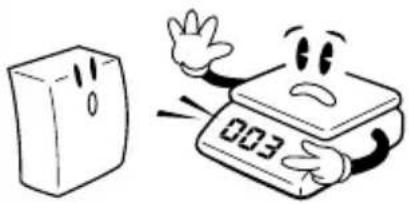
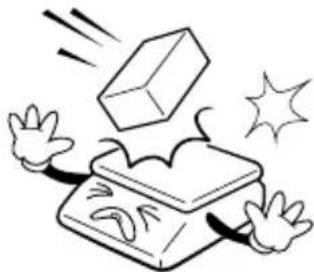
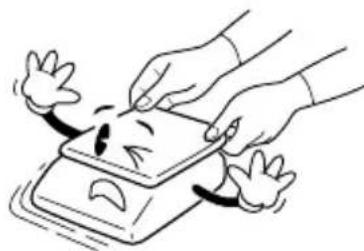
| For consistent and accurate reading, maintain periodical check by your CAS authorized dealer. | Avoid sudden shock to the scale. Internal mechanism could be damaged. | Grab on the bottom of the scale when moving. Do not hold by the platter. |
 |  |  |
| Take the battery out when scale is not in use for long time. Leakage from the batteries is hazardous. | Place the scale on firm and temperature consistent environment. | By adjusting 4 corners of the scale, set the scale even using the built in scale leveling indicator. |
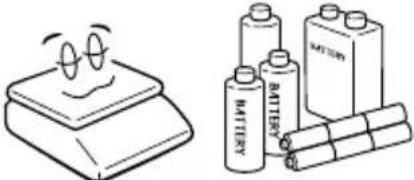 |  | 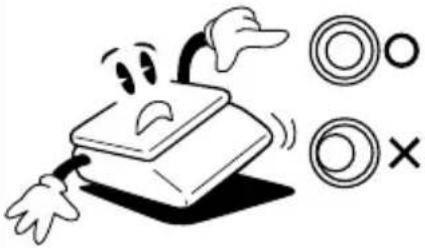 |
Keep the scale away from other electromagnetic generating devices. This may interfere with accurate reading. 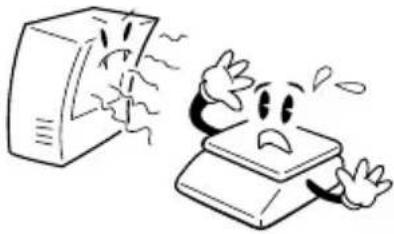 | ||
PREFACE
Thank you for purchasing CAS SW-1S/1C Series.
These series have been designed with CAS reliability, under rigid quality control and with outstanding performance. Your specialty departments can enjoy these high quality reliable CAS products.
We believe that your needs will be satisfied and you will have proper reliability.
This manual will help you with proper operation and care of the SW-1S/1C
Series. Please keep it handy for future reference.
NAMES AND FUNCTIONS
OVERALL VIEW
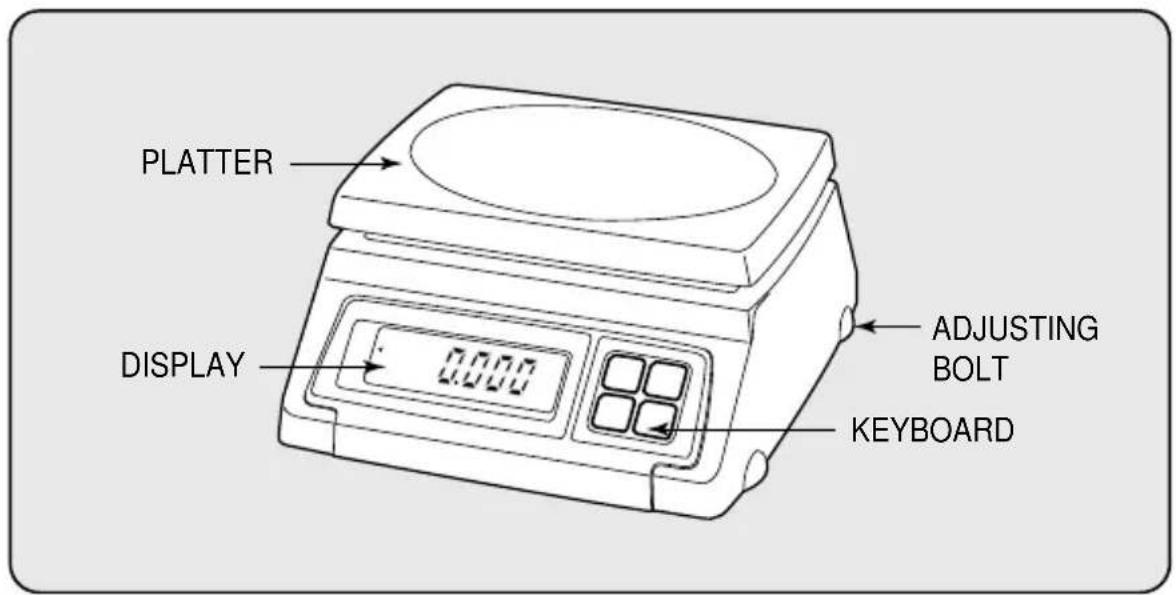
DISPLAY & KEYBOARD
■ SW-1S
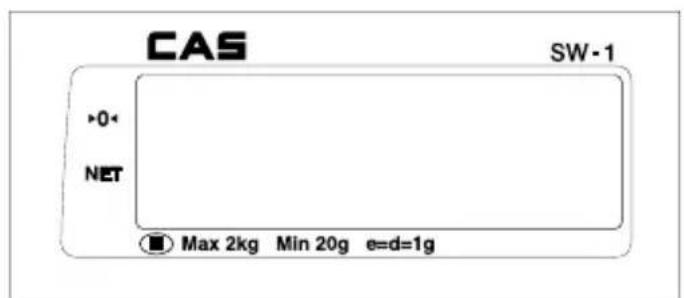
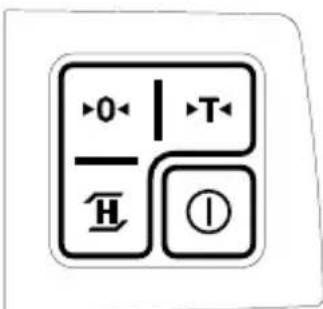
■ KEY FUNCTIONS
| KEYS FUNCTIONS | |
 | Used to set the zero point. |
 | Used to input or cancel the weight of tare. |
 | Used to make the weight of commodity stable. This weight is average value. |
 | Used to turn on and off the scale. |
■ SW-1C
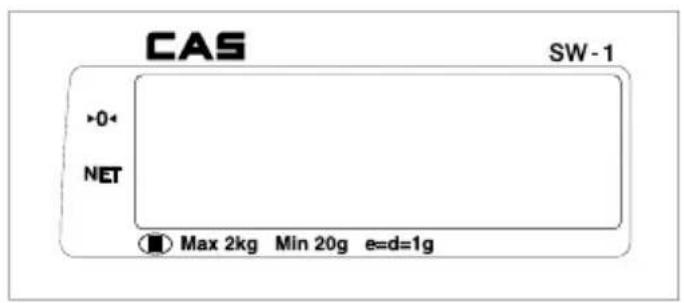
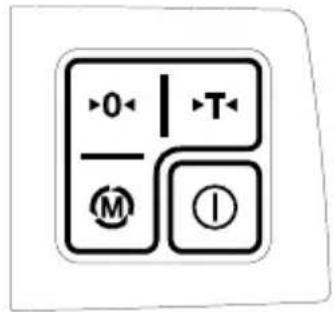
■ KEY FUNCTIONS
| KEYS FUNCTIONS | |
 | Used to set the zero point. |
 | Used to input or cancel the weight of tare. |
 | Used to change the unit of weight, and shown as following sequence on the display. [Kg] [WL on or off] [PGS] [Kg]→ |
 | Used to turn on and off the scale. |
OPERATIONS
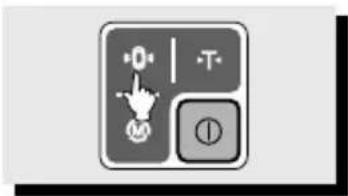
■ Turn on the display by pressing ① key. Then, the display will show all the segments and count up "0" to "9". You may stop this automatic counting by pressing the -0-key.
■ When you turn on the display, make sure that platter is empty. Otherwise, display will show "Err", an error of initial zero range. Please refer to "ERROR MESSAGE" section for more information on page 14.
■ When the weight becomes stable the display shows the stable sign ( )on.
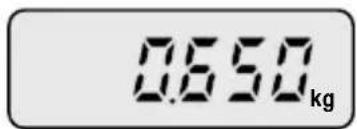
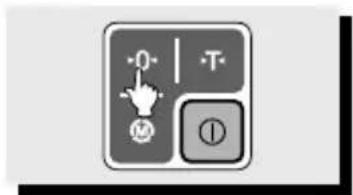
■ You may need to make it "0.000" by pressing · 0 key unless the display indicate "0.000" under the empty platter.
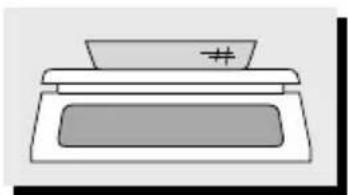
1. Simple Weighing Mode
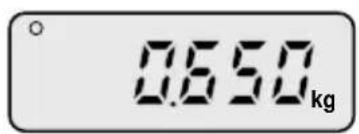
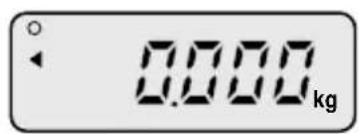
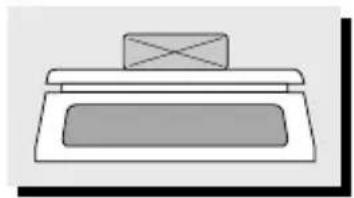
natural_image
Simple line drawing of a rectangular object with a cross mark on top (no text or symbols)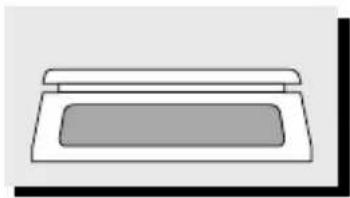
natural_image
Simple line drawing of a rectangular box with a lid (no text or symbols)① Place a commodity on the platter.
②Remove the commodity from the platter.
2. Weighing with Tare
■ TARE means the weight of container being used for a commodity.
■ TARE key function is to subtract the weight of the container from full weight loaded.
natural_image
Simple line drawing of a printer or printer with a lid and base (no text or symbols)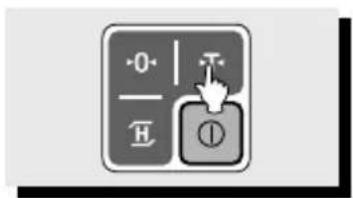
natural_image
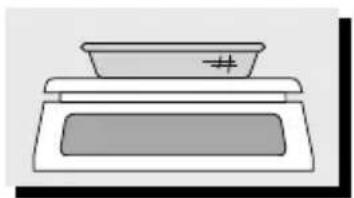
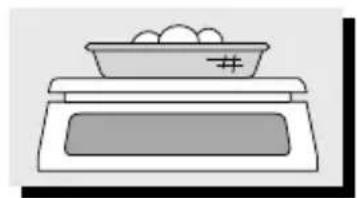
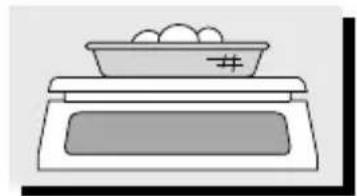
Simple line drawing of a bowl placed on top of a tray with a number 5, no text or symbols present.① Place a container on the platter.
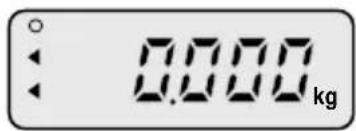
②Press the key.
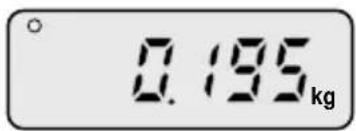
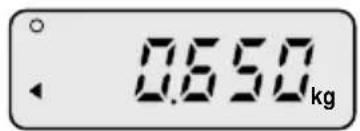
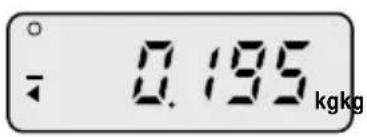
③Place a commodity into the container, then the display will show only the weight of the commodity.
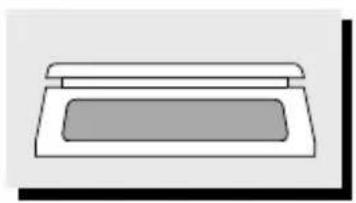
natural_image
Simple line drawing of a rectangular object with a rounded top and a rectangular base (no text or symbols)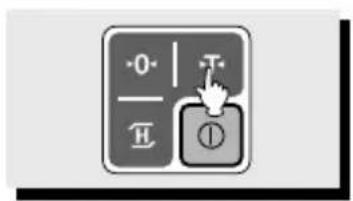
④Remove container and commodity, then the display will show the weight of the container with "-" symbol.
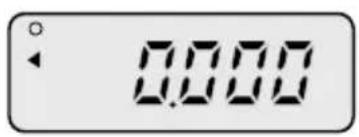
⑤ Press the key, then display will show the "0.000".
3. Changing Unit of Weight (kg, lb, oz)
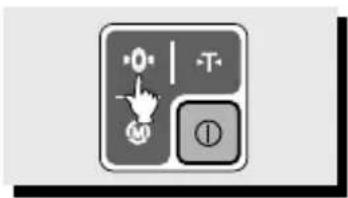
■ Press the Ⓜ key first. Holding it, press the -T- key in the simple weighing mode. The display shows the "UnIt" shortly and then you may select kg, lb, or oz as the unit of weight.
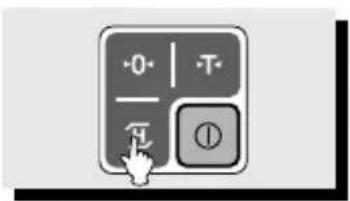
4. Hold Function (SW-1S only)
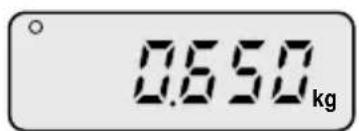
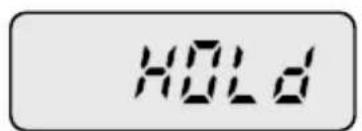
②Display will show the "HOLD" for a few seconds.
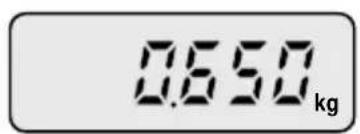
③ Then the display will show the average weight.
① When the weight is unstable, press the key.
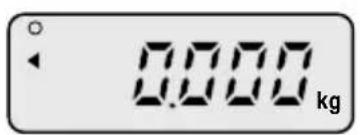
④ Remove the commodity from the platter, or press H key again to exit from "HOLD" mode.
natural_image
Simple line drawing of a rectangular object with a rounded top and a rectangular base (no text or symbols)5. Comparator Function - HI / LOW Limit Setting (SW-1C only)
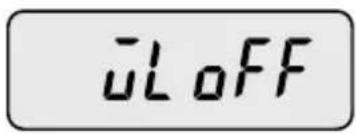
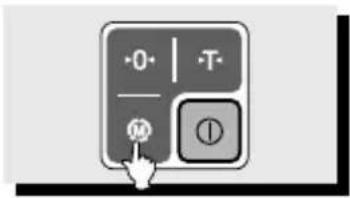
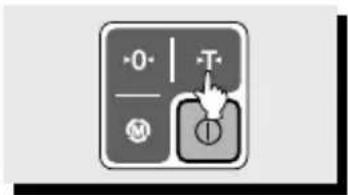
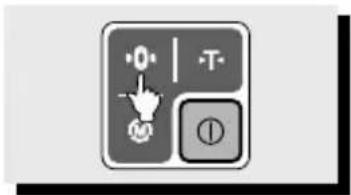
① Press the key until the display shows "WL OFF". "WL OFF" means that comparator function is not activated.
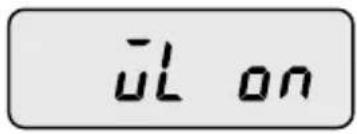
②Press key to activate this function. The display shows "WL ON".
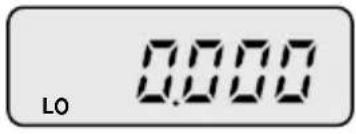
③Press key once to set up the low limit. The display shows "0.000" and the first number flashes.
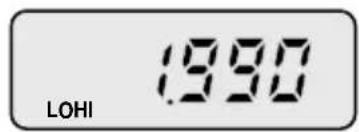
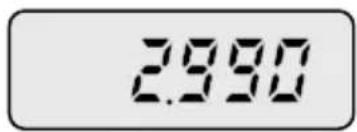
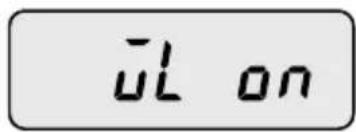
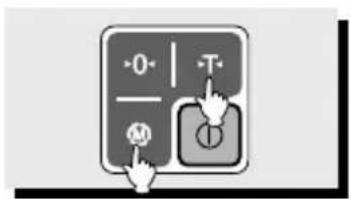
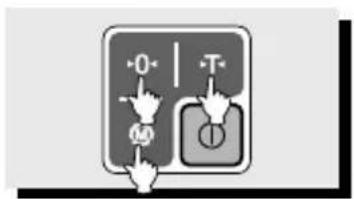
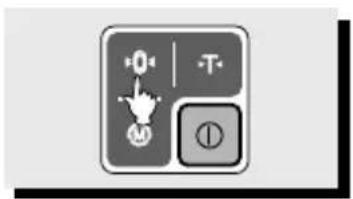
④Press the key to have number increase. To move flash to next digit, press the key.
⑤ Press key to set up HIGH limit. The display shows "0.000" and you can change these numbers by pressing Ⓜ key. If you want to move to next digit you can go by pressing key.
⑥If you set up HIGH limit you can go out by pressing -0 key, and you can see "ENd" message shortly and "WL on" message on the display.
⑦ If you set up HIGH limit and LOW limit incorrectly, "Err" will be shown on the display. Then you may need to set it up again. For example, LOW LIMIT=2.990 kg and HIGH LIMIT=1.990 kg this is incorrect setting because HIGH limit is lower than the LOW limit. When HIGH and LOW limit are set as the same or above maximum capacity it still shows "Err" message.
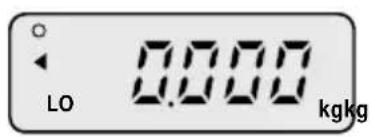
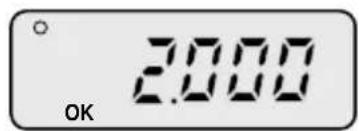
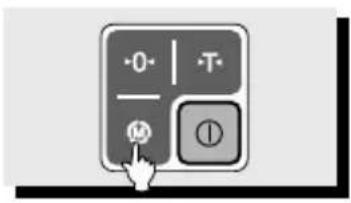
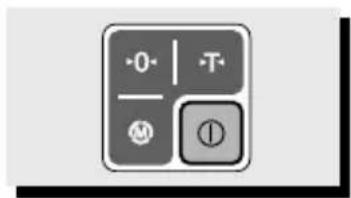
⑧If you want to go back to the simple weighing mode just press key twice.
⑨ Suppose that the HIGH limit and LOW limit are set up as 2.990kg and 1,990kg respectively. If the weight loaded is 2kg between HIGH and LOW limit the display shows "OK" and the scale continues to beep slowly. If the weight loaded is above 2.990kg, HIGH limit, the scale continues to beep rapidly.
6. Counting Function (SW-1C only)
■ Counting without Tare
natural_image
Simple line drawing of a rectangular object with a flat top and a gray bottom (no text or symbols)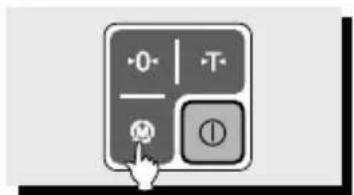
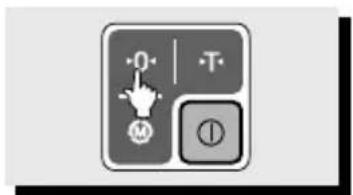
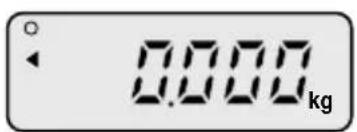
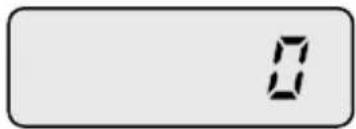
① Initial display as above.
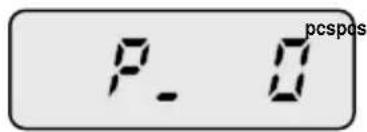
②Press key twice to go to sample unit selection mode.
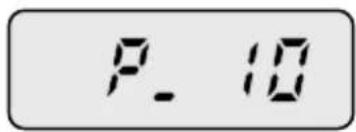
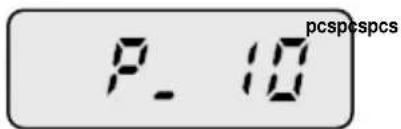
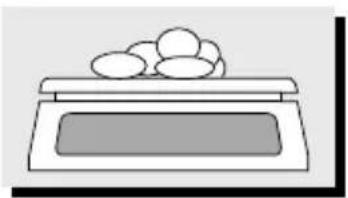
③ Press key to select the number of sample unit. You can select 10, 20, 30, 40, 50, 60, 70, 80, 90, 100, 200, 300, 400, or 500 as a sample unit.
natural_image
Simple line drawing of a kitchen appliance with a lid and a tray (no text or symbols)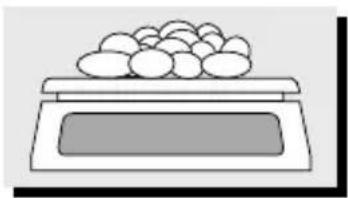
natural_image
Simple line drawing of a tray with a lid and a bowl of food (no text or symbols)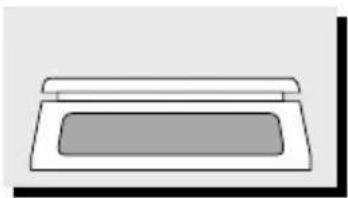
natural_image
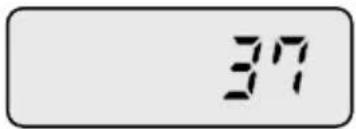
Simple line drawing of a rectangular object with a lid, resembling a printer or scanner (no text or symbols)④ If you select "P_10" as a sample unit, then please put 10 sample units on the scale. Then press key to set sample units.
⑤Put all of commodities you wish to count, and then check the number of pieces on display.
⑥Remove all of commodities from the scale.
■ Counting with Tare
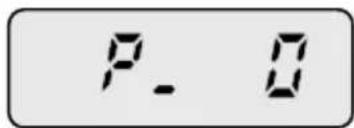
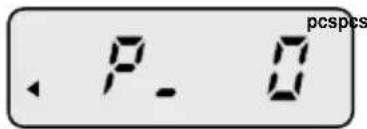
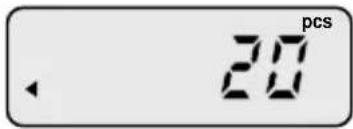
natural_image
Simple line drawing of a rectangular box with a lid (no text or symbols)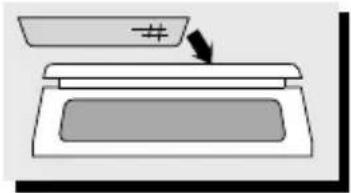
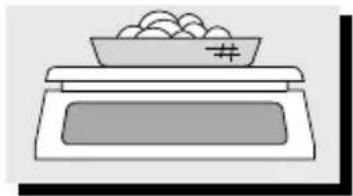
natural_image
Simple line drawing of a food counter with a bowl containing food items (no text or symbols)① Press key twice to go to sample unit selection mode. "PCS" is shown on the display, then press key to select the number of sample unit.
②Put the container on the scale and press key to set weight of tare. You can select 10, 20, 30, 40, 50, 60, 70, 80, 90, 100, 200, 300, 400, or 500 as a sample unit, by pressing key.
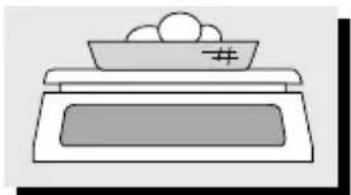
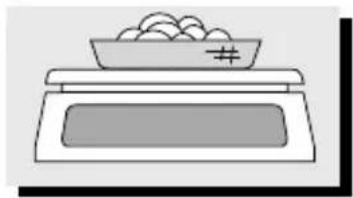
③ If the number of selected sample unit is 20, please put 20 sample units on the scale. Then press key to set unit weight.
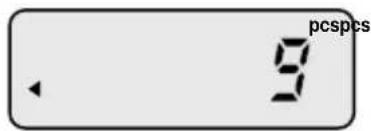
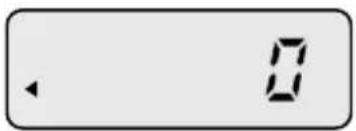
natural_image
Simple line drawing of a food item with a bowl and plate (no text or symbols)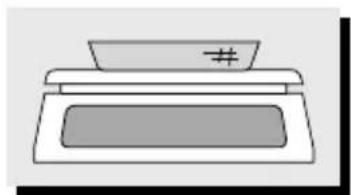
natural_image
Simple line drawing of a printer with a paper stack and a number '#' on top (no text or symbols)④ Put all of commodities you wish to count, and then count the number on display.
⑤ Remove all of commodities from the scale.
⑥ When you try to set the number of sample unit at the stage the display may show "LACK" message shortly. The result of counting may be incorrect in the following cases.
a.unit weight 1/2 e*
b. weight loaded 2% of maximum weighting capacity.
7. How to Set Auto Power Off
Auto-Power off function is to automatically power off as time is set. This function is helpful to save battery, which is not in use. The following is the setting procedure of Auto-power off.
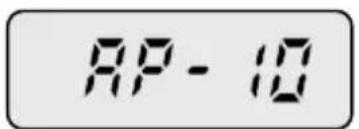
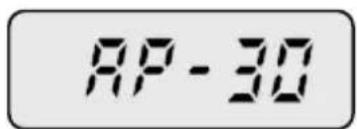
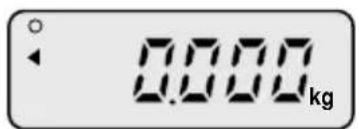
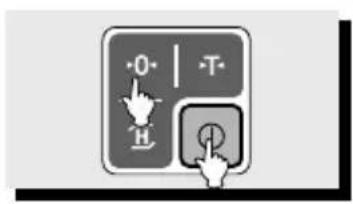
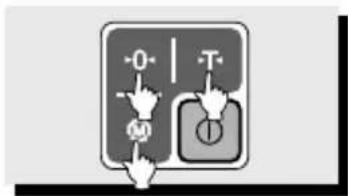
① When the scale is turned off press key, holding -0 key. Then you will see the "AP-10". (If you have set this before, display will show previous value.)
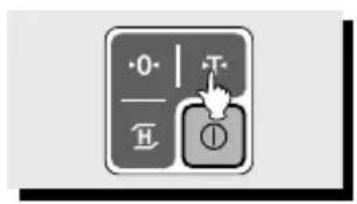
②Press the key until the display shows the "AP-x0" that you wish to take. (Refer to TABLE 1.)
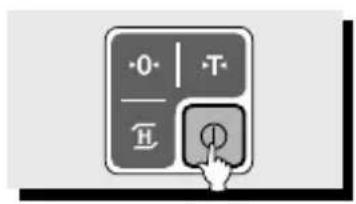
③ Press the key, and then the scale saves what you programmed and shows all the segments, counting up "0" to "9".
TABLE 1.
| DISPLAY | FUNCTION |
| AP-00 This function does not automatically power off. | |
| AP-10 This function does automatically power off when the scale is not in use for 10 minutes. | |
| AP-20 This function does automatically power off when the scale is not in use for 20 minutes. | |
| AP-30 This function does automatically power off when the scale is not in use for 30 minutes. | |
* "e" value may be various on capacity of product model.
Please refer to "SPECIFICATION" on page 15. For example, a product model which capacity is 2.000kg has 1g as "e" value
BATTERY MAINTENACE
LOW BATTERY WARNING
When the battery is low the display shows the "BAT" sign.
You can replace the battery new one.
If you still use the scale without replacing the battery the scale may provide incorrect result on measurement.
ERROR MESSAGE
| ERROR | REASONS | SOLUTIONS |
| Err | An error of the initial zero range | Set the platter empty. |
| Init | Problems on Analog Module | Try to turn OFF and ON the scale.Call your CAS dealer if still problems. |
| OFL | Overload on the platter | Remove it from the platterDo not put something exceeding maximum capacity on the platter |
| UNStA | Unstable conditions of scale | Make the scale stable conditions |
SPECIFICATIONS (SW-1S/1C)
| MODEL | SW1S/1C-02 | SW1S/1C-05 | SW1S/1C-10 | SW1S/1C-20 |
| Capacity / e | 2kg/0.001kg5 lb/0.002 lb80oz/0.05oz | 5kg /0.002kg10 lb/0.005 lb160oz/0.1oz | 10kg/0.005kg20 lb/0.01lb400oz/0.2oz | 20kg/0.01kg30 lb/0.02 lb800oz/0.5oz |
| Internal Resolution | 1/20,000 | 1/25,000 | 1/20,000 | 1/20,000 |
| External Resolution | 1/2,000 | 1/2,500 | 1/2,000 | 1/2,000 |
| Display | 110 ×35[mm]/43" ×13.8" 5 digit LCD | |||
| Symbols | STABLE, ZERO, TARE, HI/OK/LO, PCS, g, kg, lb, oz, Low BatteryHI/OK/LO & PCS (SW-1C only) | |||
| Keys | ZERO, TARE, HOLD(SW-1S only), MODE(SW-1C only), POWER | |||
| Functions | WeighingHold Function (SW-1S only)Counting-Counting SampleRange: 10~100,200,300,400,500 (SW-1C only)Weight Comparison Function: hi, ok, low(SW-1C only)Weight Unit Conversion Function: kg, lb, oz | |||
| Dimensions | 260(W) ×287(D) 137(H)[mm]/102(W) ×113(D) 54(H)[inch] | |||
| Platter size | 230(W) ×190(D)[mm]/90.55(W) 74.80(D)[inch] | |||
| Weight | 2.8kg | |||
| Power | 1.5V ×6 units (D size Battery) or 9V Adapter | |||
| Battery Life | Approx. 800hours (Manganese battery)/1600hours (Alkaline at 20°C/68°F) | |||
| Operating Temperature | -10°C 40°C / 14°F 104°F | |||
| Option | 9V Adapter 300mA, Rear Display, Stainless Tray | |||
▶ Notice: Specifications are subject to change for improvement without notice.
Balance simple
Modèle SW-1S / 1C
MANUEL D'UTILISATION
natural_image
Digital laboratory balance scale with digital display and control buttons (no visible text or symbols)EMGA
CONTENTS
PRECAUTIONS 4
PREFACE 6
NAMES AND FUNCTIONS 6
OPERATIONS 8
- Simple Weighing Mode 8
- Weighing with Tare 8
- Changing Unit of Weight 9
- Hold Function (SW-1S only) 9
- Comparator Function (SW-1C only) 10
- Counting Function (SW-1C only) 11
- Auto-Power Off Function 13
BATTERY MAINTENACE 14
ERROR MESSAGE 14
SPECIFICATIONS 15
PRECAUTIONS
natural_image
Simple line drawing of a tray with a box and a rectangular base (no text or symbols)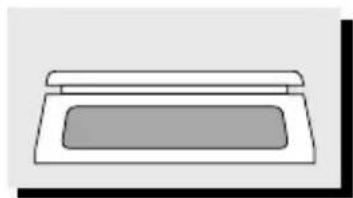
natural_image
Simple line drawing of a rectangular box with a lid, no text or symbols presentnatural_image
Simple line drawing of a tiered container with a handle and label (no text or symbols)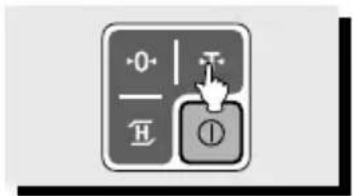
natural_image
Simple line drawing of a bowl placed on a tray with food items, no text or symbols present.natural_image
Simple line drawing of a rectangular object with a gray interior and top edge (no text or symbols)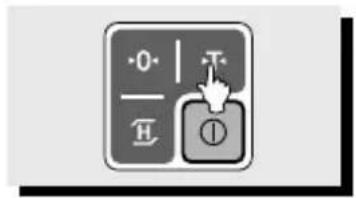
natural_image
Simple line drawing of a rectangular box with a lid (no text or symbols)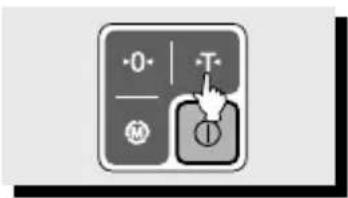
natural_image
Simple line drawing of a rectangular box with a lid (no text or symbols)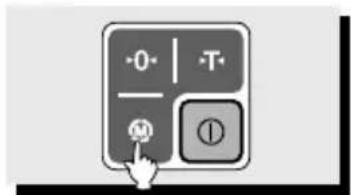
natural_image
Simple line drawing of a kitchen appliance with a lid and a tray (no text or symbols)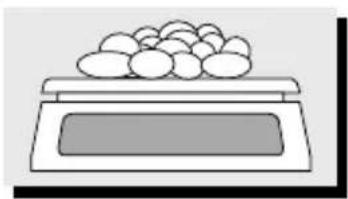
natural_image
Simple line drawing of a tray with eggs on top (no text or symbols)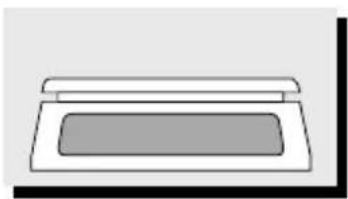
natural_image
Simple line drawing of a printer or printer with no text or symbolsnatural_image
Simple line drawing of a rectangular object with a lid and a horizontal bar (no text or symbols)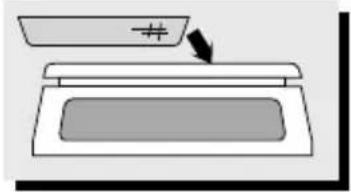
natural_image
Simple line drawing of a food stall with a bowl containing food items (no text or symbols)natural_image
Simple line drawing of a food item with a bowl and plate (no text or symbols)