Hummingbird 722X50 ED 52307 - Binoculars CELESTRON - Free user manual and instructions
Find the device manual for free Hummingbird 722X50 ED 52307 CELESTRON in PDF.

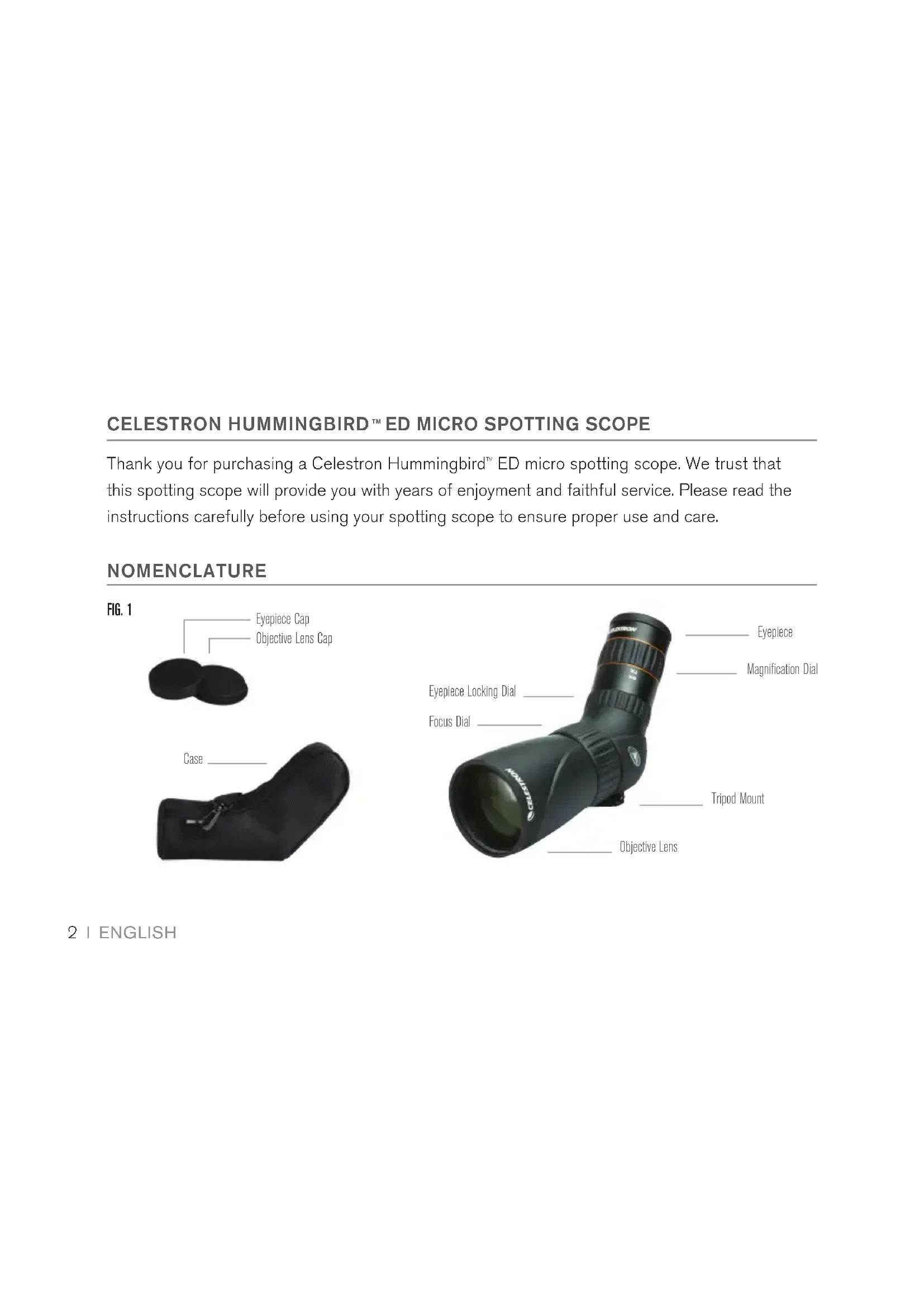


| Brand | Celestron |
| Model | Hummingbird 722X50 ED 52307 |
| Product Type | Spotting Scope |
| Optics | ED Glass (Extra-low Dispersion) |
| Objective Lens Diameter | 50 mm |
| Magnification | Variable (rotate eyepiece) |
| Focusing | Focusing knob |
| Eyepiece | With fold-down rubber eyecups |
| Tripod Mount | Yes, 1/2-20 thread |
| Use with glasses | Yes, eyecups folded down |
| Lens cleaning | Lens brush, compressed air, soft cloth |
| Maintenance | Store in a cool, dry place with desiccant |
| Safety | Never observe the sun |
| Warranty | Limited lifetime (material and workmanship defects) |
| Customer service | Celestron (USA/Canada) or local distributor |
| Recommended age | 14 years and up |
Frequently Asked Questions - Hummingbird 722X50 ED 52307 CELESTRON
User questions about Hummingbird 722X50 ED 52307 CELESTRON
0 question about this device. Answer the ones you know or ask your own.
Ask a new question about this device
Download the instructions for your Binoculars in PDF format for free! Find your manual Hummingbird 722X50 ED 52307 - CELESTRON and take your electronic device back in hand. On this page are published all the documents necessary for the use of your device. Hummingbird 722X50 ED 52307 by CELESTRON.
USER MANUAL Hummingbird 722X50 ED 52307 CELESTRON
ED Micro Spotting Scope
Instruction Manual #52307 #52308
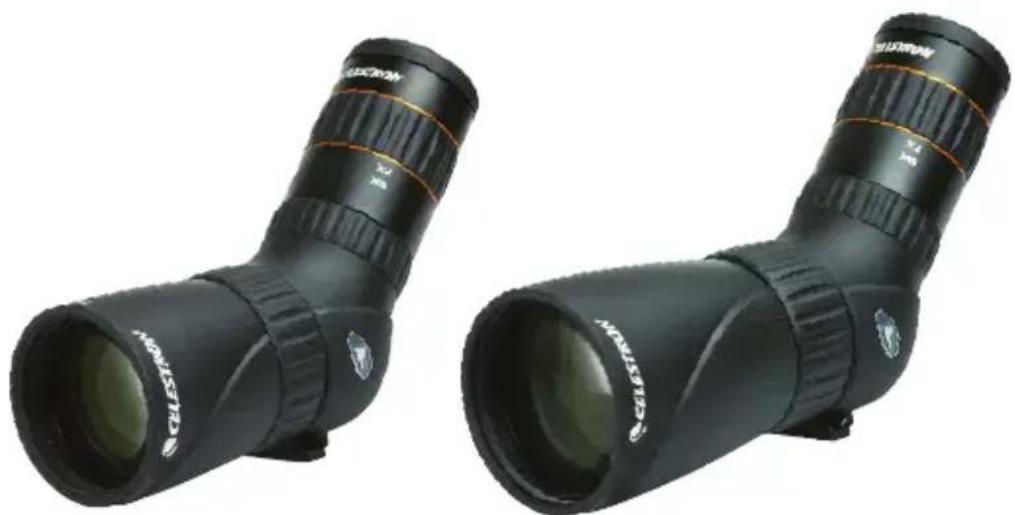
ENGLISH. 2
FRANÇAIS. 8
DEUTsCH. 15
ITALIANO 22
ESPANOL 29
CELESTRON HUMMINGBIRD ED MICRO SPOTTING SCOPE
Thank you for purchasing a Celestron Hummingbird™ ED micro spotting scope. We trust that this spotting scope will provide you with years of enjoyment and faithful service. Please read the instructions carefully before using your spotting scope to ensure proper use and care.
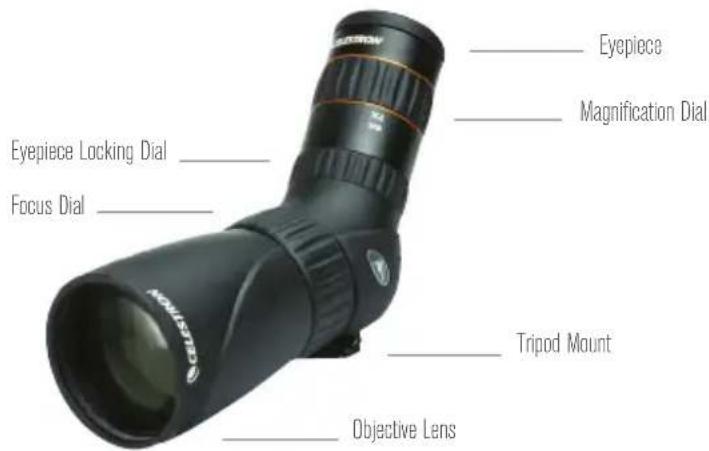
NOMENCLATURE
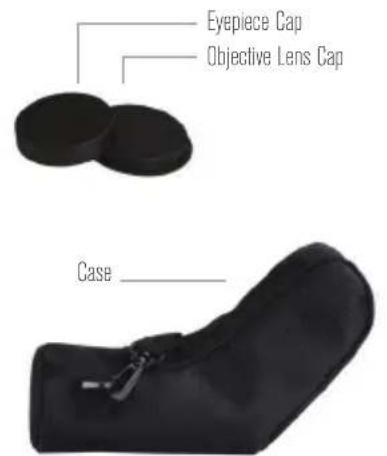
FIG.1

WARNING: Never look at the Sun while using your spotting scope. Looking at the Sun can cause permanent eye damage.
USE
The Celestron Hummingbird ED micro spotting scope can be used hand-held, or mounted on a tripod, monopod, window mount, or other stabilizing aid.
TRIPOD, MONOPOD, WINDOW MOUNT, ETC. MOUNTING
To attach the spotting scope to a stabilizing aid, simply attach the device's (or device mounting plate's) 1/2 -20 thread mounting bolt to the spotting scope's 1/2 -20 thread tripod mount.
USE WITH OR WITHOUT EYEGLASSES
The eyepiece included with the Celestron Hummingbird ED micro spotting scope, provides plenty of eye relief for use with or without eyeglasses. For use while wearing eyeglasses, leave the twist-up eyecup in the lowered position. For use while not wearing eyeglasses, twist the twist-up eyecup into the extended position.
FOCUSing
To ensure a crisp, sharp image, the spotting scope must be focused. To focus the spotting scope, slowly rotate the focus dial until the image in the eyepiece is clear and sharp. If you feel that the focus dial will not rotate any further, you have reached the end of its travel and need to turn the dial in the opposite direction.
CHANGING THE MAGNIFICATION
To change the magnification of the zoom eyepiece, simply rotate the magnification dial in the clockwise direction to increase the magnification and counterclockwise to decrease the magnification. When changing magnification the scope will need to be refocused. The largest field of view and brightest images will always be at the lowest magnification.
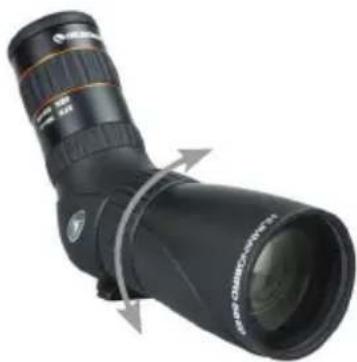
FIG. 2
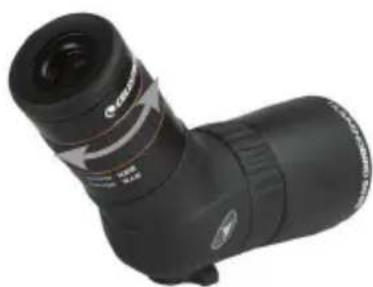
FIG. 3
CARE AND STORAGE
Your Celestron spotting scope will provide you years of dependable service if it is cared for and stored properly.
- Protect the spotting scope from impact and do not force any of the moving parts beyond their limits.
- Protect the optics of your spotting scope by putting on all lens caps when not in use.
-
Store your spotting scope in a cool, dry place whenever possible.
-
When storing for an extended period of time, place the spotting scope in a plastic bag or airtight container with a desiccant.
- Do not leave the spotting scope in a car on a hot/sunny day or near anything that generates heat as this may cause damage.
- Clean any dust, dirt or water that may get on the spotting scope or inside moving parts as soon as possible to prevent any unforeseen damage.
CLEANING
Proper cleaning of the lenses is essential to maintaining the optical integrity of your spotting scope. Dirty lenses diminish the amount of light transmitted through the spotting scope and your overall viewing experience.
- Remove any dust on the lenses with a soft lens brush or can of pressurized air.
- Remove any fingerprints, stains or smudges from the lens surface with a soft, clean lens
cloth or lens tissue by rubbing in a circular motion. Start in the middle of the lens and work your way to the edges. Breathe lightly on the lens to provide moisture if needed.
- For a more thorough cleaning we recommend the use of a lens/optics cleaning kit available at most photo or optical shops. Follow the directions supplied with the cleaning kit for best results.
SERVICE AND REPAIR
If warranty problems arise or repairs are necessary, contact the Celestron customer service department if you live in the United States or Canada. If you live outside of these countries,
please contact the dealer you purchased your spotting scope from or the Celestron distributor in your country. A list of our distributors can be found on our website.
WARRANTY
Your spotting scope is covered under the Celestron Limited Lifetime Warranty. Celestron warrants the spotting scope to be free from defects in materials and workmanship for the spotting scope's usable lifetime to the original owner. Celestron will repair or replace the spotting scope which, upon inspection by Celestron, is found to be defective in materials or workmanship and within the definitions of the limits described below.
This warranty does not cover products that have been subject to abuse, misuse, physically damaged, altered, or had unauthorized repairs or modifications. This warranty does not cover defects due to normal wear and tear and other conditions.
This warranty is valid to U.S.A. and Canadian customers who have purchased their spotting scope from an authorized Celestron dealer in the U.S.A. or Canada. For products purchased outside of the U.S.A. or Canada, please contact your local Celestron Distributor or authorized Dealer for applicable warranty information.
Additional warranty information and eligibility details can be found on the Celestron website.
This product is designed and intended for use by those 14 years of age and older.
Product design and specifications are subject to change without prior notification.
For complete specifications and product information, visit: www.celestron.com
2835 Columbia Street • Torrance, CA 90503 U.S.A
Tel: 1 (800) 421-9649

CELESTRON
HUMMINGBIRD MICRO LONGUE-VUE ED
MODE D'EMPLOI #52307 #52308
FRANÇAIS
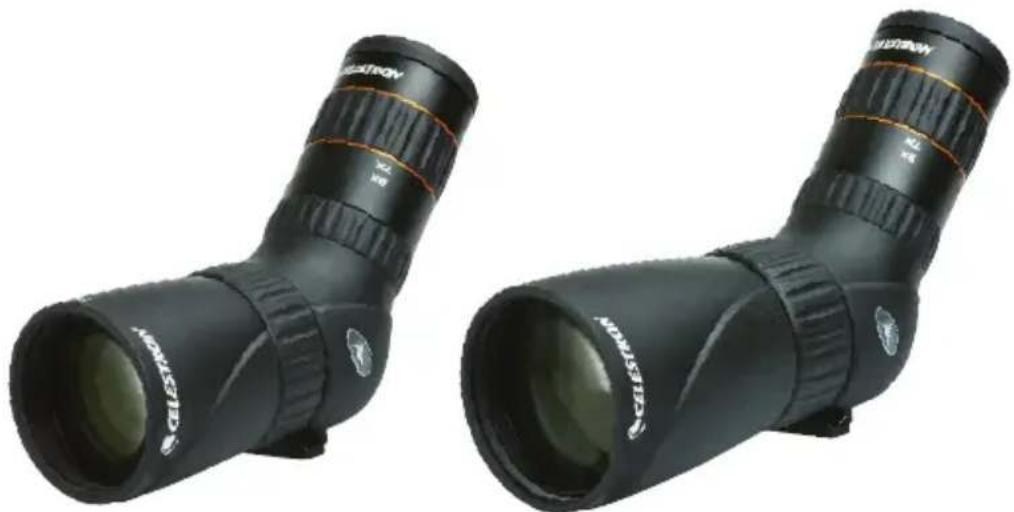
MICRO LONGUE-VUE HUMMINGBIRD™ CELESTRON
©2016 Celestron. All rights reserved. Printed in China 0113