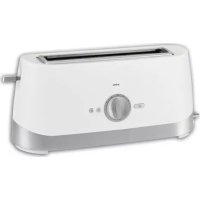
ORT62 - Toaster Orima - Free user manual and instructions
Find the device manual for free ORT62 Orima in PDF.

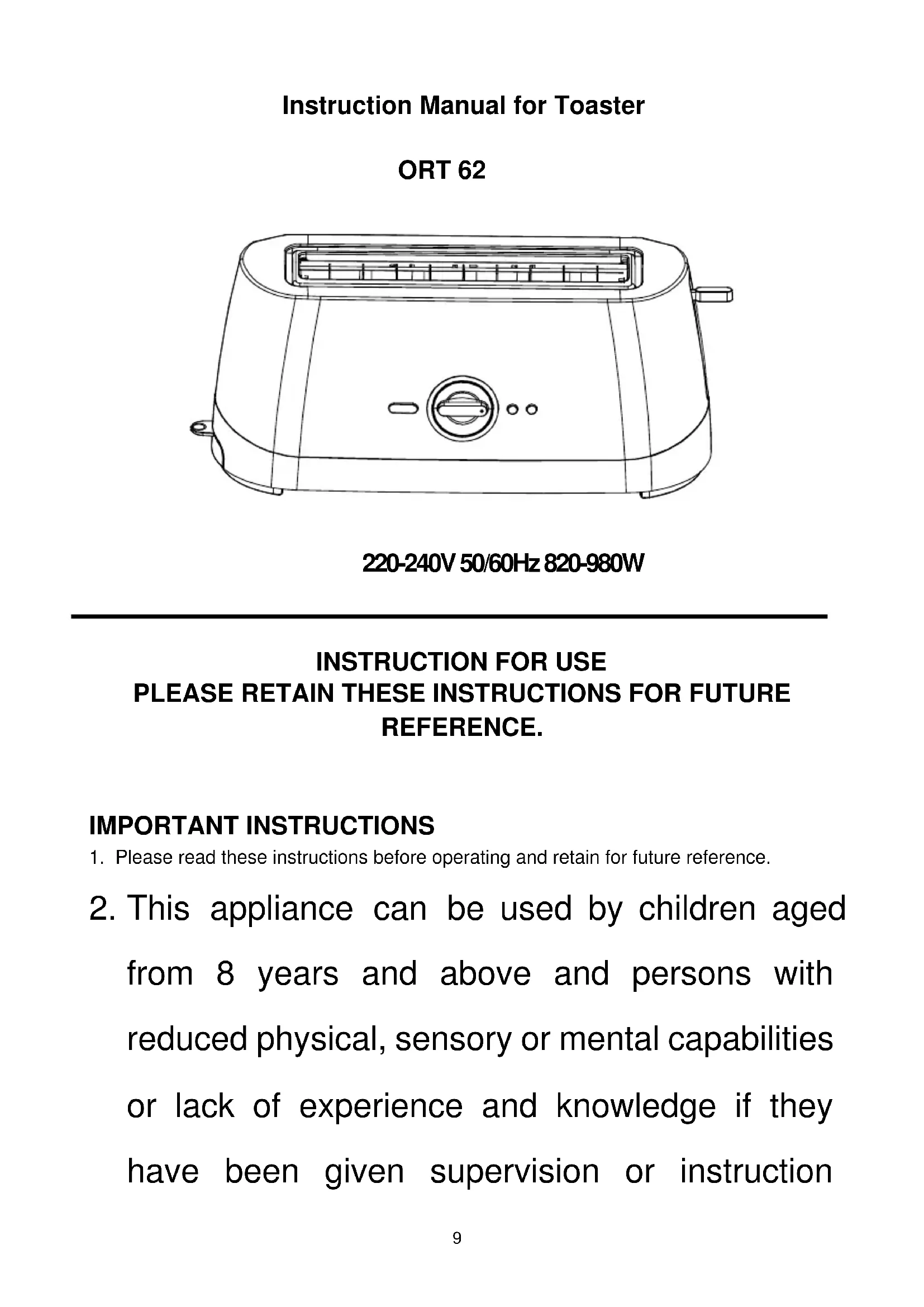


| Product type | 2-slice toaster |
| Brand | Orima |
| Model | ORT62 |
| Power supply | 220-240 V ~ 50/60 Hz |
| Power | 820-980 W |
| Number of slices | 2 |
| Browning settings | 7 levels (1 = light toast, 7 = dark toast) |
| Special functions | Defrost, reheat, cancel |
| Carriage lever | Yes, with auto-lock |
| Crumb tray | Removable, regular cleaning required |
| Exterior material | Heat-resistant plastic |
| Dimensions (approx.) | 27 x 18 x 19 cm |
| Weight (approx.) | 1.2 kg |
| Cable length | 0.8 m |
| Safety | Automatic shut-off at end of cycle, do not immerse |
| Cleaning | Exterior with damp cloth, interior by shaking out crumbs |
| Maintenance | Empty crumb tray regularly |
| Intended use | Domestic, indoor |
Frequently Asked Questions - ORT62 Orima
User questions about ORT62 Orima
0 question about this device. Answer the ones you know or ask your own.
Ask a new question about this device
Download the instructions for your Toaster in PDF format for free! Find your manual ORT62 - Orima and take your electronic device back in hand. On this page are published all the documents necessary for the use of your device. ORT62 by Orima.
USER MANUAL ORT62 Orima
facebook.com/orima.pt

MMA
TORRADEIRA
Toaster | Tostadora | Grille Pain
ORT-62
SERVICO DE APOIO AO CLIENTE
Apoio ao CLIENTE:
Tel.: (+351) 231 467 436 E: apoiocliente@orima.pt
Servico Pós Venda:
Tel.: (+351) 231 467 427 E: assistenciaorima.pt
Obrigado por ter adquirido este produits ORIMA. Por favor leia atentamente estemanualantesdeveniracusraoaparelho.
UK Thank you for purchasing this ORIMA product. Please read this manual carefully before using the appliance.
FR Merci d'avoir acheté ce produit ORIMA. Veuillez dire attentivement ce manuel avant d'utiliser l'appareil.
ES Gracias por haber adquirido este produits ORIMA. Por favor lea atentamente este manual antes de empezar a usar el aparato.
Instruction Manual for Toaster
ORT 62
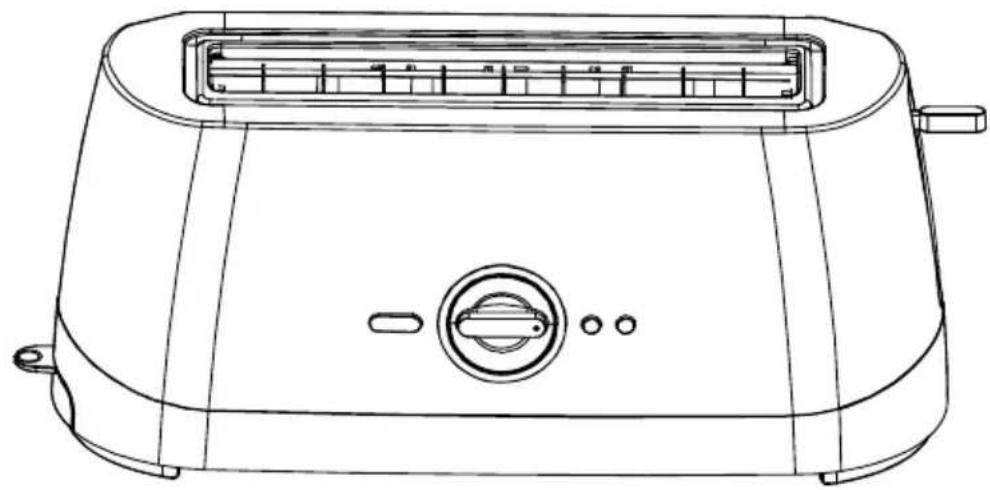
220-240V 50/60Hz 820-980W
INSTRUCTION FOR USE PLEASE RETAIN THESE INSTRUCTIONS FOR FUTURE REFERENCE.
IMPORTANT INSTRUCTIONS
-
Please read these instructions before operating and retain for future reference.
-
This appliance can be used by children aged from 8 years and above and persons with reduced physical, sensory or mental capabilities or lack of experience and knowledge if they have been given supervision or instruction
concerning use of the appliance in a safe way and understand the hazards involved. Children shall not play with the appliance. Cleaning and user maintenance shall not be made by children unless they are older than 8 and supervised.
- Keep the appliance and its cord out of reach of children less than 8 years.
- If the supply cord is damaged, it must be replaced by the manufacturer, its service agent or similarly qualified persons in order to avoid a hazard.
- The bread may burn, therefore do not use the toaster near or below combustible material, such as curtains.
-
The appliances are not intended to be operated by means of an external timer or separate remote-control system.
-
This appliance is intended to be used in household and similar applications such as :
-
staff kitchen areas in shops, offices and other working environments;
-farm houses; - by clients in hotels, motels and other residential type environments;
-
bed and breakfast type environments.
-
To protect against electrical hazard do not immerse any part of the appliance or cord in water or any other liquid.
- Close supervision is necessary when the appliance is near children.
- Do not leave the appliance unattended when in use.
- Always use the appliance on a dry, level surface.
- Do not use this appliance outdoors.
- Always unplug from the plug socket when not in use and before cleaning.
- Do not operate the appliance if damaged, after an appliance malfunctions or it has been damaged in any manner, return to the customer service department for repair, because special purpose tools are required.
- In the interest of safety, regular periodic close checks should be carried out on the supply cord to ensure no damage is evident. Should there be any signs that the cord is damaged in the slightest degree, the entire appliance should be returned to the customer service department.
- Do not let the cord hang over the edge of a table or counter or touch hot surfaces. Allow unit to cool before wrapping cord around base for storage.
-
Care must be taken, not to touch any hot surfaces, do not store or cover the appliance until it has fully cooled down.
-
Do not place this appliance on or near a hot gas or electric burner, in or where it could touch a heated oven, or a microwave oven.
- Do not use harsh abrasives, caustic cleaners or oven cleaners when cleaning this appliance.
- When using this appliance, allow adequate air space above and on all sides for air circulation. Do not allow this appliance to touch curtains, wall coverings, clothing, dishtowels or other flammable materials during use. CAUTION is required on surfaces where heat may cause a problem - an insulated heat pad is recommended.
- Do not use the toaster without the slide out crumb tray in place. The crumb try should be cleaned regularly. Do not allow crumbs to build up in the tray.
- Do not use this appliance with any foodstuff product containing sugar content or with products containing jam or preserves.
- The temperature of accessible surfaces may be high when the appliance is operating.
WARNING!!
Never attempt to extract jammed toast, muffins, bagels or any other item with a knife or any other object, as contact with live elements may cause electrocution. Allow the appliance to cool down, unplug and carefully remove the bread.
FEATURES OF TOASTER
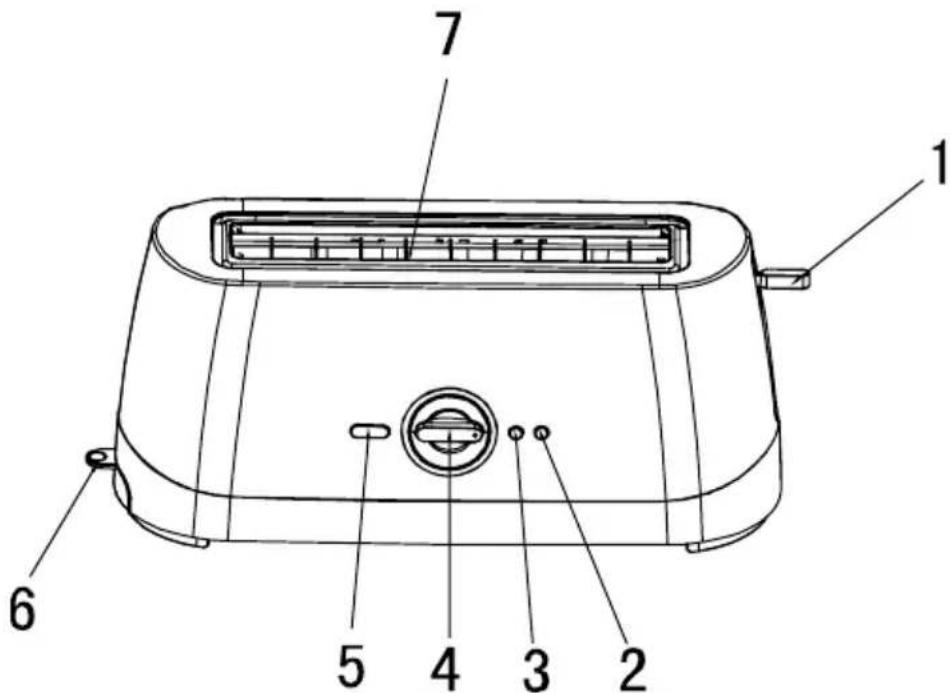
- Carriage control lever
- Frozen button
- Reheat button
- Electronic variable browning control.
- Cancel button
- Pull out crumb tray
- Variable width toasting slots
OPERATING TOASTER
- Insert the plug into a suitable mains supply socket and turn the power on.
- Place up to two slices of bread, muffins, or bagels into bread slots.
- Select the desired browning setting, from No.1 to No.7 on the browning control knob.(No.1-lightest, No.7-darkest).
When using the toaster for the first time we suggest you toast on number 3. Varying types of bread and personal preference may require a different browning setting.
- Press the carriage control lever down until it clicks into place. Toasting cycle will automatically commence. Please note: if the toaster is not plugged in and switched on at the power point the carriage control lever will not click into place.
- The toaster turns off when the desired toast colour is achieved and automatically raises the toast. The toasting process can be stopped at any time by pressing the
cancel button.
TOASTING FROZEN BREAD: To toast frozen bread, place the bread into the bread slots and select the desired browning setting. Press the carriage control lever down until it clicks into place then press the frozen button.
REHEATING TOAST: The toaster allows you to reheat toast without additional.
toasting. To reheat, place toast into bread slots, lower the carriage control lever until it clicks into place and press the reheat button.
In the unlikely event that the bread or crumpet becomes jammed, switch the toaster off at the power outlet, remove the plug from the supply socket and carefully ease the bread out of the toaster, ensuring that you do not damage the element.
CARE AND CLEANING
- Always turn the power off, remove the plug and allow the toaster to cool before cleaning.
- To remove any crumbs from the toaster, slide out the crumb tray from under the toaster, empty and replace in the toaster before using it again.
- Wipe the outside of the toaster with a slightly dampened cloth and polish with a soft dry cloth.
- Do not immerse the unit in water.
- To clean the interior, turn the toaster upside down over the sink and shake crumbs free.
The crumb tray should be cleaned regularly. Do not allow breadcrumbs to accumulate in the bottom of the toaster.
Correct Disposal of this product
This marking indicates that this product should not be disposed with other household wastes throughout the EU. To prevent possible harm to the environment or human health from uncontrolled waste disposal, recycle it responsibly to promote the sustainable reuse of material resources. To return your used device, please use the return and collection systems or contact the retailer where the product was purchased. They can take this product for environmental safe recycling.
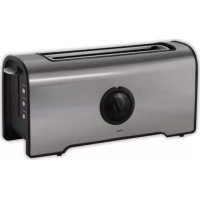
Brand : Orima
Model : ORT62
Category : Toaster