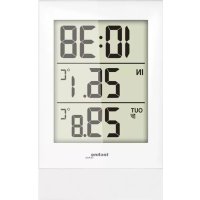
WS 9178 - Temperature Controller TECHNOLINE - Free user manual and instructions
Find the device manual for free WS 9178 TECHNOLINE in PDF.



| Product type | Temperature controller with wireless outdoor sensor |
| Brand | TECHNOLINE |
| Model | WS 9178 |
| Base station power supply | 2 AAA/LR03 micro batteries |
| Outdoor sensor power supply | 2 AA/LR06 mignon batteries |
| Transmission frequency | 433.92 MHz |
| Transmission range | Up to 60 m (200 ft) in open field |
| Indoor measurement range | 0°C to 50°C (32°F to 122°F) |
| Outdoor measurement range | -39.9°C to 59.9°C (-39.8°F to 139.8°F) |
| Main functions | Time display (12/24 hour format), indoor/outdoor temperature, min./max. temperature, manual time setting, °C/°F switching, manual sensor signal search |
| Low battery indicator | On base station and outdoor sensor |
| Number of supported sensors | 1 outdoor sensor (channel switch on 1) |
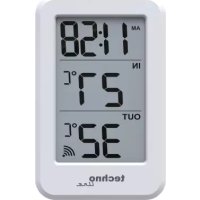
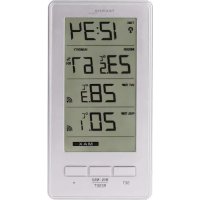
| Display | LCD screen with icons for time, indoor/outdoor temperature, battery |
| Maintenance and cleaning | Wipe with a soft, dry cloth. Do not use abrasive products. Protect from moisture, shocks, and direct sunlight. |
| Battery safety | Use only non-rechargeable alkaline batteries. Observe polarity. Do not mix old and new batteries. Remove used batteries immediately. Keep out of reach of children. |
| Usage precautions | Indoor use only. Do not open or modify the device. Avoid heat sources, moisture, and dust. Do not dispose of in fire. |
| General information | Indoor/outdoor weather station with wireless sensor. |
| Dimensions | Not specified in the manual |
| Weight | Not specified in the manual |
Frequently Asked Questions - WS 9178 TECHNOLINE
User questions about WS 9178 TECHNOLINE
0 question about this device. Answer the ones you know or ask your own.
Ask a new question about this device
Download the instructions for your Temperature Controller in PDF format for free! Find your manual WS 9178 - TECHNOLINE and take your electronic device back in hand. On this page are published all the documents necessary for the use of your device. WS 9178 by TECHNOLINE.
USER MANUAL WS 9178 TECHNOLINE
Manual time setting.
• Temperature alternatively in °C or °F .
12/24 hour time display.
Display of In/Outdoor Temperature and
MIN/MAX In/Outdoor Temperature
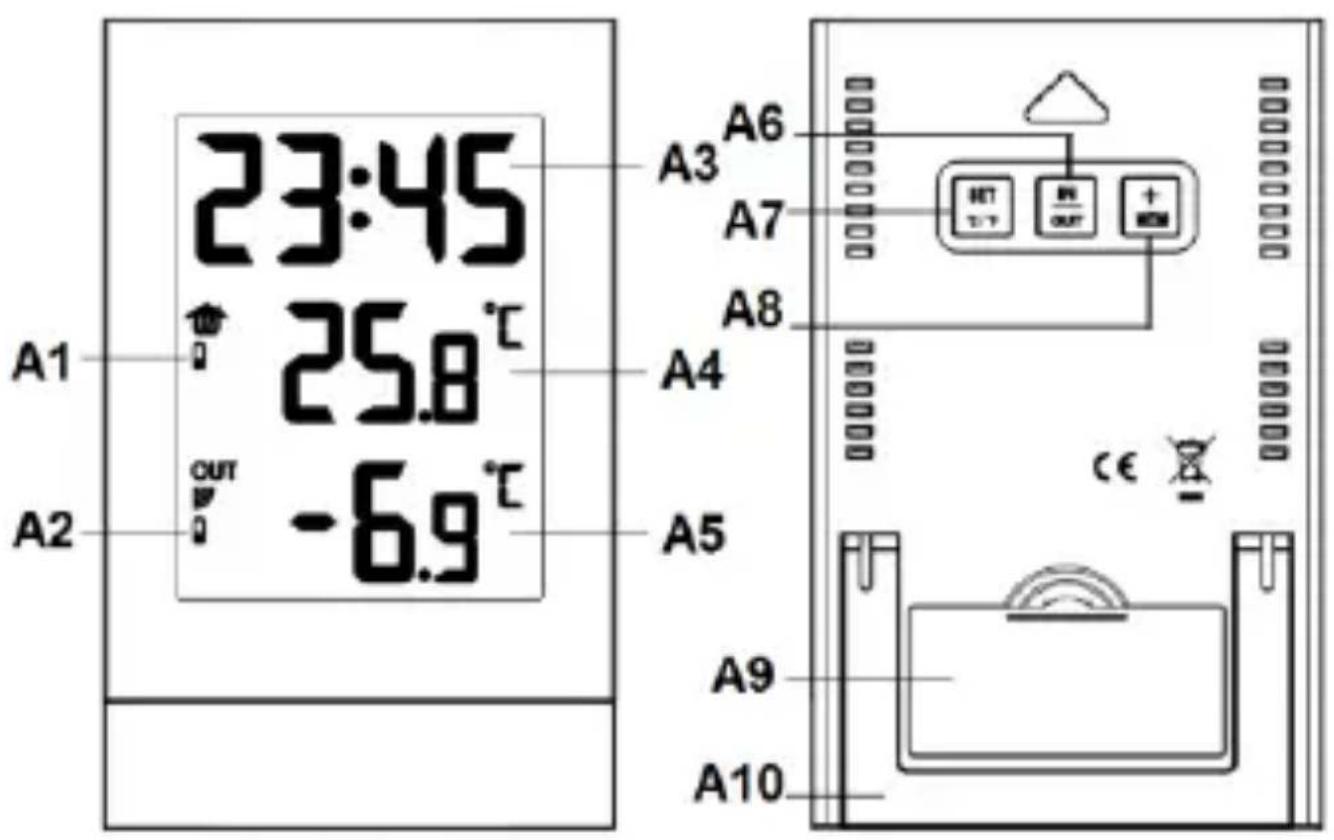
Overview:
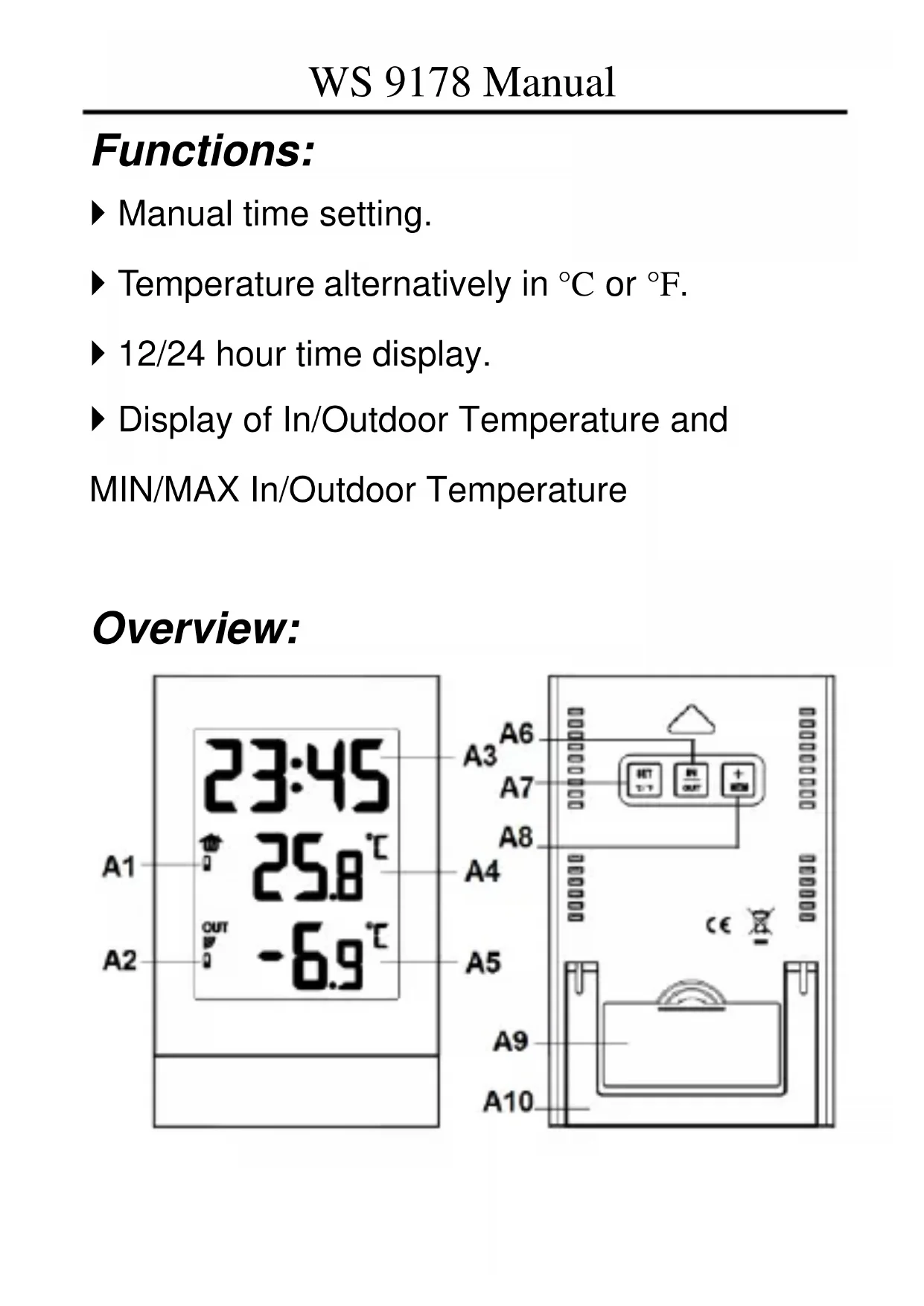
Main station
A1: Low battery indicator of station
A2: Low battery indicator of sensor
A3: Time
A4: Indoor temperature
A5: Outdoor temperature
A6: "IN / OUT" button
A7: "SET / °C/°F" button
A8: "+" / MEM" button
A9: Battery door
A10: Stand
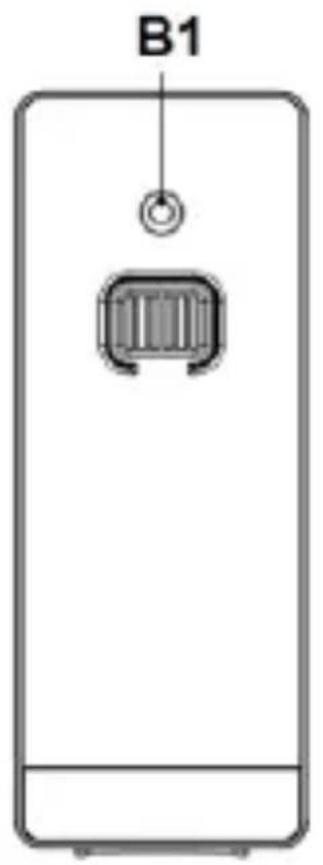
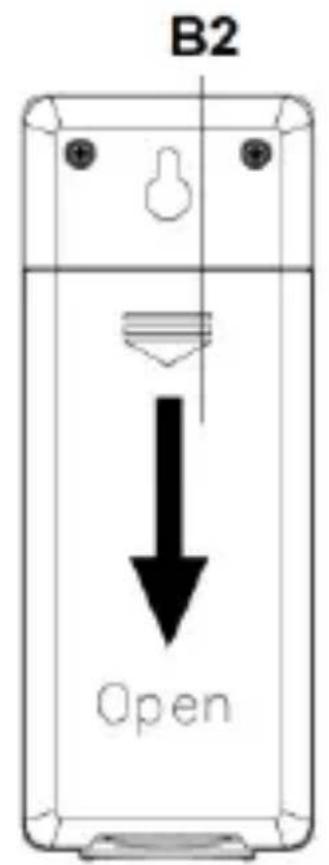
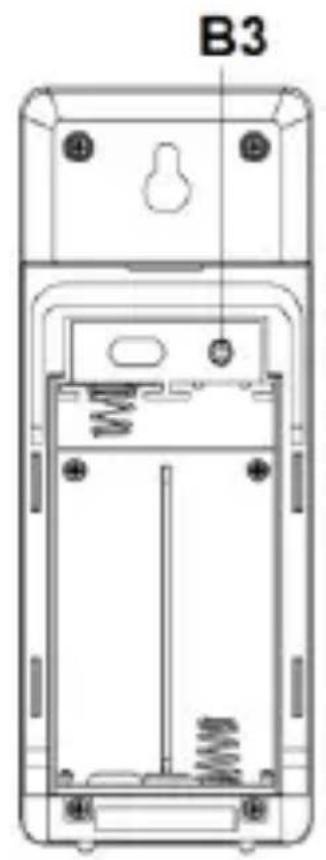
Outdoor transmitter
B1: Transmit indicate LED
B2: Battery door
B3: Reset button
Initial operation:
-
Open the battery compartment on the rear side of the outdoor remote sensor and insert 2 × AA batteries. Please observe the correct polarity. The channel switch (next to the „Reset“ button) needs to be set to 1. Close in the battery compartment
-
Open the battery compartment on the rear side of the base station and insert 2 x AAA batteries. Please observe the correct polarity. Close the battery compartment.
After inserting the batteries, all the icon on the LCD display will briefly light up for 3 seconds.
The base station will now start to make a connection to the outdoor sensor. This operation takes about 3 minutes and is displayed by a flashing reception radio antenna symbol in the "OUTDOOR" display area on the base station.
Manual time setting:
Press "SET" for about 3 seconds to confirm your setting, the 12/24 hour mode display
starts to flash. Press the "+" button to set the correct 12/24 hour mode.
Press "SET" again to confirm your setting, the Hour display starts to flash. Press the "+" button to set the correct hour.
Press "SET" again to confirm your setting, the Minute displays starts to flash. Press the "+" button to set the correct minute.
Press "SET" again to confirm your setting and to end the setting procedures, enter the Time Display Mode.
Note:
After 30 seconds without pressing any button, the clock switches automatically from Set Mode to Time Display Mode.
° C / ° F temperature display:
The temperature is displayed either in ° C or ° F . Press the “ ° C / ° F ” button to switch between the individual measuring units.
Maximum / Minimum Temperature display:
To toggle indoor/outdoor maximum value, press the "MEM" button.
- Once to show the maximum indoor/outdoor temperature values.
Twice to show the minimum indoor/outdoor temperature values.
Three times to return to the current temperature values.
To reset the maximum and minimum
temperature, press and hold down the “MEM” button for about 3 seconds. This will reset all minimum and maximum data recorded to the current displayed values.
IN/OUT temperature display:
Press the "IN/OUT "key to switch the position of indoor and outdoor temperature on display.
Wireless remote sensor
Transmitter frequency: 433.92 MHz.
Range of transmission is up to 60m (200feet).
Insert the 2 × AA batteries into the transmitter, please observe the correct polarity.
Hold the "IN/OUT" button for 3 seconds to manually search for an outdoor sensor signal.
Specifications:
Indoor measurement ranges: 0°C (32°F) 50°C (122°F)
Outdoor measurement ranges: -39.9°C (-39.8°F) ~ 59.9°C (139.8°F)
- Battery: 2 x AAA /LR03 Micro for base station
- 2 x AA/LR06 Mignon for outdoor sensor
Environmental reception effects
Same as all wireless devices, the reception of the station is maybe affected by the following circumstances:
- long transmitting distance
- among tall buildings
- inside concrete buildings
- near electrical appliances (computers, TV's, etc) and metallic structures
- inside moving vehicles
- Place the station at a location with optimal
signal, i.e. close to a window and away from metal surfaces or electrical appliances.
Keep in mind that the outdoor transmitter only has the optimal transmission range in open area with no obstructions. Each obstruction between the transmitter and the station (roof, walls, floors, ceilings, thick trees, etc.) will effectively cut the transmission range in half.
Precautions
- This main unit is intended to be used only indoors.
- Do not subject the unit to excessive force or shock.
- Do not expose the unit to extreme temperatures, direct sunlight, dust or humidity.
- Do not immerse in water.
- Avoid contact with any corrosive materials.
-
Do not dispose this unit in a fire as it may explode.
-
Do not open the inner back case or tamper with any components of this unit.
Batteries safety warnings
- Use only alkaline batteries, not rechargeable batteries.
- Install batteries correctly by matching the polarities (+/-) .
- Always replace a complete set of batteries.
- Never mix used and new batteries.
- Remove exhausted batteries immediately.
- Remove batteries when not in use.
- Do not recharge and do not dispose of batteries in fire as the batteries may explode.
- Ensure batteries are stored away from metal objects as contact may cause a short circuit.
- Avoid exposing batteries to extreme temperature or humidity or direct sunlight.
- Keep all batteries out of reach from children.
They are a choking hazard.
Use the product only for its intended purpose!
Consideration of duty according to the battery law
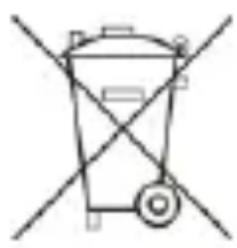
Old batteries do not belong to domestic waste because they could cause damages of health and environment. You can return used batteries free of charge to your dealer and
collection points. As end-user you are committed by law to bring back needed batteries to distributors and other collecting points!
Consideration of duty according to the law of electrical devices
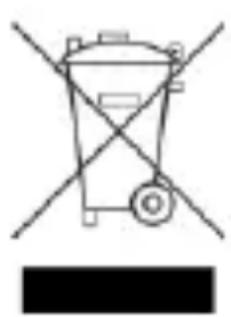
This symbol means that you must dispose of electrical devices separated from the General household waste when it reaches the end of its useful life. Take your unit to your local waste collection point or recycling centre. This
applies to all countries of the European Union, and to other European countries with a separate waste collection system.
Fonctions :
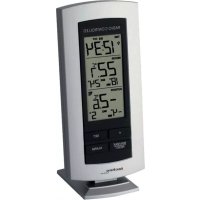
Brand : TECHNOLINE
Model : WS 9178
Category : Temperature Controller