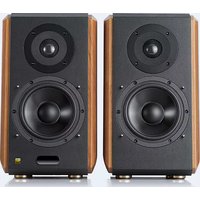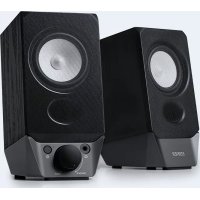
R19BT - Speaker EDIFIER - Free user manual and instructions
Find the device manual for free R19BT EDIFIER in PDF.



User questions about R19BT EDIFIER
0 question about this device. Answer the ones you know or ask your own.
Ask a new question about this device
Download the instructions for your Speaker in PDF format for free! Find your manual R19BT - EDIFIER and take your electronic device back in hand. On this page are published all the documents necessary for the use of your device. R19BT by EDIFIER.
USER MANUAL R19BT EDIFIER
EN Important safety instruction
- Please read the instructions carefully. Keep it in safe place for future reference.
- Use only accessories approved by the manufacturer.
• Install the instrument properly by following the instructions in the device connection section. - Using the product in a 0-35°C environment is recommended. Shipping and storing the product in a 0-35°C environment is recommended.
- To reduce the risk of fire and electric shock, do not expose the product to rain or moisture.
- Do not use this product near water. Do not immerge the product into any liquid or have it exposed to dripping or splashing.
- Do not install or use this product near any heat source (e.g. radiator, heater, stove, or other devices that generate heat).
- Do not place any object filled with liquids, such as vases on the product; neither should any open fire, such as lighted candles be placed on the product.
- Do not block any ventilation openings. Do not insert any object into ventilation openings or slots. It may cause fire or electric shock.
- Keep sufficient clearance around the product to maintain good ventilation (minimum 5cm is recommended).
- Do not force a plug into the jack. Before connection, check for blockage in the jack and whether the plug matches the jack and is oriented to the right direction.
- Keep the provided accessories and parts (such as screws) away from children to prevent from being swallowed by mistake.
- Do not open or remove the housing yourself. It may expose you to dangerous voltage or other hazardous risks. Regardless the cause of damage (such as damaged wire or plug, exposure to liquid splash or foreign object falling in, exposure to rain or moisture, product not working or being dropped, etc.), the repair has to be performed by an authorized service professional immediately.
- Before cleaning the product with dry cloth, always turn off the product and disconnect the power plug first.
- Never use strong acid, alkali, gasoline, alcohol, or other chemical solvents to clean the product surface. Use only neutral solvent or clear water for cleaning.
- The product must be used at an altitude of lower than 2000m.
Excessively loud music may lead to hearing loss. Please keep the volume in a safe range.
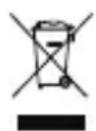
Correct Disposal of this product. This marking indicates that this product should not be disposed with other household wastes throughout the EU. To prevent possible harm to the environment or human health from uncontrolled waste disposal, recycle it responsibly to promote the sustainable reuse of material resources. To return your used device, please use the return and collection systems or contact the retailer where the product was purchased. They can take this product for environmental safe recycling.

This symbol indicates that the product is for indoor use only.
For wireless product:
- Wireless product may generate shortwave radio frequencies and interfere with the normal use of other electronic devices or medical equipment.
- Turn off the product when it's disallowed. Do not use the product in medical facilities, on airplane, at gas stations, near automatic gates, automatic fire alarm system or other automated devices.
- Do not use the product in the vicinity of a pacemaker within a 20cm range. The radio waves may affect the normal operation of the pacemaker or other medical devices.
What's in the box
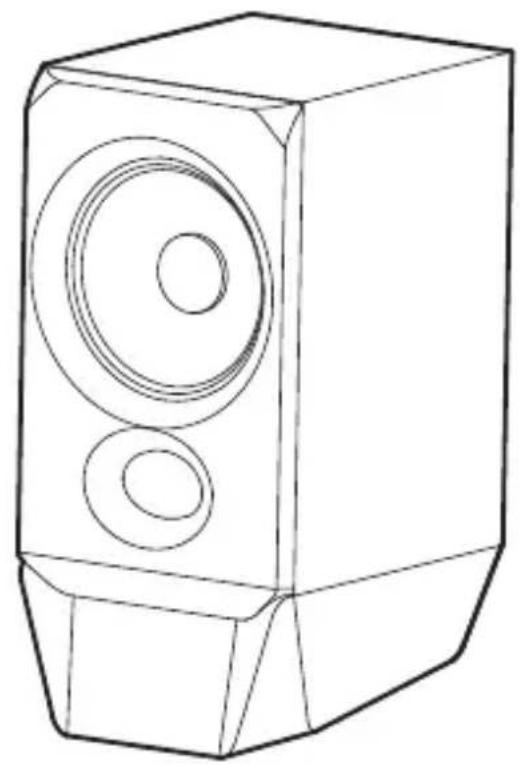
natural_image
Line drawing of a speaker with two circular speakers (no text or symbols)Passive speaker
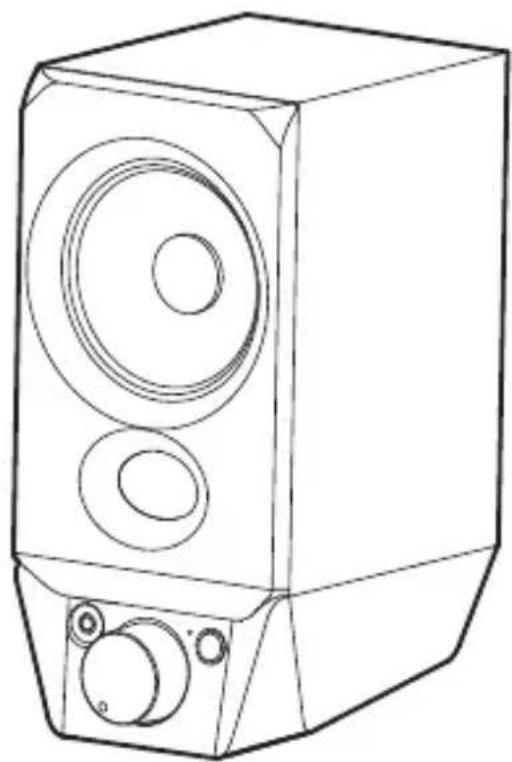
natural_image
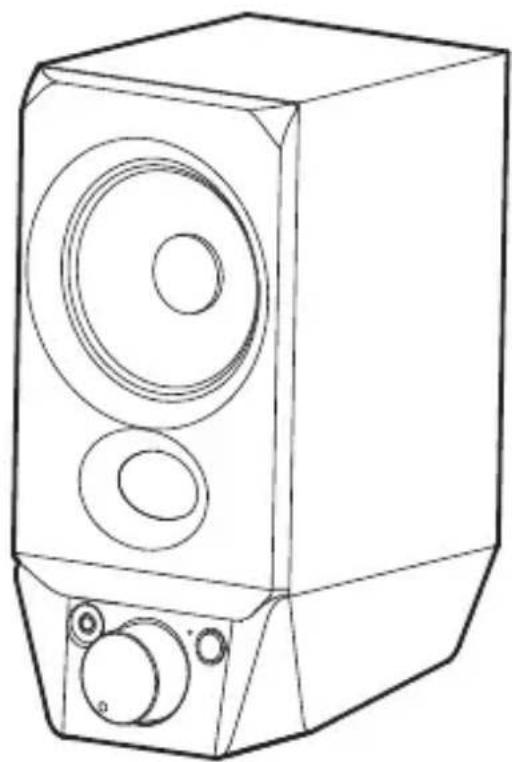
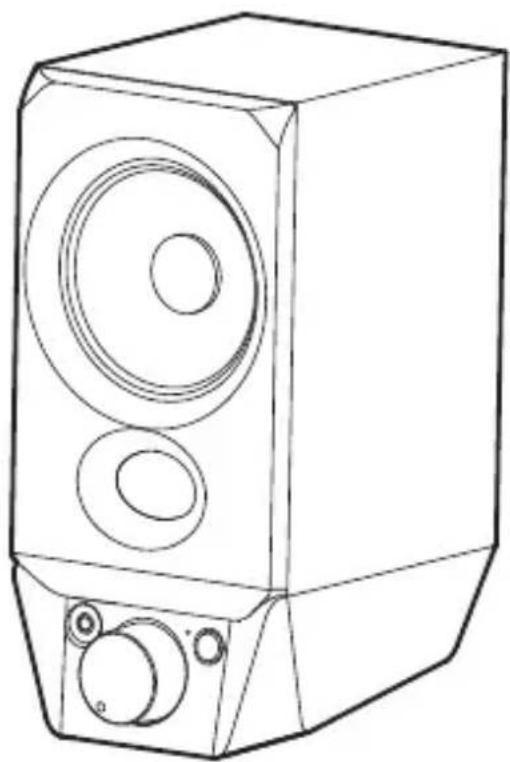
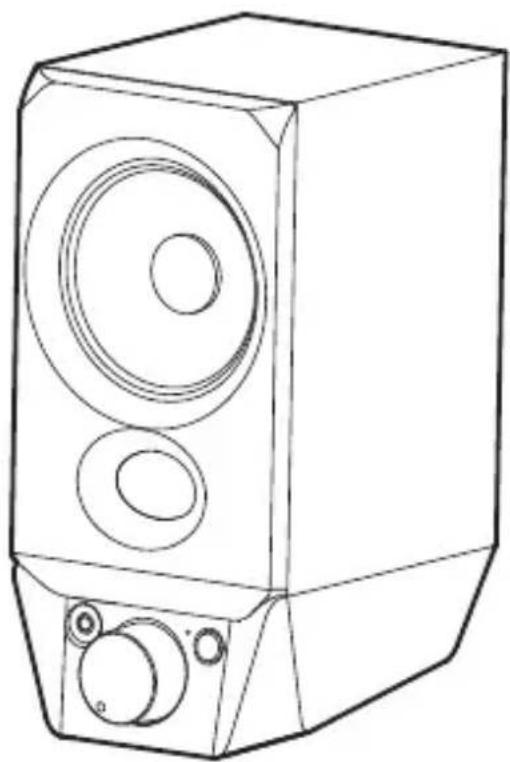
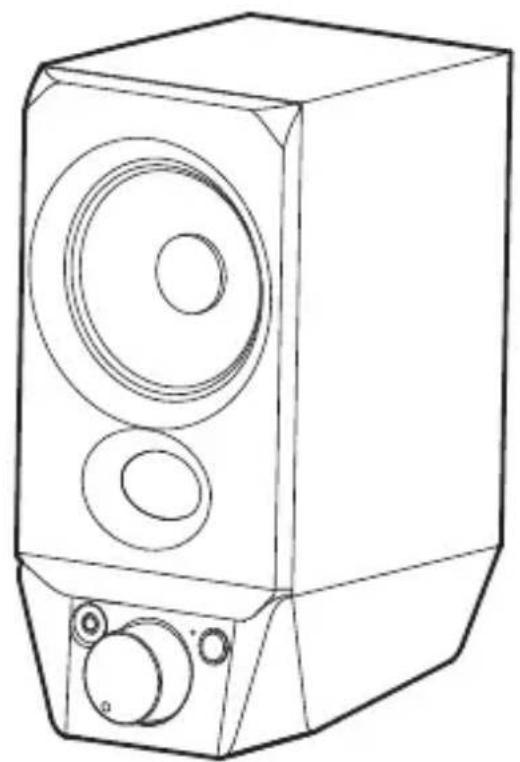
Line drawing of a speaker with two circular speakers and two buttons, no text or symbols presentActive speaker
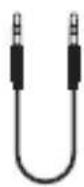
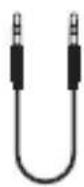
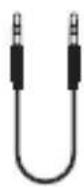
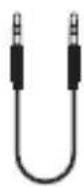
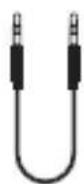
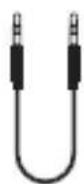
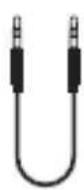
User manual3.5mm-3.5mm audio cabl
Note:
- Images are for illustrative purposes only and may differ from the actual product.
- For the need of technical improvement and system upgrade, information and specifications contained herein may be slightly different from actual product. If any difference is found, the actual product prevails.
Functional operation
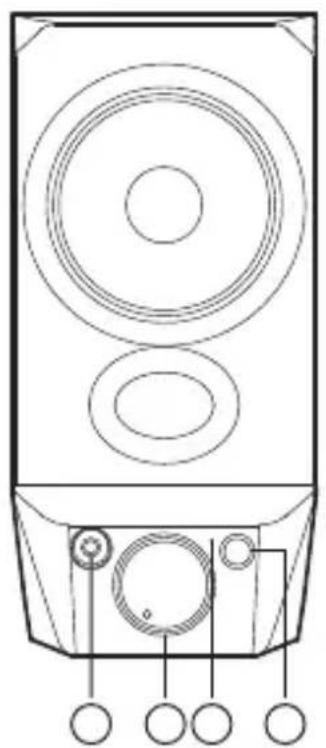
natural_image
Line drawing of a speaker tower with circular sound waves and labeled buttons (no text or symbols)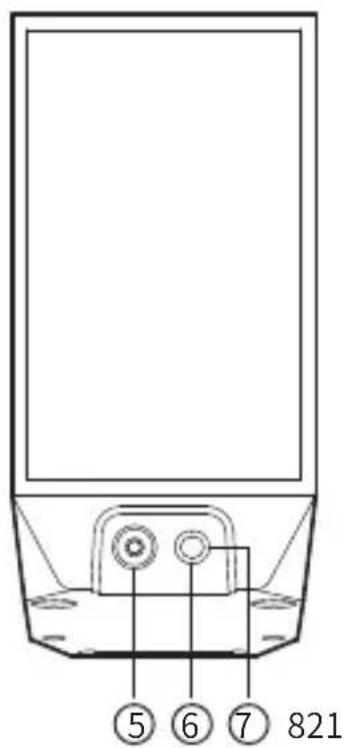
text_image
5 6 7 821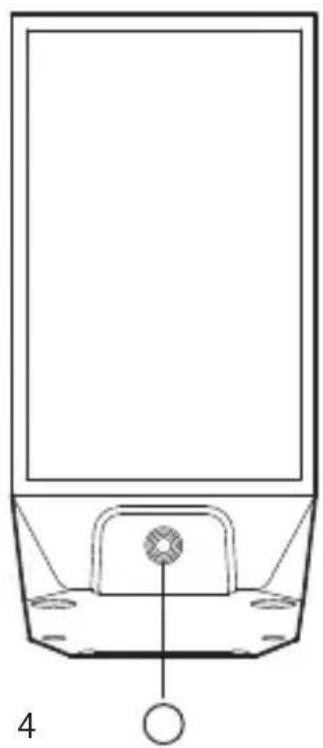
natural_image
Simple line drawing of a basketball court with an indoor table and a ball, no text or symbols present.- Earphone port
- Power switch/volume control
Power ON: rotate the knob to the right, it's ON if there is a "click" prompt tone
Power OFF: rotate the knob to the left, it's OFF if there is a "click" prompt tone
Volume up: rotate the knob clockwise
Volume down: rotate the knob counterclockwise
- Mode indicator
USB audio streaming input: red LED steady lit
Bluetooth input: blue LED steady lit
AUX input: green LED steady lit
- Mode switch button
Press: USB-Bluetooth-AUX mode switch
Press and hold: disconnect Bluetooth and clear pairing records (Bluetooth connected)
- AUX input
- USB connecting port
- Active & passive speaker connecting port
- Connect to active speaker
Note: The speaker does not support volume sync. If need to adjust the volume, please separately adjust the speaker volume and the computer volume.
Operation instructions
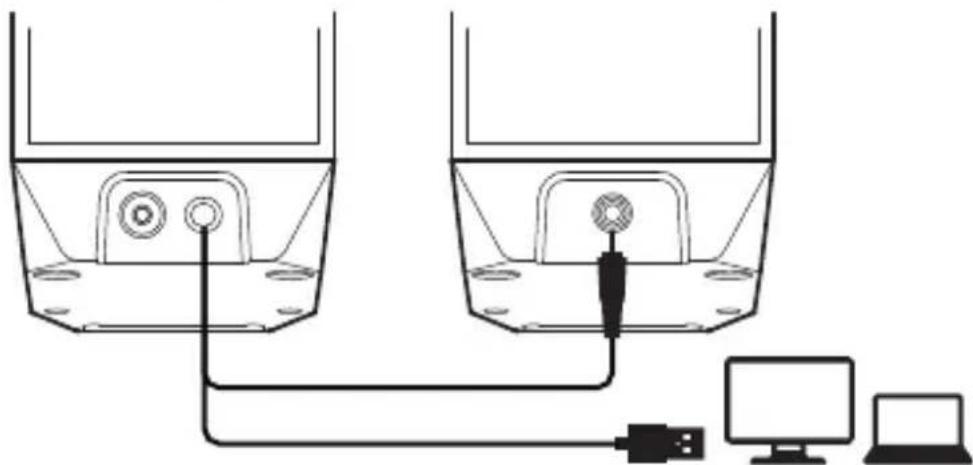
- USB audio streaming connection
natural_image
Diagram of a device setup with two containers connected to a computer and a laptop, no text or symbols present.- Connect the included USB cable to the computer, then rotate the "power switch/volume control" knob clockwise to power on.
- The computer will recognize the "EDIFIER R19BT" USB device and automatically switch to the USB audio streaming output.
- If not switch automatically, please open the sound settings of the computer and select the output device as "Speaker (EDIFIER R19BT)", the speaker is ready to use.
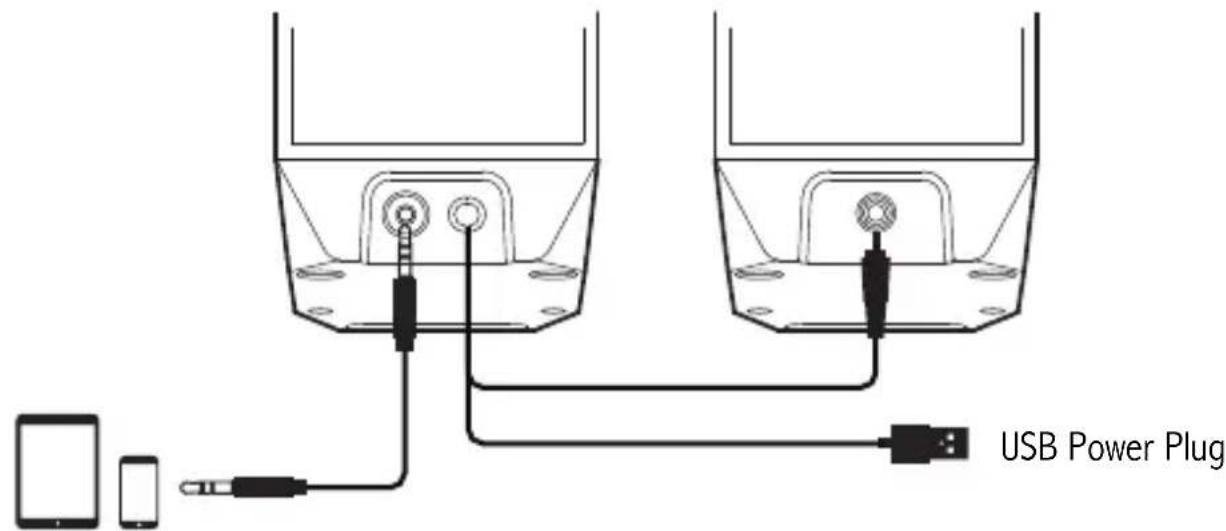
- AUX connection
text_image
USB Power Plug- Connect the 3.5mm-3.5mm audio cable to your device and the speaker to switch to AUX mode. Green LED will be steady lit.
- Select the audio file on your device to play, the speaker is ready to use.
Operation instructions
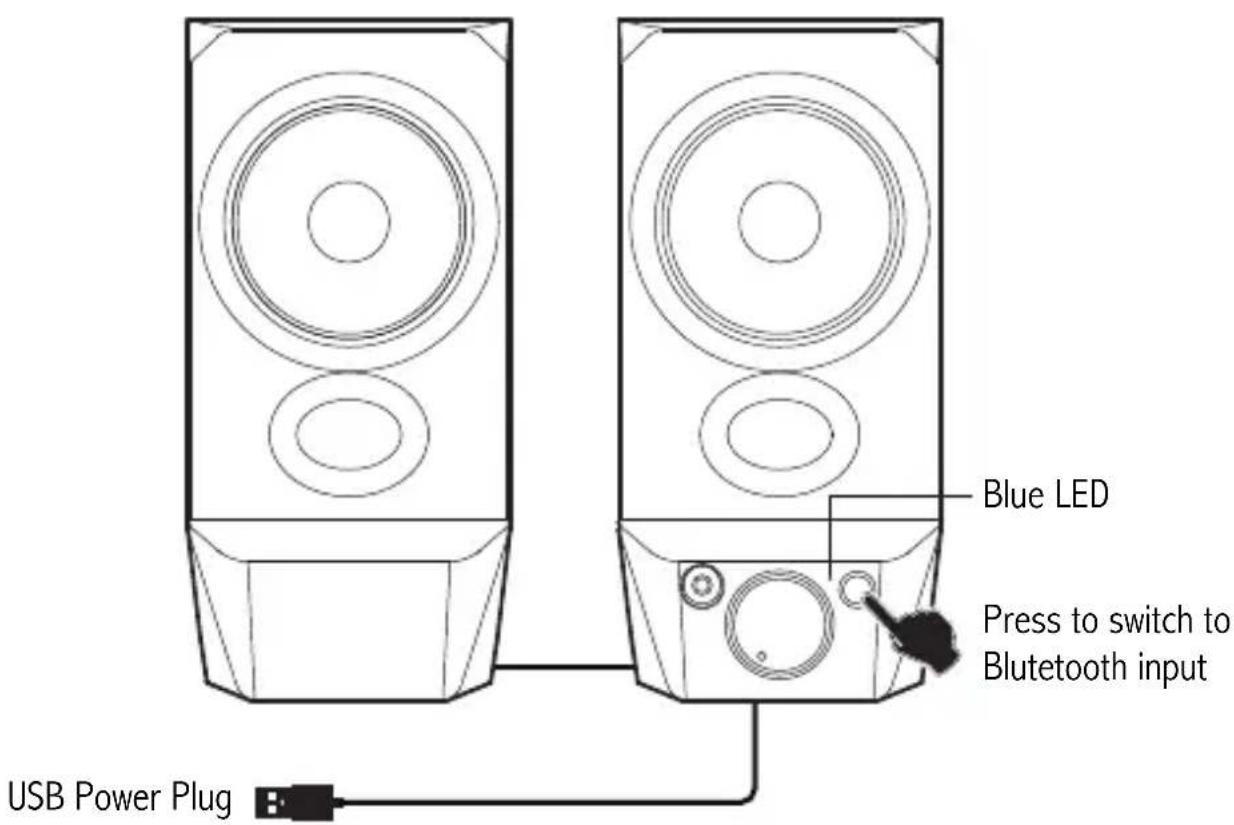
- Bluetooth connection
text_image
Blue LED Press to switch to Bluetooth input USB Power Plug- Press the "mode switch button" to switch to Bluetooth input. Blue LED will blink slowly.
- Select "EDIFIER R19BT" in your device setting to connect. Blue LED will be steady lit after connected.
Specifications
Power output: R/L: 2W+2W
Frequency response: 80Hz-19KHz
Input: 5V---1A
Troubleshooting
No sound
- Check if the speaker is ON.
- Try to turn up the volume using the volume control.
- Ensure the audio cables are firmly connected and the input is set correctly on the speakers.
- Check if there is a signal output from the audio source.
Cannot connect via Bluetooth
- Make sure the speaker is switched to Bluetooth input. If it is in other audio input modes, Bluetooth will not connect. Disconnect from any Bluetooth device by pressing and holding the mode switch button in Bluetooth mode, then try again.
- Effective Bluetooth transmission range is 10 meters; please ensure that operation is within the range.
- Try another Bluetooth device for connection.
Noise coming from speakers
- EDIFIER speakers generate little noise, while the background noise of some audio devices are too high. Please unplug audio cables and turn the volume up, if no sound can be heard at 1 meter away from the speaker, then there is no problem with this product.
To learn more about EDIFIER, please visit www.edifier.com
For EDIFIER warranty queries, please visit the relevant country page on www.edifier.com and review the section titled Warranty Terms.
USA and Canada: service@edifier.ca
South America: Please visit www.edifier.com (English) or www.edifierla.com
(Spanish/Portuguese) for local contact information.



@Edifierglobal @Edifier_Global @Edifier_Global
Model: EDF100039
Edifier International Limited
P.O. Box 6264
General Post Office
Hong Kong
Tel: +852 2522 6989
Fax: +852 2522 1989
www.edifier.com
© 2022 Edifier International Limited. All rights reserved.
Printed in China
NOTICE:
For the need of technical improvement and system upgrade, information contained herein may be subject to change from time to time without prior notice.
Products of EDIFIER will be customized for different applications. Pictures and illustrations shown on this manual may be slightly different from actual product.
If any difference is found, the actual product prevails.
FR Consignes de securite importantes
natural_image
Line drawing of a speaker with two circular speakers (no text or symbols)Haut-parleur passif
natural_image
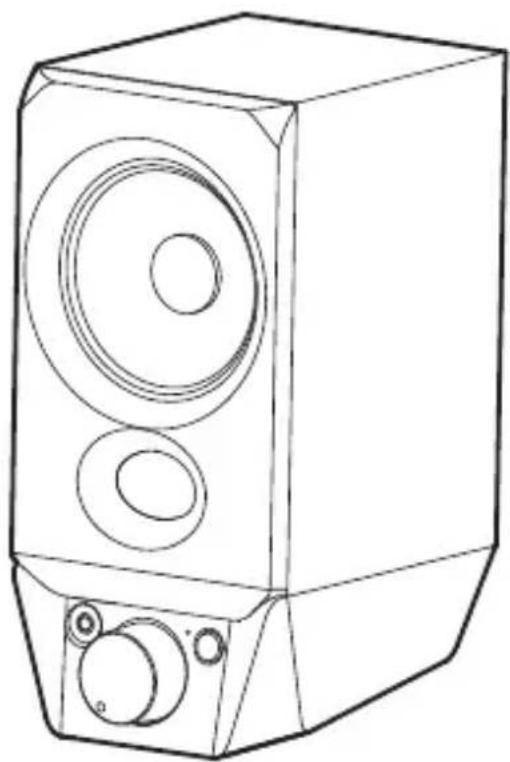
Line drawing of a speaker with two circular speakers and three buttons (no text or symbols)Haut-parleur actif
natural_image
Line drawing of a speaker tower with circular sound waves and control knobs (no text or symbols)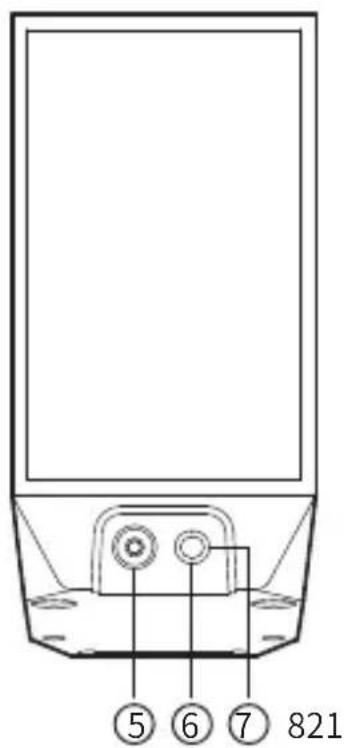
text_image
5 6 7 821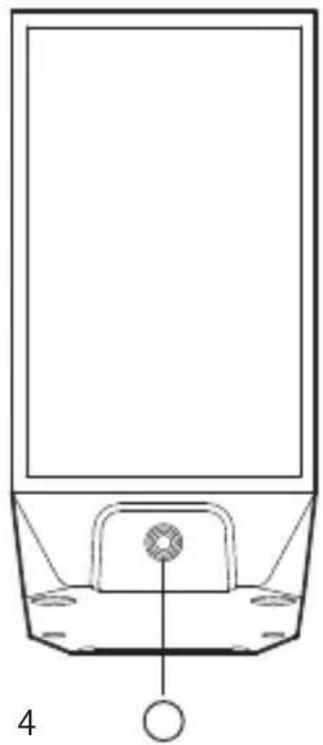
natural_image
Simple line drawing of a basketball court with an indoor podium and support structure (no text or symbols)natural_image
Diagram of a device setup with two containers connected to a computer and a laptop, no text or symbols present.natural_image
Line drawing of a speaker with two circular speakers (no text or symbols)Altavoz pasivo
natural_image
Line drawing of a speaker with two circular speakers and three buttons (no text or symbols)Altavoz activo
natural_image
Line drawing of a speaker tower with circular sound waves and labeled buttons (no text or symbols)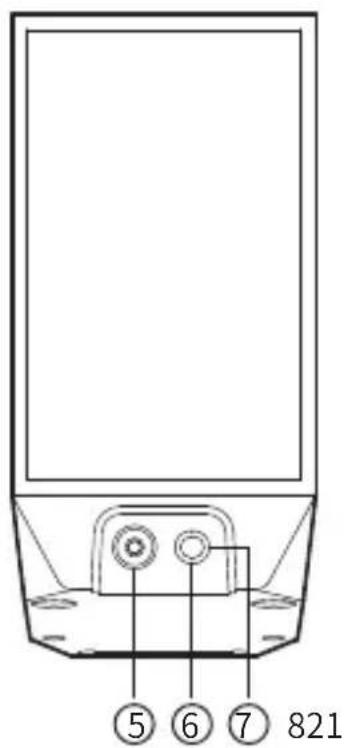
text_image
5 6 7 821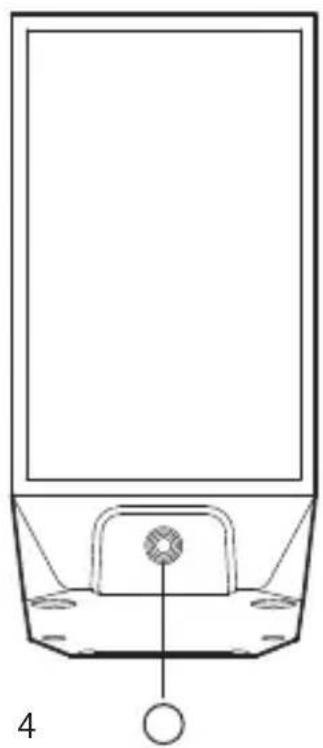
natural_image
Simple line drawing of a basketball court with an indoor podium and a ball, no text or symbols present.natural_image
Diagram of a device setup with two containers connected to a computer and a laptop, no text or symbols present.natural_image
Line drawing of a speaker with two circular speakers (no text or symbols)Passiv-Lautsprecher
natural_image
Line drawing of a speaker with two circular speakers and three buttons (no text or symbols)Aktiv-Lautsprecher
natural_image
Line drawing of a speaker with concentric circles and base components (no text or symbols)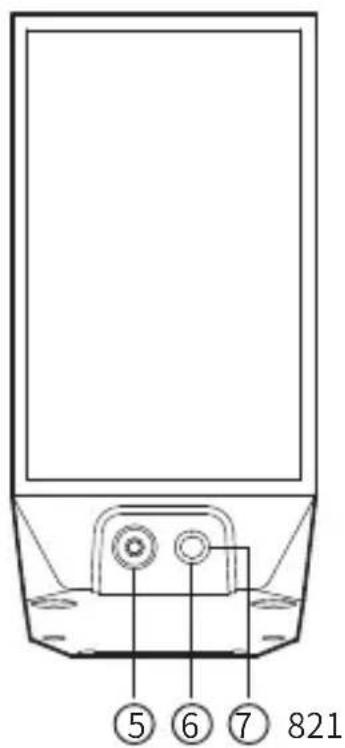
text_image
5 6 7 821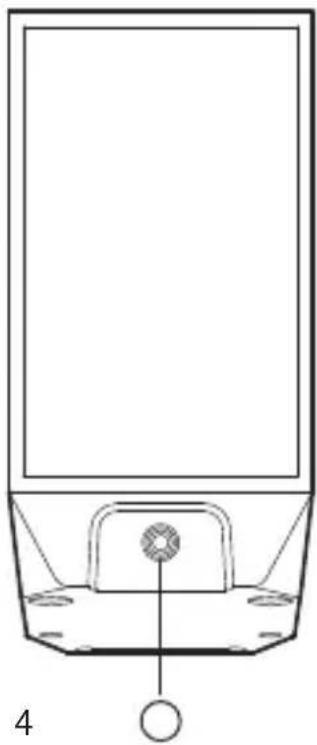
natural_image
Line drawing of a basketball court with an indoor seating area and a circular object at the base (no text or symbols)natural_image
Diagram of a device setup with two containers connected to a computer and a small device (no text or symbols present)natural_image
Line drawing of a speaker with two circular speakers (no text or symbols)natural_image
Line drawing of a speaker with two circular speakers and three buttons (no text or symbols)Altoparlante attivo
natural_image
Line drawing of a speaker tower with circular sound waves and control knobs (no text or symbols)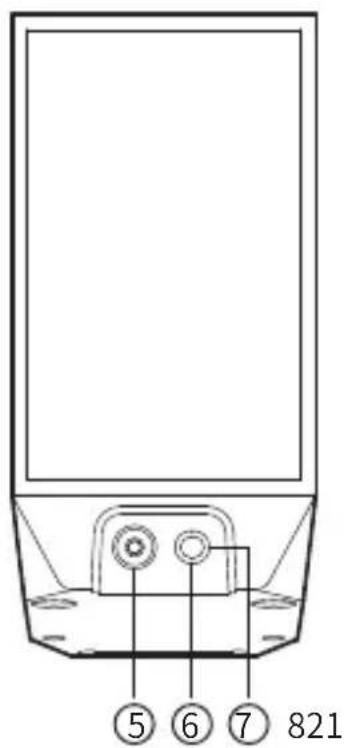
text_image
5 6 7 821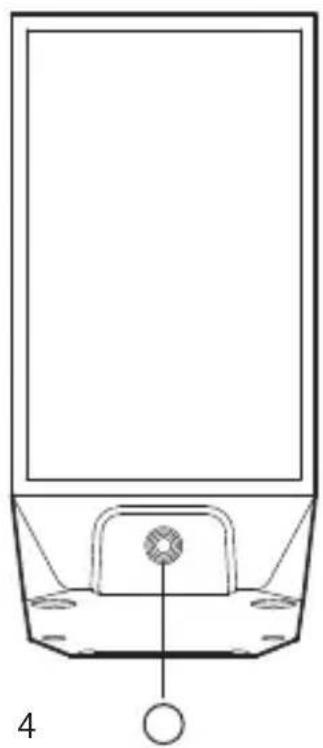
natural_image
Simple line drawing of a basketball court with an indoor podium and a ball, no text or symbols present.natural_image
Diagram of a device setup with two containers connected to a computer and a small device (no text or symbols present)natural_image
Line drawing of a speaker with two circular speakers (no text or symbols)Altifalante passivo
natural_image
Line drawing of a speaker with two circular speakers and three buttons (no text or symbols)Altifalante ativo
Manual do utilizadorCabo de áudio 3,5 mn
Nota:
natural_image
Line drawing of a speaker tower with circular sound waves and labeled buttons (no text or symbols)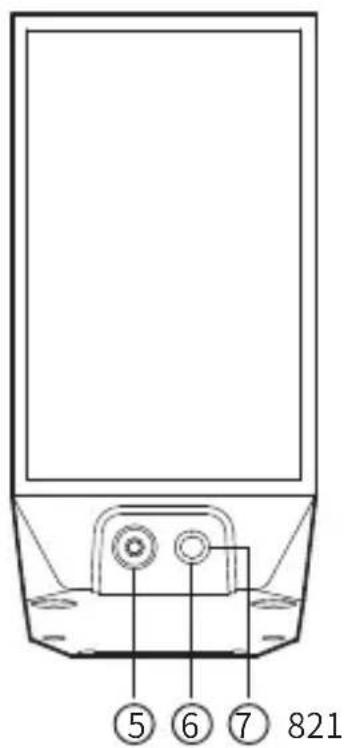
text_image
5 6 7 821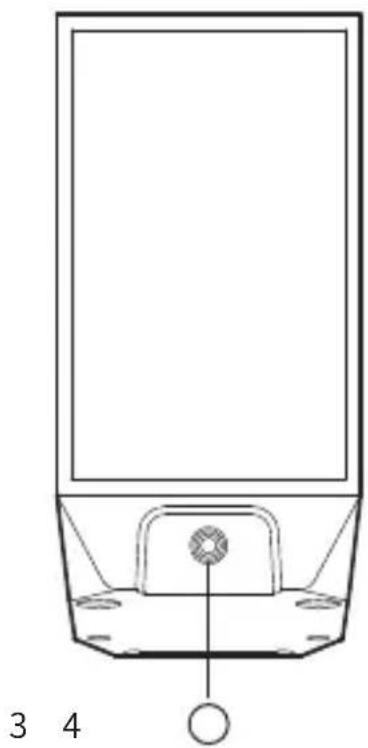
natural_image
Simple line drawing of a device with a central component and labeled parts 3 and 4 (no text or symbols on the diagram itself)natural_image
Diagram of a device setup with two identical containers connected to a computer and a small device (no text or symbols present)natural_image
Line drawing of a speaker with two circular speakers (no text or symbols)パッシブスピーカー
natural_image
Line drawing of a speaker with two circular speakers and two buttons, no text or symbols presentアクティブスピーカー
natural_image
Line drawing of a speaker tower with concentric circles and control knobs (no text or symbols)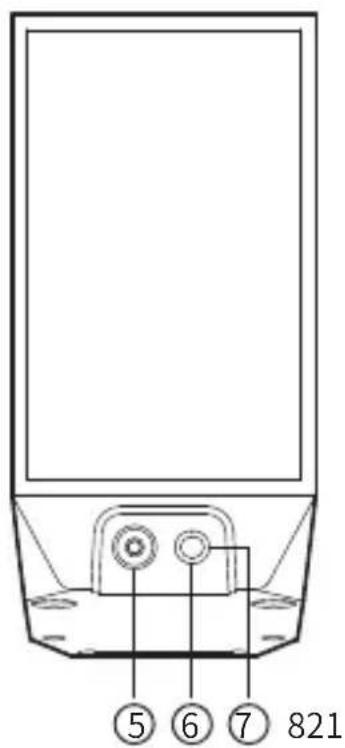
text_image
5 6 7 821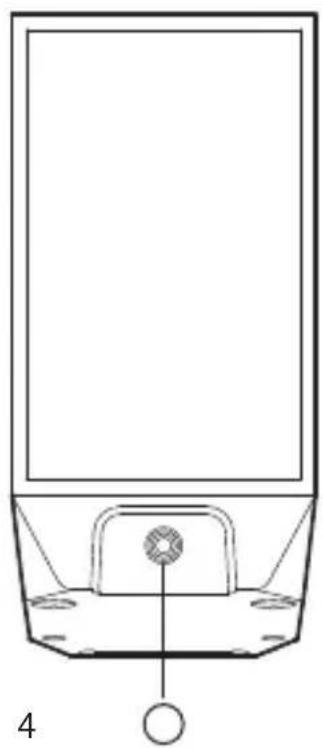
natural_image
Simple line drawing of a basketball court with an indoor podium and a ball, no text or symbols present.natural_image
Diagram of a device setup with two containers connected to a computer and a laptop, no text or symbols present.RF Power output: ≤ 10 dBm (EIRP)
There is no restriction of use.
Hereby, Edifier International Limited declares that the radio equipment type EDF100039 is in compliance with Directive 2014/53/EU. The full text of the EU declaration of conformity is available at the following internet address: https://www.edifier.com/int/eu-doc.html
FCC ID: Z9G-EDF168
IC: 10004A-EDF168