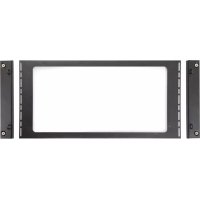
SRCTMTCVR750 - Desktop Computer Tripp Lite - Free user manual and instructions
Find the device manual for free SRCTMTCVR750 Tripp Lite in PDF.


| Product Type | Static Top Panel for Enclosure |
| Brand | Tripp Lite |
| Model | SRCTMTCVR750 |
| Category | Central Unit |
| Width | 750 mm |
| Depth | Variable depending on enclosure frame |
| Height | Panel thickness (approx. 1-2 cm) |
| Approximate Weight | 5 kg |
| Material | Steel |
| Color | Black |
| Package Contents | 1 top panel, 2 magnetic filler panels, 4 M6x12 screws, 4 M6 washers, 4 handles, 8 M4x10 screws |
| Main Function | Cover and seal the top of the enclosure frame |
| Fastening Type | M6x12 self-tapping screws |
| Included Accessories | Magnetic filler panels with handles |
| Installation Requires | Two people or lifting equipment |
| Environment | Indoor only |
| Safety Instructions | Installation by qualified personnel, do not use outdoors |
| Maintenance | Clean with soft, dry cloth, avoid abrasive products |
| Spare Parts Available | Screws, washers, handles on request |
| Compatibility | SRCTMTFRM frames, SRCTMTTLBM uprights, SRCTMTSDD doors |
Frequently Asked Questions - SRCTMTCVR750 Tripp Lite
User questions about SRCTMTCVR750 Tripp Lite
0 question about this device. Answer the ones you know or ask your own.
Ask a new question about this device
Download the instructions for your Desktop Computer in PDF format for free! Find your manual SRCTMTCVR750 - Tripp Lite and take your electronic device back in hand. On this page are published all the documents necessary for the use of your device. SRCTMTCVR750 by Tripp Lite.
USER MANUAL SRCTMTCVR750 Tripp Lite
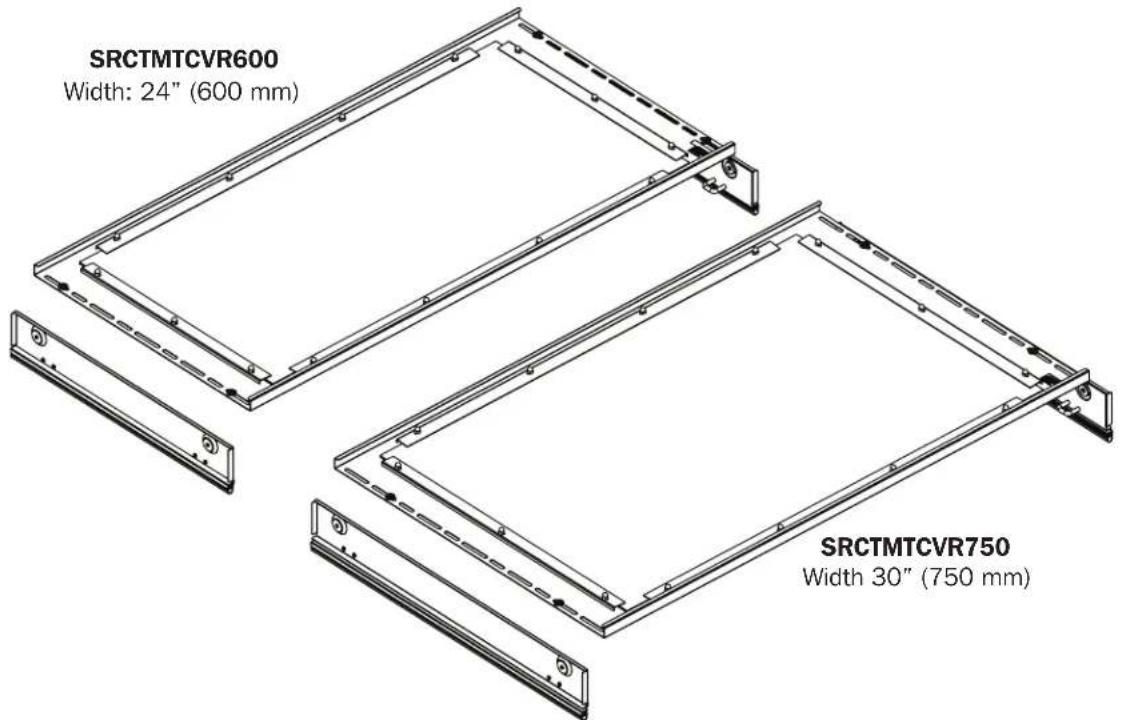
Static Roof Panel Kit for Aisle Containment System
Models: SRCTMTCVR600, SRCTMTCVR750
Español 5 • Français 9 • Русский 13

Recommended Installation Order:
- SRCTMTFRM Frame Kit
- SRCTMTTLBM Beam Kit
- SRCTMTSDD Sliding Double-Door Kit
- SRCTMTCVR600, SRCTMTCVR750 Static Roof Panel Kit
- SRCTMTR600SH, SRCTMTR600TL, SRCTMTR750SH, SRCTMTR750TL Adapter Riser Panels


Manufacturing Excellence.
1111 W. 35th Street, Chicago, IL 60609 USA • tripplite.com/support
Copyright © 2019 Tripp Lite. All rights reserved.
Important Safety Instructions
- This product should only be installed by someone of good mechanical ability, with basic building experience and a full understanding of the instructions in this guide.
• Always use an assistant or mechanical lifting equipment to safely lift and position equipment. - This product is intended for indoor use only. Install in a controlled indoor environment. Do not install outdoors or in harsh environments.
Parts List
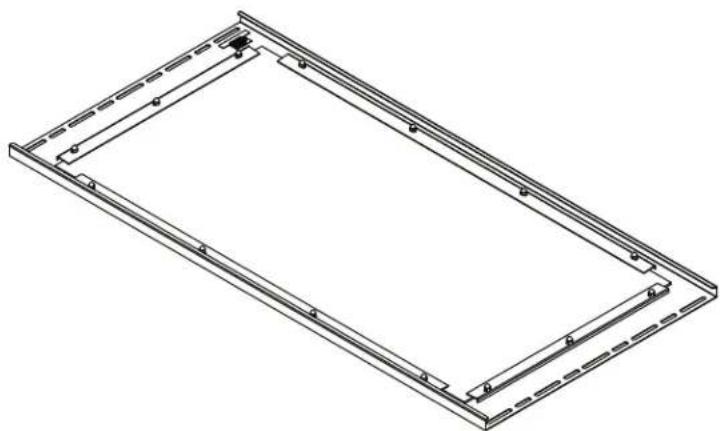
natural_image
Isometric line drawing of a rectangular frame with internal supports and mounting holes (no text or symbols)Roof Panel
(x1)
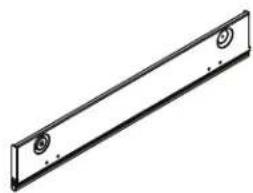
natural_image
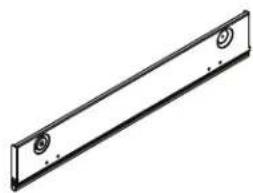
Simple line drawing of a rectangular metal plate with two circular cutouts (no text or symbols)Magnetic Filler Panel (x2)

M6 x 12
Self-Tapping Screw
(x4)

M6 Washer (x4)
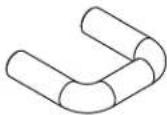
Magnetic Filler Panel
Handle
(x4)

M4 x 10
Screw
(x8)
Installation
Before proceeding with installation, make sure the SRCTMTFRM Frame Kit, SRCTMTTLBM Beam Kit, SRCTMTSDD Sliding Double-Door Kit and SRCTMTRXXX Adapter Riser Panels (if necessary) have been properly assembled.
Refer to the products' Installation Guides for more information.
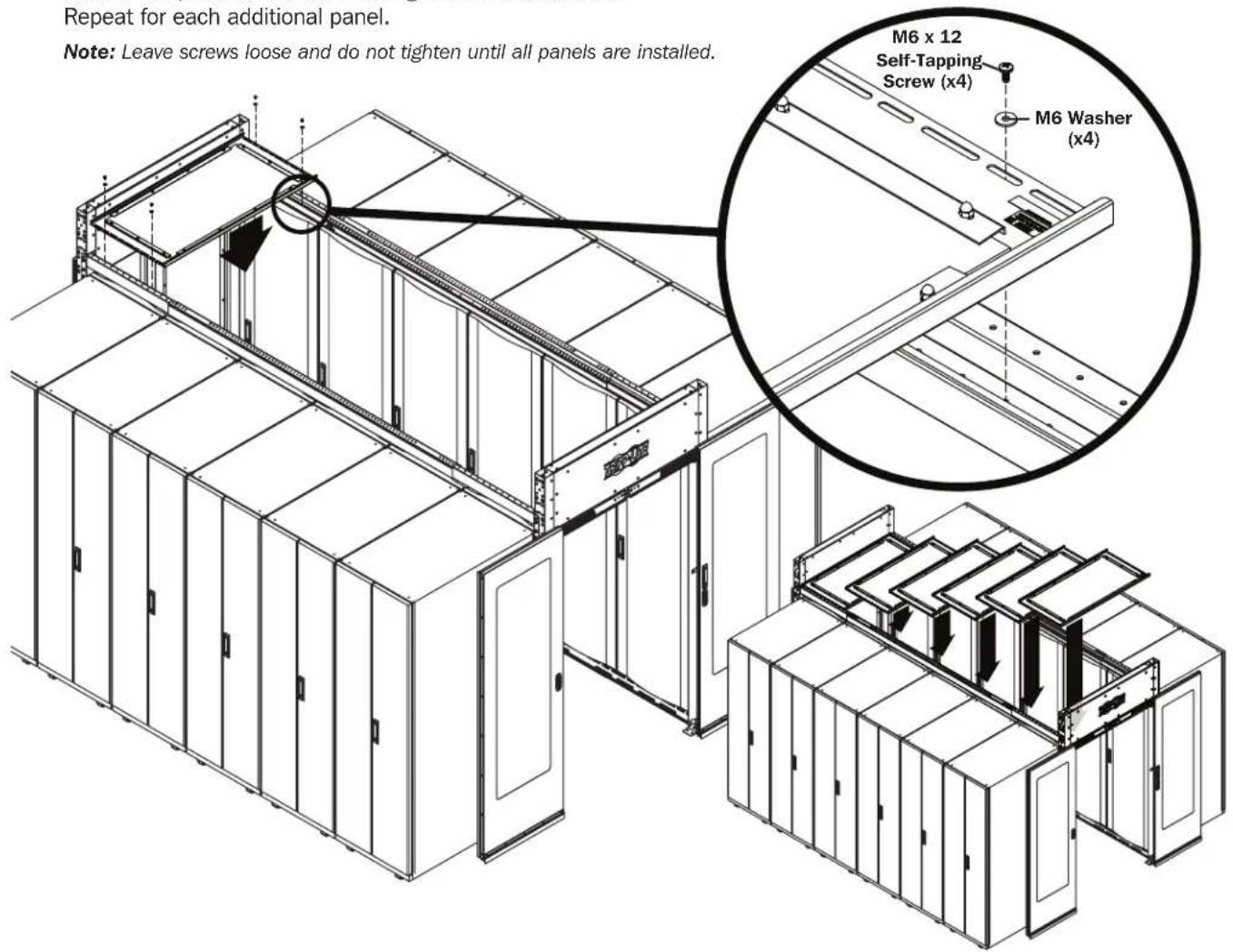
2 With the help of an assistant, place the static roof panels onto the top of the containment frame's upper support beams.
Secure the panel to the beam using the included screws.
Repeat for each additional panel.
Note: Leave screws loose and do not tighten until all panels are installed.
Installation
3 Attach handles to included magnetic filler panels.
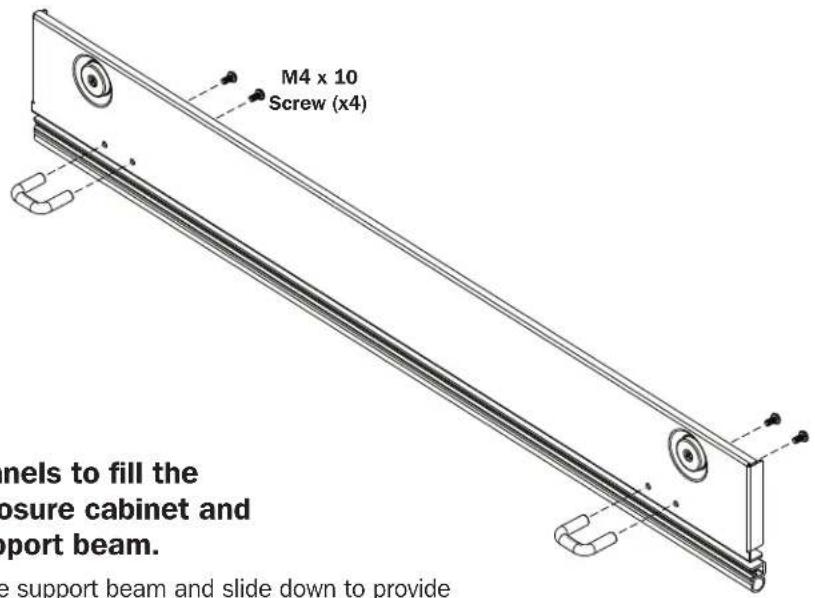
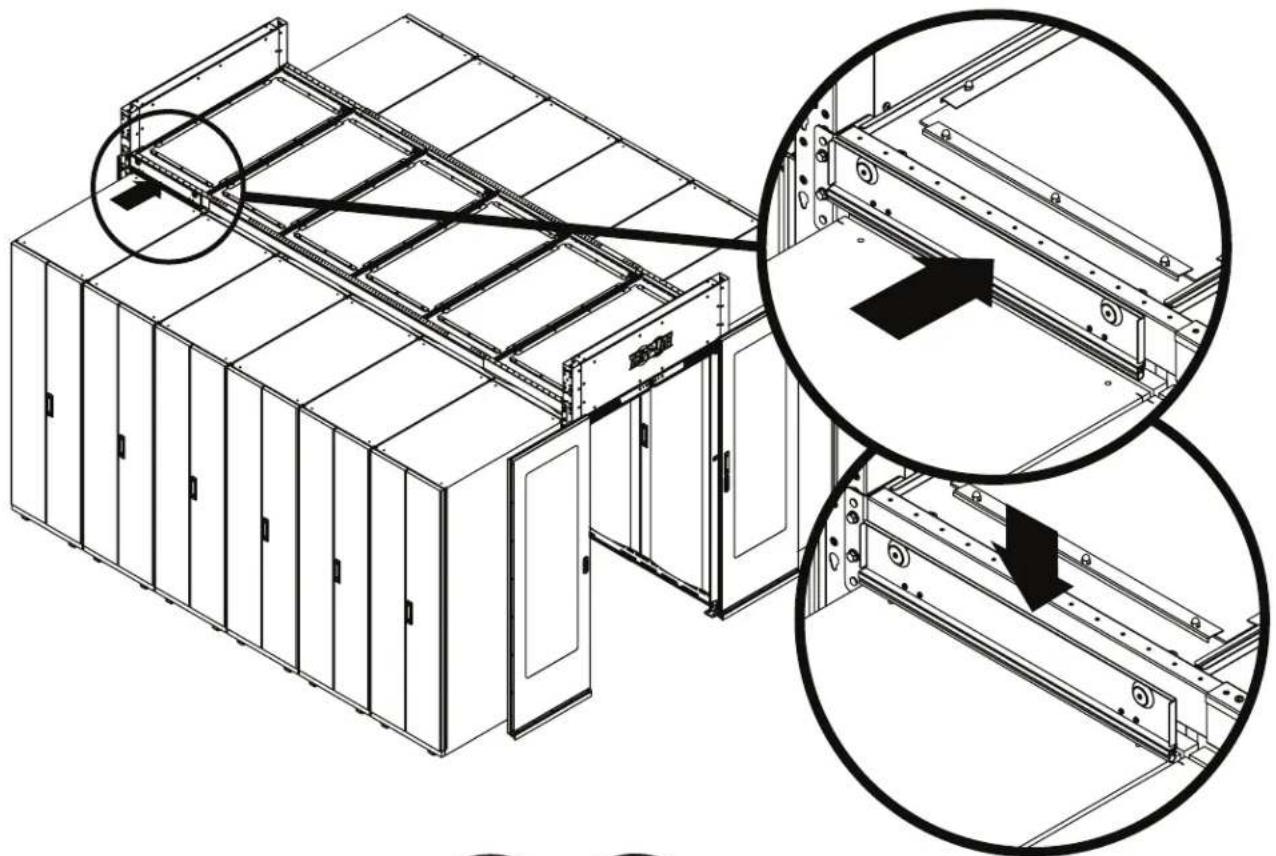
4 Use the included magnetic filler panels to fill the open space between the rack enclosure cabinet and the containment frame's upper support beam.
- Attach the filler panel's magnetic side to the support beam and slide down to provide an air seal against top of rack enclosure cabinet.
natural_image
Technical line drawing of a server rack with internal components and structural details (no text or symbols)

1111 W. 35th Street, Chicago, IL 60609 USA • tripplite.com/support
Guía de Instalación
English 1 • Français 9 • Русский 13

natural_image
Isometric line drawing of a rectangular frame with internal supports and mounting holes (no text or symbols)Panel de Techo
(x1)
natural_image
Simple line drawing of a rectangular metal plate with two circular cutouts (no text or symbols)1111 W. 35th Street, Chicago, IL 60609 USA • tripplite.com/support
natural_image
Isometric line drawing of a rectangular frame with internal supports and mounting holes (no text or symbols)natural_image
Simple line drawing of a rectangular metal plate with two circular holes (no text or symbols)natural_image
Technical line drawing of a server rack with internal components and structural details (no text or symbols)

1111 W. 35th Street, Chicago, IL 60609 USA • tripplite.com/support
1111 W. 35th Street, Chicago, IL 60609 USA • tripplite.com/support
natural_image
Isometric line drawing of a rectangular frame with internal supports and mounting holes (no text or symbols)natural_image
Simple line drawing of a rectangular metal plate with two circular cutouts at the top (no text or symbols)natural_image
Technical line drawing of a server rack with internal components and structural details (no text or symbols)

1111 W. 35th Street, Chicago, IL 60609 USA - tripplite.com/support