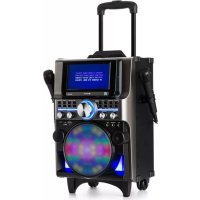
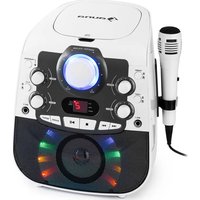
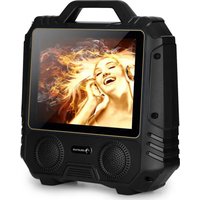
DisGo Box 360 - Karaoke system Auna - Free user manual and instructions
Find the device manual for free DisGo Box 360 Auna in PDF.

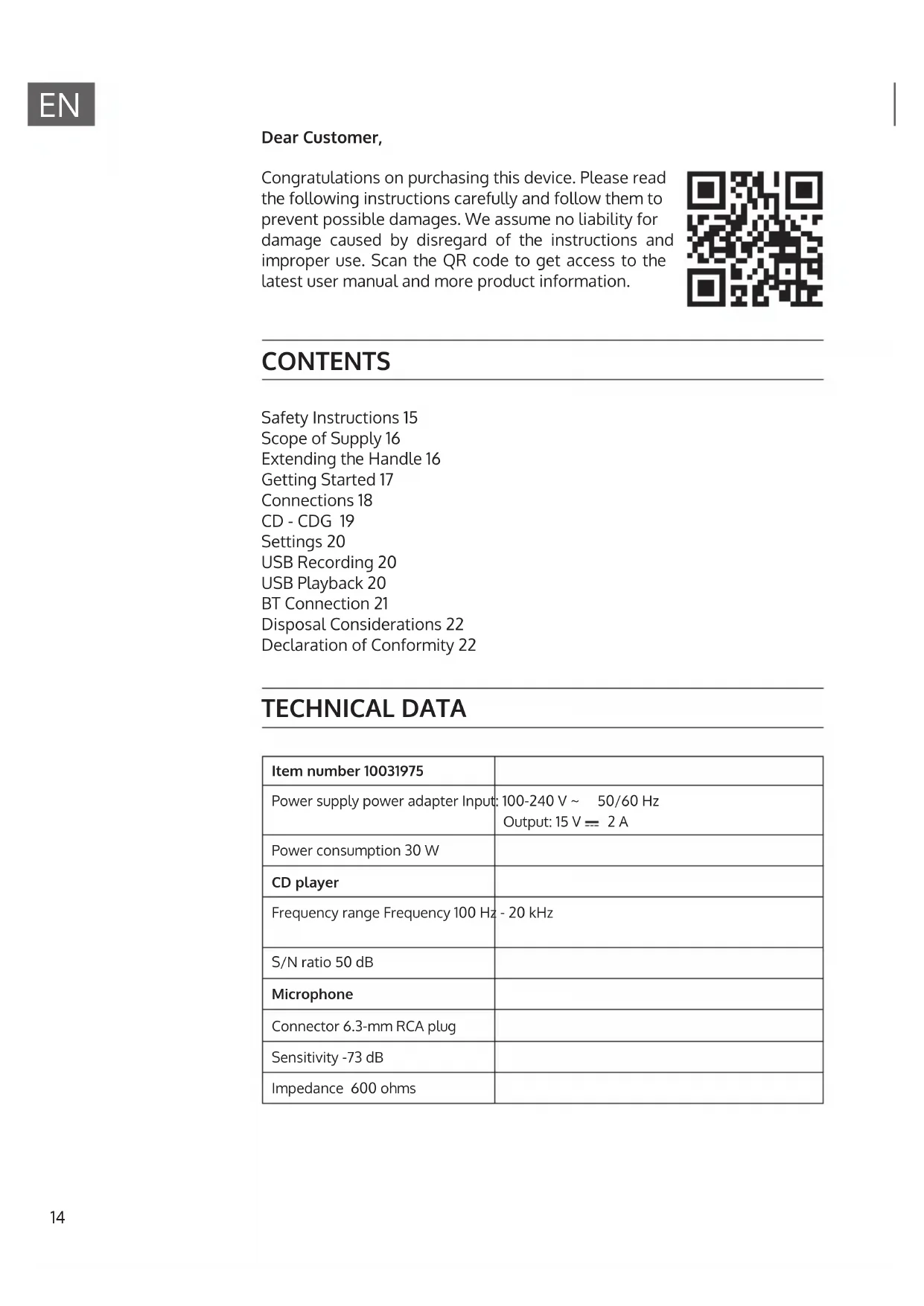


| Product type | Karaoke system |
| Brand | Auna |
| Model | DisGo Box 360 |
| Power supply | Mains adapter 100-240 V~, 50/60 Hz, output 15 V = 2 A |
| Power | 30 W |
| CD player | CD/CDG |
| Frequency range | 100 Hz - 20 kHz |
| Signal-to-noise ratio | 50 dB |
| Microphone connection | 6.3 mm jack plug |
| Microphone sensitivity | -73 dB |
| Microphone impedance | 600 Ohms |
| Playback functions | CD/CDG, USB, Bluetooth, line input (Line In) |
| Recording | On USB flash drive |
| Settings | Master volume, microphone volume, echo, tone (keyboard, voice) |
| Connectivity | Bluetooth (name KS838BT), HDMI, video, audio, USB, Line In, microphones |
| Maintenance and cleaning | Use a dry cloth. Do not use volatile liquids. |
| Safety | Not suitable for children under 3 years. For domestic use only. Do not expose to moisture or heat. |
| Recycling | Do not dispose of with household waste. Deposit at a collection point for electrical and electronic equipment. |
Frequently Asked Questions - DisGo Box 360 Auna
User questions about DisGo Box 360 Auna
0 question about this device. Answer the ones you know or ask your own.
Ask a new question about this device
Download the instructions for your Karaoke system in PDF format for free! Find your manual DisGo Box 360 - Auna and take your electronic device back in hand. On this page are published all the documents necessary for the use of your device. DisGo Box 360 by Auna.
USER MANUAL DisGo Box 360 Auna
360 DisGo Box 10031975
300
www.auna.multimedia.com

Berlin Brands Group UK Ltd
PO Box 1145
Oxford, OX1 9UW
United Kingdom
Congratulations on purchasing this device. Please read the following instructions carefully and follow them to prevent possible damages. We assume no liability for damage caused by disregard of the instructions and improper use. Scan the QR code to get access to the latest user manual and more product information.
CONTENTS
Safety Instructions 15
Scope of Supply 16
Extending the Handle 16
Getting Started 17
Connections 18
CD-CDG19
Settings 20
USB Recording 20
USBPlayback20
BT Connection 21
Disposal Considerations 22
Declaration of Conformity 22
TECHNICAL DATA
| Item number 10031975 | |
| Power supply power adapter Input: | 100-240 V ~ 50/60 Hz Output: 15 V = 2 A |
| Power consumption 30 W | |
| CD player | |
| Frequency range Frequency 100 Hz | - 20 kHz |
| S/N ratio 50 dB | |
| Microphone | |
| Connector 6.3-mm RCA plug | |
| Sensitivity -73 dB | |
| Impedance 600 ohms |
FAILURE TO CAREFULLY FOLLOW THESE INSTRUCTIONS MAY LEAD TO SERIOUS PERSONAL INJURY AND DAMAGE TO YOUR PRODUCT.
General Instructions
DANGER. NOT FOR USE BY CHILDREN.
- For home and personal use only.
- For indoor use only. Outside usage shall be construed as a misuse as set forth herein.
- Read, keep and follow the instructions carefully.
Heed all warnings.
- Electrical equipment should never be kept or stored in rain or damp environments. Storage of the Product under the aforementioned conditions shall be construed as neglect as set forth herein
- Unplug the product during lightning storms or when unused for long period of time.
- Do not expose to direct sunlight and do not install near any heat sources such as radiators, heat registers, stoves, or other apparatus that produces heat.
- DO NOT PLUG IN THE PRODUCT UNLESS IT IS TURNED OFF COMPLETEY.
- Do NOT expose to dripping or splashing water. Do NOT place objects on top of the product.
Small objects / packaging parts (plastic bags, cardboard, etc.)
Keep small objects (for example, screws and other assembly materials, memory cards) and packaging parts out of reach of children so that they cannot be swallowed. Do not let small children play with plastic bags. Risk of suffocation.
Transporting the device
Please keep the original packaging. To ensure adequate protection when transporting the device, pack the device tin its original packaging.
Cleaning the outer surfaces
Do not use volatile fluids, such as insect sprays. The surface can be damaged by excessive pressure during wiping. Rubber or plastic parts should not be left in contact with the device for an extended period of time. Use a dry cloth.
SCOPE OF SUPPLY
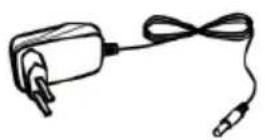
AC power adapter
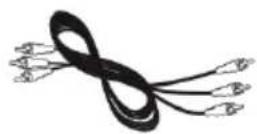
AV power cable
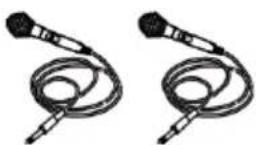
2 dynamic microphones

Instruction manual
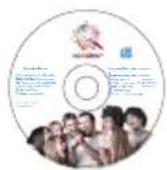
Karaoke CD
EXTENDING THE HANDLE
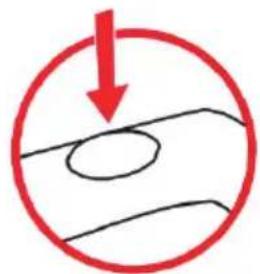
- Press the button
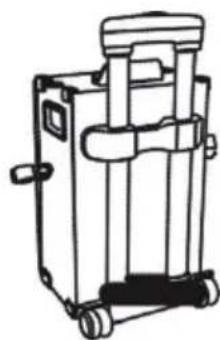
2.Pull handle
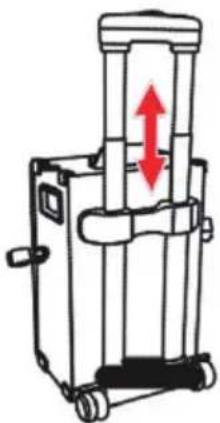
GETTINGSTARTED
- Connect the power adapter to the appliance and connect to the mains.
- Press the POWER switch located at the back of the cabinet.
- Slide the ADAPTER POWER SELECTOR on the back of the appliance to choose between battery operation and AC operation.
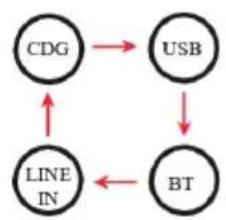
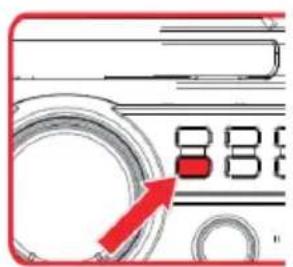
- Choose the modes CDG - USB - BT - LINE IN using the FUNCTION key.
CONNECTIONS
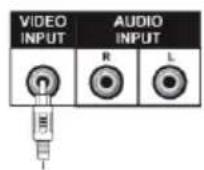
VIDEO
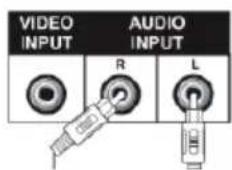
AUDIO
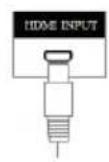
HDMI
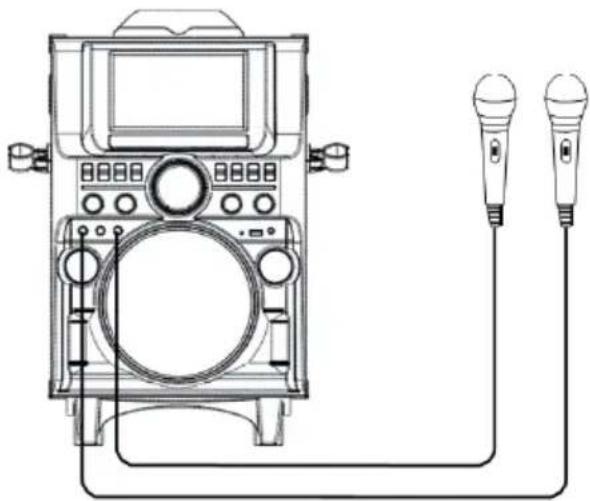
MICROPHONE
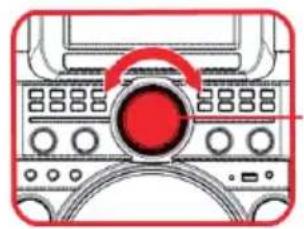
Volume Control
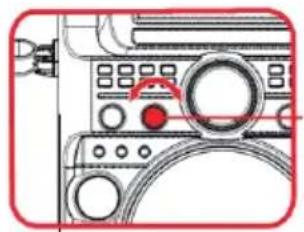
Mlccrophone volume control
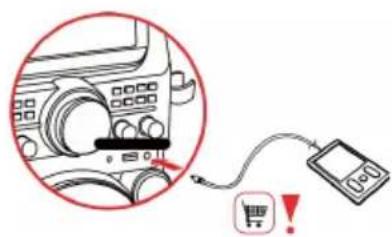
LINE IN
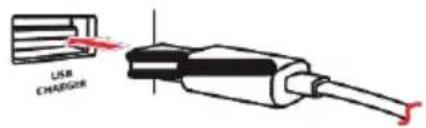
USB charging connection
CD - CDG
Play
- Open the CD tray by pressing the CD OP/CL button.
- Insert the CD and close the CD tray.
- Press PLAY/PAUSE to play the first track.
Program track
- Press the PROGRAM button
- Choose a title via the keys /
- Press the PROGRAM key again.
- For adding another track, repeat the steps 2 and 3.
- Press PLAY/PAUSE to play the programmed tracks.
- Press STOP to erase the programming.
Repeat function
- To repeat the current title, press the button "Repeat 1". Now the display shows the repeat symbol with a "1" on the right.
- If you would like to repeat all titles, press REPEAT ALL". The display shows the repeat symbol.
- To stop the repeat function, press the button REPEAT CANCEL.
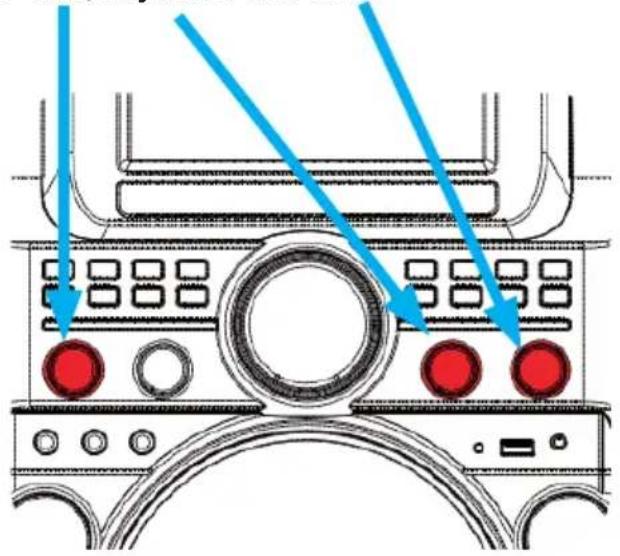
SETTINGS
Volume control for Echo, Keyboard and voice.
USBPLAYBACK
- Connect a USB flash drive to the USB input.
- Press the FUNCTION button to choose USB.
- Select a track with the keys.
- Press PLAY/PAUSE to start playback.
- Press STOP to end playback.
USBRECORDING
- Connect a USB flash drive to the USB input.
- Press the FUNCTION button to choose an audio source.
- Select a track with the / buttons.
- Press PLAY/PAUSE.
- Press the the RECORD button to start a recording.
- Press ENTER.
- Press STOP to end a recording. There will be note prompting on screen, press 山 / 山 to select exit recording or not, then press ENTER button to confirm exit or cancel.
Pairing
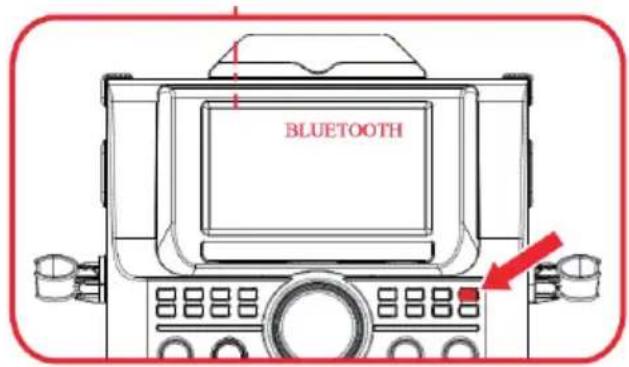
- Turn on the search function on the Bluetooth device from which you want to play music.
- On your BT device, select "KS838BT" and make the connection.
- If you want to pair with another BT device, press the PAIR button to disconnect current connection.
Playback
To start playing, press the PLAY/PAUSE button.
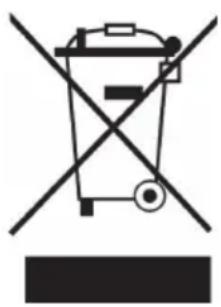
If there is a legal regulation for the disposal of electrical and electronic devices in your country, this symbol on the product or on the packaging indicates that this product must not be disposed of with household waste. Instead, it must be taken to a collection point for the recycling of electrical and electronic equipment. By disposing of it in accordance with the rules, you are protecting the environment and the health of your fellow human beings from negative consequences. For information about the recycling and disposal of this product, please contact your local authority or your household waste disposal service.
This product contains batteries. If there is a legal regulation for the disposal of batteries in your country, the batteries must not be disposed of with household waste. Find out about local regulations for disposing of batteries. By disposing of them in accordance with the rules, you are protecting the environment and the health of your fellow human beings from negative consequences.
DECLARATION OF CONFORMITY
CE UK CA
Manufacturer:
Chal-Tec GmbH, Wallstrasse 16, 10179 Berlin, Germany.
Importer for Great Britain:
Berlin Brands Group UK Ltd PO Box 1145
Oxford, OX1 9UW
United Kingdom
Hereby, Chal-Tec GmbH declares that the radio equipment type DisGo Box 360 is in compliance with Directive 2014/53/EU. The full text of the EU declaration of conformity is available at the following internet address: use.berlin/10031975
For Great Britain: Hereby, Chal-Tec GmbH declares that the radio equipment type DisGo Box 360 is in compliance with the relevant statutory requirements. The full text of the declaration of conformity is available at the following internet address: use.berlin/10031975
Chere cliente, cher client,
Berlin Brands Group UK Ltd
PO Box 1145
Oxford, OX1 9UW
United Kingdom
Berlin Brands Group UK Ltd
PO Box 1145
Oxford, OX1 9UW
United Kingdom
- 300
- CONTENTS
- TECHNICAL DATA
- FAILURE TO CAREFULLY FOLLOW THESE INSTRUCTIONS MAY LEAD TO SERIOUS PERSONAL INJURY AND DAMAGE TO YOUR PRODUCT.
- General Instructions
- Small objects / packaging parts (plastic bags, cardboard, etc.)
- Transporting the device
- Cleaning the outer surfaces
- SCOPE OF SUPPLY
- EXTENDING THE HANDLE
- GETTINGSTARTED
- CONNECTIONS
- CD - CDG
- Play
- Program track
- Repeat function
- SETTINGS
- USBPLAYBACK
- USBRECORDING
- Pairing
- Playback
- DECLARATION OF CONFORMITY
- CE UK CA
- Manufacturer:
- Importer for Great Britain:
Brand : Auna
Model : DisGo Box 360
Category : Karaoke system