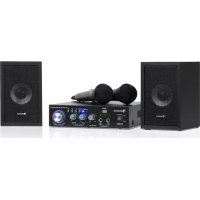
Karaoke Star 2 - Karaoke system Auna - Free user manual and instructions
Find the device manual for free Karaoke Star 2 Auna in PDF.


| Product Type | Amplified Karaoke System |
| Brand | Auna |
| Model | Karaoke Star 2 |
| Output Power | 2 x 50 W + 3 x 20 W (160 W total) |
| Power Supply | 220-240 V AC, 50/60 Hz |
| Frequency Response | 20 - 20,000 Hz |
| Bluetooth | Yes, class 2, band 2402-2480 MHz, max power 2.3 dBm |
| Audio Inputs | Microphone jack (x2), USB, SD card, AUX (DVD/CD) |
| Speaker Outputs | Terminals for passive speakers |
| Controls | Master volume, mic volume, mic bass, source selection (INPUT), MP3 navigation |
| Functions | Karaoke, MP3 player (USB/SD), Bluetooth, amplification |
| Dimensions (W x D x H) | 210 x 200 x 56 mm |
| Net Weight | 3.53 kg |
| Article Number | 10032443 |
| Housing Material | Not specified (estimate: plastic and metal) |
| Maintenance | Clean with a soft, dry cloth; unplug before cleaning |
| Safety | Do not expose to moisture; ensure ventilation; repair by a professional |
| Recycling | Do not dispose of with household waste; take to a collection point |
| Included Accessories | Not specified (estimate: power cord, possibly remote control) |
| Repairability | Repairs exclusively by the manufacturer or a qualified technician |
Frequently Asked Questions - Karaoke Star 2 Auna
User questions about Karaoke Star 2 Auna
0 question about this device. Answer the ones you know or ask your own.
Ask a new question about this device
Download the instructions for your Karaoke system in PDF format for free! Find your manual Karaoke Star 2 - Auna and take your electronic device back in hand. On this page are published all the documents necessary for the use of your device. Karaoke Star 2 by Auna.
USER MANUAL Karaoke Star 2 Auna
Berlin Brands Group UK Ltd
PO Box 1145
Oxford, OX1 9UW
United Kingdom
Congratulations on purchasing this device. Please read the following instructions carefully and follow them to prevent possible damages. We assume no liability for damage caused by disregard of the instructions and improper use. Scan the QR code to get access to the latest user manual and more product information.
CONTENTS
Safety Instructions 12
Product Overview 13
Use and Operation 14
Disposal Considerations 15
Declaration of Conformity 15
TECHNICAL DATA
| Item number 10032443 | |
| Output Power 2 x 50 W + 3 x 20 W | |
| Power supply AC 220-240 V ~ 50/60 Hz | |
| Frequency Response 20 – 20000 Hz | |
| BT specifications Frequency band Maximum radio-frequency power | 2402–2480 MHz 2.3 dBm |
| Dimensions 210 x 200 x 56 mm | |
| Net weight 3.53 kg |
SAFETY INSTRUCTIONS
- Before using the device, please check it for any possible damages. In case of damage do not operate it.
- Unplug the UNIT if you do not use it for a certain time.
- Do not expose the unit to mechanical stress and humidity.
- Ensure sufficient ventilation around the unit. Do not cover the device and protect it from direct solar radiation.
- Clean the device with a dry and soft cloth only.
- Caution! Should the device itself get damaged, please let the repair to the manufacturer or to a qualified service agent.
- The unit must be connected to an earthed mains outlet only.
- Keep out of the reach of children
NOTE: Where the MAINS plug or an appliance coupler is used as the disconnect device, the disconnect device shall remain readily operable.
PRODUCT OVERVIEW

auna
POWER
USB/SD

USB/SD
MIC1
MIGS
MIC INPU
MIC1/2 VOL
BASS
TREBLE
MUSIC TONE
Stereo Audio Karaoke Amplifier
MUSIC VOLUME
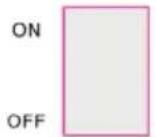
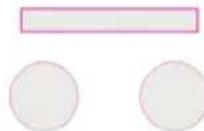
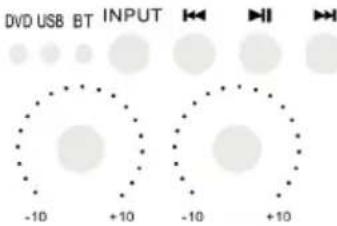
| 1 | POWER: Press this button to power ON or OFF the unit | 7 | MIC Treble: Use this knob to adjust the treble of microphone Input: Press this button to cycle through the various inputs. |
| 2 | USB: Connect your USB flash drive here | 8 | Previous: Press this button to go back to the beginning of the current track or move to the previous track. |
| 3 SD: Connect your SD card here 9 | Play/Pause: Press this button to play the signal from USB/SD, BT. Press again to pause. | ||
| 4 | MIC1 & MIC2: Connect your microphones here | 10 Next: Press this button to move to the next track. | |
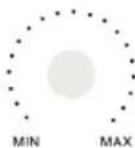
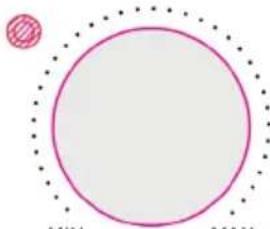
| 5 | MIC1/2 VOL: Use this knob to adjust the volume of your microphones | 11 Master Volume: Use this knob to control the master volume | |
| 6 | MIC Bass: Use this knob to adjust the bass of microphone | ||
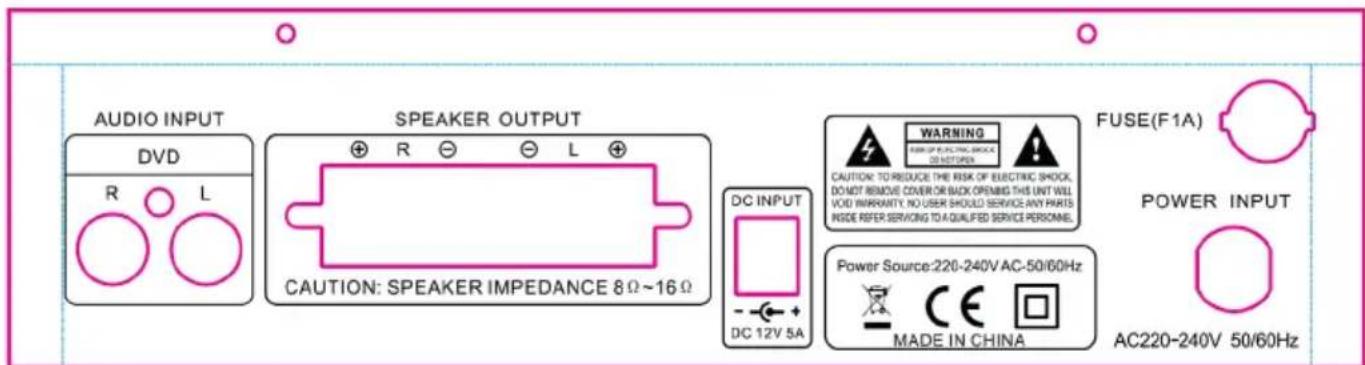
| 1 | Power supply: Connect the unit to the power outlet (220-240Vac 50/60Hz). | 3 | DVD Input: Connect your DVD or CD or any other passive signal here. |
| 2 | Speakers Outputs: Connect your speakers here to receive the signal from the KARAOKE-STAR2MKII | 4 | DC power: Connect a 12Vdc power supply to this socket. |
USE AND OPERATION
- Connect the speakers to the + and - terminals on the rear panel of the amplifier.
- Plug the mains lead in and switch the amplifier on once you have checked all connections.
- Switch the audio sources on and adjust the master volume to the required level.
Karaoke
- Plug a mic into MIC1 or MIC2 socket on the front panel.
- Before you use the mic, make sure that it is switched off and the MIC volume button is set to the minimum.
- Connect the microphone, switch it on and adjust slowly the volume and the echo.
- If you don't use the unit any longer, switch the amplifier off and disconnect it from the mains.
Signal Sources and their Connections
- Connect a DVD-player or a CD-player to the terminal AUDIO INPUT or a data storage unit to the USB-interface or insert a SD-memory card in the suitable slot or activate the BT function on your smartphone.
- Select the active signal source by pressing the INPUT button until the desired input source is displayed.
- Use the MP3 CONTROL-function for controlling the files on a connected data storage unit.
- If you wish to use the karaoke function of this device, insert one or two microphones into MIC1 and MIC2. Their signals are going to the signal output too.
BT Connection
- The KARAOKE-STAR2MKII is only discoverable when the input selected is BT.
- After selecting BT input mode on the KARAOKE-STAR2MKII, turn on the BT function on the cell phone and search the KARAOKE-STAR2MKII. Its BT device name is "KARAOKE-STAR2MKII". Pair and connect after search. There is no pairing code.
DISPOSALCONSIDERATIONS
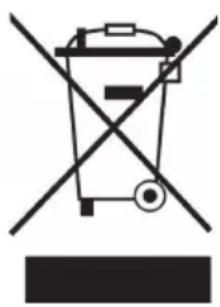
If there is a legal regulation for the disposal of electrical and electronic devices in your country, this symbol on the product or on the packaging indicates that this product must not be disposed of with household waste. Instead, it must be taken to a collection point for the recycling of electrical and electronic equipment. By disposing of it in accordance with the rules, you are protecting the environment and the health of your fellow human beings from negative consequences. For information about the recycling and disposal of this product, please contact your local authority or your household waste disposal service.
This product contains batteries. If there is a legal regulation for the disposal of batteries in your country, the batteries must not be disposed of with household waste. Find out about local regulations for disposing of batteries. By disposing of them in accordance with the rules, you are protecting the environment and the health of your fellow human beings from negative consequences.
DECLARATION OF CONFORMITY
CE UK CA
Manufacturer:
Chal-Tec GmbH, Wallstrasse 16, 10179 Berlin, Germany.
Importer for Great Britain:
Berlin Brands Group UK Ltd
PO Box 1145
Oxford, OX1 9UW
United Kingdom
Hereby, Chal-Tec GmbH declares that the radio equipment type Karaoke Star is in compliance with Directive 2014/53/EU. The full text of the EU declaration of conformity is available at the following internet address: use.berlin/10032443
For Great Britain: Hereby, Chal-Tec GmbH declares that the radio equipment type Karaoke Star is in compliance with the relevant statutory requirements. The full text of the declaration of conformity is available at the following internet address: use.berlin/10032443
Cher client, chere clientele,
Berlin Brands Group UK Ltd
PO Box 1145
Oxford, OX1 9UW
United Kingdom
Berlin Brands Group UK Ltd
PO Box 1145
Oxford, OX1 9UW
United Kingdom
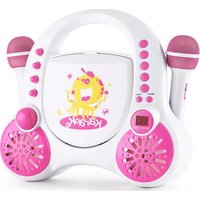
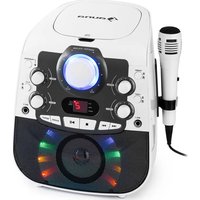
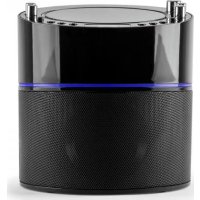
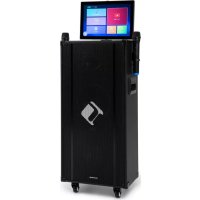
Brand : Auna
Model : Karaoke Star 2
Category : Karaoke system