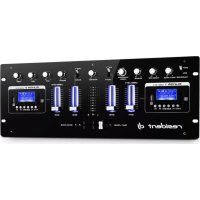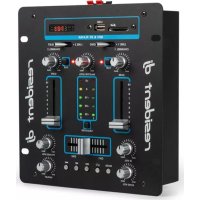
25 - DJ Equipment Resident DJ - Free user manual and instructions
Find the device manual for free 25 Resident DJ in PDF.



User questions about 25 Resident DJ
0 question about this device. Answer the ones you know or ask your own.
Ask a new question about this device
Download the instructions for your DJ Equipment in PDF format for free! Find your manual 25 - Resident DJ and take your electronic device back in hand. On this page are published all the documents necessary for the use of your device. 25 by Resident DJ.
USER MANUAL 25 Resident DJ
Berlin Brands Group UK Ltd
PO Box 1145
Oxford,OX19UW
United Kingdom
Congratulations on purchasing this equipment. Please read this manual carefully and take care of the following hints to avoid damages. Any failure caused by ignoring the mentioned items and cautions mentioned in the instruction manual are not covered by our warranty and any liability.

TECHNICAL DATA
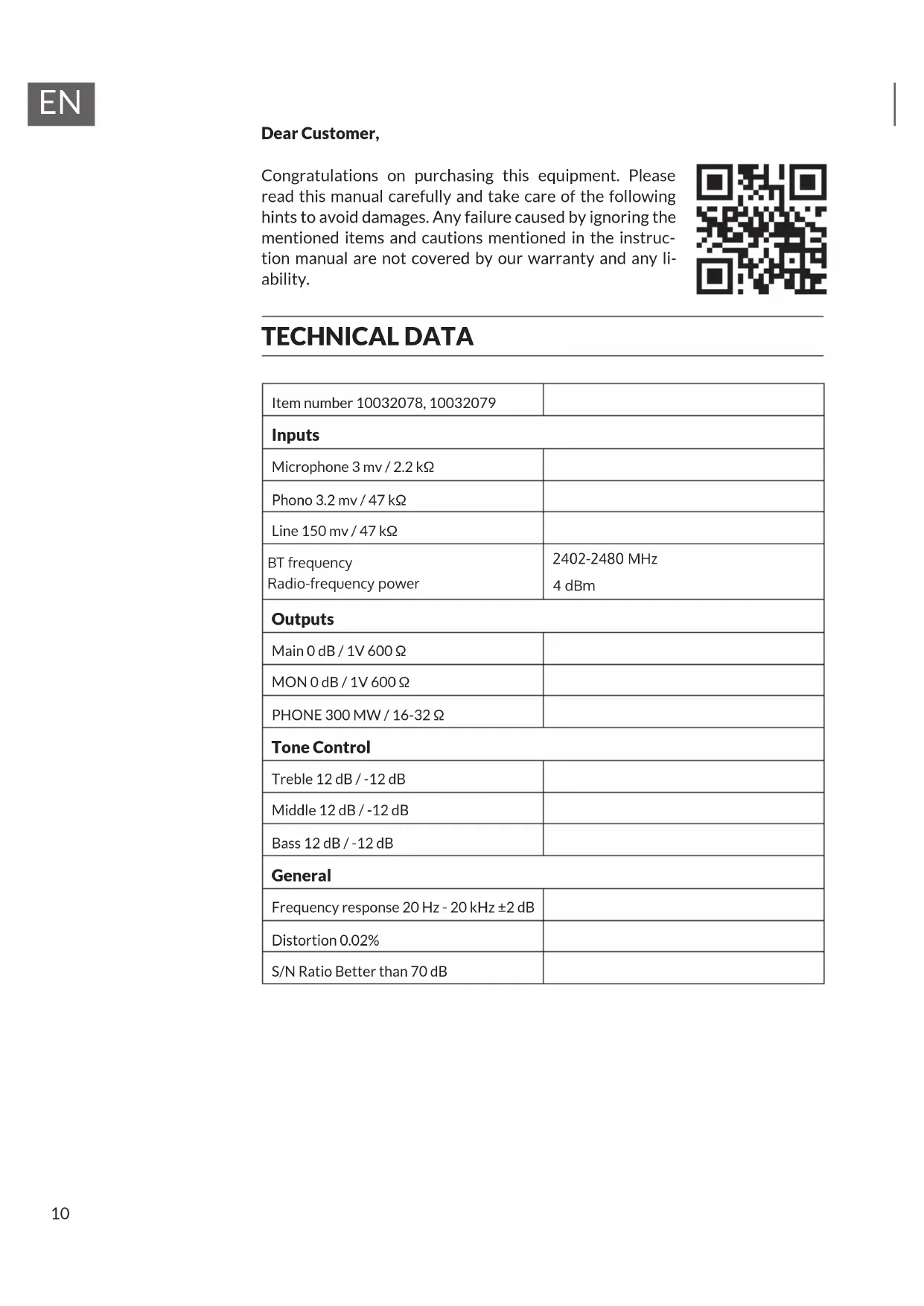
| Item number 10032078, 10032079 | |
| Inputs | |
| Microphone 3 mv / 2.2 kΩ | |
| Phono 3.2 mv / 47 kΩ | |
| Line 150 mv / 47 kΩ | |
| BT frequencyRadio-frequency power | 2402-2480 MHz4 dBm |
| Outputs | |
| Main 0 dB / 1V 600 Ω | |
| MON 0 dB / 1V 600 Ω | |
| PHONE 300 MW / 16-32 Ω | |
| Tone Control | |
| Treble 12 dB / -12 dB | |
| Middle 12 dB / -12 dB | |
| Bass 12 dB / -12 dB | |
| General | |
| Frequency response 20 Hz - 20 kHz ±2 dB | |
| Distortion 0.02% | |
| S/N Ratio Better than 70 dB | |
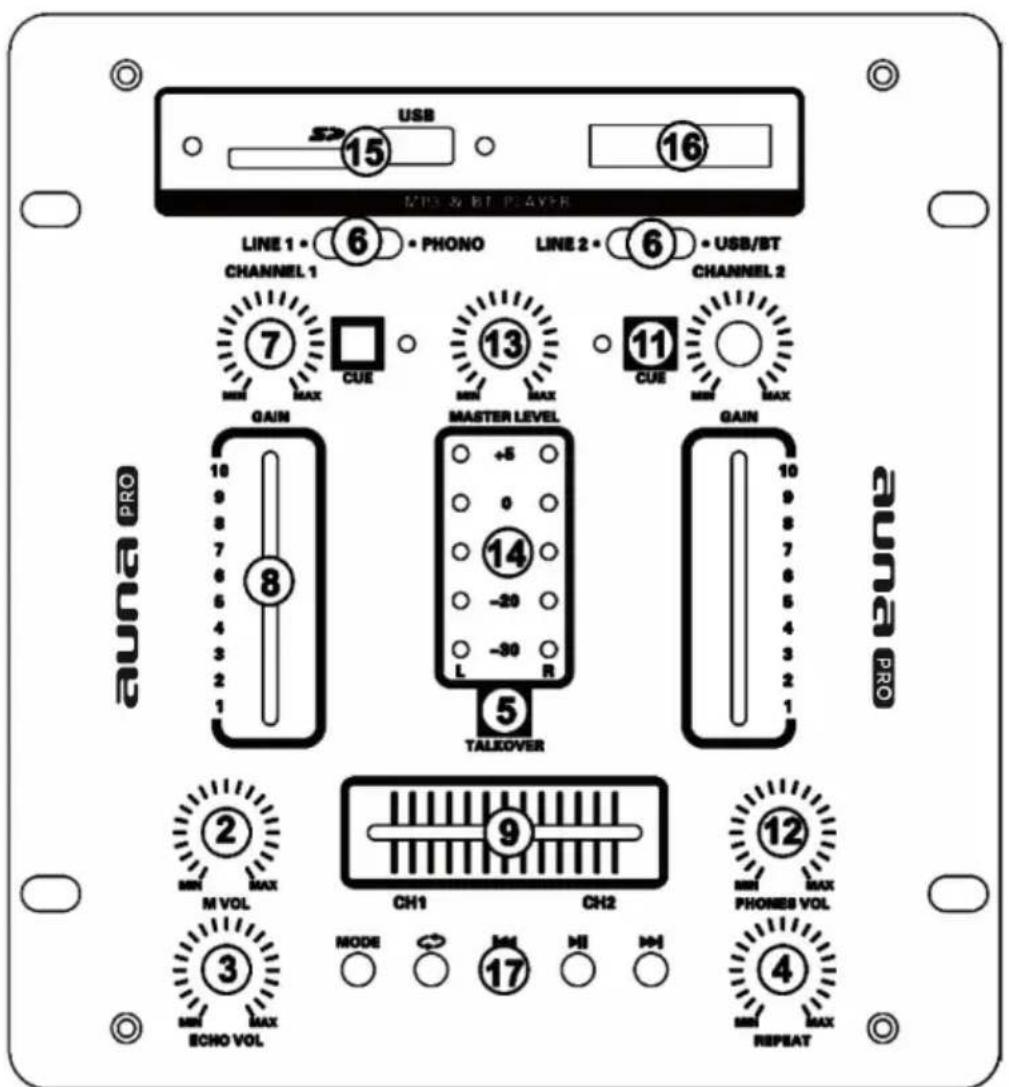
Top and Front Panels
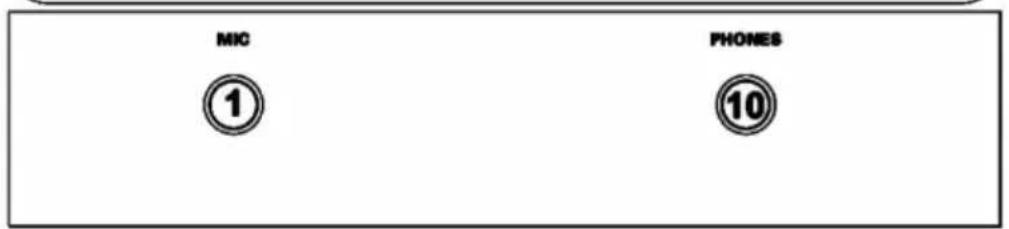
1 MIC Connection
A microphone with 6.35 jack plug can be connected to this connection.
2 MIC Level Control
This control is to adjust the microphone volume.
3 Echo Vol Control
This control is to adjust the depth of echo.
4 Echo Repeat Control
Let you control the time period during which the echo is repeated.
5 Talkover
Press this button if you want to use your microphone. When the button is pressed, all other signal sources will be attenuated by 14dB, so that the microphone can be clearly heard. In the OFF position, all signals return to their original level.
6 Phono/Line /USB Switch
Use this switch to select the input to be sent to the individual channel.
7 Gain Control
Use this knob to set the level of input channel.
8 Channel Fader
Used to adjust the level of each channel.
9 Crossfader
Allows seamless fading between channel 1 and channel 2.
10 Headphone Connection
A headphone can be connected to this socket for pre-listening.
11Cue
Routes channel to meters and headphones for monitoring and cueing tracks.
12 PHONE LEVEL
Adjust the level of the phones level
13 Master Control
Adjust the overall output level
14 Master Level Display
Shows the level of the left and right master output
15 USB/SD Stick Socket
16 LED Display
Display for MP3's information.
17 USB Controls
Short press MODE to select the USB/SD/BT mode, and long press to turn on/off the mode. Each time you press Play/Pause button, the operation changes from play to Pause or from pause to play. Short press Repeat button to select the repeat mode (all, one and random). Use button to re-start the track or select the previous track. Use button to select the next track.
Back Panel
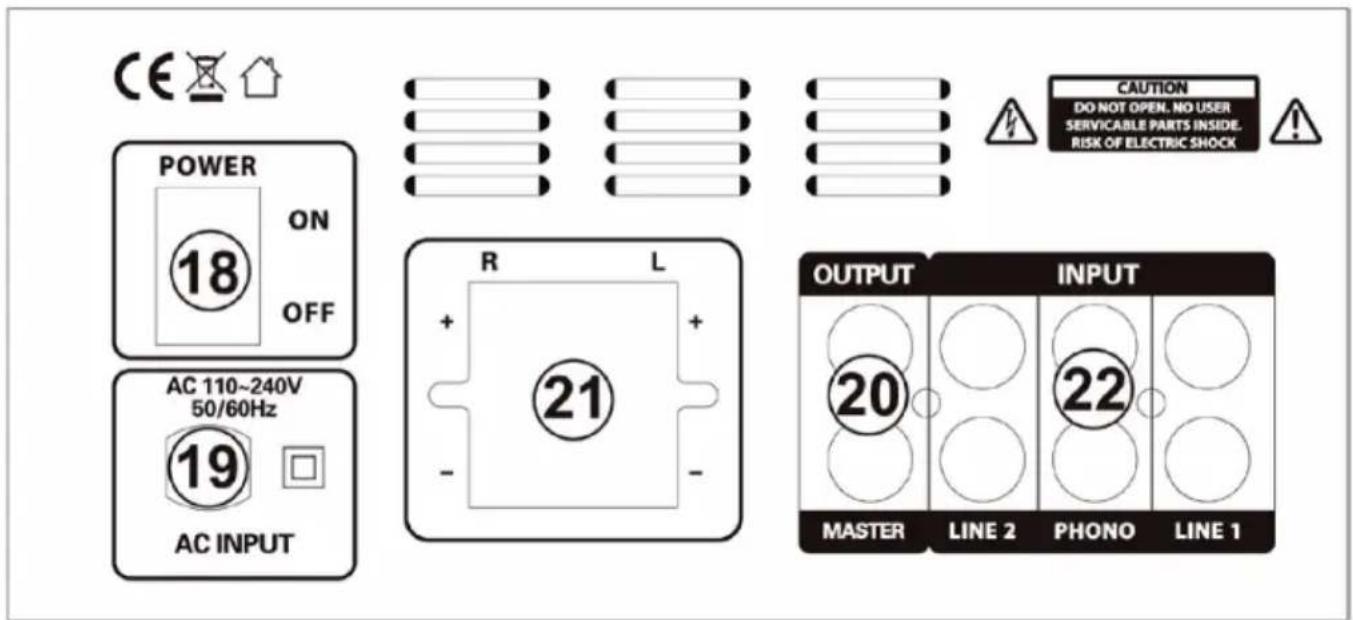
18 Power Switch
Turns the mixer on or off when the power supply is connected
19 AC Connection
Power supply with 110-240V AC.
20 Master Output
Master output connects to the main amplifier (DJ final mix after crossfader section), accepts RCA jacks?
21 SPAKER Output
Note: To avoid damage to the speakers, only use speakers that have the same impedance and power rating as the amplifier. Only use speaker cables and never signal cables as those used for microphones, music instruments and audio equipment in general.
22 Phono/Line Inputs Sockets
These inputs, for ch1-ch2 and accept RCA-plug connectors. Use phono input socket for phonograph turntables. Use line socket for CD/MP3 players. Line level musical instruments with stereo outputs such as rhythm machines or samplers should be connected with the line input socket.
DISPOSAL CONSIDERATIONS
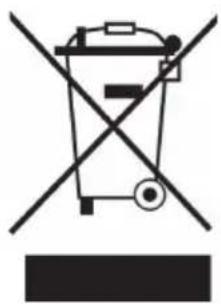
If there is a legal regulation for the disposal of electrical and electronic devices in your country, this symbol on the product or on the packaging indicates that this product must not be disposed of with household waste. Instead, it must be taken to a collection point for the recycling of electrical and electronic equipment. By disposing of it in accordance with the rules, you are protecting the environment and the health of your fellow human beings from negative consequences. For information about the recycling and disposal of this product, please contact your local authority or your household waste disposal service.
This product contains batteries. If there is a legal regulation for the disposal of batteries in your country, the batteries must not be disposed of with household waste. Find out about local regulations for disposing of batteries. By disposing of them in accordance with the rules, you are protecting the environment and the health of your fellow human beings from negative consequences.
DECLARATION OF CONFORMITY
CE UK CA
Manufacturer:
Chal-Tec GmbH, Wallstrasse 16, 10179 Berlin, Germany.
Importer for Great Britain:
Berlin Brands Group UK Ltd
PO Box 1145
Oxford,OX19UW
United Kingdom
Hereby, Chal-Tec GmbH declares that the radio equipment type DJ-25 is in compliance with Directive 2014/53/EU.
The full text of the EU declaration of conformity is available at the following internet address: use.berlin/10032079
For Great Britain: Hereby, Chal-Tec GmbH declares that the radio equipment type DJ-25 is in compliance with the relevant statutory requirements. The full text of the declaration of conformity is available at the following internet address: use.berlin/10032079
Estimado cliente:
Berlin Brands Group UK Ltd
PO Box 1145
Oxford,OX19UW
United Kingdom
Berlin Brands Group UK Ltd
PO Box 1145
Oxford,OX19UW
United Kingdom