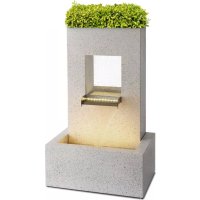
Bloomingstone - Garden fountain Blumfeldt - Free user manual and instructions
Find the device manual for free Bloomingstone Blumfeldt in PDF.


User questions about Bloomingstone Blumfeldt
0 question about this device. Answer the ones you know or ask your own.
Ask a new question about this device
Download the instructions for your Garden fountain in PDF format for free! Find your manual Bloomingstone - Blumfeldt and take your electronic device back in hand. On this page are published all the documents necessary for the use of your device. Bloomingstone by Blumfeldt.
USER MANUAL Bloomingstone Blumfeldt
natural_image
Abstract green circular logo with three curved segments (no text or symbols)
natural_image
Abstract green circular logo with two leaf-like shapes (no text or symbols)
natural_image
Abstract green circular logo with three leaf-like shapes forming a Y-shape (no text or symbols)text_image
QR code image containing encoded data, no visible human-readable textINHALTSVERZEICHNIS
natural_image
Top-down view of a white electronic device with a rectangular housing, cable cord, and power adapter on a wooden floor (no text or symbols visible)natural_image
Two concrete blocks with embedded devices and wiring, displayed on a wooden floor (no text or symbols visible)natural_image
Close-up of hands using a black plastic device to connect two cables on a metal surface (no visible text or symbols)natural_image
Hand holding a black electrical plug inserted into a white cylindrical pipe, placed on a wooden floor (no text or symbols visible)natural_image
Close-up of hands holding black electrical connectors and cables against a textured wall (no visible text or symbols)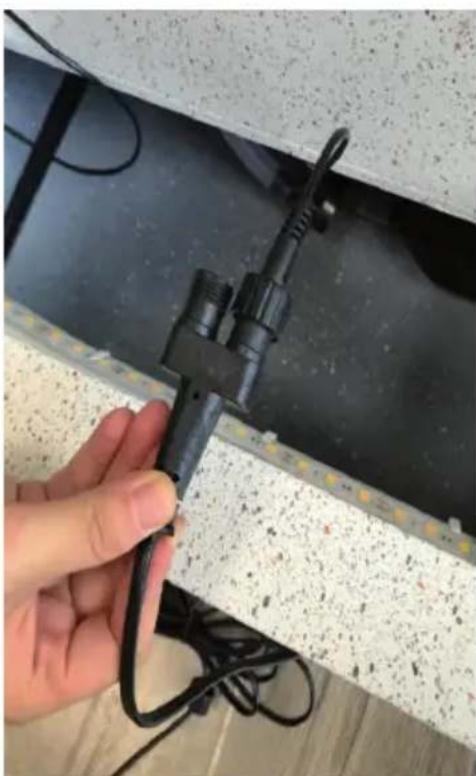
natural_image
Hand holding a black cable clip attached to a wall with visible texture and wiring (no text or symbols)natural_image
Close-up of hands installing a black electrical plug into a ceiling panel with visible wiring and insulation (no text or symbols)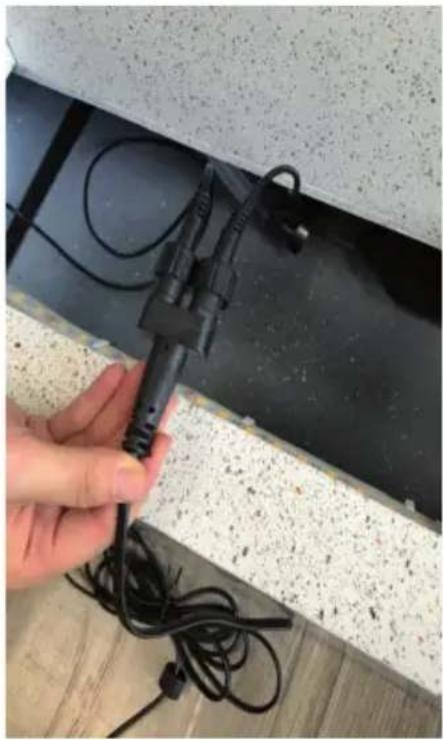
natural_image
Hand holding a black electrical plug attached to a wall-mounted cable, with no visible text or symbols.natural_image
Hand inserting a small black component into a dark liquid container, attached to a metal frame (no visible text or symbols)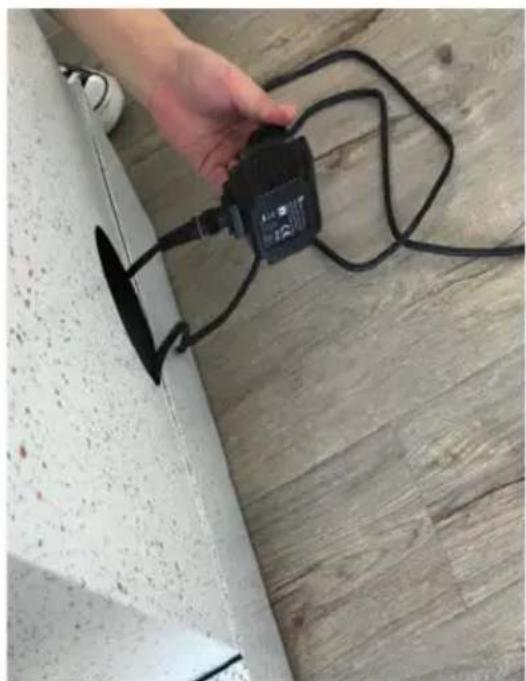
natural_image
Hand holding a black electrical connector attached to a wall, with wires and a small object nearby (no visible text or symbols)natural_image
Interior view of a concrete structure with exposed electrical plugs and wiring, placed on a wooden floor (no text or symbols visible)natural_image
Hand holding a small metallic object attached to a black cable, placed on a dark surface with no visible text or symbols.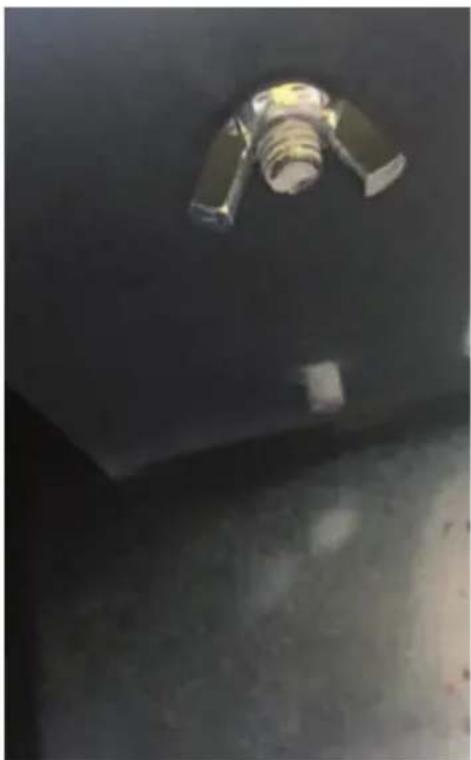
natural_image
Interior view of a dark industrial or warehouse space with a metallic fixture and a cylindrical component (no visible text or symbols)natural_image
Exterior view of a modern concrete structure with a rectangular frame and central opening, placed on a square base in an indoor setting (no text or symbols visible)natural_image
Symbol of a trash bin crossed with a diagonal line, no text or numbers presentCongratulations on purchasing this device. Please read the following instructions carefully and follow them to prevent possible damages. We assume no liability for damage caused by disregard of the instructions and improper use. Scan the QR code to get access to the latest user manual and more product information.

text_image
QR code image containing encoded data, no visible human-readable textCONTENTS
Safety Instructions 14
Parts and Assembly 15
Notes on Operation 21
Troubleshooting 21
Hints on Disposal 22
Producer 22
TECHNICAL DATA
| Item number 10035916 | |
| Power supply 220-240 V ~ 50 Hz | |
| Power consumption 20 W | |
| Flow rate 1200 l/h |
SAFETY INSTRUCTIONS
- To reduce the risk of electric shock, do not remove any of the covers. The unit contains parts that are not accessible to the user.
- Do not drop metal objects on this unit.
- Do not place heavy objects on top of this unit.
- Only use accessories and attachments approved by the manufacturer.
- Unplug this appliance from the wall outlet when it is exposed to lightning, storms or prolonged periods of inactivity. This will prevent damage.
- Have repairs carried out only by qualified specialists.
- Repair is required if the product has been damaged in any way, i.e. if objects have fallen on it, if it does not function properly or if it has been dropped. Do not attempt to repair the unit yourself. Opening the cover may result in electric shock or other injury.
- Do not pull, bend, or place heavy objects on the cable.
- Do not handle the plug with wet hands.
- Do not place open flame sources, such as burning candles, on the product.
- Never let the pump run empty.
- Do not place the unit on top of other equipment that may become hot. This heat could damage the unit.
- Do not use volatile liquids such as insect sprays. Excessive pressure when wiping may damage the surfaces.
- Children 8 years of age and older, mentally, sensory and physically impaired persons may only use the device if they have been thoroughly familiarized with its functions and safety precautions by a supervisor responsible for them and understand the associated risks.
PARTS AND ASSEMBLY
1: Parts
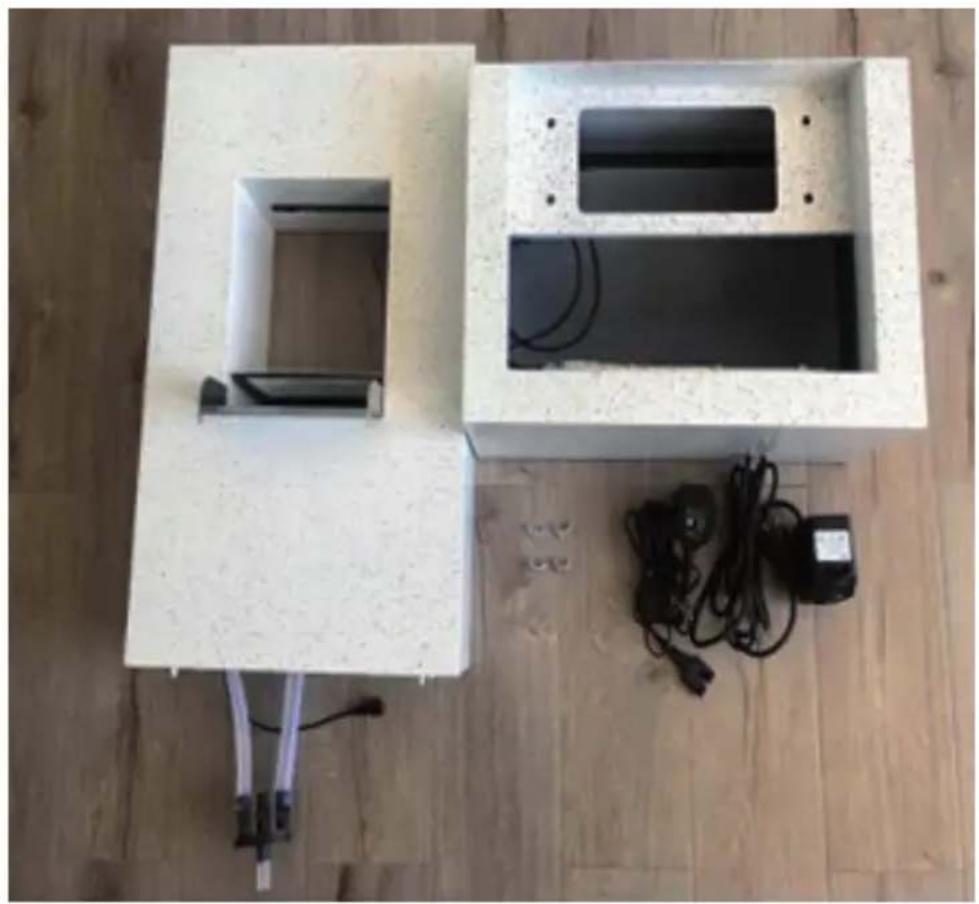
natural_image
Top-down view of a white electronic device with a rectangular opening and connected cables on a wooden floor (no text or symbols visible)EN
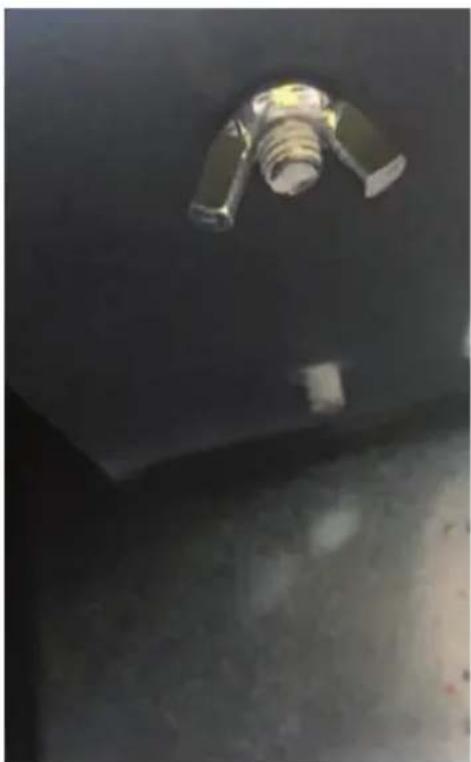
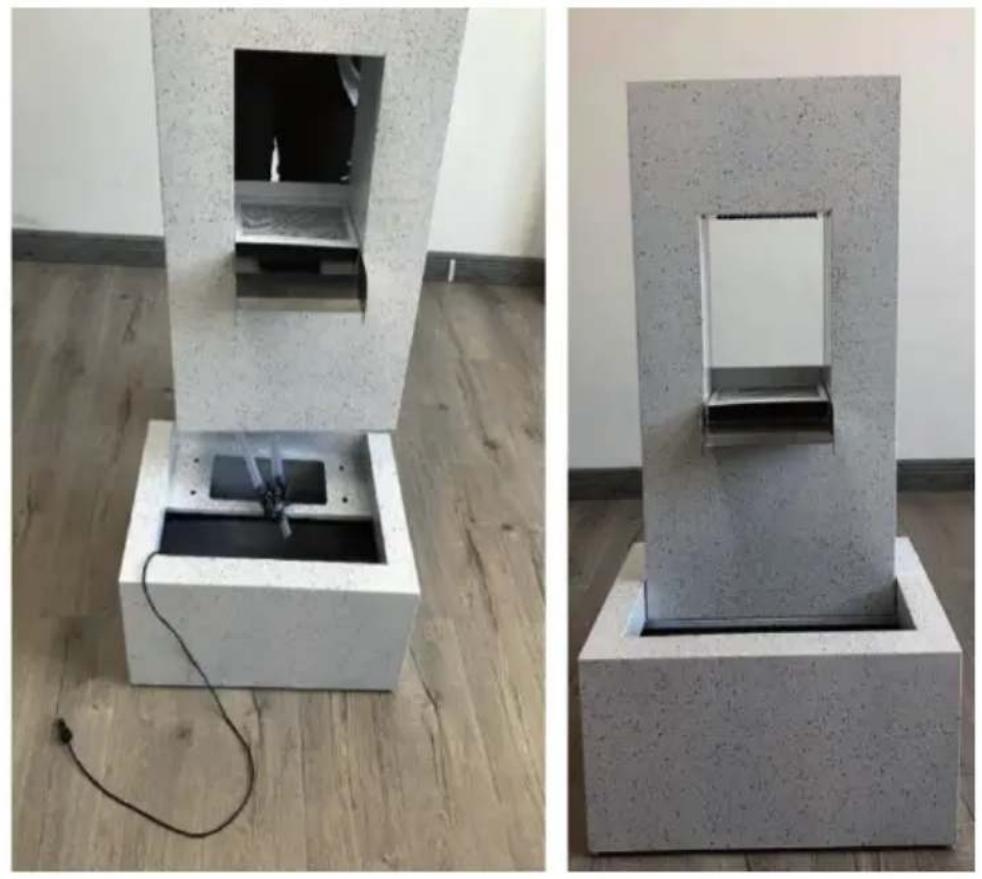
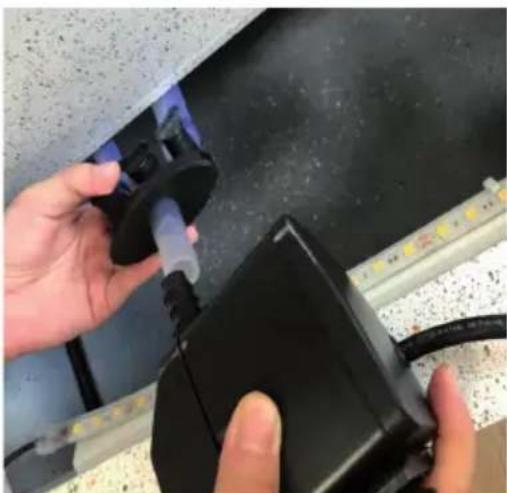
2: Place the fountain attachment on the fountain basin.
natural_image
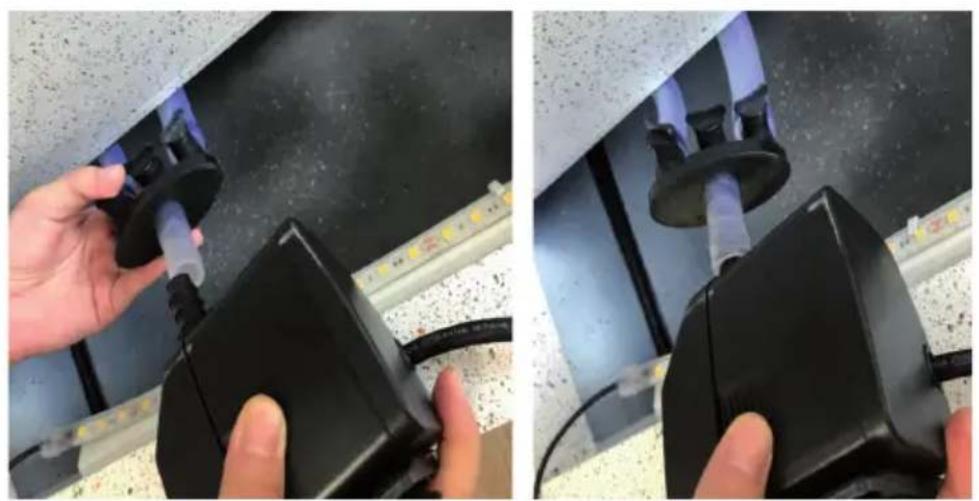
Two concrete blocks with embedded devices and wiring, displayed on a wooden floor (no text or symbols visible)3: Connect the pump to the hose.
natural_image
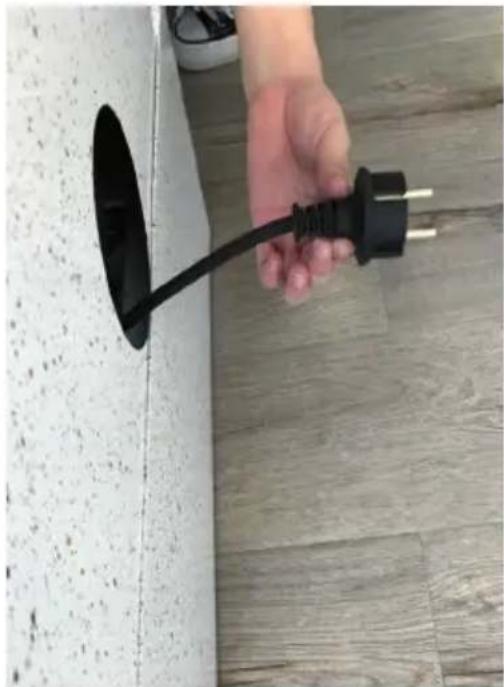
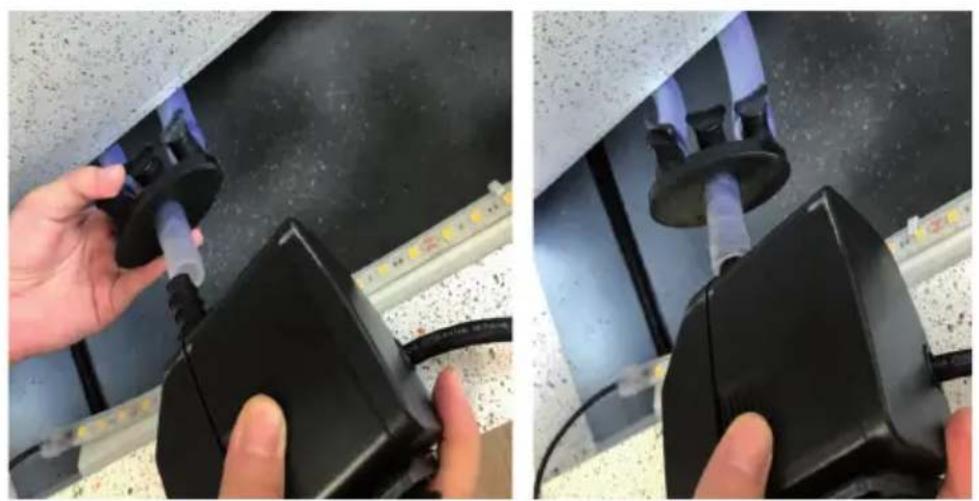
Close-up of hands using a black plastic device to connect two cables on a metal surface (no visible text or symbols)4: Lead the pump cable from the front through the opening at the rear of the fountain basin.
natural_image
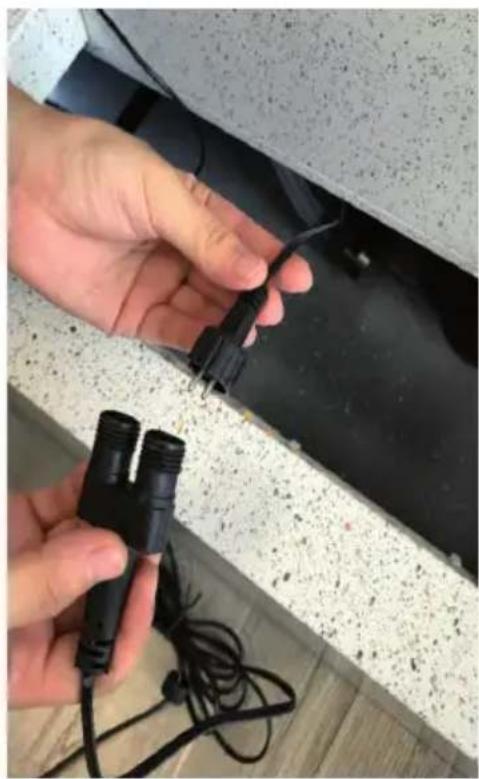
Hand holding a black electrical plug inserted into a white wall, placed on a wooden floor (no text or symbols visible)5: Connect the light cable of the fountain attachment to the adapter.
natural_image
Close-up of hands holding black electrical connectors with wires, next to a concrete ceiling (no text or symbols visible)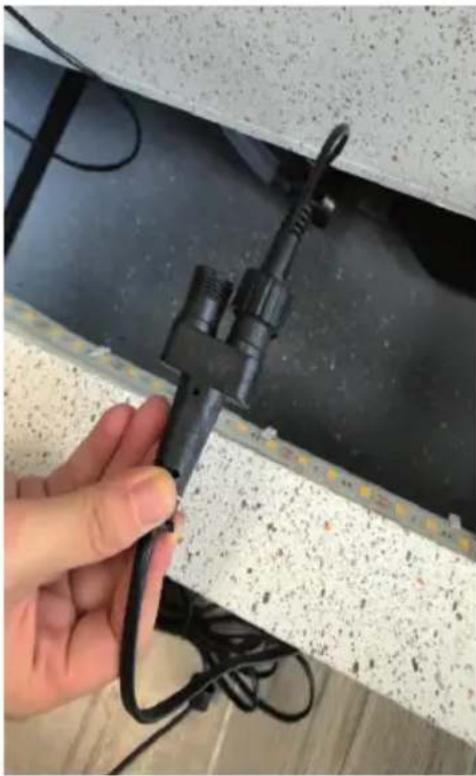
natural_image
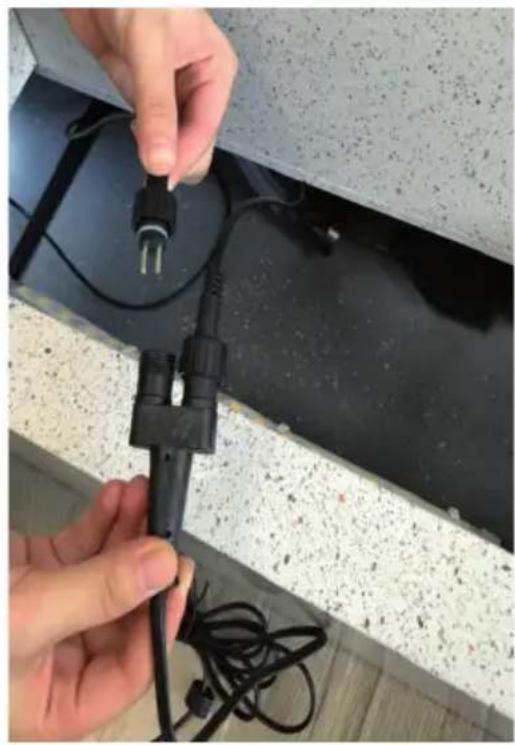
Hand holding a black clamp or connector attached to a white foam panel with visible fibers and wires (no text or symbols)6: Connect the light cable of the fountain basin to the adapter.
natural_image
Close-up of hands installing a black electrical plug into a concrete wall, with visible wiring and components (no text or symbols)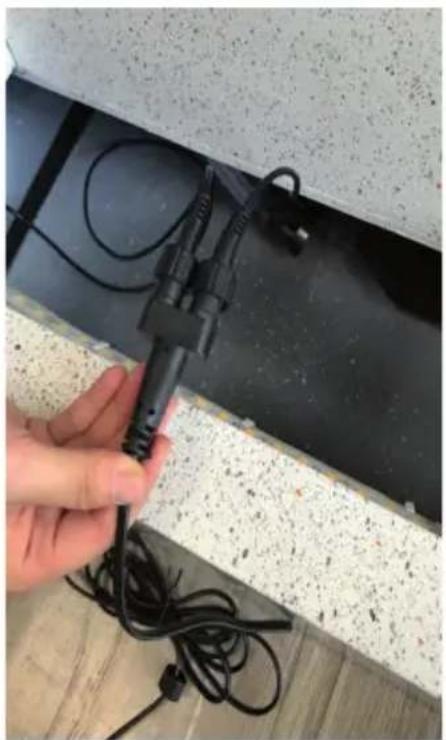
natural_image
Hand holding a black cable with wires attached to a wall, no visible text or symbols7: Lead the cable of the adapter from the front through the opening at the rear of the fountain basin.
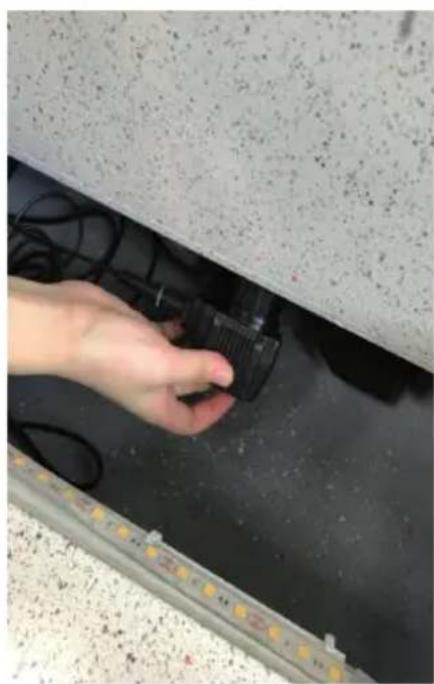
natural_image
Hand holding a black plastic clip attached to a dark surface, next to a metal bracket with yellow markings (no visible text or symbols)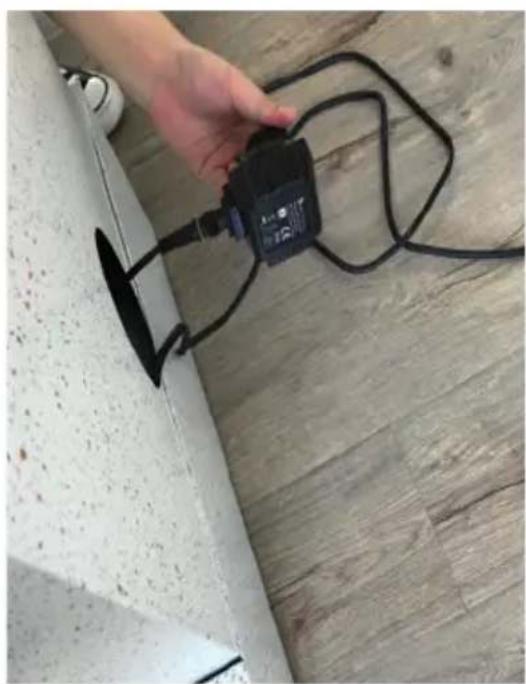
natural_image
Hand holding a small black electrical component mounted on a wooden floor next to a concrete wall (no visible text or symbols)8: The pump cable and the adapter cable are now correctly laid.
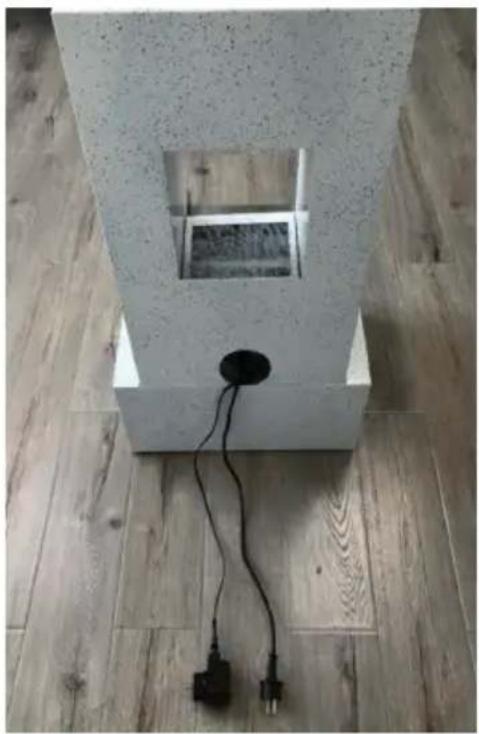
natural_image
Interior view of a concrete structure with exposed electrical outlets and wiring, placed on wooden flooring (no text or symbols visible)9: Fix the fountain attachment to the fountain basin with the wing nuts.
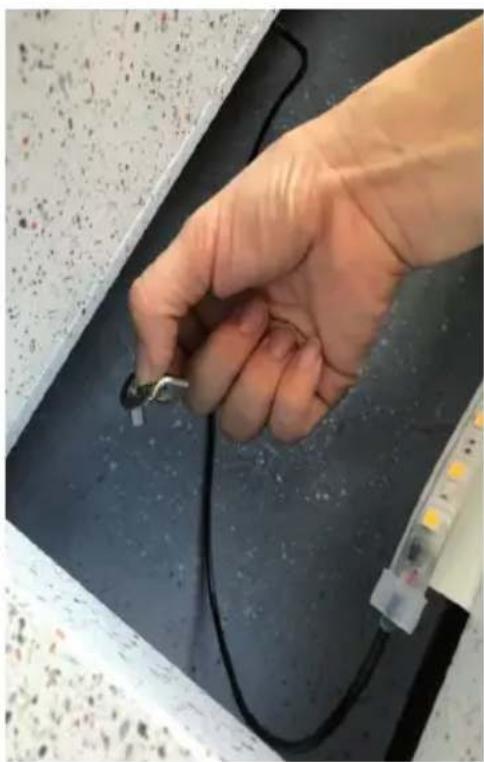
natural_image
Hand holding a small metallic object attached to a black cable, with a transparent tube and scattered particles on the surface (no visible text or symbols)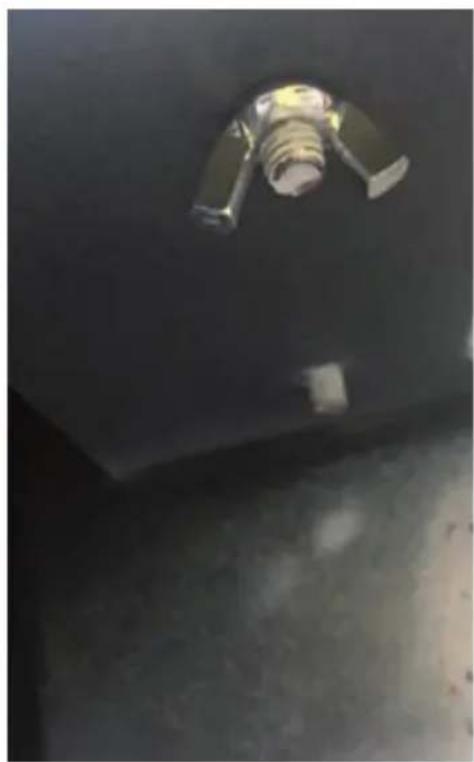
natural_image
Interior view of a dark industrial or warehouse space with a metallic fixture and a cylindrical component (no visible text or symbols)10: The fountain is now completely assembled and ready for use.
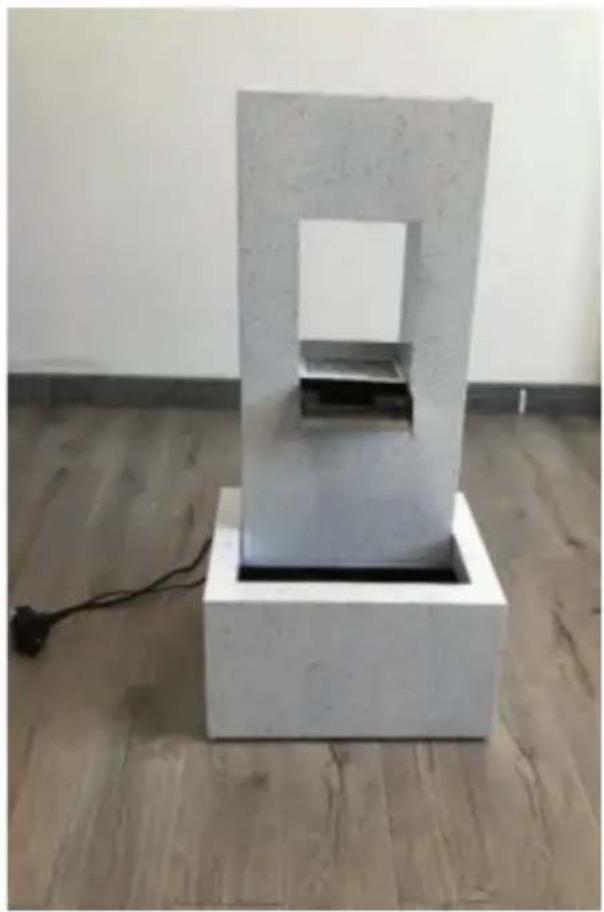
natural_image
White geometric sculpture with a rectangular frame mounted on a square base, displayed on a wooden floor against a plain wall (no text or symbols visible)NOTES ON OPERATION
- Fill in enough cleaner water before using the fountain.
- If you no longer use the fountain, turn off the pump and remove the water.
- If the fountain is dirty, clean it with a soft cloth.
TROUBLESHOOTING
| Problem Possible cause | Solution | |
| The fountain is not running. | The fountain is not connected to the power supply. | Insert the plug into the socket. |
| The flow control of the pump is not turned on. | Turn the flow control of the pump clockwise to increase the flow. | |
| The water pipe is bent. | Straighten the pipe. | |
| The water is not flowing right. | The flow control of the pump is not turned on. | Turn the flow control of the pump clockwise to increase the flow. |
| Not enough water in the fountain. | Put more water in the fountain. | |
| Air trapped in the pump. | Switch off the pump and restart it. |
HINTS ON DISPOSAL
natural_image
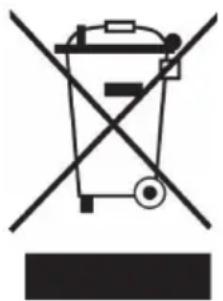
Symbol of a trash bin crossed with a diagonal line, no text or numbers presentAccording to the European waste regulation 2012/19/EU this symbol on the product or on its packaging indicates that this product may not be treated as household waste. Instead it should be taken to the appropriate collection point for the recycling of electrical and electronic equipment. By ensuring this product is disposed of correctly, you will help prevent potential negative consequences for the environment and human health, which could otherwise be caused by inappropriate waste handling of this product. For more detailed information about recycling of this product, please contact your local council or your household waste disposal service.
PRODUCER
Chal-Tec GmbH, Wallstraße 16, 10179 Berlin, Germany.
Chère cliente, cher client,
text_image
QR code image containing encoded data, no visible human-readable textSOMMAIRE
natural_image
Top-down view of a white electronic device with a rectangular opening and connected cables on a wooden floor (no text or symbols visible)natural_image
Two concrete blocks with embedded devices and wiring, displayed on a wooden floor (no text or symbols visible)natural_image
Close-up of hands using a black plastic device to connect two cables on a metal surface (no visible text or symbols)natural_image
Hand holding a black electrical plug inserted into a concrete wall, with wooden flooring in the background (no text or symbols visible)natural_image
Close-up of hands holding black cable connectors attached to a wall, with cables and wires visible (no text or symbols)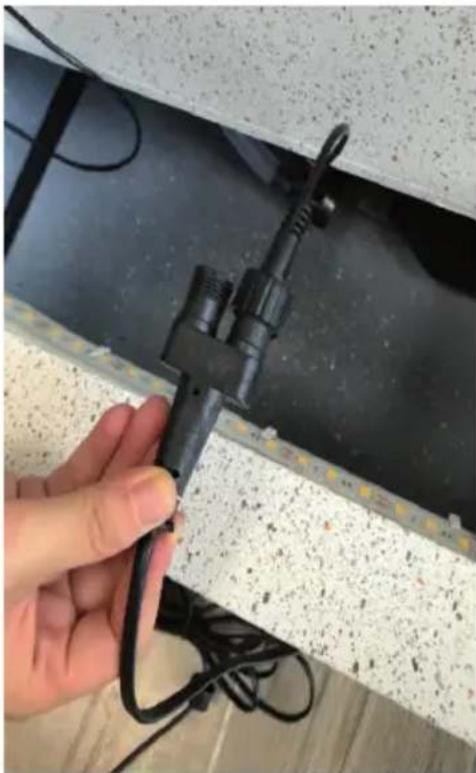
natural_image
Hand holding a black clamp attached to a white foam panel with wires, against a textured wall (no text or symbols visible)natural_image
Close-up of hands installing a black electrical plug into a ceiling panel with visible wiring and insulation (no text or symbols)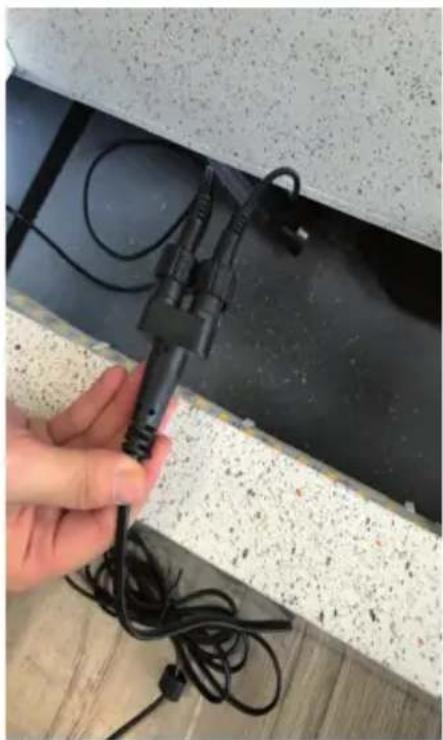
natural_image
Hand holding a black cable with wires installed on a ceiling panel (no visible text or symbols)natural_image
Hand holding a black plastic clip attached to a dark surface, with no visible text or symbols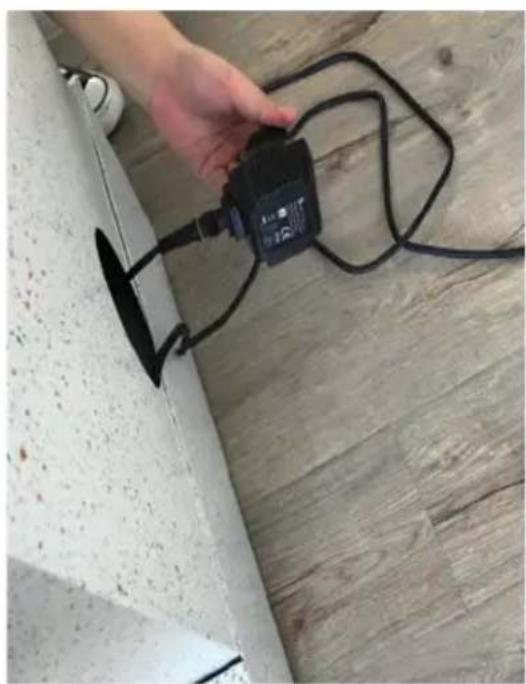
natural_image
Hand holding a black electrical connector attached to a wall, with wires and a small object nearby (no visible text or symbols)natural_image
Interior view of a concrete structure with exposed electrical plugs and wiring, placed on a wooden floor (no text or symbols visible)natural_image
Hand holding a small metallic connector attached to a black cable, with a glowing LED strip visible on the right (no text or symbols)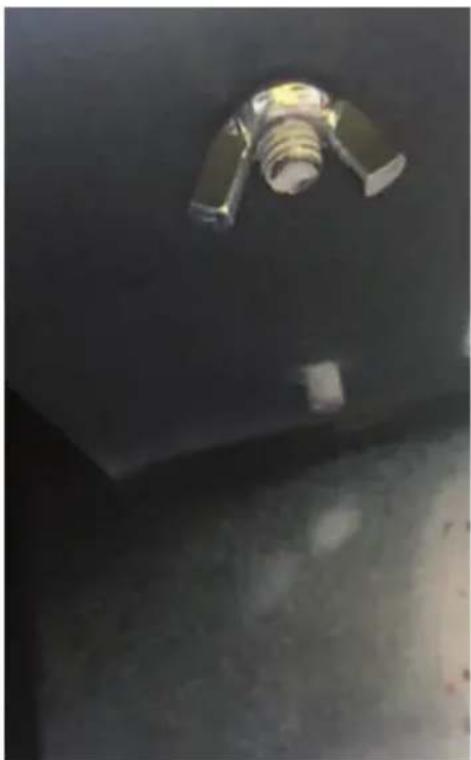
natural_image
Interior view of a dark industrial or warehouse space with a metallic fixture and a cylindrical component (no visible text or symbols)natural_image
Exterior view of a modern concrete structure with a rectangular frame and black panel, placed on a square base in an indoor setting (no text or symbols visible)CONSEILS D'UTILISATION
natural_image
Symbol of a trash bin crossed with a diagonal line, no text or numbers presenttext_image
QR code image containing encoded data, no visible human-readable textÍNDICE
natural_image
Top-down view of a white electronic device with a rectangular housing and a black screen, placed on a wooden floor with cables and power cord (no text or symbols visible)ES
natural_image
Two concrete blocks with embedded devices and wiring, displayed on a wooden floor (no text or symbols visible)3: Conecte la bomba a la manguera.
natural_image
Close-up of hands using a black plastic device to connect two cables on a metal surface (no visible text or symbols)natural_image
Hand holding a black electrical plug inserted into a concrete wall, with wooden flooring in the background (no text or symbols visible)natural_image
Close-up of hands holding black cable connectors with wires, next to a concrete floor (no visible text or symbols)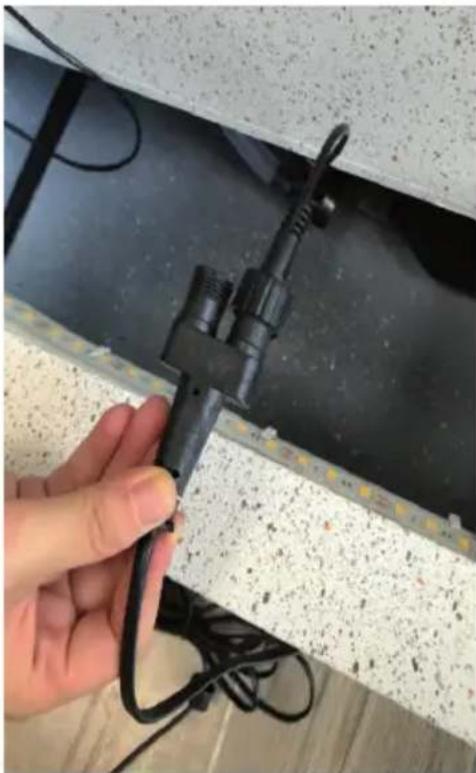
natural_image
Hand holding a black clamp attached to a white foam panel with coiled wires, against a textured wall (no text or symbols visible)natural_image
Close-up of hands installing a black electrical plug into a ceiling panel with visible wiring and insulation (no text or symbols)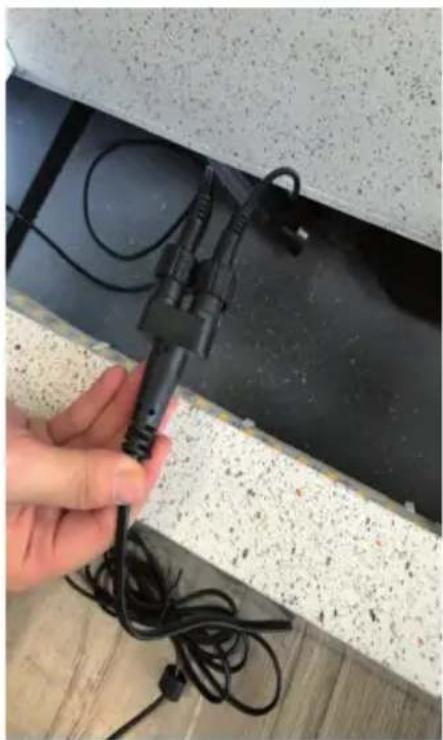
natural_image
Hand holding a black cable with wires attached to a ceiling panel (no visible text or symbols)natural_image
Hand holding a black connector attached to a concrete ceiling panel with visible wiring and debris (no text or symbols)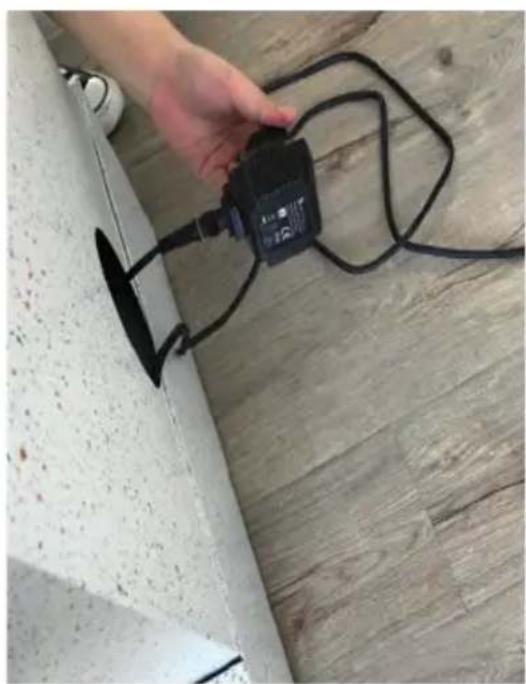
natural_image
Hand holding a black electrical connector attached to a wall, with wires and a small object nearby (no visible text or symbols)natural_image
Interior view of a concrete structure with exposed electrical plugs and wiring, placed on a wooden floor (no text or symbols visible)natural_image
Hand holding a small metallic connector attached to a black cable, with a glowing LED strip visible on the right (no text or symbols)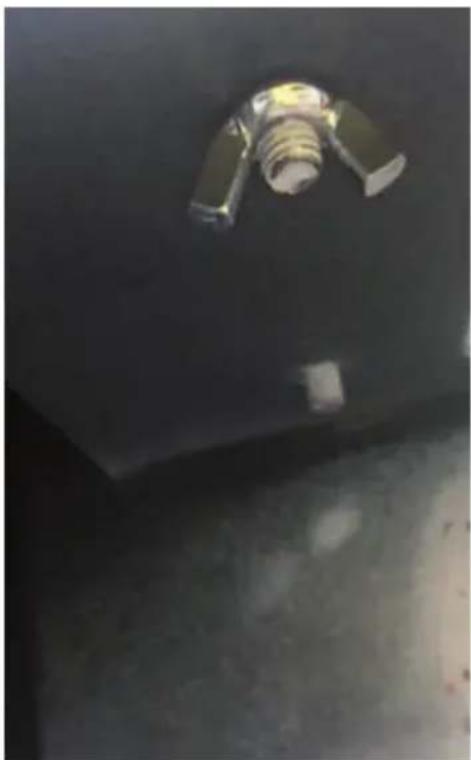
natural_image
Interior view of a dark industrial or warehouse space with a metallic fixture and a cylindrical component (no visible text or symbols)natural_image
White geometric sculpture with a rectangular frame mounted on a square base, displayed on a wooden floor against a plain wall (no text or symbols visible)natural_image
Symbol of a trash bin crossed with a diagonal line, representing no waste or discharge (no text or labels)text_image
QR code image containing encoded data, no visible human-readable textINDICE
natural_image
Top-down view of a white electronic device with a rectangular housing and a black screen, placed on a wooden floor with cables and power cord (no text or symbols visible)IT
natural_image
Exterior view of a modern concrete structure with a small base containing black components and wires, placed on a wooden floor (no text or symbols visible)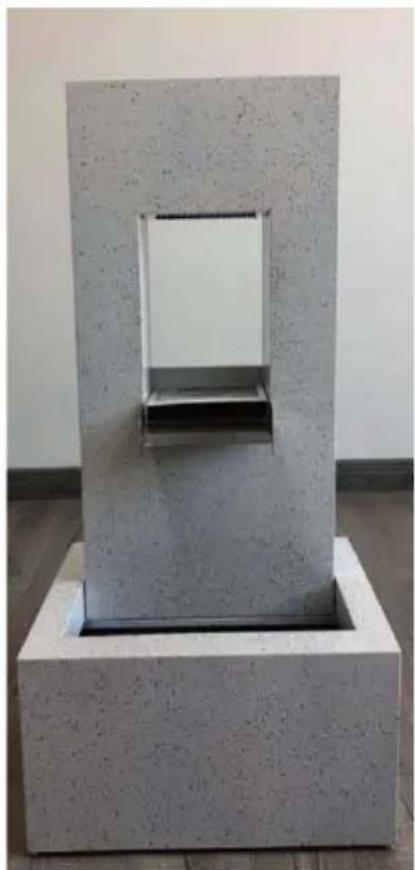
natural_image
Abstract geometric sculpture with a rectangular frame and central opening, displayed on a square base (no text or symbols visible)3: collegare la pompa al tubo flessibile.
natural_image
Close-up of hands using a black plastic bag to connect a pipe into a black plastic container, with no visible text or symbols.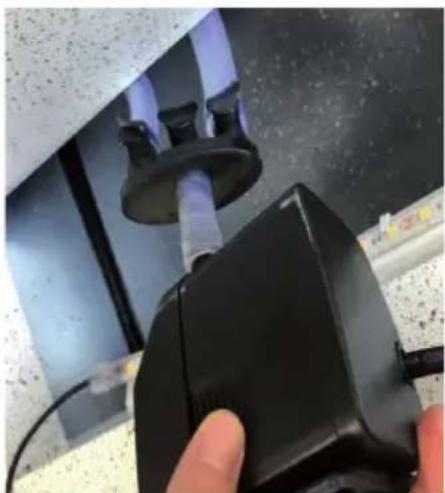
natural_image
Close-up of a hand holding a black mechanical device with a pipe attached, against a dark surface (no visible text or symbols)natural_image
Hand holding a black electrical plug inserted into a white cylindrical pipe, placed on a wooden floor (no text or symbols visible)natural_image
Close-up of hands holding black electrical connectors and cables against a textured wall (no visible text or symbols)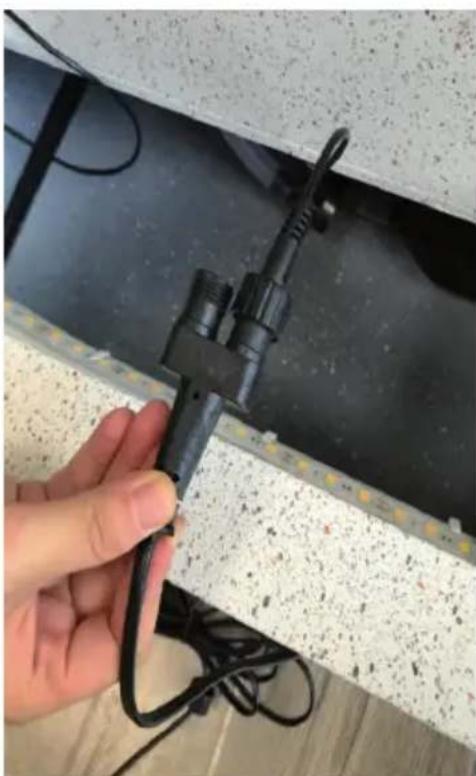
natural_image
Hand holding a black cable clip attached to a wall with visible texture and wiring (no text or symbols)natural_image
Two-panel photo showing hands connecting black electrical plugs to a wall, with wires and a grid on the floor (no text or symbols visible)natural_image
Two-panel photo showing hands installing or adjusting a black electronic device on a concrete floor; no visible text or symbols.natural_image
Interior view of a concrete structure with exposed electrical plugs and wiring, placed on a wooden floor (no text or symbols visible)natural_image
Hand holding a small metallic object attached to a black cable inside a lab or workshop (no visible text or symbols)