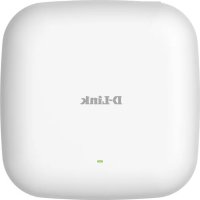
DAPX2810 - Access Point D-LINK - Free user manual and instructions
Find the device manual for free DAPX2810 D-LINK in PDF.



| Product Type | Wireless Access Point |
| Brand | D-Link |
| Model | DAPX2810 |
| Dimensions (approx.) | 200 x 200 x 30 mm |
| Weight (approx.) | 300 g |
| Power Supply | 12 V DC, 1 A |
| Main Functions | Dual band Wi-Fi (2.4 GHz and 5 GHz), configuration via mobile app or web browser, access point mode, wireless router |
| Configuration | Via D-Link Wi-Fi app (QR code scan) or web browser (http://dlinkrouter.local.) |
| Maintenance and Cleaning | Clean with a dry, soft cloth. Do not use liquid or abrasive products. |
| Security | Hardware reset via Reset button (hold for 10 seconds with a paperclip) |
| Spare Parts and Repairability | Removable antennas included. Spare parts available on the D-Link website. |
| General Information | Manual available in 17 languages. Technical support on the D-Link website. |
Frequently Asked Questions - DAPX2810 D-LINK
User questions about DAPX2810 D-LINK
0 question about this device. Answer the ones you know or ask your own.
Ask a new question about this device
Download the instructions for your Access Point in PDF format for free! Find your manual DAPX2810 - D-LINK and take your electronic device back in hand. On this page are published all the documents necessary for the use of your device. DAPX2810 by D-LINK.
USER MANUAL DAPX2810 D-LINK
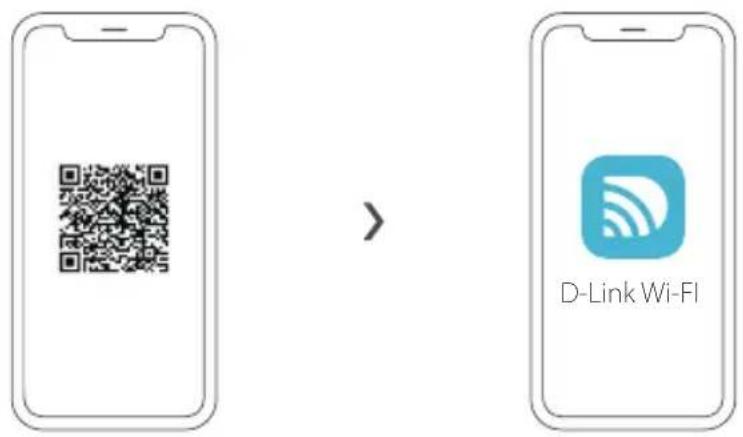
OPTION 1 D-LINK WI-FI APP SETUP
1.
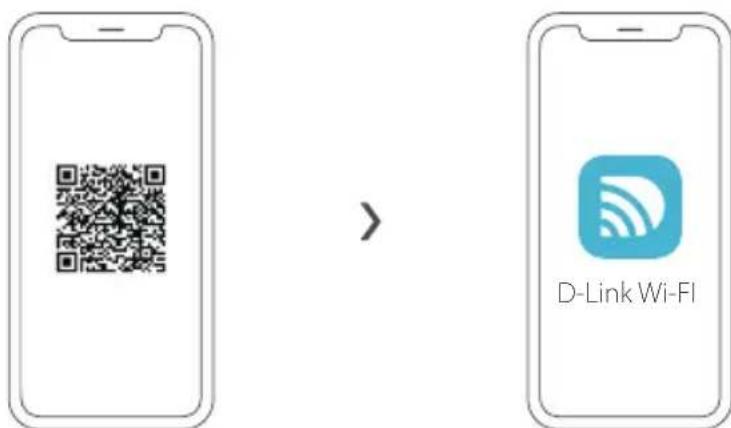
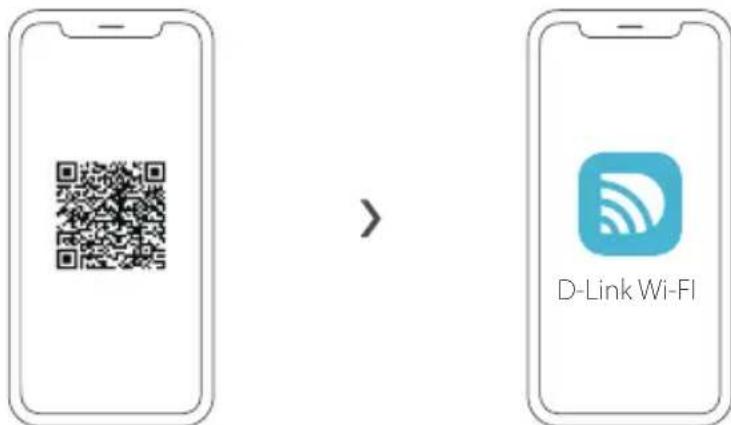
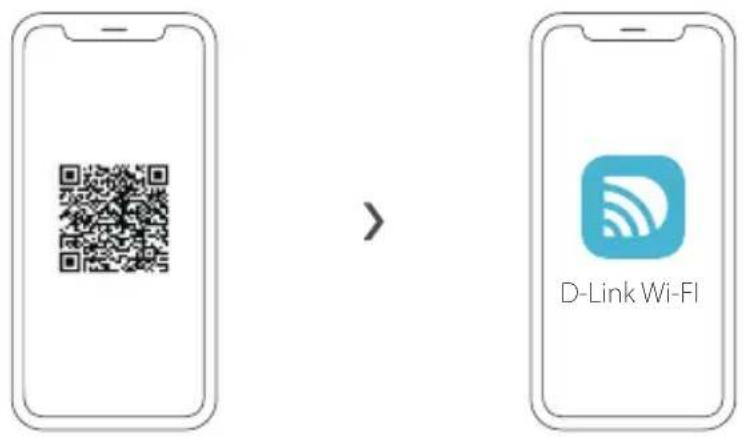
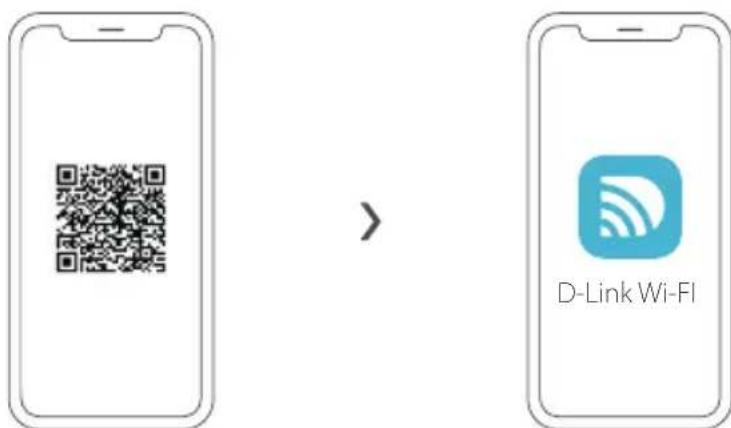
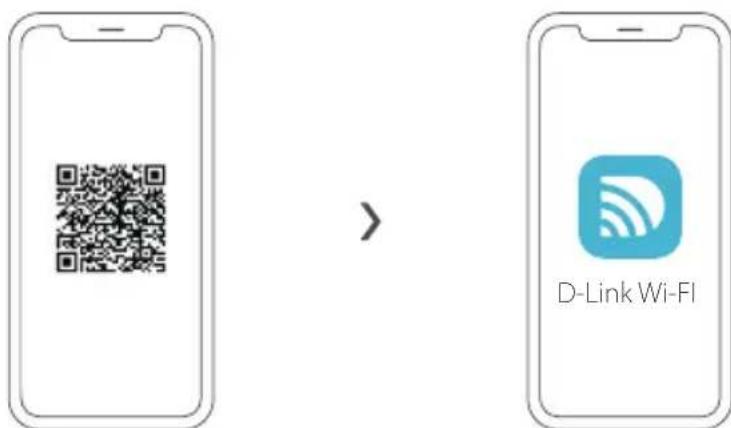
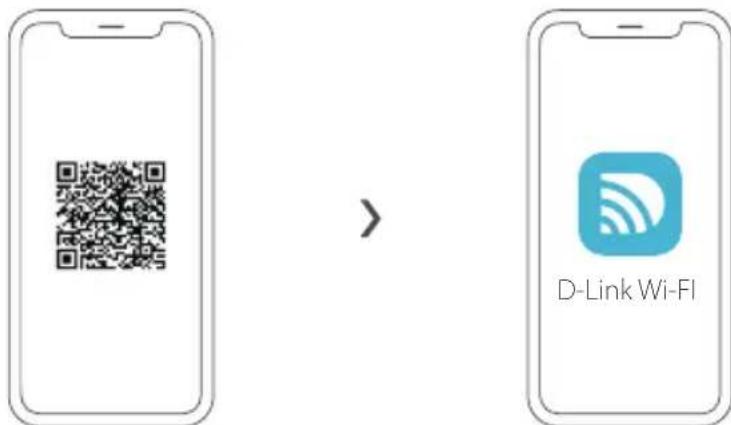
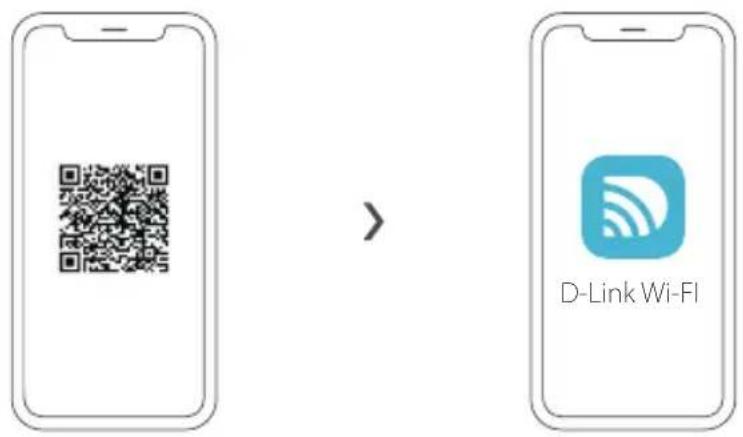
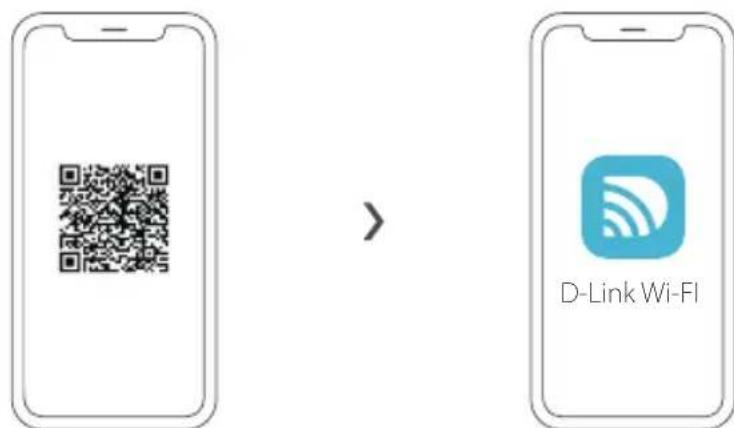
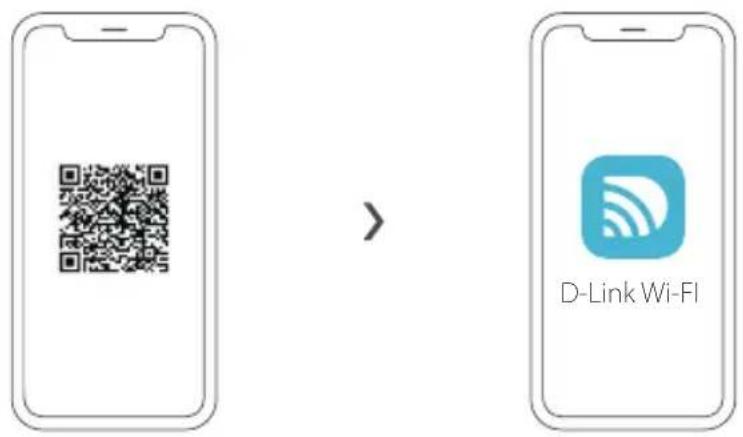
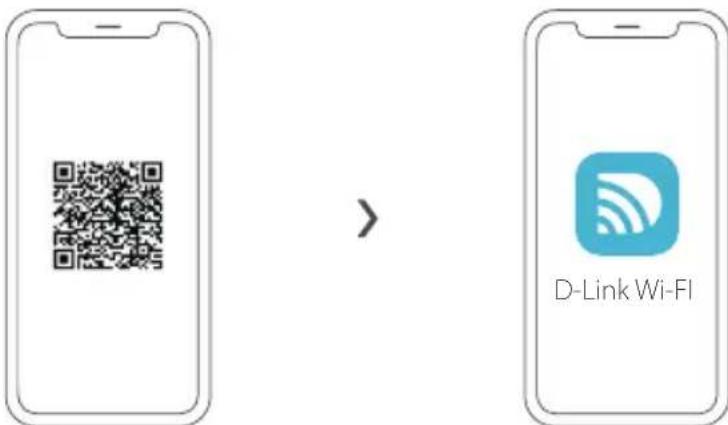
Scan the QR code above to download the D-Link Wi-Fi app from the App Store or from Google Play and launch it.
Note: Please check the app store for device requirements and compatibility. Not all D-Link products are supported by the D-Link Wi-Fi app.
2
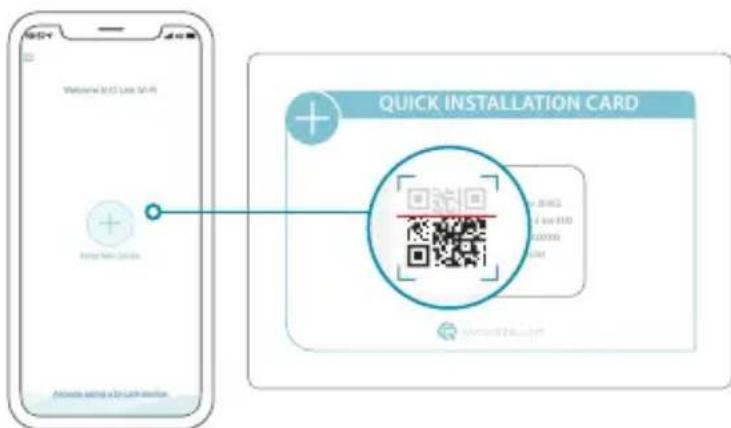
Tap Install New Device. Tap Scan the QR code. Scan the code on the Quick Installation Card provided in the packaging of your product. Follow the on-screen instructions to complete the setup.

ENJOY!
You're all good to go! Connect devices to your network using the Wi-Fi Name (SSID) and password that you created during the setup process.
OPTION 2 WEB BROWSER SETUP
1 Install the antennas. If the antennas are already fixed, position your router near your Internet-connected modem and computer. Keep the router in an open area for better wireless coverage.
Plug an Ethernet cable from your modem into the port labeled / INTERNET on the router.
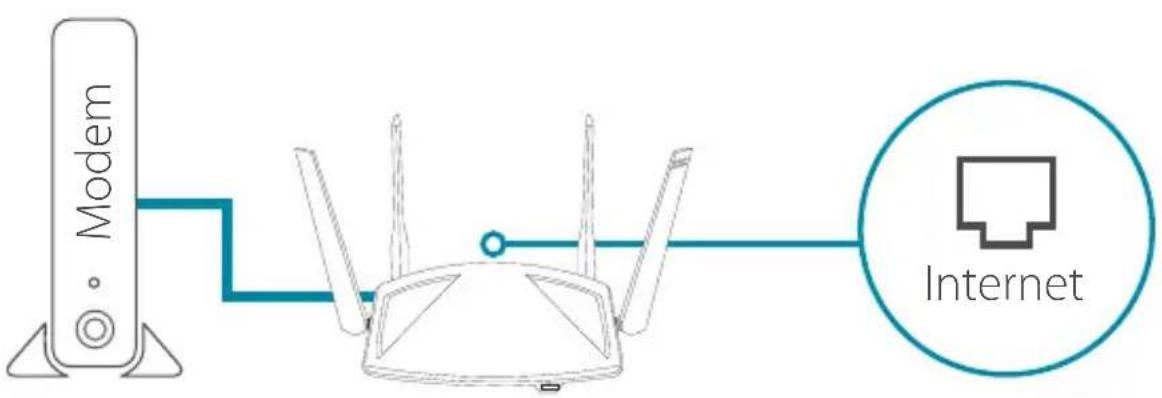
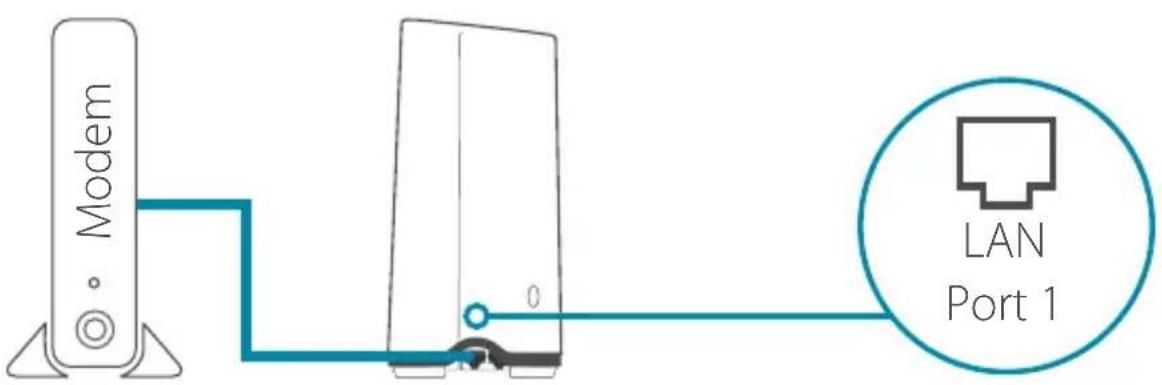
Note: If your router does not have a port labeled as INTERNET, plug the Ethernet cable into LAN Port 1.
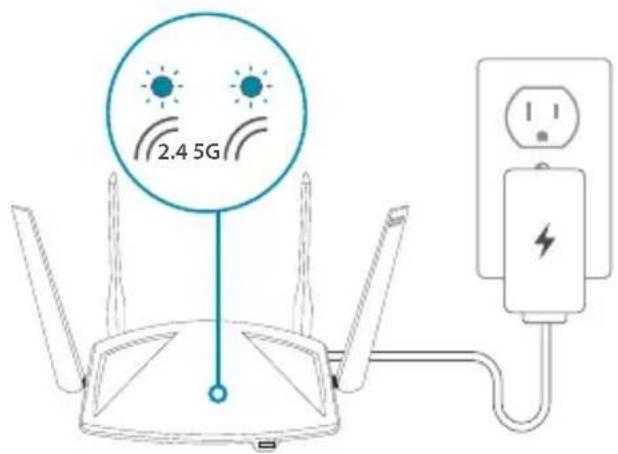
3 Plug the router into a power source to power on the router. Make sure that the power button is in the ON configuration.
4 Wait for the 2.4 GHz and 5 GHz wireless LEDs to turn on. Note: If your router does not have 2.4 and 5G wireless LEDs, refer to the User Manual for LED behaviour.
5 Connect your computer to the Wi-Fi name and password printed on the Quick Installation Card, or on the device label on the bottom of the device.
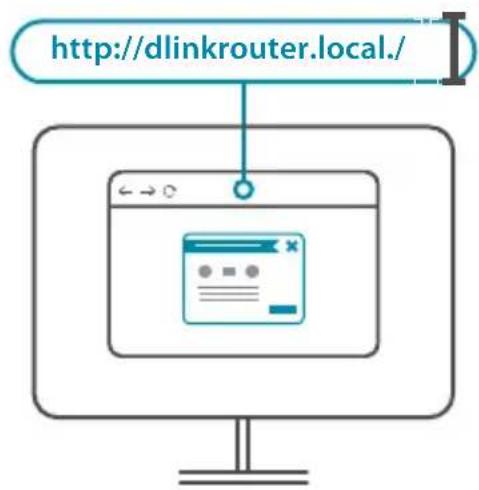
6 Type http://dlinkrouter.local./ into the address bar of a web browser. Follow the on-screen instructions to complete the setup.

ENJOY!
You're all good to go! Connect devices to your network using the Wi-Fi Name (SSID) and password that you created during the setup process.
FREQUENTLY ASKED QUESTIONS
Why can't I access the web-based configuration utility?
Verify that http://dlinkrouter.local./ is correctly entered into the browser. At this stage, you are not connecting to a website, nor do you have to be connected to the Internet. The device has the utility built-in to a ROM chip in the device itself. Your computer must be connected to the router's network and in the same IP subnet to connect to the web-based utility.
Why can't I access the Internet?
Verify that your router is working by rebooting the router. If you still can not connect to the Internet, contact your Internet service provider.
What do I do if I forgot my device password / my wireless network password?
If you forgot your password, you must reset your router. This process will change all your settings back to the factory defaults.
How do I restore the router to its factory default settings?
Locate the reset button on the rear panel of the unit. With the router powered on, use a paper clip to hold the button down for 10 seconds. Release the button and the router will go through its reboot process.
For technical support, product documentation and other information, please visit our website.
https://eu.dlink.com/support
https://eu.dlink.com/support
https://eu.dlink.com/support
OPTIE 1 D-LINK WI-FI APP SETUP
1.
https://eu.dlink.com/support
OPCJA 1 KONFIGURACJA APLIKACJI D-LINK WI-FI
1,
https://eu.dlink.com/support
MOZNOST 1 NASTAVENÍ APLIKACE D-LINK WI-FI
1.
https://eu.dlink.com/support
1. LEHETÖSEG BEÁLLITÁS A D-LINK WI-FI ALKALMAZÁSSAL
1
https://eu.dlink.com/support
ALTERNATIV 1 KONFIGURING I D-LINK WI-FI-APP
1,
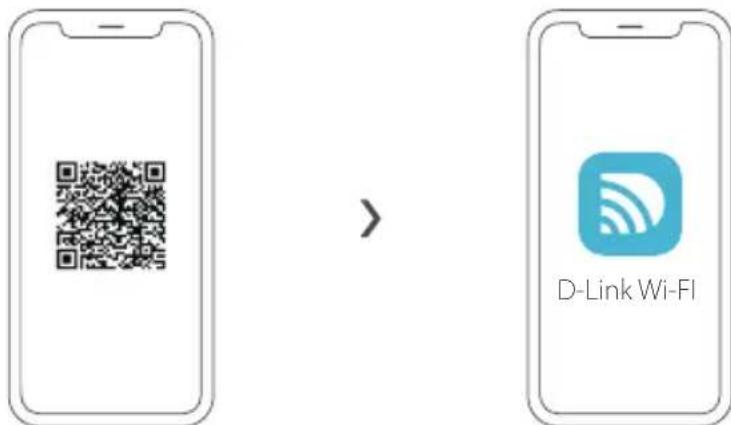
Skann QR-koden ovenfor for Ålaste ned D-Link Wi-Fi-appen fra App Store eller Google Play og Åpne den.
https://eu.dlink.com/support
VAIHTOEHTO 1 D-LINK WI-FI-SOVELLUKSEN ASENNUS
1,
https://eu.dlink.com/support
ALTERNATIV 1 INSTALLATION AV D-LINK WI-FI-APP
1,
https://eu.dlink.com/support
OPCAO1 CONFIGURAÇÃO DA APLICACAO D-LINK WI-FI
1.
https://eu.dlink.com/support
ENIAORH 1 △IAMOPΦΩΣH ME THN EΦAPMΟΓH D-LINK WI-FI
1,
Zapwote tov npanavw kwdsikr QR yia va npaymuatoioeTe Tnc
εpapouync D-Link Wi-Fi aanto App Store n aanto Googl Play kal ekkvnoTc Tnv.
https://eu.dlink.com/support
OPTIUNEA 1 CONFIGURARE APL. D-LINK WI-FL
1.
Scanathi codul QR de mai sus pentru a descarca aplicata D-Link Wi-din App Store sau Google Play si a o lansa.
https://eu.dlink.com/support
1. MOZNOST: INSTALÁCIA APLIKÁCIE D-LINK WI-FI
1
CASTO KLADENE OTÁZKY
https://eu.dlink.com/support