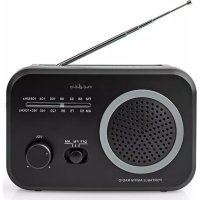
RDFM1330GY - Radio NEDIS - Free user manual and instructions
Find the device manual for free RDFM1330GY NEDIS in PDF.



| Product type | Portable AM/FM radio |
| Brand | Nedis |
| Model | RDFM1330GY |
| Dimensions (W x D x H) | 50 x 180 x 170 mm |
| Weight | Approximately 0.6 kg |
| Radio bands | FM / AM |
| FM frequency range | 87.5 - 108.0 MHz |
| AM frequency range | 530 - 1600 kHz |
| Tuning | Analog (dial) |
| Output power | 0.6 W RMS |
| Connectors | 3.5 mm headphone output |
| Mains power | 220 - 240 V AC, 50 Hz |
| Battery type | 4 x 1.5 V AA (not included) |
| Batteries included | No |
| Intended use | Listening to radio at home or outdoors |
| Maintenance and cleaning | Wipe with a soft, dry cloth |
| Safety | Do not expose to water, do not listen at high volume for long periods |
| Spare parts and repairability | Repair by qualified technician only |
| General information | Declaration of conformity available at nedis.fr/rdfm1330gy#support |
Frequently Asked Questions - RDFM1330GY NEDIS
User questions about RDFM1330GY NEDIS
0 question about this device. Answer the ones you know or ask your own.
Ask a new question about this device
Download the instructions for your Radio in PDF format for free! Find your manual RDFM1330GY - NEDIS and take your electronic device back in hand. On this page are published all the documents necessary for the use of your device. RDFM1330GY by NEDIS.
USER MANUAL RDFM1330GY NEDIS
with analogue tuning
RDFM1330GY
EN Quick start guide 4
DE Kurzanleitung 7
FR Guide de démarrage rapide 12
NL Snelstartgids 16
IT Guida rapida all'avvio 20
ES Guia de inicio=rápido 24
PT Guia de iniciação=rapida 28
(SV) Snabbstartsguide 32
FI Pika-aloitusopas 36
NO Hurtigguide 39
DA Vejledning til hurtig start 43
HU Gyors beüzemelési utmutató 47
PL Przewodnik Szybki start 51
EL O8nyoc ypnyopnc EKKivnoonc 55
SK Rychly námod 59
CS Rychly námod 63
RO Ghid rapid de initiere

A
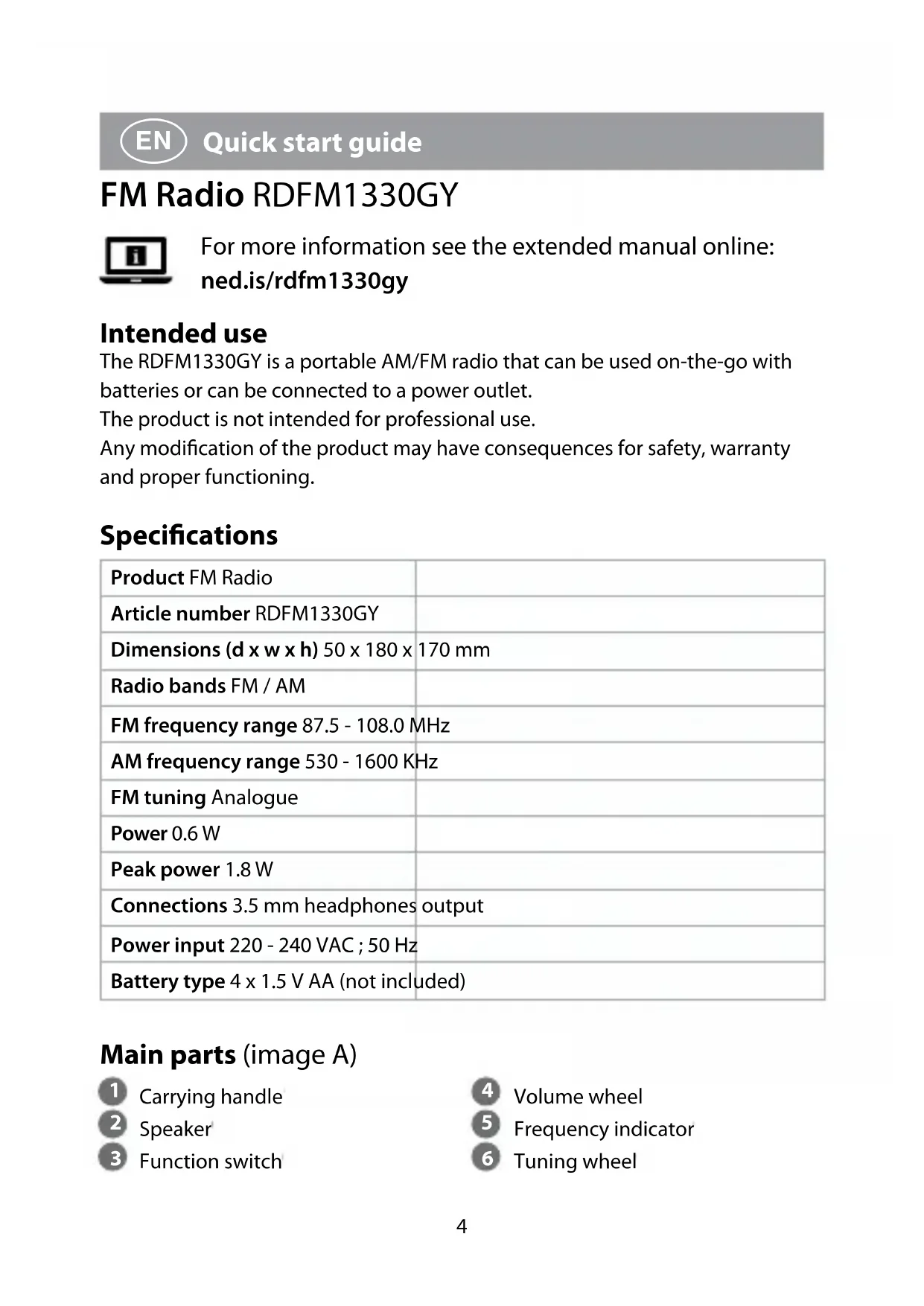
FM Radio RDFM1330GY

For more information see the extended manual online:ned.is/rdfm1330gy
Intended use
The RDFM1330GY is a portable AM/FM radio that can be used on-the-go with batteries or can be connected to a power outlet.
The product is not intended for professional use.
Any modification of the product may have consequences for safety, warranty and proper functioning.
Specifications
| Product FM Radio | |
| Article number RDFM1330GY | |
| Dimensions (d x w x h) 50 x 180 x | 170 mm |
| Radio bands FM / AM | |
| FM frequency range 87.5 - 108.0 MHz | |
| AM frequency range 530 - 1600 KHz | |
| FM tuning Analogue | |
| Power 0.6 W | |
| Peak power 1.8 W | |
| Connections 3.5 mm headphones | output |
| Power input 220 - 240 VAC; 50 Hz | |
| Battery type 4 x 1.5 V AA (not included) |
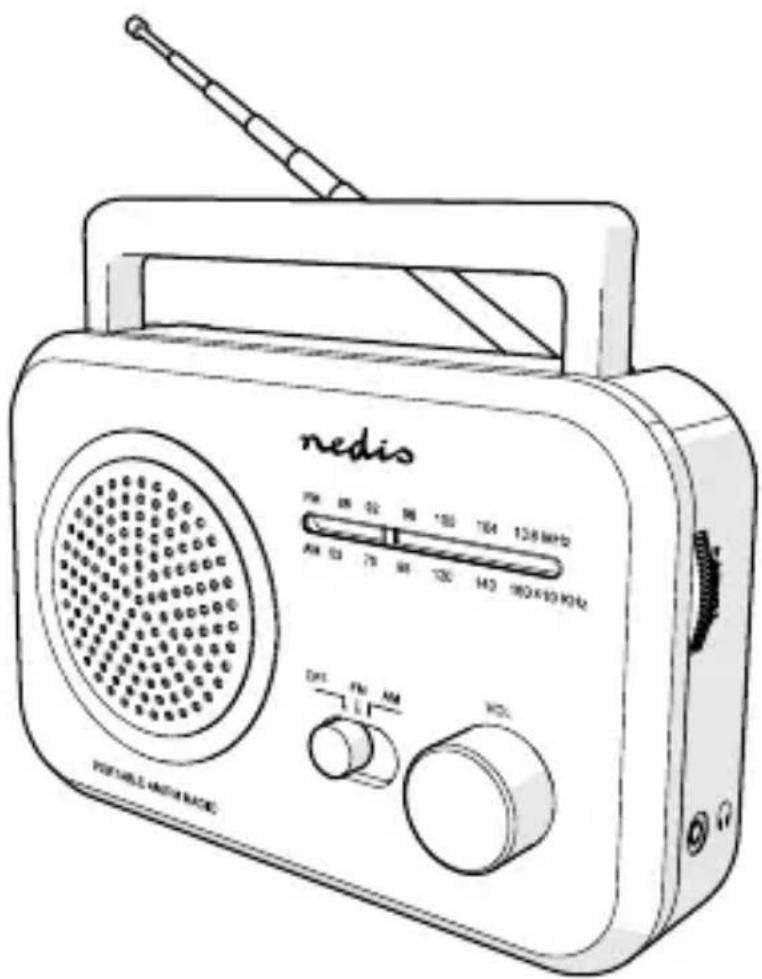
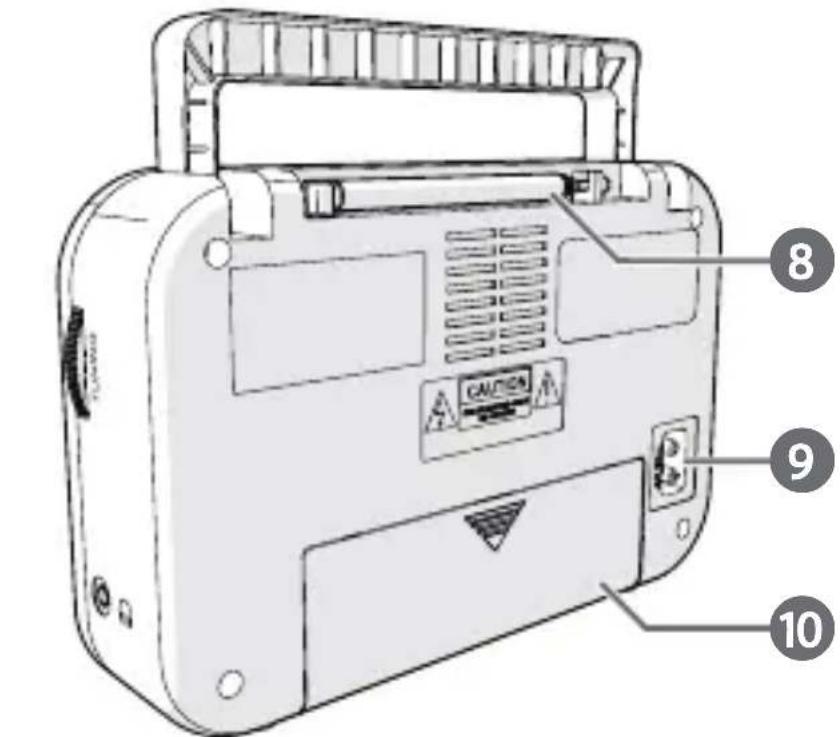
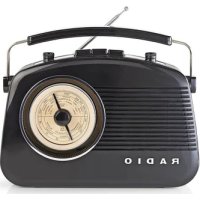
Main parts (image A)

Carrying handle

Speaker

Function switch

Volume wheel

Frequency indicator

Tuning wheel
7 3.5 mm headphones output
8 Antenna
9 Power port
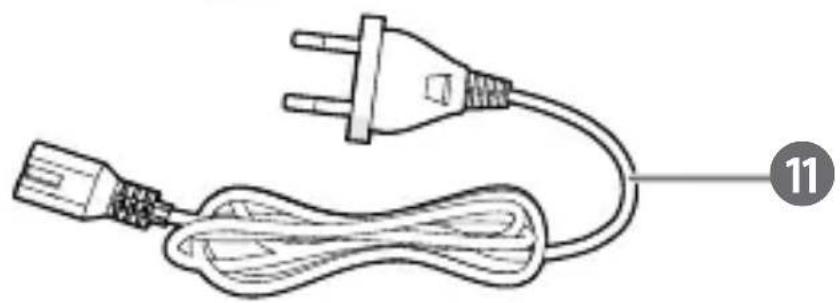
10 Battery compartment 11 Power cable
Safety instructions
WARNING
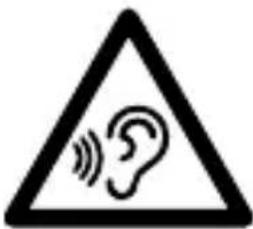
To prevent possible hearing damage, do not listen at high volume levels for long periods.
- Ensure you have fully read and understood the instructions in this document before you install or use the product. Keep this document for future reference.
- Only use the product as described in this document.
- Do not use the product if a part is damaged or defective. Replace a damaged or defective product immediately.
- Do not drop the product and avoid bumping.
- This product may only be serviced by a qualified technician for maintenance to reduce the risk of electric shock.
- Unplug the product from the power source and other equipment if problems occur.
- Do not expose the product to water or moisture.
- Do not recharge non-rechargeable batteries.
- Do not dismantle, open or shred secondary cells or batteries.
- Do not expose cells or batteries to heat or fire. Avoid storage in direct sunlight.
- Do not short-circuit a cell or a battery.
- Do not store cells or batteries haphazardly in a box or drawer where they may short-circuit each other or be short-circuited by other metal objects.
- Do not remove a cell or battery from its original packaging until required for use.
-
Do not subject cells or batteries to mechanical shock.
-
In the event of a cell leaking, do not allow the liquid to come in contact with the skin or eyes. If contact has been made, wash the affected area with copious amounts of water and seek medical advice.
- Observe the plus (+) and minus (-) marks on the cell, battery and equipment and ensure correct use.
- Do not use any cell or battery that is not designed for use with the product.
- Seek medical advice immediately if a cell or a battery has been swallowed.
- Keep cells and batteries clean and dry.
- Wipe the cell or battery terminals with a clean dry cloth if they become dirty.
- Retain the original product literature for future reference.
- Use only the cell or battery in the application for which it was intended.
- Battery usage by children should be supervised.
- Do not mix cells of different manufacture, capacity, size or type within a product.
- Properly dispose of the empty battery.
- When possible, remove the battery from the product when not in use.
- Some wireless products may interfere with implantable medical devices and other medical equipment, such as pacemakers, cochlear implants and hearing aids. Consult the manufacturer of your medical equipment for more information.
- Do not use the product at locations where the use of wireless devices is prohibited due to potential interference with other electronic devices, which may cause safety hazards.
- Read the manual carefully before use. Keep the manual for future reference.
Inserting the batteries
- Open the battery compartment A (10).
- Insert 4 type AA batteries.
Make sure to match the (+) and (-) polarity markings.
- Close A (10).
Connecting the product to a power outlet
- Plug the power cable A ⑪ into the power port A ⑨.
- Insert the other end of A 11 into a power outlet.
Switching on the product
- Set the function switch A ③ to AM or FM.
Controlling the volume
- Rotate the volume wheel A 4 to adjust the volume to the desired sound level.
Tuning in to a radio station
- Rotate the tuning wheel A 6 to select an available radio station. The frequency indicator A 5 shows the current frequency value. Pull out the antenna A 8 to improve reception in FM mode.
Declaration of Conformity
We, Nedis B.V. declare as manufacturer that the product RDFM1330GY from our brand Nedis®, produced in China, has been tested according to all relevant CE standards and regulations and that all tests have been passed successfully. This includes, but is not limited to the RED 2014/53/EU regulation.
The complete Declaration of Conformity (and the safety datasheet if applicable) can be found and downloaded via:
nedis.com/rdfm1330gy#support
For additional information regarding the compliance, contact the customer service:
Web: www.nedis.com
E-mail: service@nedis.com
Nedis B.V., de Tweeling 28
5215 MC's-Hertogenbosch, the Netherlands

Kurzanleitung
UKW-Radio RDFM1330GY

10 Batterijcompartment 11 Stroomkabel
- with analogue tuning
- FM Radio RDFM1330GY
- Intended use
- Specifications
- Main parts (image A)
- Safety instructions
- Inserting the batteries
- Connecting the product to a power outlet
- Switching on the product
- Controlling the volume
- Tuning in to a radio station
- Declaration of Conformity
- Kurzanleitung
- UKW-Radio RDFM1330GY
Brand : NEDIS
Model : RDFM1330GY
Category : Radio