
G Pro X Superlight - Mouse LOGITECH - Free user manual and instructions
Find the device manual for free G Pro X Superlight LOGITECH in PDF.
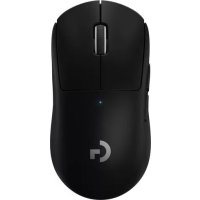



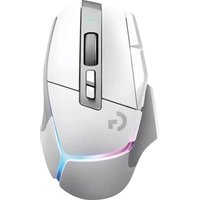
| Product Type | Wireless gaming mouse |
| Brand | Logitech |
| Model | G Pro X Superlight |
| Dimensions (L x W x H) | 125 x 63.5 x 40 mm |
| Weight | 63 g (without cable) |
| Sensor | HERO 25K |
| Resolution (DPI) | 100 to 25,600 DPI (adjustable via G HUB) |
| Power Source | Rechargeable lithium-ion battery |
| Battery Life | Approximately 70 hours |
| Connectivity | LIGHTSPEED Wireless (2.4 GHz) |
| Programmable Buttons | 5 buttons (left click, right click, scroll wheel, forward, backward) |
| Lighting | None |
| Software | G HUB (logitechG.com/GHUB) |
| Included Accessories | USB receiver, charging/data cable, optional grip tape, surface preparation cloth, POWERPLAY opening compartment with PTFE feet |
| Care and Cleaning | Clean the surface with a soft, dry cloth. Use the provided cloth to prepare the surface before applying the grip tape. |
| Safety | Lithium-ion battery: do not expose to heat or fire. Use only the provided cable. |
| Spare Parts and Repairability | Replaceable PTFE feet and POWERPLAY opening compartment. USB receiver can be stored inside the mouse. |
| Warranty | 2 years (depending on country) |
Frequently Asked Questions - G Pro X Superlight LOGITECH
User questions about G Pro X Superlight LOGITECH
0 question about this device. Answer the ones you know or ask your own.
Ask a new question about this device
Download the instructions for your Mouse in PDF format for free! Find your manual G Pro X Superlight - LOGITECH and take your electronic device back in hand. On this page are published all the documents necessary for the use of your device. G Pro X Superlight by LOGITECH.
USER MANUAL G Pro X Superlight LOGITECH
logitech



ENGLISH ..... 3 CZECH VERSION ..... 108
GERMAN 10 115 PERSIAN
FRENCH....17 SLOVAK....122
ITALIAN....24 UKRAINIAN....129
SPANISH....31 ESTONIAN....136
PORTUGUESE ..... 38 LATVIAN ..... 143
DUTCH ..... 45 LITHUANIAN ..... 150
SWEDISH. 52 BULGARIAN 157
DANISH 59 CROATIAN 164
NORWEGIAN 66 SERBIAN 171
FINNISH....73 SLOVENIAN....178
GREEK 80 ROMANIAN 185
RUSSIAN ..... 87 TURKISH ..... 192
POLISH....94 199
PACKAGE CONTENTS
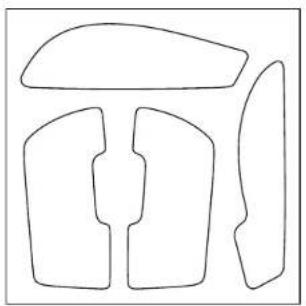
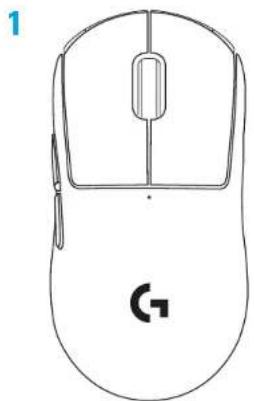
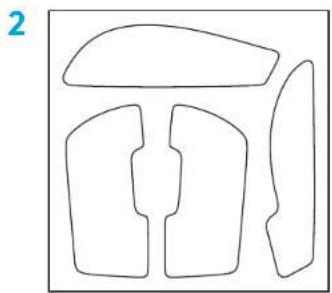
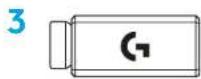
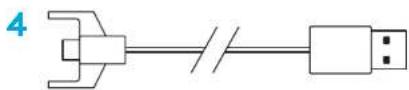
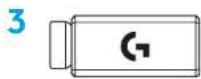
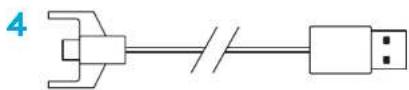
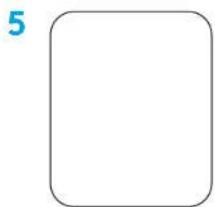
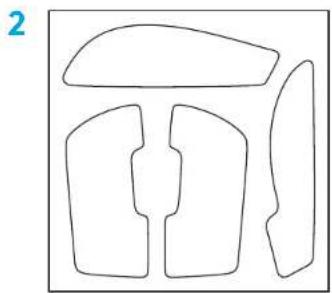
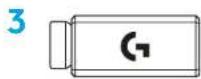
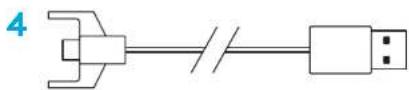
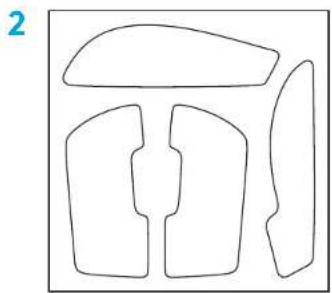
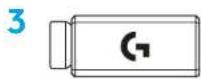
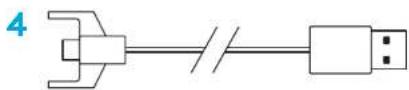
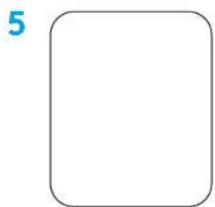
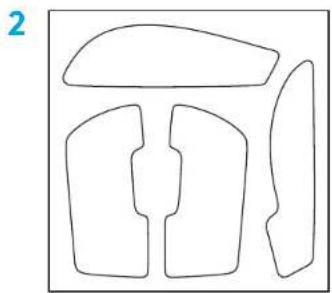
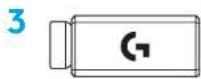
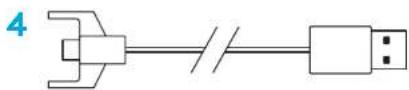
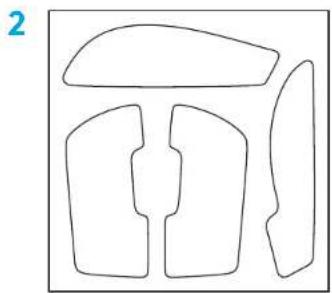
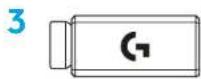
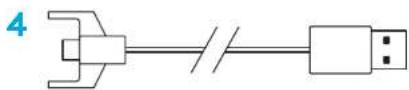
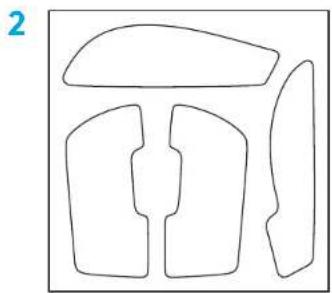
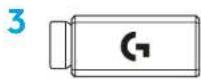
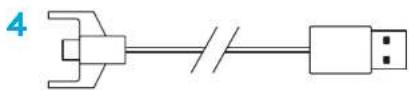
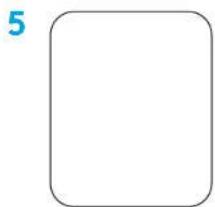
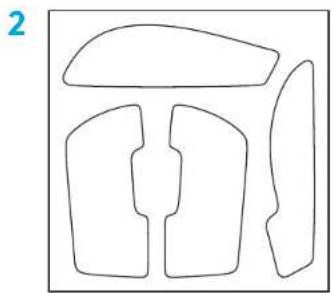
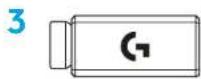
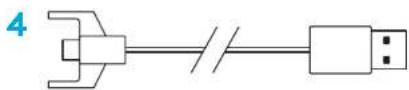
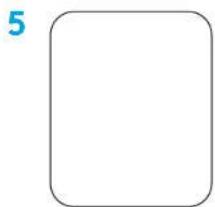
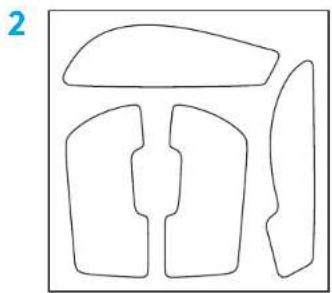
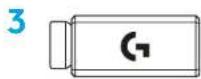
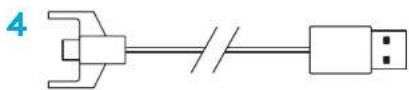
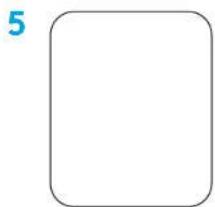
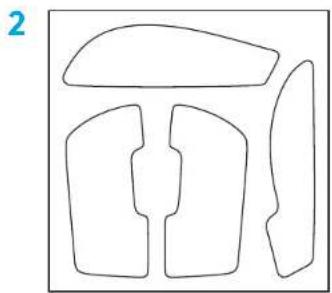
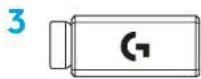
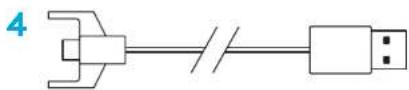
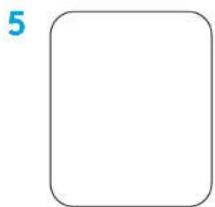
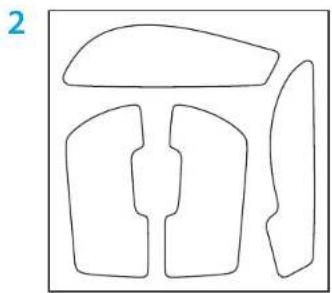
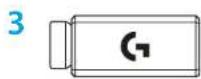
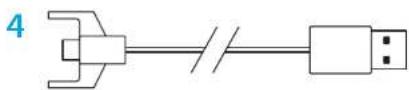
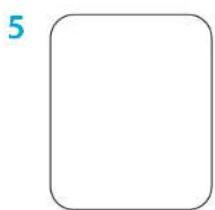
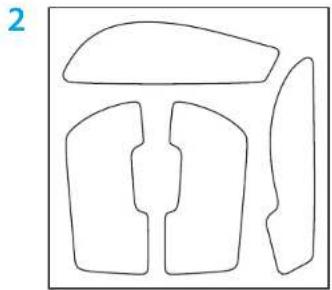
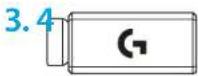
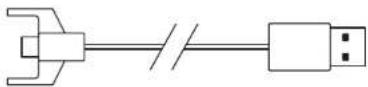
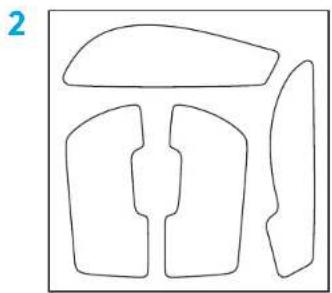
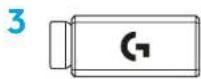
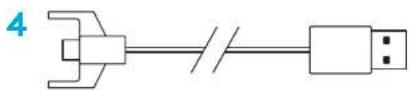
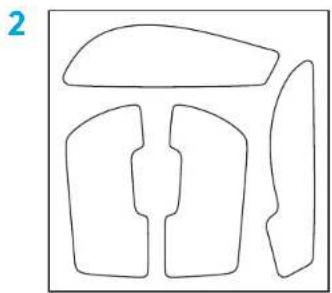
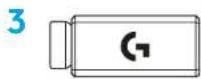
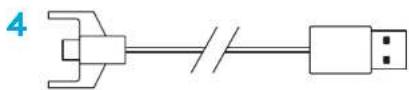
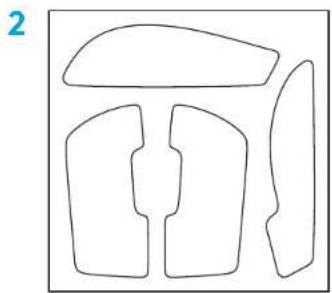
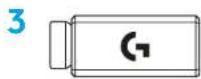
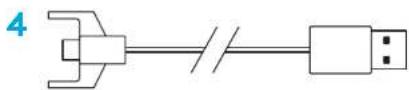
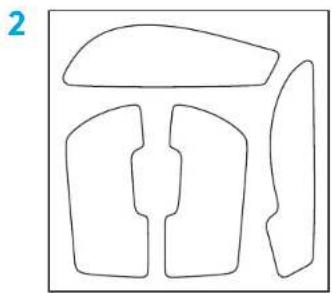
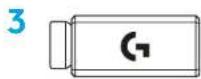
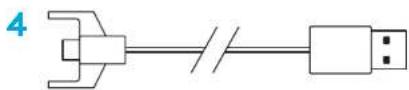
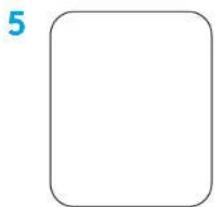
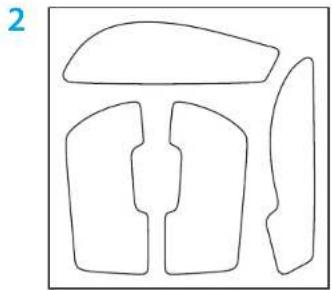
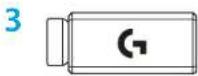
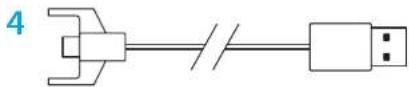
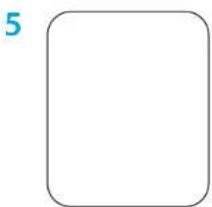
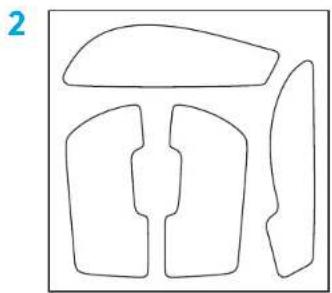
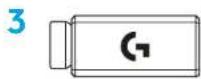
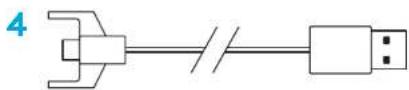
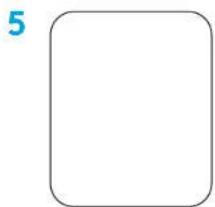
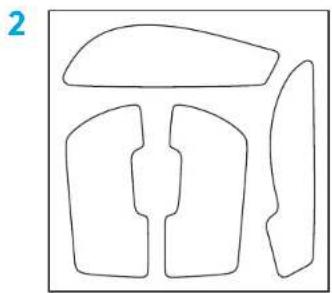
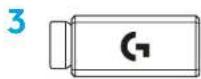
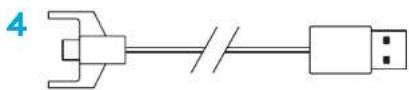
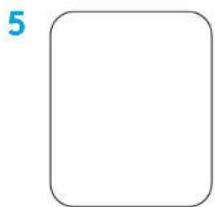
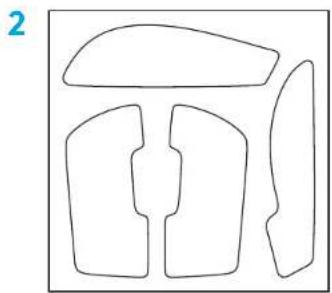
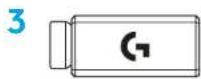
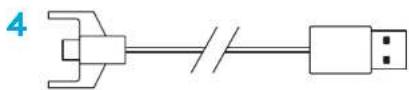
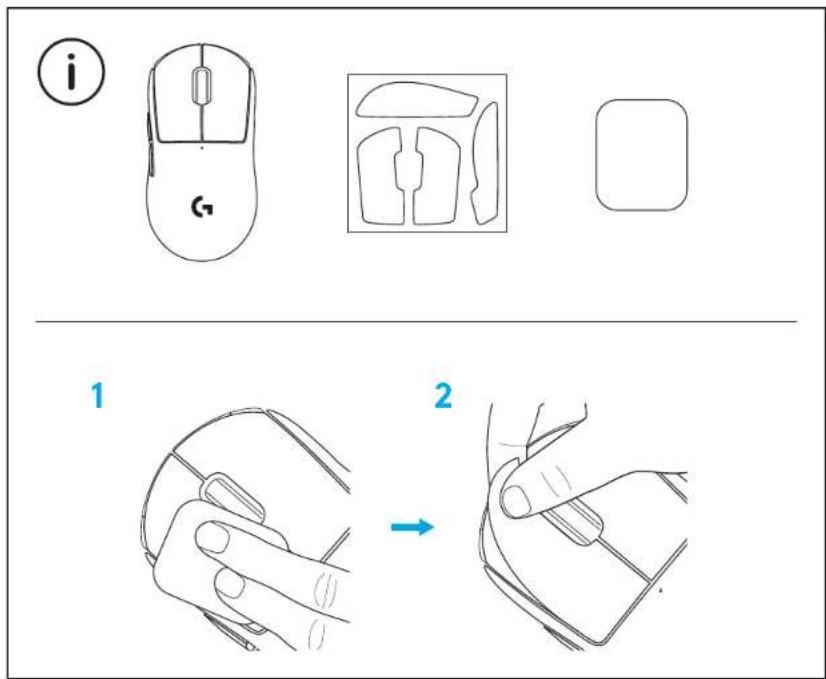
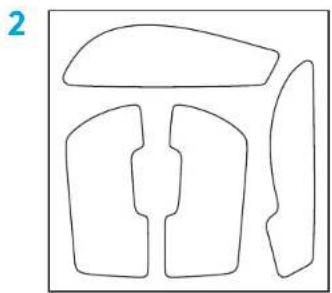
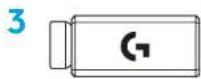
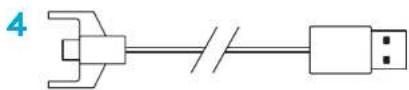
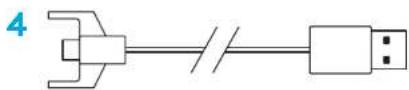
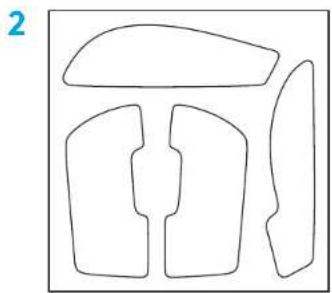
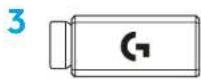
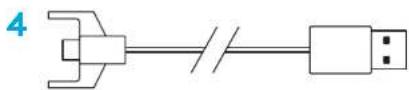
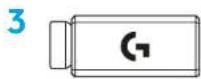
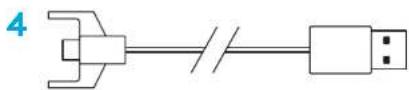
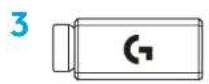
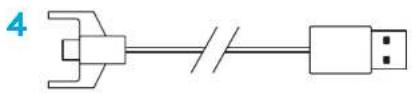
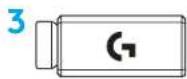
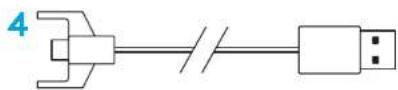
1 Mouse 2 Optional grip tape 3 Receiver (installed in extension adapter) 4 USB charging and data cable 5 Surface preparation cloth 6 Optional POWERPLAY aperture door with PTFE foot
MOUSE FEATURES
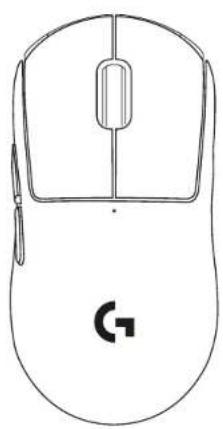
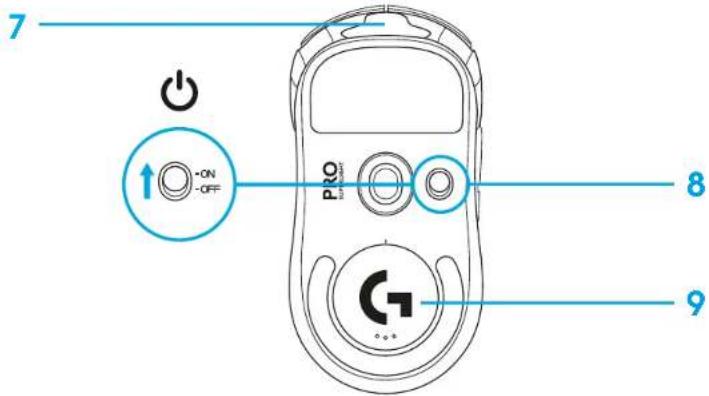
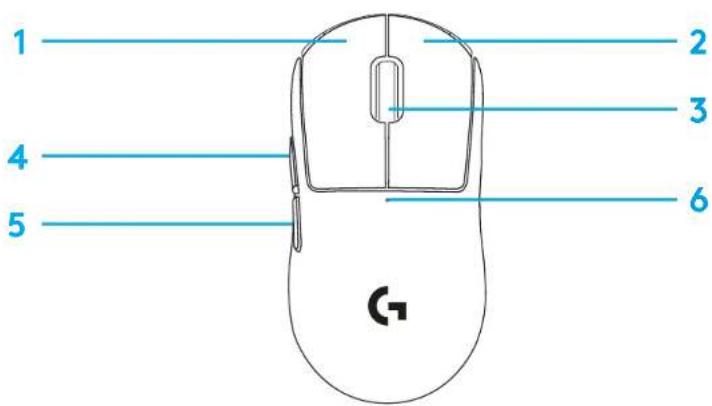
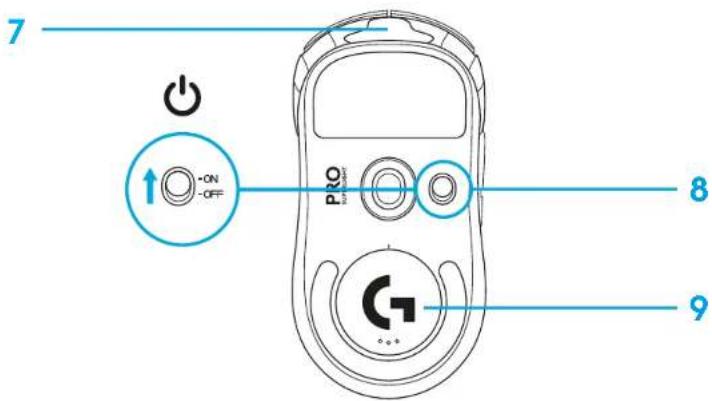
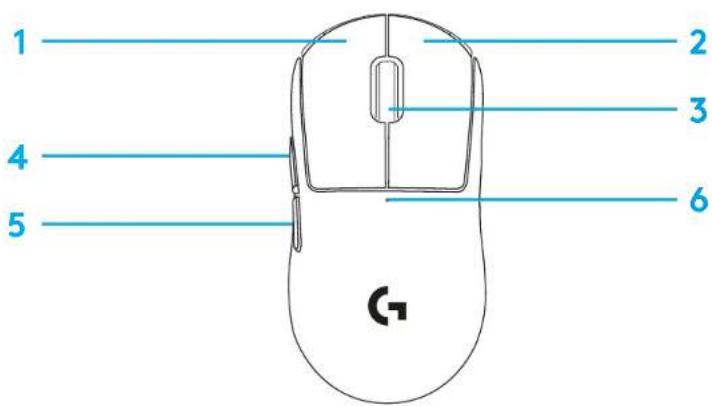
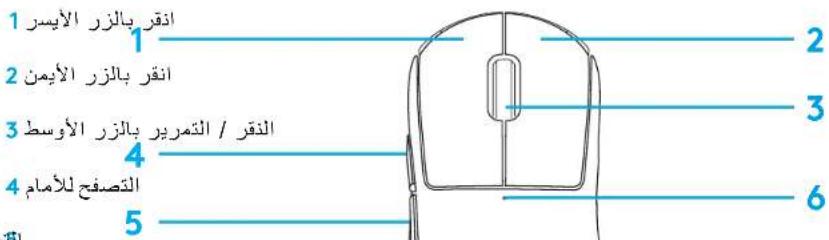
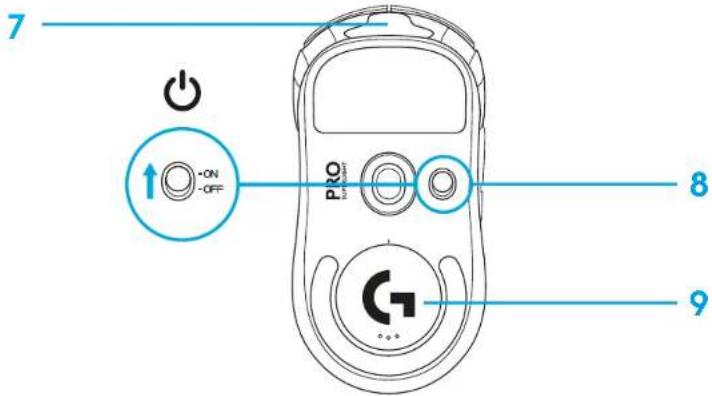
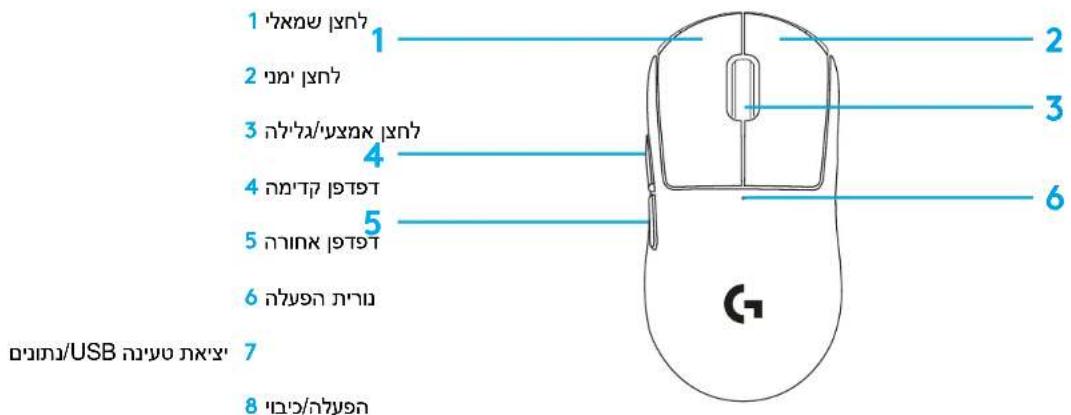
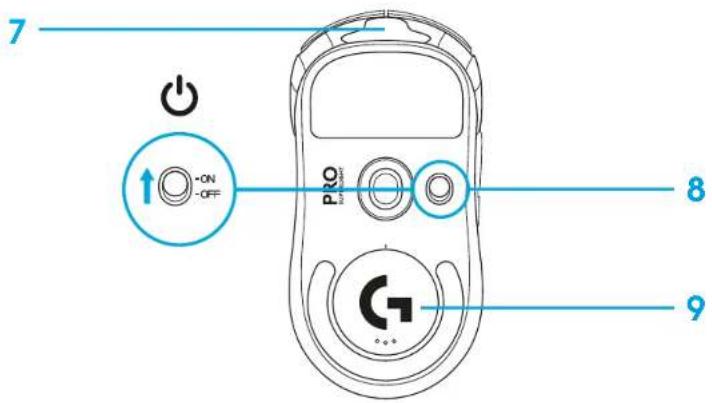
1 Left Click 2 Right Click 3 Middle Click/Scroll 4 Browser Forward 5 Browser Back 6 Power LED 7 USB charging/data port 8 Power on/off
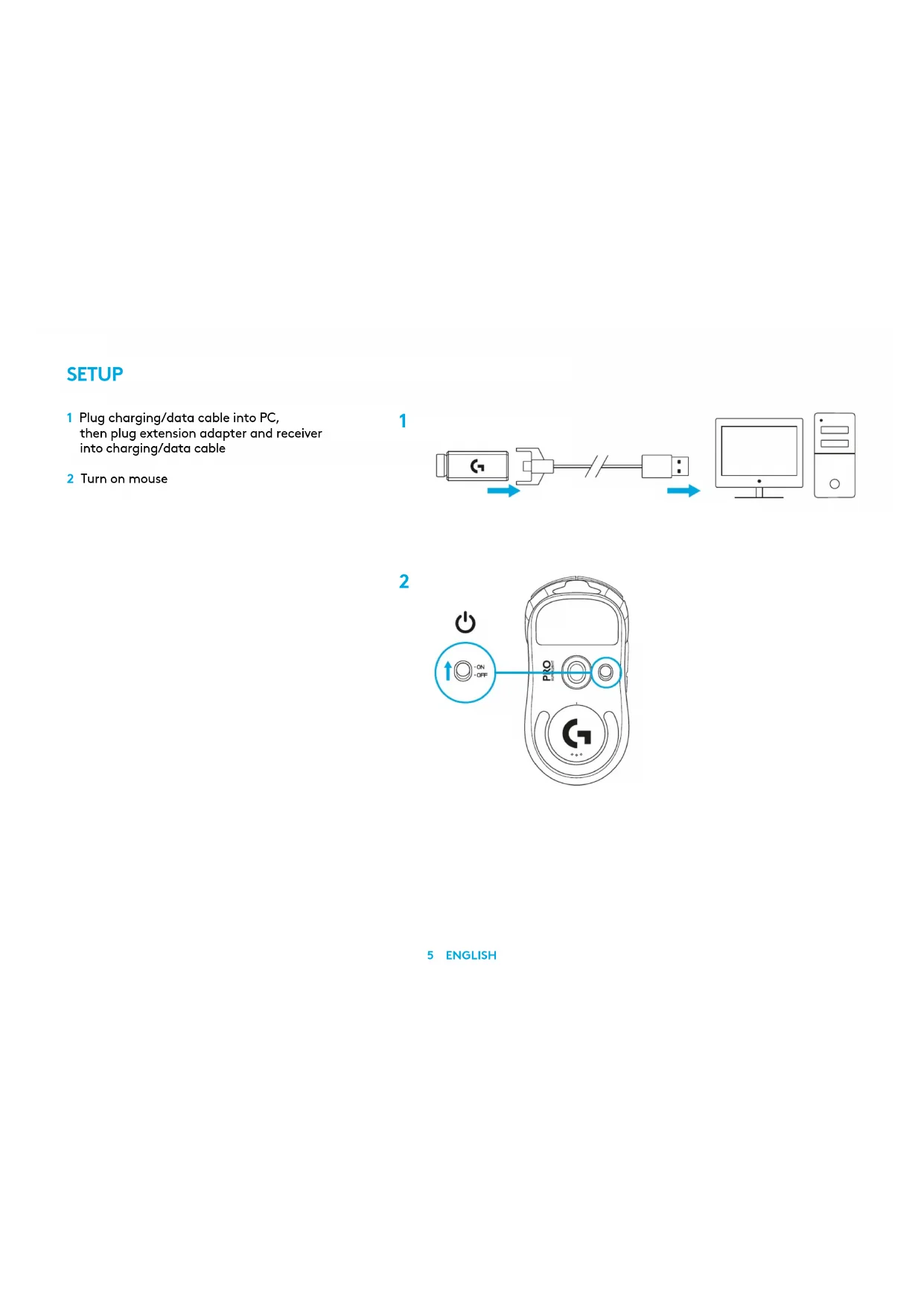
1 Plug charging/data cable into PC, then plug extension adapter and receiver into charging/data cable 2 Turn on mouse
1![graph LR A["Device 1"] --> B["Switch"] B --> C["Server"] D["Blue Arrow"] --> A E["Blue Arrow"] --> C](/content/2026/03/534367/images/536bba7babd4339ac3f891233831ee186af3fdac8f6c845248fb1ca4ab7de28f.jpg)
2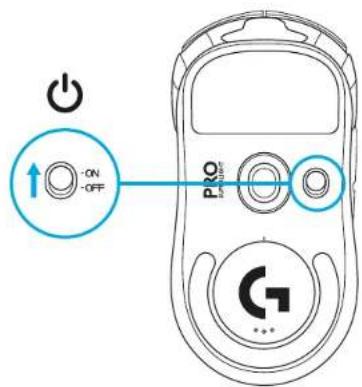
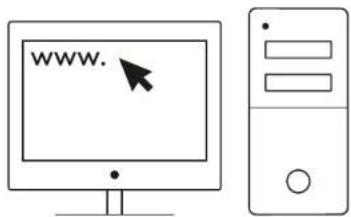
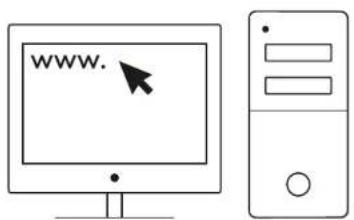
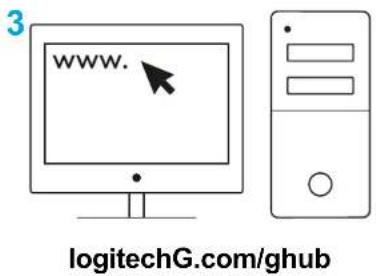
3 To configure mouse settings like DPI, download G HUB software from logitechG.com/GHUB
3
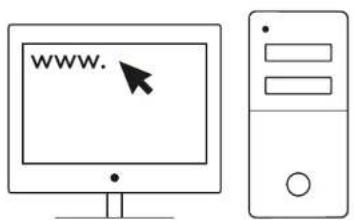
logitechG.com/ghub
![graph TD A["Electric Motor"] --> B["Motor"] C["Battery"] --> D["Switch"] E["Battery"] --> F["Light Bulb"] G["Electric Battery Plug"] --> H["Power Supply"]](/content/2026/03/534367/images/fbfb462fc0145603fa69f2423206fb65d2633cd1229337354a60081c471d08c8.jpg)
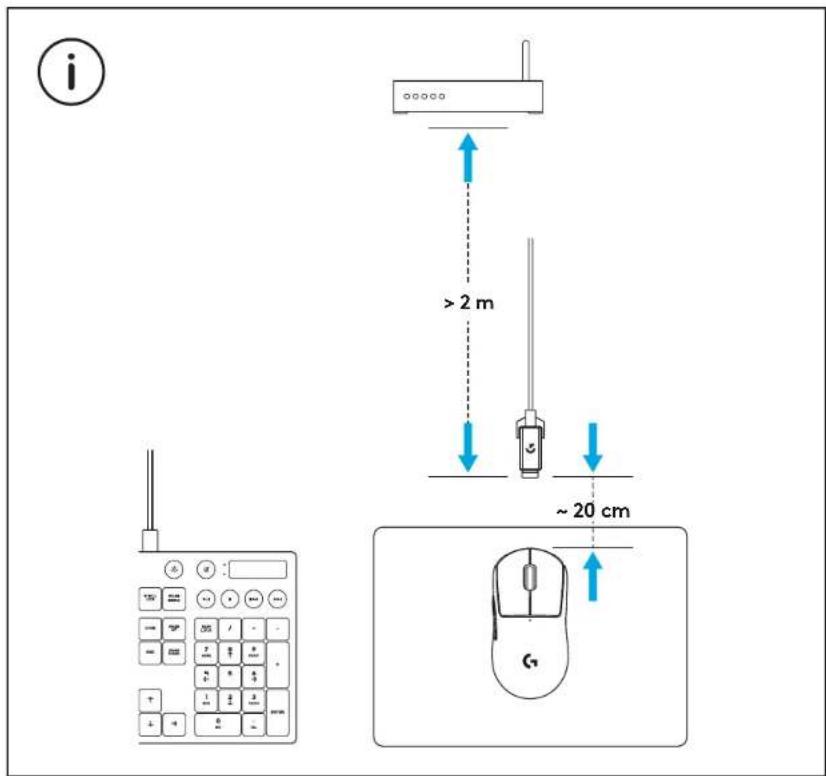
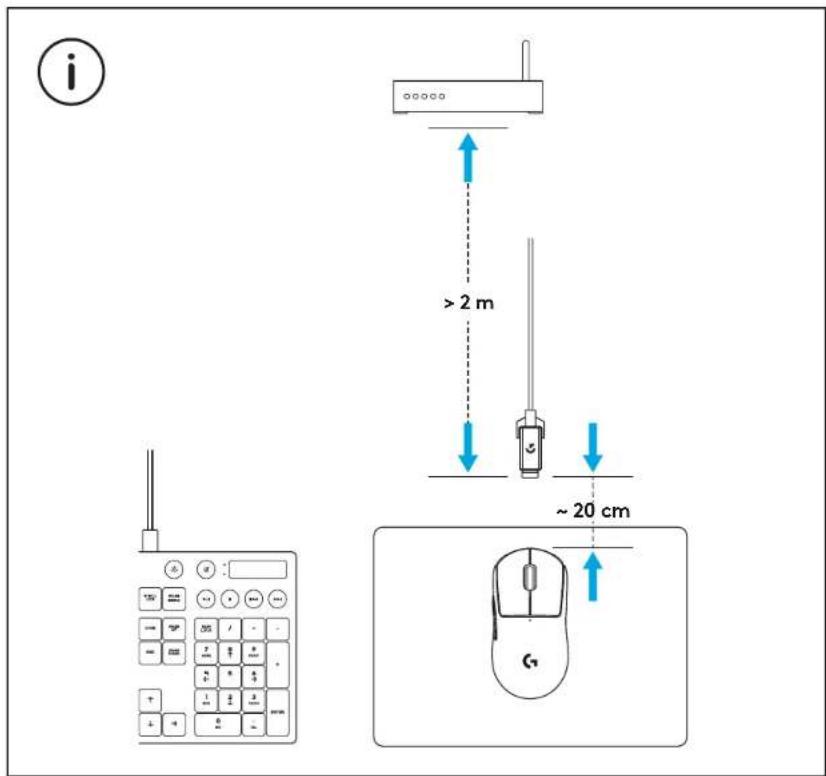
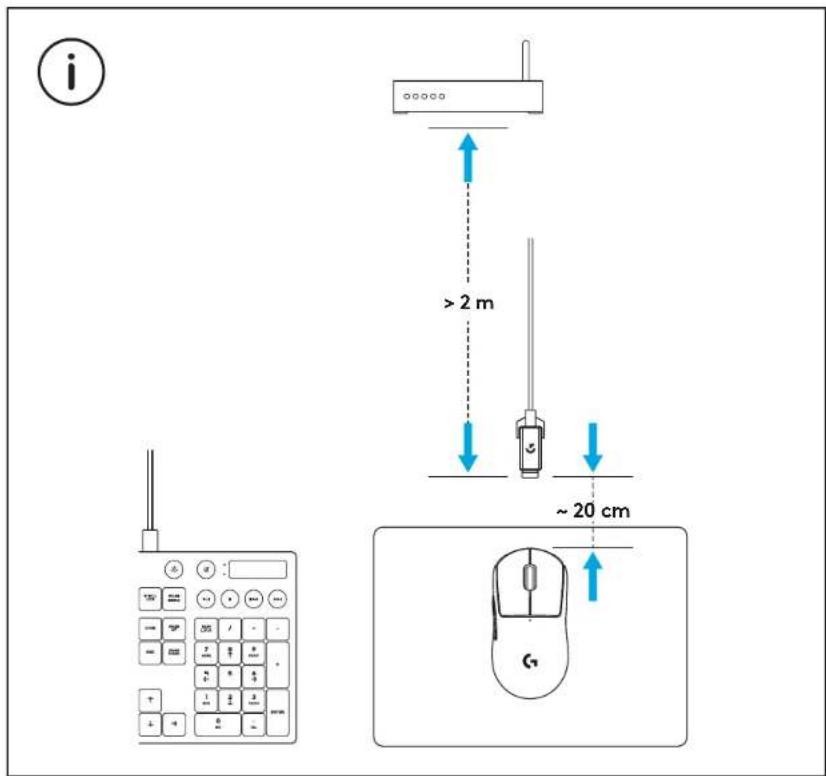
For optimal wireless performance, use mouse within 20cm of receiver and greater than 2m from sources of 2.4GHz interference (such as wifi routers).
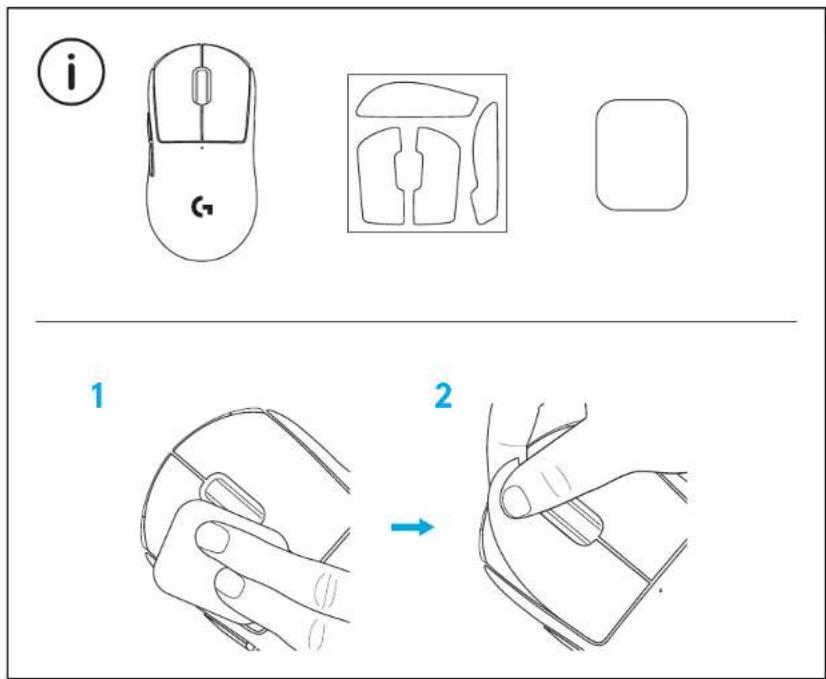
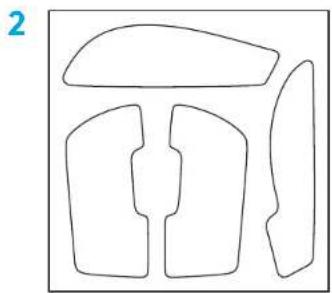
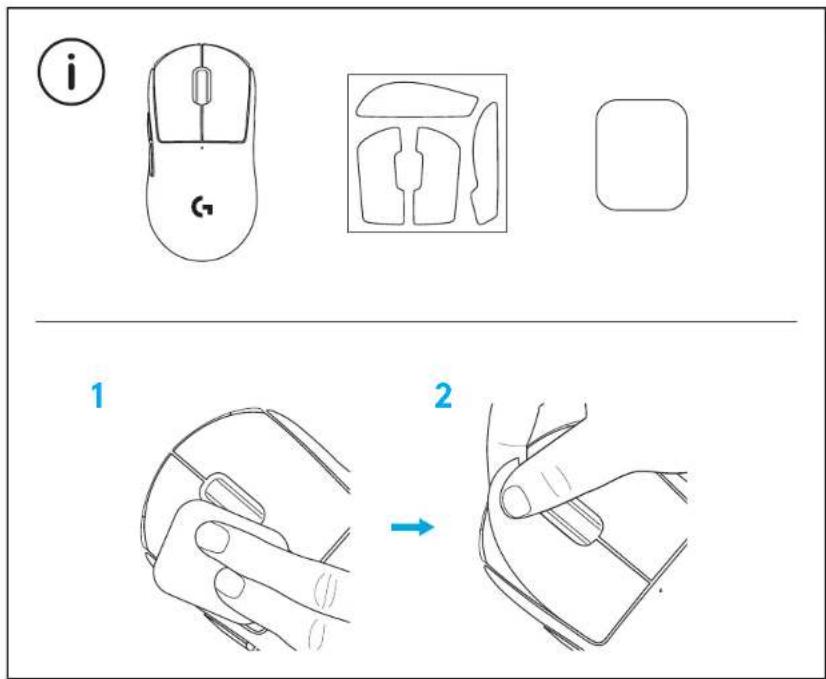
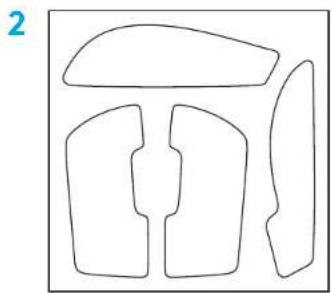
To install optional grip tape, first clean surface of mouse with provided surface preparation cloth to remove any oil or dust. Then, carefully align grip tape to mouse surfaces.
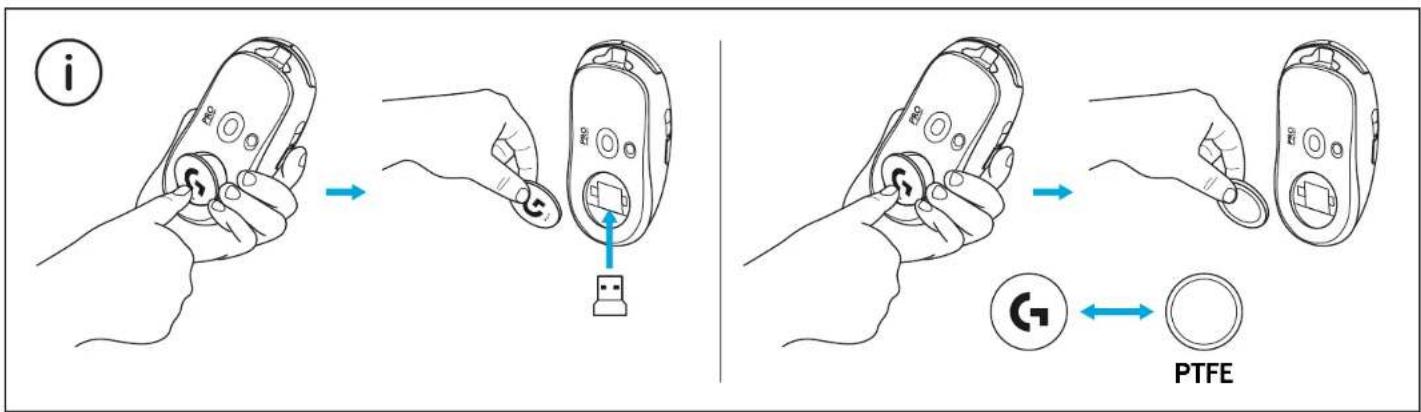
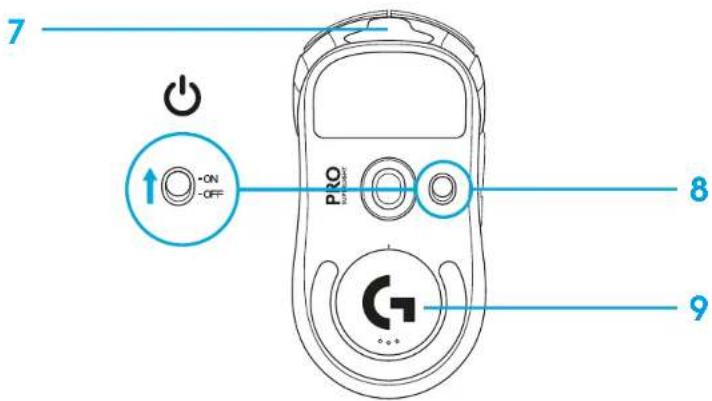
The USB receiver can be stored inside the mouse by removing the POWERPLAY aperture door. This can prevent the receiver from being lost when using the mouse with the Logitech G POWERPLAY wireless charging system.
Removing this door also allows the included, optional aperture door with PTFE foot to be installed instead of the default aperture door.
PACKAGE CONTENTS

10 GERMAN
MOUSE FUNCTIONS

17 FRENCH
MOUSE FEATURES

24 ITALIAN
MOUSE FEATURES
2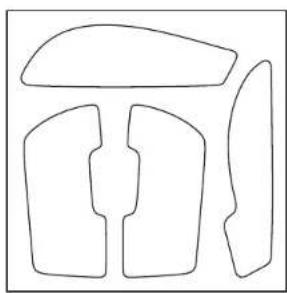
3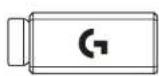
4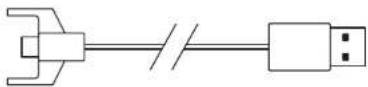
5
6 31 SPANISH

38 PORTUGUESE

45 DUTCH
MOUSE FUNCTIONS
3 Download the G HUB software from logitechG.com/GHUB to configure mouse settings such as DPI.
3
logitechG.com/ghub
![graph TD A["Electric Motor"] --> B["Switch"] C["Battery"] --> D["Power Supply"] E["Battery"] --> F["Light Bulb"] G["Power Supply"] --> H["Light Bulb"] I["Electric Motor"] --> J["Motor"]](/content/2026/03/534367/images/dd1088df6b05e7a083d38ce9e15716507aab543ab3516b08a3161b3e38594d3c.jpg)

52 SWEDISH
MOUSE FUNCTIONS
54 SWEDISH

MOUSE FUNCTIONS
61 DANISH

MOUSE FUNCTIONS

MOUSE FEATURES
80 GREEK
PYOMIŠH


87 IN RUSSIAN
MOUSE FEATURES
PREPARATION FOR USE

94 POLISH
MOUSE FUNCTIONS

101 HUNGARIAN
MOUSE FUNCTIONS

108 CZECH VERSION
MOUSE FUNCTIONS



122 SLOVAK
MOUSE FUNCTIONS

MOUSE FUNCTIONS
2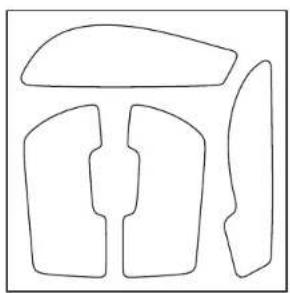
3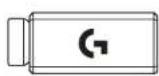
4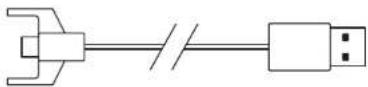
5
6
PRODUCT DESCRIPTION
1 Left click 2 Right click 3 Middle click / scroll 4 Browser forward 5 Browser back 6 LED power light 7 USB charging/data port 8 Power on/off 9 POWERPLAY™ cover
SETUP
138 ESTONIAN
3 To configure mouse settings, such as DPI, download the G HUB software from logitechG.com/GHUB.
3
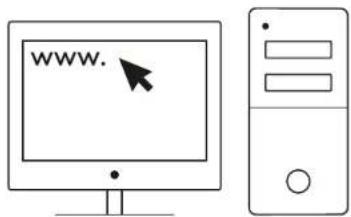
logitechG.com/ghub
![graph TD A["Electric Motor"] --> B["Switch"] C["Battery"] --> D["Power Supply"] E["Battery"] --> F["Light Bulb"] G["Power Supply"] --> H["Light Bulb"] I["Electric Motor"] --> J["Motor"]](/content/2026/03/534367/images/35a7f1f109e90689134daaf5944dc68e75f32a2b21d555b7c57dd03e3011c141.jpg)

MOUSE DESCRIPTION

150 LITHUANIAN
MOUSE FUNCTIONS
152 LITHUANIAN
2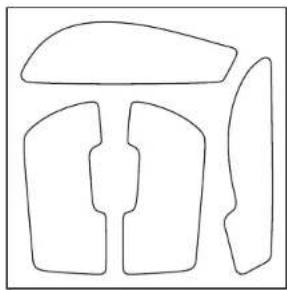
3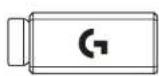
4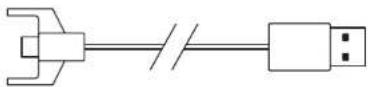
5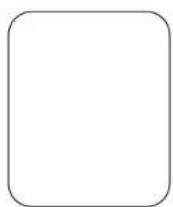
6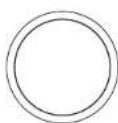
MOUSE FUNCTIONS
SETUP

MOUSE FEATURES
3 To configure mouse settings such as DPI, download the G HUB software from logitechG.com/GHUB
3
logitechG.com/ghub
![graph TD A["Electric Motor"] --> B["Switch"] C["Battery"] --> D["Power Supply"] E["Battery"] --> F["Light Bulb"] G["Power Supply"] --> H["Light Bulb"] I["Electric Motor"] --> J["Motor"]](/content/2026/03/534367/images/cc16ed1311086c9a0166ea229171dc55aba02246d6adf8a9adfd1a49626967ad.jpg)
For optimal wireless performance, use the mouse within 20 cm of the receiver and at a distance greater than 2 m from 2.4 GHz radiation sources (such as Wi-Fi routers).
To install the optional palm rest, first clean the mouse surface with the provided surface preparation cloth to remove any grease or dust. Then carefully align the palm rest with the mouse surface.

MOUSE FUNCTIONS
1 Left click 2 Right click 3 Middle click / scroll 4 Browser – forward 5 Browser – back 6 LED power indicator 7 USB power/data port 8 Power on/off 9 POWERPLAY™ charging port
SETUP
3 To configure mouse settings such as DPI, download the G HUB software from logitechG.com/GHUB
3
logitechG.com/ghub
![graph TD A["Electric Motor"] --> B["Switch"] C["Battery"] --> D["Power Supply"] E["Battery"] --> F["Light Bulb"] G["Power Supply"] --> H["Light Bulb"] I["Electric Motor"] --> J["Motor"]](/content/2026/03/534367/images/2c11fb1cdc2d0a21048aeb6e2aca159c472d993b9495b38a7df19032ecb4df29.jpg)
For optimal wireless performance, the mouse should be no more than 20 cm away from the receiver and at least 2 m away from sources of interference (such as Wi-Fi routers).
To apply the optional adhesive tape, first clean the mouse surface with the supplied surface preparation cloth to remove any grease and dirt. Then carefully align the adhesive tape on the mouse surface.
The USB receiver can be stored inside the mouse if the POWERPLAY door is removed. This prevents the receiver from being lost if the mouse is used with the Logitech G POWERPLAY wireless charging system.

MOUSE FUNCTIONS

MOUSE FEATURES


MOUSE FEATURES

MOUSE FEATURES



![graph LR A["1. Input device"] --> B["2. Serial line"] B --> C["Computer monitor"]](/content/2026/03/534367/images/550de266a3615e00fd6ae86265857f20ad4af0429f2a8c7c54ee97789a00d07d.jpg)
2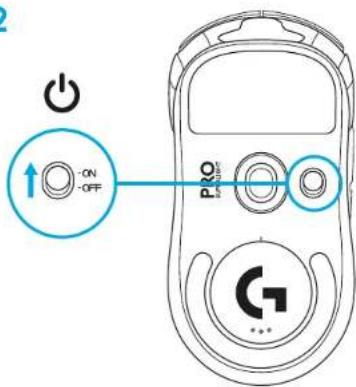
G HUB, DPI, logitechG.com/GHUB
![graph TD A["Computer Mouse"] --> B["Battery"] A --> C["Pump"] A --> D["Power Source"] A --> E["Electric Battery"]](/content/2026/03/534367/images/16769f1f56f2503b9ef98be0091c55180d61ad1e6a262b8b72519a92840a9129.jpg)
©2020 Logitech. Logitech, Logitech G, Logi and their respective logos are trademarks or registered trademarks of Logitech Europe S.A. and/or its affiliates in the U.S. and other countries. All other trademarks are the property of their respective owners. Logitech assumes no responsibility for any errors that may appear in this manual. Information contained herein is subject to change without notice.
WEB-621-001718.002


Brand : LOGITECH
Model : G Pro X Superlight
Category : Mouse