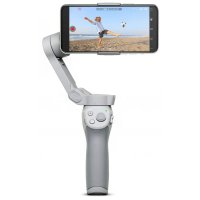
Osmo Mobile 4 - Tripod DJI - Free user manual and instructions
Find the device manual for free Osmo Mobile 4 DJI in PDF.



| Product Type | Smartphone stabilizer (gimbal) |
| Brand | DJI |
| Model | Osmo Mobile 4 |
| Dimensions (unfolded) | Approximately 260 × 260 × 120 mm |
| Weight | Approximately 320 g |
| Power | Built-in Li-ion battery, charging via USB-C |
| Battery Life | Approximately 6 hours |
| Smartphone Compatibility | Width up to 85 mm, weight up to 230 g |
| Material | ABS plastic, aluminum |
| Phone Mounting | Magnetic strap or magnetic support ring |
| Wireless Connection | Bluetooth 5.0 |
| Required App | DJI Mimo |
| Key Features | ActiveTrack, Story mode, gesture control, landscape/portrait switching, Sport mode, lock |
| Buttons and Controls | M button, joystick, trigger, zoom slider, gimbal trigger |
| Shooting Modes | Photo, video, burst, panorama, time-lapse |
| Maintenance and Cleaning | Clean with a soft, dry cloth, avoid liquids |
| Safety | Do not expose to excessive heat, use original charger |
| Spare Parts and Repairability | Magnetic strap, support ring, USB-C cable available as options |
Frequently Asked Questions - Osmo Mobile 4 DJI
User questions about Osmo Mobile 4 DJI
0 question about this device. Answer the ones you know or ask your own.
Ask a new question about this device
Download the instructions for your Tripod in PDF format for free! Find your manual Osmo Mobile 4 - DJI and take your electronic device back in hand. On this page are published all the documents necessary for the use of your device. Osmo Mobile 4 by DJI.
USER MANUAL Osmo Mobile 4 DJI
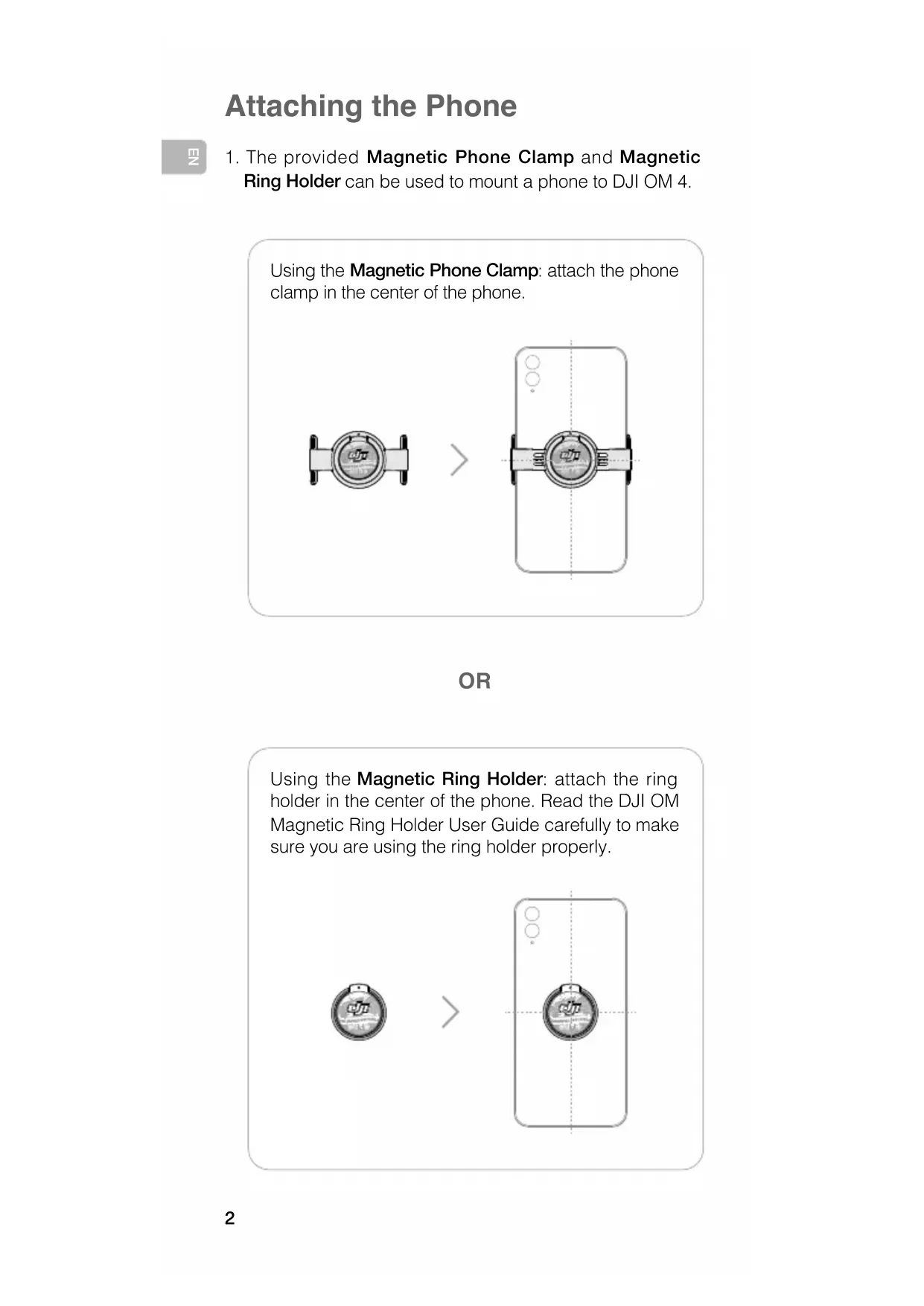
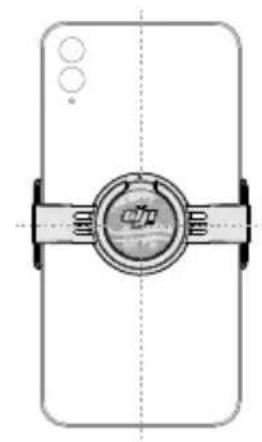
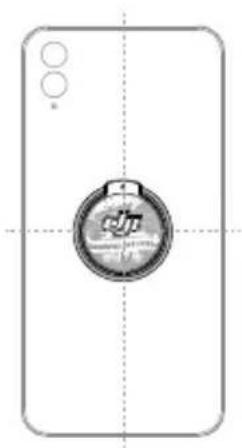
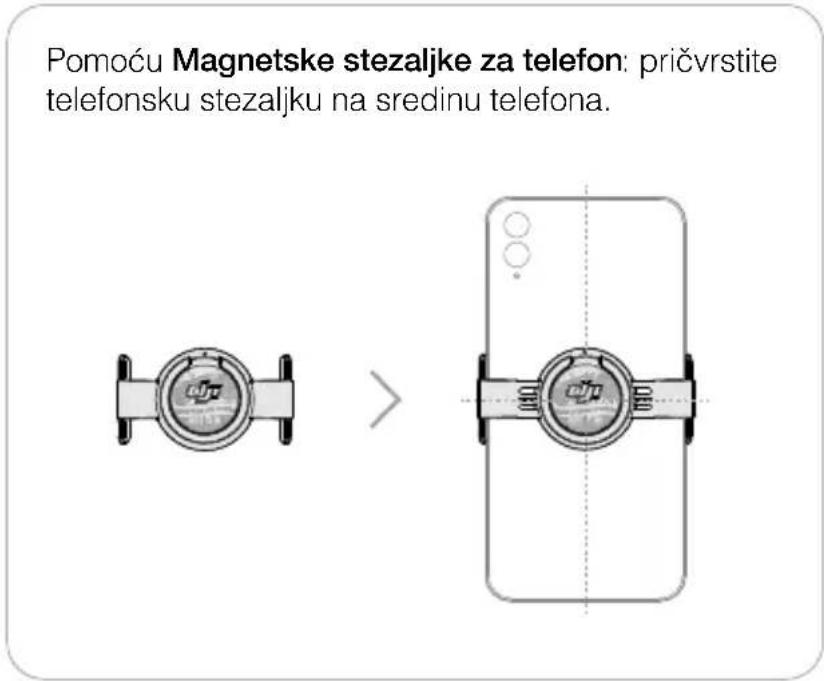
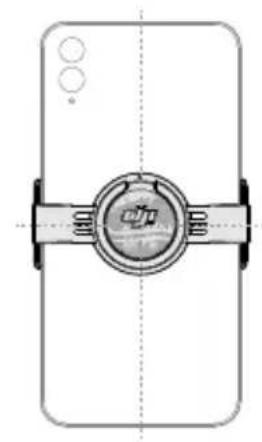
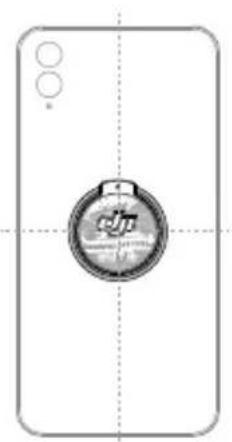
- The provided Magnetic Phone Clamp and Magnetic Ring Holder can be used to mount a phone to DJI OM 4.
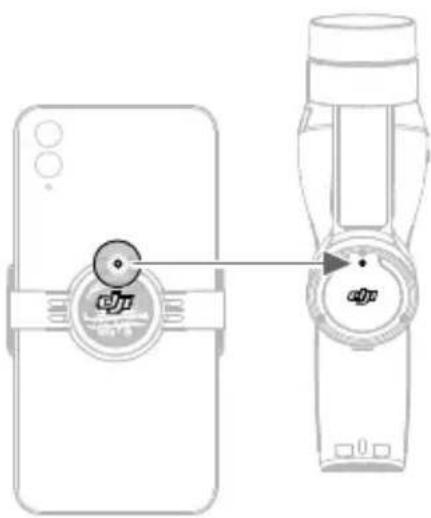
Using the Magnetic Phone Clamp: attach the phone clamp in the center of the phone.


OR
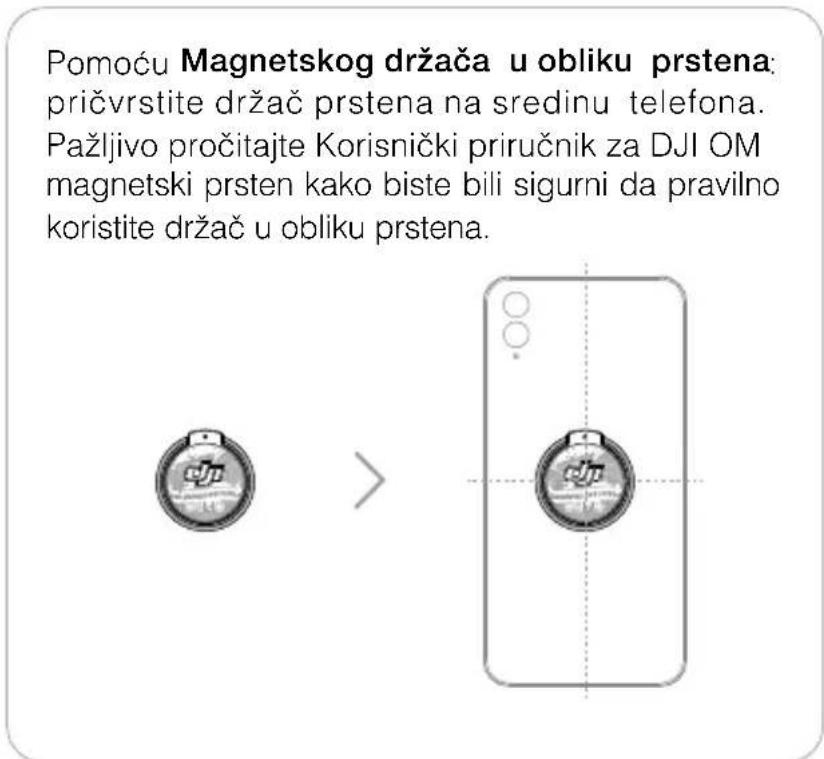
Using the Magnetic Ring Holder: attach the ring holder in the center of the phone. Read the DJI OM Magnetic Ring Holder User Guide carefully to make sure you are using the ring holder properly.


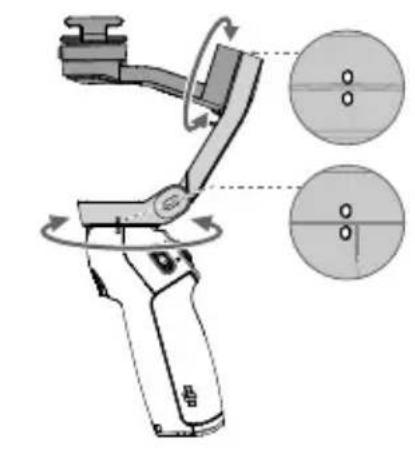
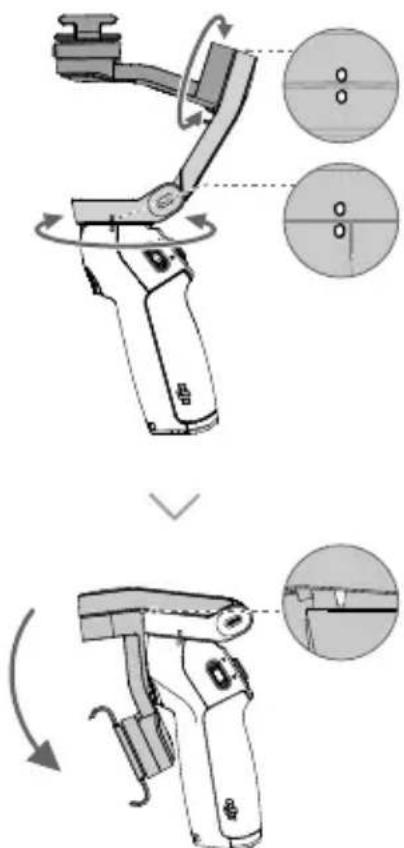
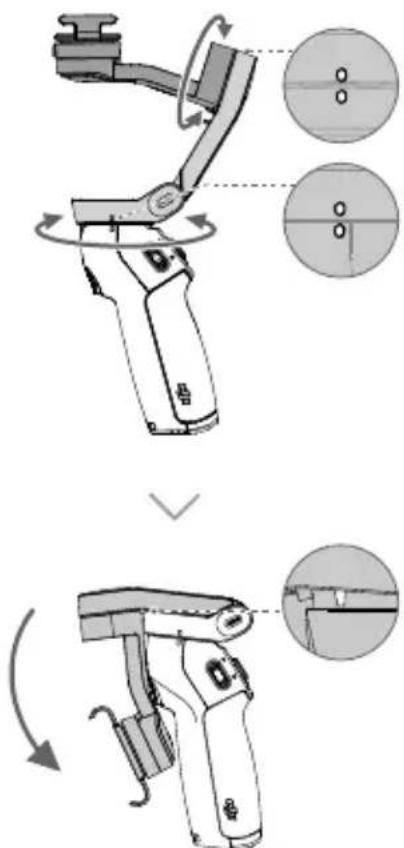
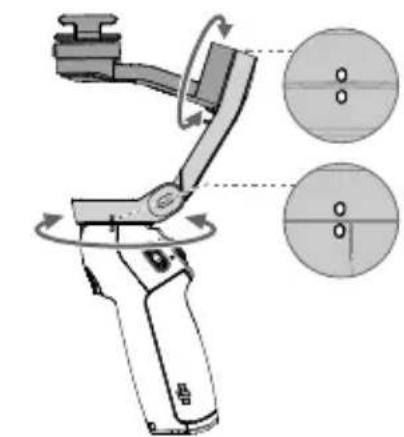
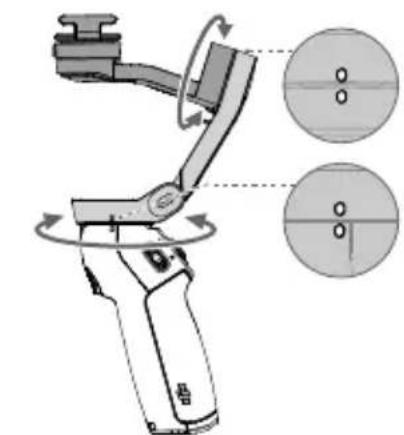
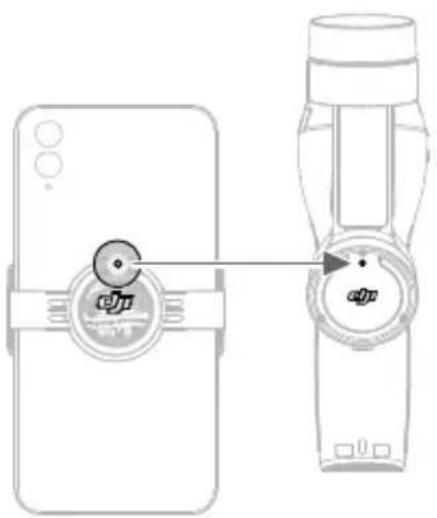
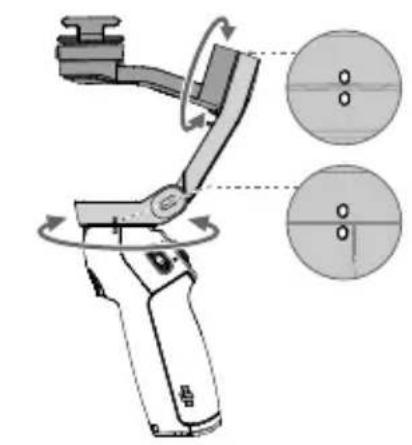
- Align the marks on the phone clamp or ring holder and the mounting plate. Attach the phone to DJI OM 4.

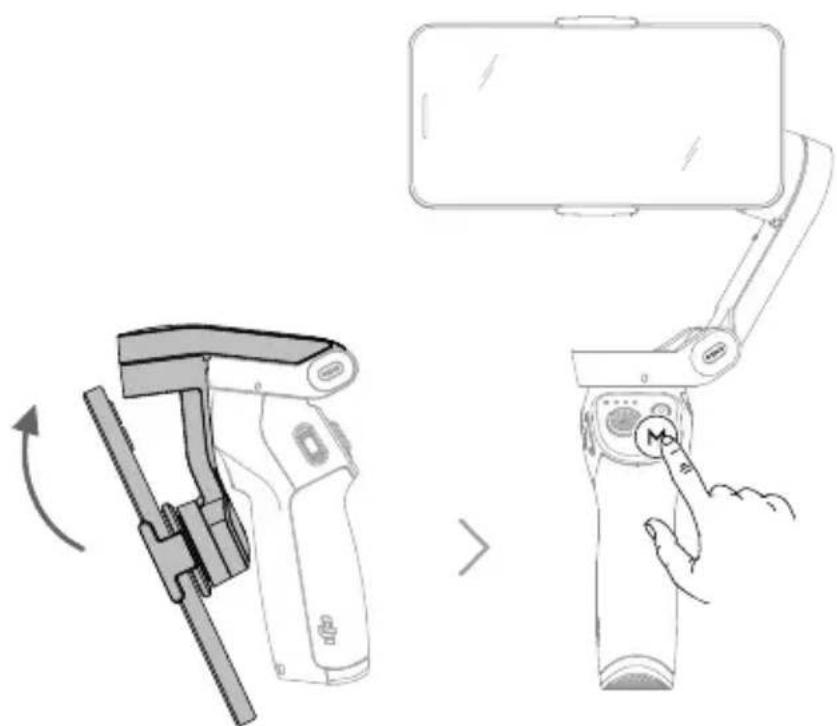
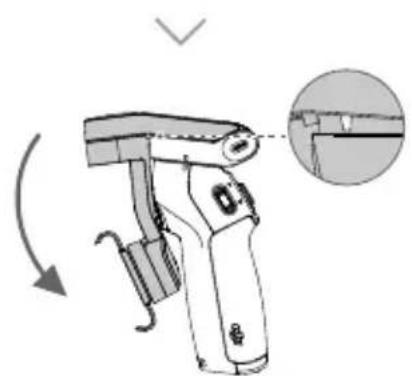
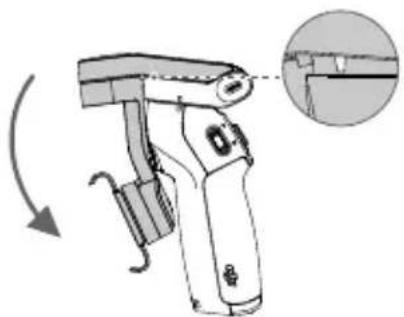
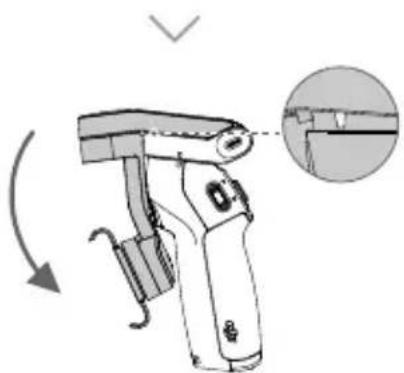
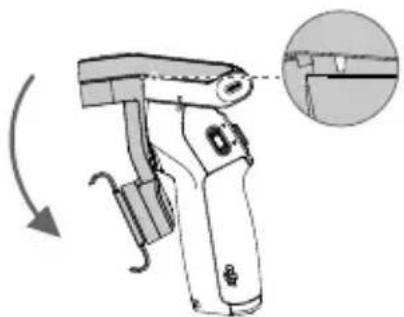
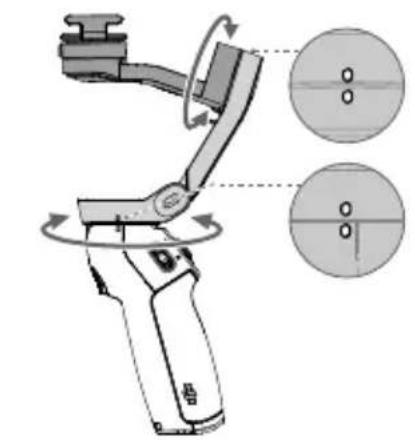
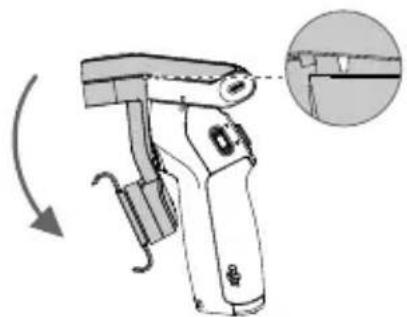
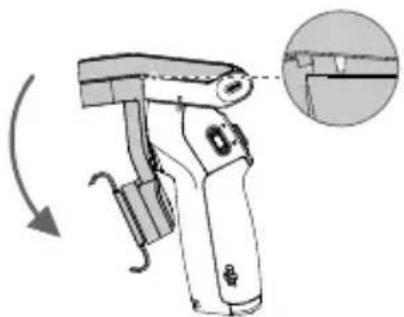
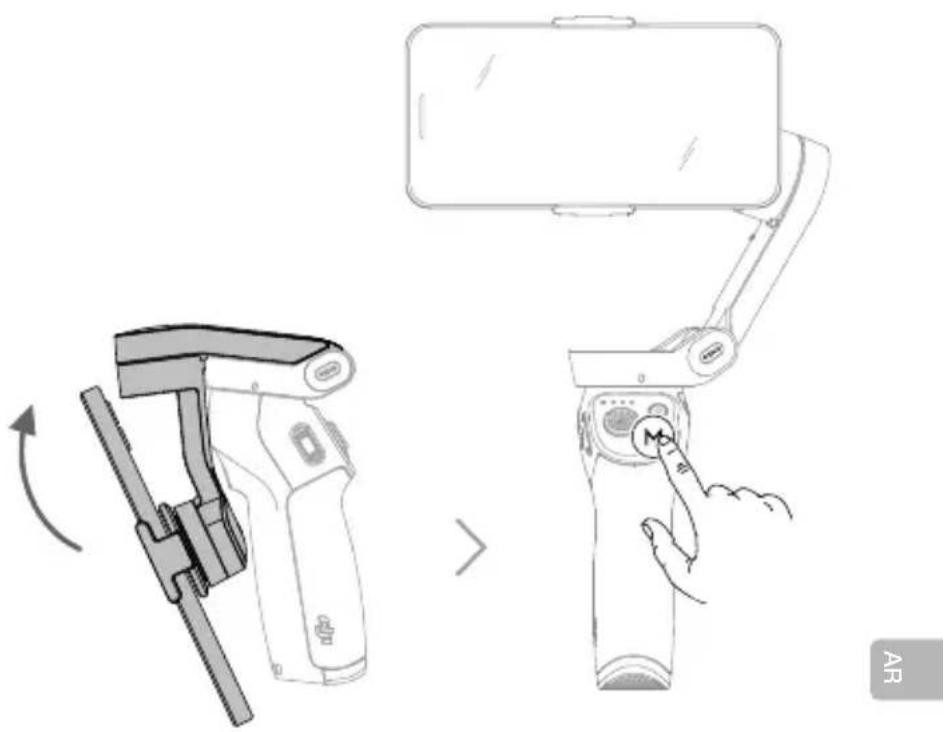
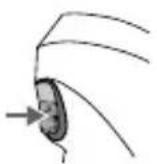
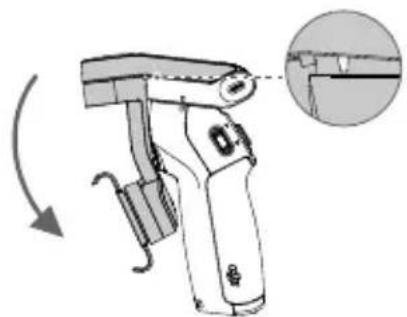
- Unfold DJI OM 4 and press and hold the M button to power on.
Operation
芸
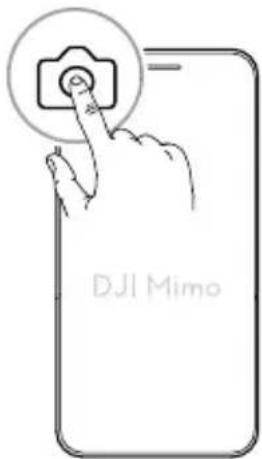
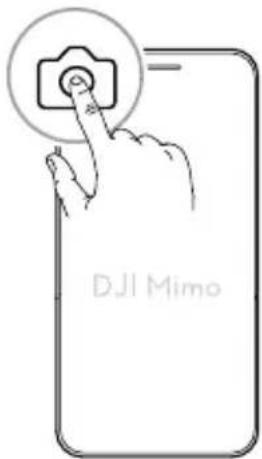
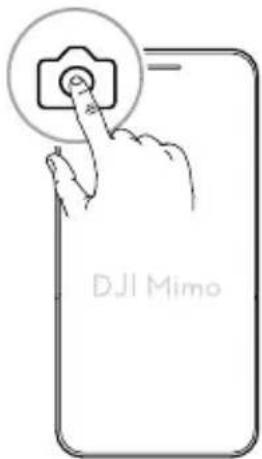
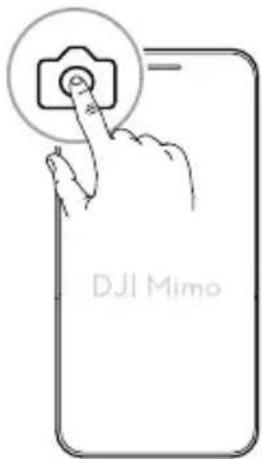
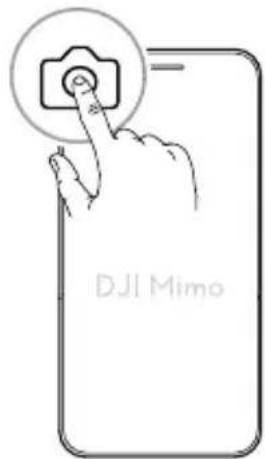
Use the onboard buttons to control DJI OM 4. Note that DJI Mimo is required to control the camera.
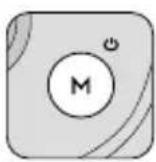
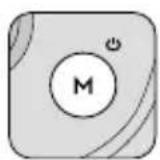
M Button
When Powered off
Press once: check battery level.
Press and hold: power on.
When Powered on
Press once: switch between photo and video mode.
Press twice: switch between landscape and portrait mode.
Press and hold until it beeps once: enter or exit standby mode.
Press and hold until it beeps twice: power off.
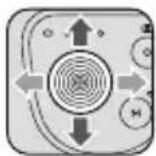
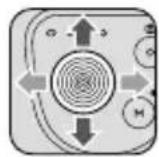
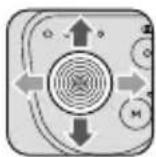
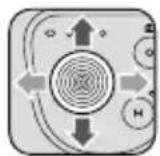
Joystick
Move the joystick up and down to control the tilt axis.
Move the joystick left and right to control the pan axis.
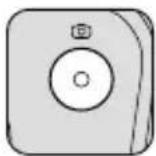
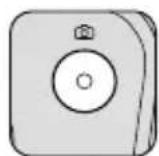
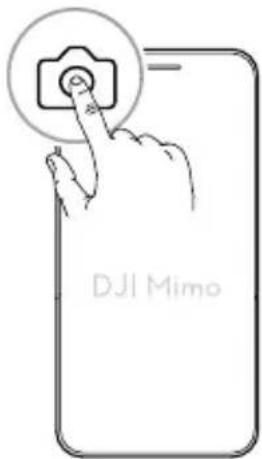
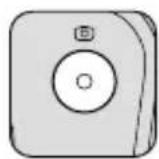
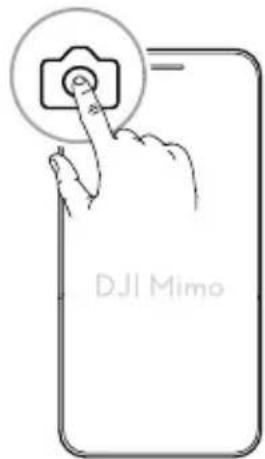
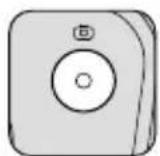
Shutter Button
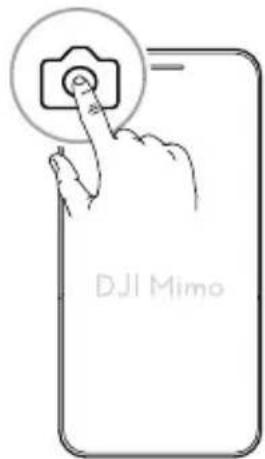
Press once: take a photo or start or stop recording.
Press and hold: burst shooting (when in photo mode).
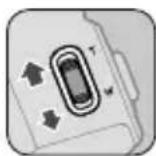
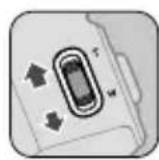
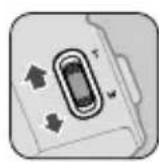
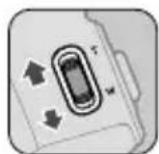
Zoom Slider
Push up or down to zoom in or out.
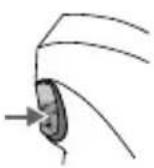
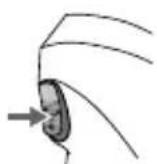
Trigger
Press and hold: enter lock mode. Release to exit lock mode.
Press once: start or stop ActiveTrack.
Press twice: recenter the gimbal.
Press three times: switch between front and back cameras.
Press once, and then press and hold: enter Sport mode. Release to exit Sport mode.

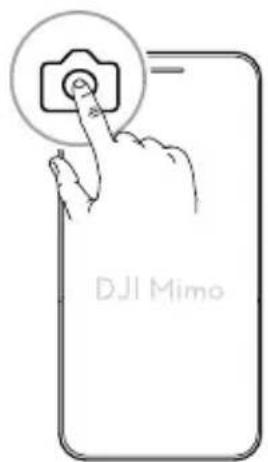
DJI Mimo App
Activate DJI OM 4 through DJI Mimo to control the phone cameras and use Gesture Control, ActiveTrack, Story mode, and more features.



DJI Mimo App
Storage
安装手机
渐専従:前連 kaMeLaWoH反連 kaMeLa saIe to 1
nanaananaananaananaananaananaananaananaananaananaananaananaananaananaananaananaananaananaananaananaananaananaananaananaananaananaananaananaananaananaananaananaananaananaananaananaananaananaananaananaananaananaananaananaananaananaananaananaananaananaanana
aann
y
y
Jauytae
nannnnn nnnn nn nnnnnn nnnnnn
nanns: nnnnnaa (aaan)
1
WwWwWwWwWw
n
nannrnnnnaaennnnnnnnnnnnnnnn
nannnnn: 1swnnnnActiveTrack
nnaeae: nanaee
n的序列:前的可逆的可逆的可逆的可逆的
nannnnnnnnnnnnnnnnnnaa: nng nnannn w daanw aonnnn

DJI Mimo
DJI OM 4 WuuuDJ Mimo wauunuaanw nwnnnaaennnnn



品

n
HaTnCSHe TBeHbX: CTapTnpaIe nn CnpTe ActiveTrack.
HaTnCHeTe DBA nBtN: UeHTpnpaIte OTHOBrmbana. HaTnCHeTe TpN nBtN: PpeBKnUoyBaIte MeKd npedHata N 3aHata KaMepa.
HaTnchTe BeHbX n cIeT TOBa HATnchTe n 3aIpbXTe: Bne3Te B pexkM CnpT. PycheTe, 3a da n3Je3eTe OT peKIM CnpT.

Прилwxене DJI Mimo
AknBpaTe DJI OM 4 ue3 npinloXeHne DJI Mimo, 3a Da KOHTPOIpaTe KaMepnTe Ha TelepoHa n Da n3no3BaTe Gesture Control, ActiveTrack, pexm Story n npyri pfynkun.

Download on the App Store

GET IT ON Google Play

PpnoJxHeHne DJI Mimo
品
CbXpaHHe
Připevněné telefonu
Download on the App Store

GET IT ON Google Play

Aplicación DJI Mimo
Almacenamento
Download on the App Store

GET IT ON Google Play

Eφαρούγι ḌДЛ Mimo
甲
Aπoθήκευση
Download on the App Store

GET IT ON Google Play

Application DJI Mimo
Stockage
哥

Postavljanje Telefona
- Isporučena Magnetska stezaljka za Telefon i Magnetski držač u obliku prstena moze se koristiti za postavljanje Telefona na DJI OM 4.
ILI

Glidebryter for zooming
Skyv opp/nedover for a zoome inn/ut.
Utlöser
Download on the App Store

GET IT ON Google Play

Aplicacao DJI Mimo
Armazenamento
图
Pn BkJIOUeHHOM NITaHIN
HaKmTe OdnH pa3 IJIpeKeKJIIOUeHnMexDy peKIMAMn FOTo N BInDeO.
HaxmTe IBa pa3a IJnpeKJIIOeHnMexNy aIb6OMHbIM INNOPTpEThbIM peKImamN.
HaKMnte n ydepxknaTe, noka He npo3ByuT OINH 3ByKOBO CNHaJI, YTObI BOITB PEXIM OXnDaHn IIN BbInN N3 Hero.
HaxMnte n ydepxnBaIte, noka He npo3ByaT Dba 3ByKObIX CnHaJa, YTO6bI BbIKIOHTb yCTPOINCTBO.
Джоистник
Iy npabEnnpeMeeHnem NO OCN HaKIOHa nepeBnraTe JKOCTNk BBepx NIN BHN3.
IynpaBHeHnpeMeeHHeHmIOOCN NOBOPTa nepeBnraTe DKOJCTNK BnpaBO NIN BLeBO.
Khonka cnycka 3aTbopa
HaKmTe OIN pa3, YTO6bI CJIaTb FOToTpaΦIO Hn Haatb/OCTaHOBntb 3aNNCb.
HaKMTe n ydepknBaIte IJIa cepHIOB CbEMKn BpeKIme foTo.
Perylantop 3yma
Haxmte BBepx/Bn3 Iy yMeHbUeHn/ByeJIuYeHn n3o6paXeHn.
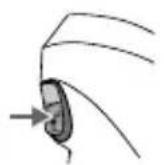
KypkoBbI nepeKJIouaTeJIb
Haxmte n yepknae, T06bI nepeiTu B peKIM 6loKupOBKn. OTnycTne, T06bI BbiTN i3 peKIma 6loKupOBKn.
HaxmTe OIN pa3 Ia 3anycka nIIOCTaHOBKn cyHKUIn ActiveTrack.
Haxmte Dba pa3a dIy ceHTPOBKn Cta6nIIN3aTopa. Haxmte TpN pa3a dIy nepeKJIoueHN MEXNy fpoHTaIBHO N OCHOBHO KAMEPAMN.
Haxmte oINH pa3, a 3aTeM haxmte u ydepxmbaTE, T06bI nepeHTN B CnOPTNBbI peXIM. OTnyCTnte, T06bI BblTN N3 CnOPTNBHO pexima.

Приложения DJI Mimo
C nomoubno npnloxehn DJI Mimo aktnbpyute DJI OM 4 dnynpaBneHn KaMepamN TeJefoHa NcNoJb3ObaHn FyHKuN ynpaBneHn JecTaMn, FyHKuN ActiveTrack, Pekima nCTopn n dpynx BO3MOXHOCTeN.

PpIIOxKeHne DJIMimo
PamrB
E
Montera Telefonen
Download on the App Store

GET IT ON Google Play

DJI Mimo Uygulamasi
Depolama
表
1 1
.DJI OM 4
ailll aiaio 1 ailal cluao C: gubla 1 aaii elao plu


9
Jolal aatio g Jolal C:gulblil 1olal plaolal no sllay DJIOM gulblil 1olal Jolal p
.


品
aal 2
.DJIOM4
.3
DJIMimo 4
1.2015
M
aBally 1ayy gao
A. jll 5g iio o aol o
aBully 1y0y1:Jravw ygo Jb
aBbIy sluOy Ii
yallg jol
gaggl ggl yll
gJzssyIgJgJgJgJgJgJgJgJgJgJgJgJgJgJgJgJgJgJgJgJgJgJgJgJgJgJgJgJgJgJgJgJgJgJgJgJgJgJgJgJgJgJgJgJgJgJgJgJgJgJg
= 233
aB3:1s6naiIe b2xal
Socill Lc
aaii aai i 10000000000000000000000000000000000000
a 8000
1
alglj jnllg ojo blaol abz
(gall)g(3)yao zao bai:baai
1
J
Jzaii gao jia zgjaiy jaiil. Jaii gao gao ujai: jaiai
ActiveTrack 1
1.0jSj 3 jg61 aaii iolai oie!
aalgl aolal 1yolal yolal
Jr. .Sport
.Sport 2009
PdDJI Mimo 4
Story ActiveTrack.


DJI Mimo App
A

- OR
- Operation
- 芸
- M Button
- When Powered on
- Joystick
- Shutter Button
- Zoom Slider
- Trigger
- DJI Mimo App
- Storage
- 安装手机
- aann
- Jauytae
- 1
- n
- DJI Mimo
- Прилwxене DJI Mimo
- Připevněné telefonu
- Almacenamento
- Aπoθήκευση
- Stockage
- Postavljanje Telefona
- Glidebryter for zooming
- Utlöser
- Armazenamento
- Pn BkJIOUeHHOM NITaHIN
- Джоистник
- Khonka cnycka 3aTbopa
- Perylantop 3yma
- KypkoBbI nepeKJIouaTeJIb
- Приложения DJI Mimo
- PamrB
- Montera Telefonen
- Depolama
- M
- Socill Lc
- J
Brand : DJI
Model : Osmo Mobile 4
Category : Tripod