CMD02P - Roller blind MOTION - Free user manual and instructions
Find the device manual for free CMD02P MOTION in PDF.



| Product type | Motorized roller blind |
| Brand | Motion |
| Model | CMD02P |
| Power supply | Rechargeable battery via USB-C (5V) |
| Motor | Tubular motor |
| Rated torque | 0.3 N·m |
| Rated operating time | 12 minutes |
| Minimum tube diameter | 25 mm |
| Motor installation height | ≥ 2.5 m |
| Height of manual controls | ≤ 1.8 m |
| Remote control included | Yes, pairing via program button |
| Connectivity | MotionBlinds Bridge (Wi-Fi, voice assistants) |
| App | MotionBlinds Wi-Fi (iOS/Android) |
| Child safety | Anti-tangling mechanisms |
| Cleaning | Soft damp cloth, no solvents |
| Repairability | Do not open, contact the dealer |
| Warranty | Limited, through dealer |
| Recycling | WEEE compliant, do not dispose with household waste |
| Use | Indoor and domestic use only |
| Noise level | ≤ 70 dB(A) |
Frequently Asked Questions - CMD02P MOTION
User questions about CMD02P MOTION
0 question about this device. Answer the ones you know or ask your own.
Ask a new question about this device
Download the instructions for your Roller blind in PDF format for free! Find your manual CMD02P - MOTION and take your electronic device back in hand. On this page are published all the documents necessary for the use of your device. CMD02P by MOTION.
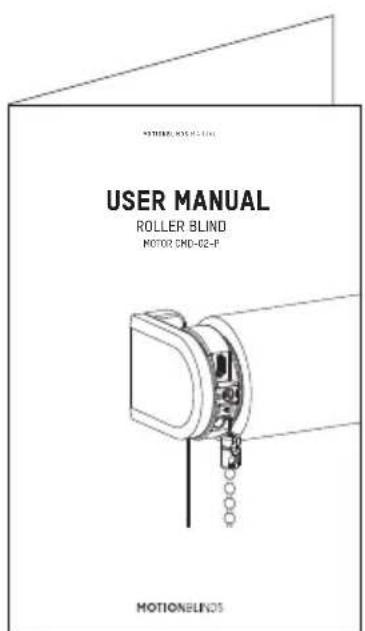
USER MANUAL CMD02P MOTION
Read the instructions carefully before assembling and using the product. Assembly can be completed by non-professionals. For indoor use only.
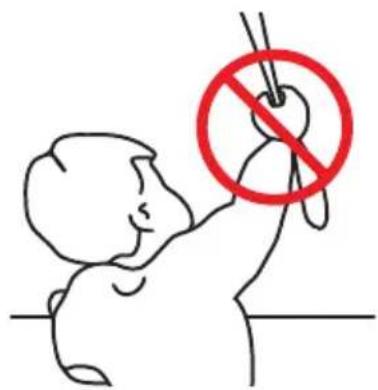
- Young children can strangle. Cords may ensnare a child's themselves with the loop of neck.
- Move beds, cots and furniture away from window covering cords.
To avoid strangulation entanglement,keep cords out of reach of young children.
ndo not tie cords together.
Make sure cords do not twist together and form a loop.
Cleaning
Follow these general rules when cleaning the outside of the device and its components:
Use a damp, soft, lint-free cloth. Avoid getting moisture in openings.
- Do not use aerosol sprays, solvents, alcohol, or abrasives.
Service & Support
Do not perform repairs yourself. Do not attempt to open the device or disassemble it. You run the risk of electric shock and voiding the limited warranty. No user-serviceable parts are inside.
Warranty Service
First follow the advice in this manual. If the product appears to be damaged or does not function properly, go to your local dealer for instructions on how to obtain warranty service.
Recycle
This marking indicates that this product should not be disposed with other household wastes throughout the EU. To prevent possible harm to the environment or human health from uncontrolled waste disposal, recycle it responsibly to promote the sustainable reuse of material resources. To return your used device, please use the return and collection systems or contact the retailer where the product was purchased. They can take this product for environmental safe recycling.
Important Safety instructions
WARNING: To reduce the risk of severe injury or death, it is important to follow these instructions for personal safety. Save these instructions.
- Read and follow all installation instructions.
This appliance can be used by children aged 8 years and above and persons with reduced physical, sensory or mental capabilities or lack of experience and knowledge if they have been given supervision or instruction concerning use of the appliance in a safe way and understand the hazards involved. Children should not play with the appliance. Cleaning and user maintenance should not be performed by children without supervision. - Do not allow children to play with fixed controls. Keep remote controls away from children.
Frequently examine the installation imbalance and signs of wear or damage to cables and springs. Do not use if repair or adjustment is necessary.
This instruction manual is also available on the website.
The drive must be disconnected from its power source during cleaning, maintenance and when replacing parts.
The A-weighted emission sound pressure level of the drive is equal to or less than 70dB(A).
Indoor and household use only. - Disconnect the drive from the power supply or switch off the automatic controls when maintenance, such as window cleaning, is being carried out in the vicinity.
- When operating a biased switch, make sure that other persons are kept away.
- Do not operate when maintenance, such window cleaning, is being carried out in the vicinity.
- The tube motor must only be supplied with safety extra low voltage corresponding to the marking on the appliance.
Important Installation instructions
WARNING: Important safety instructions. Follow all instructions, since incorrect installation can lead to severe injury.
This motor can only be used with soft material for driven parts.
Hazardous unprotected moving parts of the drive must be installed higher than 2.5m above the floor or any other level surface that could provide access to it.
Install the actuating member of a manual release at a height less than 1.8m.
The actuating member of a biased switch is to be located within direct sight of the driven part but away from moving parts. It is to be installed at a minimum height of 1.5m and not accessible to the public.
fhe mass and the dimension of the driven part must be compatible with the rated torque and rated operating time.
- Fixed controls have to be clearly visible after installation.
The driven part must be compatible with the rated torque CMD-02 0.3N.m and rated operating time (12 min).
Minimum tube diameter: 025mm.
The drive is intended to be installed at a height of at least 2.5m above the floor or any other accessible level surface.
All-pole disconnection switches must be incorporated in the fixed wiring in accordance with the wiring rules.
The appliance must only be supplied at safety extra low voltage corresponding to the marking on the appliance.
Before installing the drive, remove any unnecessary cords or components and disable any equipment not needed for powered operation.
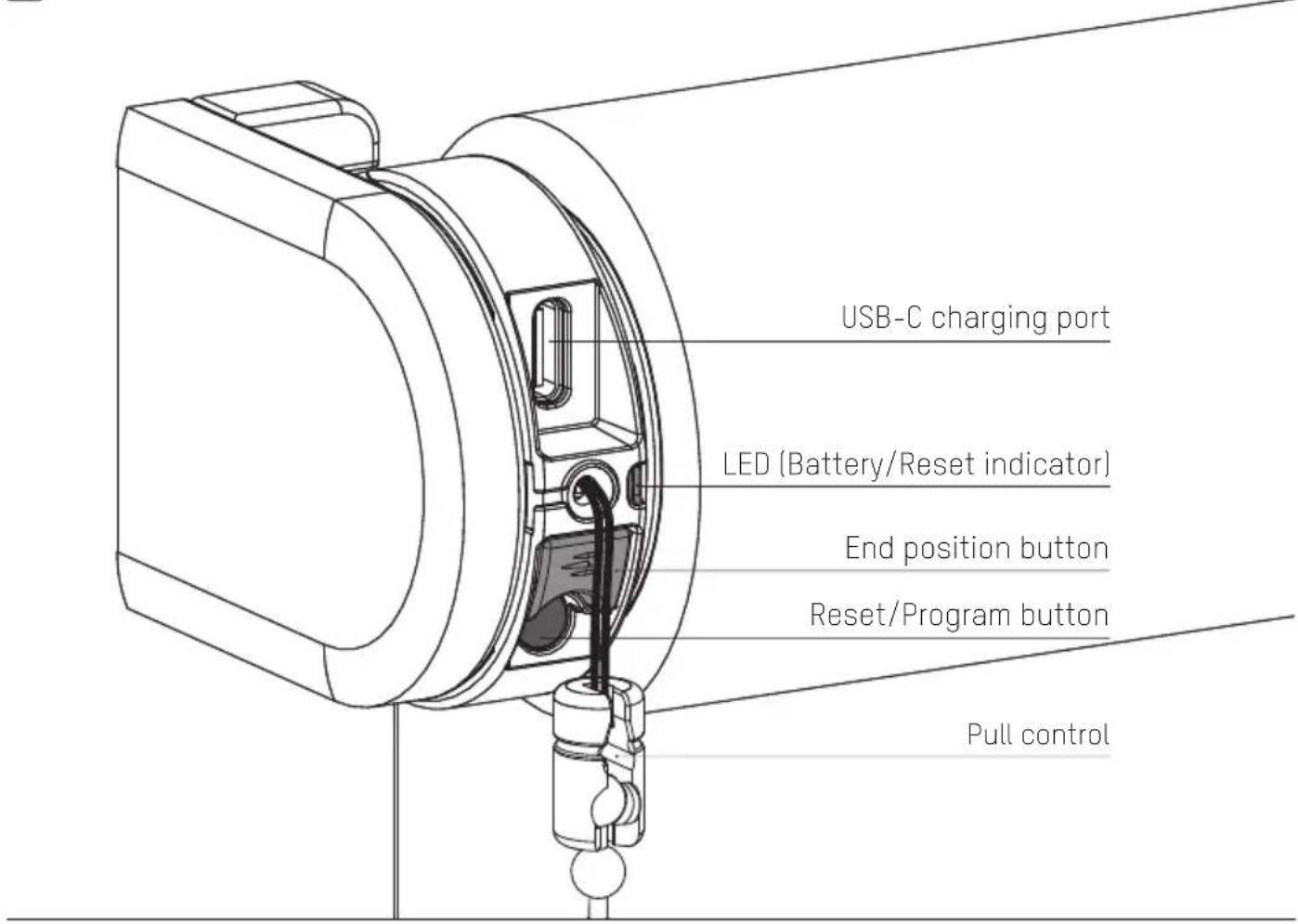
1 Buttons and functions
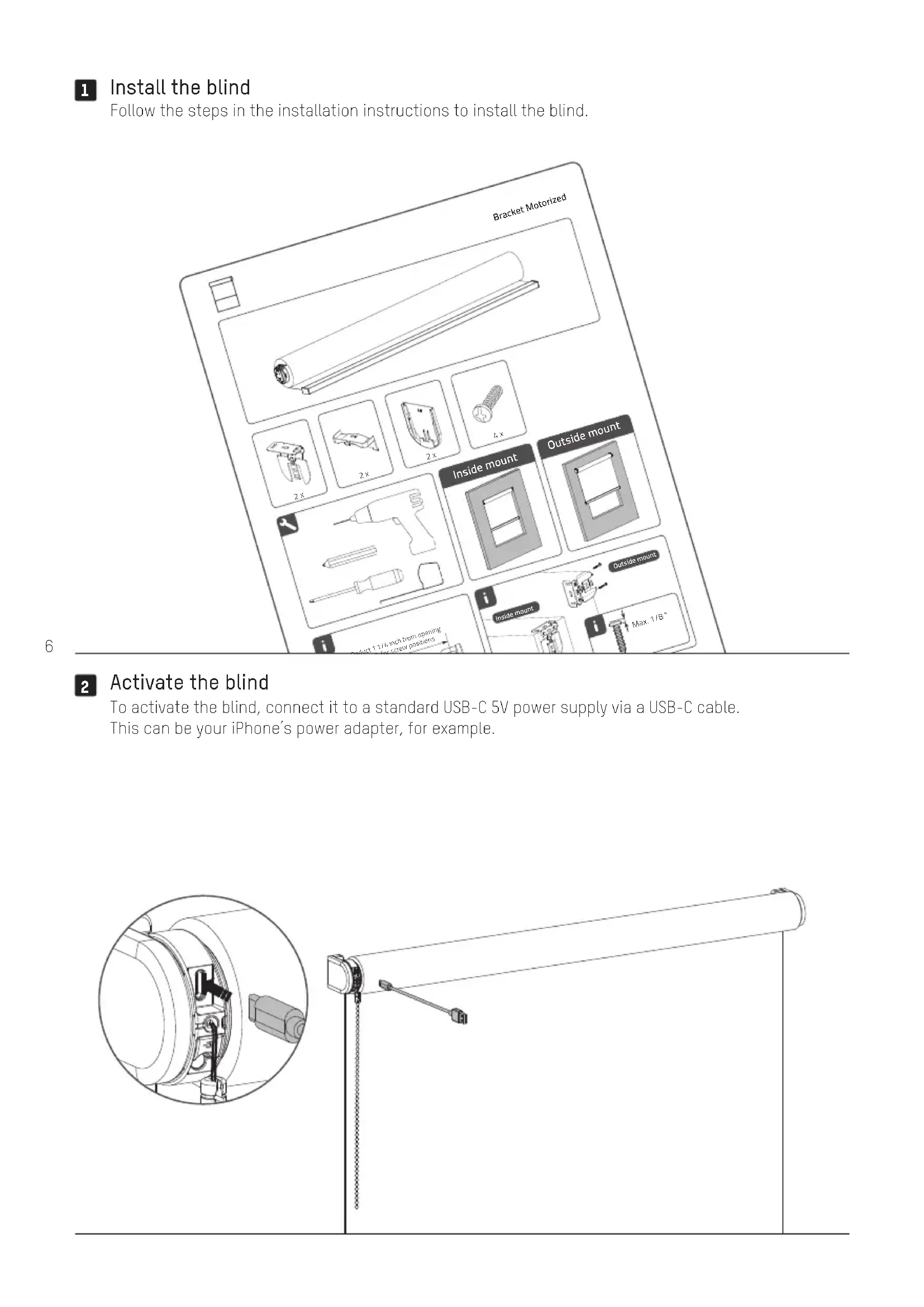
1 Install the blind
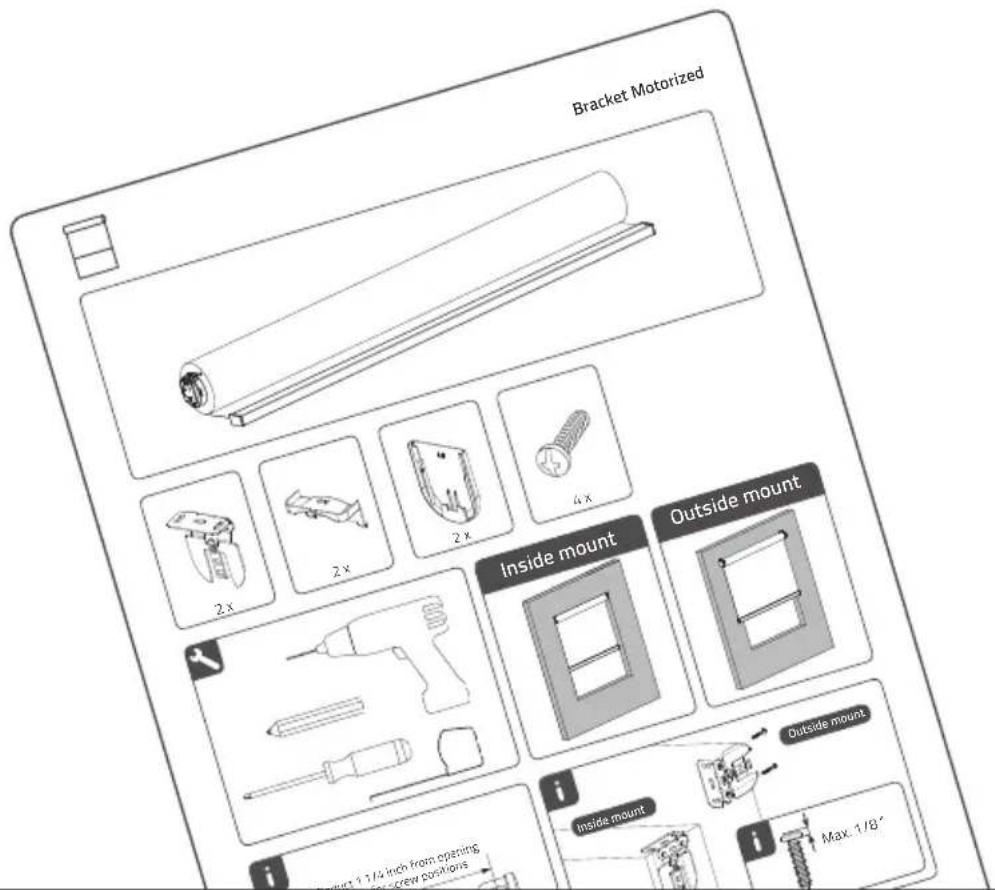
Follow the steps in the installation instructions to install the blind.
2 Activate the blind
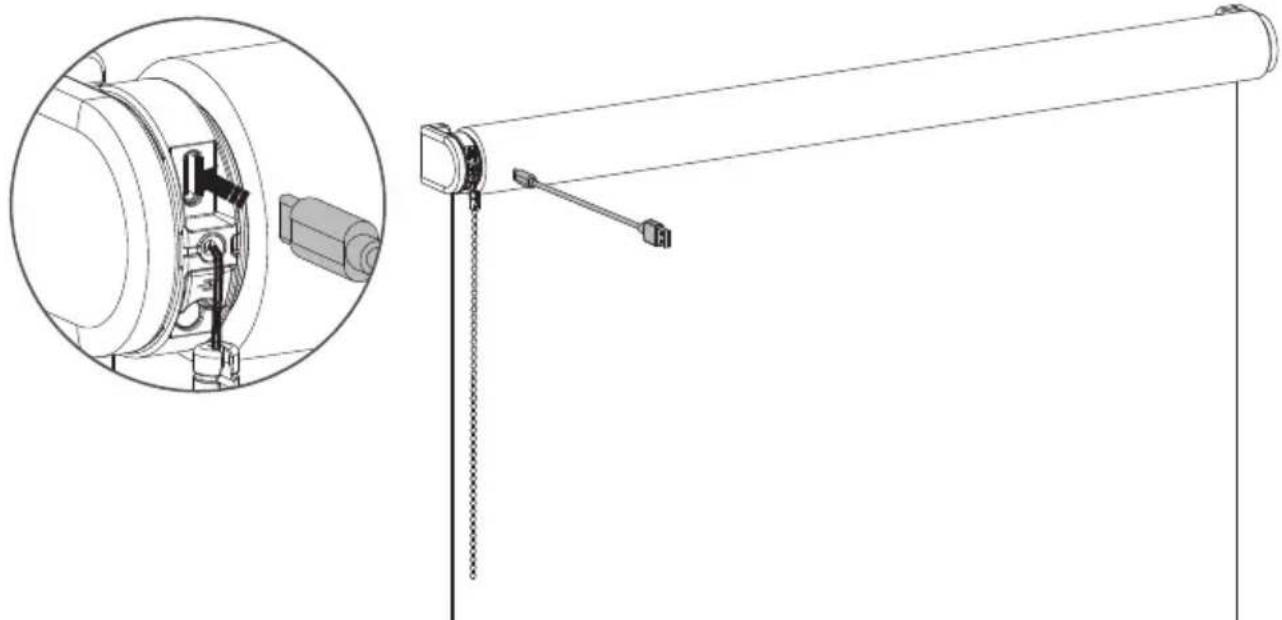
To activate the blind, connect it to a standard USB-C 5V power supply via a USB-C cable. This can be your iPhone's power adapter, for example.
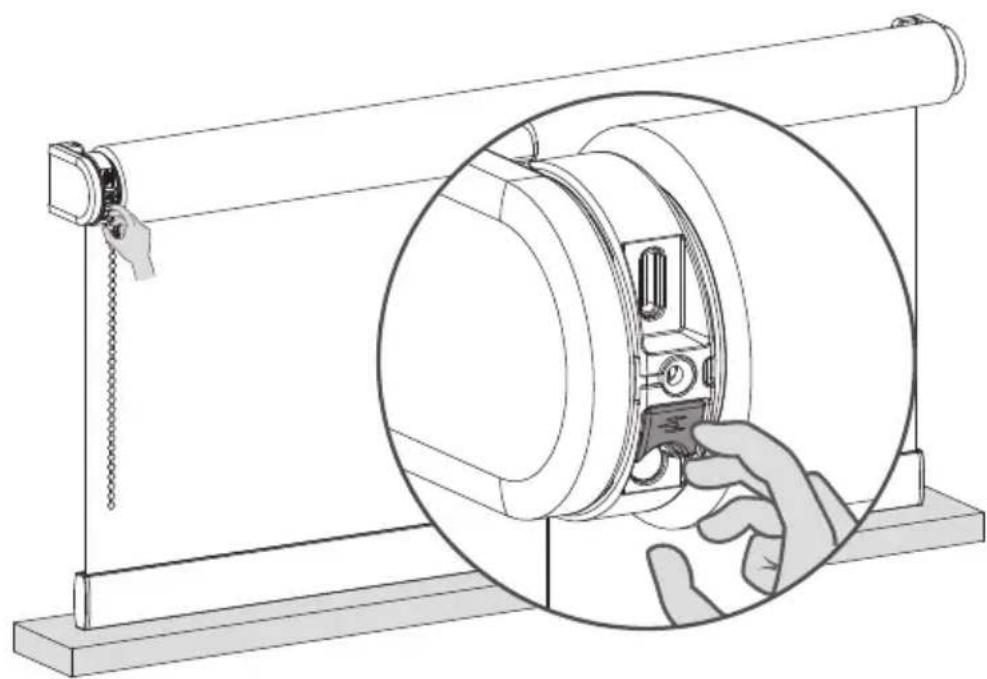
3 Set end positions
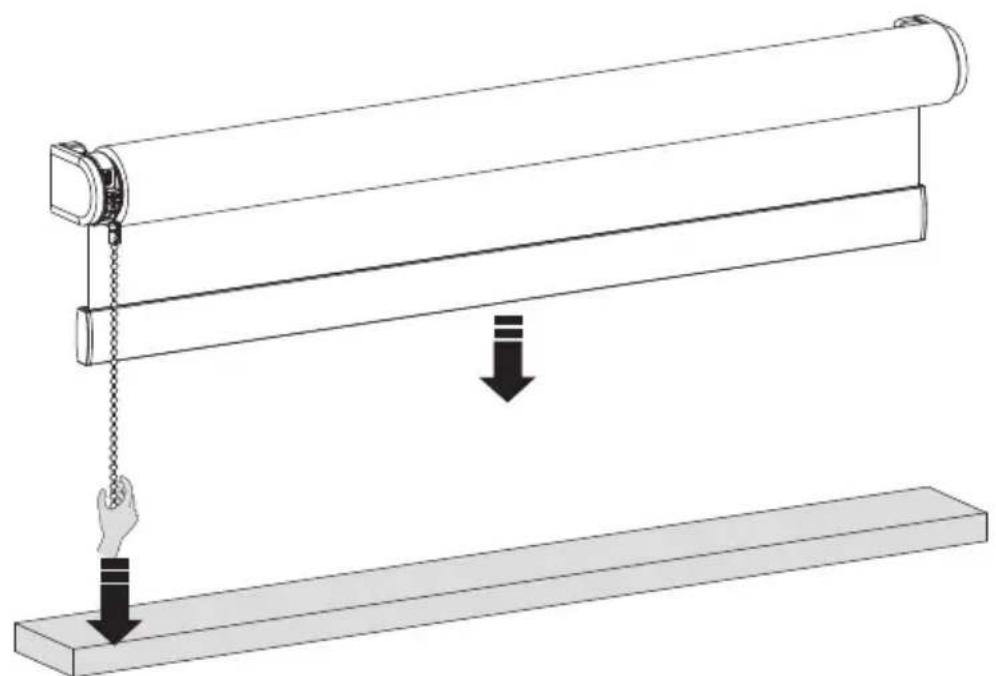
Pull and hold the chain until the blind has reached the bottom position.
If the blind moves in the opposite direction, release the chain and pull and hold again.
Adjust until the desired bottom position has been reached.
Save your bottom position
When your blind is positioned at your bottom position hold the button until the blind moves up and down to save your bottom position.
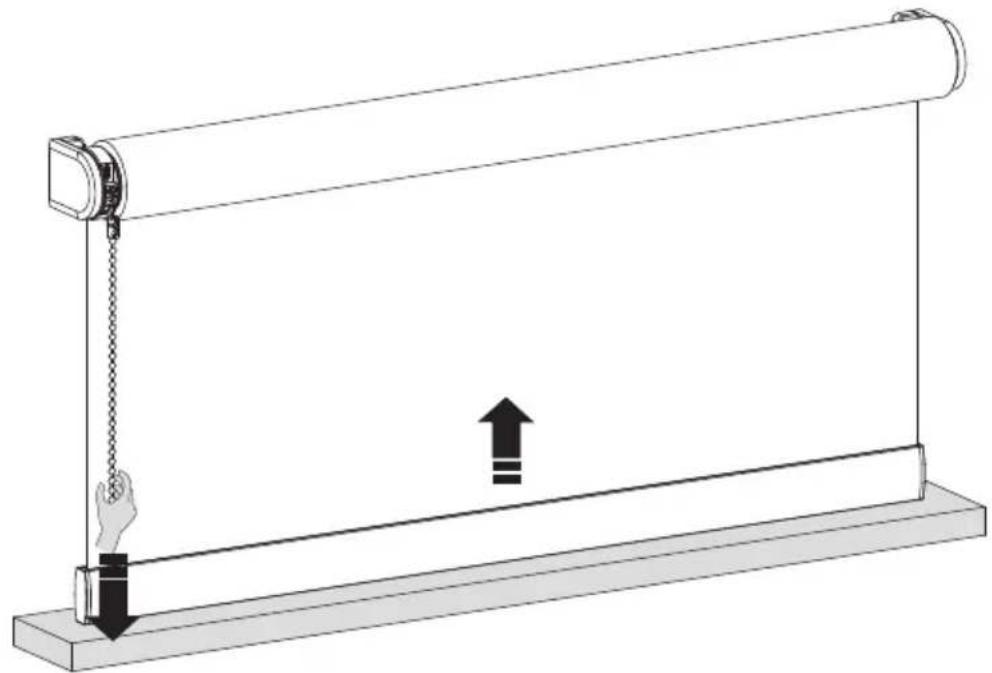
5 Move your blind to the top position
Pull and hold the chain until the blind has reached the top position. If the blind moves in the opposite direction, release the chain and pull and hold again.
Adjust until the desired top position has been reached.
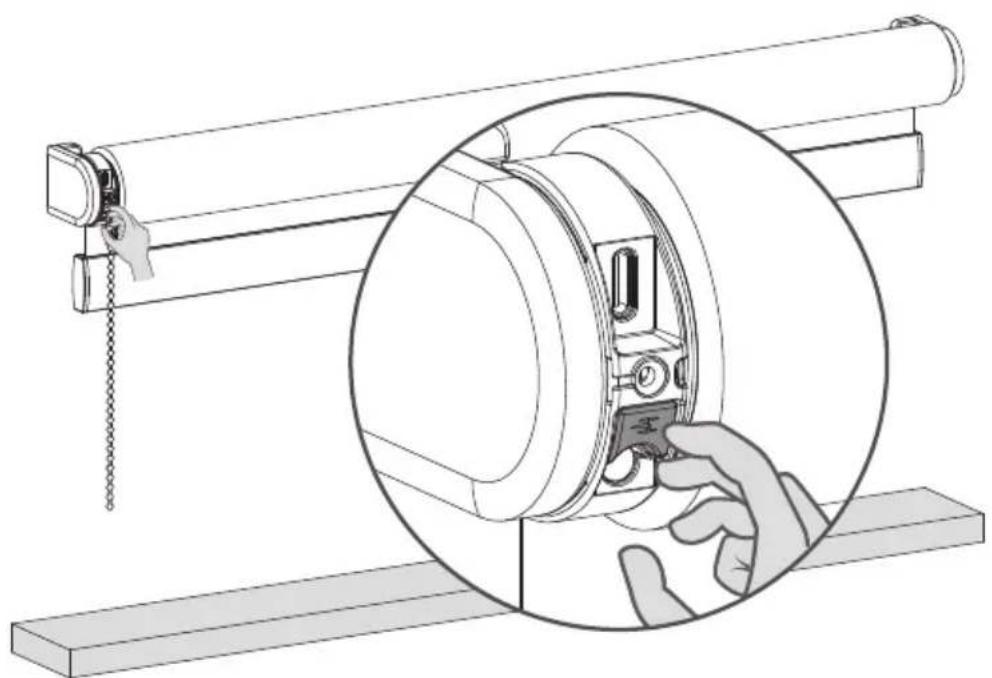
Save your top position
When your blind is positioned at your top position hold the button until the blind moves up and down to save your top position.
Pair a remote control
1 Select a channel on the remote and press the program button on the motor to activate program mode. The blind will start stepping up and down.
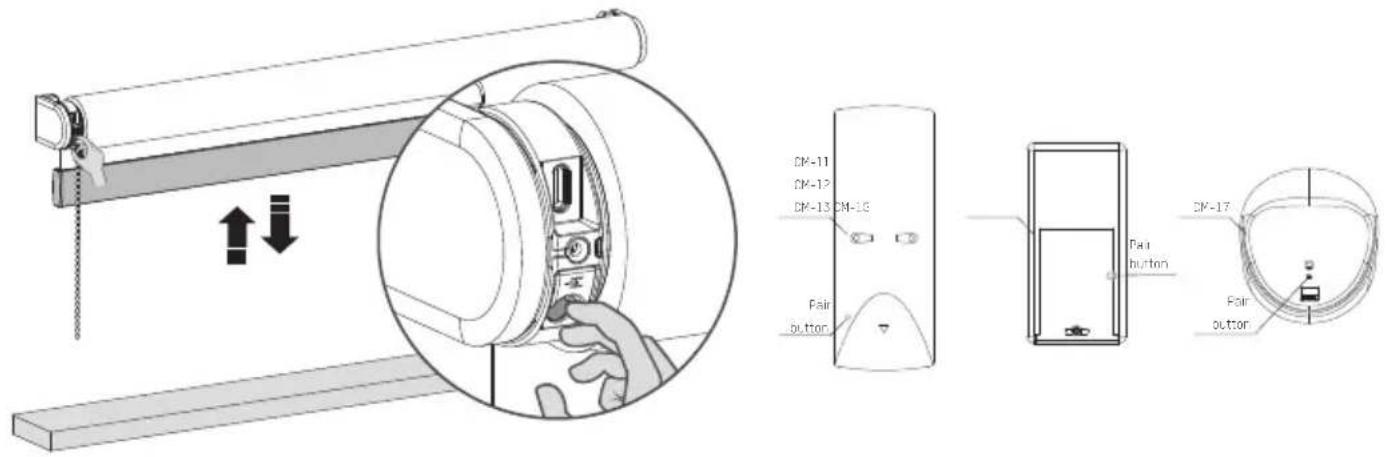
Press the pair button on the back of the remote control to pair the blind with the selected channel. The blind will shortly stop stepping, indicating that the remote has been paired to the blind.
3.3 Shortly press the program button to deactivate program mode. The blind stops stepping and can be operated.
Pair with a bridge
With the MotionBlinds bridge you can unlock more options, such as voice assistants and the ability to control your blinds when you are not at home.
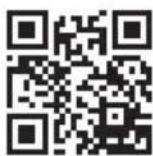
App Store Download the MotionBlinds Wi-Fi app rtube.nl/red981
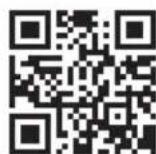
Google Play Download the MotionBlinds Wi-Fi app rtube.nl/red982
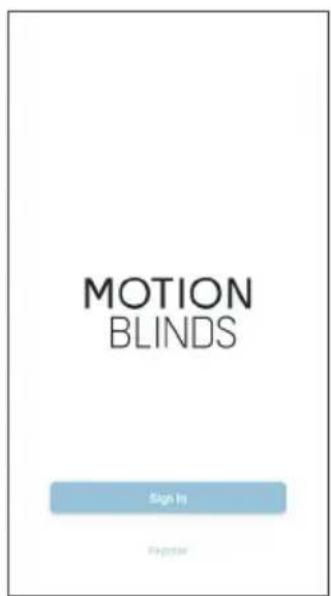
6 Adjustments
Change direction of rotation :
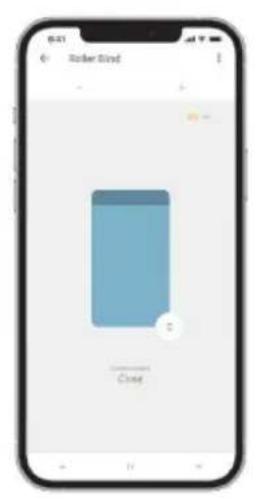
If the position of the blind in the app is opposite to your blind, change the direction of rotation by pressing the End Position button twice within one second.
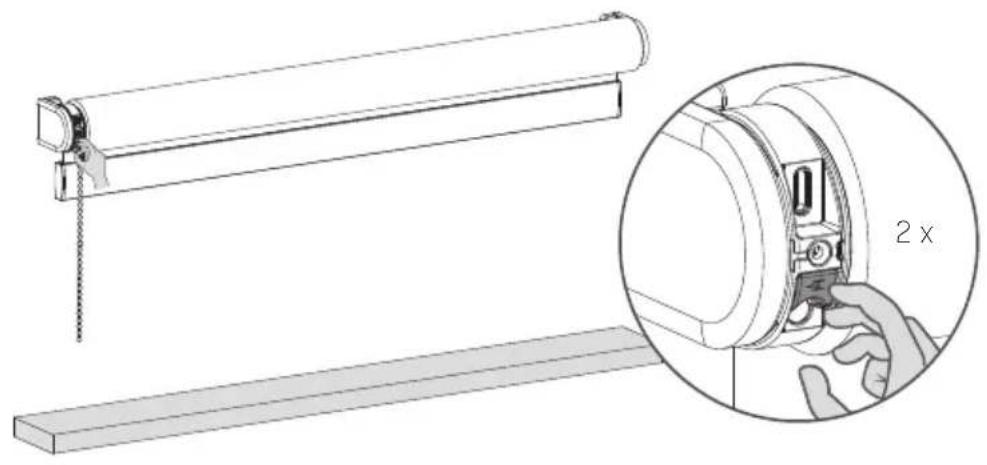
Recharge the blind
To charge the blind, connect it to a standard USB-C 5V power supply via a USB-C cable. This can be your iPhone's power adapter, for example.
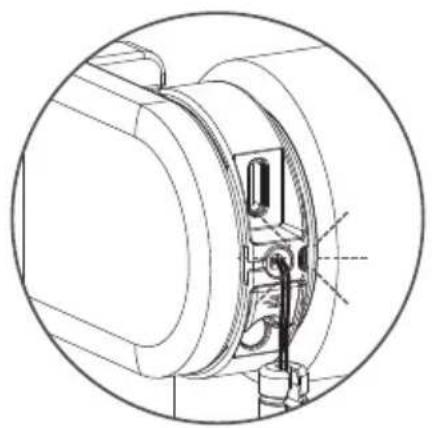
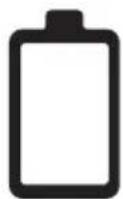
LED light flashes red during operation; Charge the battery
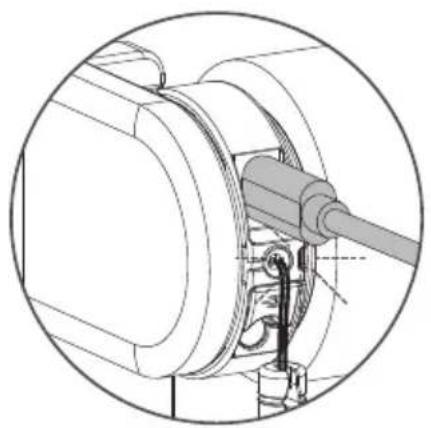
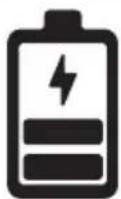
LED light flashes green; battery is charging
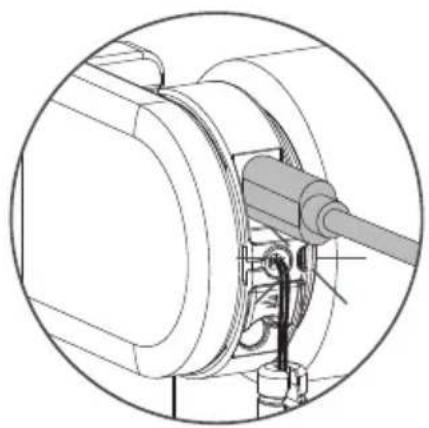
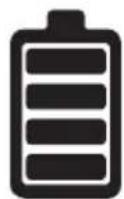
LED light constantly green; battery is fully charged
Reset the blind
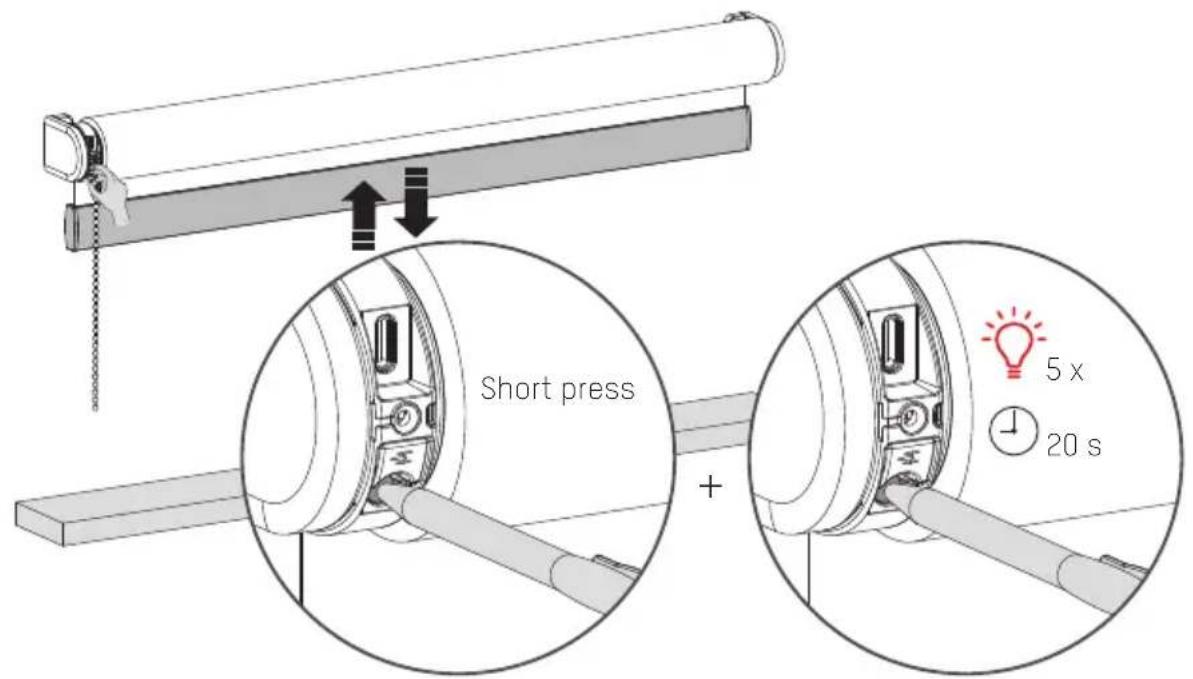
Resetting the blind results in deleting the end positions and connections of the blind with apps and remote controls. Shortly press the program button to activate program mode. The blind will start stepping up and down. Hold the reset/program button for at least 20 seconds to reset the blind. The blind will stop stepping twice. After the second stop, the blind will give one extra step to indicate that is has been reset.
More information
Please scan the QR code below to view the complete user manual with more information and advanced options.
User Manual
rtube.nl/red1829