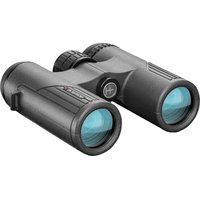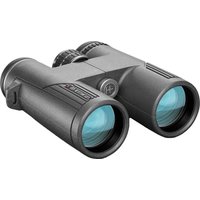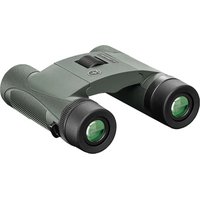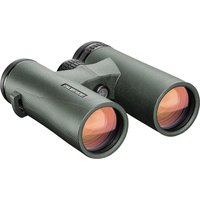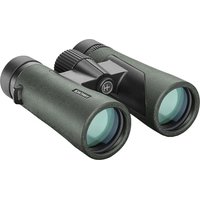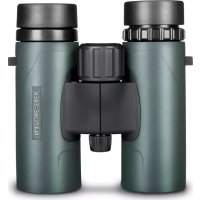
NatureTrek - Binoculars Hawke - Free user manual and instructions
Find the device manual for free NatureTrek Hawke in PDF.


| Product Type | Binoculars |
| Brand | Hawke |
| Model | NatureTrek |
| Magnification | 8x or 10x (depending on variant) |
| Objective Lens Diameter | Variable (e.g., 42 mm) |
| Field of View | Variable (e.g., 142 m at 1000 m for 8x42) |
| Exit Pupil | Calculated (diameter / magnification) |
| Interpupillary Distance | Adjustable via hinge |
| Eye Relief | Adjustable with rotating eyecups |
| Focus | Central focus wheel and diopter adjustment |
| Close Focus | Not specified |
| Eyecups | Rotating, suitable for eyeglass wearers |
| Tripod Mount | Yes (depending on model) |
| Waterproofing | Resistant to condensation and water (not submersible) |
| Included Accessories | Strap, caps, cloth |
| Warranty | Hawke lifetime warranty |
| Maintenance | Clean with soft cloth and isopropyl alcohol, store in a dry place |
| Mechanical Parts | Diopter, hinge, wheel, tripod mount, eyecups, strap loops |
| Diopter Adjustment | On the right eyepiece |
| Product Registration | Recommended at www.hawkeoptics.com/registration |
| After-Sales Service | Via local distributor or www.hawkeoptics.com/warranty |
Frequently Asked Questions - NatureTrek Hawke
User questions about NatureTrek Hawke
0 question about this device. Answer the ones you know or ask your own.
Ask a new question about this device
Download the instructions for your Binoculars in PDF format for free! Find your manual NatureTrek - Hawke and take your electronic device back in hand. On this page are published all the documents necessary for the use of your device. NatureTrek by Hawke.
USER MANUAL NatureTrek Hawke
The binocular magnification specification is the first number in the binocular description. e.g. a 10x42 binocular has a magnification power of 10x. That is to say, the viewed image will be 10x larger than with the naked eye. While a higher magnification will make the image larger and easier to view it will also reduce the field of view and make any movement of the binoculars more exaggerated. Typically an 8 or 10x magnification power is the preferred choice, but 12x magnification is also available in some models.
02 | Objective Lens
The objective lenses are at the front end of the binocular. The width of the objective lens relates to the second number in the binoculars description. e.g. a 10x42 binocular has a pair of objective lenses that each measure 42mm in diameter. Larger objective
lenses give better light transmission and allow for a brighter picture. A larger objective lens will allow the binoculars to be used in lower light conditions.
03 | Field of View (FOV)
The width of the binoculars view. A larger FOV allows for a wider image to be seen. This can be measured in terms of angle (degrees), or by a set distance. e.g. the FOV of an 8x42 binocular may be 142m wide when looking at an image 1000m away. This is equivalent to 426ft wide when looking at an image 1000yds away.
01 Magnification
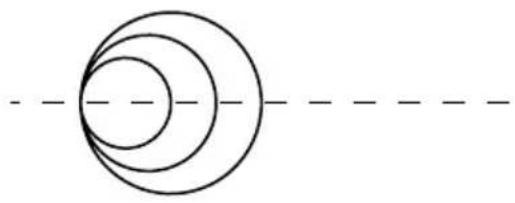
02 | Objective Lens
03 | Field of View (FOV)
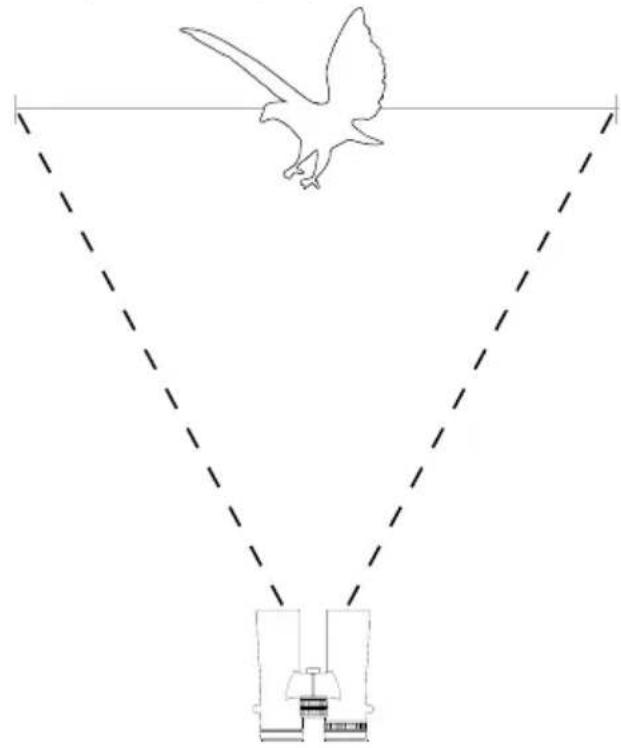
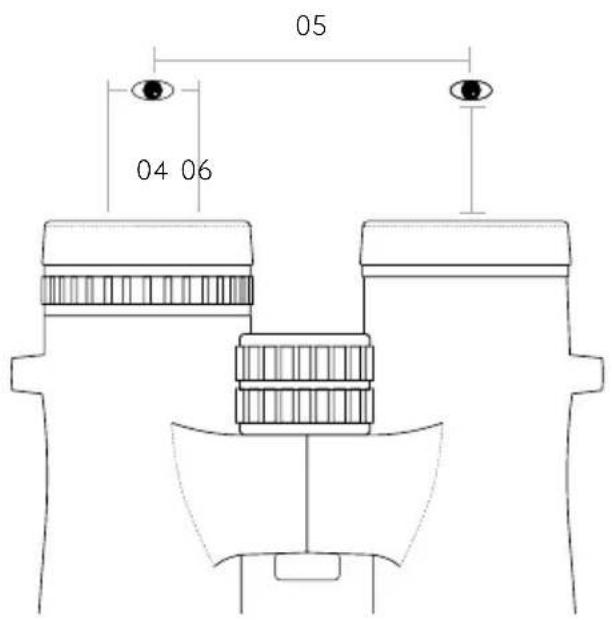
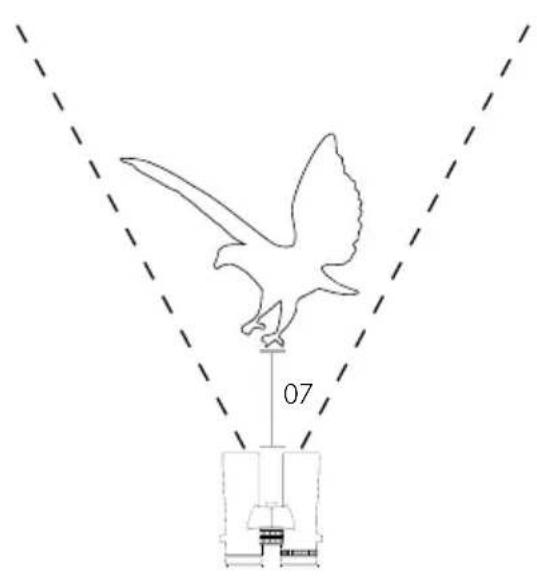
04 Exit Pupil
The diameter of the viewing image when the eye is positioned at the correct eye relief. This is calculated by dividing the objective lens diameter by the binocular magnification. e.g. for a 10x42 binocular we divide the objective lens diameter of 42mm by the magnification power of 10 to get 4.2mm .
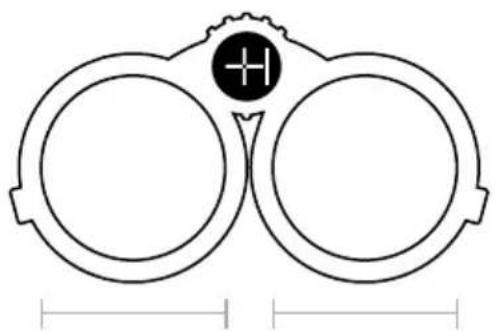
05 | Interpupillary Distance
The distance between the two ocular lenses.
This is measured from the middle of one lens to the other. The interpupillary distance has a range, as the distance will change depending how open or closed the binoculars hinge is set.
06 | Eye Relief
The correct distance for the pupil to be located from the ocular lens. When at this distance the best viewing experience will be achieved. All Hawke binoculars are fitted with adjustable twist-up eye cups to help gain the correct eye relief distance and comfortable viewing experience. (see page 8)
07 | Close Focus
The closest possible distance that the binoculars can be focused at. Binoculars with an ability to focus at close range allow for better viewing of nearby objects such as insects.
PARTS & MECHANICAL FEATURES
01 | Diopter
02 | Hinge
03 | Focus Wheel
04 Tripod Attachment
05 | Twist-Up Eye Cups / Replaceable Twist-off Eye Cups with position stops*
06 | Strap Loops
*Replaceable Twist-off Eye Cups available on Frontier APO, EDX and HDX models only.
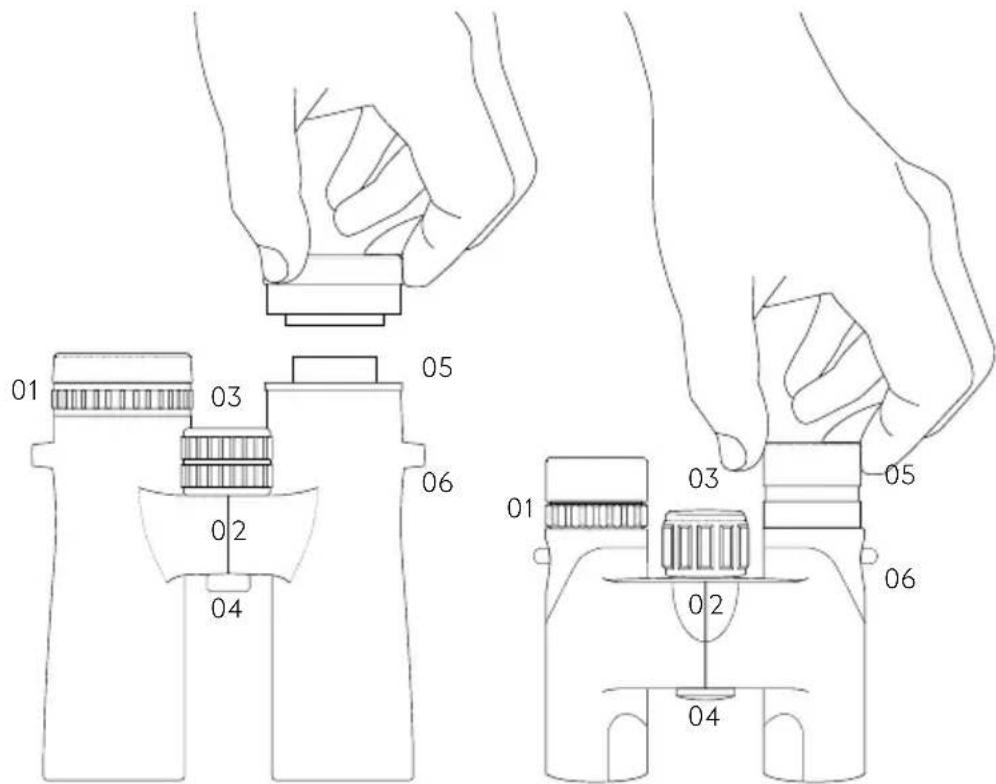
Eyeglass users will normally need the eye cups twisted down. Users not wearing eyeglasses should adjust the eye cups upwards for optimum eye relief.
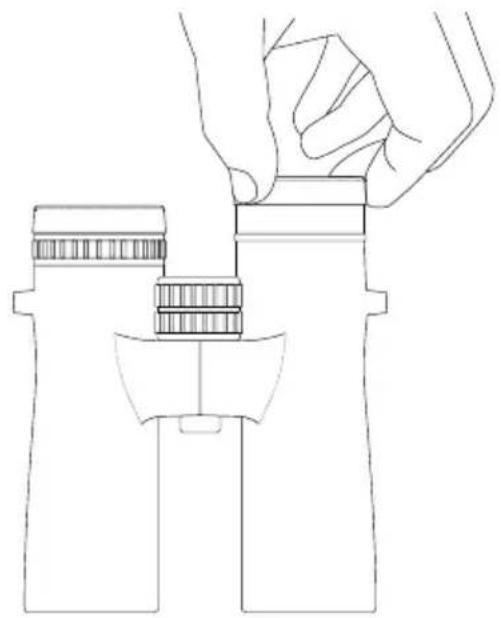
02 | Adjusting the Hinge
The distance between the eyes varies from one person to the next. To achieve perfect alignment of the eyes and the lens openings, hold the binocular in the normal viewing position and move the two barrels either apart or closer to each other until you have a single, clear field of view.
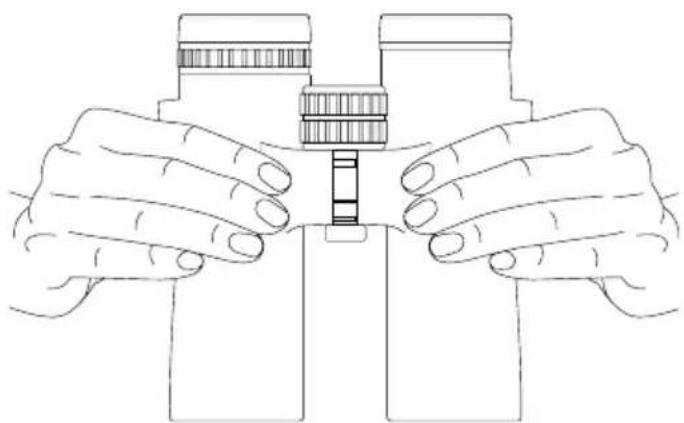
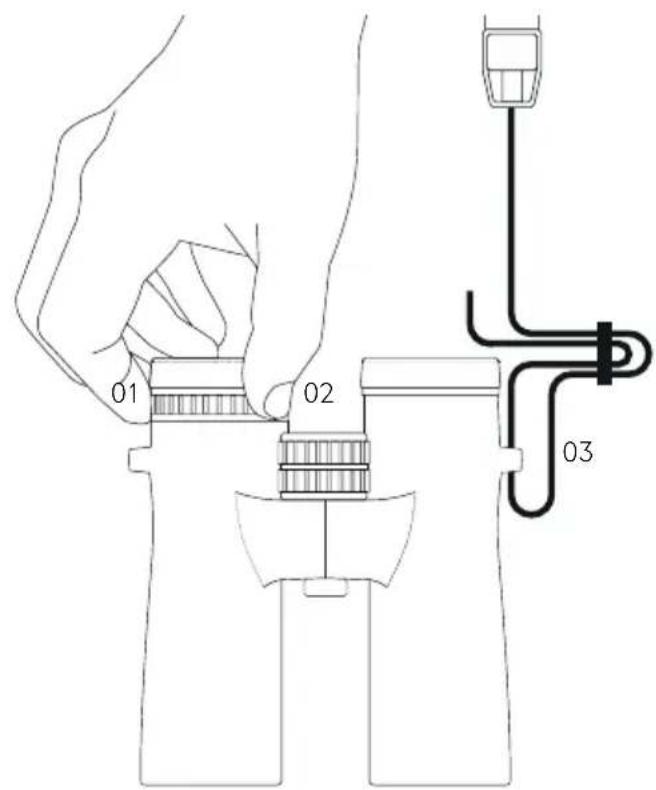
01 & 02 | Focusing your Binocular
- Set the diopter adjuster (01) to the center position.
- Cover the right front lens with your hand and rotate the focusing wheel (02) until the image in the left eyepiece appears sharp.
Now cover the left front lens with your hand and rotate the diopter adjuster (01) until the image is sharp.
The binoculars have now been adjusted to your eyes. Note the diopter reading of the right eyepiece for future reference.
03 | Attaching the Strap
From new, unloop the strap from the buckle completely.
- Loop the strap through the buckle once.
- Thread the strap through the strap loop on the binocular from bottom to top.
- Loop the strap again through the buckle, passing underneath the original loop.
- Repeat on the other side and adjust length to suit personal preference.
Note, the ocular lens cover also has a loop on one side to thread the strap through if desired.
CARING FOR YOUR BINOCULAR
- Keep lens covers on the binocular when not in use.
- When cleaning the lenses, use the lens cloth that comes with the binocular, or a soft, lintless cloth.
- To remove dirt, add one or two drops of isopropyl alcohol to the cloth.
- Store your binocular in a moisture-free area.
- Never attempt to clean your binocular internally or try to take it apart.
- Your binocular is fog and waterproof in normal weather conditions, but is not designed to be immersed in water.

Hawke products are covered by our lifetime warranty. For full details and conditions or to make a claim please see www.hawkeoptics.com/warranty or contact your in-country distributor.
Please note your proof of purchase should accompany any warranty claim. You can register your purchase with us now at www.hawkeoptics.com/registration
Hawke products are covered and/or licensed by one or more of the following registered designs, patents or are patent pending - visit www.hawkeoptics.com/ip