IAN 113859 - Lighting MELINERA - Free user manual and instructions
Find the device manual for free IAN 113859 MELINERA in PDF.



User questions about IAN 113859 MELINERA
0 question about this device. Answer the ones you know or ask your own.
Ask a new question about this device
Download the instructions for your Lighting in PDF format for free! Find your manual IAN 113859 - MELINERA and take your electronic device back in hand. On this page are published all the documents necessary for the use of your device. IAN 113859 by MELINERA.
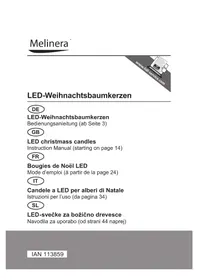
USER MANUAL IAN 113859 MELINERA
LED christmass candles
Instruction Manual (starting on page 14)
FR
Bougies de Noel LED
www.service-shopping.de
Tel.: +49 38851 314650*)
Safety Instructions 16
Before Initial Use 17
Inserting / Changing Batteries 18
Operation 18
Troubleshooting 19
Disposal 20
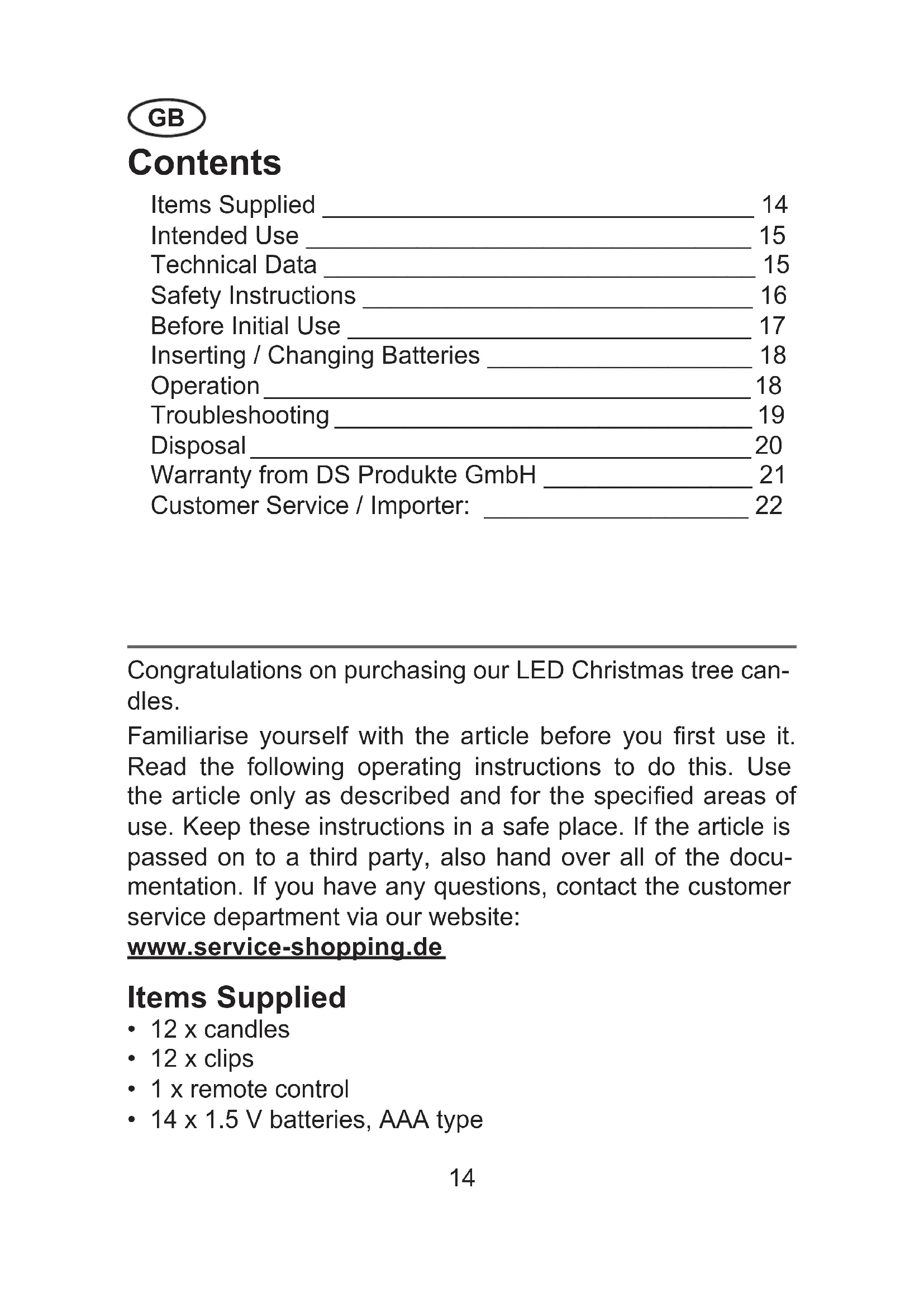
Congratulations on purchasing our LED Christmas tree candles.
Familiarise yourself with the article before you first use it. Read the following operating instructions to do this. Use the article only as described and for the specified areas of use. Keep these instructions in a safe place. If the article is passed on to a third party, also hand over all of the documentation. If you have any questions, contact the customer service department via our website:
www.service-shopping.de
Items Supplied
12xcandles
12xclips
- 1 x remote control
- 14 × 1.5 ~V batteries, AAA type
Intended Use
This article is a decoration. It is intended to be placed on branches of conifer trees. It is not a toy! Therefore keep the article out of the reach of children and animals!
The product is intended for private use. The product should only be used as described in these instructions. Any other use is deemed to be improper.
Technical Data
- Model number: F0359S (cream)
F0359R (cream, rhinestones,
wax drops)
F0359G (gold, wax drops)
Voltage supply
- Candles: each 1 × 1.5V battery, AAA type
- Remote control: 3 V DC (2 x 1.5 V batteries,
AAA type)
-
LEDs
-
Power: 0.06 W
-Colour: Warm white
Colour temperature: 2800 - 2950 K
-Brightness: 4,5-5,5 lumen
Range of the
remote control: approx. 5m
You have purchased an article with high-performance light-emitting diodes. The average lighting time varies when the supplied batteries are used, depending on the light function which is set (lit up constantly or flickering), between approx. 150 and max. 170 hours.

Safety Instructions
Dangers of Injury
There is a danger of suffocation! Keep the packaging material away from children and animals.
Batteries can be deadly if swallowed. Therefore keep batteries and the article out of the reach of children. If a battery is swallowed, seek medical assistance immediately.
Should a battery have leaked, do not allow your skin, eyes and mucous membranes to come into contact with the battery acid. If you touch battery acid, rinse the affected sites with abundant fresh water immediately and contact a doctor as soon as possible.
The Proper Handling of Batteries
Before inserting the batteries, check whether the contacts of the candles, the remote control and the batteries are clean. Clean them if necessary.
Use only the battery type specified in the technical data.
Always replace all the batteries at the same time. Do not use batteries of different types or brands, or batteries with different capacities. When replacing batteries, note the correct polarity (+ / -) (see also the imprint on the candles).
Take the batteries out of the candles and the remote control when they are discharged or if the article is not going to be used for a prolonged period. This will prevent any damage that might occur if a battery leaks.
- Remove a leaking battery from the article immediately. Clean the contacts before you insert a new battery.
The batteries must not be recharged or reactivated by other means, dismantled, thrown into a fire, immersed in fluids, or short-circuited.
The Proper Handling of the Article
The article should only be used in closed rooms.
- Do not expose the article to extreme temperatures, strong temperature fluctuations, direct sunlight or moisture.
-
Maintain a sufficient distance from sources of heat such as hobs, ovens or fi replaces.
Do not drop the article or allow it to be knocked violently.
Ensure that the article cannot become wet or fall into water. -
Do not use any corrosive or abrasive cleaning agents to clean the article. Dust the article with a soft, dry cloth. More intense soiling can be wiped off with a slightly damp cloth.
-
Keep the article in its original packaging out of the reach of children and animals in a dry, clean place that is protected from direct sunlight.
If the article is broken, do not attempt to repair it yourself. In the event of any damage, contact our customer service department.
Only use a manufacturer-recommended remote control to switch the candles on and off.
Before Initial Use
-
Unpack the article and accessories. Check the contents against the items supplied to ensure they are complete and have not suffered any transport damage. If you should find transport damage, do not use the article!), but contact the customer service department immediately. Keep the packaging so that you can store the article in it when you are not using it.
-
Insert the batteries which are supplied into the candles (see the "Inserting / Changing Batteries" chapter, "Candles" section).
-
Place the other two batteries into the remote control (see the "Inserting / Changing Batteries" chapter, "Remote Control" section).
- Attach the clips to the branches of your Christmas tree as you wish.
Inserting / Changing Batteries Candles
- Release the candles by making a quarter turn counter clockwise and removing them from the clips.
- Remove the old batteries if necessary and insert a new 1.5V battery, AAA type with the positive pole first into each of the candles (see also the imprint on the candles).
- Replace the candles on the clips and make a quarter turn clockwise.
Remote Control
- Open the battery compartment lid on the back of the remote control. For this purpose you push the cover in the direction of the arrow.
- Remove the old batteries if necessary and insert two new 1.5V batteries, AAA type into the remote control. Pay attention to the correct polarity (+ / -) .
- Place the lid onto the battery compartment and push it until it clicks into place.
Operation
-
The ON button is used to switch on the candles. You have two options here:
-
If you press the ON button for just a short time, the candles light up constantly.
- If you keep the ON button pressed for around 3 seconds, the candles light up in flicker mode.
You can switch back and forth between constant light and flicker mode at any time.
- With constant light you can increase or reduce the brightness by means of the + / - buttons.
- The OFF button is used to switch off the candles.

Please note:
-
If individual candles cannot be switched on, switched over or switched off directly, check the alignment of the candles and the remote control: To ensure perfect operation, it is important that there is 'visual contact' between all candles and the remote control. If necessary, you should therefore rearrange the candles in the tree and / or choose a different location from which you can control the candles with the remote control. Be aware of the range of the remote control. This is around 5m . Then press the ON or OFF button again. Note the different length of time for which you need to press the ON button, depending on what lighting mode you want (see above).
-
If individual candles still cannot be switched on, check the fit of the candles on the clips: The candles must not be screwed too tightly onto the clips. Turn the candles roughly a quarter turn anticlockwise and then try to switch the candles on again.
- If you subsequently buy more candles / sets of candles, all candles can be controlled using just one remote control.
Troubleshooting
If (individual) candles do not respond to the remote control, please check the following:
-
Are batteries inserted into the candles and the remote control?
-
Are the batteries too weak or incorrectly inserted?
- Are the candles within the range of the remote control? / Is there 'visual contact' between the candles and the remote control? To ensure perfect operation, it is important that there is 'visual contact' between all candles and the remote control. If necessary, you should rearrange the candles in the tree and / or choose a different location from which you can control the candles with the remote control. Be aware of the range of the remote control. This is around 5m . Then press the ON or OFF button again, depending on whether you want to switch on, switch over or switch off the candles. Note the different length of time for which you need to press the ON button, depending on what lighting mode you want (see the "Operation" chapter).
Disposal

The packaging material is recyclable. Please dispose of it in an environmentally friendly manner and take it to a recycling centre.

Dispose of the article in an environmentally friendly manner. The article should not be disposed of in the normal domestic waste. Please dispose of it a recycling centre for used electrical and electronic devices. You can obtain more information from your local authorities.

The batteries should be removed prior to disposal of the article and disposed of separately from the article. To protect the environment, non-rechargeable and rechargeable batteries may not be disposed of with normal household waste, but must be taken to suitable collection points. Note the relevant statutory regulations governing the disposal of batteries.
You receive a 3-year warranty on this product from the date of purchase. If there are any defects with this product, you enjoy statutory rights against the vendor of the product. These statutory rights are not restricted by our warranty outlined below.
Warranty Terms and Conditions
The warranty period begins on the purchase date. Please keep the original receipt in a safe place. This documentation is required as proof of purchase. If a material or manufacturing defect occurs within three years of the date of purchase, this product, the product shall be repaired or replaced by us – at our choice – at no cost to you. This warranty is provided subject to the assumption that the defective product and the purchase receipt (till receipt) are presented within the three-year period and a brief description is provided in writing outlining what the defect is and when it occurred. If the defect is covered by our warranty, the repaired product or a new product shall be returned to you. A new warranty period shall not commence when the product is repaired or replaced.
Warranty Period & Statutory Claims for Defects
The warranty period is not extended by the guarantee. This also applies to replaced and repaired parts. Any damage and defects which may exist at the time of purchase must be reported immediately after unpacking the product. Repairs which are needed after the warranty period has expired are subject to a charge.
Scope of Warranty
The product was produced carefully in line with strict quality guidelines and scrupulously examined prior to delivery. The warranty is provided for material defects or manufacturing defects. This warranty does not extend to product parts which are subject to normal wear and tear and can therefore be regarded as expendable parts or to any damage to fragile
parts, switches, batteries or those which are made of glass. This warranty is cancelled if the product has been damaged, not used properly or not maintained properly. To ensure proper use of the product, all of the instructions which are listed in the operating instructions must be complied with precisely. Intended uses and actions which are advised against or warned against in the operating instructions must be avoided at all costs. The product is intended for personal use only and is not intended for commercial applications. The warranty shall lapse in the event of any improper and inappropriate handling, use of force and in the case of interventions which were not made by our authorised service offi ce.
Handling in a Warranty Case
To ensure that your issue can be dealt with quickly, please follow the following instructions:
- For all enquiries, please have the receipt and the article number ready as proof of purchase.
- You will find the article number on the front page of your instructions (bottom left).
If any functional faults or other defects should occur, first contact the service department specified below by telephone or e-mail. - You can then send a product which is identified to be defective to the service address given to you with free postage, enclosing the purchase receipt (till receipt) and indicating what the defect is and when it occurred.
Customer Service / Importer:
www.service-shopping.de
Tel.: +49 38851 314650 (Calls subject to a charge.)
All rights reserved.
Sommaire
Composition 24
www.service-shopping.de
Composition
www.service-shopping.de
Tél. : +49 38851 314650*)
^* Appelpayant.
web: www.service-shopping.de
www.service-shopping.de
Tel.: +49 38851 314650*)
www.service-shopping.de
Tel.: +49 38851 314650*)