USER MANUAL BFH150 DENVER
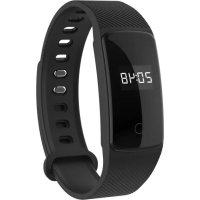
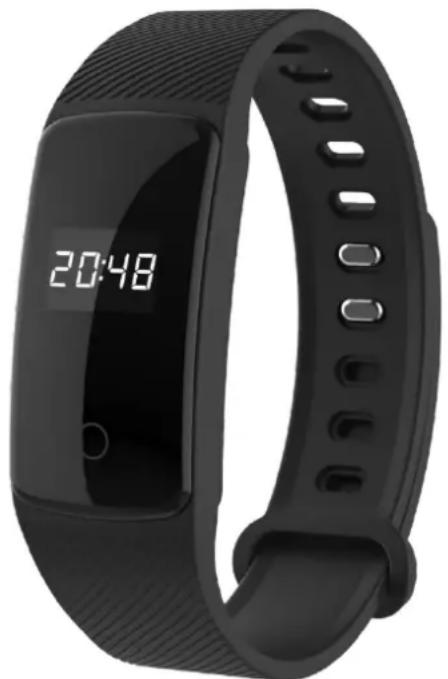
- 0.42" OLED Display
Built-in HR sensor, monitor your heart rate
- Monitor your daily activity and sleep
Built-in sedentary reminder
- Reminder of SMS, emails, calendar events and social media activity
- Smart wake-up, raise or shake your arm to wake up the device
- Built-in 55mAh Li-poly battery, up to 7 days standby time
- Compatible with iOS8 or above and Android 5.0 or above
2. Download Denver Smart Life app
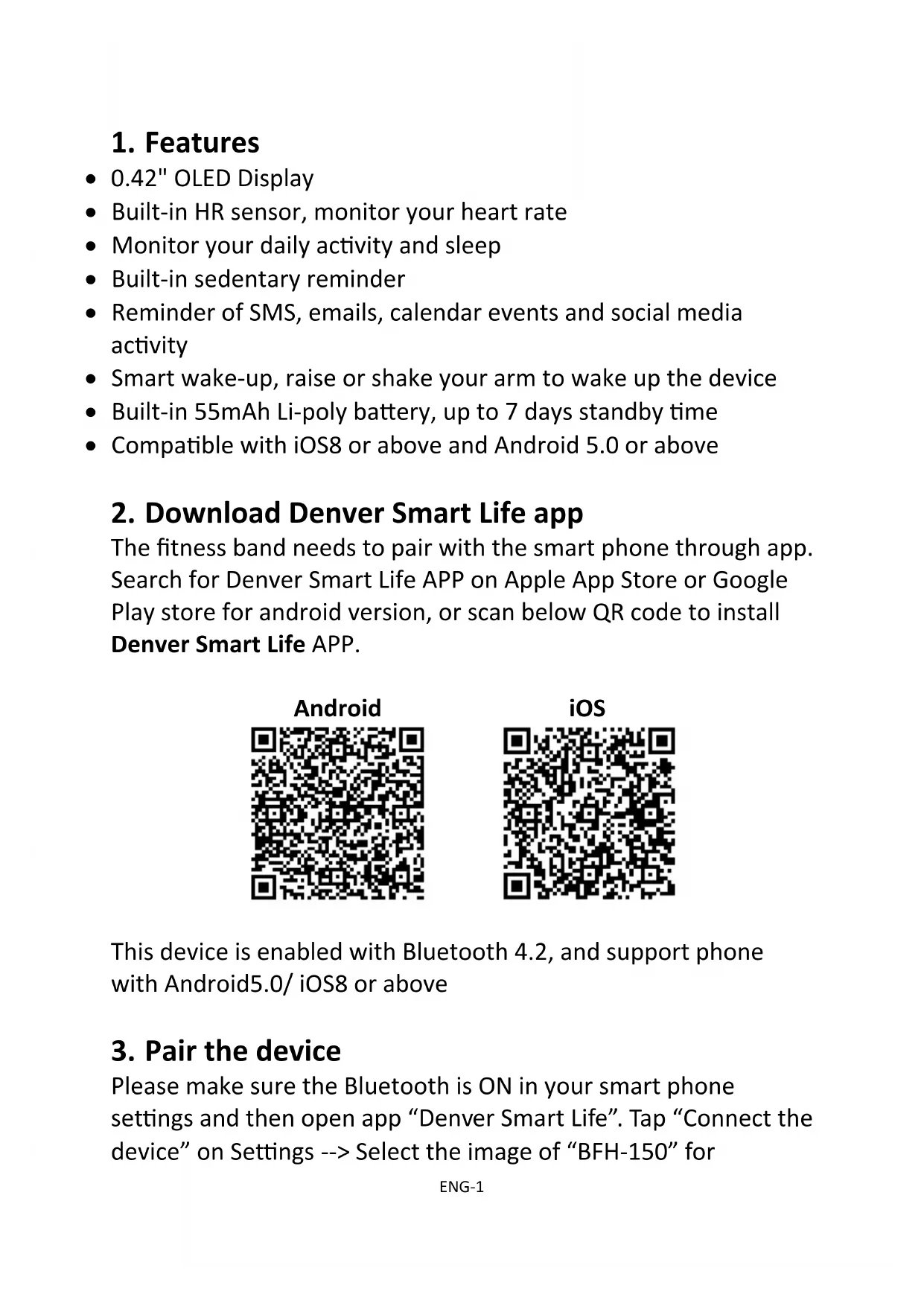
The fitness band needs to pair with the smart phone through app. Search for Denver Smart Life APP on Apple App Store or Google Play store for android version, or scan below QR code to install Denver Smart Life APP.

Android

iOS
This device is enabled with Bluetooth 4.2, and support phone with Android5.0/ iOS8 or above
3. Pair the device
Please make sure the Bluetooth is ON in your smart phone settings and then open app "Denver Smart Life". Tap "Connect the device" on Settings --> Select the image of "BFH-150" for
connection.
When searching and pairing device, please press on the touch area of device and activate the device (screen on). App will search the device automatically, select the device name in the smart phone searching list and connect the device to the app.
After binding successfully, all information on device will sync on APP, including time, steps, heart rate and notifications reminder.
4. Device Activate & Charge
Make sure the device is charged before initial use. In case device is low on battery, connect the device to the charger clip and connect USB cable to your PC. The device will automatically boot up (please clamp the charging clip to the back 2 points position of bracelet as below)

5. How to use
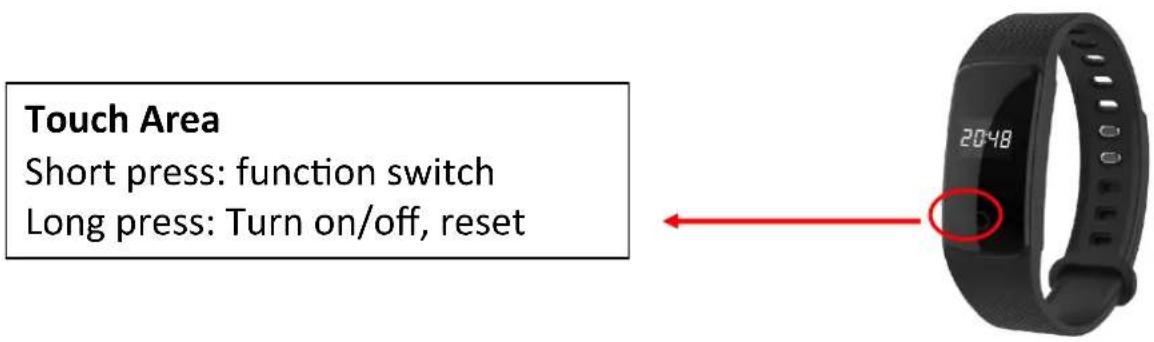
Once the device connected to the app successfully, it will sync your activities and sleep data automatically, please press the touch area on the device to switch into different display modes as following:
| Time Mode | 20:48
○ | |
| Steps | ○ | 55555
○ |
| Distance | ○ | 12 Km
○ |
| Calories | ○ | 0.5
○ |
| Sleep Monitor | The fitness band can record your sleep from 22:00 to 9:00. Sleep data can be found in “Denver Smart Life”. |
| Heart rate Monitor | 80
○ | |
| Bluetooth on | BPH-150
○ | |
Note: Long press touch area:
Please notice - All products are subject to change without any notice. We take reservations for errors and omissions in the manual.
ALL RIGHTS RESERVED, COPYRIGHT DENVER ELECTRONICS A/S
DENVER
denver-electronics.com

Electric and electronic equipment and included batteries contains materials, components and substances that can be hazardous to your health and the environment, if the waste material (discarded electric and electronic equipment and batteries) is not handled correctly.
Electric and electronic equipment and batteries is marked with the crossed out trash can symbol, seen below. This symbol signifies that electric and electronic equipment and batteries should not be disposed of with other household waste, but should be disposed of separately.
As the end user it is important that you submit your used batteries to the appropriate and designated facility. In this manner you make sure that the batteries are recycled in accordance with legislature and will not harm the environment.
All cities have established collection points, where electric and electronic equipment and batteries can either be submitted free of charge at recycling stations and other collection sites, or be collected from the households. Additional information is available at the technical department of your city.
Hereby, Inter Sales A/S declares that the radio equipment type BFH-150 is in compliance with Directive 2014/53/EU. The full text of the EU declaration of conformity is available at the following internet address:
Please enter: www.denver-electronics.com and then click the search ICON on top line of website. Write model number: BFH-150
Now enter product page, and red directive is found under downloads/other downloads.
Operating Frequency Range: 2.402 GHz—2.480 GHz
Max Output Power: 4.0 dBm
Warning Lithium battery inside
DENVER ELECTRONICS A/S
Omega 5A, Soeften
DK-8382 Hinnerup
Denmark
www.facebook.com/denverelectronics
DENVER
BFH-150 FITNESSBAND
Bedienungsanleitung
www.denver-electronics.com
1. Funktionen
denver-electronics.com

denver-electronics.com

denver-electronics.com

denver-electronics.com

denver-electronics.com

denver-electronics.com

denver-electronics.com

denver-electronics.com

denver-electronics.com

denver-electronics.com