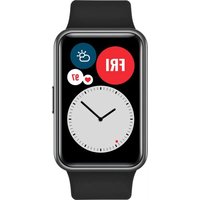
Honor Band Z1 - Smartwatch HUAWEI - Free user manual and instructions
Find the device manual for free Honor Band Z1 HUAWEI in PDF.



| Product type | Smartwatch / Activity tracker |
| Brand | Huawei (Honor) |
| Model | Honor Band Z1 |
| Dimensions | Approximately 45 x 20 x 10 mm |
| Weight | Approximately 20 g |
| Power | Rechargeable lithium-ion battery, 100 mAh |
| Battery life | Up to 7 days in normal use |
| Display | Monochrome OLED touchscreen |
| Connectivity | Bluetooth 4.2 |
| Sensors | Accelerometer, heart rate sensor |
| Functions | Activity tracking, sleep monitoring, notifications, smart alarm |
| Water resistance | IP67 (splash-proof and immersion up to 1m for 30 min) |
| Maintenance and cleaning | Clean with a soft dry cloth; avoid chemicals and pressure cleaners |
| Safety | Do not use sharp objects to press the button; avoid strong impacts |
| Spare parts and repairability | Magnetic charger included; interchangeable strap (standard 16 mm) |
| General information | Required app: Huawei Wear (Android / iOS) |
Frequently Asked Questions - Honor Band Z1 HUAWEI
User questions about Honor Band Z1 HUAWEI
0 question about this device. Answer the ones you know or ask your own.
Ask a new question about this device
Download the instructions for your Smartwatch in PDF format for free! Find your manual Honor Band Z1 - HUAWEI and take your electronic device back in hand. On this page are published all the documents necessary for the use of your device. Honor Band Z1 by HUAWEI.
USER MANUAL Honor Band Z1 HUAWEI
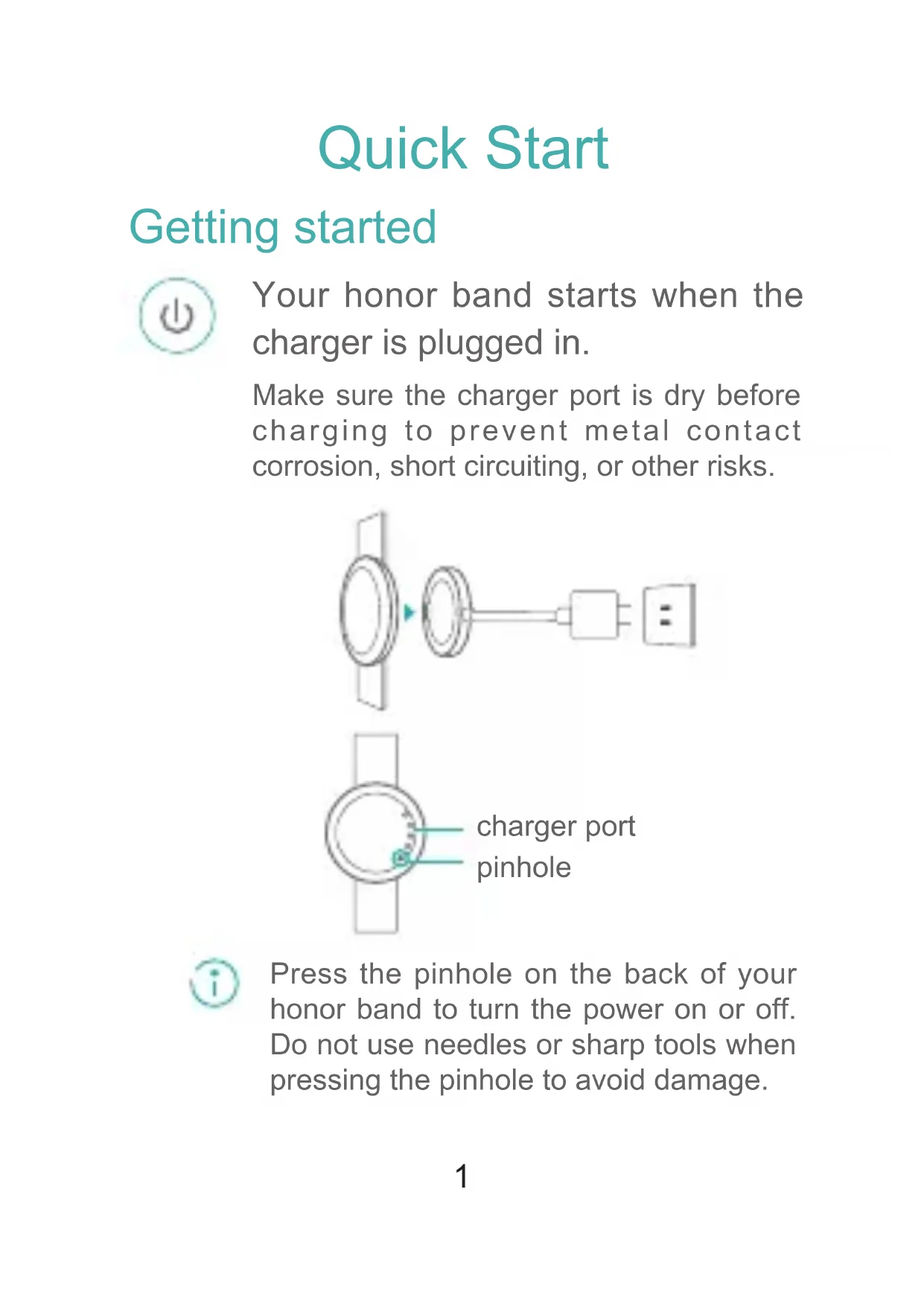
Your honor band starts when the charger is plugged in.
Make sure the charger port is dry before charging to prevent metal contact corrosion, short circuiting, or other risks.
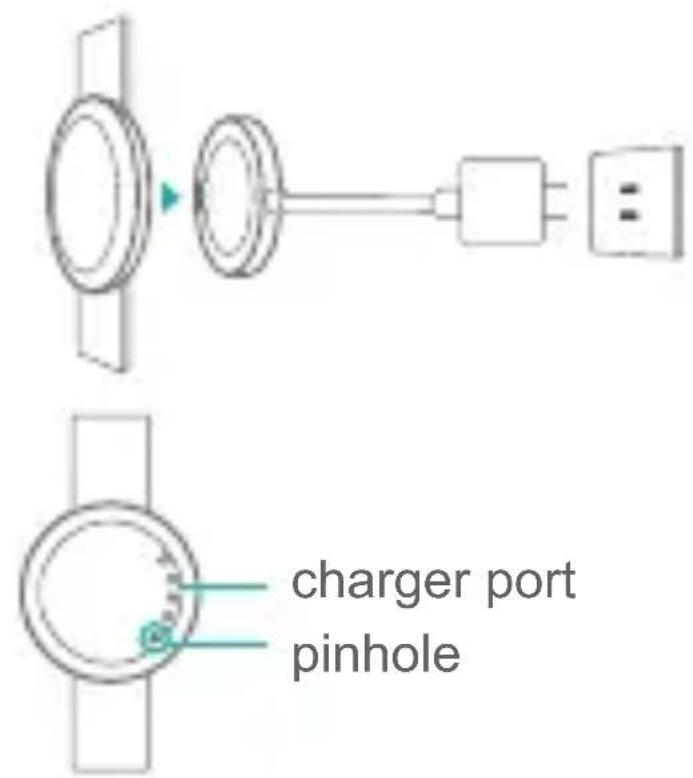

Press the pinhole on the back of your honor band to turn the power on or off. Do not use needles or sharp tools when pressing the pinhole to avoid damage.

Screen controls
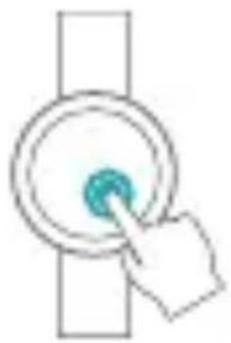
Knock to turn on the screen

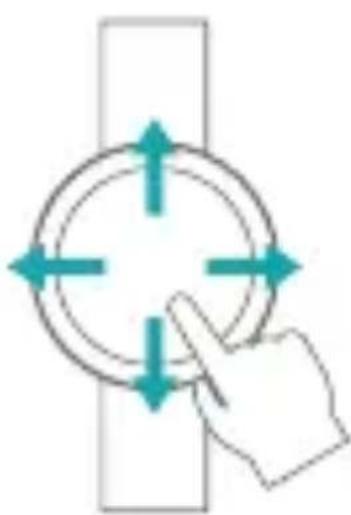
Swipe to switch between screens
Pairing with your phone

Scan the following 2D barcode or search for Huawei Wear in Google Play or Apple's App Store to download Huawei Wear.


Connect honor band to your phone via Bluetooth.
Pairing mode starts when your honor band is turned on.
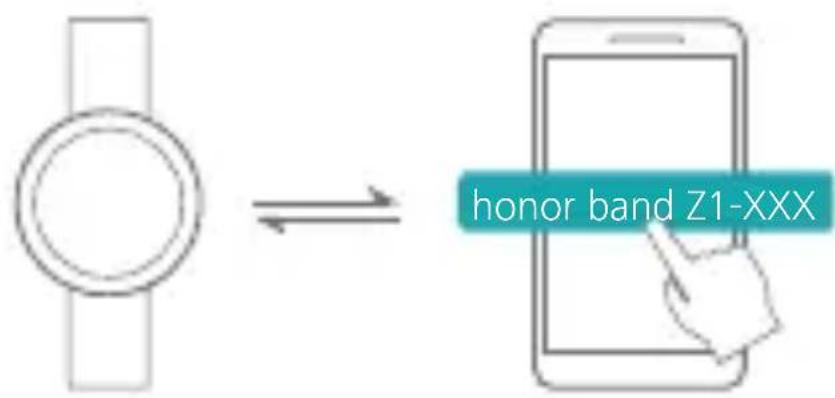
- Turn on Bluetooth on your phone. In the Huawei Wear application, search for and connect to your honor band.
- Touch on your honor band.
Monitoring your fitness activities

Wear your honor band and begin to exercise. Your honor band will recognize your status for several kinds of exercise.

Your honor band uses special material which is not harmful to the body. If your skin reacts, please consult a doctor.

You can view your fitness data by swiping on the screen of your honor band.
Monitoring your sleep

Wear your honor band to monitor your sleep status.
You can set a smart alarm using the Huawei Wear app.
If you are sleeping lightly, the alarm will wake you up ahead of time. Follow the onscreen instructions to turn it off.
Reminders
Your honor band will vibrate when incoming calls are received.
Water resistant

Wear your honor band when washing hands, in the rain, taking cold showers or washing a car.


Please do not use when diving or scubadiving.

Démarriage rapide
Prise en main
For more information, go to the online help in the Huawei Wear app.
This document is for reference only and does not constitute a warranty of any kind, express or implied.
honor


96724071_01