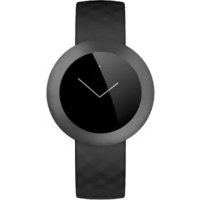
Honor Band Z1 - Smartwatch HUAWEI - Notice d'utilisation et mode d'emploi gratuit
Retrouvez gratuitement la notice de l'appareil Honor Band Z1 HUAWEI au format PDF.


| Type de produit | Montre connectée / Bracelet d'activité |
| Marque | Huawei (Honor) |
| Modèle | Honor Band Z1 |
| Dimensions | Environ 45 x 20 x 10 mm |
| Poids | Environ 20 g |
| Alimentation | Batterie lithium-ion rechargeable, 100 mAh |
| Autonomie | Jusqu'à 7 jours en utilisation normale |
| Écran | OLED tactile monochrome |
| Connectivité | Bluetooth 4.2 |
| Capteurs | Accéléromètre, capteur de fréquence cardiaque |
| Fonctions | Suivi d'activité, sommeil, notifications, alarme intelligente |
| Étanchéité | IP67 (résistant aux éclaboussures et à l'immersion jusqu'à 1 m pendant 30 min) |
| Entretien et nettoyage | Nettoyer avec un chiffon doux sec ; éviter les produits chimiques et les nettoyeurs à pression |
| Sécurité | Ne pas utiliser d'objets pointus pour actionner le bouton ; éviter les chocs violents |
| Pièces détachées et réparabilité | Chargeur magnétique fourni ; bracelet interchangeable (standard 16 mm) |
| Informations générales | Application requise : Huawei Wear (Android / iOS) |
FOIRE AUX QUESTIONS - Honor Band Z1 HUAWEI
Questions des utilisateurs sur Honor Band Z1 HUAWEI
0 question sur cet appareil. Repondez a celles que vous connaissez ou posez la votre.
Poser une nouvelle question sur cet appareil
Téléchargez la notice de votre Smartwatch au format PDF gratuitement ! Retrouvez votre notice Honor Band Z1 - HUAWEI et reprennez votre appareil électronique en main. Sur cette page sont publiés tous les documents nécessaires à l'utilisation de votre appareil Honor Band Z1 de la marque HUAWEI.
MODE D'EMPLOI Honor Band Z1 HUAWEI
Votre honor band démarre lorsqu'le chargeur est branché.
Avant de procéder au chargement, vérifie que le port du chargeur est sec afin d'éviter des corrosions par contact métallique, des courts-circuits ou d'autres risques.
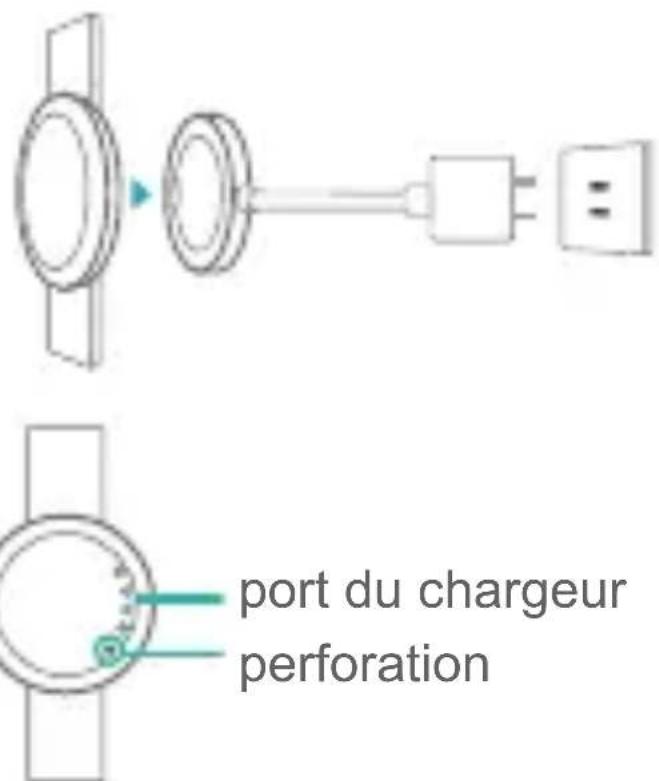

Appuyez sur la perforation à l'arrière de votre honor band pour l'allumer ou pour l'eteindre. Pour cela, n'utilisez pas d'aiguilles ou d'outils pointus.

Contrôles de l'écran
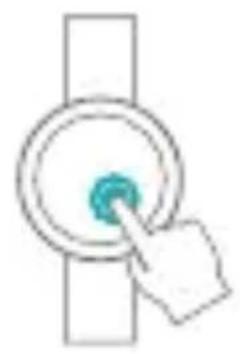
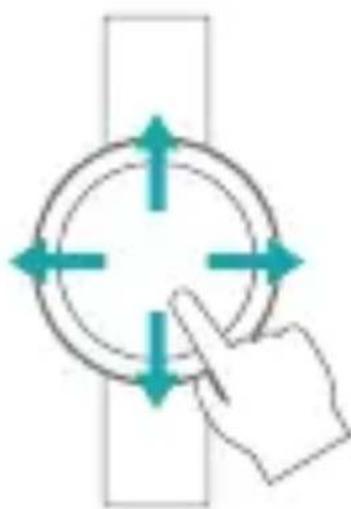
Tapez pour allumer l'écran
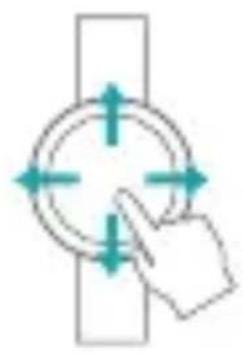
Balayez pour passer d'un écran à l'autre
Association avec votre téléphone
Scannez le code-barres 2D suivant ou recherche Huawei Wear sur Google Play Store ou sur l'Apple Store pour télécharger Huawei Wear.

Connectez honor band à votre téléphone via le Bluetooth.
Le mode association démarre lorsque vous honor band est allumé.
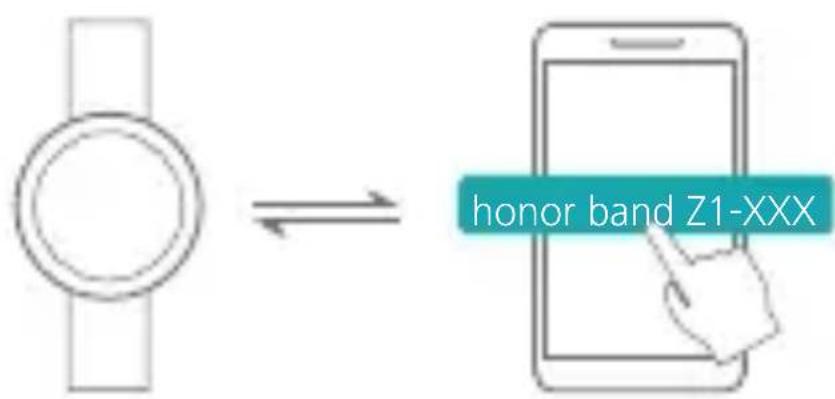
- Activez le Bluetooth sur votre téléphone. Dans l'application Huawei Wear, recherchez votre honor band et connectez-vous.
2.Touchez sur votre honor band.
Surveiller vos activités de fitness

Portez votre honor band et
commencez à vous exercer.
Votrer honor band identificera vortestatut de sorte a vous proposer
plusieurs régimes d'exercices.

Votrer honor bandutilise un materiaiu
spécial qui est sans danger pour votre organisme. Si vous avez des réactions
cutanées, consultez un médecin.

Vous pouvez visualiser vos
données de fitness en balayant
l'écran de votre honor band.
Surveiller votre sommeil
PortezVotehonorbandpour surveiller la qualite de votresommeil.
You pouvez définir une alarmé intelligente à l'aide de l'application Huawei Wear.
Si vous avez le sommeil léger, l'alarme vous réveillera en avance. Suivez les instructions apparaisant à l'écran pour la désactiver.
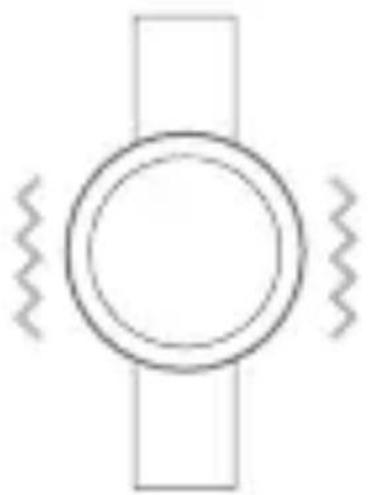
Rappels
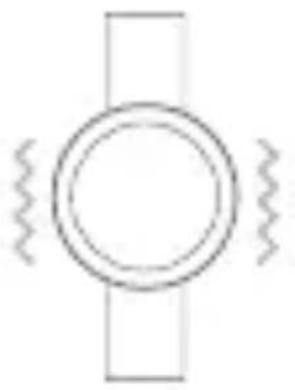
Votre honor band se mettra à vbrer en cas de réception d'appels entrants.
Étanchéité
Vous pouvez porter votre honor band lorsque vous vous lavez les mains, sous la pluie, sous la douche (froide) ou en lavant une voiture.


Ne l'utilisez pas pour faire de la plongée.

Schnellstart
Erste Schritte

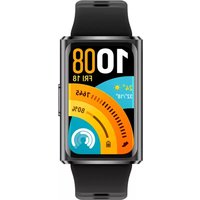
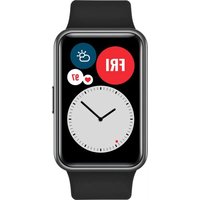
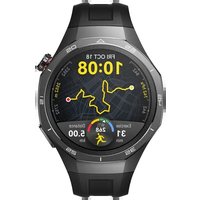
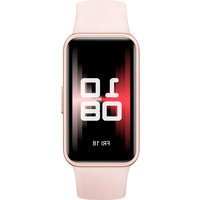
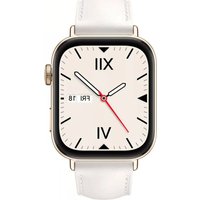
Marque : HUAWEI
Modèle : Honor Band Z1
Catégorie : Smartwatch