ViFit Connect MX3 - Smartwatch MEDISANA - Free user manual and instructions
Find the device manual for free ViFit Connect MX3 MEDISANA in PDF.

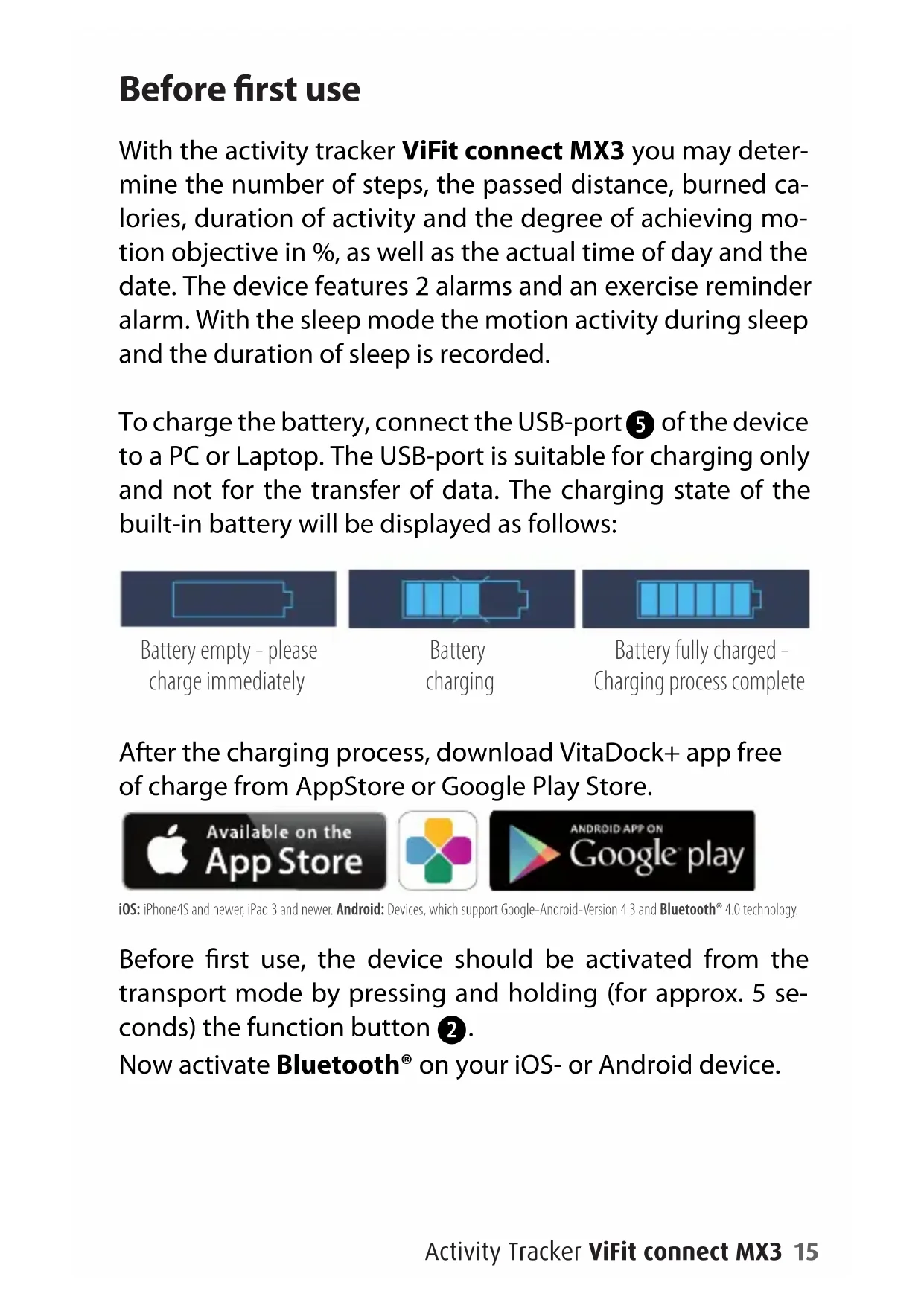


| Product Type | Smartwatch / Activity Tracker |
| Brand | Medisana |
| Model | ViFit Connect MX3 |
| Article Number | 79790 |
| EAN Code | 4015588 79790 3 |
| Display | OLED Screen |
| Main Functions | Step counter, distance, calories, activity duration, daily goal, 2 vibrating alarms, workout reminder, sleep tracking, airplane mode, Bluetooth sync |
| Connectivity | Bluetooth 4.0 |
| App Compatibility | VitaDock+ (iOS 7+ / Android 4.3+ with Bluetooth 4.0) |
| Power Supply | Integrated rechargeable lithium-ion battery |
| Charging | Via USB port (connect to computer or USB charger) |
| Memory Capacity | Internal storage up to 7 days of data |
| Strap Adjustment | Interchangeable strap, two sizes included |
| Water Resistance | Not water-resistant; protect from moisture |
| Care and Cleaning | Clean with a soft dry cloth; avoid abrasive chemicals |
| Safety | Do not expose to heat, fire, or shocks; non-removable battery |
| Customer Service | Medisana AG, Jagenbergstraße 19, 41468 Neuss, Germany |
| Weight | Approx. 30 g (estimate) |
Frequently Asked Questions - ViFit Connect MX3 MEDISANA
User questions about ViFit Connect MX3 MEDISANA
0 question about this device. Answer the ones you know or ask your own.
Ask a new question about this device
Download the instructions for your Smartwatch in PDF format for free! Find your manual ViFit Connect MX3 - MEDISANA and take your electronic device back in hand. On this page are published all the documents necessary for the use of your device. ViFit Connect MX3 by MEDISANA.
USER MANUAL ViFit Connect MX3 MEDISANA
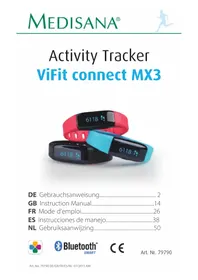
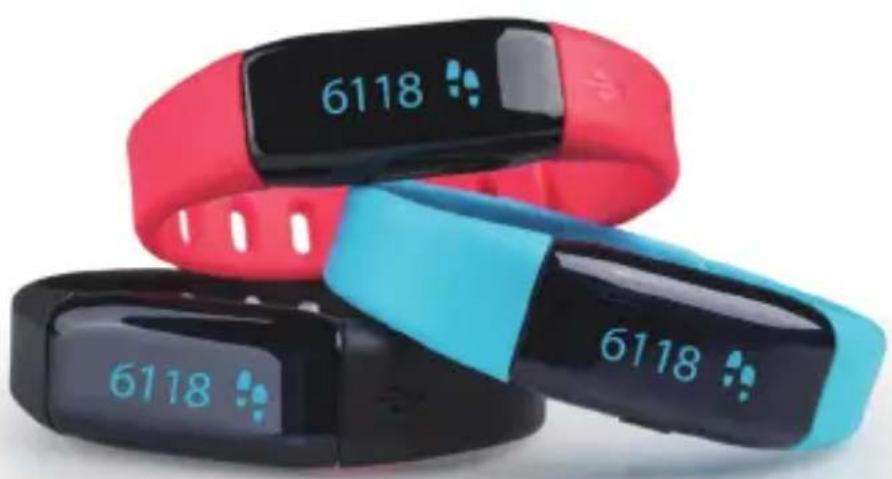
Activity Tracker ViFit connect MX3
DE Gebrauchsanweisung. 2
GB Instruction Manual. 14
FR Mode d'emploi 26
ES Instrucciones de manejo. 38
NL Gebruiksaanwijzing. 50
DE-Inhalt
Controls 14
Before first use 15
Activity mode 17
Alarm setting 20
Exercise reminder setting 20
Sleep mode 21
Flight mode 22
Data transfer to smartphone 23
Important notes 24
Controls
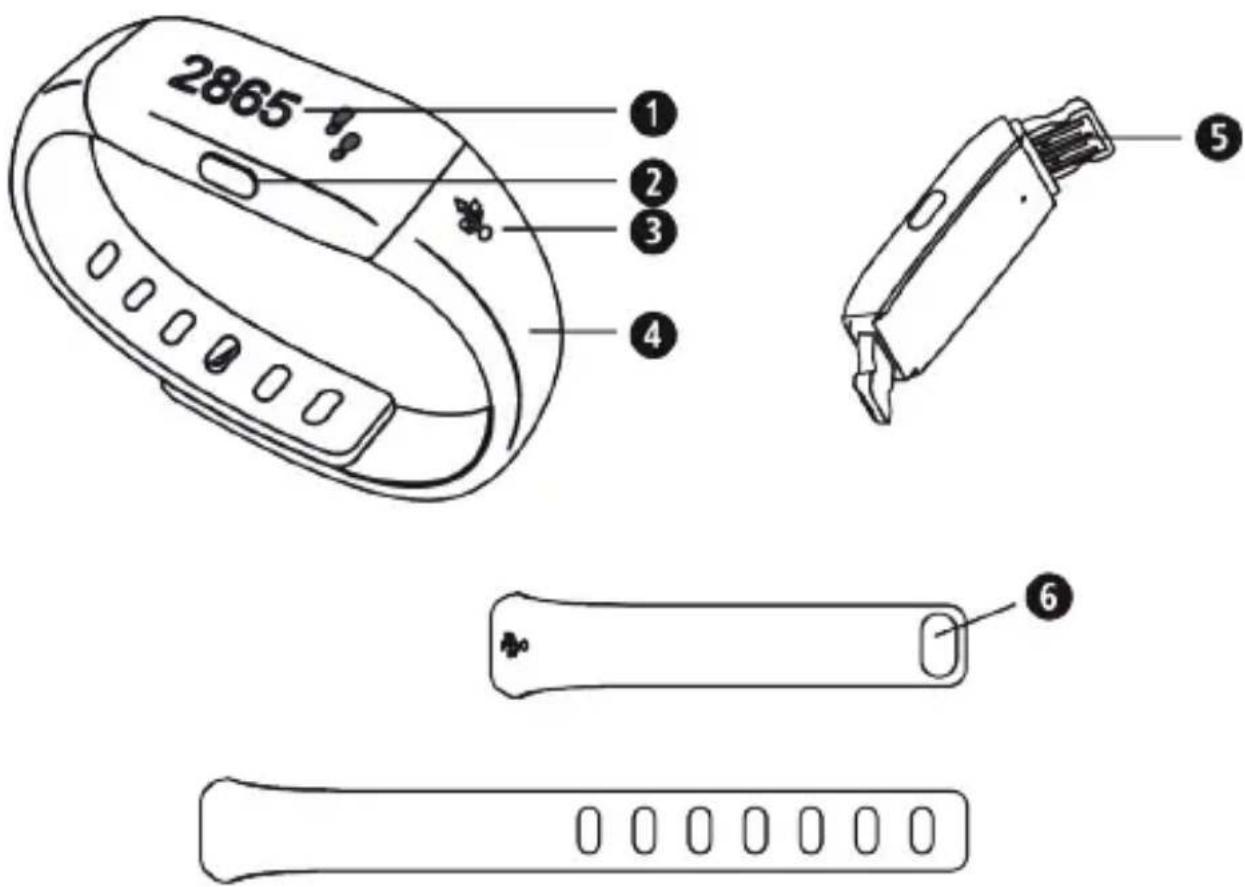
OLED-Display
4 Wristband
2 Function button
USB-port
3 USB symbol
Wristband lock button
Before first use
With the activity tracker ViFit connect MX3 you may determine the number of steps, the passed distance, burned calories, duration of activity and the degree of achieving motion objective in % , as well as the actual time of day and the date. The device features 2 alarms and an exercise reminder alarm. With the sleep mode the motion activity during sleep and the duration of sleep is recorded.
To charge the battery, connect the USB-port 5 of the device to a PC or Laptop. The USB-port is suitable for charging only and not for the transfer of data. The charging state of the built-in battery will be displayed as follows:
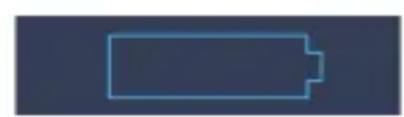
Battery empty - please charge immediately

Battery charging
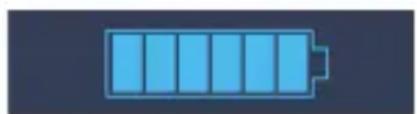
Battery fully charged - Charging process complete
After the charging process, download VitaDock+ app free of charge from AppStore or Google Play Store.


iOS: iPhone4S and newer, iPad 3 and newer. Android: Devices, which support Google-Android-Version 4.3 and Bluetooth® 4.0 technology.
Before first use, the device should be activated from the transport mode by pressing and holding (for approx. 5 seconds) the function button 2 .
Now activate Bluetooth® on your iOS- or Android device.
Before first use
Start the app.
Make sure, that tracker and smartphone are switched on and Bluetooth® is activated. Select your activity tracker ViFit connect MX3 in the app under "my devices" in order to pair it. Press and hold the function button 2 for approx. 10 seconds to pair it with the app. During pairing process, the following symbols appear on the OLED-display 1:


If the devices have been successfully synchronized, "Success!" appears in the display. If not, the message "Fail!" appears. In this case, check whether Bluetooth® is activated correctly, both devices are switched on and the app is correctly installed. Lower the distance between both devices and try a new pairing process.
When the devices are successfully connected, adjust the personal settings within the app. The tracker will be synchronized accordingly. The actual time and date will be automatically transferred to the tracker after establishing a successful connection.
Activity mode
How to wear the activity tracker:
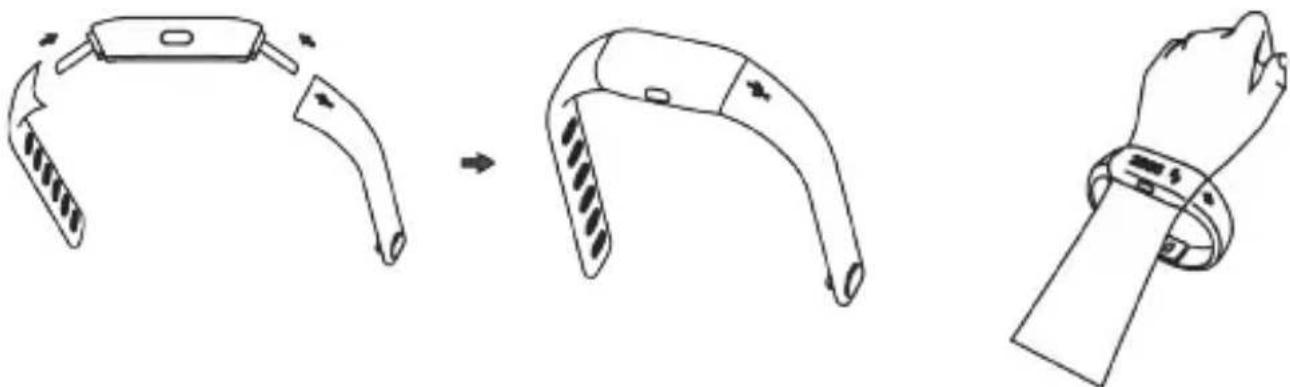
The wristband 4 is adjustable in size according to your wrist.
Additionally, the wristband may be exchanged - there are 2 different sizes included in the scope of delivery.
You may fix the desired wristband on the device according to the above shown drawings.
If you wear the wristband on the left wrist, the function button 2 should point towards your body. If you wear the wristband on the right wrist, the function button 2 should point towards your fingers.
Activity mode
Press the function button follows:
shortly to switch the display as
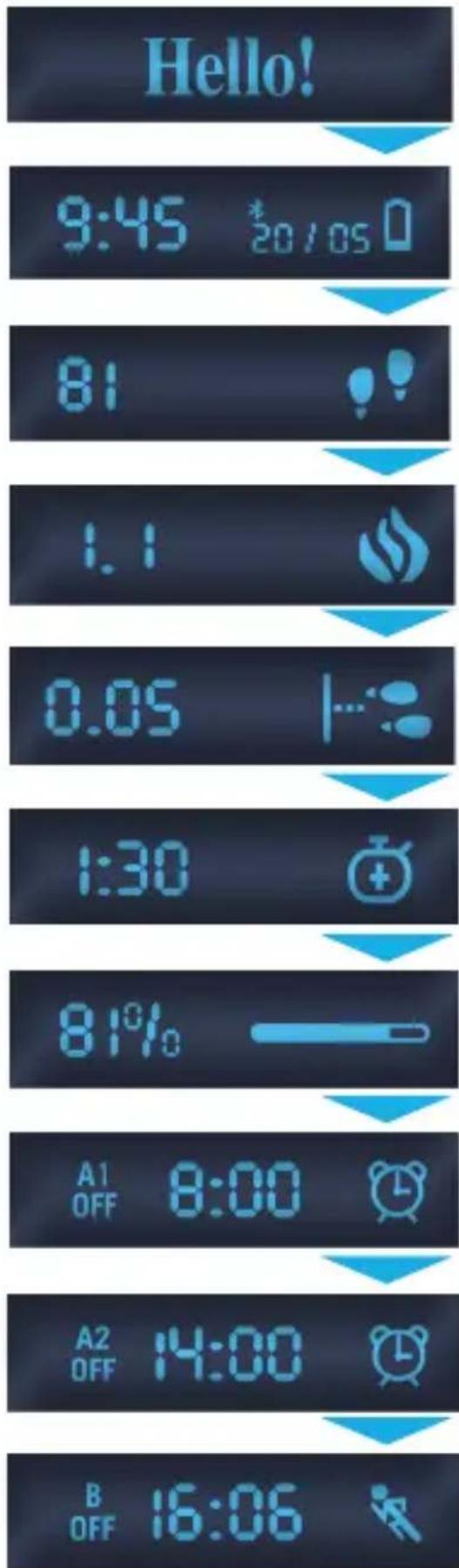
Welcome text only at first switch-on (Press and hold button 2 for approx. 5 sec.)
Time of day, Date, Battery state, Bluetooth®- logo
Step count
Burned calories (kcal)
Distance in km
Activity time in hours
Daily target in %
Alarm 1 (Off or On)
Alarm 2 (Off or On)
Exercise reminder alarm (Off or On)
Activity mode
Press the function button 2 to execute the following functions:
short press next screen in display (see previous page)
- press and hold (for approx. 3 seconds) => Sleep mode
- press and hold longer (for approx. 6 seconds) => Flight mode
- press and hold even more longer (for approx. 10 Sekunden) => Pairing mode
After putting on the ViFit connect MX3 correctly (see page 17), it will record your steps. After you have walked 10 steps or more, it will display and count any further steps. This is necessary to exclude possible disturbing factors or convulsions.
The step count will be reset to zero at midnight (0:00 a.m.) each day. You may recall the steps again via the app.
The data is saved on the activity tracker for a maximum of 7 days. If you don't synchronize the tracker with your smartphone during this period, the oldest values will be overwritten.
Alarm setting
You may set 2 different alarm times (A1 and A2) with time of day and day of the week with the app.
If an alarm will be active within the next 24 hours, the display will show „A1" resp. „A2" and „On", the alarm symbol and the set alarm time. Otherwise it will show „Off".
Exercise reminder setting
For the setting of the exercise reminder the above procedure is almost similar. A programmed exercise reminder will be shown in the display with "B" and "On" or "Off", the set time of the day and the runner symbol.
Each alarm or exercise reminder will make the tracker vibrate upon reaching the set time.
If you want to stop an alarm, just press the function button 2 shortly.
Sleep mode
In sleep mode, the movement activity during sleep and the duration of sleep is tracked. You can find more evaluation possibilities in the VitaDock+ app.
To activate sleep mode, press and hold the function button 2 for approx. 3 seconds. The activation will be confirmed by a short vibration.
The activity tracker will also be weared on the wrist during sleep. When sleep mode is active, a small moon symbol appears on the right display edge as in the following example:
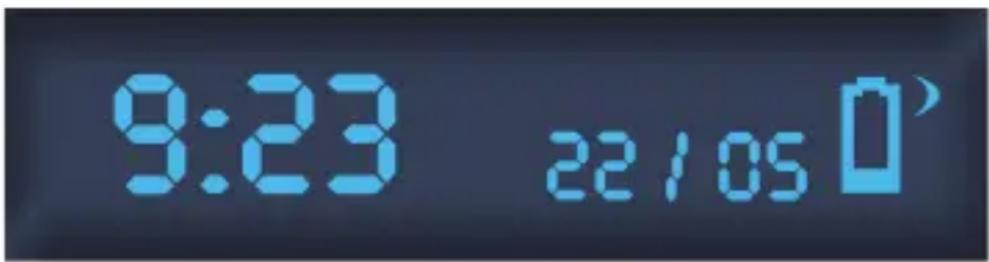
To exit sleep mode, press and hold the function button again for approx. 3 seconds. The de-activation will also be confirmed by a short vibration.
Flight mode
Bluetooth® will be active for some seconds with each press on the function button ②. There is a possibility to switch the tracker into a flight mode, in which Bluetooth® is completely deactivated and your steps will not be captured. To activate the flight mode, press and hold function button ② for approx. 6 seconds. The following symbols appear in the display:
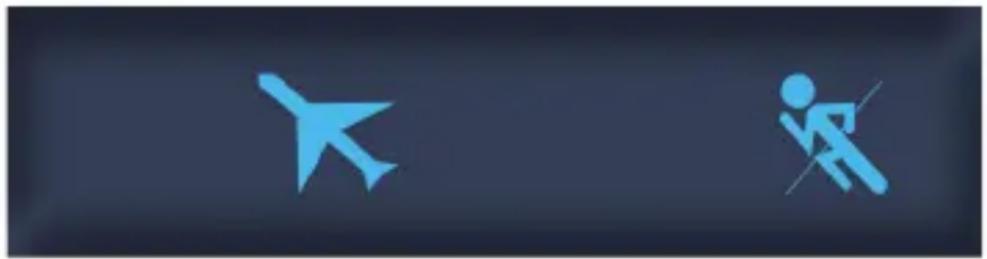
Afterwards, a display similar to the following example appears on the activity tracker:
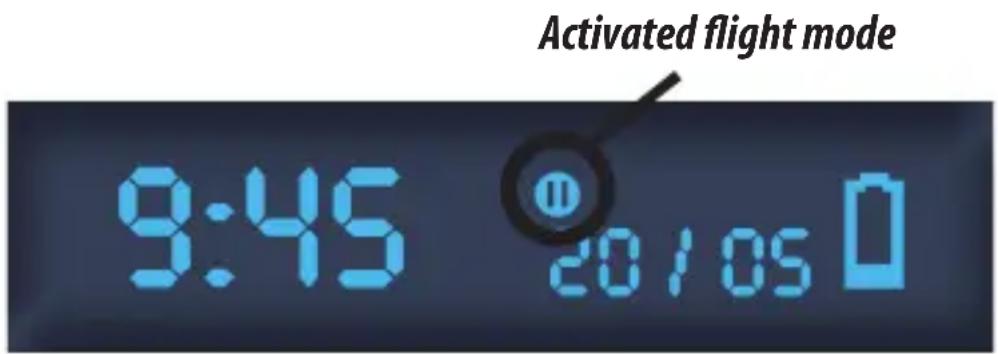
To exit flight mode, press and hold the function button again for approx. 3 seconds.
The activation and the de-activation of flight mode will be confirmed by a short vibration.
Data transfer to smartphone
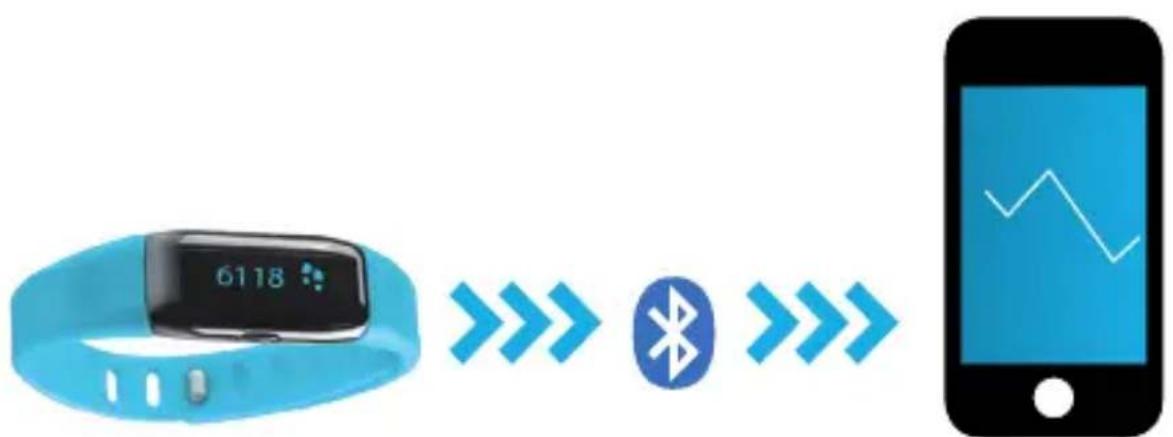
Start the app. If smartphone and tracker have been paired correctly before, the app will recognize the device by shortly pressing the function button ②. Bluetooth® is then switched on.
Follow the directions given by the app to transfer the data on you tracker to the VitaDock+ app.

WARNING! Danger of swallowing by small children! Children are not allowed to play with this device. Keep children away.

WARNING! Danger of fire/explosion or severe burns! This device contains a lithium-ion-battery. This battery must not be removed, disassembled, thrown in fire or short-circuited.

ATTENTION! Possible property damage! Protect the unit against moisture! Keep the unit away from water!
ATTENTION! Possible property damage! Never let the device fall and protect it against shocks. Never expose the device to extreme temperatures or strong temperature fluctuations. Also keep the device away from direct sunlight and dust. Never use harsh chemicals, aggressive or abrasive detergents. Protect the display against hard, scraping objects.
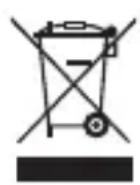
ATTENTION! Do not dispose of in domestic waste. If you have any further queries, consult your municipal disposal authority.

We hereby declare, that the Activity Tracker ViFit connect MX3, Art. 79790 complies with the fundamental requirements of the european R&TTE Directive 1999/5/EC. You can request the complete EC Conformity Declaration from Medisana AG, Jagenbergstraße 19, 41468 Neuss, Germany, or you can also download it from the Medisana homepage.
Service and further information: www.medisana.de/ViFit_connect_MX3
We reserve the right to make technical alterations in the course of ongoing product development.
Art. 79790 / EAN: 4015588 79790 3
MEDISANA AG
Jagenbergstraße 19·41468 Neuss·Germany·www.medisana.com
FR - Contenu
VitaDock+ app gratis in de AppStore of Google Play Store downloads.


iOS: iPhone4S:en nieuwere versies, iPad 3 en nieuwere versies. Android: Toestellen die de Google-Android-verse 4.3 en de Bluetooth® 4.0-technologie ondersteunen.