Austin - Toaster PALSON - Free user manual and instructions
Find the device manual for free Austin PALSON in PDF.



| Product type | Toaster |
| Brand | Palson |
| Model | Austin |
| Number of slots | 2 |
| Supply voltage | 220-240 V ~ |
| Power | 850 W |
| Exterior material | Plastic |
| Browning level adjustment | Gradual selector (6 positions) |
| Automatic bread centering | Yes |
| Manual stop | Cancel button |
| Crumb tray | Removable, easy cleaning |
| Cable length | 0.8 m (retractable) |
| Weight | 1.2 kg |
| Dimensions (L x W x H) | 28 x 15 x 18 cm |
| Cleaning | Exterior with damp cloth; removable crumb tray |
| Safety | Automatic shut-off, hot surfaces indicated |
| Warranty | 2 years |
| Use | Household only |
Frequently Asked Questions - Austin PALSON
User questions about Austin PALSON
0 question about this device. Answer the ones you know or ask your own.
Ask a new question about this device
Download the instructions for your Toaster in PDF format for free! Find your manual Austin - PALSON and take your electronic device back in hand. On this page are published all the documents necessary for the use of your device. Austin by PALSON.
USER MANUAL Austin PALSON
natural_image
Color palette bar with grayscale shades and a central crosshair (no text or symbols)


natural_image
Color gradient bar transitioning from black to white (no text or symbols)



E ESPAÑOL 2
GB ENGLISH 5
F FRANÇAIS 8
AR اللغة العربية 12
RU РУССКИЙ 15
FA فارسی 19

AUSTIN
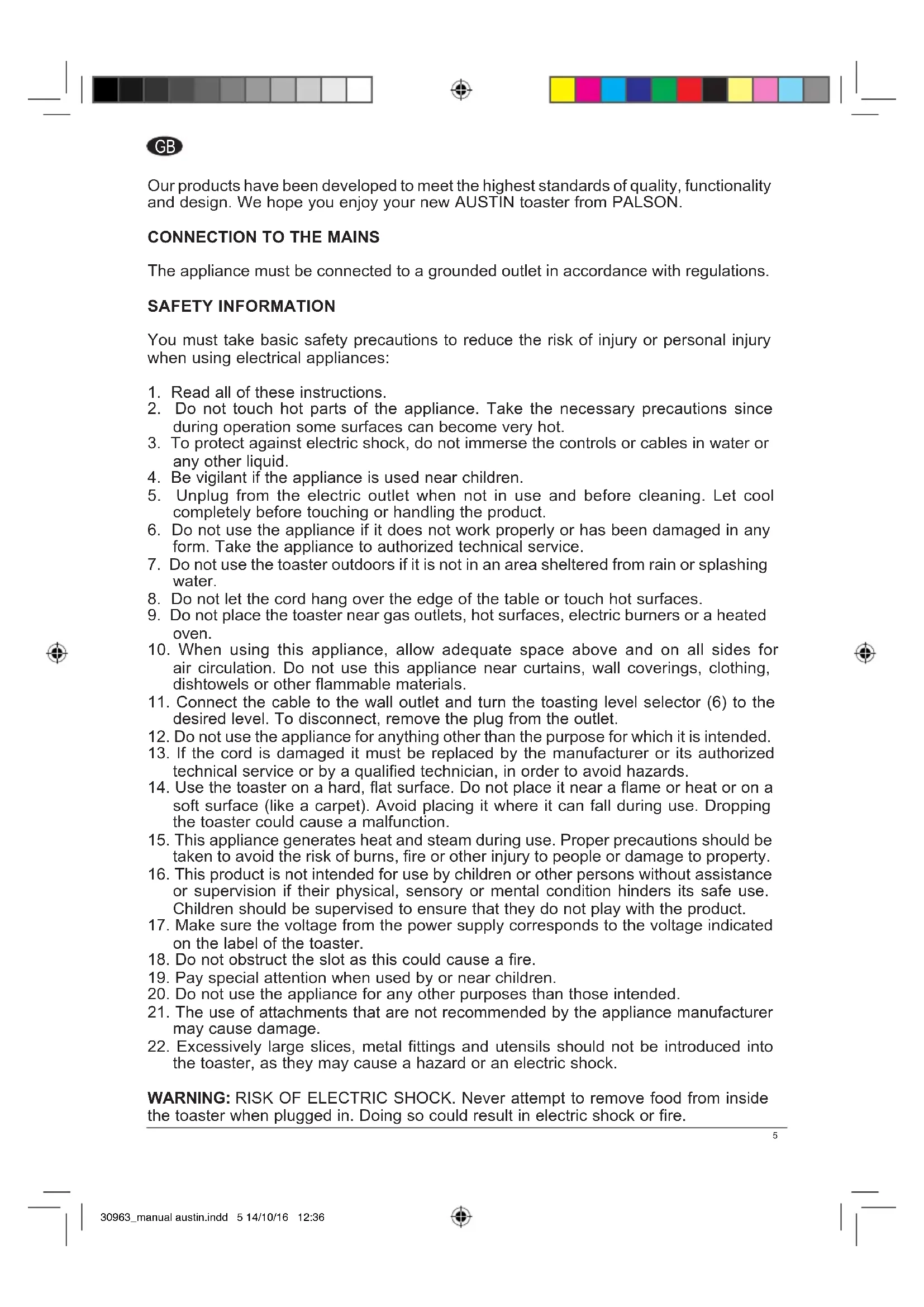
Our products have been developed to meet the highest standards of quality, functionality and design. We hope you enjoy your new AUSTIN toaster from PALSON.
CONNECTION TO THE MAINS
The appliance must be connected to a grounded outlet in accordance with regulations.
SAFETY INFORMATION
You must take basic safety precautions to reduce the risk of injury or personal injury when using electrical appliances:
- Read all of these instructions.
- Do not touch hot parts of the appliance. Take the necessary precautions since during operation some surfaces can become very hot.
- To protect against electric shock, do not immerse the controls or cables in water or any other liquid.
- Be vigilant if the appliance is used near children.
- Unplug from the electric outlet when not in use and before cleaning. Let cool completely before touching or handling the product.
- Do not use the appliance if it does not work properly or has been damaged in any form. Take the appliance to authorized technical service.
- Do not use the toaster outdoors if it is not in an area sheltered from rain or splashing water.
- Do not let the cord hang over the edge of the table or touch hot surfaces.
- Do not place the toaster near gas outlets, hot surfaces, electric burners or a heated oven.
- When using this appliance, allow adequate space above and on all sides for air circulation. Do not use this appliance near curtains, wall coverings, clothing, dishtowels or other flammable materials.
- Connect the cable to the wall outlet and turn the toasting level selector (6) to the desired level. To disconnect, remove the plug from the outlet.
- Do not use the appliance for anything other than the purpose for which it is intended.
- If the cord is damaged it must be replaced by the manufacturer or its authorized technical service or by a qualified technician, in order to avoid hazards.
- Use the toaster on a hard, flat surface. Do not place it near a flame or heat or on a soft surface (like a carpet). Avoid placing it where it can fall during use. Dropping the toaster could cause a malfunction.
- This appliance generates heat and steam during use. Proper precautions should be taken to avoid the risk of burns, fire or other injury to people or damage to property.
- This product is not intended for use by children or other persons without assistance or supervision if their physical, sensory or mental condition hinders its safe use. Children should be supervised to ensure that they do not play with the product.
- Make sure the voltage from the power supply corresponds to the voltage indicated on the label of the toaster.
- Do not obstruct the slot as this could cause a fire.
- Pay special attention when used by or near children.
- Do not use the appliance for any other purposes than those intended.
- The use of attachments that are not recommended by the appliance manufacturer may cause damage.
- Excessively large slices, metal fittings and utensils should not be introduced into the toaster, as they may cause a hazard or an electric shock.
WARNING: RISK OF ELECTRIC SHOCK. Never attempt to remove food from inside the toaster when plugged in. Doing so could result in electric shock or fire.
WARNING: This appliance is hot during operation and remains hot for some time after shutdown. Always use oven mitts when handling hot materials and allow metal parts to cool before cleaning. Do not place anything on top of the toaster while it is operating or still hot.
KEEP THESE INSTRUCTIONS
THIS PRODUCT IS INTENDED FOR DOMESTIC USE ONLY
BEFORE USING FOR THE FIRST TIME
- Remove all packaging materials.
- Clean the exterior with a damp cloth. Dry thoroughly. Do not use abrasive cleaners.
- Do not place the toaster, cord or plug in water.
- Make sure the crumb tray (7) is positioned correctly.
- Remove the power cord (8) from the bottom of the toaster where is stored (9) and plug it into a 220-240V outlet.
- Turn the toasting level selector (6) to position 1, the lowest setting.
- Operate without bread once or twice to burn away any manufacturing residue. This may produce a small amount of smoke; this is normal.
Automatic centring of guides
By lowering the carriage lever (2) the centring guides close and keep the food inside the slots (1) of the appliance.
Note: The carriage lever (2) will not lock out unless the toaster is plugged into an electrical outlet 220-240V AC.
HOW TO USE
- Make sure that the crumb tray (7) is fitted to the bottom on the back of the toaster and the carriage lever (2) is in the up position.
- Make sure that there is no bread or other objects in the slots (1). Place the toaster on a heat resistant, flat, level surface.
- Connect the power cord (8) to a 220-240AC electrical outlet.
- Place the toasting level selector (6) to the desired level. To test the level of toasting, choose an intermediate position and increase or decrease the level of toasting to your liking.
- Insert the bread or food in the slot (1). Lower the carriage lever (2) until it locks into place. When the food descends into the toasting position, the toaster will begin operating.
Note: The carriage lever (2) will not lock in place unless the toaster is plugged into a 220-240V AC electrical outlet. - When toasting a single slice, the bread can be placed in any slot (1).
- To prevent a fire hazard, never place the bread on top of the toaster slots, always place the bread inside the slots (1).
- Do not move the toasting level selector (6) during the toasting cycle. First press the cancel button (3); then turn the toasting level selector (6). Lower the carriage lever (2).
- When the food reaches the desired toasting level, the carriage lever (2) will automatically activate.
- Remove the toast from the slot (1). Be careful when removing the food, as it will still be hot, as will the top of the toaster.
- To stop toasting press the cancel button (3).
- Unplug the power cord (8) from the outlet when not in use.
Important: Never use a fork or sharp utensil to remove food as it can damage the heating element or cause injury and an electric shock.
MAINTENANCE AND CLEANING
- Before cleaning, remove the plug from the wall outlet and allow the appliance to cool.
- Use a damp cloth to clean the exterior of the device. Do not immerse in water or let it come into contact with any liquids.
- Do not use metal utensils as they may damage the appliance or produce an injury.
- Any food residue on the toasting surface (1) must be removed.
- Do not use steel wool or abrasive kitchen cleaners.
- Clean the exterior with a damp cloth and dry thoroughly.
- Hold the removable crumb tray (7) by its handle and pull; remove the bread crumbs and reinsert the tray.
ENVIRONMENTAL PROTECTION
If damaged, do not dispose of the appliance together with normal household waste. It should be taken to an official collection point for recycling. By doing so, you are contributing to protecting the environment.
WARRANTY AND SERVICE
If you need technical service or information or have any problems, please visit our website www.palson.com or contact your nearest dealer.
Thank you for your confidence in choosing one of our products.
F
Disposal of old Electrical & Electronic Equipment (Applicable throughout the European Union and other European countries with separate collection programs)
This symbol, found on your product or on its packaging, indicates that this product should not be treated as household waste when you wish to dispose of it. Instead, it should be handed over to an applicable collection point for the recycling of electrical and electronic equipment. By ensuring this product is disposed of correctly, you will help prevent negative consequences to the environment and human health, which could otherwise be caused by inappropriate disposal of this product. The recycling of materials will help to conserve natural resources. For more detailed information about the recycling of this product, please contact your local city office, household waste disposal service or the retail store where you purchased this product.



Brand : PALSON
Model : Austin
Category : Toaster