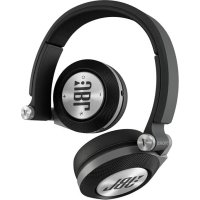
Synchros E40BT - Wireless Earbuds JBL - Free user manual and instructions
Find the device manual for free Synchros E40BT JBL in PDF.


| Product Type | Over-ear wireless headset |
| Brand | JBL |
| Model | Synchros E40BT |
| Weight | Approximately 200 g |
| Dimensions | 175 x 150 x 40 mm (estimate) |
| Power | Built-in rechargeable lithium-ion battery |
| Battery life | Up to 20 hours (estimate) |
| Charging time | Approximately 2 hours |
| Connectivity | Bluetooth 4.0 (estimate) |
| Bluetooth range | 10 meters |
| Main features | ShareMe audio sharing, volume control, play/pause controls, hands-free calling |
| Care and cleaning | Clean with a soft, dry cloth. Do not use chemical products. |
| Safety | Do not use at high volume to prevent hearing damage. |
| Spare parts and repairability | Replaceable ear cushions (check compatibility) |
| Operating temperature | 0°C to 40°C |
Frequently Asked Questions - Synchros E40BT JBL
User questions about Synchros E40BT JBL
0 question about this device. Answer the ones you know or ask your own.
Ask a new question about this device
Download the instructions for your Wireless Earbuds in PDF format for free! Find your manual Synchros E40BT - JBL and take your electronic device back in hand. On this page are published all the documents necessary for the use of your device. Synchros E40BT by JBL.
USER MANUAL Synchros E40BT JBL
PoiHoe pyKOBOCTBO POnb3ObaTeIa

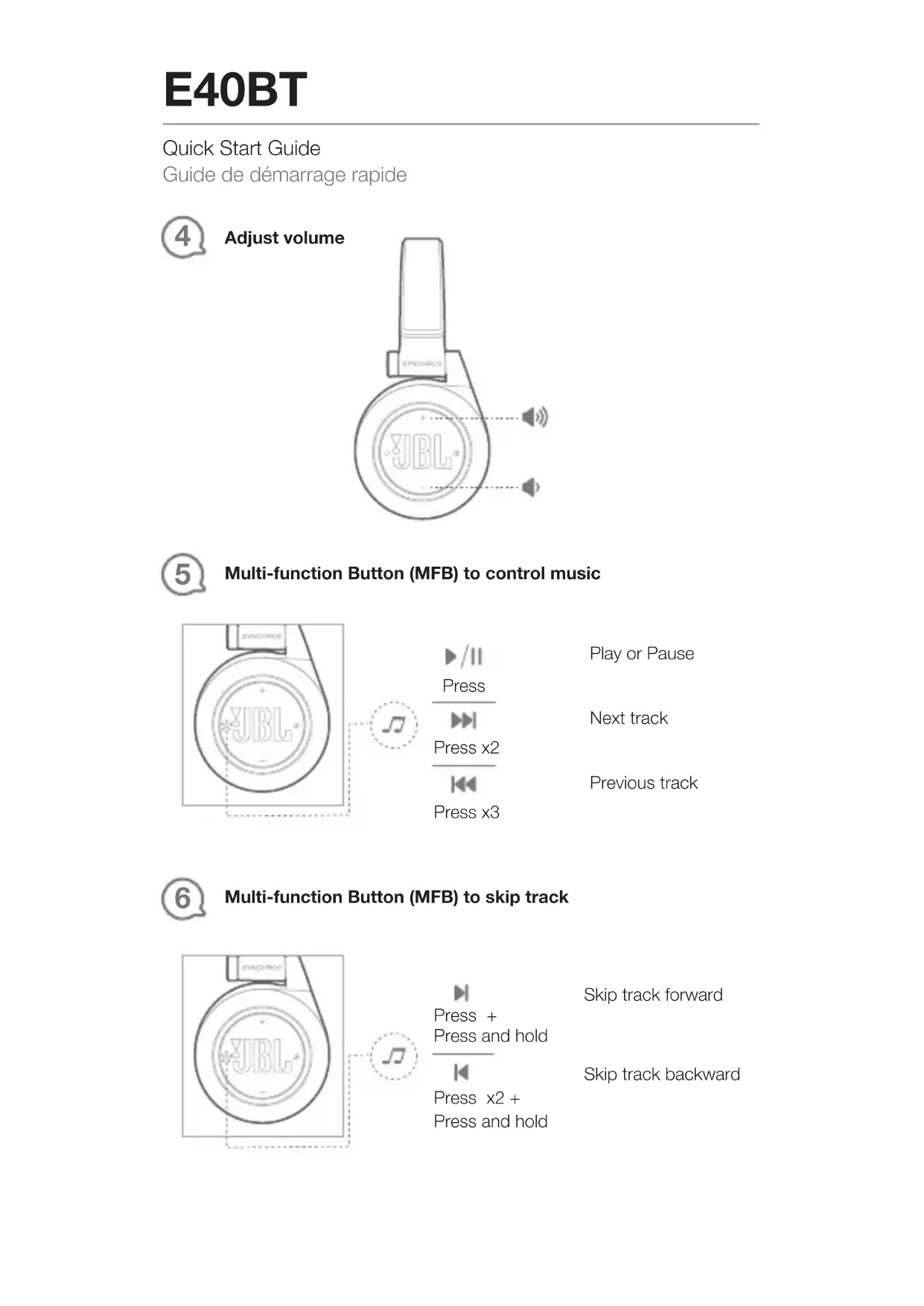
Turn on/off power and pair
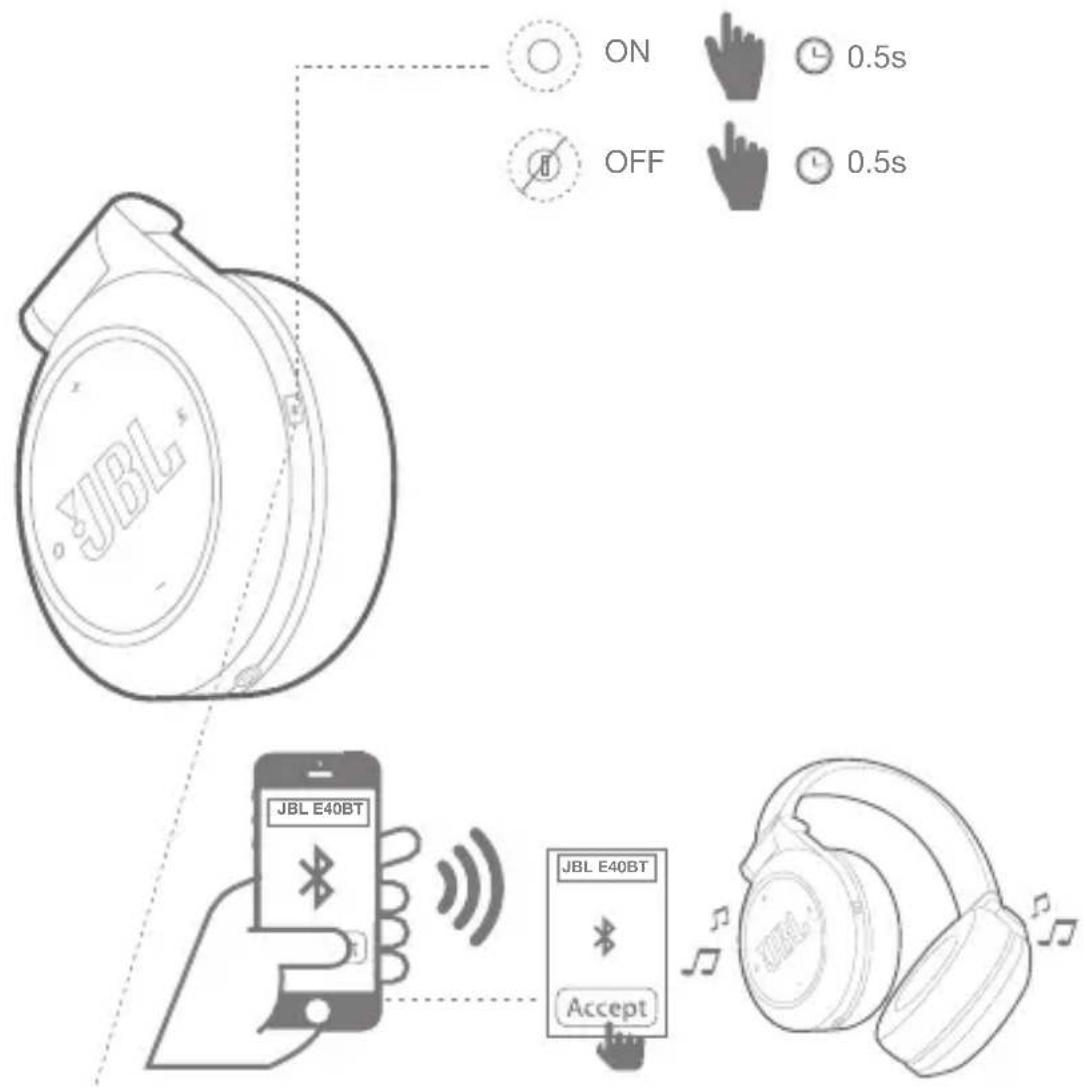
| LED Status | LED behaviors |
| Pairing mode | Fast |
| Power on | Slow |
| Low battery |
Quick Start Guide

Multi-function Button (MFB) to control music
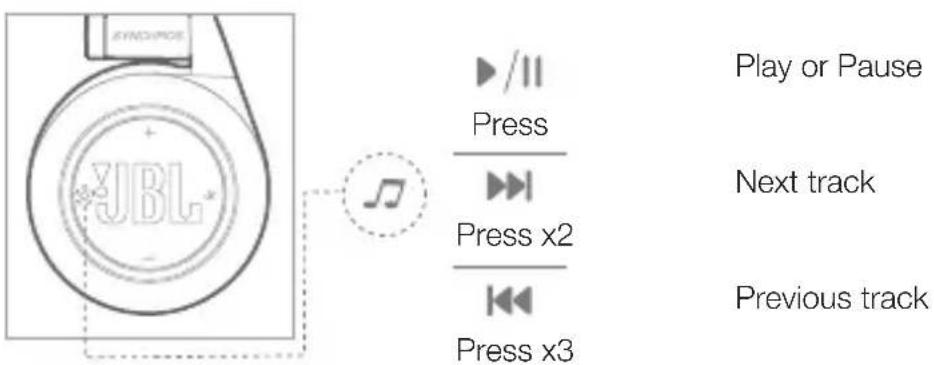

Multi-function Button (MFB) to skip track

Quick Start Guide
Multi-function Button (MFB) to control calls
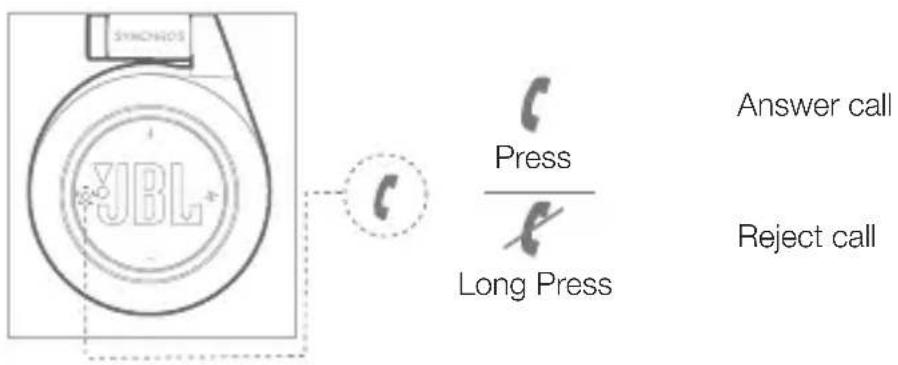

Multi-function Button (MFB) to manage second incoming call
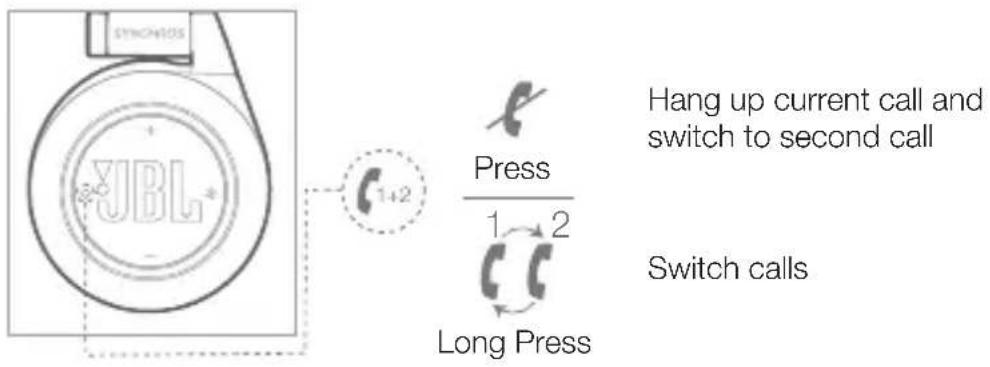

Multi-function Button (MFB) to manage 2 calls at the same time

Quick Start Guide
ShareMe enables sharing your audio with another set of JBL wireless headphone features ShareMe
EN
Step 1: Pair and connect the headphone to a source device.
Step 2: Pause music or disengage voice calls from the source device.
Step 3: Press ShareMe™ button once on the first headphone then LED starts blinking rapidly. This headphone is ready to connect to the second headphone.
Step 4: Press ShareMe™ button twice on the second headphone then LED starts blinking slowly. LED stops blinking after ShareMe™ connects. Play the music on the source device. Two headphones are ready to share the music.
Press ShareMe
button once to disconnect.
Quick Start Guide
aactOTH.MOyIaIaIaIaIaIaIaIaIaIaIaIaIaIaIaIaIaIaIaIaIaIaIaIaIaIaIaIaIaIaIaIaIaIaIaIaIaIaIaIaIaIaIaIaIaIaIaIaIaIaI
AVRCP v1.5, HFP v1.6, HSP v1.2
115dB@30mW
-42nB*B/Na npn 1 KΓ
(3,7 B,600 mA*u)
My3bIKn:16yacOB
SV
DA



Quick Start Guide
Cpok xpaHeHn: He orpaHnueH
YcnoBna xpaHeHn: CtaHapThbIe npn HOpMaJIbHbIX 3HaueHnX KJIIMMaTnuecknx fakTopoB BHeuHne cpebl
HomepdoKymeHTaCoOTBeTCTBnR:TobapHe noJneKNTo8aTeIbHoI cepTnФkaCn.
HOpMaIOHOHe NcBMOOTopraHaNo CepTnKaUN
《POCTECT-MockBa》(3AO《POCTECT》)N°05-21/478 or 31.10.2013

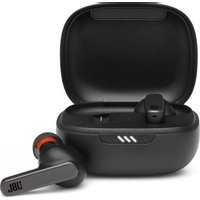
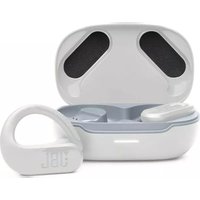
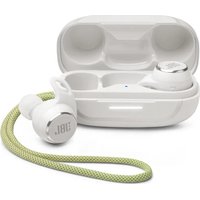
Brand : JBL
Model : Synchros E40BT
Category : Wireless Earbuds