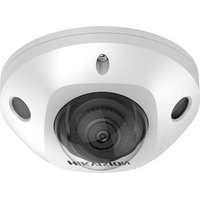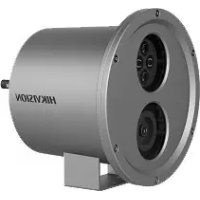
DS2XC6224G0L - Surveillance Camera Hikvision - Free user manual and instructions
Find the device manual for free DS2XC6224G0L Hikvision in PDF.


User questions about DS2XC6224G0L Hikvision
0 question about this device. Answer the ones you know or ask your own.
Ask a new question about this device
Download the instructions for your Surveillance Camera in PDF format for free! Find your manual DS2XC6224G0L - Hikvision and take your electronic device back in hand. On this page are published all the documents necessary for the use of your device. DS2XC6224G0L by Hikvision.
USER MANUAL DS2XC6224G0L Hikvision
 | Notice |  | i. Not necessarily included accessory.ii. Variable accessory amount.iii. Skip this step if not required. |
 | Warning |  | MicroSD card |
 | Forbidden |  | Purchase separately |
 | Correct |  | Disposal |
 | Incorrect |  | Functional grounding |
 | Turn to page A and continue. |  | Grounding |
 | Other situations |  | Skip this step if not necessary |
 | Waterproof |  | Other situations omitted |
Activate and Access Network Camera

text_image
HIKVISION1
natural_image
Technical line drawing of a cylindrical mechanical component with flanges and mounting base (no text or symbols)2
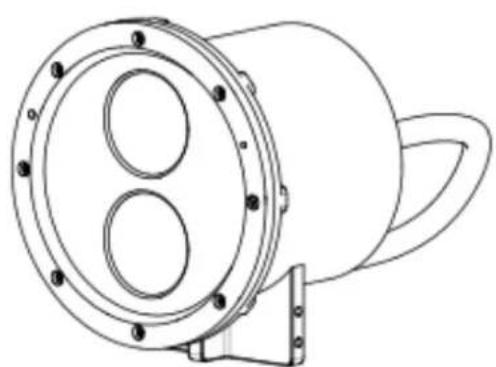
natural_image
Technical line drawing of a mechanical component with circular flange and mounting bracket (no text or symbols)
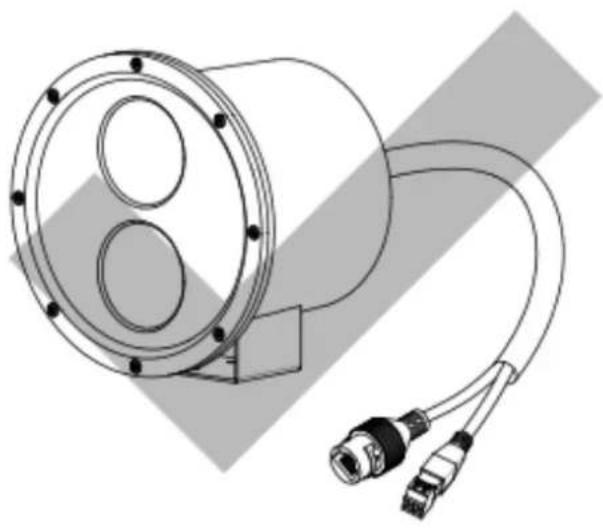
natural_image
Technical line drawing of a cylindrical mechanical component with attached cables and connectors (no text or symbols)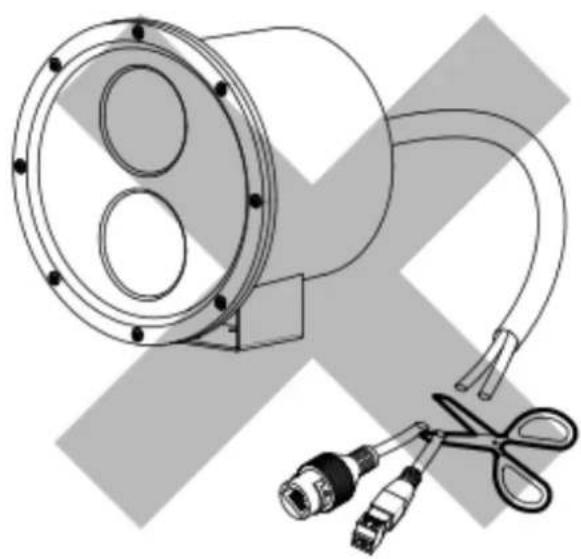
natural_image
Technical illustration of a mechanical device with two circular components and three connectors, no text or symbols present.
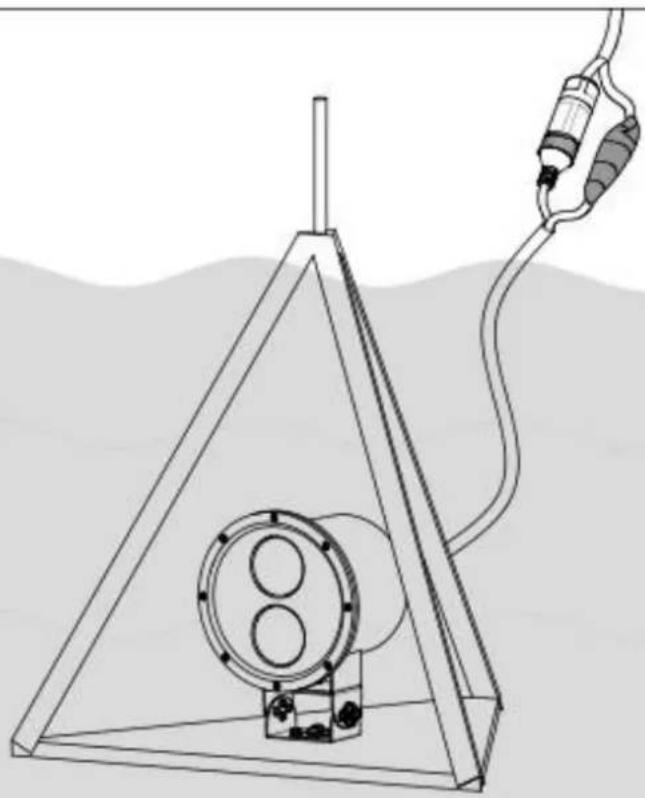
natural_image
Diagram of a triangular device with internal components and a cable inserted into it, no text or symbols present
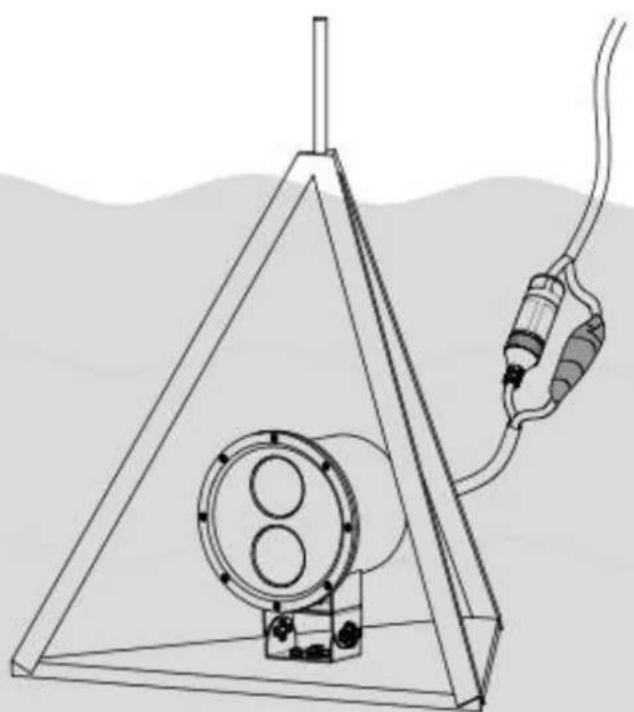
natural_image
Diagram of a triangular structure containing a cylindrical device with two circular ports, connected to a cable via a plug (no text or symbols present)

natural_image
Line drawing of a cylindrical device with two circular ports and a coiled cable, labeled '1x' below (no text or symbols on the diagram itself)
2x*
1x
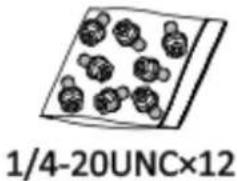
text_image
1/4-20UNC×121x
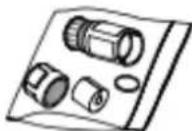
1x
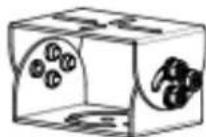
1x


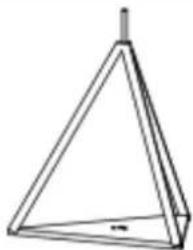
natural_image
Simple line drawing of a triangular pyramid with a small protrusion at the top (no text or symbols)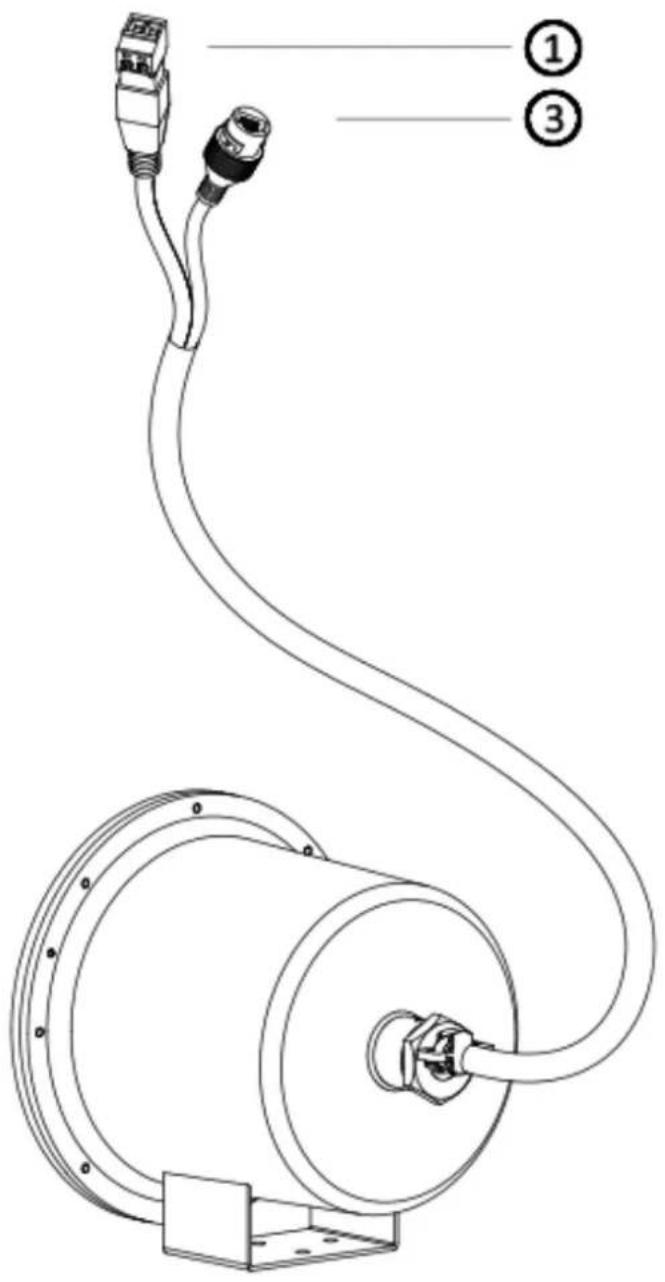
text_image
Technical diagram of a mechanical device with labeled parts, showing cable and housing connections.1.1
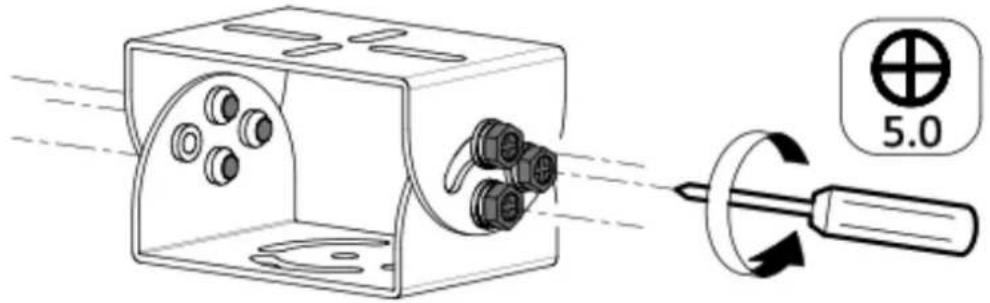
text_image
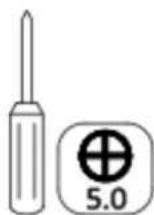
5.0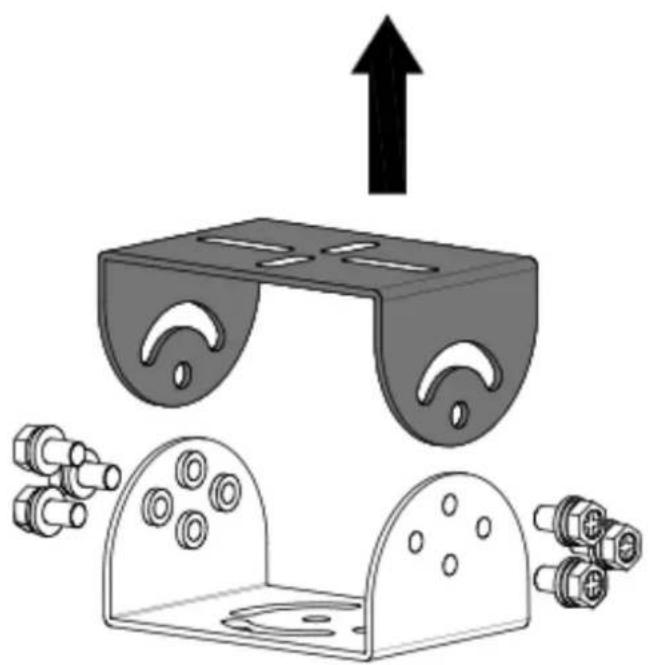
natural_image
Diagram of a mechanical device with an upward arrow and multiple connector pins below (no text or symbols)1.2
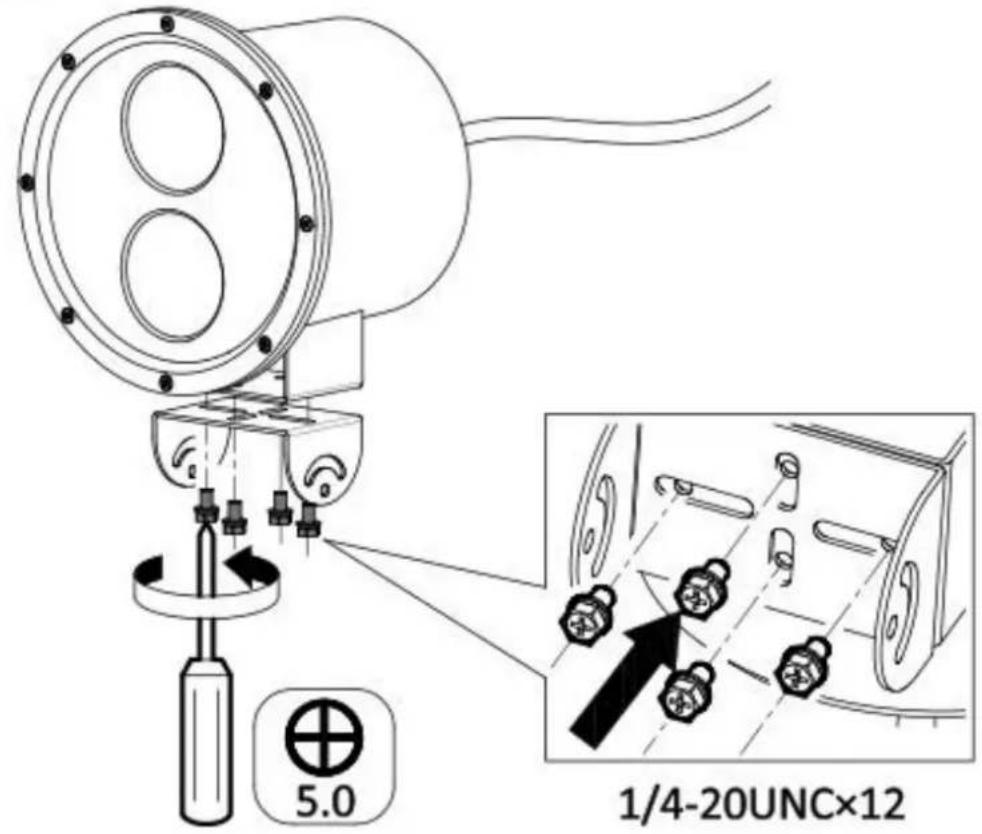
text_image
5.0 1/4-20UNC×12
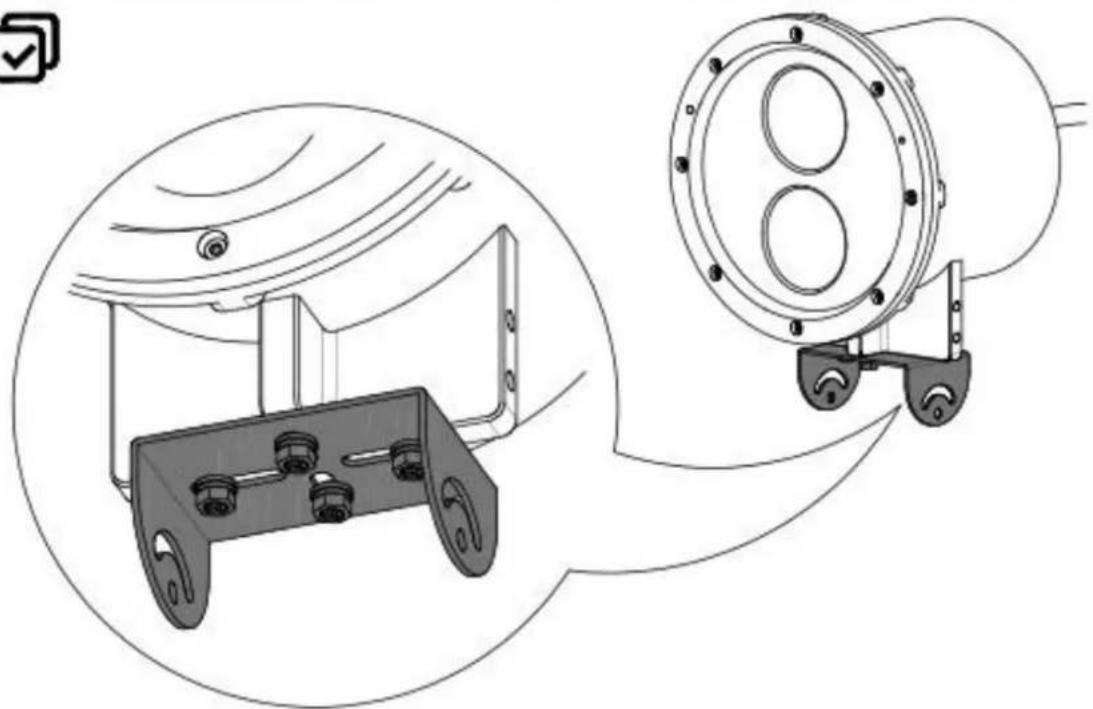
natural_image
Technical line drawing of a mechanical device with two views: top view shows a dome structure, bottom view shows a cylindrical component with three wheels (no text or symbols)1.3
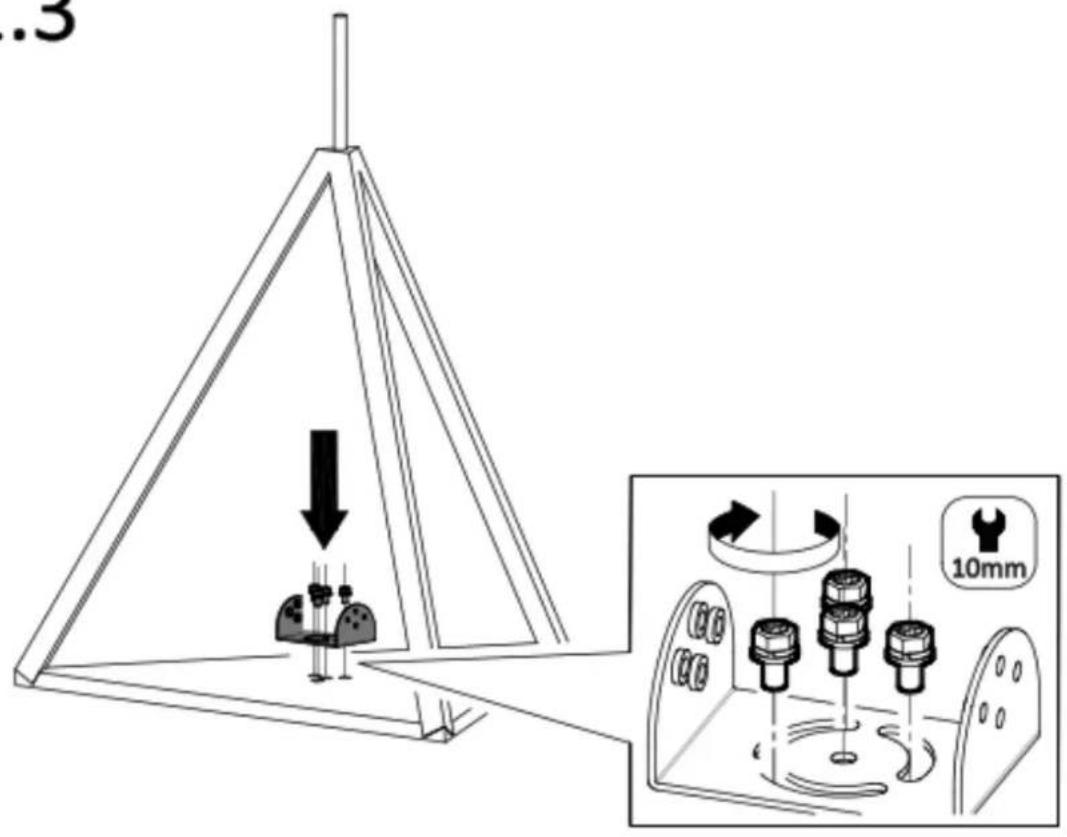
text_image
.3 10mm1.4
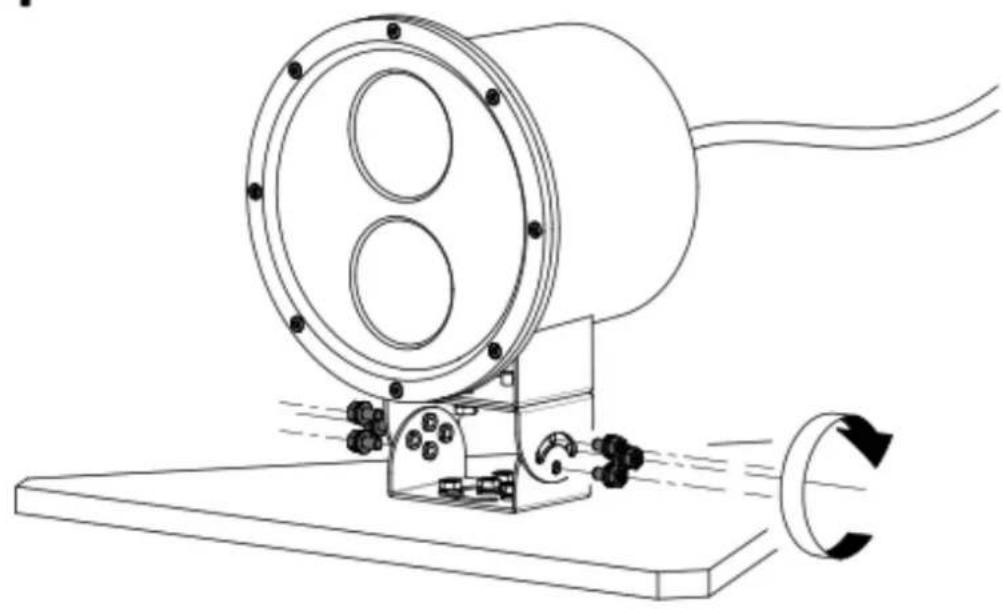
natural_image
Technical line drawing of a mechanical device with circular components and rotating shaft (no text or symbols)2.1
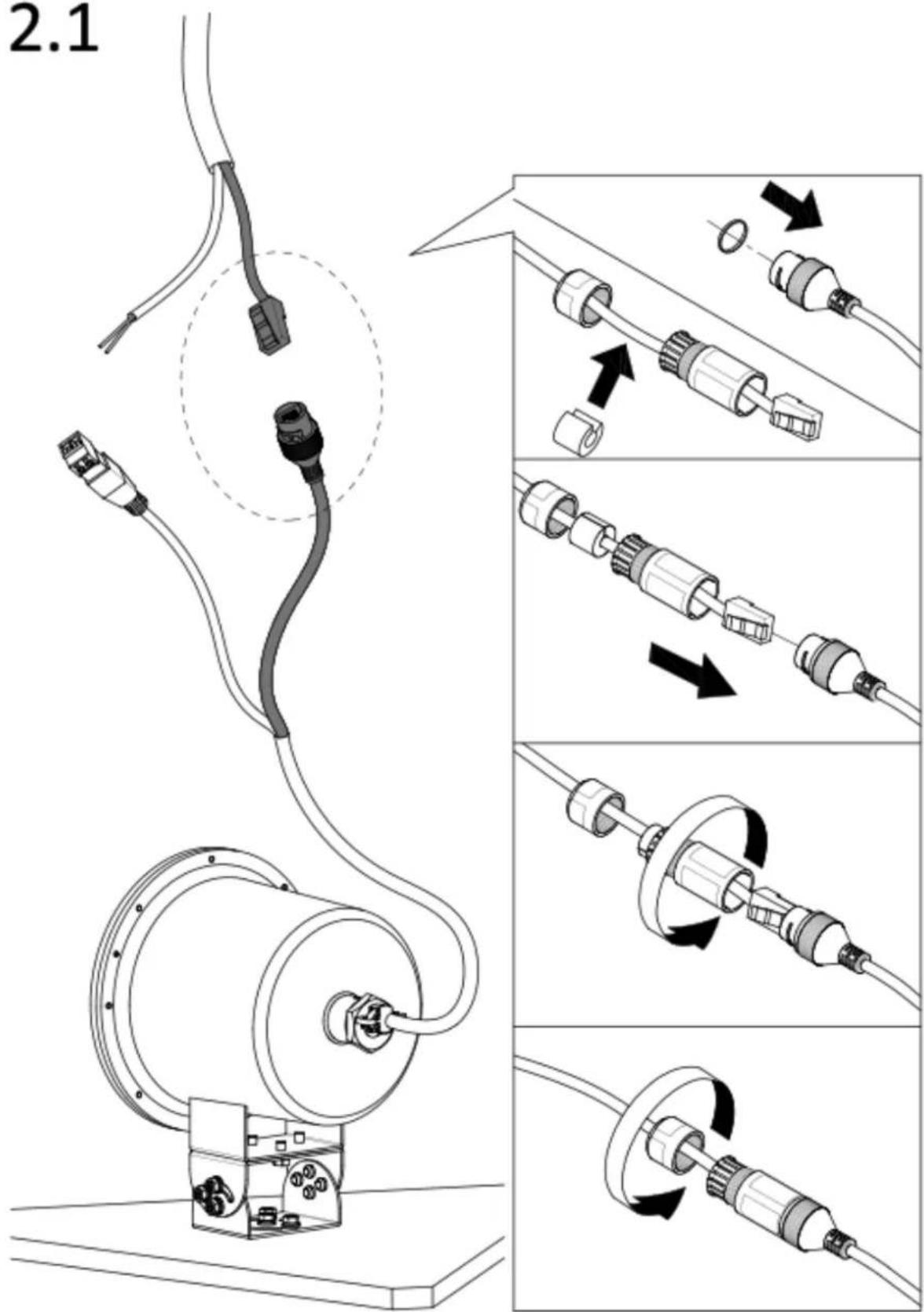
text_image
2.12.2
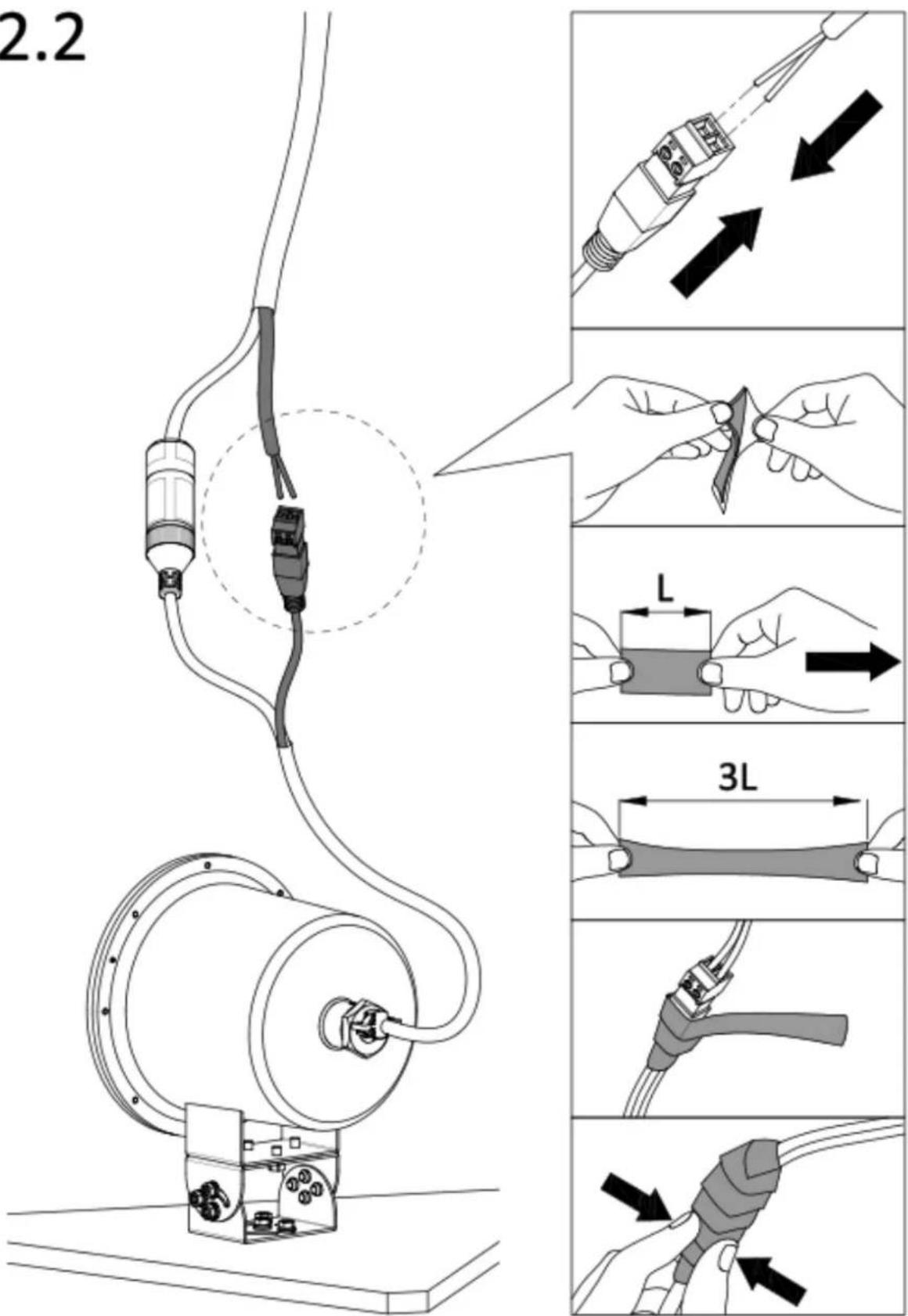
text_image
2.2 L 3L3.1
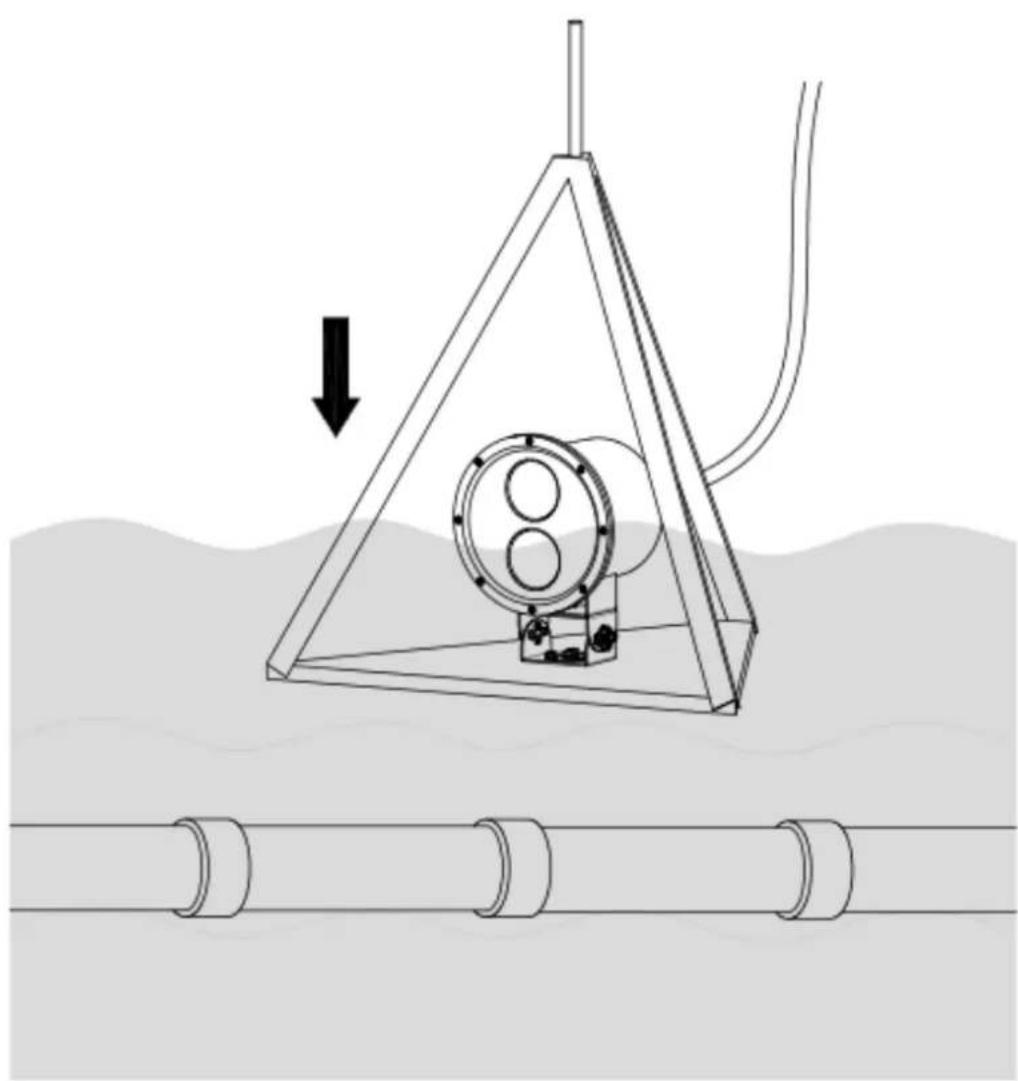
natural_image
Diagram of a mechanical device suspended in a triangular frame over water, with no visible text or symbols.3.2
natural_image
Simple line drawing of a cylindrical object with two rings, enclosed in a rectangular frame (no text or symbols)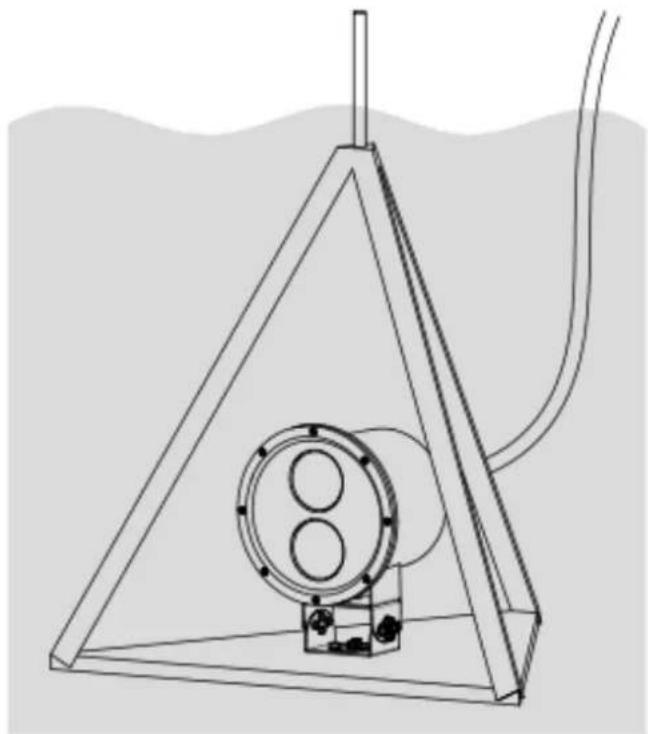
natural_image
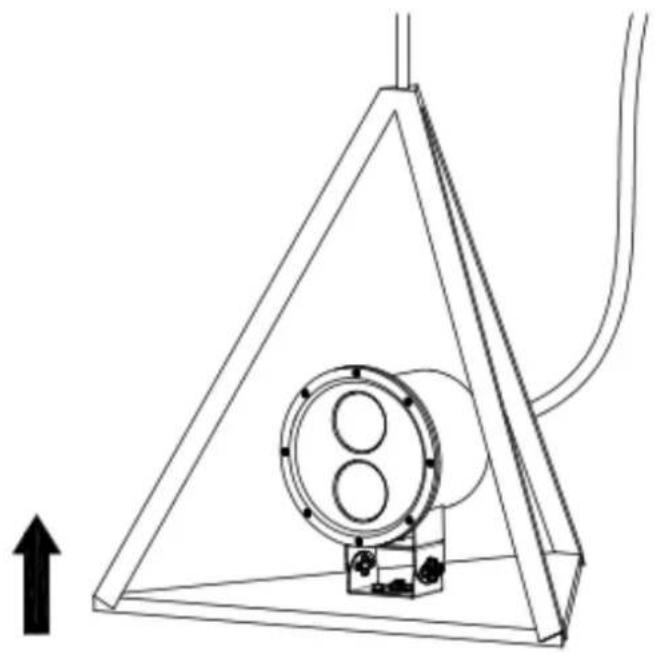
Technical line drawing of a triangular structure with internal components and a vertical rod, no text or symbols present3.3
natural_image
Technical line drawing of a mechanical device inside a triangular frame, with no visible text or symbols.3.4
natural_image
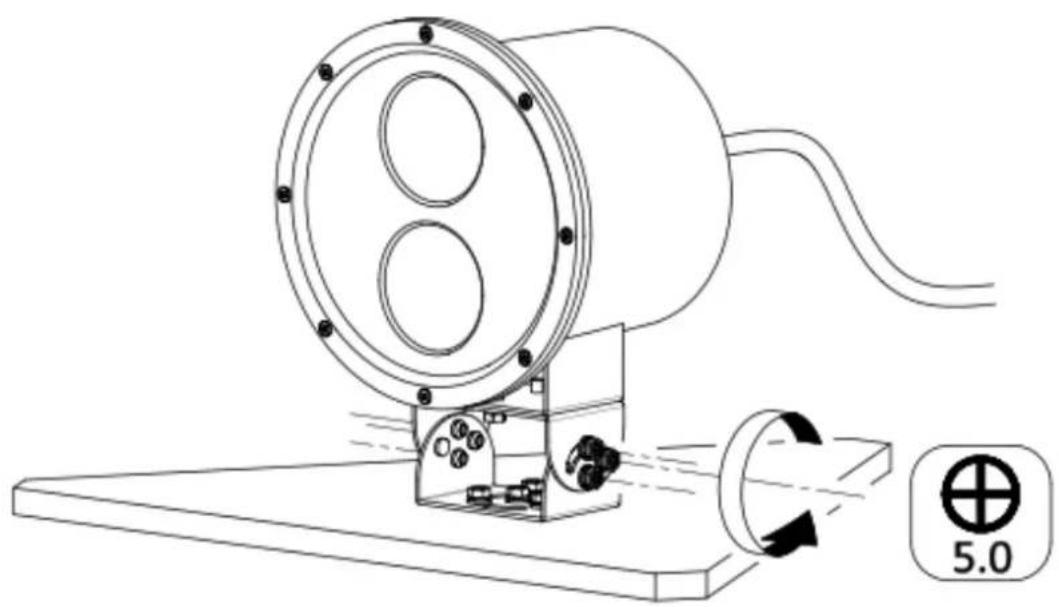
Technical line drawing of a mechanical device with a cylindrical housing and rotating shaft, showing internal components and motion arrows (no text or symbols)
text_image
10mm3.5
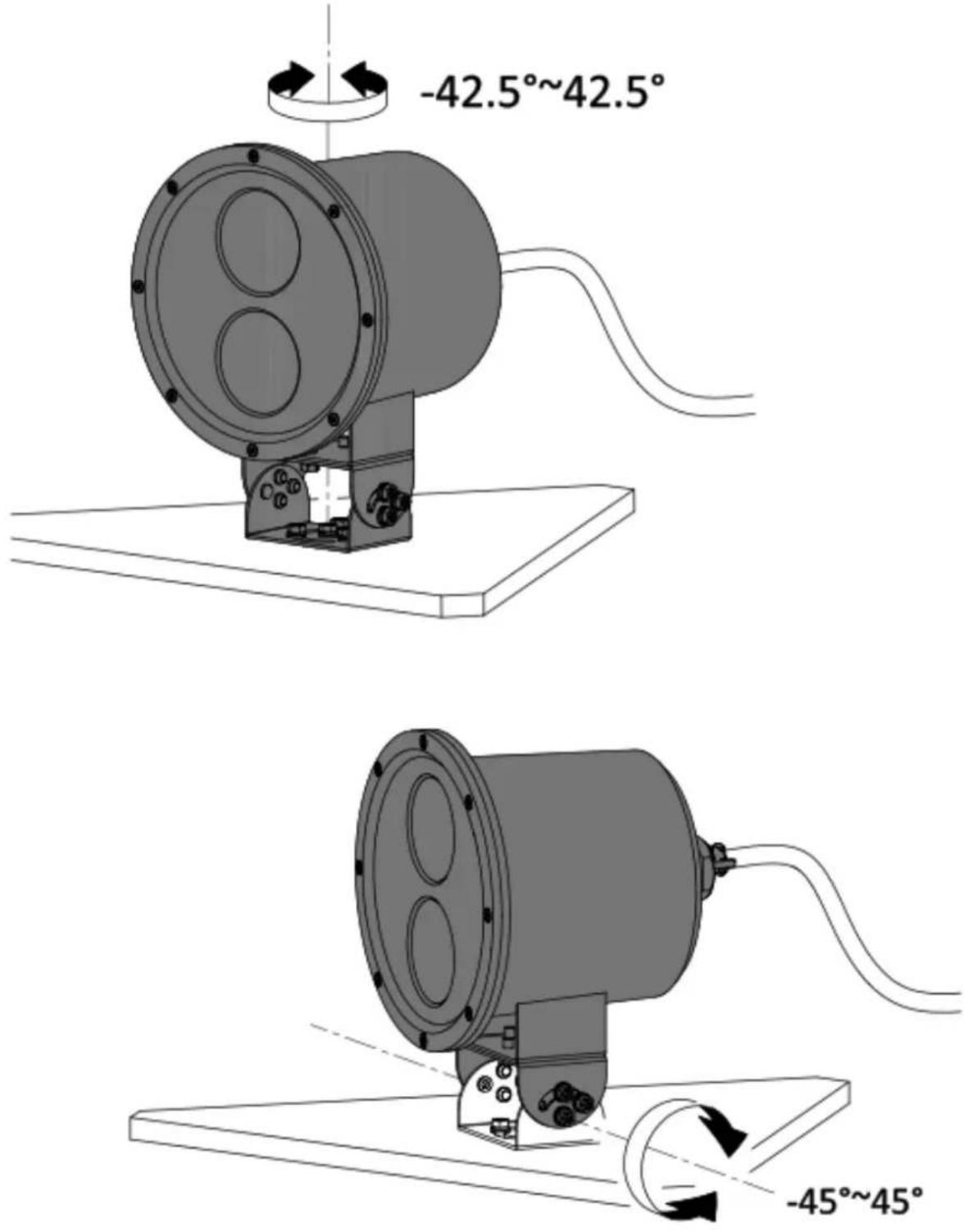
3.6


natural_image
Technical line drawing of a mechanical device with rotating components and a base plate (no text or symbols)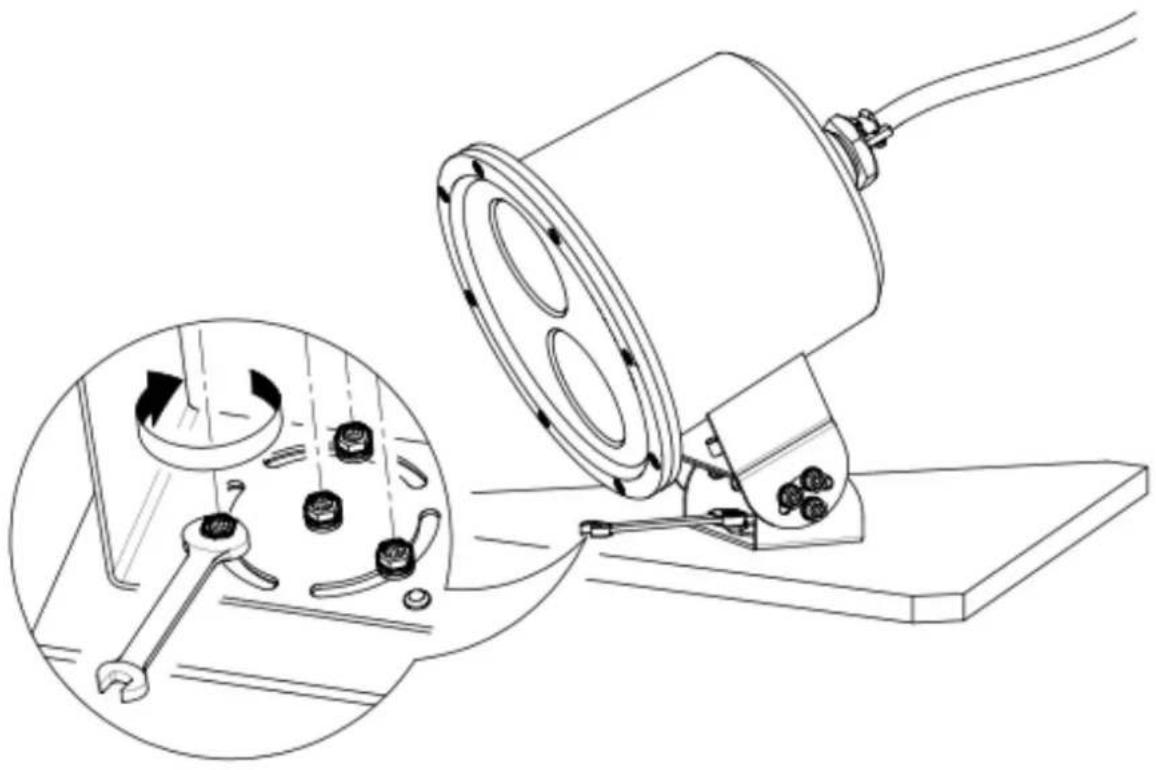
natural_image
Technical line drawing of a mechanical device with a magnified inset showing internal components (no text or symbols)3.7
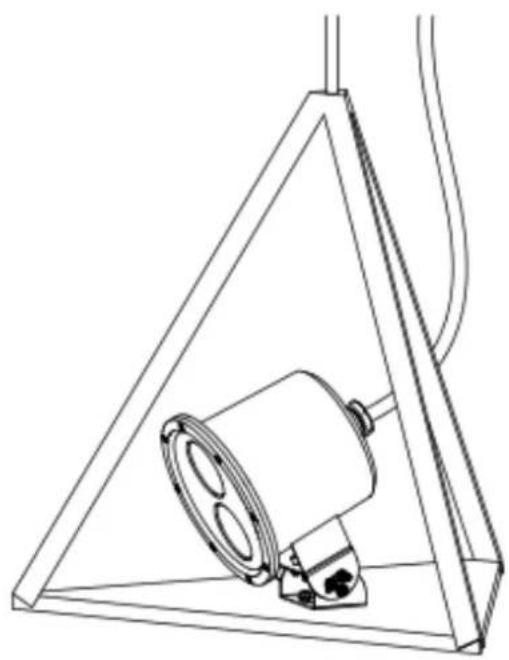
natural_image
Technical line drawing of a mechanical component inside a triangular frame, no text or symbols present3.8
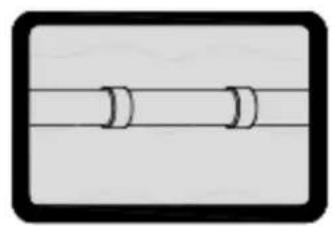
natural_image
Simple diagram of two parallel lines with curved ends, enclosed in a black rounded rectangle (no text or symbols)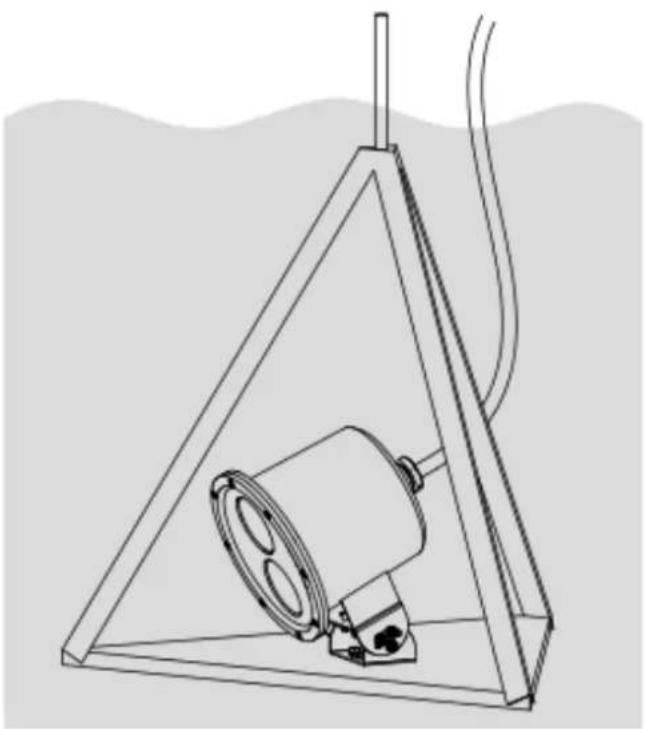
natural_image
Line drawing of a triangular structure containing a cylindrical component and a base, with no visible text or symbols.Interface Introduction
| 1 | Power input interface |
| 2 | Power output interface |
| 3 | Network interface |
| 4 | Alarm input interface |
| 5 | Alarm output interface |
| 6 | Audio input interface |
| 7 | Audio output interface |
| 8 | Built-in microphone |
| 9 | Built-in speaker |
| 10 | BNC/CVBS interface |
| 11 | HDMI interface |
| 12 | SDI interface |
| 13 | SD card slot |
| 14 | SIM card slot |
| 15 | Reset button |
| 16 | Fiber optical interface |
| 17 | Heater |
| 18 | USB |
| 19 | Antenna |
| 20 | RS-485 |
| 21 | RS-232 |
| 22 | ABF |
| 23 | Grounding |
| 24 | Wiegand interface |
| 25 | Solar panel |
| 26 | Battery switch |
| 27 | Debug power interface |
| 28 | Solar panel power interface |
| 29 | External solar panel interface |
| 30 | SOC debug serial port |
| 31 | MCU debug serial port |
| 32 | Video input interface |
| 33 | Video output interface |
| 34 | Aviation Plug |
| 35 | Battery power output interface |
| 36 | Debug network interface |
Note: The interface varies with the models. Please refer to the product datasheet for details.
Regulatory Compliance and Safety Information
Read all information and instructions in this document carefully before using the device and keep it for further reference. For more device information and instructions, please visit our website at https://www.hikvision.com. You can also refer to other documents (if any) accompanying the device or scan the QR code (if any) on the packaging to get more information.
About this Document
The document includes instructions for using and managing the product. Pictures, charts, images and all other information
hereinafter are for description and explanation only. The information contained in the document is subject to change, without notice, due to firmware updates or other reasons. Please find the latest version in the company website (https://www.hikvision.com).
Please use this document under the guidance of professionals.
© 2023 Hangzhou Hikvision Digital Technology Co., Ltd. All rights reserved.
Trademarks
HIKVISION and other Hikvision's trademarks and logos are the properties of Hikvision in various jurisdictions. Other trademarks and logos mentioned are the properties of their respective owners.
Disclaimer
TO THE MAXIMUM EXTENT PERMITTED BY APPLICABLE LAW, THIS MANUAL AND THE PRODUCT DESCRIBED, WITH ITS HARDWARE, SOFTWARE AND FIRMWARE, ARE PROVIDED "AS IS" AND "WITH ALL FAULTS AND ERRORS". HIKVISION MAKES NO WARRANTIES, EXPRESS OR IMPLIED, INCLUDING WITHOUT LIMITATION, MERCHANTABILITY, SATISFACTORY QUALITY, OR FITNESS FOR A PARTICULAR PURPOSE. THE USE OF THE PRODUCT BY YOU IS AT YOUR OWN RISK. IN NO EVENT WILL HIKVISION BE LIABLE TO YOU FOR ANY SPECIAL, CONSEQUENTIAL, INCIDENTAL, OR INDIRECT DAMAGES, INCLUDING, AMONG OTHERS, DAMAGES FOR LOSS OF BUSINESS PROFITS, BUSINESS INTERRUPTION, OR LOSS OF DATA, CORRUPTION OF SYSTEMS, OR LOSS OF DOCUMENTATION, WHETHER BASED ON BREACH OF CONTRACT, TORT (INCLUDING NEGLIGENCE), PRODUCT LIABILITY, OR OTHERWISE, IN CONNECTION WITH THE USE OF THE PRODUCT, EVEN IF HIKVISION HAS BEEN ADVISED OF THE POSSIBILITY OF SUCH DAMAGES OR LOSS.
YOU ACKNOWLEDGE THAT THE NATURE OF THE INTERNET PROVIDES FOR INHERENT SECURITY RISKS, AND HIKVISION SHALL NOT TAKE ANY RESPONSIBILITIES FOR ABNORMAL OPERATION, PRIVACY LEAKAGE OR OTHER DAMAGES RESULTING FROM CYBER-ATTACK, HACKER ATTACK, VIRUS INFECTION, OR OTHER INTERNET SECURITY RISKS; HOWEVER, HIKVISION WILL PROVIDE TIMELY TECHNICAL SUPPORT IF REQUIRED. YOU AGREE TO USE THIS PRODUCT IN COMPLIANCE WITH ALL APPLICABLE LAWS, AND YOU ARE SOLELY RESPONSIBLE FOR ENSURING THAT YOUR USE CONFORMS TO THE APPLICABLE LAW. ESPECIALLY, YOU ARE RESPONSIBLE, FOR USING THIS PRODUCT IN A MANNER THAT DOES NOT INFRINGE ON THE RIGHTS OF THIRD PARTIES, INCLUDING WITHOUT LIMITATION, RIGHTS OF PUBLICITY, INTELLECTUAL PROPERTY RIGHTS, OR DATA PROTECTION AND OTHER PRIVACY RIGHTS. YOU SHALL NOT USE THIS PRODUCT FOR ANY PROHIBITED END-USES, INCLUDING THE DEVELOPMENT OR PRODUCTION OF WEAPONS OF MASS DESTRUCTION, THE DEVELOPMENT OR PRODUCTION OF CHEMICAL OR BIOLOGICAL WEAPONS, ANY ACTIVITIES IN THE CONTEXT RELATED TO ANY NUCLEAR EXPLOSIVE OR UNSAFE NUCLEAR FUEL-CYCLE, OR IN SUPPORT OF HUMAN RIGHTS ABUSES.
IN THE EVENT OF ANY CONFLICTS BETWEEN THIS MANUAL AND THE APPLICABLE LAW, THE LATTER PREVAILS.
These clauses apply only to the products bearing the corresponding mark or information.
FCC Compliance Statement
Note: This equipment has been tested and found to comply with the limits for a Class A digital device, pursuant to part 15 of the FCC Rules. These limits are designed to provide reasonable protection against harmful interference when the equipment is operated in a commercial environment. This equipment generates, uses, and can radiate radio frequency energy and, if not installed and used in accordance with the instruction manual, may cause harmful interference to radio communications. Operation of this equipment in a residential area is likely to cause harmful interference in which case the user will be required to correct the interference at his own expense.
Please take attention that changes or modification not expressly approved by the party responsible for compliance could void the user's authority to operate the equipment.
This device complies with part 15 of the FCC Rules. Operation is subject to the following two conditions:
(1) this device may not cause harmful interference, and
(2) this device must accept any interference received, including interference that may cause undesired operation.
EU/UK Compliance Statement
This product and - if applicable - the supplied accessories too are marked with "CE" and comply therefore with the applicable harmonized European standards listed under the Directive 2014/30/EU (EMCD) and Directive 2011/65/EU (RoHS).
Note: The products with the input voltage of within 50 to 1000 VAC or 75 to 1500 VDC comply with Directive 2014/35/EU (LVD), and the rest products comply with Directive 2001/95/EC (GPSD). Please check the specific power supply information for reference. The full text of the EU declaration of conformity is available at the following internet address:
https://www.hikvision.com/en/support/compliance/declaration-of-conformity.

This product and - if applicable - the supplied accessories too are marked with "UKCA" and comply therefore with the following directives: Electromagnetic Compatibility Regulations 2016,
Electrical Equipment (Safety) Regulations 2016, the Restriction of the Use of Certain Hazardous Substances in Electrical and Electronic Equipment Regulations 2012.
Warning: This is a class A product. In a domestic environment this product may cause radio interference, in which case, the user may be required to take adequate measures.
Directive 2012/19/EU (WEEE Directive): Products marked with this symbol cannot be disposed of as unsorted municipal waste in the European Union. For proper recycling, return this product to your local
supplier upon the purchase of equivalent new equipment, or dispose of it at designated collection points. For more information see: www.recyclethis.info.
According to the Waste Electrical and Electronic Equipment Regulations 2013: Products marked with this symbol cannot be disposed of as unsorted municipal waste in the United Kingdom. For proper recycling, return this product to your local supplier upon the purchase of equivalent new equipment, or dispose of it at designated collection points. For more information see: www.recyclethis.info.

Directive 2006/66/EC and its amendment 2013/56/EU (Battery Directive): This product contains a battery that cannot be disposed of as unsorted municipal waste in the European Union. See the product documentation
for specific battery information. The battery is marked with this symbol, which may include lettering to indicate cadmium (Cd), lead (Pb), or mercury (Hg). For proper recycling, return the battery to your supplier or to a designated collection point. For more information see: www.recyclethis.info.
According to the Batteries and Accumulators (Placing on the Market) Regulations 2008 and the Waste Batteries and Accumulators Regulations 2009: This product contains a battery that cannot be disposed of as unsorted municipal waste in the United Kingdom. See the product documentation for specific battery information. The battery is marked with this symbol, which may include lettering to indicate cadmium (Cd), lead (Pb), or mercury (Hg). For proper recycling, return the battery to your supplier or to a designated collection point. For more information see: www.recyclethis.info.
Industry Canada ICES-003 Compliance
This device meets the CAN ICES-003 (A) / NMB-003 (A) standards requirements.
These instructions are intended to ensure that the user can use the product correctly to avoid danger or property loss.
Laws and Regulations
The device should be used in compliance with local laws, electrical safety regulations, and fire prevention regulations.
Electricity
In the use of the product, you must be in strict compliance with the electrical safety regulations of the nation and region. The equipment shall not be exposed to dripping or splashing and that no objects filled with liquids, such as vases, shall be placed on the equipment. Provide a surge suppressor at the inlet opening of the equipment under special conditions such as the mountain top, iron tower, and forest. CAUTION: If the fuse of the device can be replaced, replace it only with the same model to reduce the risk of fire or electric shock. Do not touch the bare components (such as the metal contacts of the inlets) and wait for at least 5 minutes, since electricity may still exist after the device is powered off.
Battery
Do not ingest battery. Chemical burn hazard! This product contains a coin/button cell battery. If the coin/button cell battery is swallowed, it can cause severe internal burns in just 2 hours and can lead to death. Keep new and used batteries away from children. If the battery compartment does not close securely, stop using the product and keep it away from children. If you think batteries might have been swallowed or placed inside any part of the body, seek immediate medical attention. CAUTION: Risk of explosion if the battery is replaced by an incorrect type. Dispose of
used batteries according to the instructions. Improper replacement of the battery with an incorrect type may defeat a safeguard (for example, in the case of some lithium battery types). Do not dispose of the battery into fire or a hot oven, or mechanically crush or cut the battery, which may result in an explosion. Do not leave the battery in an extremely high temperature surrounding environment, which may result in an explosion or the leakage of flammable liquid or gas. Do not subject the battery to extremely low air pressure, which may result in an explosion or the leakage of flammable liquid or gas. + identifies the positive terminal(s) of equipment which is used with, or generates direct current. - identifies the negative terminal(s) of equipment which is used with, or generates direct current.
Fire Prevention
No naked flame sources, such as lighted candles, should be placed on the equipment. The serial port of the equipment is used for debugging only.
Hot Surface Prevention
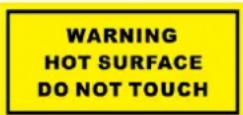
CAUTION: Hot parts! Burned fingers when handling the parts. Wait one-half hour after switching off before handling parts. This sticker is to indicate that the marked item can be hot and should not be touched without taking care. For device with this sticker, this device is intended for installation in a restricted access location, access can only be gained by service persons or by users who have been instructed about the reasons for the restrictions applied to the location and about any precautions that shall be taken.
Installation
Install the device according to the instructions in this manual. To prevent injury, this device must be securely attached to the installation surface in accordance with the installation instructions. Never place the equipment in an unstable location. The equipment may fall, causing serious personal injury or death. If the device needs to be wired by yourself, select the corresponding wire to supply power according to the electric parameters labeled on the device. Strip off wire with a standard wire stripper at corresponding position. To avoid serious consequences, the length of stripped wire shall be appropriate, and conductors shall not be exposed. Make sure that the power has been disconnected before you wire, install, or disassemble the device.
Power Supply
Device powered by Safety Extra-Low Voltage (SELV): The power source should meet limited power source or PS2 requirements according to IEC 60950-1 or IEC 62368-1 standard.
Device powered by AC mains supply voltage: The equipment must be connected to an earthed mains socket-outlet. An appropriate readily accessible disconnect device shall be incorporated external to the equipment. An appropriate overcurrent protective device shall be incorporated external to the equipment, not exceeding the specification of the building. An all-pole mains switch shall be incorporated in the electrical installation of the building. If the device is powered by terminals connected to the power cord, ensure correct voltage and wiring of the terminals for connection to mains supply. The equipment has been designed, when required, modified for connection to an IT power distribution system.
White Light Illuminator (If supported)
The white supplement light source of the camera is classified as Risk Group 2 (RG2).
Possibly hazardous optical radiation emitted from this product. DO NOT stare at operating light source. May be harmful to the eyes. Wear appropriate eye protection or DO NOT turn on the white light when you assemble, install or maintain the camera.
The device should be positioned so that prolonged staring into its white light source at a distance closer than 0.6 m is not expected. The Risk Group 1 (RG1) hazard distance of the device is 0.25 m.
RISK GROUP 2
CAUTION Possibly hazardous optical radiation emitted from this product. Do not stare at operating lamp. May be harmful to the eyes.
Transportation
Keep the device in original or similar packaging while transporting it.
System Security
The installer and user are responsible for password and security configuration.
Maintenance
If the product does not work properly, please contact your dealer or the nearest service center. We shall not assume any responsibility for problems caused by unauthorized repair or maintenance. A few device components (e.g., electrolytic capacitor) require regular replacement. The average lifespan varies, so periodic checking is recommended. Contact your dealer for details.
Cleaning
Please use a soft and dry cloth when clean inside and outside surfaces of the product cover. Do not use alkaline detergents.
Using Environment
When any laser equipment is in use, make sure that the device lens is not exposed to the laser beam, or it may burn out. DO NOT expose the device to high electromagnetic radiation or dusty environments. For indoor-only device, place it in a dry and well-ventilated environment. DO NOT aim the lens at the sun or any other bright light. Make sure the running environment meets the requirement of the device. DO NOT place the camera in extremely hot, cold, dusty or damp locations, and do not expose it to high electromagnetic radiation.
Emergency
If smoke, odor, or noise arises from the device, immediately turn off the power, unplug the power cable, and contact the service center.
Time Synchronization
Set up device time manually for the first time access if the local time is not synchronized with that of the network. Visit the device via Web browse/client software and go to time settings interface.
Reflection
Make sure that no reflective surface is too close to the device lens. The IR light from the device may reflect back into the lens causing reflection.
Français
https://www.hikvision.com/en/support/compliance/declaration-of-conformity.
https://www.hikvision.com/en/support/compliance/declaration-of-conformity.
https://www.hikvision.com/en/support/compliance/declaration-of-conformity.
https://www.hikvision.com/en/support/compliance/declaration-of-conformity.
https://www.hikvision.com/en/support/compliance/declaration-of-conformity.
https://www.hikvision.com/en/support/compliance/declaration-of-conformity.
https://www.hikvision.com/en/support/compliance/declaration-of-conformity.
https://www.hikvision.com/en/support/compliance/declaration-of-conformity.
https://www.hikvision.com/en/support/compliance/declaration-of-conformity.
https://www.hikvision.com/en/support/compliance/declaratio
2006/66/EC ന ന ന ന ന ന ന ന ന ന ന ന ന ന ന ന ന ന ന ന ന ന ന ന ന ന ന ന ന ന ന ന ന ന
https://www.hikvision.com/en/support/compliance/declaration-of-conformity.
https://www.hikvision.com/en/support/compliance/declaration-of-conformity.
https://www.hikvision.com/en/support/compliance/declaration-of-c
onformity