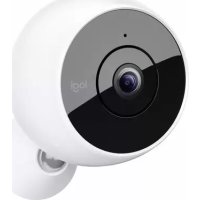
Circle 2 Wireless - Camera LOGITECH - Free user manual and instructions
Find the device manual for free Circle 2 Wireless LOGITECH in PDF.



| Product Type | Indoor/Outdoor Wireless Security Camera |
| Brand | Logitech |
| Model | Circle 2 Wireless |
| Video Resolution | 1080p HD |
| Field of View | Up to 180 degrees |
| Night Vision | Yes |
| Power | Built-in rechargeable battery, charges via USB (61 cm cable included) |
| Connectivity | High-speed Wi-Fi, Bluetooth Low Energy |
| Compatibility | iOS 8.1+ (iPhone 4s+, iPad mini+, iPad 3+, iPod touch 5th gen.), Android 4.4+ |
| Dimensions | Not specified in the manual, approximately 5 cm diameter |
| Weight | Not specified, estimated 150 g with battery |
| Operating Temperature | -10 to 50°C (40°C in night vision mode) |
| Main Features | HD surveillance, night vision, motion detection, two-way audio, wall/ceiling mount, optional window mount |
| Package Contents | Circle 2 camera with battery, swivel base, USB cable with adapter, wall mount, screws and anchors |
| Installation | Download Logi Circle app, Bluetooth/Wi-Fi pairing, wall or shelf mounting |
| Care and Cleaning | Wipe with a soft, dry cloth. Do not use abrasive products. Avoid direct sunlight exposure. |
| Security | Reset via side button (press for 9 seconds). Update via the app. |
| Spare Parts and Repairability | Accessories sold separately (window mount, power adapter mount, spare battery). Repair via Logitech after-sales service. |
| General Information | Wireless camera, usable indoors and outdoors (with battery). Optional Circle Safe subscription. |
Frequently Asked Questions - Circle 2 Wireless LOGITECH
User questions about Circle 2 Wireless LOGITECH
0 question about this device. Answer the ones you know or ask your own.
Ask a new question about this device
Download the instructions for your Camera in PDF format for free! Find your manual Circle 2 Wireless - LOGITECH and take your electronic device back in hand. On this page are published all the documents necessary for the use of your device. Circle 2 Wireless by LOGITECH.
USER MANUAL Circle 2 Wireless LOGITECH
CIRCLE 2 100% WIRE-FREE 100% SANS FIL 100% SIN CABLES
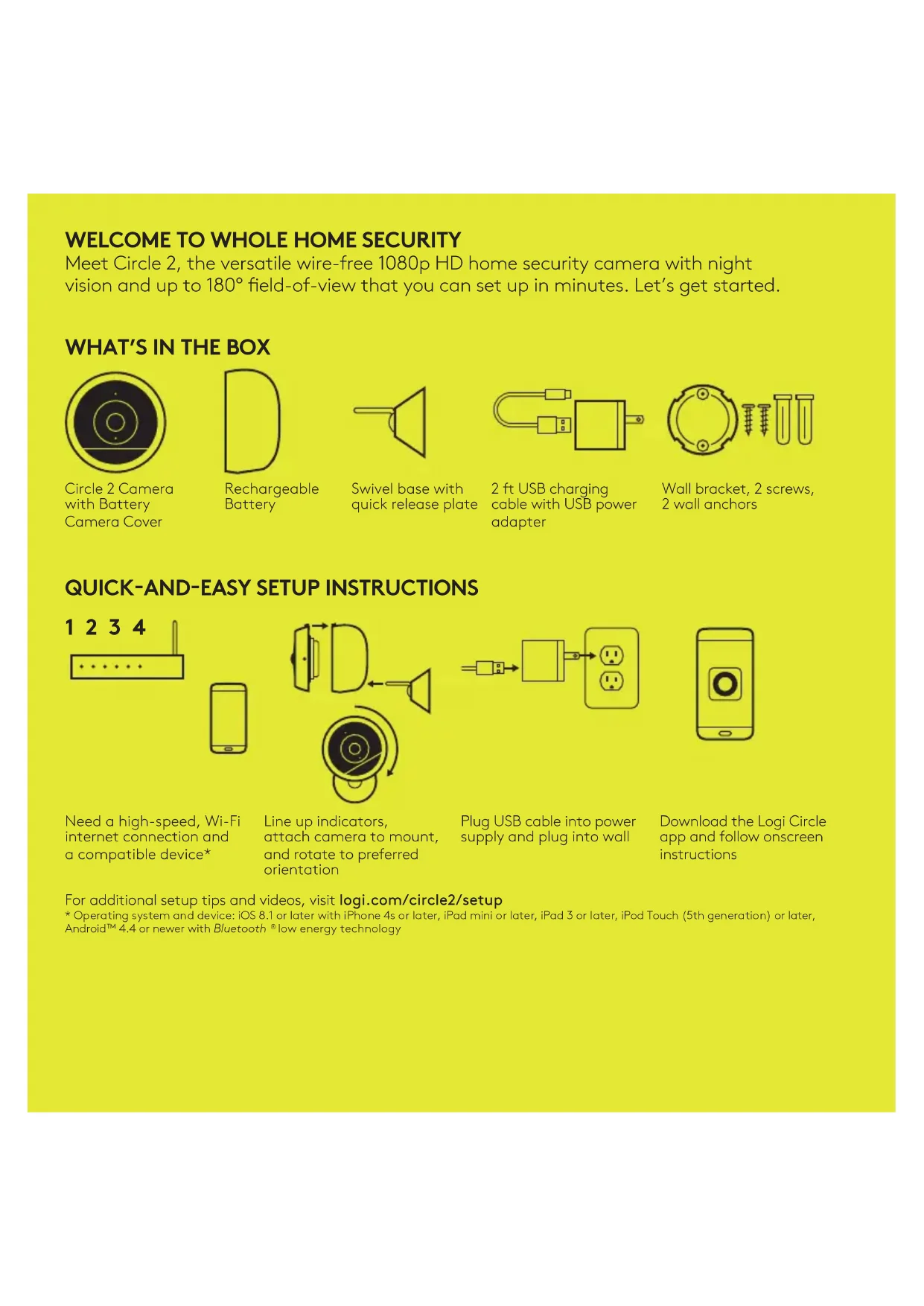
Meet Circle 2, the versatile wire-free 1080p HD home security camera with night vision and up to 180° field-of-view that you can set up in minutes. Let's get started.
WHAT'S IN THE BOX
Circle 2 Camera with Battery Camera Cover

Rechargeable Battery

Swivel base with quick release plate
2 ft USB charging cable with USB power adapter

Wall bracket, 2 screws, 2 wall anchors
QUICK-AND-EASY SETUP INSTRUCTIONS
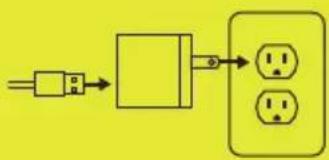
flowchart
graph LR
    A["Power Input"] --> B["Switch"]
    B --> C["Output"]
    C --> D["Sed Out 1"]
    C --> E["Sed Out 2"]
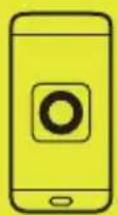
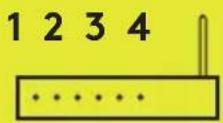
Need a high-speed, Wi-Fi internet connection and a compatible device*
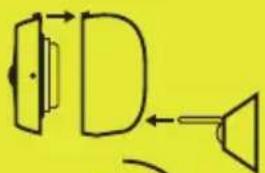
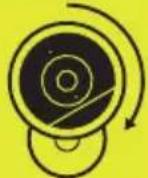
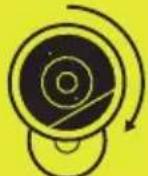
Line up indicators, attach camera to mount, and rotate to preferred orientation
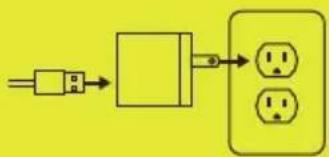
Plug USB cable into power supply and plug into wall
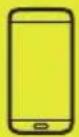
Download the Logi Circle app and follow onscreen instructions
For additional setup tips and videos, visit logi.com/circle2/setup
* Operating system and device: iOS 8.1 or later with iPhone 4s or later, iPad mini or later, iPad 3 or later, iPod Touch (5th generation) or later, Android™ 4.4 or newer with Bluetooth ^3 low energy technology
TIPS AND TRICKS
Camera and battery LED indicators
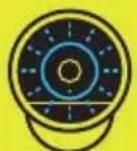
Blinking blue:
Ready to pair
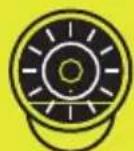
Solid white:
Camera connected and ready for use
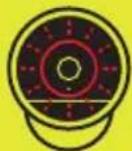
Blinking red:
Camera critical battery
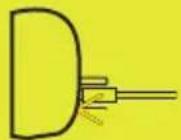
Solid amber:
Camera plugged in and charging
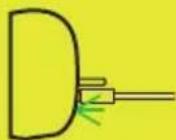
Solid green:
Camera charging complete
Note around charging: If you place Circle 2 100% wire-free outside, make sure you bring it inside to charge.
Reset camera steps
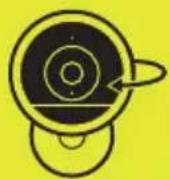

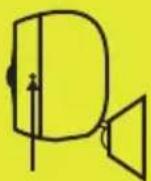
9 sec.
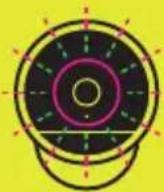
Locate circular reset button on side of camera Press and hold the reset button for 9 seconds and release
when you see the blinking magenta and green LED ring
USAGE GUIDELINES
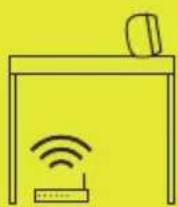
Make sure it's in Wi-Fi range
Circle 2 is a Wi-Fi security camera that streams HD video with audio, so it's recommended to be placed in a location that gets the best Wi-Fi reception – even moving the position of your camera a few feet can have a big impact. TIP: try streaming video to help determine optimal placement.
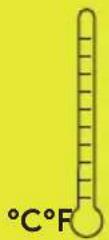
Don't leave it exposed to the sun
Circle 2 is designed to brave the cold and the heat and can operate in day time temperatures between -10°C to 50°C (14°C to 122°F).* However being in direct sunlight can cause the camera to heat up beyond this and impact performance, plus it may create unwanted glare in your videos.
* 40°C (104°F) in nightvision mode
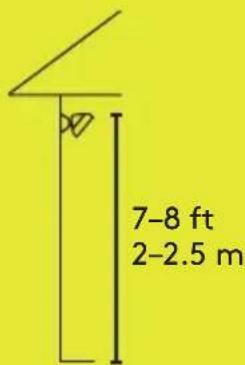
Pick a spot with a clear view
Place Circle 2 anywhere — on shelves, walls, and ceilings. When placing it make sure it's high enough that it's not easy to tamper with but easy enough to get to when required. Around 7–8 ft (2–2.5 m) works best.
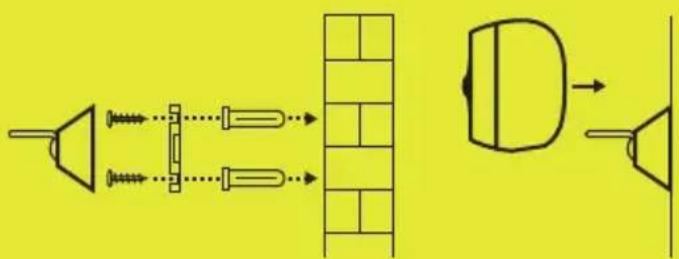
Easy mounting
Screw the bracket onto the wall/ceiling using the included screws and anchors. Snap the base of mount onto the bracket and then attach the camera to the mount. Adjust the camera to the preferred angle and orientation. When placing it on a ceiling, you can flip the video using the camera menu.
For additional installation tips, visit logi.com/circle2/setup
MOUNTS AND ACCESSORIES
Circle 2 is the most versatile security camera that can be used anywhere at home. To customize your experience even more, choose from a selection of accessories that fit your needs.
natural_image
Simple line drawing of a microphone with a U-shaped connector and two vertical bars (no text or symbols)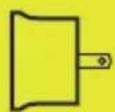

Window Mount
Simply put the Window Mount on the camera and place it on any window pane. Thanks to the Window Ring and unique in-app mode, it's that simple.
Plug Mount
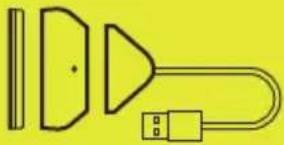
Watch over your home from any wall outlet — in the kitchen, the garage, even down low to see your pet.
Rechargeable Battery
An additional Rechargeable Battery so you can swap Circle 2 Wire-Free's battery out quickly while the other is charging.
Find additional accessories at logi.com/circle2/accessories
Need more help?
Visit support and FAQs at logi.com/circle2/support
For additional Circle Safe subscription plans, go to logi.com/circle2/subscriptions
VOTRE SYSTÈME DE SURVEILLANCE D'INTÉRIEUR INTÉGRAL

Batterie rechargeable
flowchart
graph LR
    A["Power Source"] --> B["Switch"]
    B --> C["Sedged Circuit with 1-pin socket"]
    C --> D["Output"]
natural_image
Pure electrical circuit lines without any symbols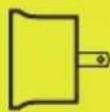

Batterie rechargeable
natural_image
Diagram showing a speaker, microphone, and screen with directional arrows (no text or symbols)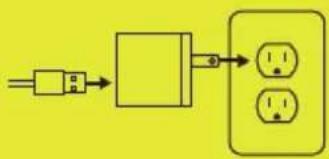
flowchart
graph LR
    A["Power Input"] --> B["Switch"]
    B --> C["Output"]
    C --> D["Sed Out 1"]
    C --> E["Sed Out 2"]
natural_image
Pure electrical circuit lines without any symbolsMontaje fácil
natural_image
Simple line drawing of a microphone with a U-shaped connector and two vertical bars (no text or symbols)

Available on the App Store
ANDROID APP ON

Google play

WEB APP circle.logi.com
© 2017 Logitech. All rights reserved. Logitech, Logi and other Logitech marks are owned by Logitech and may be registered.

- CIRCLE 2 100% WIRE-FREE 100% SANS FIL 100% SIN CABLES
- TIPS AND TRICKS
- Camera and battery LED indicators
- Reset camera steps
- USAGE GUIDELINES
- Make sure it's in Wi-Fi range
- Don't leave it exposed to the sun
- Pick a spot with a clear view
- Easy mounting
- MOUNTS AND ACCESSORIES
- Window Mount
- Plug Mount
- Rechargeable Battery
- Need more help?
- VOTRE SYSTÈME DE SURVEILLANCE D'INTÉRIEUR INTÉGRAL
- Batterie rechargeable
- Montaje fácil
Brand : LOGITECH
Model : Circle 2 Wireless
Category : Camera