PKR1 - Smartphone PRESTIGIO - Free user manual and instructions
Find the device manual for free PKR1 PRESTIGIO in PDF.



| Product type | Smartphone |
| Brand | Prestigio |
| Model | PKR1 |
| Dimensions | Approximately 145 × 70 × 8 mm |
| Weight | Approximately 150 g |
| Screen | Capacitive touchscreen, approximately 5 inches |
| Operating system | Android (version not specified) |
| Processor | Quad-core, frequency not specified |
| RAM memory | 1 GB (estimated) |
| Internal storage | 8 GB (expandable via microSD) |
| Battery | Lithium-ion, approximately 2500 mAh |
| Wireless connectivity | Wi-Fi 802.11 b/g/n, Bluetooth 4.0, NFC |
| GPS | Assisted GPS (A-GPS) |
| Sensors | Accelerometer, proximity, light |
| Rear camera | Approximately 8 megapixels |
| Front camera | Approximately 2 megapixels |
| Maintenance and cleaning | Use a soft, dry cloth. Do not use chemicals. |
| Safety | Avoid shocks and moisture. Do not expose to extreme temperatures. |
| Spare parts and repairability | Spare parts not provided by the manufacturer. Repair at authorized center. |
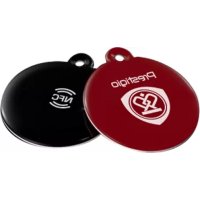
| Box contents | Smartphone, charger, USB cable, quick start guide, MultiTag NFC tag |
Frequently Asked Questions - PKR1 PRESTIGIO
User questions about PKR1 PRESTIGIO
0 question about this device. Answer the ones you know or ask your own.
Ask a new question about this device
Download the instructions for your Smartphone in PDF format for free! Find your manual PKR1 - PRESTIGIO and take your electronic device back in hand. On this page are published all the documents necessary for the use of your device. PKR1 by PRESTIGIO.
USER MANUAL PKR1 PRESTIGIO
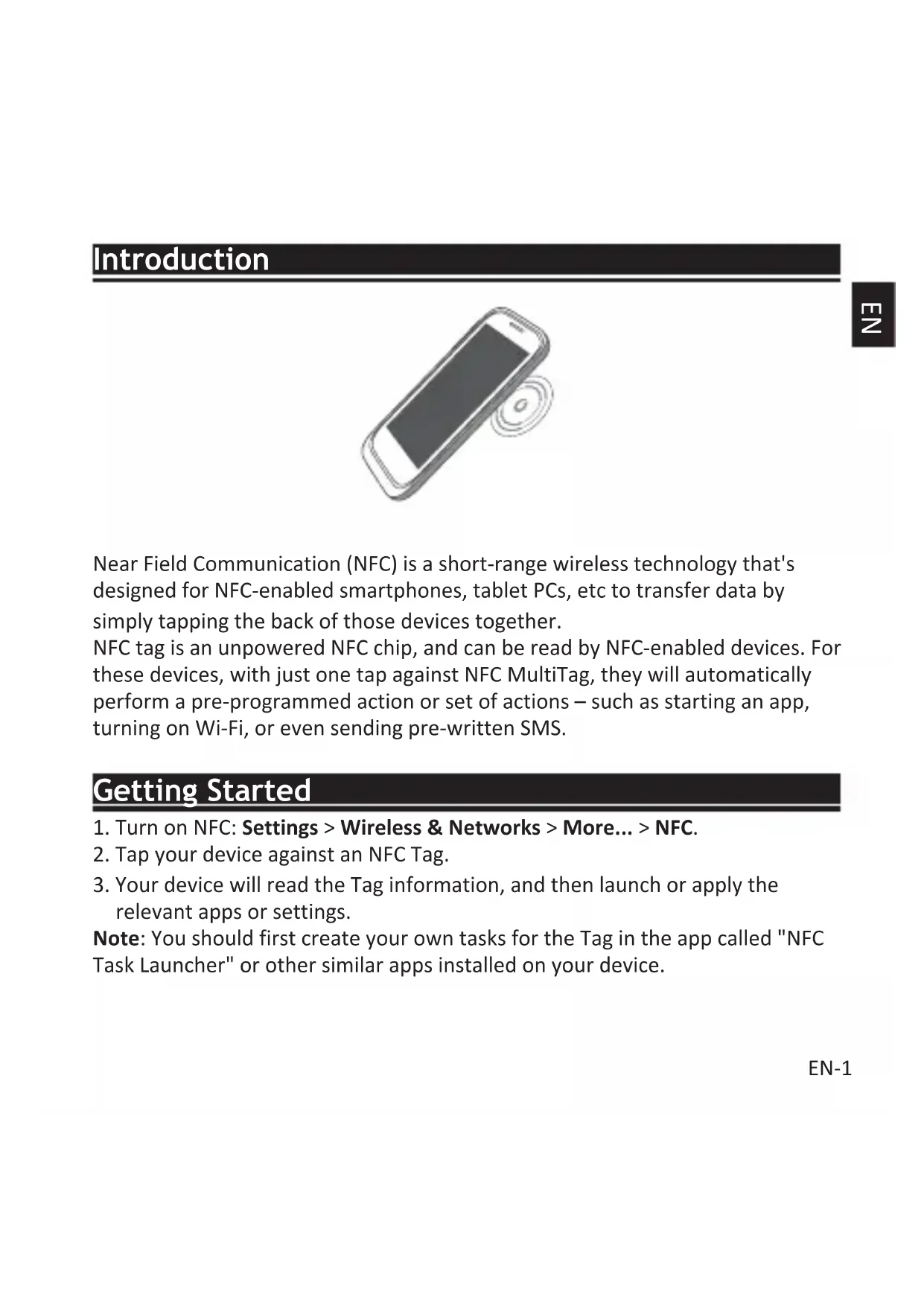
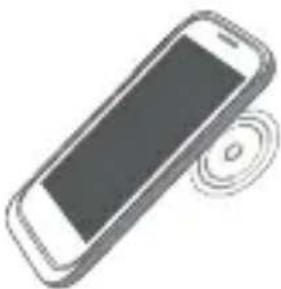
Near Field Communication (NFC) is a short-range wireless technology that's designed for NFC-enabled smartphones, tablet PCs, etc to transfer data by simply tapping the back of those devices together.
NFC tag is an unpowered NFC chip, and can be read by NFC-enabled devices. For these devices, with just one tap against NFC MultiTag, they will automatically perform a pre-programmed action or set of actions – such as starting an app, turning on Wi-Fi, or even sending pre-written SMS.
Getting Started
- Turn on NFC: Settings > Wireless & Networks > More... > NFC.
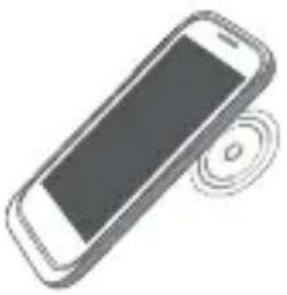
- Tap your device against an NFC Tag.
- Your device will read the Tag information, and then launch or apply the relevant apps or settings.
Note: You should first create your own tasks for the Tag in the app called "NFC Task Launcher" or other similar apps installed on your device.
EN-1
Examples
Example 1 Bedside mode
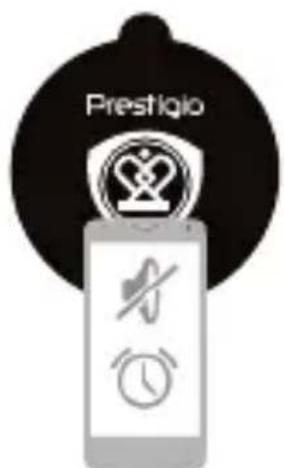
In "NFC Task Launcher", create Tag task for bedside mode, such as enabling silent mode, opening the bedside clock application, setting alarm, turning WiFi off and so on. By tapping this NFC Tag, you can quickly put your phone into bedside mode without making settings one by one.
Example 2 Home mode
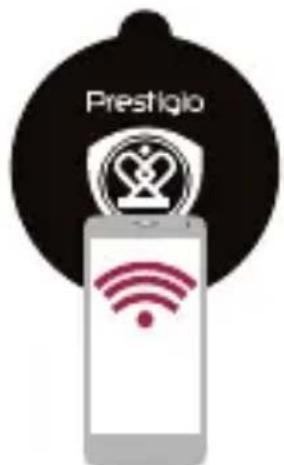
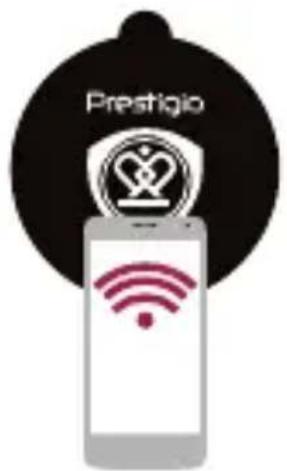
Create a task for an NFC Tag to turn on Wi-Fi network, turn off GPS and stick it near your entrance. When you arrive home, tap your device against the Tag, EN-2
then it will automatically turn on home Wi-Fi and turn off GPS for you.
Example 3 Car mode
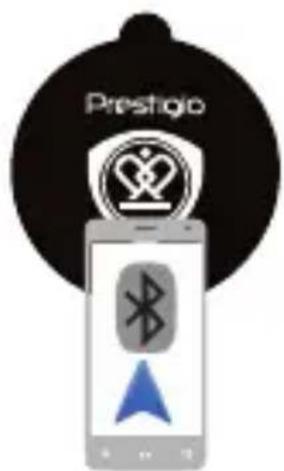
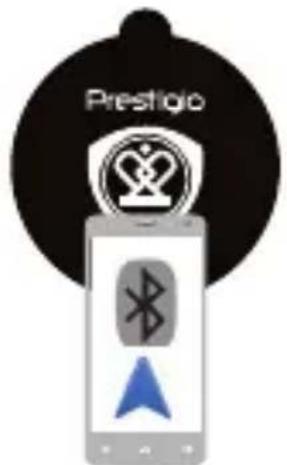
Create a task for an NFC Tag to enable Bluetooth, turn on GPS, start GPS navigation app, and then stick it into your car. Next time when go to driving, you can quickly connect your phone to Bluetooth handset, and find your way around efficiently.
CE As the Prestigio products are constantly updated and improved, your device's software and hardware may have a slightly different appearance or modified functionality than presented in this Quick Start Guide.
Prestigio hereby states that this MultiTag complies to basic requirements and another relevant regulations given by the EU directive 1999/5/EC. Full version of the declaration of conformity is available on: http://www.prestigio.com/compliance.
BVeDeHne
TexHOrnKOMMHyNkauzni 6nJxHero nol (Near Field Communication, NFC) npedctabIaTe cObO beCnpoBODHyIO BbICOKOaCTOTHyIO CB3b MaIoro paAnyCa DeiCTBna Ira NpDdepKHeBaIOuX daHHyIO fYHKUHO CMapTfoHOB, PlaHweTOB, npedHa3NaeHHyIO dIra YnpOSeHHORO o6MeHa DaHHbIMN, KOrDa dIy UcTaHOBLeHnRA NOkJIoueHnRA DOCTaTOUHO IOdHeCTN KpbIshKn 3TNX yCTPOICTB dpyr K dpyr.
NFC-MeTKa npedctablaet co6oI IuIeHHbI NCTOCHNka 3JIeKtpnueckoro
HITAHNA NFC-uu, HOpMaunc KOTOPORo MOKeT CHTbIBaTbcra DpyrIMN
NFC-ycTpoiCTBaMn. B cnyae copnkocHOBeHnca MeTKoJ 3Tu yCToiCTBa
HaHyT BblONHtB 3aIporpaMMnpOBaHHyO fYHKUIO: 3aNyCK TOrO nII INHOro
PpINOJxHn, BkIIOUeHne coeHNHeHn Wi-Fi nII nOTnpaBky SMS.
Hauaio pa60tbi
- Величпес NFC: Habстpoшу > Бecropовodны ceTN > Долинтульно... > NFC.
2.Пилжnte Bawe yctpoNCTBO K NFC-Metke. - Baшу устюво позьдет утейне Ифорmaци сmetи 3aTeM 3aIyCTNT COOTBETCTBYUOоe пложене ил позьдет 3anporpaMMnpOBaHHoe DeIcTBne.
BnmaHne: Ira KoppeKTHo pa6Otby yctpoNCTBa cHaJa Tpe6yeTc co3daTb
3aandaHne (3anporpaMMnpoBaTb) MeTKy npi nOmoU npIIOJKeHna "3aynck npIIOJKeHn NFC" (NFC Task Launcher) nI npYrOro noIo6Horo npIIOJKeHna, yCTaHOBJIeHHOro Ha BaSem ycTroPoIcTBe.
Приимерbl Истовашия
NFC Task Launcher" 5
2
AR-2
GPS W-Fi NFC 1
GPS
3J 1
GPS 1000 GPS 1000,Bluetooth NFC
Prestigio 15
E
Prestigio,
http://www.prestigio.com/compliance
BbVeDeHne
KomunkaTc a 6n3kn noIeTa (Near Field Communication - NFC) e 6e3KnHa TexHIOrMa c MaIbK OxbaT, KoTo e npoeKtnpaHa 3a cMaprfoHn, Ta6JeTu n dp. c NFC cyHKUHOHaHoc T c zeI npehoc Ha daHHn cAmO c DOKOCBaHe Ha Tbp6oBeTe Ha Te3N yCTpOiCTBa.
NFC-Tar (NFC-tag) e чип 6e3 3axpaHbaHe, кою може дa ce cheTe ot yctpoiCTBa cakTNBupaHa NFC Функця. Можete пocTo ДдOKOCheTe eДно побнустBO кьM NFC MultiTag, И устpoiCTbata abTomatuHo щe n3ВbpшатпpeДварNTeNo nporpaMnpaHo DeiCTBne ИлnpoeDiua OT DeiCTBnЯ KaTO: CTapTtupaHe Ha пniloJxKeHne, BKIOUcBaHe Ha Wi-Fi, Ил dopn n3PpaaHe HaпpeДварNTeNo habncan SMS.
PbPNCTbPKN
- Величесу NFL: Settings > Wireless & Networks > More... > NFC (Hactrpoшк > Бeатник Мреки > Oше... > NFC.)
2.ДOKOCHeteBaWeTo yCTpoiCTBO KbM NFC Tar. - Baшето устю ве почete Ифорmaцята от Tar-a и след това щe CTapтура сьOTBEТНОТ рпложене пиLOжн CBOTВETHNTe NaCTpoик.
3a6eIeKka: Tp6Ba nbpBO da cb3daTe BaWnte co6CTBeHn 3aDaun 3a Tar-a B
In "NFC Task Launcher", create Tag task for bedside mode, such as enabling silent mode, opening the bedside clock application, setting alarm, turning WiFi off and so on. By tapping this NFC Tag, you can quickly put your phone into bedside mode without making settings one by one.

Brand : PRESTIGIO
Model : PKR1
Category : Smartphone