ManualGo.com
BrightLink 480i - Projector EPSON - Free user manual and instructions
Find the device manual for free BrightLink 480i EPSON in PDF.



Download the instructions for your Projector in PDF format for free! Find your manual BrightLink 480i - EPSON and take your electronic device back in hand. On this page are published all the documents necessary for the use of your device. BrightLink 480i by EPSON.
USER MANUAL BrightLink 480i EPSON
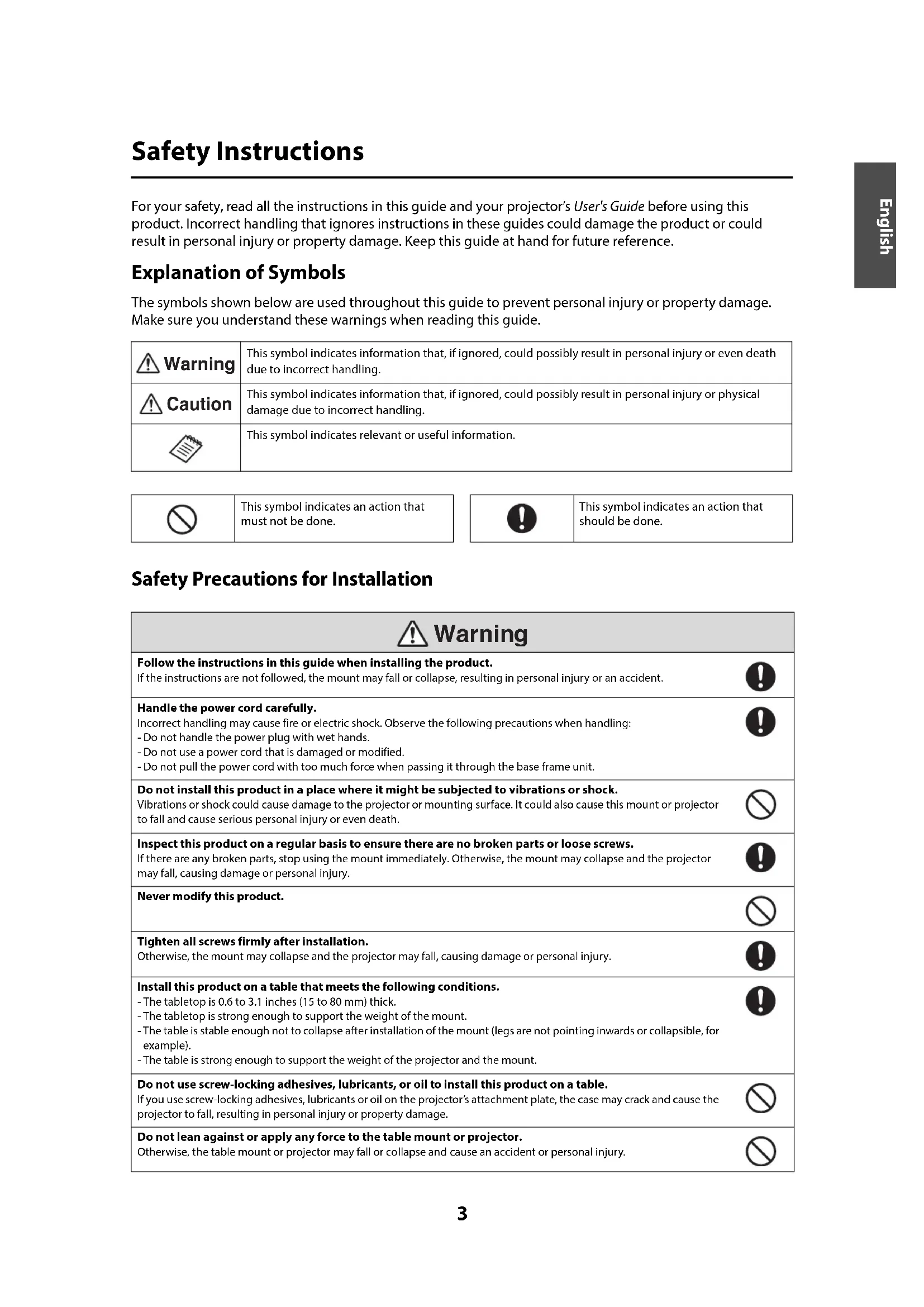
ELPMB29 Interactive Table Mount Support de montage pour table interactive Soporte para montaje en mesa interactiva Suporte para mesa interativa User’s Guide Guide de l’utilisateur Manual del usuario Manual do usuário3 English Safety Instructions For your safety, read all the instructions in this guide and your projector’s User's Guide before using this product. Incorrect handling that ignores instructions in these guides could damage the product or could result in personal injury or property damage. Keep this guide at hand for future reference. Explanation of Symbols The symbols shown below are used throughout this guide to prevent personal injury or property damage. Make sure you understand these warnings when reading this guide. Safety Precautions for Installation This symbol indicates information that, if ignored, could possibly result in personal injury or even death due to incorrect handling. This symbol indicates information that, if ignored, could possibly result in personal injury or physical damage due to incorrect handling.This symbol indicates relevant or useful information. This symbol indicates an action that must not be done.This symbol indicates an action that should be done.Follow the instructions in this guide when installing the product. If the instructions are not followed, the mount may fall or collapse, resulting in personal injury or an accident. Handle the power cord carefully. Incorrect handling may cause fire or electric shock. Observe the following precautions when handling: - Do not handle the power plug with wet hands.- Do not use a power cord that is damaged or modified. - Do not pull the power cord with too much force when passing it through the base frame unit. Do not install this product in a place where it might be subjected to vibrations or shock. Vibrations or shock could cause damage to the projector or mounting surface. It could also cause this mount or projector to fall and cause serious personal injury or even death. Inspect this product on a regular basis to ensure there are no broken parts or loose screws.If there are any broken parts, stop using the mount immediately. Otherwise, the mount may collapse and the projector may fall, causing damage or personal injury. Never modify this product. Tighten all screws firmly after installation. Otherwise, the mount may collapse and the projector may fall, causing damage or personal injury. Install this product on a table that meets the following conditions. - The tabletop is 0.6 to 3.1 inches (15 to 80 mm) thick. - The tabletop is strong enough to support the weight of the mount. - The table is stable enough not to collapse after installation of the mount (legs are not pointing inwards or collapsible, for example). - The table is strong enough to support the weight of the projector and the mount. Do not use screw-locking adhesives, lubricants, or oil to install this product on a table. If you use screw-locking adhesives, lubricants or oil on the projector’s attachment plate, the case may crack and cause the projector to fall, resulting in personal injury or property damage.Do not lean against or apply any force to the table mount or projector. Otherwise, the table mount or projector may fall or collapse and cause an accident or personal injury. Warning Caution Warnin
About This Guide This guide describes how to install the following projectors on a table using the Interactive Table Mount (ELPMB29): BrightLink® 475Wi/475Wi+/480i/485Wi/485Wi+ BrightLink 575Wi/575Wi+/585Wi/585Wi+/595Wi/595Wi+ BrightLink Pro 1410Wi Note: BrightLink model availability varies by country. Package Contents Have the necessary tools ready before you begin the installation. Do not install this product in a location where the operating temperature for the projector may be exceeded. Such an environment may damage the projector.Base frame unit with adjuster boltsAttachment plateAccessory trayHexagon wrenches (for M3, M4, and M8)BoltsTouch Unit attachment plate for finger touch models Bolts Shape Name Quantity Application M3 × 8 mm hexagon socket head cap bolt for finger touch models2 For mounting the Touch Unit attachment plate on the Touch Unit.2 For mounting the Touch Unit attachment plate to the base frame unit.M4 × 12 mm hexagon socket head cap bolt with washer and spring washer4 For mounting the attachment plate to the projector.M4 × 8 mm hexagon socket head cap bolt 1 For mounting the tray to the base frame unit. 2 Used as stoppers. (Pre-installed in the base frame unit in mount position 2.)M8 × 35 mm hexagon socket head cap bolt 2 For mounting the attachment plate to the base frame unit. Caution5 English Specifications Table Requirements Install the mount on a table that meets the following conditions. The tabletop is strong enough to support the weight of the mount. The table is stable enough not to collapse after installation of the mount. The table is strong enough to support the weight of the projector and the mount. The table surface is a light color such as white. The tabletop is 0.6 to 3.1 inches (15 to 80 mm) thick. The tabletop is larger than the minimum sizes below. See the projection distance table on page 7 for the image size. Item Specification Note Weight Approx. 16.75 lb (7.6 kg)Maximum load capacity 14.3 lb (6.5 kg )Forward/backward adjustment range of the adjuster bolt 3.1 inches (80 mm) Distance between the edge of the table and the center of the bolt: 1.4 to 4.5 inches (35 to 115 mm) Minimum table sizes for BrightLink 475Wi/475Wi+/485Wi/485Wi+/575Wi/ 575Wi+/585Wi/585Wi+/595Wi/595Wi+/BrightLink Pro 1410Wi Mounting position Image size (diagonal) Rectangular table 65 inches (1651 mm) 47.6 × 55.8 inches (1210 × 1417 mm)60 inches (1524 mm) 44.5 × 52 inches (1130 × 1321 mm) Minimum table sizes for BrightLink 480i Mounting position Image size (diagonal) Rectangular table 60 inches (1524 mm) 48.4 × 49.3 inches (1230 × 1252 mm)56 inches (1422 mm) 45.7 × 46.1 inches (1160 ×1172 mm)6 If any obstacles exist on the bottom side of the tabletop, the distance between the edge of the table and the obstacle must be at least 3 inches (75 mm) or the obstacle must be within 3.3 inches (85 mm) from the edge of the table. For finger touch models, set up the Touch Unit on a flat, smooth, unwarped surface with no more than
0.2 inch (5 mm) of unevenness on the screen surface. Make sure there are no obstacles, such as cables, or
protruding items in the shaded areas in the following figure. The Touch Unit will not operate correctly if anything is obstructing the infrared signal.
(15 to 80 mm) 3 inches or more (75 mm or more) 0 to 3.3 inches (0 to 85 mm)
4 inches (100 mm) 4 inches (100 mm)7 English Installation Procedure Determine the image size and the position of the projector (1) Determine the position according to the image size. There are two positions to choose from: and , as shown in the following illustration. Diagonal Image Sizes for Mounting Positions 1 and 2 BrightLink 475Wi/475Wi+/485Wi/485Wi+/575Wi/575Wi+/585Wi/585Wi+/595Wi/595Wi+/ BrightLink Pro 1410Wi Mounting position (Y)Image size (S) Distance between the edge of the table and the bottom of the screen (16:10) (a)Distance between the edge of the table and the top of the screen (16:10) (b)Aspect ratio 16:10 Aspect ratio 4:3 Aspect ratio 16:9Wide (max)Te le(min)Wide (max)Tel e(min)Wide (max)Tel e(min) Wide (max)Tel e(min) Wide (max)Tel e (min)15 in. (380 mm) 65 in. (1651 mm) 48 in.(1219 mm) 57 in.(1448 mm) 43 in.(1092 mm) 63 in.(1600 mm) 47 in.(1194 mm)
(2) The mount ships with M4 × 8 mm hexagon socket head cap bolts (x2) secured in position . To use mount position , remove the bolts from position before attempting to mount the projector as shown on page 13. Diagonal Image Sizes for Mounting Positions 1 and 2 BrightLink 480i Mounting position (Y) Image size (S) Distance between the edge of the table and the bottom of the screen (16:10) (a) Distance between the edge of the table and the top of the screen (16:10) (b) Aspect ratio 16:10 Aspect ratio 4:3 Aspect ratio 16:9 Wide (max) Tele (min) Wide (max) Tele (min) Wide (max) Tele (min) Wide (max) Tele (min) Wide (max) Tele (min) 15 in.(380 mm) 57 in.(1448 mm) 42 in.(1067 mm) 60 in.(1524 mm) 45 in.(1143 mm) 55 in.(1397 mm) 41 in.(1041 mm)