MW100 - Printer BROTHER - Free user manual and instructions
Find the device manual for free MW100 BROTHER in PDF.



| Product Type | Direct Thermal Portable Printer |
| Brand | Brother |
| Model | MW100 |
| Dimensions (W x D x H) | 100 mm x 160 mm x 17.5 mm |
| Weight | 300 g (with battery and 50-sheet paper cassette) |
| Power Supply | Built-in lithium-ion battery (7.4 V) rechargeable via compact AC adapter |
| Print Resolution | 300 dpi x 300 dpi |
| Print Speed | 15 seconds per sheet (standard text, 7% coverage, 25°C) |
| Print Method | Direct thermal (linear thermal print head) |
| Interface | USB 1.1 and IrDA 1.2 infrared |
| Paper Type | A7 thermal paper (105 x 74 mm) in Brother C-11 cassette (50 sheets) |
| Other Compatible Media | A7 labels (C-21) and A7 die-cut label sheets (C-41, C-42) |
| Battery Life | Approximately 100 continuous printed pages (full battery, standard conditions) |
| Supported Operating Systems | Windows, Pocket PC, Palm (via included software) |
| Maintenance and Cleaning | Clean the exterior with a soft, dry cloth. Do not use chemicals. |
| Safety | Use only the supplied adapter. Do not expose to moisture or extreme temperatures. |
| Spare Parts and Repairability | Accessories available: paper cassettes, AC adapter. Repair by authorized professional. |
| Box Contents | MW-100 printer, C-11 paper cassette, AC adapter, CD-ROM (software and manuals), quick reference guide |
| General Information | User manual available in multiple languages. Warranty period: varies by country. |
Frequently Asked Questions - MW100 BROTHER
User questions about MW100 BROTHER
0 question about this device. Answer the ones you know or ask your own.
Ask a new question about this device
Download the instructions for your Printer in PDF format for free! Find your manual MW100 - BROTHER and take your electronic device back in hand. On this page are published all the documents necessary for the use of your device. MW100 by BROTHER.
USER MANUAL MW100 BROTHER
natural_image
Line drawing of a flat electronic device with a closed lid and ventilation slots (no text or symbols)- Before using this printer, be sure to read this User's Guide.
- Lisez sans faute ce Guide de référence rapide avant d'utiliser cette imprimante.
- Vor der Verwendung dieses Druckers lesen Sie auf jeden Fall diese Installationsanleitung durch.
- Prima di usare questa stampante, assicurarsi di leggere questa Guida rapida.
- Antes de utiliza esta impresora, asegúrese de haber leído esta Guía rápida.
- Lees deze "Snel aan de gang" gids voordat u de printer gebruikt.
- Les hurtigveiledningen før du tar skriveren i bruk.
- Se till att läsa snabbhandledningen, innan skrivaren tas i bruk.
- Læs Hurtig vejledning, inden denne printer tages i anvendelse.
Manual structure
A User's Guide and a Software Guide are provided on the CD-ROM included with this printer.
User's Guide
The User's Guide provides precautions for using this printer, details on the printer's setup.
Software Guide
The Software Guide describes the procedures for installing and uninstalling the software onto a computer running Windows ^® or onto a Pocket PC and their printing procedures.
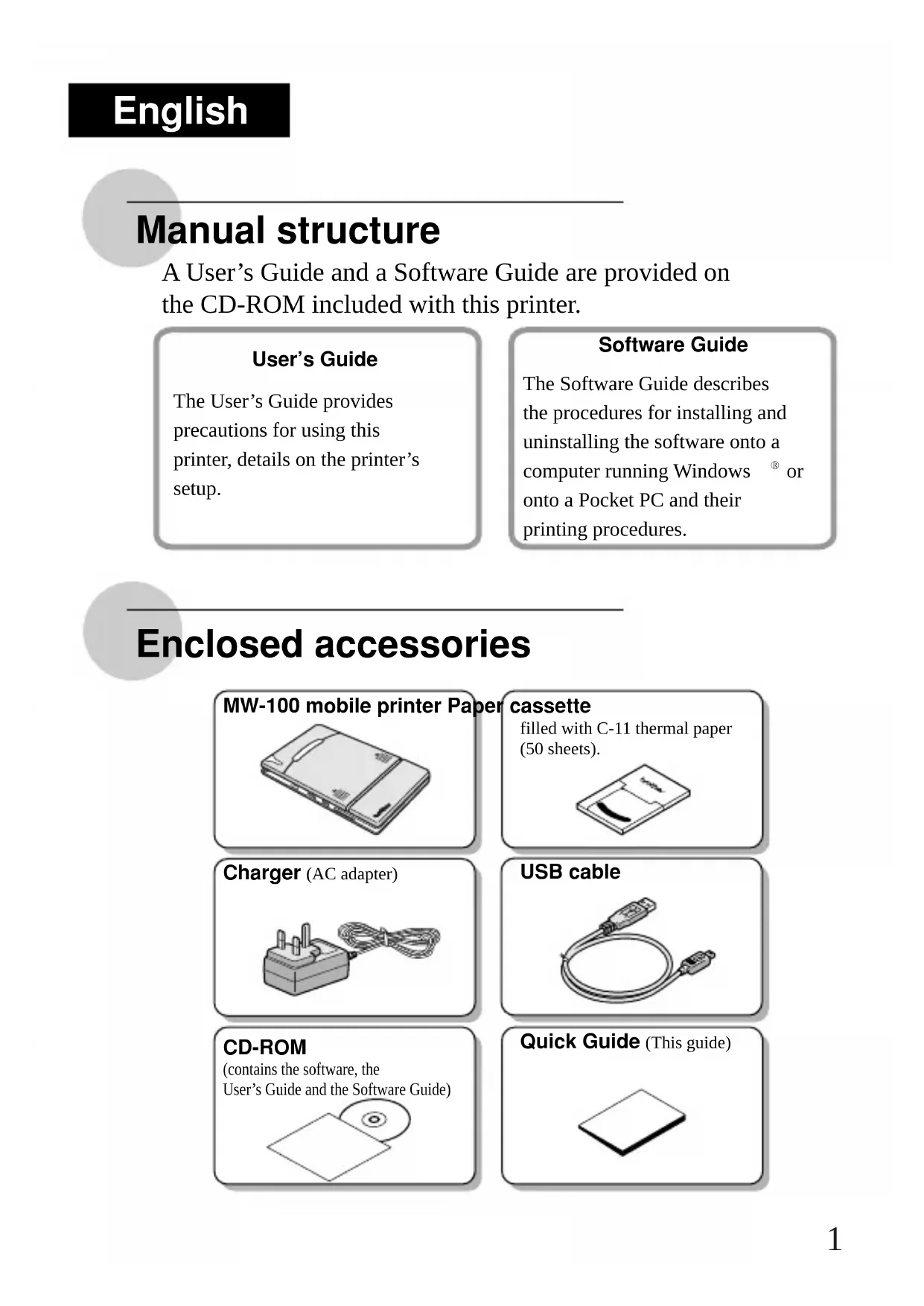
Enclosed accessories
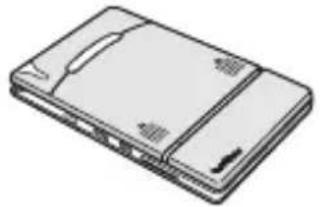
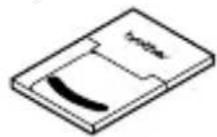
MW-100 mobile printer Paper
natural_image
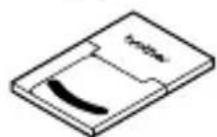
Illustration of a rectangular electronic device with a flat top and side slots (no text or symbols)cassette
filled with C-11 thermal paper (50 sheets).
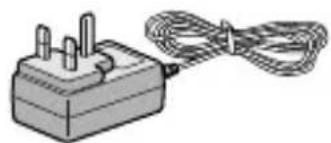
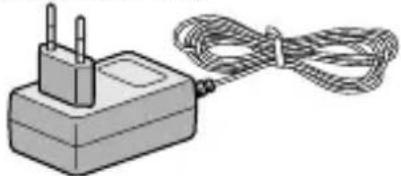
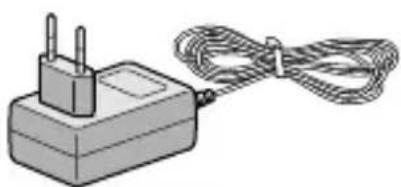
Charger (AC adapter)
natural_image
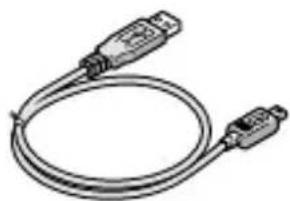
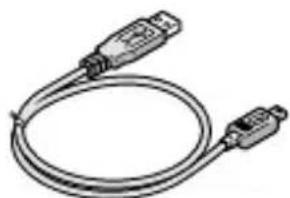
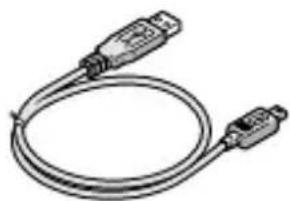
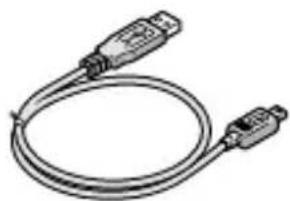
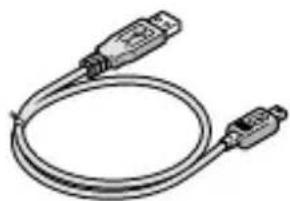
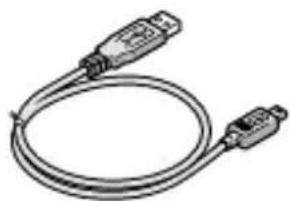
Illustration of a small electrical plug connected to a coiled cable (no text or symbols)USB cable
natural_image
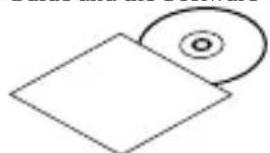
Coiled cable with two USB connectors (no text or symbols visible)CD-ROM
(contains the software, the User's Guide and the Software Guide)
natural_image
Simple line drawing of a square and a circular object (no text or symbols)Quick Guide (This guide)
Printer operation
1
Read the Quick Guide and check that all accessories are enclosed.
2
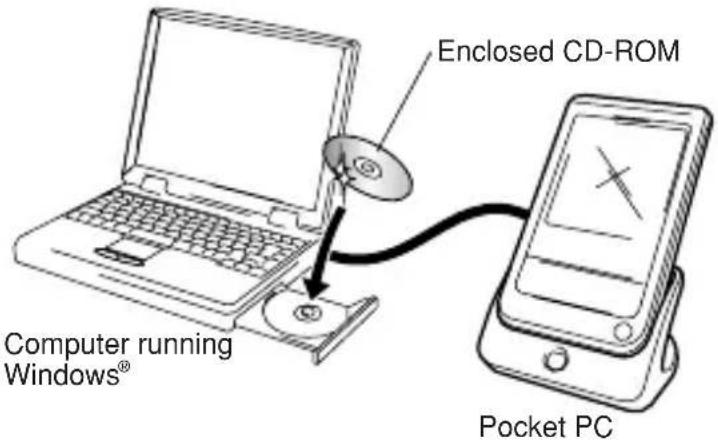
Insert the enclosed CD-ROM into the CD-ROM drive of the computer running Windows®.
The installer automatically starts up and the Brother
Mobile Printing Software dialog box appears.
If the installer does not automatically start up, double-click
"My Computer", and then double-click

3
Prepare the printer.
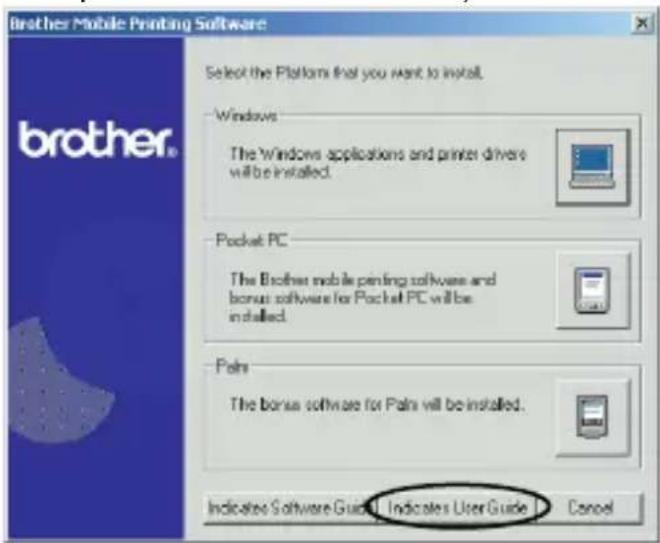
Refer to the User's Guide. (The User's Guide can be viewed by clicking the Indicates User Guide button in the first dialog box that appears when the installer is started up to install the software.)
Note: Read the User's Guide before operating the printer. Recommended saving the manual data in your PC for your reference.
Continued on the following page
4
Install the software according to the instructions that appear.
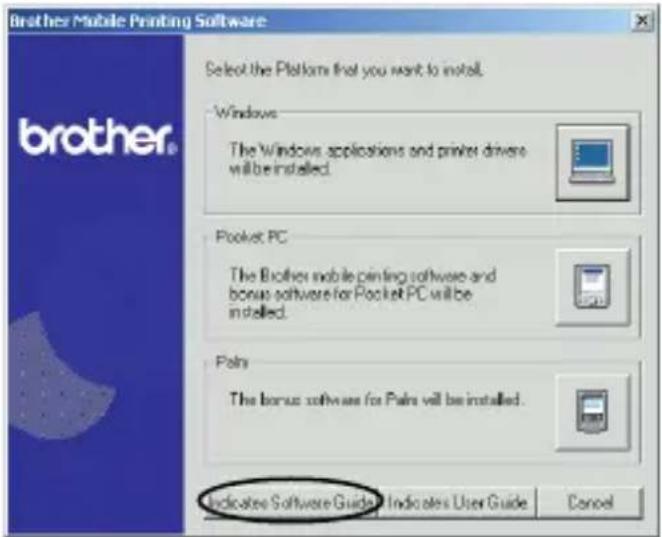
To view the Software Guide, click the Indicates Software Guide button.
5
Print!!
Refer to the Software Guide.
Note: Adobe Acrobat Reader is needed in order to view the User's Guide and the Software Guide.
Product specifications
Printer specifications
| Indicators | Status indicator light (red/green) | |
| Charging indicator light (orange) | ||
| Printing | Method | Direct thermal printing with a line thermal print head |
| Resolution | 300 dpi × 300 dpi | |
| Print speed | 15 seconds/sheet(standard text on thermal paper with 7 % coverage at an ambient temperature of 25 °C) | |
| No. of pages that can be printed | Approximately 100 pages can be printed continuously if the battery is fully charged(standard text on thermal paper with 7 % coverage at an ambient temperature of 25 °C) | |
| Paper supply method | Brother paper cassette, automatic paper feed mechanism | |
| Paper Brother A7 cut paper (74 mm × 105 mm) | ||
| Power supply | Compact switching AC adapter for charging, lithium ion battery (built in) (7.4 V) | |
| Interface | Complies with USB Ver. 1.1 and an infrared port compliant with IrDA 1.2 | |
| Dimensions | 100 mm (W) × 160 mm (D) × 17.5 mm (H) | |
| Weight | 300 g (including the built-in lithium ion battery and a paper cassette containing 50 sheets of plain thermal paper) | |
MW-100 Accessories
| Stock No. | Description |
| C-11 A7 Thermal paper (105 mm × 74 mm) | |
| C-21 A7 Label (105 mm × 74 mm) | |
| C-41 A7 Cut label sheet (4/sheet) (26.25 mm × 74 mm) | |
| C-42 A7 Cut label sheet (2/sheet) (52.5 mm × 74 mm) | |
Count: 50 sheets/cassette (thermal paper)
30 sheets/cassette (all others)
natural_image
Illustration of a rectangular electronic device with a flat top and side panel (no text or symbols)natural_image
Illustration of a power adapter with a coiled cable (no text or symbols)Câble USB
natural_image
Line drawing of a USB cable with two connectors (no text or symbols)natural_image
Simple line drawing of a square and a circular object (no text or symbols)natural_image
Illustration of a flat electronic device with a lid and ventilation slots (no text or symbols)natural_image
Illustration of a small electrical plug connected to a coiled cable (no text or symbols)USB-Datenkabel
natural_image
Coiled cable with two USB connectors (no text or symbols visible)CD-ROM
natural_image
Illustration of a flat electronic device with a lid and ventilation slots (no text or symbols)Cassetto carta
riempito con carta termica C-11 (50 fogli).
Caricabatterie
(adattatore CA)
natural_image
Illustration of a power adapter with two leads and a coiled cable (no text or symbols)Cavo USB
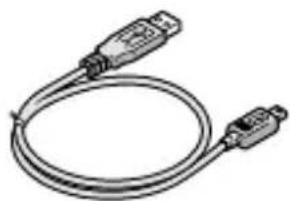
natural_image
Coiled cable with two USB connectors (no text or symbols visible)CD-ROM
natural_image
Simple line drawing of a square and a circular object (no text or symbols)Guida rapida (questa guida)
natural_image
Illustration of a smartphone with a flat screen and side panel (no text or symbols)natural_image
Illustration of a connected power strip with two terminal blocks (no text or symbols)Cable USB
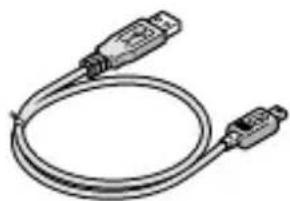
natural_image
Coiled cable with two USB connectors (no text or symbols visible)CD-ROM
natural_image
Simple line drawing of a CD and its corresponding square (no text or symbols)natural_image
Illustration of a flat electronic device with a lid and ventilation slots (no text or symbols)natural_image
Illustration of a power adapter with a coiled cable (no text or symbols)USB-kabel
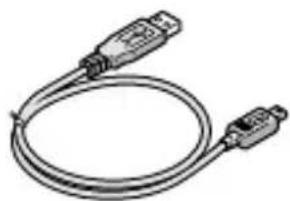
natural_image
Coiled cable with two connectors (no text or symbols visible)Cd-rom
natural_image
Simple line drawing of a square and a circular object (no text or symbols)Snelstartgids (deze gids)
5
natural_image
Illustration of a flat electronic device with a lid and ventilation slots (no text or symbols)natural_image
Illustration of a small electrical plug connected to a coiled cable (no text or symbols visible)USB-kabel
natural_image
Coiled cable with two USB connectors (no text or symbols visible)CD-ROM
natural_image
Simple line drawing of a CD and its corresponding square (no text or symbols)Hurtigveiledning
(Denne håndboken)
Bruk av skriveren
1
NB : Les brukerhåndboken før du tar skriveren i bruk. Vi anbefaler at du lagrer håndboken i PCen for senere referanse.
5
Skriv ut!!
Se programvarehåndboken.
natural_image
Illustration of a flat electronic device with a lid and ventilation slots (no text or symbols)natural_image
Illustration of a power adapter with a coiled cable (no text or symbols)USB-kabel
natural_image
Coiled cable with two USB connectors (no text or symbols visible)Cd-rom-skiva
5
Skriv ut!!
Se programvaruhandboken.
natural_image
Illustration of a flat electronic device with a closed lid and ventilation slots (no text or symbols)fyldt med C-11 termisk papir (50 ark).

Oplader (AC-adapter)
natural_image
Illustration of a small electrical plug connected to a coiled cable (no text or symbols)USB-kabel
natural_image
Coiled cable with two USB connectors (no text or symbols visible)Cd-rom
natural_image
Simple line drawing of a square and a circular object (no text or symbols)Kvikguide
(Denne vejledning)