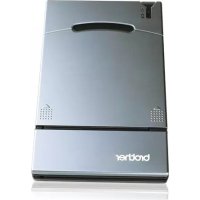
MW140BT - Printer BROTHER - Free user manual and instructions
Find the device manual for free MW140BT BROTHER in PDF.



| Product type | Mobile thermal printer |
| Brand | Brother |
| Model | MW140BT |
| Print technology | Direct thermal printing |
| Resolution | 300 dpi × 300 dpi |
| Print speed | 15 seconds/page (A7, 7% coverage, 25°C) |
| Paper size | A7 (74 × 105 mm), Brother cut sheet |
| Paper feed | Brother cassette, automatic feed |
| Interface | USB 1.1, Bluetooth 1.1 (Class 2, serial port profile) |
| Power supply | Compact AC adapter for charging built-in lithium-ion battery 780 mAh (7.4 V) |
| Battery life | Minimum 100 continuous pages (full battery, 7% coverage, 25°C) |
| Dimensions (W × D × H) | 100 × 160 × 17.5 mm |
| Weight | 300 g (with battery and 50-sheet cassette) |
| Indicator lights | Status (blue/green/red) and charging (orange) |
| Included accessories | Charger, CD-ROM (software and manuals), quick reference guide, C-11 thermal paper cassette (50 sheets) |
| Compatible software | Windows, Pocket PC, Palm (via Brother mobile print software) |
| Bluetooth safety | Disable in hospitals, airplanes, gas stations; avoid proximity to transmitters and wireless LAN |
| Maintenance and cleaning | Clean with a soft dry cloth; do not use solvents |
| Available spare parts | A7 thermal paper (C-11), A7 labels (C-21), cut labels (C-41, C-42), AC adapter |
| Compliance | CE, EMC (EN 55022, EN 55024, EN 61000), R&TTE, Low Voltage (73/23/EEC) |
Frequently Asked Questions - MW140BT BROTHER
User questions about MW140BT BROTHER
0 question about this device. Answer the ones you know or ask your own.
Ask a new question about this device
Download the instructions for your Printer in PDF format for free! Find your manual MW140BT - BROTHER and take your electronic device back in hand. On this page are published all the documents necessary for the use of your device. MW140BT by BROTHER.
USER MANUAL MW140BT BROTHER
natural_image
Line drawing of a flat electronic device with ventilation slots and a logo on the cover (no text or symbols)- Before using this printer, be sure to read this User's Guide.
- Lisez sans faute ce Guide de référence rapide avant d'utiliser cette imprimante.
● Vor der Inbetriebnahme des Druckers die Bedienungsanleitung gründlich lesen. - Prima di usare questa stampante, assicurarsi di leggere questa Guida rapida.
- Antes de utiliza esta impresora, asegúrese de haber leído esta Guía rápida.
- Lees deze "Snel aan de gang" gids voordat u de printer gebruikt.
- Les hurtigveiledningen før du tar skriveren i bruk.
- Se till att läsa snabbhandledningen, innan skrivaren tas i bruk.
- Læs Hurtig vejledning, inden denne printer tages i anvendelse.
English
Declaration of Conformity
We BROTHER INDUSTRIES, LTD.
15-1, Naesiro-cho, Mizuho-ku,
Nagoya 467-8561, Japan
declare that the MPrint MW-140BT conforms with the following normative documents:
EMC: EN 55022:1998 Class B
EN 55024:1998
EN 61000-3-2:1995
EN 61000-3-3:1995
and follows the provisions of the Electromagnetic Compatibility Directive 89/336/EEC (as amended by 91/263/EEC and 92/31/EEC). The optional AC adapter also conforms with EN 60950 and follows the provisions of the Low Voltage Directive 73/23/EEC.
Issued by: BROTHER INDUSTRIES, LTD.
P & H company
Development DIV.
CE0891①
- This products bearing the CE marking comply with the R&TTE Directive (1995/5/EC), EMC Directive (89/336/EEC) and the Low Voltage Directive (73/23/EEC) issued by the Commission of the European Community.
1) What is Bluetooth?
Bluetooth is a type of short-range wireless technology that provides wireless connectivity to users of computers and PDAs equipped with Bluetooth.
2) Precautions for using Bluetooth
Wireless connections are used in a wide range of fields. Therefore, in order to prevent malfunctions with the following, Bluetooth should be turned off.
•Hospitals
•Aircraft
•Gasoline/Petrol stations
- Fire alarms
3) For better transmission
Bluetooth connectivity varies greatly according to its operating environment. If a good connection cannot be achieved, try connecting again.
Connections are difficult to achieve in the following locations.
•Near electronic equipment
- Near broadcasting stations or wireless base stations
•Near wireless LAN (IEEE802.11)
4) Other features of Bluetooth technology
- Equipment using Bluetooth technology may require a few seconds until the Bluetooth function can be used after it is turned on. This length of time differs depending on the equipment. (This unit requires a maximum of 8 seconds.)
Manual structure
A User's Guide and a Software Guide are provided on the CD-ROM included with this printer.
User's Guide
The User's Guide provides precautions for using this printer, details on the printer's setup.
Software Guide
The Software Guide describes the procedures for installing and uninstalling the software onto a computer running Windows® or onto a Pocket PC and their printing procedures.
Enclosed accessories
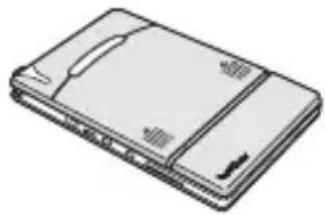
MW-140BT mobile printer Paper cassette
natural_image
Illustration of a flat electronic device with a handle and ventilation slots (no text or symbols)filled with C-11 thermal paper (50 sheets).
Charger (AC adapter)
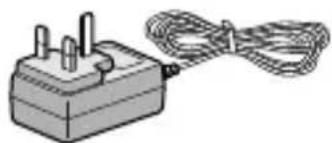
natural_image
Illustration of a power plug connected to a coiled cable (no text or symbols)USB cable
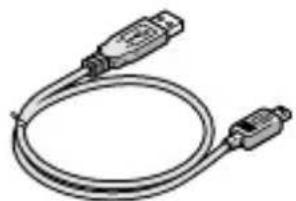
natural_image
Illustration of a USB cable with two connectors (no text or symbols)CD-ROM
(contains the software, the User's Guide and the Software Guide)
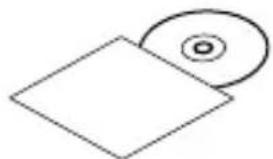
natural_image
Simple line drawing of a CD or DVD disc and its corresponding square (no text or symbols)Quick Guide (This guide)
Printer operation
1
Read the Quick Guide and check that all accessories are enclosed.
2
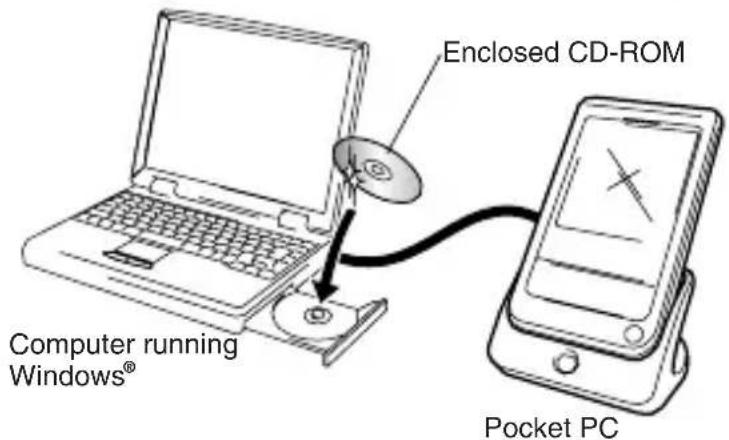
Insert the enclosed CD-ROM into the CD-ROM drive of the computer running Windows®.
The installer automatically starts up and the Brother Mobile Printing Software dialog box appears.
If the installer does not automatically start up, double-click "My Computer", and then double-click

3
Prepare the printer.
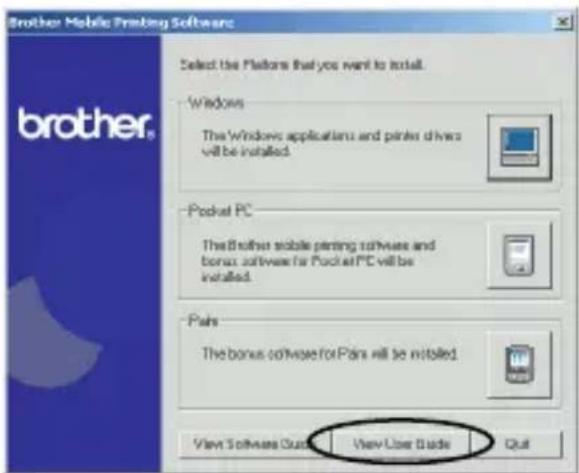
Refer to the User's Guide. (The User's Guide can be viewed by clicking the View User Guide button in the first dialog box that appears when the installer is started up to install the software.)
Note: Read the User's Guide before operating the printer.
It is recommended you save the User's Guide onto your PC for future reference.
4
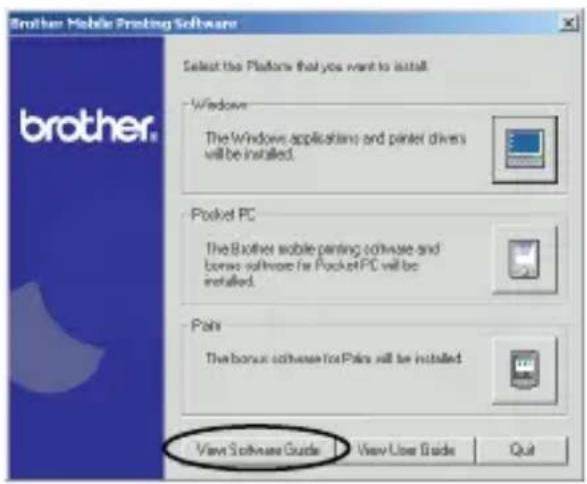
Install the software according to the instructions that appear.
To view the Software Guide, click the View Software Guide button.
5
Print!!
Refer to the Software Guide.
Note: Adobe Acrobat Reader is needed in order to view the User's Guide and the Software Guide.
Product specifications
Printer specifications
| Indicators | Status indicator light (blue/green/red) | |
| Charging indicator light (orange) | ||
| Printing | Method | Direct thermal printing with a line thermal print head |
| Resolution 300 dpi × 300 dpi | ||
| Print speed | 15 seconds/sheet(standard text on thermal paper with 7 % coverage at an ambient temperature of 25 °C) | |
| No. of pages that can be printed | 100 or more during continuous printing with a fully charged battery. Using Bluetooth sleep mode will affect this figure. (Based on 7% coverage at an ambient temperature of 25 degrees Celsius.) (Standard paper manufactured by Brother: A7 thermal) | |
| Paper supply method | Brother paper cassette, automatic paper feed mechanism | |
| Paper Brother A7 cut paper (74 mm × 105 mm) | ||
| Power supply | Compact switching AC adapter for charging, lithium ion battery (built in) 780 mAh (7.4 V) | |
| Interface | Complies with USB Ver. 1.1 and compliant with Bluetooth ver. 1.1 class 2 serial port profile supported | |
| Dimensions | 100 mm (W) × 160 mm (not including projection) (D) × 17.5 mm (H) | |
| Weight | 300 g (including the built-in lithium ion battery and a paper cassette containing 50 sheets of plain thermal paper) | |
MW-140BT Accessories
| Stock No. | Description |
| C-11 A7 Thermal paper (105 mm × 74 mm) | |
| C-21 A7 Label (105 mm × 74 mm) | |
| C-41 A7 Cut label sheet (4/sheet) (26.25 mm × 74 mm) | |
| C-42 A7 Cut label sheet (2/sheet) (52.5 mm × 74 mm) | |
Count: 50 sheets/cassette (thermal paper)
30 sheets/cassette (all others)
Français
15-1, Naesiro-cho, Mizuho-ku,
Nagoya 467-8561, Japon
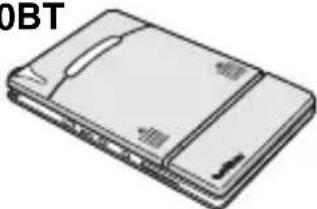
Imprimante portable
MW-140BT
natural_image
Illustration of a flat electronic device with a closed lid and ventilation slots (no text or symbols visible)Cassette de papier
natural_image
Illustration of a power adapter with two pins and a coiled cable (no text or symbols)Câble USB
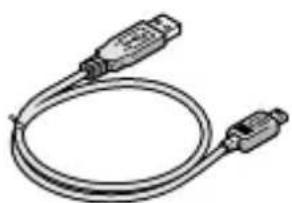
natural_image
Illustration of a coiled cable with two connectors (no text or symbols)CD-ROM
natural_image
Simple line drawing of a square and a circular object (no text or symbols)Accessoires MW-140BT
15-1, Naesiro-cho, Mizuho-ku,
Nagoya 467-8561, Japan
natural_image
Illustration of a flat electronic device with a lid and ventilation slots (no text or symbols)Papierkassette
natural_image
Illustration of a small electrical plug connected to a coiled cable (no text or symbols)USB-Datenkabel
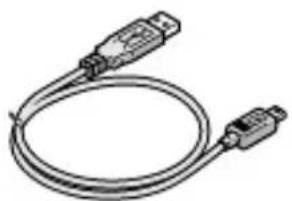
natural_image
Illustration of a USB cable with two connectors (no text or symbols)CD-ROM
natural_image
Simple line drawing of a CD or DVD with a square and circular inset (no text or symbols)15-1, Naesiro-cho, Mizuho-ku,
natural_image
Illustration of a flat electronic device with a closed lid and ventilation slots (no text or symbols)Cassetto carta
riempito con carta termica C-11 (50 fogli).
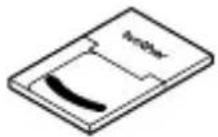
Caricabatterie
(adattatore CA)
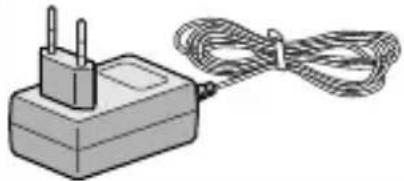
natural_image
Illustration of a small electrical plug connected to a coiled cable (no text or symbols)Cavo USB
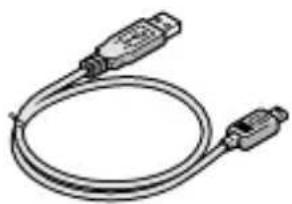
natural_image
Coiled cable with two connectors (no text or symbols visible)CD-ROM
natural_image
Simple line drawing of a CD or DVD disc and its corresponding square (no text or symbols)Guida rapida (questa guida)
15-1, Naesiro-cho, Mizuho-ku,
natural_image
Illustration of a rectangular electronic device with a flat top and side panel (no text or symbols visible)natural_image
Illustration of a power adapter with a coiled cable (no text or symbols)Cable USB
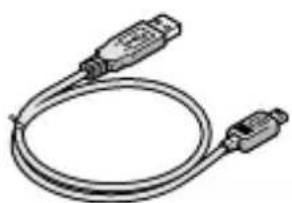
natural_image
Illustration of a USB cable with two connectors (no text or symbols)CD-ROM
natural_image
Simple line drawing of a CD or DVD disc and its corresponding square (no text or symbols)15-1, Naesiro-cho, Mizuho-ku,
Nagoya 467-8561, Japan
1) Wat is Bluetooth?
natural_image
Illustration of a flat electronic device with a lid and ventilation slots (no text or symbols)Papiercassette
natural_image
Illustration of a small electrical plug connected to a coiled cable (no text or symbols)USB-kabel
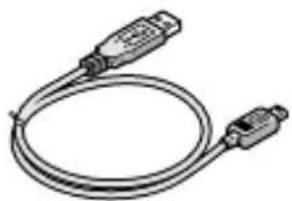
natural_image
Illustration of a coiled cable with two connectors (no text or symbols)Cd-rom
natural_image
Simple line drawing of a square and a circular object (no text or symbols)Snelstartgids (deze gids)
5
15-1, Naesiro-cho, Mizuho-ku,
Nagoya 467-8561, Japan,
natural_image
Illustration of a rectangular electronic device with a lid and ventilation slots (no text or symbols)natural_image
Illustration of a small electrical plug connected to a coiled cable (no text or symbols)USB-kabel
natural_image
Illustration of a USB cable with two connectors (no text or symbols)CD-ROM
NB : Les brukerhåndboken før du tar skriveren i bruk.
Vi anbefaler at du lagrer håndboken i PCen for senere referanse.
5
Skriv ut!!
Se programvarehåndboken.
15-1, Naesiro-cho, Mizuho-ku,
Nagoya 467-8561, Japan
natural_image
Illustration of a rectangular electronic device with a flat top and side panel (no text or symbols)Papperskassett
natural_image
Illustration of a small electrical plug connected to a coiled cable (no text or symbols)USB-kabel
natural_image
Illustration of a USB cable with two connectors (no text or symbols)Cd-rom-skiva
5
Skriv ut!!
Se programvaruhandboken.
15-1, Naesiro-cho, Mizuho-ku,
Nagoya 467-8561, Japan
natural_image
Line drawing of a rectangular electronic device with a flat top and side panel (no text or symbols)fyldt med C-11 termisk papir (50 ark).
Oplader (AC-adapter)
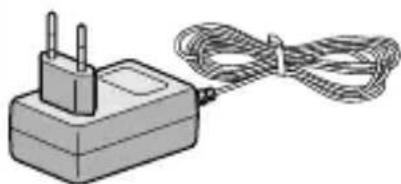
natural_image
Illustration of a power adapter with two leads and a coiled cable (no text or symbols)USB-kabel
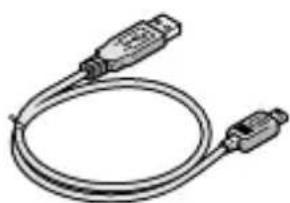
natural_image
Illustration of a USB cable with two connectors (no text or symbols)Cd-rom
natural_image
Simple line drawing of a CD or DVD disc and its corresponding square (no text or symbols)Kvikguide
(Denne vejledning)
Printerbetjening
5
Udskriv!!
- English
- Declaration of Conformity
- CE0891①
- 1) What is Bluetooth?
- 2) Precautions for using Bluetooth
- 3) For better transmission
- 4) Other features of Bluetooth technology
- Manual structure
- User's Guide
- Software Guide
- Enclosed accessories
- Printer operation
- 1
- 2
- 3
- Prepare the printer.
- 4
- Install the software according to the instructions that appear.
- 5
- Print!!
- Product specifications
- Français
- Cassette de papier
- CD-ROM
- 1) Wat is Bluetooth?
- Skriv ut!!
- Printerbetjening
- Udskriv!!
Brand : BROTHER
Model : MW140BT
Category : Printer