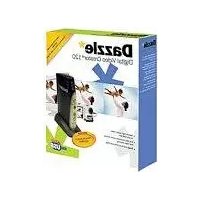
Dazzle dvc 120 nl fr usb - Audio and/or video software PINNACLE - Free user manual and instructions
Find the device manual for free Dazzle dvc 120 nl fr usb PINNACLE in PDF.

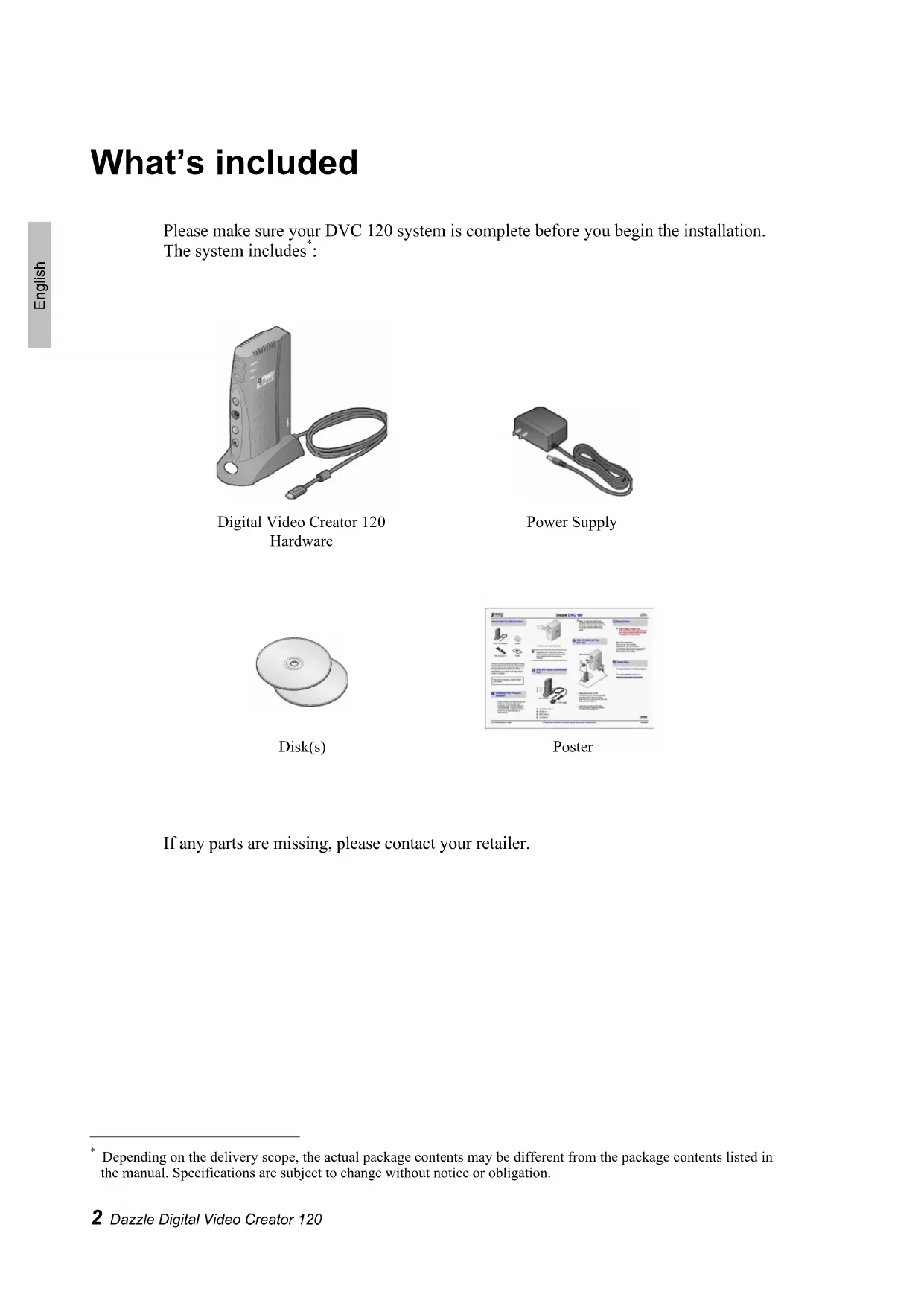


| Product Type | Video/audio analog-to-digital converter (USB capture device) |
| Brand | Pinnacle |
| Model | Dazzle DVC 120 NL FR USB |
| Dimensions (approx.) | 100 x 60 x 20 mm |
| Weight (approx.) | 50 g |
| Power | Via USB port (bus-powered) |
| Connectivity | USB 2.0 |
| Video inputs | 1 x composite (RCA), 1 x S-video |
| Audio inputs | 2 x RCA (stereo, left/right) |
| Compatible operating system | Windows (integration with included software) |
| Included software | Pinnacle Studio QuickStart |
| Main functions | Analog video and audio capture to digital via USB; basic video editing |
| Maintenance and cleaning | Clean with a soft dry cloth; avoid moisture and shocks |
| Safety | Use only with a computer; do not open the case; unplug before cleaning |
| Warranty | 24 months against defects in materials and workmanship |
Frequently Asked Questions - Dazzle dvc 120 nl fr usb PINNACLE
User questions about Dazzle dvc 120 nl fr usb PINNACLE
0 question about this device. Answer the ones you know or ask your own.
Ask a new question about this device
Download the instructions for your Audio and/or video software in PDF format for free! Find your manual Dazzle dvc 120 nl fr usb - PINNACLE and take your electronic device back in hand. On this page are published all the documents necessary for the use of your device. Dazzle dvc 120 nl fr usb by PINNACLE.
USER MANUAL Dazzle dvc 120 nl fr usb PINNACLE
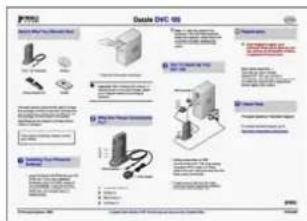
Dazzle
Digital Video Creator 120
QUICKSTART GUIDE
What's included
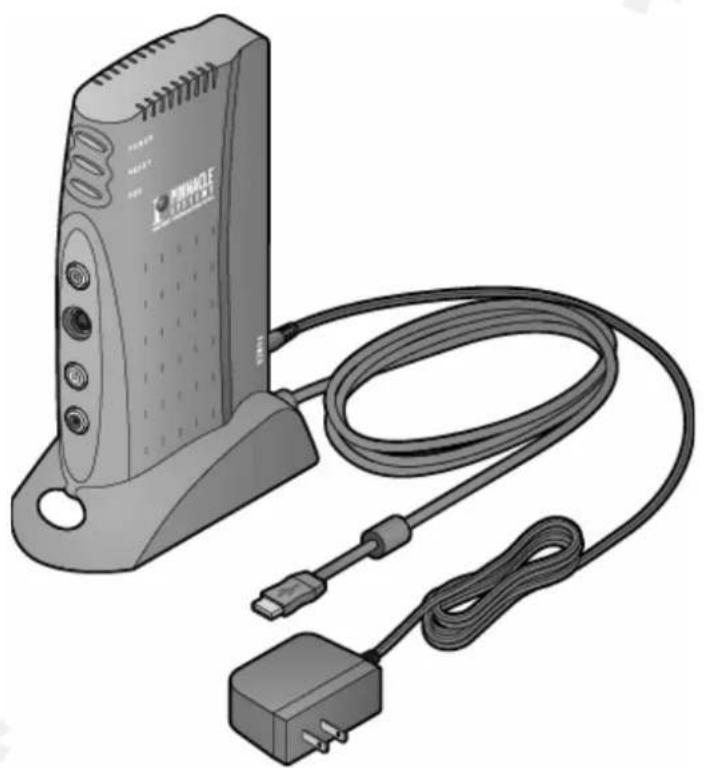
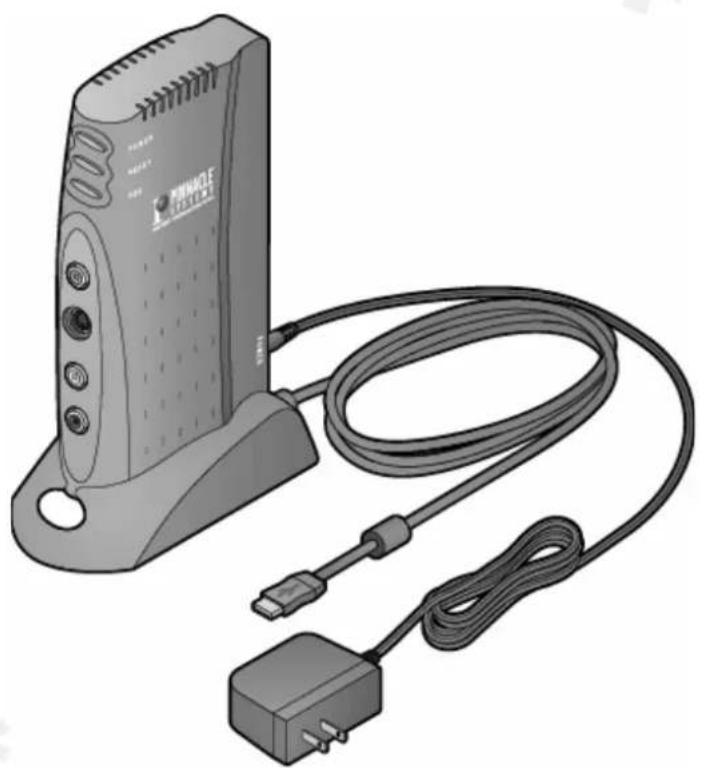
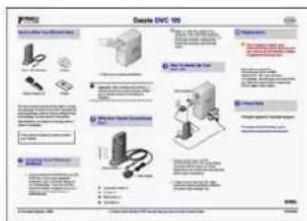
Please make sure your DVC 120 system is complete before you begin the installation. The system includes :
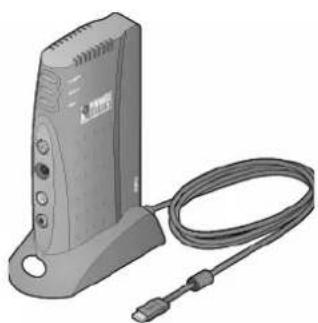
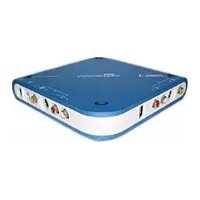
Digital Video Creator 120 Hardware
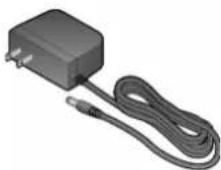
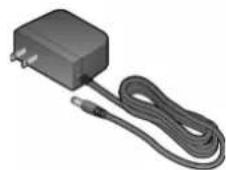
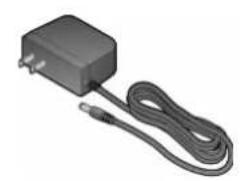
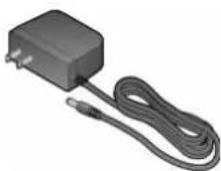
Power Supply
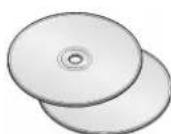
Disk(s)
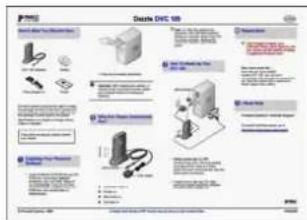
Poster
If any parts are missing, please contact your retailer.
Install DVC 120
The provided software must be installed before connecting the DVC 120 to your computer's USB port.
- Insert the Software Installation CD.
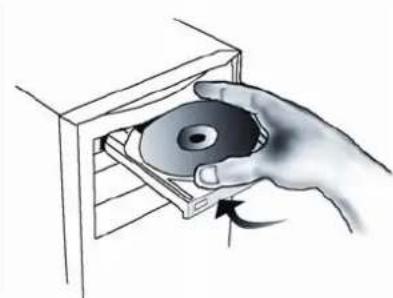
- Follow the on-screen instructions as prompted to install the software.
Important: After installing the software, restart your computer before connecting the hardware.
-
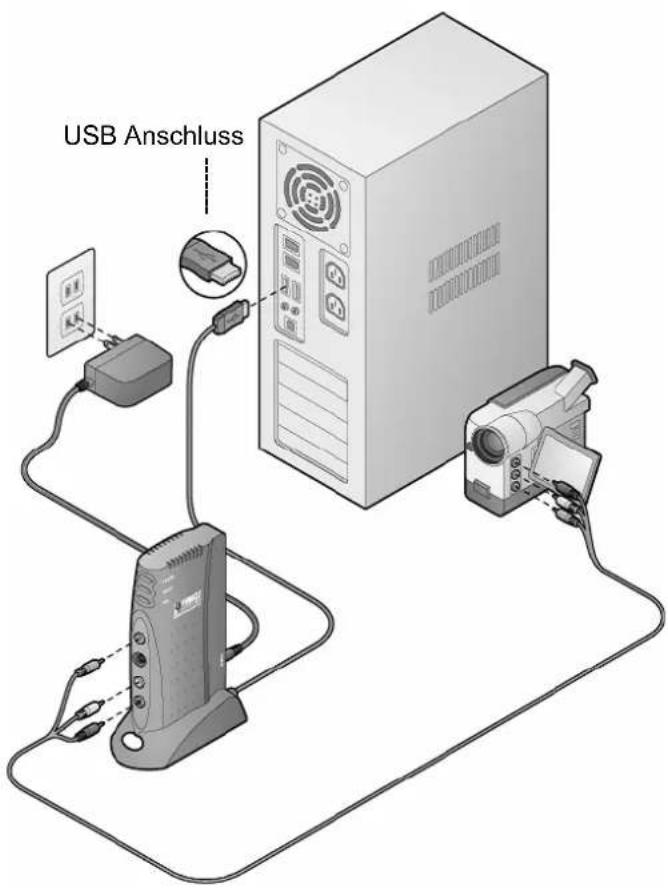
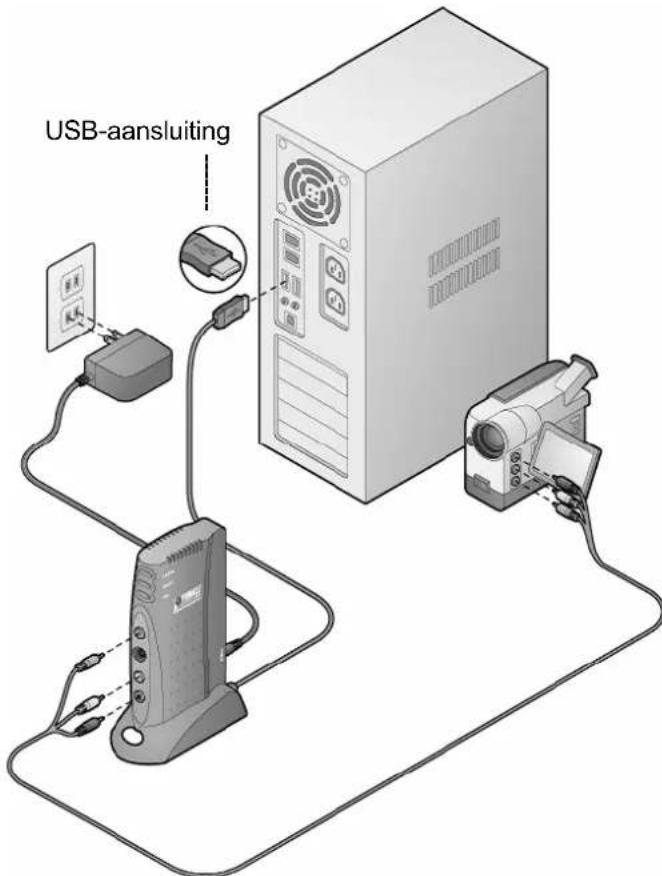
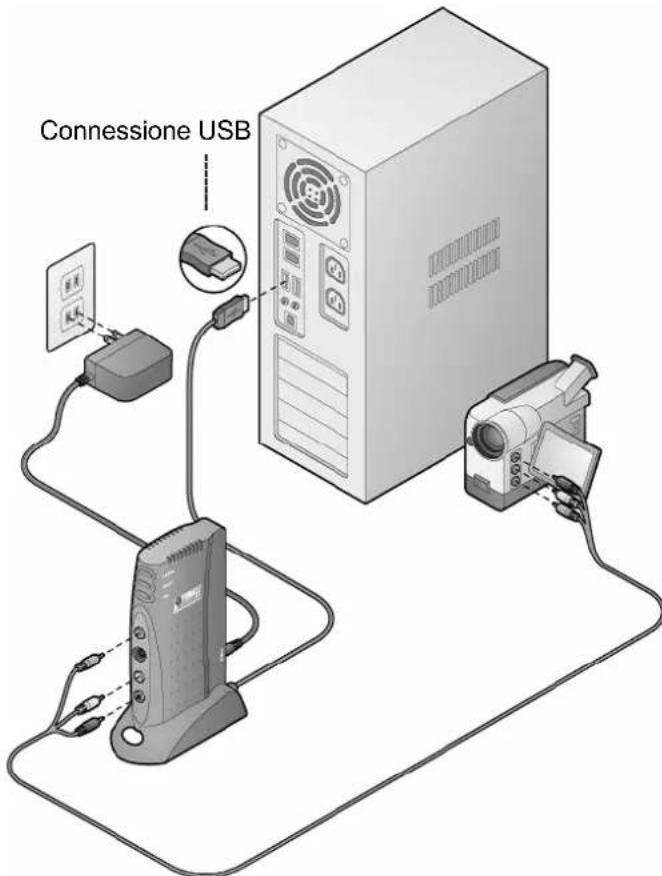
Connect the Digital Video Creator 120 to the computer's USB port.
-
If the Windows Add New Hardware dialog box appears, follow the on-screen prompts.
-
Connect the outputs from your capture source to the inputs on the DVC 120.
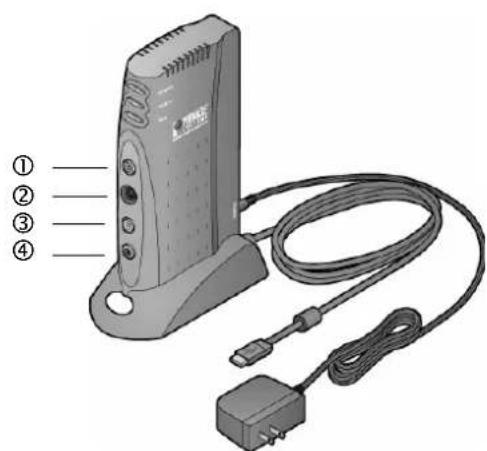
① Composite Video In
② S-Video In
③ Right Audio In
④ Left Audio In
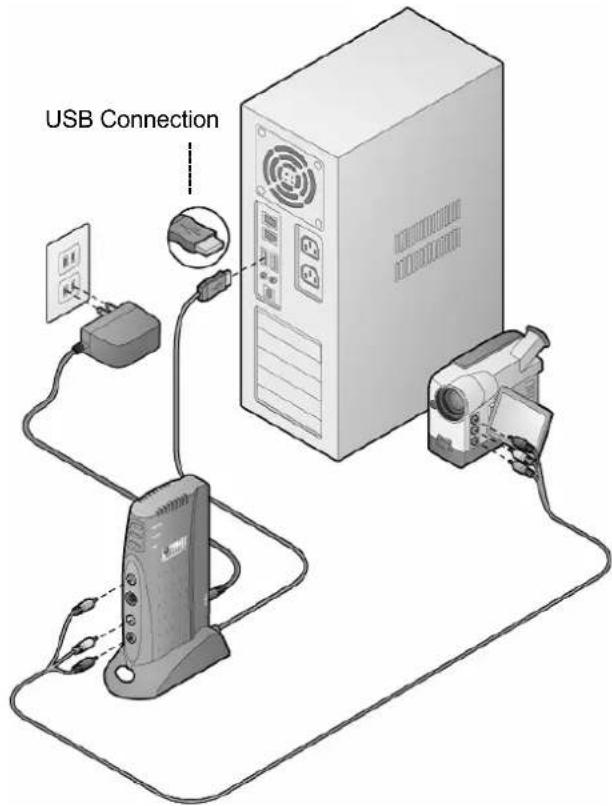
- To learn how to edit your first video, launch the Studio QuickStart software and select View Guided Tour.
Dazzle
Digital Video Creator 120
KURZANLEITUNG
Lieferumfang
Digital Video Creator 120 Hardware
Netzteil
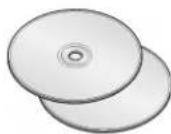
Disk(s)
① Composite Video In
② S-Video In
③ Audio Rechts In
④ Audio Links In
Sont fournis
Appareil Digital Video Creator 120
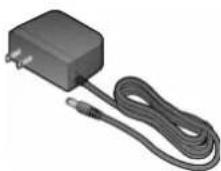
Bloc d'alimentation
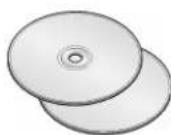
Disque(s)
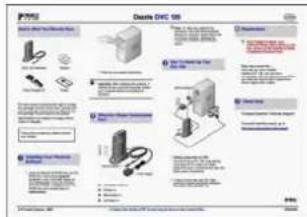
Poster
Leveringsomvang
Digital Video Creator 120 hardware
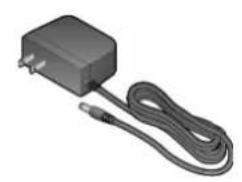
Netgedeelte
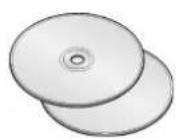
Disk(s)
Poster
① Composite Video In
② S-Video In
③ Audio In rechts
④ Audio In links
Hardware Digital Video Creator 120
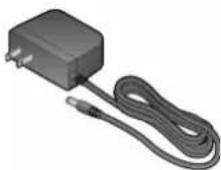
Alimentatore
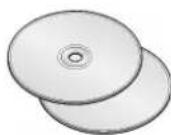
Disco(i)
Poster
① Video Composito In
② S-Video In
③ Audio destra In
④ Audio sinistra In
¿Qué se incluye
Digital Video Creator 120 Hardware
O que está incluído
Hardware do Digital Video Creator 120
Alimentador
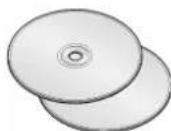
Disco(s)
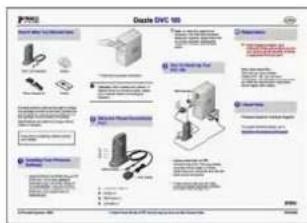
Pôster
PINNACLE LIMITED HARDWARE WARRANTY
Pinnacle Systems, Inc. (Pinnacle) warrants your new hardware against defects in materials and workmanship for a period of 24 months from the date of your original purchase of the new product. If product fails to be free of defects in materials and workmanship during the warranty period, Pinnacle will repair, or at its sole option, replace the product, provided that you return it (postage prepaid, with proof of your purchase from the original retailer) to Pinnacle during the warranty period. Pinnacle may repair or replace the product with functionally equivalent new or reconditioned components or products.
To obtain warranty service, please check the Support Center information that accompanies your product. To access the Support Center, click on the Windows Start menu and select:
Programs/"Your Pinnacle Product"/Help/Pinnacle Service & Support Center.
or visit the Pinnacle Systems Web site http://www.pinnaclesys.com for the latest Pinnacle Customer Support contact information.
Replacement products will be returned to you at Pinnacle's expense via ground delivery service. Extra freight charges will apply for expedited shipping, or to points outside of territories where Pinnacle maintains a customer service department, if such service is available. Replacement products will be covered for the remainder of the original 24-month warranty period, or for a period of 90 days, whichever is longer.
WARRANTY EXCLUSIONS
This limited warranty does not cover defects caused by (a) accident, misuse, abuse or neglect, (b) improper operation, maintenance, installation, adjustment, or any alteration or modification of any kind, or (c) repairs or disassembly not performed by Pinnacle.
THIS LIMITED WARRANTY IS PINNACLE'S ONLY WARRANTY, AND PINNACLE EXPRESSLY EXCLUDES ALL OTHER WARRANTIES, EXPRESS OR IMPLIED, INCLUDING WITHOUT LIMITATION IMPLIED WARRANTIES OF MERCHANTABILITY, FITNESS FOR A PARTICULAR PURPOSE AND NON-INFRINGEMENT. EXCEPT FOR THE EXPRESS LIMITED WARRANTY ABOVE, THE PRODUCT IS SOLD "AS IS," AND YOU ASSUME THE ENTIRE RISK AS TO THE PRODUCT'S SUITABILITY TO YOUR NEEDS, ITS QUALITY AND ITS PERFORMANCE. IN NO EVENT WILL PINNACLE BE LIABLE FOR ANY DIRECT, INDIRECT, SPECIAL, INCIDENTAL OR CONSEQUENTIAL DAMAGES RESULTING FROM ANY DEFECT IN THE PRODUCT OR FROM ITS USE, EVEN IF ADVISED OF THE POSSIBILITY OF SUCH DAMAGES.
All exclusions and limitations in this limited warranty are made only to the extent permitted under applicable law and shall not apply to the extent in conflict with the express requirements of applicable law. This limited warranty gives you specific rights, and you may also have other rights that vary from state to state or country to country.
EXCUSIONS DE LA GARANTIE
BEPERKTE GARANTIE VOOR HARDWARE VAN PINNACLE
Programma's/“Your Pinnacle Product”/Help/Pinnacle Service & Support Center.
Programs/"Your Pinnacle Product"/Help/Pinnacle Service & Support Center.
GARANTIA LIMITADA DE HARDWARE DA PINNACLE
This certification is based on: Test report(s) generated by EMI-test laboratory
NOTE: Shielded cables should be used for a composite interface. This is to ensure continued protection against radio frequency interference.
FCC WARNING STATEMENT
NOTE: This equipment has been tested and found to comply with the limits for a Class B digital device, pursuant to Part 15 of the FCC Rules. These limits are designed to provide reasonable protection against harmful interference in a residential installation. This equipment generates, uses and can radiate radio frequency energy and, if not installed and used in accordance with the instructions, may cause harmful interference to radio communications. However, there is no guarantee that interference will not occur in a particular installation. If this equipment does cause harmful interference to radio or television reception, which can be determined by turning the equipment off and on, the user is encouraged to try to correct the interference by one or more of the following measures:
■ Reorient or relocate the receiving antenna.
■ Increase the separation between the equipment and receiver.
- Connect the equipment into an outlet on a circuit different from that to which the receiver is connected.
- Consult the dealer or an experienced radio/TV technician for help.
CAUTION
Changes or modifications not expressly approved by the party responsible for compliance could void the user's authority to operate the equipment.
Shielded interface cable must be used in order to comply with the emission limits.
LABEL WARNING
This device complies with Part 15 of the FCC Rules. Operation is subject to the following two conditions: (1) this device may not cause harmful interference, and (2) this device must accept any interference received, including interference that may cause undesired operation.
Pinnacle Systems
Dazzle DVC 120

Tested To Comply With FCC Standards
FOR HOME OR OFFICE USE

- DAZZLE
- DIGITAL VIDEO CREATOR 120
- QUICKSTART GUIDE
- WHAT'S INCLUDED
- INSTALL DVC 120
- KURZANLEITUNG
- LIEFERUMFANG
- SONT FOURNIS
- LEVERINGSOMVANG
- ¿QUÉ SE INCLUYE
- O QUE ESTÁ INCLUÍDO
- PINNACLE LIMITED HARDWARE WARRANTY
- WARRANTY EXCLUSIONS
- EXCUSIONS DE LA GARANTIE
- BEPERKTE GARANTIE VOOR HARDWARE VAN PINNACLE
- GARANTIA LIMITADA DE HARDWARE DA PINNACLE
- FCC WARNING STATEMENT
- CAUTION
- LABEL WARNING
Brand : PINNACLE
Model : Dazzle dvc 120 nl fr usb
Category : Audio and/or video software