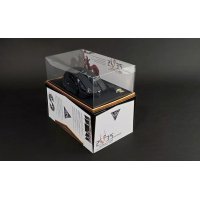
Zeus Laser - Mouse Gamdias - Free user manual and instructions
Find the device manual for free Zeus Laser Gamdias in PDF.


User questions about Zeus Laser Gamdias
0 question about this device. Answer the ones you know or ask your own.
Ask a new question about this device
Download the instructions for your Mouse in PDF format for free! Find your manual Zeus Laser - Gamdias and take your electronic device back in hand. On this page are published all the documents necessary for the use of your device. Zeus Laser by Gamdias.
USER MANUAL Zeus Laser Gamdias
Thank you for choosing the ZEUS laser gaming mouse by GAMDIAS™. The GAMDIAS™ ZEUS employs 32 bits ARM Cortex premium micro-processor, with 8200DPI precision-perfect laser sensor. 512KB built-in flash memory and 9 Macro-Key design enables the execution of combinations skills without driver installation. Ergonomically engineered adjustable side panels offers ultimate control, balance, and tactility.
System Requirements Package Contents
WindowsXP/Vista/7/8
GAMDIAS ZEUS Laser Gaming Mouse
PC with USB port
-
Multi-language Quick Installation Guide
-
Internet connection (for HERA software installation)
GAMDIAS TM Sticker
Hardware and Software Installation
- Plug the GAMDIAS™ ZEUS into your PCs via USB Port.
- The "found new hardware" notice will appear, please following instruction to complete hardware installation.
- Log onto the GAMDIAS™ website (http://www.GAMDIAS.com) to download the latest version of the HERA application software.
- Start installing the GAMDIAS™ HERA software by following the instruction on the installation guide.
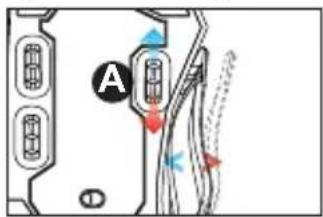
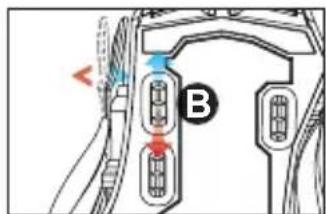
ZEUS Side panel adjustment
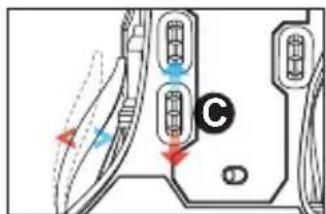
The adjustable panel on the flanks of the ZEUS may be adjusted by the three sets of scrolls situated at the bottom of the mouse, allowing customized comfort for the perfect grip fit.
- When scroll A is rolled down, the panel on the thumb side expands, when rolled up, the thumb side panel contracts inwards.
- When scroll B is rolled down, the panel for the ring finger expands outwards, when rolled up, the panel for the ring finger contracts inwards.
- When scroll C is rolled down, the panel for the little finger expands outwards, when scrolled up, the panel for the little finger contracts inwards.
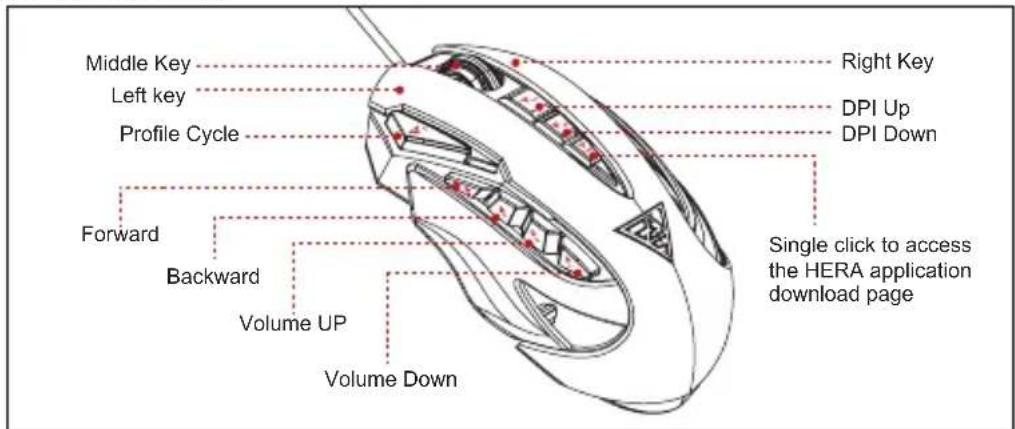
ZEUS Default Settings
Registering Your GAMDIAS™ ZEUS Laser Gaming Mouse
Please visit www.GAMDIAS.com for online product registration.
Notice: The GAMDIAS™ ZEUS mouse uses a Class 1 laser sensor. The light emitted by this sensor meets EN/IEC 60825-1:2007 requirements with regard to eye safety. Despite this, under certain circumstances pointing the laser directly at the eyes may cause blindness. Never look directly at the laser bean and never point it at other people or reflective object such as mirrors.
Gaming Art in Motion

Gaming Art in Motion

Gaming Art in Motion

Gaming Art in Motion

Gaming Art in Motion

2E <日本語>
Gaming Art in Motion

<中文繁體>
Gaming Art in Motion

E <韓国の>
GAMDIAS™的ZEUS®ReiTJIeMgUusuLHgUHdHsHuaHsHcHnHdH. GAMDIAS™ ZEUS是32bit ARM Cortex ProLIMeMpaHcRlO ProLSeHx8200DP1的高精度LREiTcHcTeHcHtHcHtHcHtHcHtHcHtHcHtHcHtHcHtHcHtHcHtHcHtHcHtHcHtHcHtHcHtHcHtHcHtHcHtHcHtHcHtHcHtHcHtHcHtHcHtHcHtHcH
山土皂求社
- Windows® XP/Vista/7/8
GAMDIAS US ZEUS - USB 五旦五台PC
- 深圳海关站是深圳海关口岸
-InlTeNtEnJEnG(HERASoFTrEWeHsEeTCH)
GAMDIAS TM△E|
hur
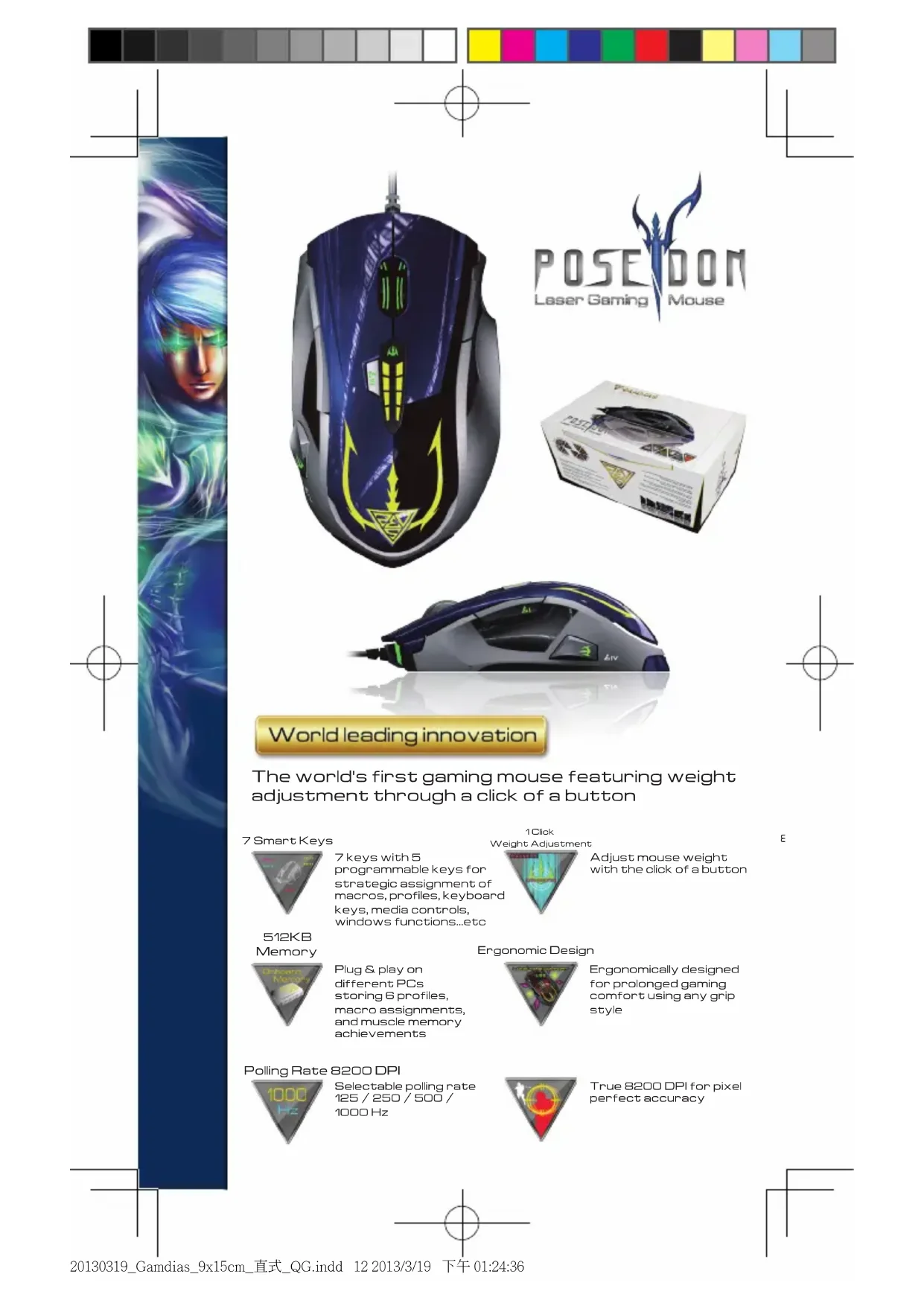
World leading innovation
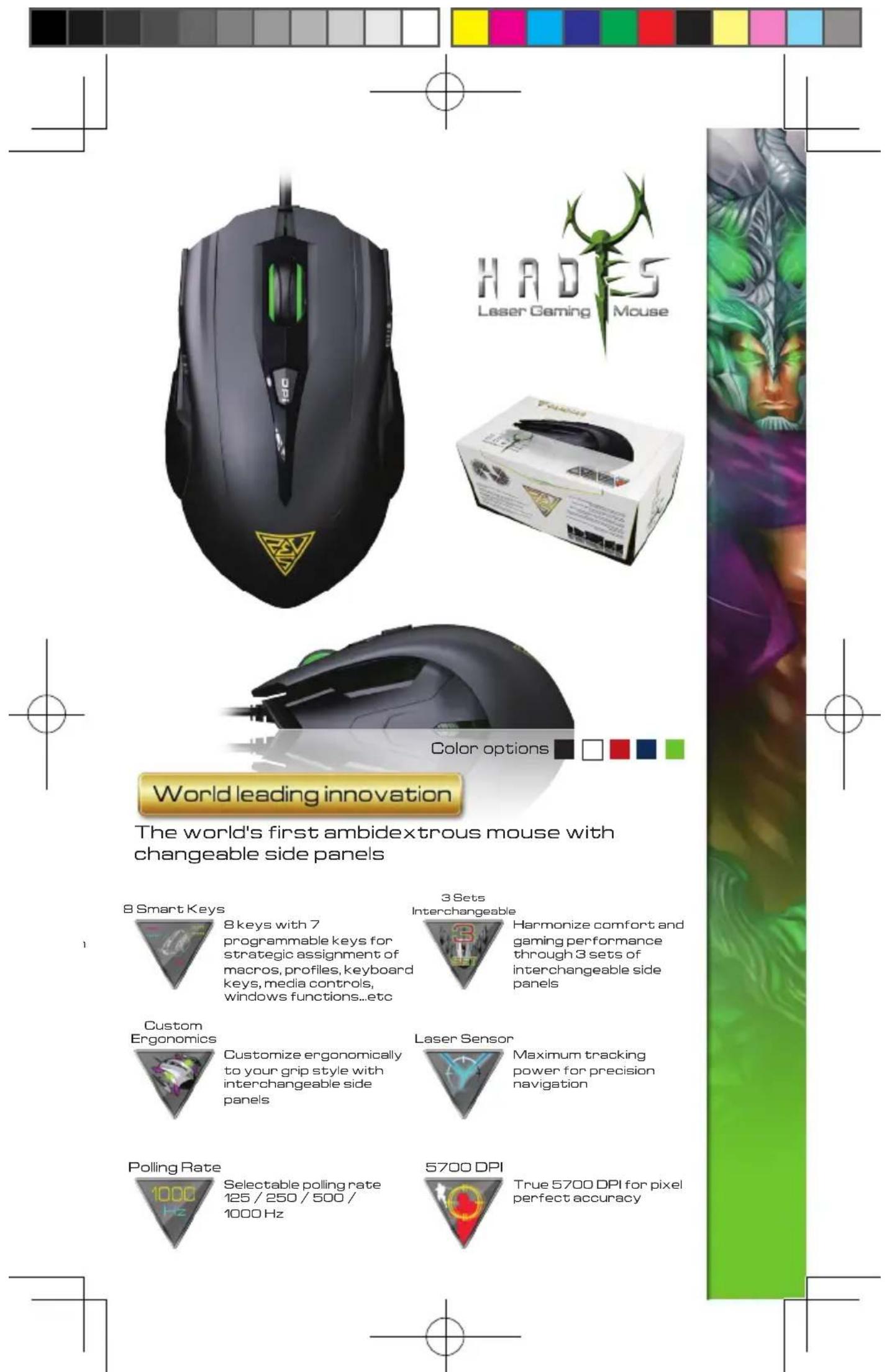
The world's first gaming mouse featuring weight adjustment through a click of a button
7SmartKeys

512KB Memory
7 keys with 5 programmable keys for strategic assignment of macros, profiles, keyboard keys, media controls, windows functions...etc
Plug & play on different PCs storing 6 profiles, macro assignments, and muscle memory achievements
1Click Weight Adjustment
Adjust mouse weight with the click of a button
Ergonomic Design
Ergonomically designed for prolonged gaming comfort using any grip style
Polling Rate 8200 DPI
Selectable poling rate 125/250/500/ 1000 Hz

True 8200 DPI for pixel perfect accuracy
E

HERA
Appli cation
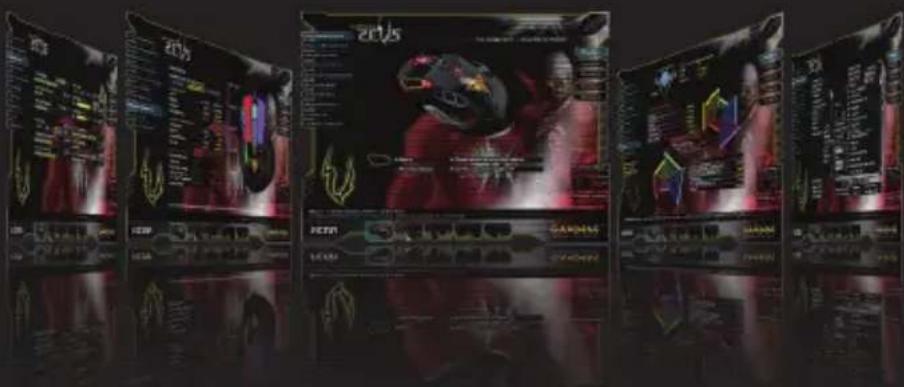
World leading innovation
The first gaming application software featuring online member forums and competitive community.
Switch GAMDIAS keyboard & mouse profiles simultaneously with one click
Sound FX alerts for changes to DPI, profile, sensitivity, or other settings
Record and customize sound effects / voice messages for use on all GAMDIAS gear
Build macros that combine keyboard, mouse, and instant messaging functions through integrated UI software
Voice-Over-Function lets users record personalized sound effects to designated key

3 Profile
Switch Methods

Macro Dias
Mouse
Optimization

Sound FX
Control
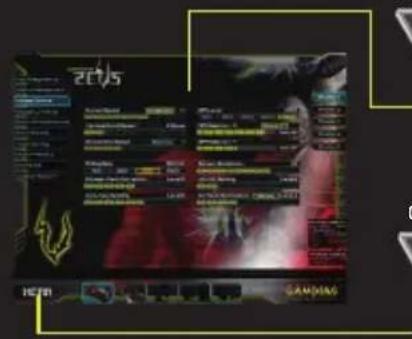
Change Alerts
SoundFX alerts
for changes to DPI, profile, sensitivity,or other settings
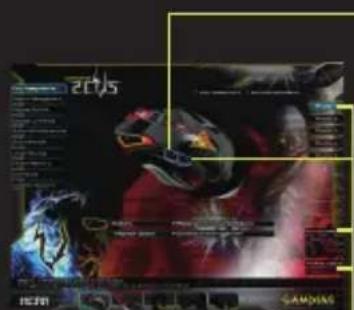
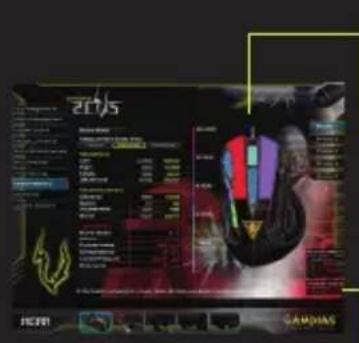
Mouse
Optimization
Customizable profile
/DPI/ambiance lighting luminance
Push to Talk

Send pre-recorded voice messages to teammates with the push of a button
3 Profile Switch
Methods
Switch profiles through
key assignments,
application profile
matching, and profile
revolver

Reflect mouse wielding abilities into measurable core powers and get stronger each day
GAMDIAS Sync
Switch GAMDIAS keyboard & mouse profiles simultaneously with one click
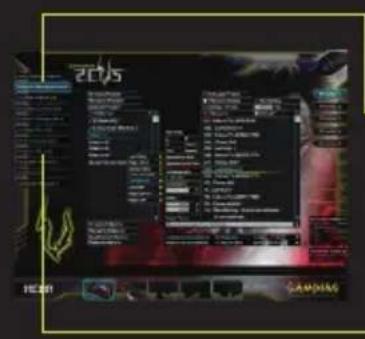

Macro Dias
Build macros that combine keyboard, mouse, and instant messaging functions through integrated UI software
SoundFX Control
Sound FX alerts for changes to profile or other settings
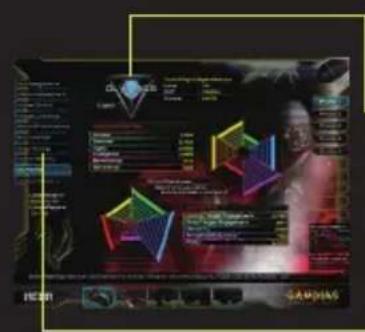

GAMDIAS Olympics
Assess gaming abilities and compete with other GAMDIAS gamers across the world
Macro Dias
Build macros that combine keyboard, mouse, and instant messaging functions through integrated UI software

WEEE Directive & Product Disposal
At the end of its serviceable life, this product should not be treated as household or general waste. It should be handed over to the applicable collection point for recycling of electrical and electronics equipment, or returned to the supplier for disposal.
Eaming Art in Motion
© 2013 GAMDIAS Technology Co., Ltd. All rights reserved. All GAMDIAS trademarks and logos are registered trademark of GAMDIAS Technology Co., Ltd. All other trademarks and logos presented in this material are the property of their respective owner. GAMDIAS Technology Co., Ltd. reserves the right to revise the specifications mentioned on this packaging.
www.GAMDIAS.com

GAMDIAS
Gaming Art in Motion