
AEOLUS M2-1203 LITE - Household Fan Gamdias - Free user manual and instructions
Find the device manual for free AEOLUS M2-1203 LITE Gamdias in PDF.


| Product Type | PC Case & Radiator Fan |
| Model | AEOLUS M2-1203 LITE |
| Brand | Gamdias |
| Fan Size | 120mm x 120mm x 25mm |
| Weight | Approx. 150 g (0.33 lbs) |
| Bearing Type | Hydraulic Bearing |
| Speed | 800 - 1800 RPM ±10% |
| Airflow | Up to 62 CFM |
| Noise Level | 18 - 32 dBA |
| Power Connector | 4-Pin PWM (12V DC) |
| RGB Lighting | 5V Addressable RGB (3-Pin ARGB) |
| RGB Control Methods | Motherboard software or case reset button (if supported) |
| Compatibility | Standard 120mm fan mounts in PC cases and radiators |
| Package Contents | 1x AEOLUS M2-1203 LITE fan, 4x screws |
| Installation | Turn off computer before installation; mount with screws provided |
| Maintenance | Clean with dry cloth; do not use liquids |
| Safety Warnings | Disconnect power before handling; keep away from children |
| Spare Parts & Repairability | Fan not user-serviceable; replace entire unit if defective |
| Warranty | Refer to manufacturer for details |
Frequently Asked Questions - AEOLUS M2-1203 LITE Gamdias
User questions about AEOLUS M2-1203 LITE Gamdias
0 question about this device. Answer the ones you know or ask your own.
Ask a new question about this device
Download the instructions for your Household Fan in PDF format for free! Find your manual AEOLUS M2-1203 LITE - Gamdias and take your electronic device back in hand. On this page are published all the documents necessary for the use of your device. AEOLUS M2-1203 LITE by Gamdias.
USER MANUAL AEOLUS M2-1203 LITE Gamdias
natural_image
Abstract geometric pattern with interlocking triangles and shapes (no text or symbols)
natural_image
Three identical GamDIAS CPU fans with rainbow-colored heat sinks, arranged side by side (no text or symbols on fan body)GAMDIAS
AEOLUS|M2ETE 1203
PC Case & Radiator Fan 120mm
Package Contents
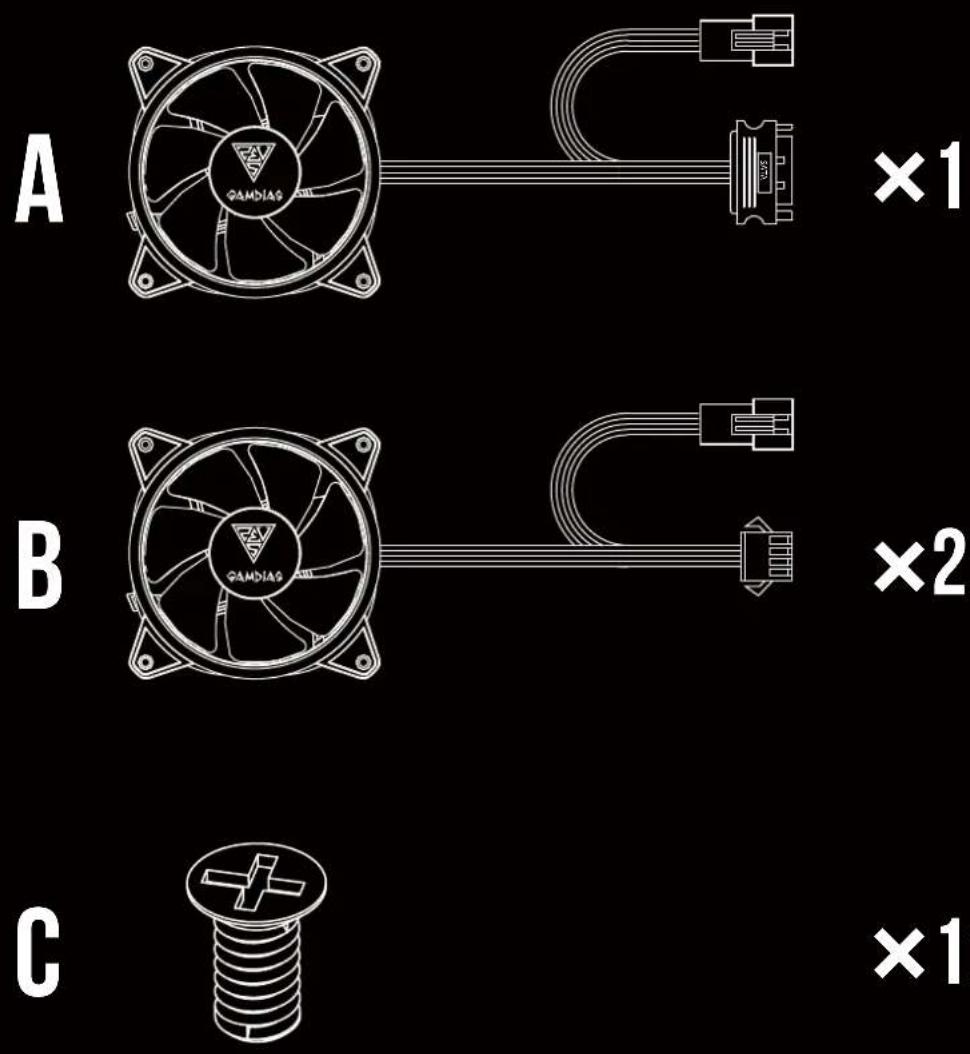
×12
01
Turn off the computer before installing
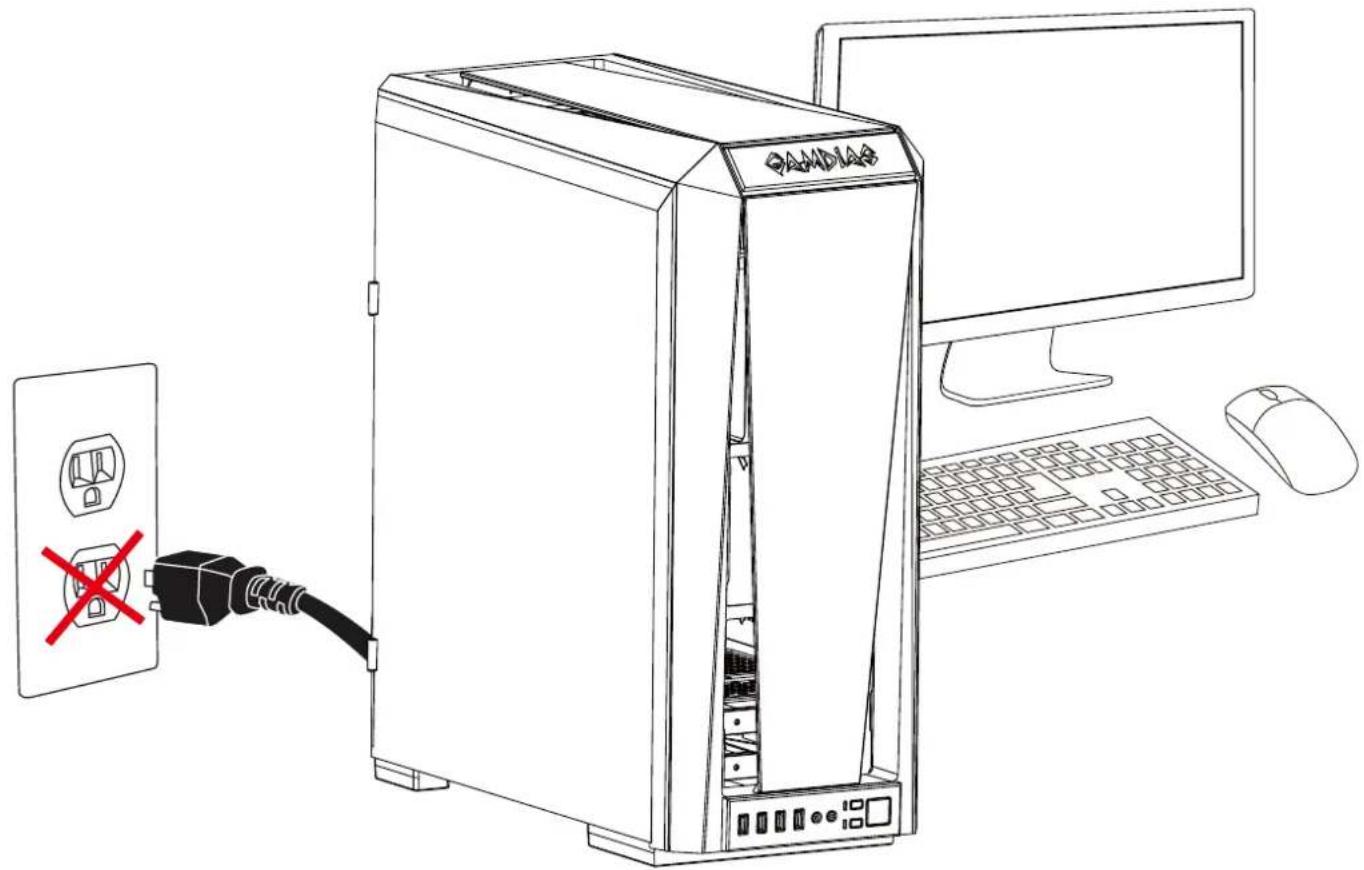
natural_image
Line drawing of a desktop computer tower with an open socket and connected power outlet, showing no text or symbols.02

03
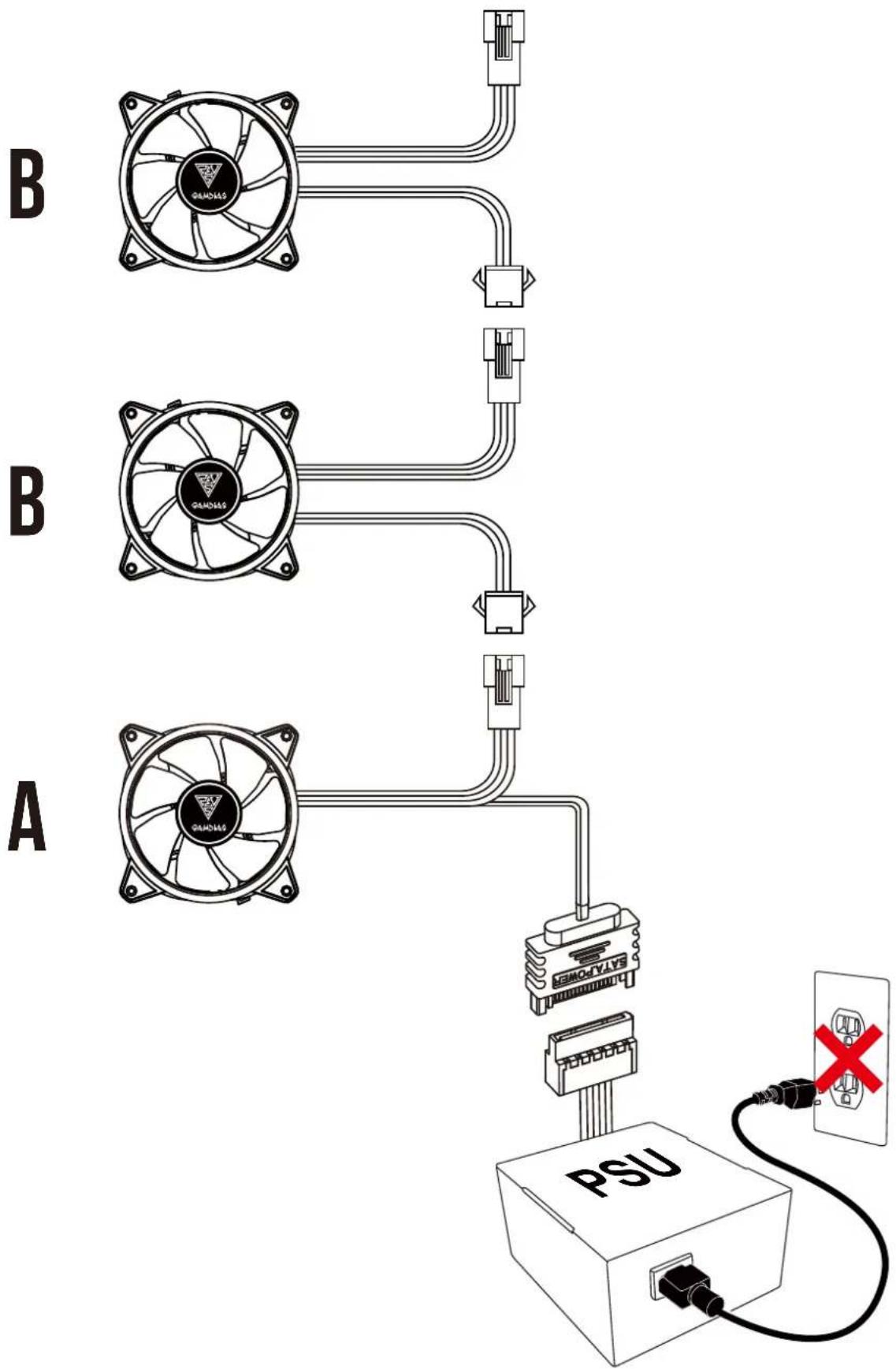
flowchart
graph TD
    A[" fan"] --> B[" PSU "]
    B --> C[" Switch "]
    C --> D[" Switch "]
    D --> E[" Switch "]
    E --> F[" Switch "]
    F --> G[" Switch "]
    G --> H[" Switch "]
    H --> I[" Switch "]
    I --> J[" Switch "]
    J --> K[" Switch "]
    K --> L[" Switch "]
    L --> M[" Switch "]
    M --> N[" Switch "]
    N --> O[" Switch "]
    O --> P[" Switch "]
    P --> Q[" Switch "]
    Q --> R[" Switch "]
    R --> S[" Switch "]
    S --> T[" Switch "]
    T --> U[" Switch "]
    U --> V[" Switch "]
    V --> W[" Switch "]
    W --> X[" Switch "]
    X --> Y[" Switch "]
    Y --> Z[" Switch "]
    Z --> AA[" Switch "]
    AA --> AB[" Switch "]
    AB --> AC[" Switch "]
    AC --> AD[" Switch "]
    AD --> AE[" Switch "]
    AE --> AF[" Switch "]
    AF --> AG[" Switch "]
    AG --> AH[" Switch "]
    AH --> AI[" Switch "]
    AI --> AJ[" Switch "]
    AJ --> AK[" Switch "]
    AK --> AL[" Switch "]
    AL --> AM[" Switch "]
    AM --> AN[" Switch "]
    AN --> AO[" Switch "]
    AO --> AP[" Switch "]
    AP --> AQ[" Switch "]
    AQ --> AR[" Switch "]
    AR --> AS[" Switch "]
    AS --> AT[" Switch "]
    AT --> AU[" Switch "]
    AU --> AV[" Switch "]
    AV --> AW[" Switch "]
    AW --> AX[" Switch "]
    AX --> AY[" Switch "]
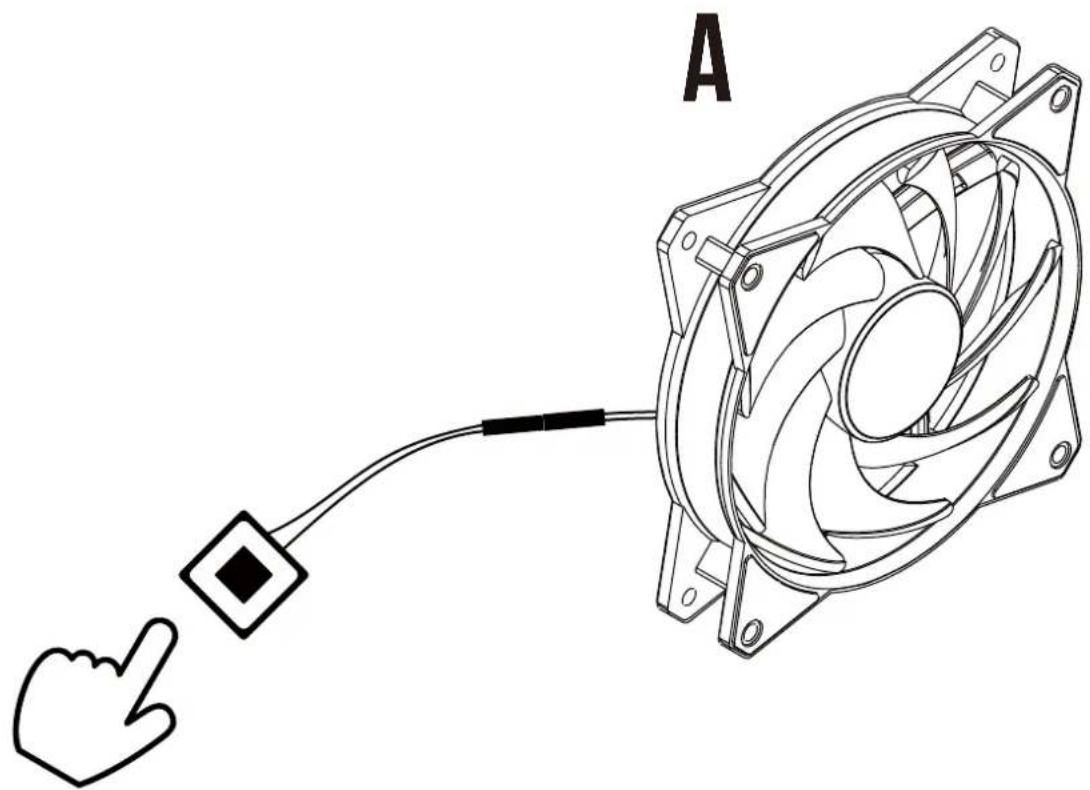
natural_image
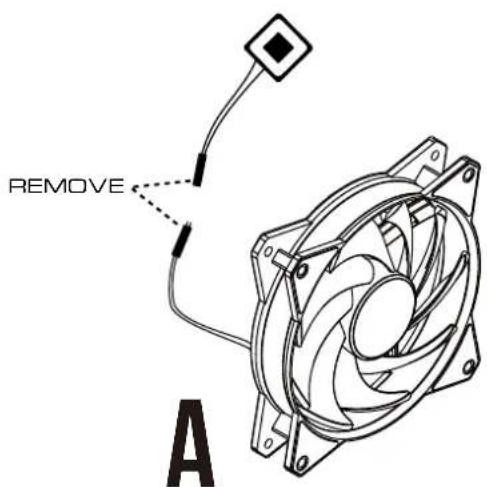
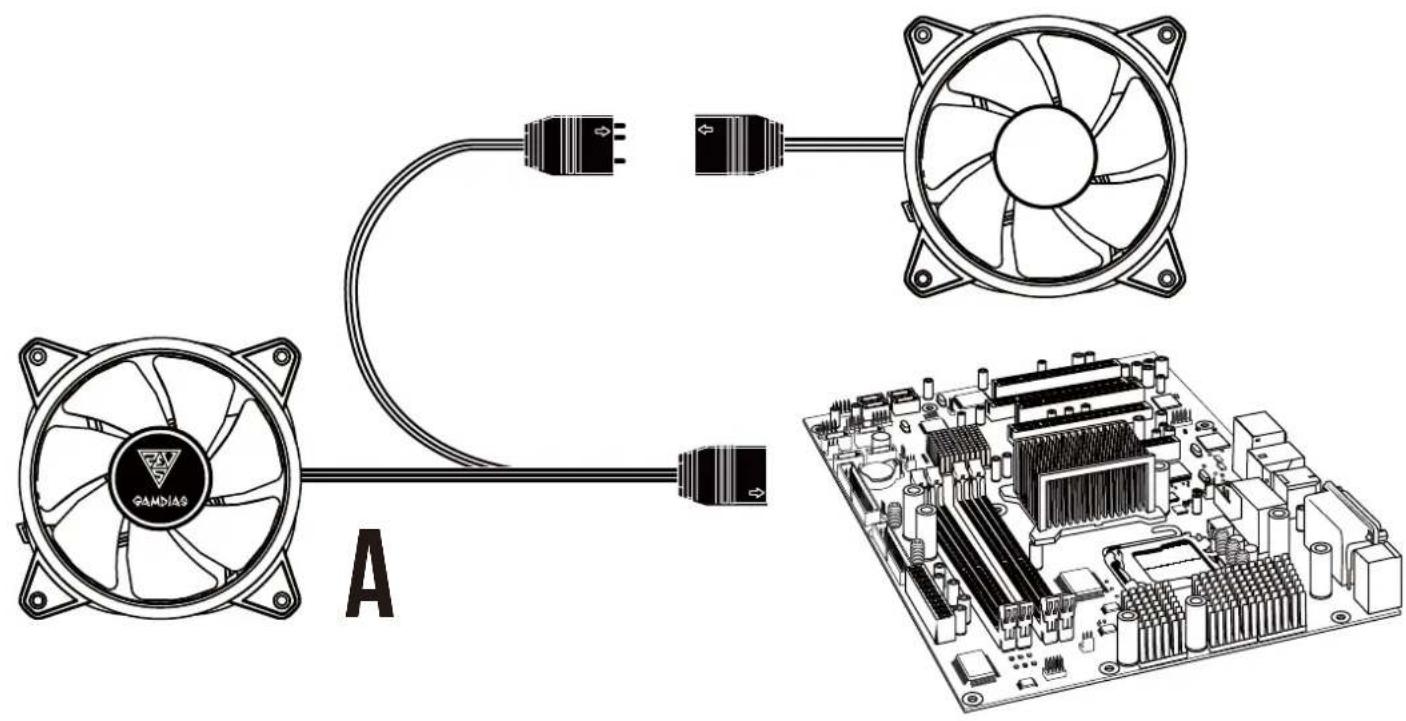
Line drawing of a computer fan with a cursor pointing at it, connected to a cable (no text or symbols)05
Two methods to control build-in RGB Lighting Method 2. If your case has “RESET SW”, you can use case button to change lighting modes
1
2


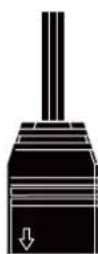


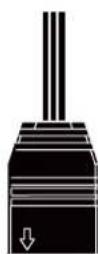





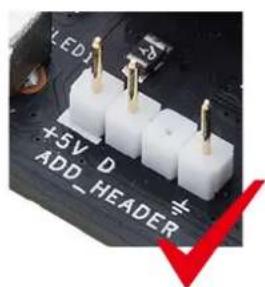


Only support 5V addressable (digital) LED


natural_image
Abstract geometric logo with interlocking black and gold shapes inside a large triangle (no text or symbols)GAMDIAS
GRAMING ART IN MOTION
