StreetPilot i2 - Gps GARMIN - Free user manual and instructions
Find the device manual for free StreetPilot i2 GARMIN in PDF.


User questions about StreetPilot i2 GARMIN
0 question about this device. Answer the ones you know or ask your own.
Ask a new question about this device
Download the instructions for your Gps in PDF format for free! Find your manual StreetPilot i2 - GARMIN and take your electronic device back in hand. On this page are published all the documents necessary for the use of your device. StreetPilot i2 by GARMIN.
USER MANUAL StreetPilot i2 GARMIN
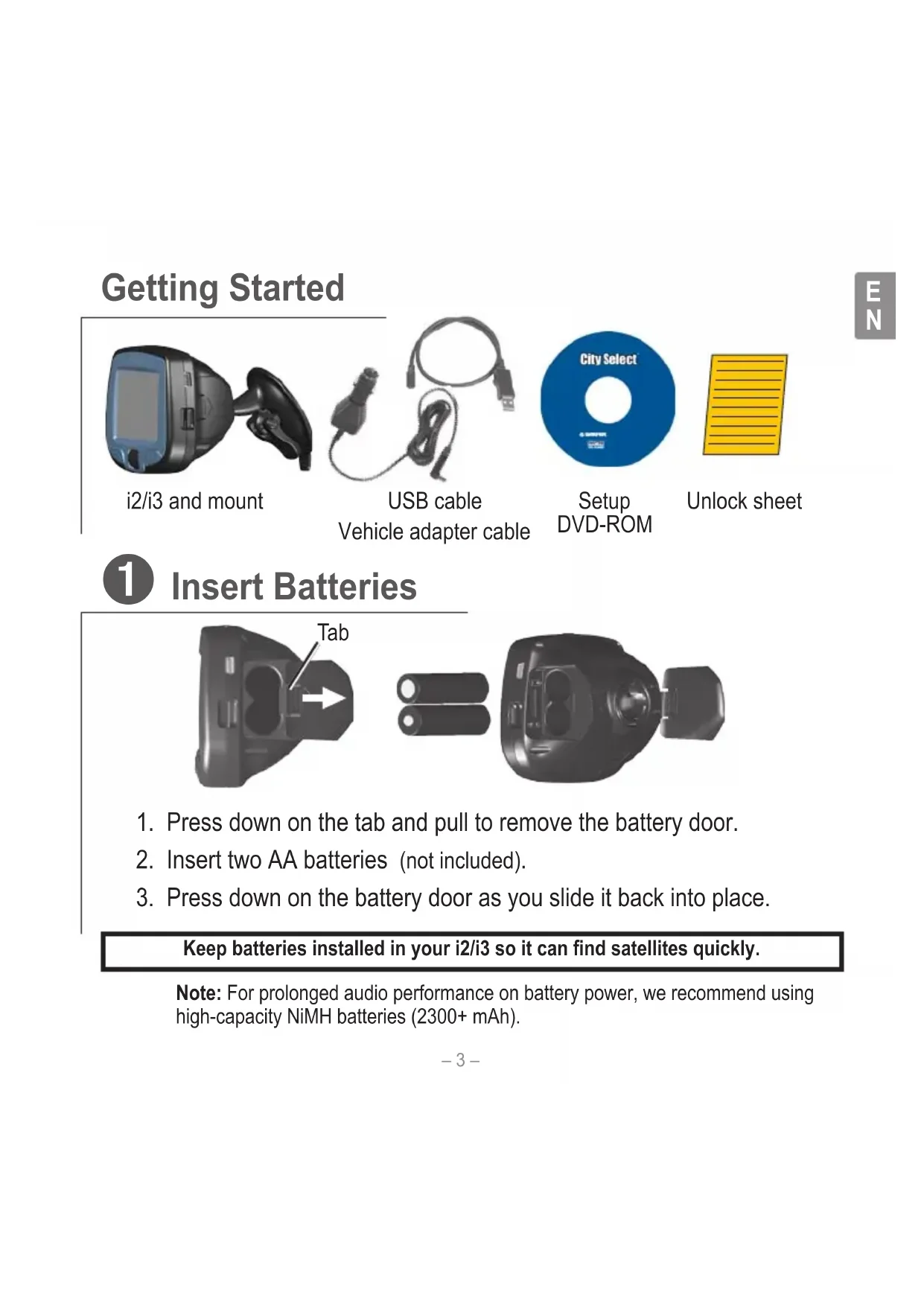
- Press down on the tab and pull to remove the battery door.
- Insert two AA batteries (not included).
- Press down on the battery door as you slide it back into place.
Keep batteries installed in your i2/i3 so it can find satellites quickly.
Note: For prolonged audio performance on battery power, we recommend using high-capacity NiMH batteries (2300+ mAh).
2 Set Up the i2/i3
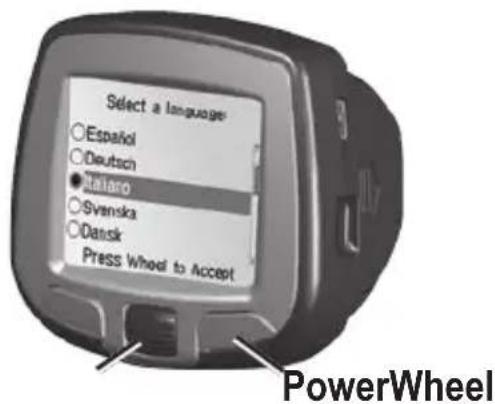
Press and hold the Power button to turn on the i2/i3. Follow the instructions on the screen to select your language and set up the i2/i3. Roll the Wheel up and down to highlight options. Press in to select options.
3 Install Software and Load Maps
Do not connect your i2/i3 to your computer until you are told to do so!
- Insert the Setup DVD-ROM into your computer's DVD-ROM drive.
If the welcome screen does not automatically appear, click Start and then Run on your personal computer. Type the letter of your DVD-ROM drive followed by setup.exe (example: D:\setup.exe). Then press Enter. - Follow the instructions on the screen to install software and load maps to your i2/i3.
- When MapInstall opens, click the map to select the regions you want to load to your i2/i3. Selected maps are shaded pink.
4 Mount the i2/i3
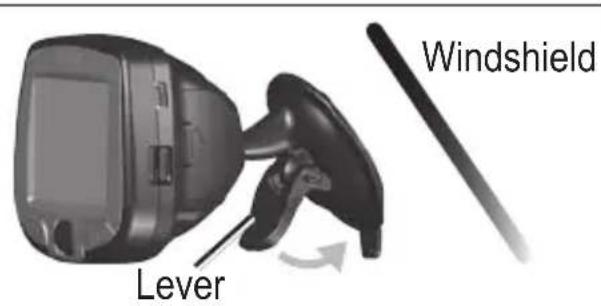
- Place the suction cup mount on your windshield with the lever pulled toward you, as shown above.
- Press the lever toward the windshield.
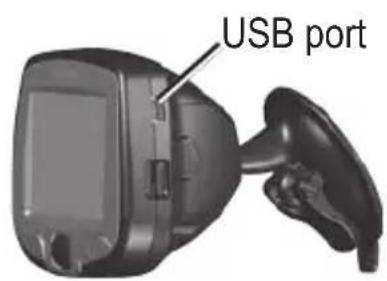
- Plug one end of the vehicle adapter into the USB port on the i2/i3. Plug the other end into a receptacle in your vehicle.
WARNING: For use in vehicles, it is the sole responsibility of the owner/operator of a vehicle with the i2/i3 installed to place and secure the device so it will not interfere with the vehicle operating controls and safety devices, obstruct the driver's view of driving conditions, or cause personal injury in the event of an accident.
Find a Place and Go!
1
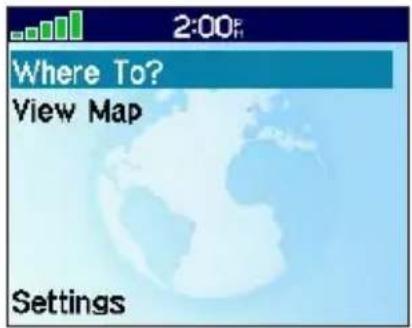
Select Where To?
2
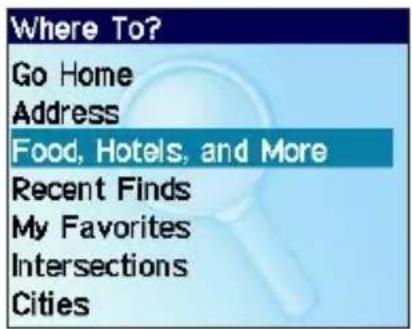
Select Food, Hotels, and More.
3
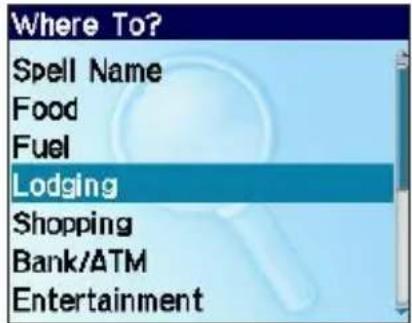
Select a category.
4
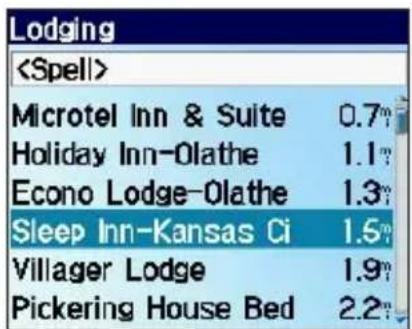
Select a destination.
5
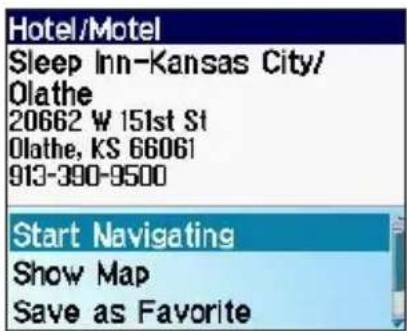
Select Start Navigating.
6
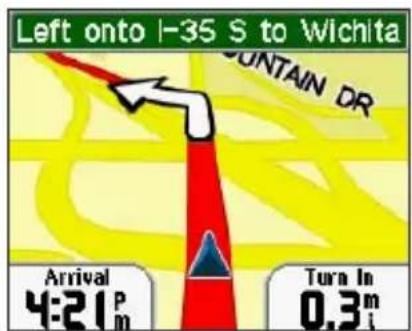
Enjoy the route!
Tip: To narrow your search, select the
Following Your Route
Follow the route to your destination using the map. The position icon shows your current location.
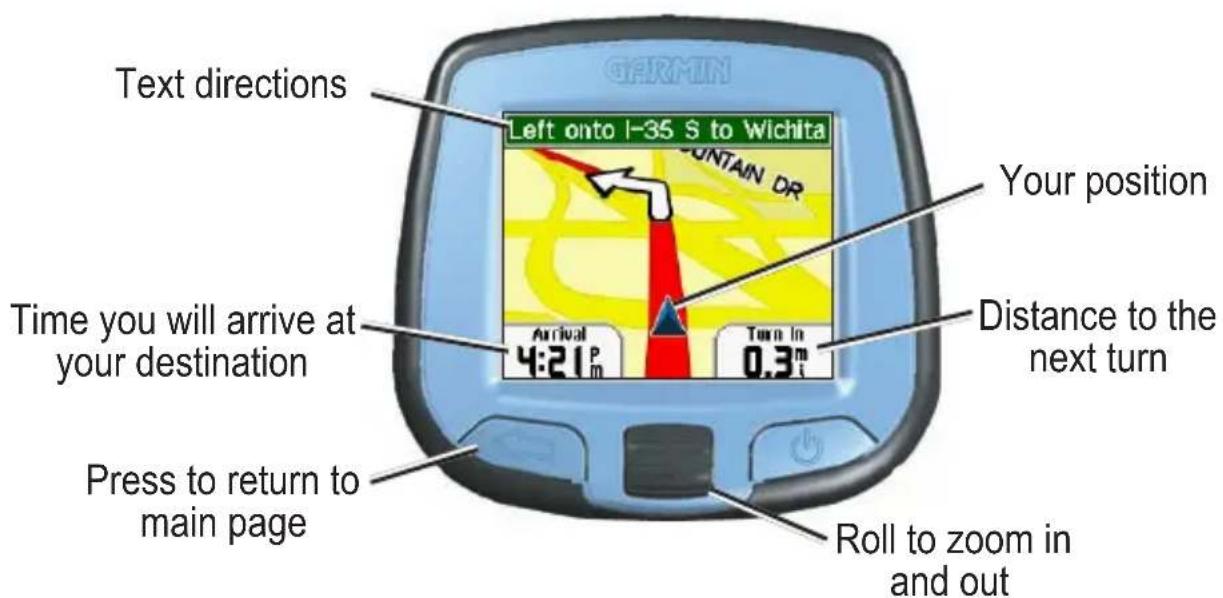
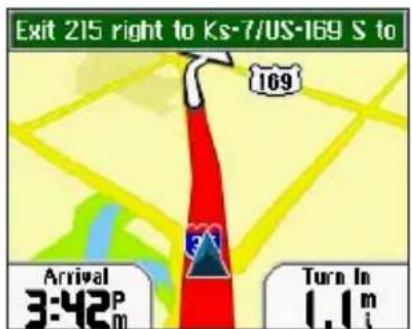
Your route is marked with a red line.
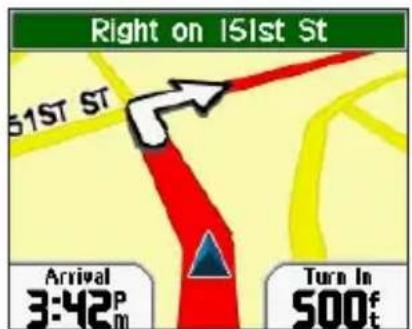
Follow the arrows as you take turns.

A checkered flag marks your destination.
Finding an Address
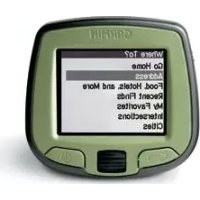
Select Where To? > Address to begin.
1

Select a country.
2
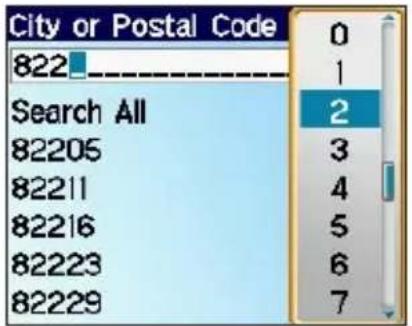
Select a city or postal code. Press and select the correct item from the list.
3
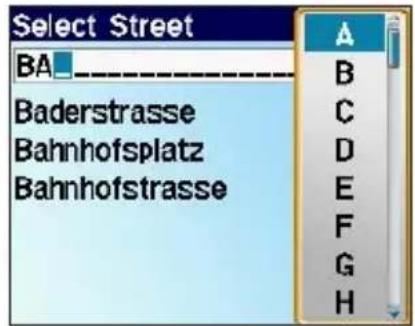
Enter the street name. Press and select the correct street from the list.
4
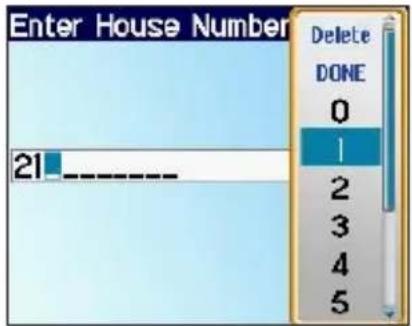
Enter the house number. Then press
5
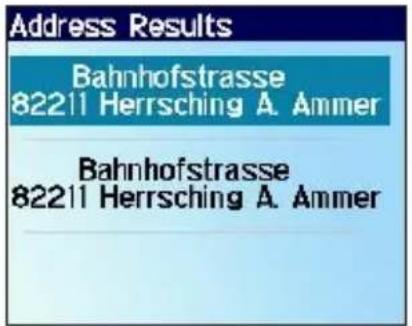
Select the correct address.
6
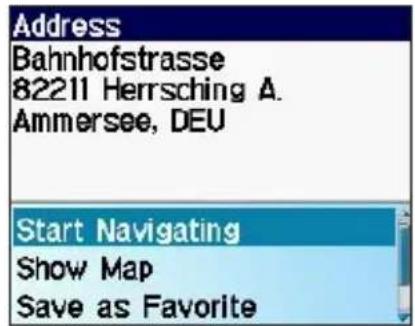
Select Start Navigating.
Setting a Home Location
You can set a Home location for the place you return to most often. Then, select Where To? > Go Home to go Home.

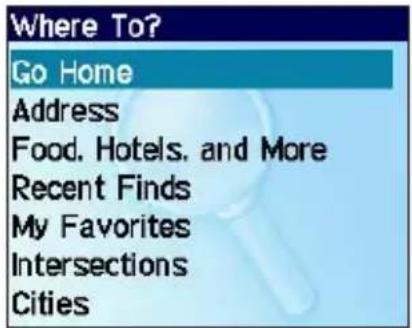
From the main page, select Where To? > Go Home.


Select an option.

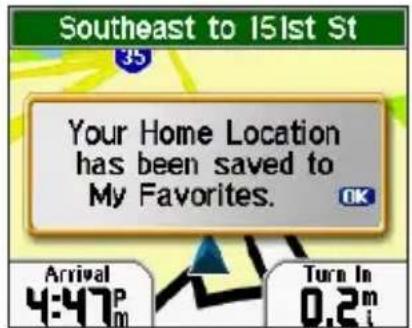
Press the Wheel to acknowledge the message.
Adjusting Volume and Screen Brightness
From the main page, select Settings. Then select Set Volume or Set Brightness. Roll the Wheel up or down to change the setting.
More Information
For more information about your i2/i3, refer to the Owner's Manual located on the Setup DVD-ROM. You can also view it online at http://www.garmin.com/products/spi3 or spi2. Click the Manuals link and then select Download.
Mise en route
For the latest free software updates (excluding map data) throughout the life of your Garmin products, visit the Garmin Web site at www.garmin.com.

© Copyright 2005 Garmin Ltd. or its subsidiaries
Garmin International, Inc.
1200 East 151st Street, Olathe, Kansas 66062, U.S.A.
Garmin (Europe) Ltd.
Unit 5, The Quadrangle, Abbey Park Industrial Estate, Romsey, SO51 9DL, U.K.
Garmin Corporation
No. 68, Jangshu 2nd Road, Shijr, Taipei County, Taiwan
www.garmin.com
Part Number 190-00613-90 Rev. A