ManualGo.com
1850456 - Coffee machine RUSSELL HOBBS - Free user manual and instructions
Find the device manual for free 1850456 RUSSELL HOBBS in PDF.



Download the instructions for your Coffee machine in PDF format for free! Find your manual 1850456 - RUSSELL HOBBS and take your electronic device back in hand. On this page are published all the documents necessary for the use of your device. 1850456 by RUSSELL HOBBS.
USER MANUAL 1850456 RUSSELL HOBBS
C BEHANDLING OG VEDLIKEHOLD
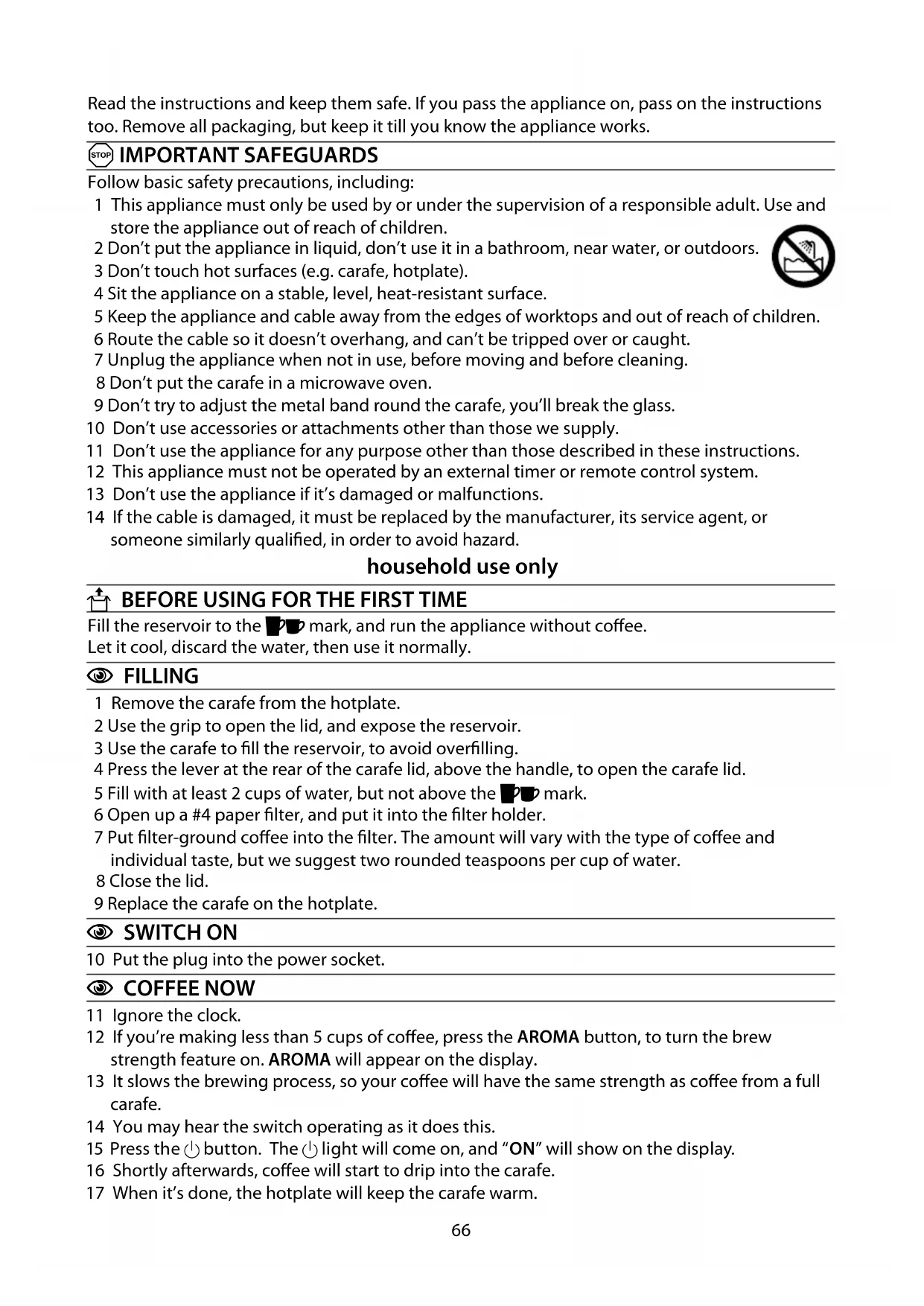
Follow basic safety precautions, including: 1 This appliance must only be used by or under the supervision of a responsible adult. Use and store the appliance out of reach of children. 2 Don’t put the appliance in liquid, don’t use it in a bathroom, near water, or outdoors. 3 Don’t touch hot surfaces (e.g. carafe, hotplate). 4 Sit the appliance on a stable, level, heat-resistant surface. 5 Keep the appliance and cable away from the edges of worktops and out of reach of children. 6 Route the cable so it doesn’t overhang, and can’t be tripped over or caught. 7 Unplug the appliance when not in use, before moving and before cleaning. 8 Don’t put the carafe in a microwave oven. 9 Don’t try to adjust the metal band round the carafe, you’ll break the glass. 10 Don’t use accessories or attachments other than those we supply. 11 Don’t use the appliance for any purpose other than those described in these instructions. 12 This appliance must not be operated by an external timer or remote control system. 13 Don’t use the appliance if it’s damaged or malfunctions. 14 If the cable is damaged, it must be replaced by the manufacturer, its service agent, or someone similarly qualified, in order to avoid hazard. household use only U BEFORE USING FOR THE FIRST TIME Fill the reservoir to the :; mark, and run the appliance without coffee. Let it cool, discard the water, then use it normally. C FILLING 1 Remove the carafe from the hotplate. 2 Use the grip to open the lid, and expose the reservoir. 3 Use the carafe to fill the reservoir, to avoid overfilling. 4 Press the lever at the rear of the carafe lid, above the handle, to open the carafe lid. 5 Fill with at least 2 cups of water, but not above the :; mark. 6 Open up a #4 paper filter, and put it into the filter holder. 7 Put filter-ground coffee into the filter. The amount will vary with the type of coffee and individual taste, but we suggest two rounded teaspoons per cup of water. 8 Close the lid. 9 Replace the carafe on the hotplate.
10 Put the plug into the power socket.
11 Ignore the clock. 12 If you’re making less than 5 cups of coffee, press the AROMA button, to turn the brew strength feature on. AROMA will appear on the display. 13 It slows the brewing process, so your coffee will have the same strength as coffee from a full carafe. 14 You may hear the switch operating as it does this. 15 Press the 2 button. The 2 light will come on, and “ON” will show on the display. 16 Shortly afterwards, coffee will start to drip into the carafe. 17 When it’s done, the hotplate will keep the carafe warm.67
18 The clock will retain its settings until the coffee maker is unplugged. 19 The display will show AM for morning, and PM for afternoon. 20 Check that the 2 light is off. If it isn’t, press the 2 button to turn it off. 21 If you’re making less than 5 cups of coffee, press the AROMA button, to turn the brew strength feature on. AROMA will appear on the display. 22 Set the clock to the correct time. 23 Use the h and min buttons to set the correct hour and minute. 24 Set the timer to the time you want to start brewing. 25 Press the PROG button. “PROG” will flash on the display. 26 Use the h and min buttons to set the correct hour and minute. , If you don’t press either the h or m buttons within 5 seconds, the coffee maker will revert to “normal”, and the time will show. You’ll have to press the PROG button, and start again. 27 Press the AUTO button. The AUTO light will come on, and “AUTO” will show on the display. 28 When the set time is reached, the AUTO light will go off, the 2 light will come on, the display will change from “AUTO” to “ON”, and brewing will start. 29 If you want to cancel the timer before brewing has started, press the AUTO button. 30 If you want to stop the coffee maker while it’s brewing, press the 2 button. C FINISHED? 31 Press the 2 button. The 2 light will go off. 32 Unplug, and let the appliance and carafe cool down fully before cleaning, or for about 10 minutes before refilling.
33 About 2 hours after brewing, the coffee maker will shut down 34 If left for much more than an hour, chemical changes in the coffee liquor start to affect the flavour. It’s best to pour it away and make a fresh pot.
35 You can remove the carafe at any time. 36 To prevent the filter holder overflowing, replace the carafe on the hotplate within about 20 seconds.
C CARE AND MAINTENANCE
37 Unplug the appliance and let it cool down before cleaning or storing away. 38 Use the grip to open the lid. 39 Use the handles on the sides of the filter holder to lift it out. 40 Tip the contents of the filter holder into the bin. 41 You may clean the carafe and filter holder in warm soapy water. Rinse thoroughly afterwards, to remove all traces of soap. 42 Clean the outside surfaces of the appliance with a damp cloth. 43 Align the tab at the back of the filter holder with the slot at the back of the coffee maker, and lower the filter holder back into the coffee maker. 44 Close the lid. 45 Don’t put any part of the appliance in a dishwasher. instructions diagrams 1 paper filter #4 2 tab 3 handle 4 filter holder 5 grip 6 lid 7 water 8 slot 9 overflow 10 hotplate 11 lid 12 press 13 handle 14 carafe68 C DESCALING 46 Descale regularly. Use a proprietary brand of descaler suitable for use in plastic-bodied products. Follow the instructions on the package of descaler. , Products returned under guarantee with faults due to scale will be subject to a repair charge.
H WHEELIE BIN SYMBOL
To avoid environmental and health problems due to hazardous substances in electrical and electronic goods, appliances marked with this symbol mustn’t be disposed of with unsorted municipal waste, but recovered, reused, or recycled. instructions – more detailed instructions are available on our website: http://www.russellhobbs.com/ifu/550979 551-108