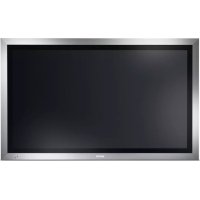
52SR1 - Monitor SANYO - Free user manual and instructions
Find the device manual for free 52SR1 SANYO in PDF.


| Product Type | LCD Monitor |
| Brand | Sanyo |
| Model | 52SR1 (CE52SR1) |
| Screen Size | 52 inches (132 cm) diagonal |
| Native Resolution | 1920 x 1080 (WXGA) |
| Contrast Ratio | 1500:1 |
| Viewing Angles | Horizontal: 176°, Vertical: 176° |
| Color System | PAL / NTSC / NTSC4.43 / SECAM |
| Power Supply | 100-240 V AC, 50/60 Hz |
| Power Consumption | Not specified (estimated: approx. 200 W normal operation) |
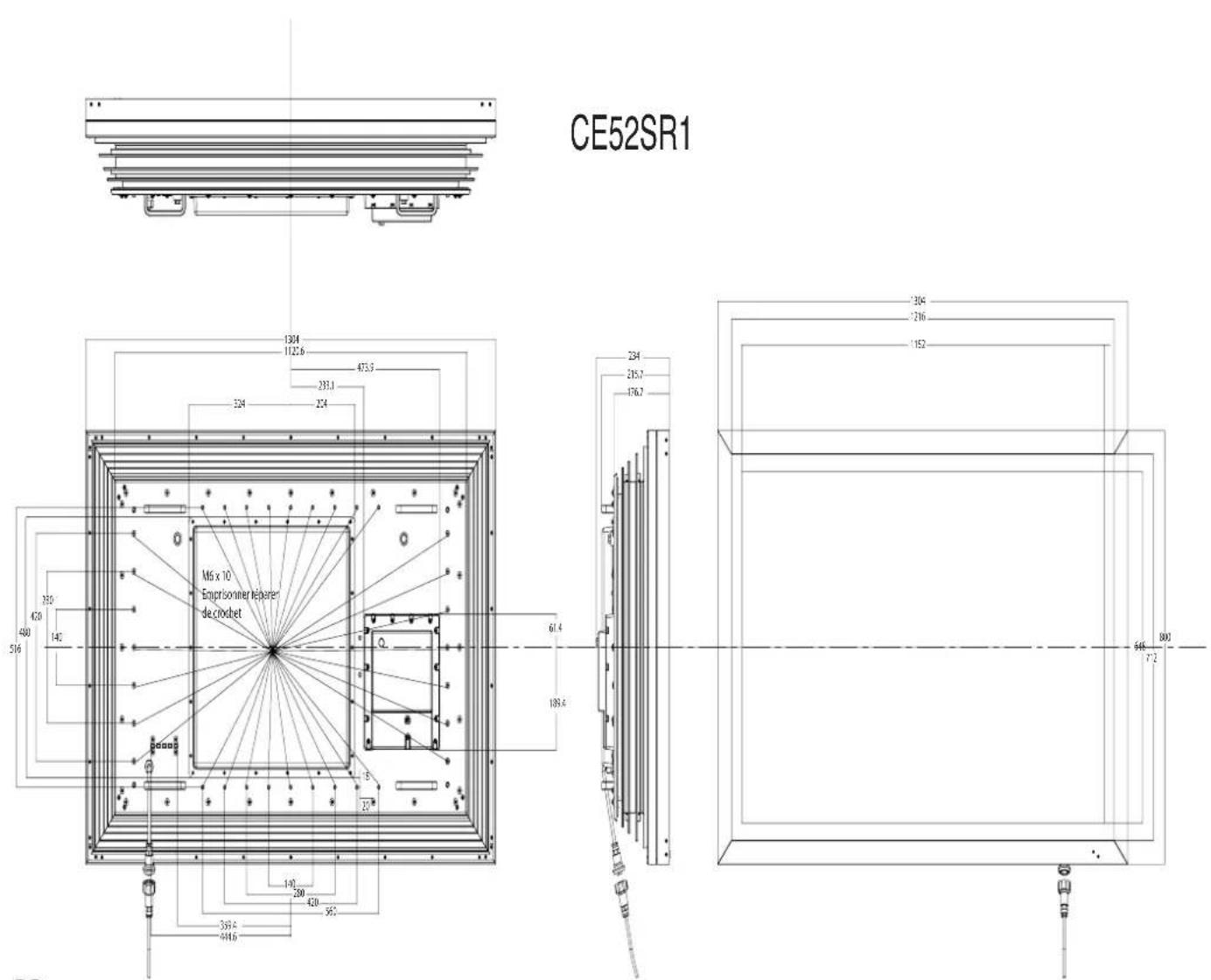
| Dimensions (W × H × D) | Not specified (estimated: approx. 1250 × 730 × 120 mm) |
| Weight | 83 kg |
| Video Inputs | AV1 (SCART), AV2 (BNC: RGB H/V or Y/Pb/Pr), AV3 (BNC composite), DVI-D, PC (Mini D-SUB 15-pin) |
| Audio Input | PC Audio jack 3.5 mm, L/R audio on RCA connectors |
| Audio Output | Built-in speakers 2 × 10 W, external audio output (RCA) |
| Communication Port | RS232C serial (input/output), LD-NET (for network control) |
| Special Functions | PIP/POP, Mosaic mode (video wall), Teletext, DCDi, DNR, MPEG NR, Film Mode, White Balance |
| Standby Mode | Yes (blue indicator light) |
| Remote Control | Yes (with AA batteries) |
| Installation | Wall mount possible (kit recommended), ventilation space: 5 cm from wall, 10 cm top and sides |
| Maintenance and Cleaning | Unplug before cleaning; use a damp cloth, no liquid or aerosol cleaners directly on the screen |
| Safety | Do not open the back cover (high voltage); do not expose to water or open flames; do not block ventilation slots |
| Spare Parts and Repairability | Fully transistorized unit, no user-serviceable components; spare parts conform to original standards |
| General Information | Manual available in several languages; recycling complies with WEEE directive; FCC Part 15 compliance |
Frequently Asked Questions - 52SR1 SANYO
User questions about 52SR1 SANYO
0 question about this device. Answer the ones you know or ask your own.
Ask a new question about this device
Download the instructions for your Monitor in PDF format for free! Find your manual 52SR1 - SANYO and take your electronic device back in hand. On this page are published all the documents necessary for the use of your device. 52SR1 by SANYO.
USER MANUAL 52SR1 SANYO
GB English Page 2~15
F Français Page 16~28
Espanol Pagina 29~41
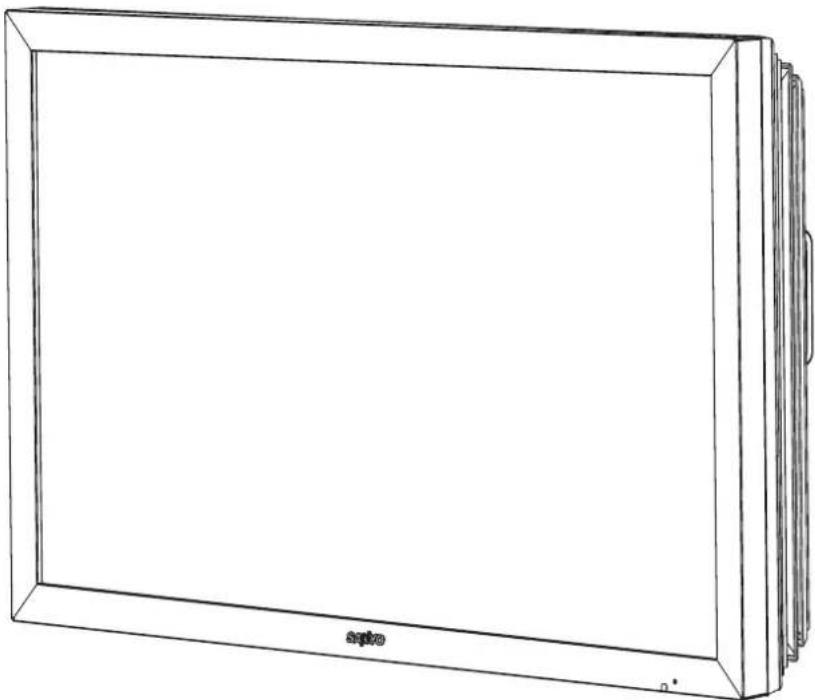
Please read this Instruction book before using your LCD monitor. We wish you many hours of pleasure from your new LCD monitor.
Installation/Utilisation
Adresse: 21605 Plummer Street, Chatsworth, Californie 91311
Telephone: (818) 998-7322
IP Address / Subnet / Gateway / DNS
PAS DE COULEURS, IMAGE CORRECTE
PAS D'IMAGE NI DE SON
RS232C Command Tables
Functional Execution Command Table
| Command | Item |
| C00 | POWER ON |
| C01 | POWER OFF |
| C24 | Wide "Natural" direct |
| C25 | Wide "Zoom 16:9" direct |
| C26 | Wide "Title in 16:9" direct |
| C27 | Wide "Zoom 14:9" direct |
| C28 | Wide "Title in 14:9" direct |
| C29 | Wide "Full" direct |
| C0F | Wide "Normal" direct |
| C70 | AV1 direct |
| C71 | RGB direct |
| C72 | AV2 RGBHV direct |
| C73 | AV2 YPbPr direct |
| C74 | AV3 direct |
| C75 | DVI direct |
| C76 | PC direct |
| C64 | PC Auto adjust |
| C92 | Factory settings |
| CF PSAVE ON | Power save ON |
| CF PSAVE OFF | Power save OFF |
| CF CLOK ON | Child lock ON |
| CF CLOK OFF | Child lock OFF |
| CF DEA RMCY | RC inhibition OFF |
| CF DEA RMCN | RC inhibition ON |
Image control Read Command Table
| Status read command Item | |
| CR BRIGHT | Status of Brightness. |
| CR CONT | Status of Contrast. |
| CR COLOR | Status of Color. |
| CR TINT | Status of Tint. |
| CR SHARP | Sharpness. |
| CR WBAL | Status of White Balance Mode information. |
| CR WBAL-R | Status of White Balance Red |
| CR WBAL-G | Status of White Balance Green |
| CR WBAL-B | Status of White Balance Blue |
| CR NZRED | Status of Noise reduction setting. |
| CR FILM | Status of Film mode setting. |
| CR IMAGE | Status of Image selection. (The same as PICTURE mode) |
| CR DCDI | Status of DCDi setting. |
| CR ACCACM | Status of ACC/ACM setting. |
| CR CCS | Status of CCS setting. |
| CR MPEGNR | Status of MPEG NR setting. |
PC Read Command Table
| Status read command Item | |
| CR H-POS | Status of Horizontal position. |
| CR V-POS | Status of Vertical position. |
| CR PHASE | Status of PHASE value. |
| CR CLOCK | Status of CLOCK value. |
Input Read Command Table
| Status read command ltem | n |
| CR INPUT | Status of Input selection. |
| CR SOURCE | Status of Input source mode. |
| CR SYSTEM | Status of system of Input mode. |
Screen Read Command Table
| Status read command Item | |
| CR SCREEN | Status of screen size (The same of WIDE mode) |
RS232C Command Tables
Time Read Command Table
| Status read command Item | |
| CR PANELH | Status of accumulated lifetime of panel. (The same as CR_LAMPH Command) |
| CR MONH | Status of accumulated lifetime of monitor (The same as CR_PROJH Command) |
Sound control Read Command Table
| Status read command | Item |
| CR VOLUME | Status of volume value. |
| CR MUTE | Status of MUTE. |
Setting Read Command Table
| Status read command ltem | |
| CR LANG | Status of Language selection. |
| CR P-MANE | Status of Power management setting |
| CR TILE | Status of Tile mode ON/OFF setting |
| CR TILE-HSETS | Status of Tile mode, the number of Horizontal array. |
| CR TILE-VSETS | Status of Tile mode, the number of Vertical array. |
| CR TILE-HLOCAT | Status of Tile mode, the number of Horizontal allocation. |
| CR TILE-VLOCAT | Status of Tile mode the number of Horizontal allocation. |
| CR TILE-BZLHADJ | Status of Tile mode, the width of bezel(Horizontal) |
| CR TILE-BZLVADJ | Status of Tile mode, the width of bezel (Vertical) |
| CR ONPROG | Status of On Program information/ |
| CR WINTERMODE | Status of Winter mode Information. |
| CR PANELPROTECT | Statuses of Panel protect Information. |
| CR LEDLIGHT | Status of LED light Information. |
| CR AVAUTOSHUT | Status of AV auto shut OFF Information. |
| CR CHILDLOCK | Statuses of Child lock Information. |
| CR RCINHIBITION | Status of RC Inhibit Information. |
Other Read Command Table
| Status read command Item | |
| CR STATUS | Status of the operation of the monitor. |
| CR SIGNAL | Status of with or without signal. |
| CR FREEZE | Status of Freeze setting. |
| CR FANLOCK | Statuses of fun lock error. |
| CR TEMP | Status of current temperature value. |
UK5 Read Command Table (Basic Command)
| Command | Item | Note | ||
| CR0 | Power | On, Standby, power | ||
| CR1 | Input Mode | AV1, AV2, ..., DVI, PC | ||
| CR WIDE | Wide mode | Auto, Normal, Full, | ||
| CR PICTURE | Picture mode | Dynamic, Standard, ... | ||
| CR SIGNAL | Signal existence | Signal / No signal | ||
| CR CHILD | Child lock | On / Off | ||
| CR PSAVE | Power save | On / Off | ||
| CRTM | Panel usage time | |||
| CR RMC | RC inhibition | On / Off | ||
| CR MDL | Model number | 52LH1 | ||
error,
Error code Table
| Error code | |
| ? | Receiving the data that cannot be decodedThe wrong indication of parameter(Wrong figured number, or wrong word is included.) |
| 0 0 0 | Normal receiving (no error) |
| 1 0 2 | If the command of out of range is directly entered valuable parameter. |
| 1 0 3 | No matching with Hardware(Command for optional function which is not equipped.) |
| 2 0 1 | If the command of "Out of range" is entered by inclement or decrements by numeric value. |
| 3 0 1 | While capturing the picture, no execution. Wait and transmit command again. |
| 4 0 2 | While PIN code is in operation, no execution.Wait and transmit command again. |
| 1 0 1 | The errors not including above. |

Brand : SANYO
Model : 52SR1
Category : Monitor