
AE2380 - Radio PHILIPS - Free user manual and instructions
Find the device manual for free AE2380 PHILIPS in PDF.
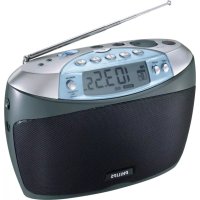


| Brand | Philips |
| Model | AE2380 |
| Product type | Portable radio |
| Reception bands | FM, MW, LW |
| Number of presets | 30 (10 per band) |
| Mains power | Mains plug V~ (local voltage) |
| Battery power | 4 R20, UM1 or D batteries (alkaline recommended) |
| Alarm function | Buzz or radio, hours and minutes setting |
| Timer (SLEEP) | 120, 60, 30 or 10 minutes |
| Key lock | LOCK function |
| Display | Frequency, time or alarm (switchable) |
| Headphone jack | 3.5 mm jack |
| FM antenna | Telescopic, adjustable |
| MW/LW antenna | Built-in, rotate the unit |
| Controls | On/off, volume, tuning, presets 1‑5 + 5+ |
| Sound adjustment | NEWS‑MUSIC slider |
| Cleaning | Soft, lint-free cloth slightly damp |
| Safety | Do not open the device, do not expose to moisture or excessive heat |
| Compliance | CE standards for radio interference |
| Recycling | Packaging and batteries recyclable, follow local regulations |
Frequently Asked Questions - AE2380 PHILIPS
User questions about AE2380 PHILIPS
0 question about this device. Answer the ones you know or ask your own.
Ask a new question about this device
Download the instructions for your Radio in PDF format for free! Find your manual AE2380 - PHILIPS and take your electronic device back in hand. On this page are published all the documents necessary for the use of your device. AE2380 by PHILIPS.
USER MANUAL AE2380 PHILIPS
Portable Digital Radio
AE2380
Let's make things better.

PHILIPS
Important notes for users in the U.K.
Mains plug
This apparatus is fitted with an approved 13 Amp plug. To change a fuse in this type of plug proceed as follows:
1 Remove fuse cover and fuse. 2 Fix new fuse which should be a BS1362 5 Amp, A.S.T.A. or BSI approved type. 3 Refit the fuse cover.
If the fitted plug is not suitable for your socket outlets, it should be cut off and an appropriate plug fitted in its place.
If the mains plug contains a fuse, this should have a value of 5 Amp. If a plug without a fuse is used, the fuse at the distribution board should not be greater than 5 Amp.
Note: The severed plug must be disposed of to avoid a possible shock hazard should it be inserted into a 13 Amp socket elsewhere.
How to connect a plug
The wires in the mains lead are coloured with the following code: blue = neutral (N), brown = live (L). As these colours may not correspond with the colour markings identifying the terminals in your plug, proceed as follows:
- Connect the blue wire to the terminal marked N or coloured black.
- Connect the brown wire to the terminal marked L or coloured red.
- Do not connect either wire to the earth terminal in the plug, marked E (or the symbol) or colored green (or green and yellow).
Before replacing the plug cover, make certain that the cord grip is clamped over the sheath of the lead – not simply over the two wires.
Norway
Philips Consumer Electronics
Philips, Glaslaan 2
5616 JB Eindhoven, The Netherlands
General information......8
Power supply....13
Controls....14
General information....15
Controls ....20
General information....57
Controls....62
Power supply....63
General information 64
Troubleshooting....12
Clock/radio 16
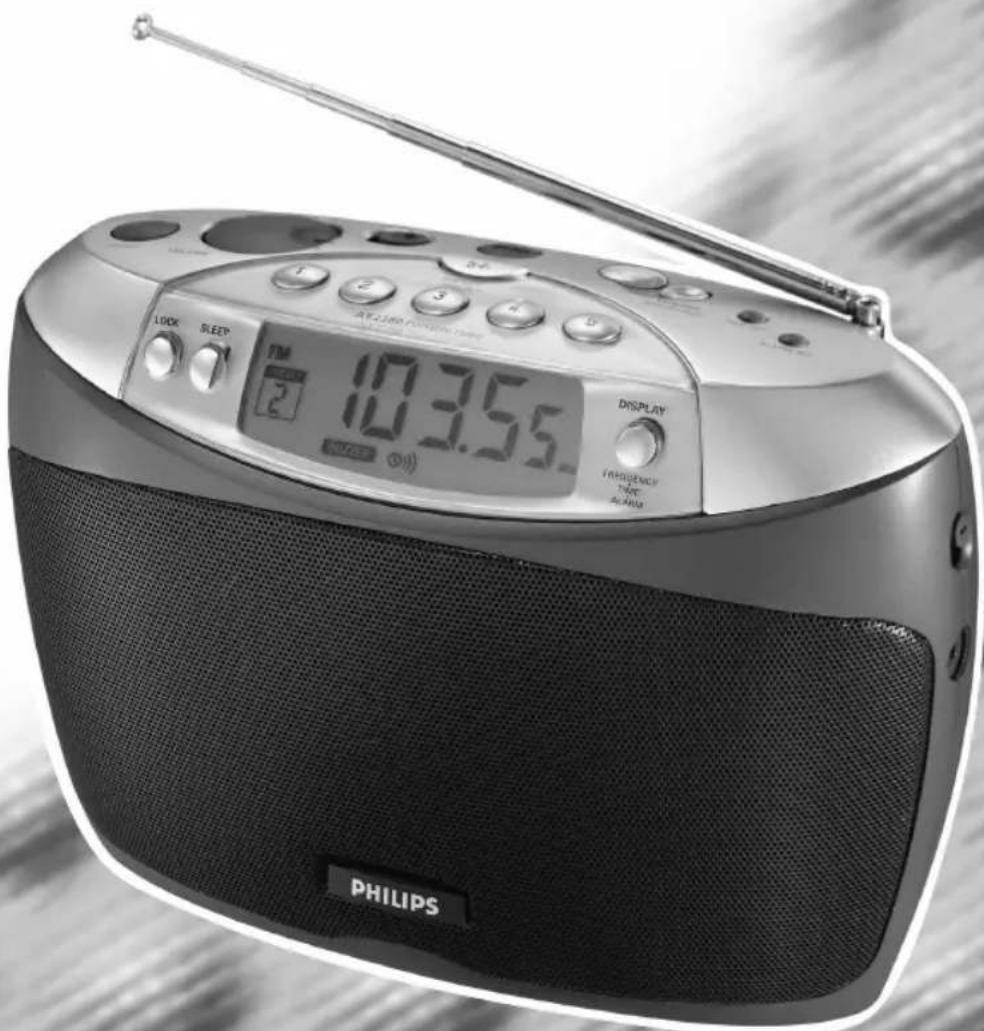
1 POWER ON-OFF ...switches the set on and off
2 VOLUME....adjusts the volume
3 NEWS--MUSIC.....selects the sound
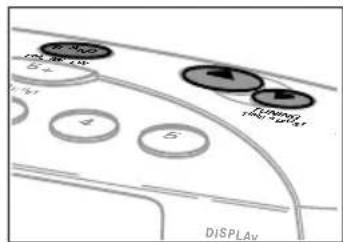
4 BAND
FM·MW·LW......selects the waveband
5 5 +......enables to store and to select more than 5 radio stations per waveband
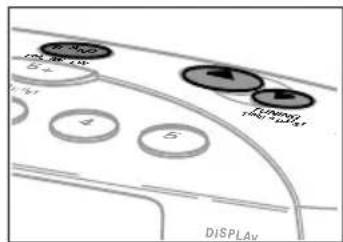
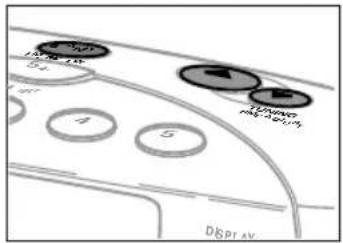
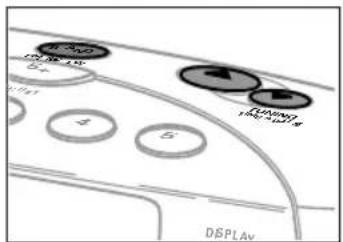
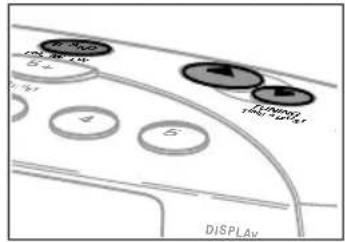
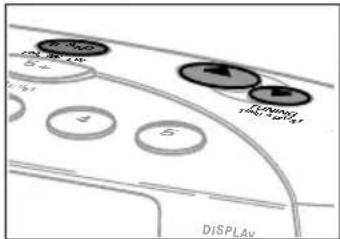
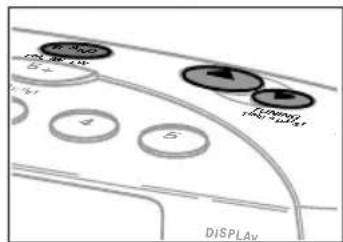
6 ▲TUNING ......tunes to radio stations upwards
TIME ADJUST.....adjusts the hours and minutes upwards
7▼TUNING ......tunes to radio stations downwards
TIME ADJUST.....adjusts the hours and minutes downwards
8 TIME SET......activates/confirms the time setting
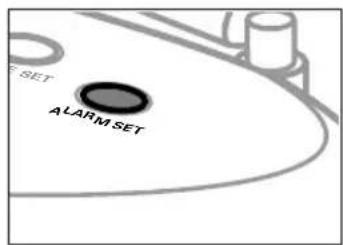
9 ALARM SET......activates/confirms the alarm time setting
10 FM antenna
11 PRESET 1–5......stores radio stations and selects the preset stations
12 DISPLAY FREQUENCY-TIME-ALARM
switches between frequency, time or alarm display
13 BUZZ......selects the buzzer as alarm signal
RADIO......selects the radio as alarm signal
OFF ....deactivates the alarm function
14 3.5 mm headphone socket
15....display
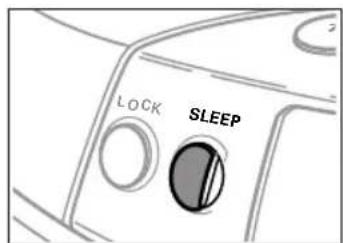
16 SLEEP ......activates the sleep timer
17 LOCK....locks all buttons
18 MAINS V~....socket to connect the mains lead
19 RESET......clears all settings
Environmental information
All redundant packing material has been omitted. We have done our utmost to make the packaging easily separable into three mono materials: cardboard (box), polystyrene foam (buffer) and polyethylene (bags, protective foam sheet).
Your set consists of materials which can be recycled if disassembled by a specialized company. Please observe the local regulations regarding the disposal of packing materials, exhausted batteries and old equipment.
POWER SUPPLY
Mains supply
The type plate is located on the bottom of the set.
1. Check whether the voltage shown on the type plate corresponds to your local voltage. If it does not, consult your dealer or service organization. 2. Connect the AC mains lead to the MAINS V~ inlet and to the wall socket. This switches on the mains supply.
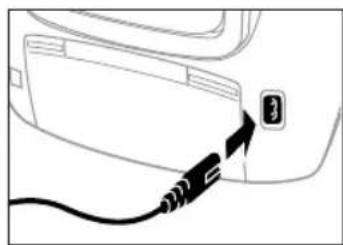
Connecting the set to the mains switches off the battery supply. Disconnecting the set from the mains has one of the following effects:
- If batteries are inserted:
- The set switches on the battery supply; or
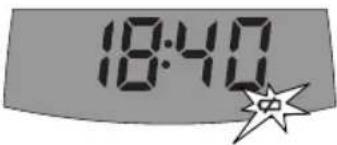
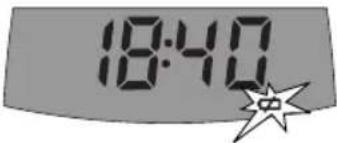
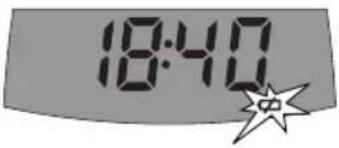
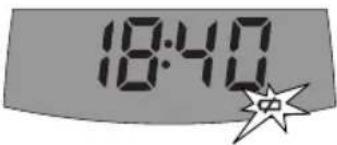
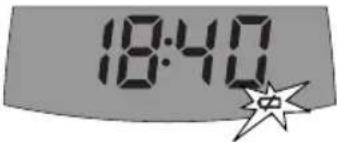
- If no batteries are inserted: → flashes and the current time is displayed. After a short time all settings will be lost.
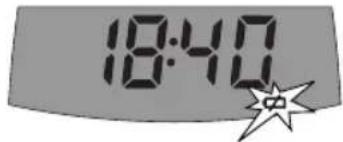
To disconnect the set from the mains completely, remove the mains plug from the wall socket.
For users in the U.K.: Please follow the instructions on page 4.
Batteries (not supplied)
- Open the battery compartment and insert 4 batteries of type R20, UM1 or D-cells (preferably alkaline).
Notes: - Remove batteries if they are exhausted or if the set is not going to be used for a long time. - Old and new or different types of batteries should not be used in combination.
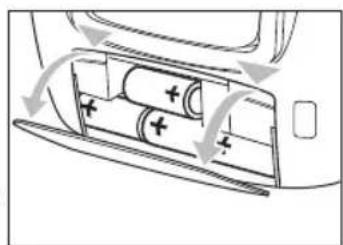
Batteries contain chemical substances, so they should be disposed of properly.
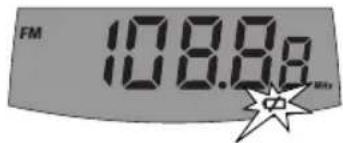
- Indication of weak batteries: → starts flashing.
This set complies with the radio interference requirements of the European Community.
GENERAL INFORMATION
English
Antennas
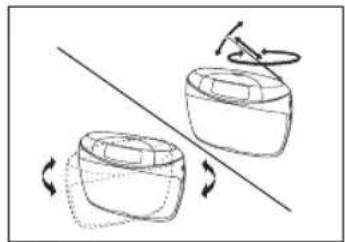
- FM: Extend the telescopic antenna fully and turn it for optimum reception. If the signal received is too strong (e.g. near a transmitter) retract the antenna.
- MW/LW: Direct the internal MW/LW antenna by turning the set. The FM antenna is not needed.
Connecting headphones
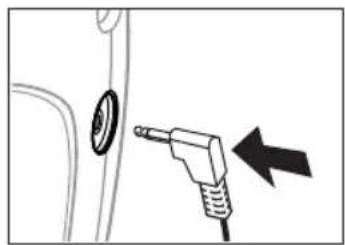
- You can connect headphones to the headphone socket. The loudspeakers will then be switched off.
Maintenance
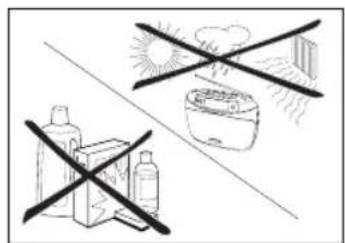
Do not expose the set or the batteries to humidity, rain, sand or excessive heat (caused by heating equipment or direct sunlight).
You can clean the set with a soft, slightly dampened lint-free cloth. Do not use any cleaning agents as they may have a corrosive effect.
CLOCK/RADIO
Clock setting
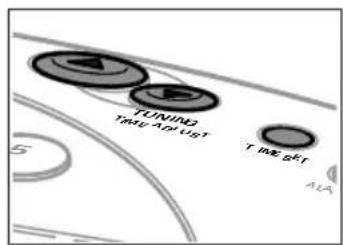
1 Press TIME SET.
The clock digits flash.
2 Press TIME ADJUST ▲ or ▼ to set the current time.
3 Press TIME SET again or do not press any key for at least 5 seconds.
The current time is displayed.
Tuning to radio stations
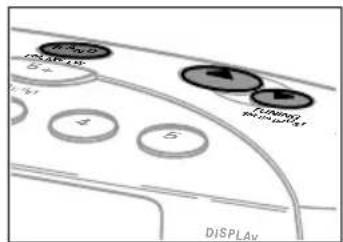
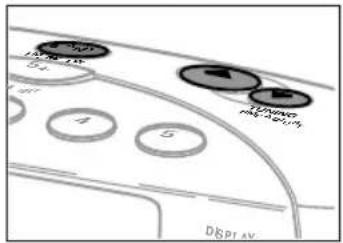
1 Press POWER ON-OFF to switch on the radio. 2 Press BAND repeatedly to select the desired waveband. → FM, MW or LW is shown. 3 Keep TUNING ▲ or ▼ pressed for longer than 1 second. → The radio tunes to a station with sufficient strength, the current frequency is displayed and a beep tone is heard. 4 Repeat searching (step 3) until you find the desired station. - To tune to a weak station briefly press TUNING ▲ or ▼ as often as necessary for optimum reception. - Press POWER ON-OFF to switch the radio off. → The current time is displayed (if the clock is set).

Volume and sound adjustment
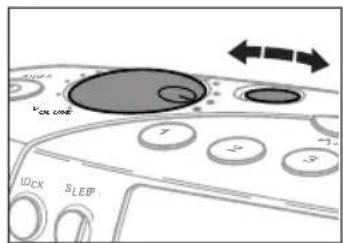
- Adjust the volume by using VOLUME.
- Push the NEWS--MUSIC slider to select the desired sound.
FEATURES
Storing radio stations
You can store up to 30 radio stations (10 stations per waveband).
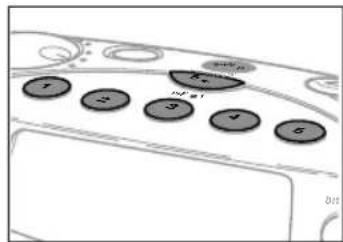
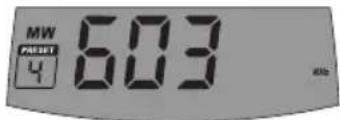
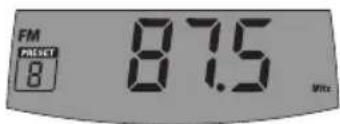
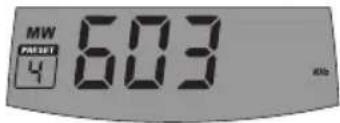
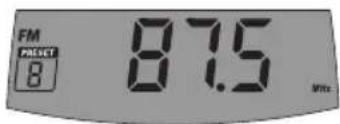
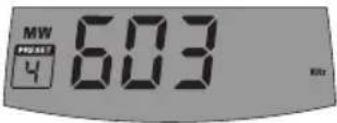
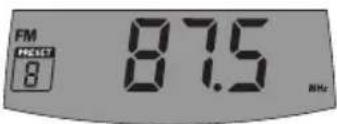
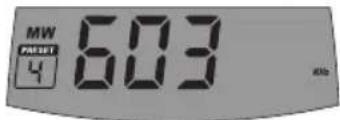
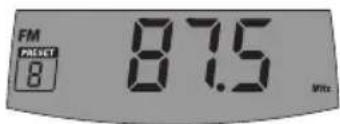
1 Tune to a desired radio station. 2 Keep one of the PRESET (1–5) keys pressed for more than 2 seconds until a double beep is heard.
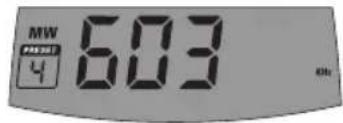
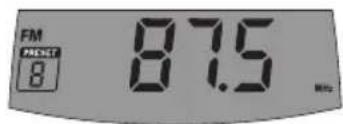
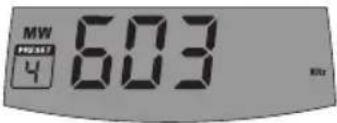
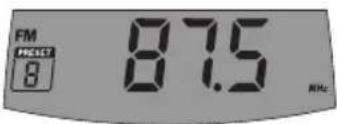
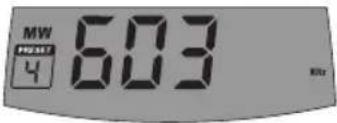
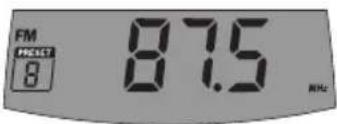
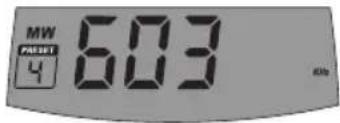
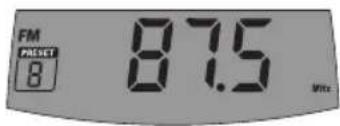
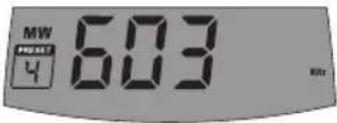
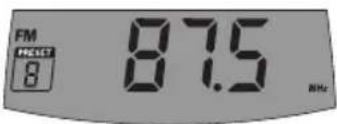
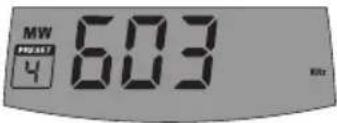
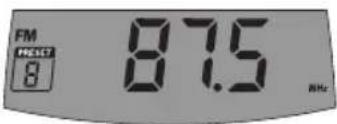
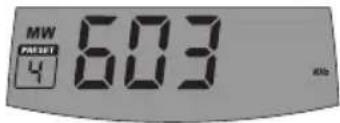
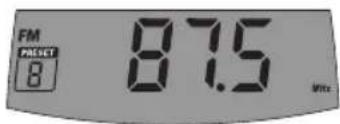
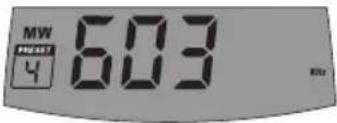
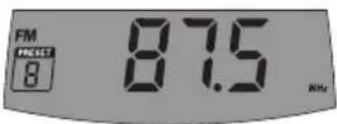
The waveband, the frequency and the preset number of the stored station are displayed.
- To store more than 5 stations per waveband, press 5+ before assigning a station to a PRESET (1–5) key (see step 2). • To clear all presets, press RESET.
Tuning to a preset radio station
1 To tune to presets 6-10, first press 5+. 2 Press a PRESET (1–5) key for less than 2 seconds.
→A single beep is heard and playback starts. The waveband, the frequency, and the preset number of the stored station are displayed.
Lock function
You can lock the buttons of the set. When a key is pressed, no action will be executed then.
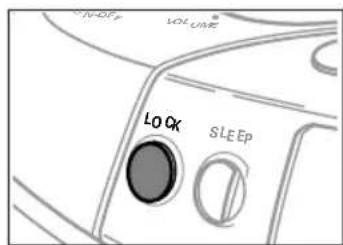
1 Press LOCK.

2 To deactivate the lock function, press LOCK again.
Notes: — If the lock function is activated, the clock display will switch to the radio display automatically. To return to the clock display, deactivate the lock function and press DISPLAY FREQUENCY-TIME-ALARM, if necessary, repeatedly.
- To switch the alarm off when the lock function is activated, press LOCK.
FEATURES
Alarm time setting
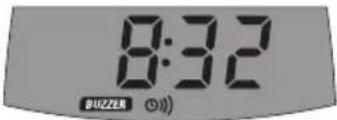
The set can be used as an alarm clock, whereby the buzzer or radio is switched on at a set time.
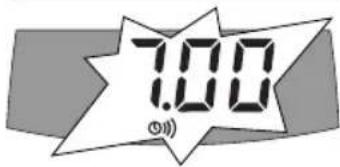
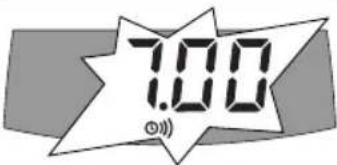
1 Press ALARM SET.
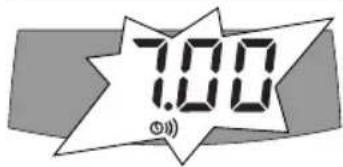
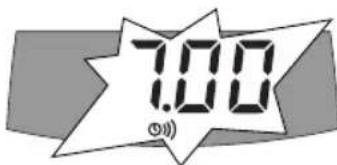
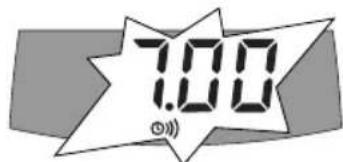
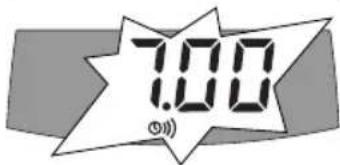
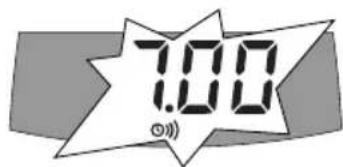
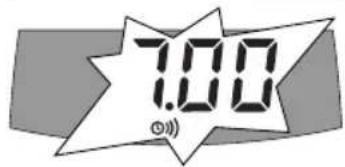
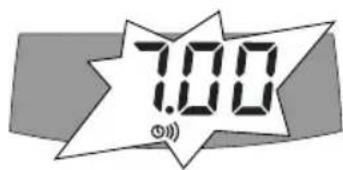
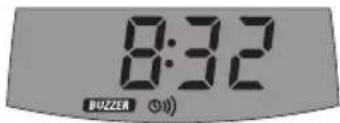
→ and the alarm clock digits flash.
2 Press TIME ADJUST ▲ or ▼ to set the desired alarm time.
3 Press ALARM SET again or do not press any key for 5 seconds.
Alarm clock activation and deactivation
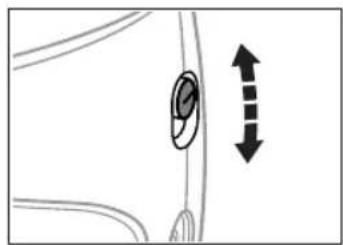
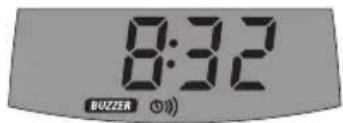
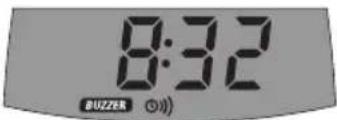
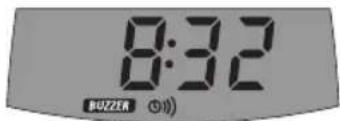
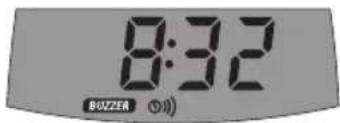
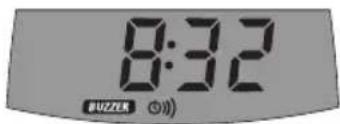
- Push the slider to -BUZZ or -RADIO to select the desired alarm sound and to activate the alarm clock.
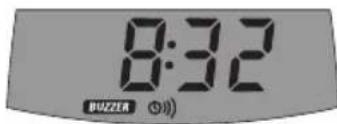
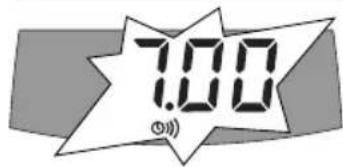
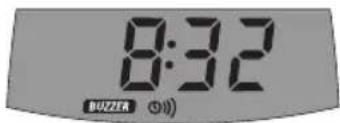
→ and either or are currently a current time.
- Push the slider to -OFF to deactivate the alarm clock.
Notes: - If no key is pressed, the alarm clock will be switched off after 1 hour.
- You can switch the alarm off for 24 hours by pressing any key on the set.
- The beep tone of the buzzer will become louder after 10 seconds.
Sleep timer
The sleep timer is a set period of time before the set switches off.
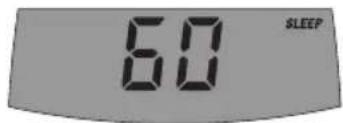
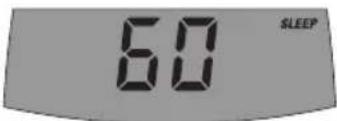
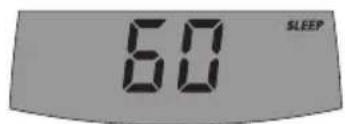
1 Press SLEEP repeatedly within 5 seconds until the desired sleeper time is displayed.
→ SLEEP and either 120, 60, 30, 10 or OFF are shown.
2 As soon as the desired time is displayed, do not press any key again.
→ SLEEP and the frequency and waveband of the current radio station are displayed. After the chosen time has elapsed, SLEEP goes off and the radio switches off.
- To deactivate the sleep timer before the chosen time has elapsed, press POWER ON-OFF or SLEEP.
TROUBLESHOOTING
English
WARNING
Under no circumstances should you try to repair the set yourself as this will invalidate the guarantee. Do not open the set as there is a risk of electric shock.
If a fault occurs, first check the points listed below before taking the set for repair.
If you are unable to solve a problem by following these hints, consult your dealer or service centre.
Problem Possible cause Solution
| No sound Volume is not adjusted. Adjust the volume. | ||
| Headphones are connected. Disconnect the headphones. | ||
| Mains lead is not connected Connect the mains lead properly. properly. | ||
| Batteries are exhausted. Insert fresh batteries. | ||
| Batteries are inserted Insert the batteries correctly. incorrectly. | ||
| Radio switches off by itself Sleep timer has been activated. Switch the radio on again. | ||
| Poor radio reception Weak radio signal. Adjust the antenna by turning for optimum reception. | ||
| Alarm does not work Alarm time is not set/alarm is Set the alarm time/activate not activated. the alarm. | ||
| No reaction to controls | Lock function is activated. | Press LOCK. |
| Electrostatic discharge. | Press RESET or disconnect the set from the power supply; reconnect after a few seconds. | |
| Malfunction, loss of time settings and radio presets | Batteries are getting exhausted. | Replace batteries, readjust settings. |
POWER
Français
Batteries (not supplied)
Français
Connecting headphones
Maintenance
CLOCK/RADIO
SPECIAL FUNCTIONS
SPECIAL FUNCTIONS
Timer
Maintenance
CLOCK/RADIO
Setting the clock
1 Press TIME SET.
FEATURES
Lock function
TROUBLESHOOTING
WARNING
Maintenance and care
CLOCK/RADIO
Setting the clock
Lock function
SPECIAL FEATURES
TROUBLESHOOTING
WARNING

Maintenance
CLOCK/RADIO
FEATURES
Lock function
FEATURES

Maintenance
CLOCK/RADIO
FEATURES
Sleep timer
Connect headphones
Maintenance
CLOCK/RADIO
Setting the clock
1 Press TIME SET.
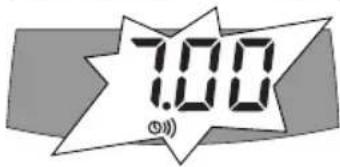
▶ The clock digits 0.00 will blink.
Lock function
TROUBLESHOOTING
WARNING
Batteries (extra)
Batteries contain chemicals and must therefore be disposed of properly.
Maintenance
CLOCK/RADIO
Setting the clock
1 Press TIME SET.
Setting radio stations
→ FM, MW or LW is displayed.
3 Hold TUNING ▲ or ▼ for about 1 second.
- Press POWER ON-OFF to turn off the radio.
SPECIAL FUNCTIONS
SPECIAL FUNCTIONS
Danish
Sleep timer
Maintenance
CLOCK/RADIO
Setting the clock
1 Press TIME SET.
Lock function
OPERATING OPTIONS
Setting the alarm time
Sleep timer
Maintenance
CLOCK/RADIO
Setting the clock
1 Press TIME SET.
FEATURES
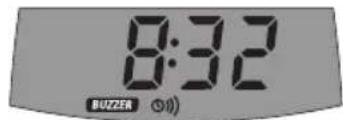
Setting the alarm
Snooze time
Maintenance
CLOCK/RADIO

SWITCHES
Maintenance
CLOCK/RADIO
Setting the clock

RECEIVER FUNCTIONS
Key lock
Snooze

- IMPORTANT NOTES FOR USERS IN THE U.K
- MAINS PLUG
- HOW TO CONNECT A PLUG
- NORWAY
- ENVIRONMENTAL INFORMATION
- POWER SUPPLY
- MAINS SUPPLY
- THE TYPE PLATE IS LOCATED ON THE BOTTOM OF THE SET
- FOR USERS IN THE U.K.: PLEASE FOLLOW THE INSTRUCTIONS ON PAGE
- BATTERIES (NOT SUPPLIED)
- BATTERIES CONTAIN CHEMICAL SUBSTANCES, SO THEY SHOULD BE DISPOSED OF PROPERLY
- GENERAL INFORMATION
- ENGLISH
- ANTENNAS
- CONNECTING HEADPHONES
- MAINTENANCE
- CLOCK/RADIO
- CLOCK SETTING
- TUNING TO RADIO STATIONS
- VOLUME AND SOUND ADJUSTMENT
- FEATURES
- STORING RADIO STATIONS
- TUNING TO A PRESET RADIO STATION
- LOCK FUNCTION
- ALARM TIME SETTING
- ALARM CLOCK ACTIVATION AND DEACTIVATION
- SLEEP TIMER
- TROUBLESHOOTING
- WARNING
- POWER
- SPECIAL FUNCTIONS
- TIMER
- SETTING THE CLOCK
- MAINTENANCE AND CARE
- SPECIAL FEATURES
- CONNECT HEADPHONES
- BATTERIES (EXTRA)
- BATTERIES CONTAIN CHEMICALS AND MUST THEREFORE BE DISPOSED OF PROPERLY
- SETTING RADIO STATIONS
- DANISH
- OPERATING OPTIONS
- SETTING THE ALARM TIME
- SETTING THE ALARM
- SNOOZE TIME
- SWITCHES
- RECEIVER FUNCTIONS
- KEY LOCK
- SNOOZE
Brand : PHILIPS
Model : AE2380
Category : Radio