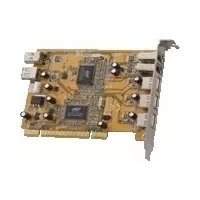
DCDUOMEDIA - Controller Dawicontrol - Free user manual and instructions
Find the device manual for free DCDUOMEDIA Dawicontrol in PDF.


| Brand | Dawicontrol |
| Model | DCDUOMEDIA |
| Product type | USB 2.0 and IEEE 1394 PCI host controller |
| Number of USB ports | 4 USB 2.0 ports |
| Number of IEEE 1394 ports | 3 IEEE 1394 (FireWire) ports |
| Interface | 32-bit PCI Busmaster compliant |
| USB compatibility | USB 1.1 and 2.0 (backward compatible) |
| Supported operating systems | Windows 98SE, ME, 2000, XP, 2003 |
| Included software | ULEAD VideoStudio |
| Dimensions (estimate) | Approximately 120 x 60 mm (standard PCI card) |
| Weight (estimate) | Approximately 50 g |
| Power supply | Powered by PCI bus (5V) |
| Main functions | Adds USB 2.0 and IEEE 1394 ports to a desktop PC |
| Maintenance and cleaning | Clean with a dry, lint-free cloth. Do not use liquids. |
| Safety | Unplug the computer before installation. Handle with caution against electrostatic discharge. |
| Spare parts and repairability | Not applicable (integrated card). In case of failure, replace the card. |
| General information | PCI controller for connecting high-performance USB 2.0 and IEEE 1394 (FireWire) peripherals. |
Frequently Asked Questions - DCDUOMEDIA Dawicontrol
User questions about DCDUOMEDIA Dawicontrol
0 question about this device. Answer the ones you know or ask your own.
Ask a new question about this device
Download the instructions for your Controller in PDF format for free! Find your manual DCDUOMEDIA - Dawicontrol and take your electronic device back in hand. On this page are published all the documents necessary for the use of your device. DCDUOMEDIA by Dawicontrol.
USER MANUAL DCDUOMEDIA Dawicontrol
Copyright 2002-2006 by
Copyright 2002-2006 by
DAWICONTROL GmbH P.o.Box 1709
D-37007 Göttingen
HotLine: +49/551/35000
Monday-Friday:09:00-17:00
Copyright 2002 - 2006 by
DAWICONTROL GmbH P.o.Box 1709
D-37007 Göttingen
HotLine: +49/551/35000
Lundi-Vendredi:09:00-17:00
All rights reserved worldwide, especially the rights for the reproduction and translation even of extracts only. Commercial retailing only after prior written management consent.
IBM,PC,XT,AT and OS/2 are registered trademarks of International Business Machines. MS-DOS and MS-Windows are registered trademarks of Microsoft Inc. Novell NetWare is a registered trademark of Novell Inc. Dawicontrol is registered trademark of Dawicontrol Computersysteme GmbH.
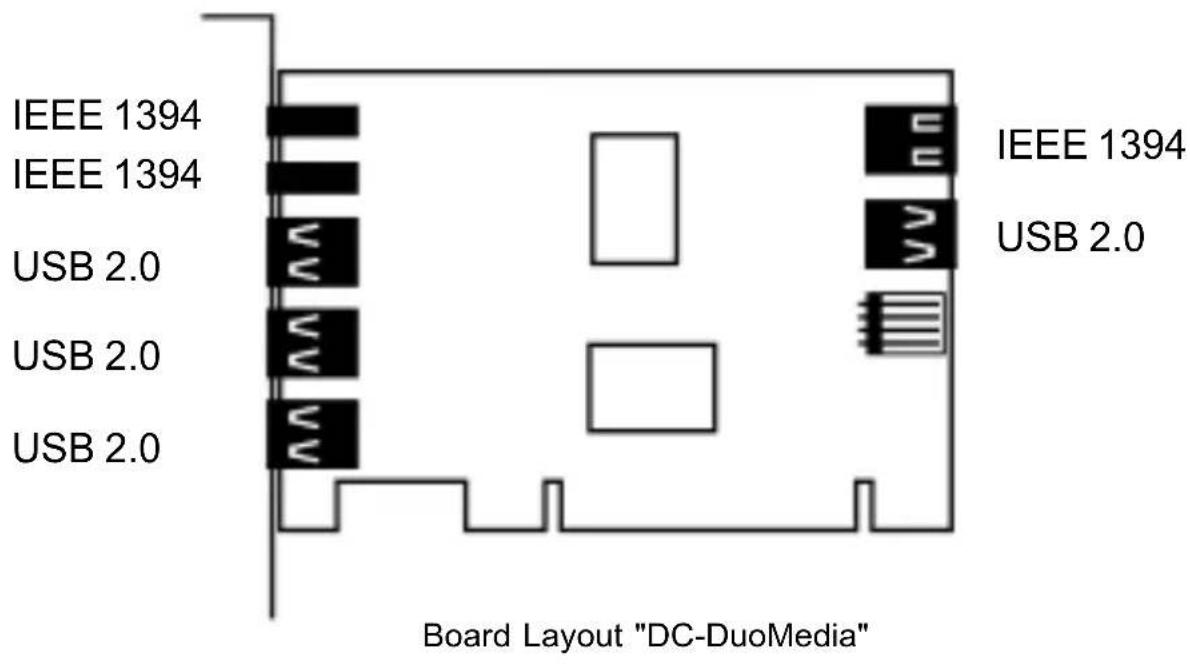
The DC-DuoMedia is an PCI Host adapter which provides 4 USB 2.0 and 3 IEEE 1394 ports to connect USB and IEEE 1394 High Performance devices.
1.1 The Universal Serial Bus 2.0
The USB 2.0 standard is intended as an extension of the industrial standard in the PC-architecture. The main attention is directed upon PC peripheral devices which make possible consumer, as well as business solutions. The devices and cables of the USB 1.1 are usable furthermore. As well the plug coding known by USB is still the same, i.e. the wide plug always points in direction of the Host-controller and the smaller one in contrast in direction of the periphery.
1.2 The IEEE 1394 Bus
IEEE 1394 (also known as FireWire © and iLink ©) today is already the standard of the digital videotreatment in the consumer-area. The IEEE 1394 standard offers a flexible and reasonable possibility to transfer big data amounts in real time between digital equipment as for example DV-camcorder and the PC. Quality losses, how they appear when using analogous cameras, are avoided by the purely digital interface.
2. Installation
To install the DC DuoMedia controller you have to remove the chassis from your computer; take care of the warranty agreement of your computer manufacturer. Turn the system power off before installation!! Choose an available "Busmaster" 32 bit PCI-Slot for the DC-DuoMedia controller.
3. Software Installation
3.1 Windows 98SE / Windows ME
The software installation for the DC-DuoMedia runs in several phases. The drivers for the support USB 1.1, USB 2.0 and the section IEEE 1394 are installed.
3.1.1 The support USB 1.1
Because the USB 1.1-drivers are already standard with the current motherboards, they are automatically installed.
ATTENTION: The installation, described in the following, will run twice.
After having installed the controller, the "Add New Hardware Wizard" appears again. Click "Next" button.
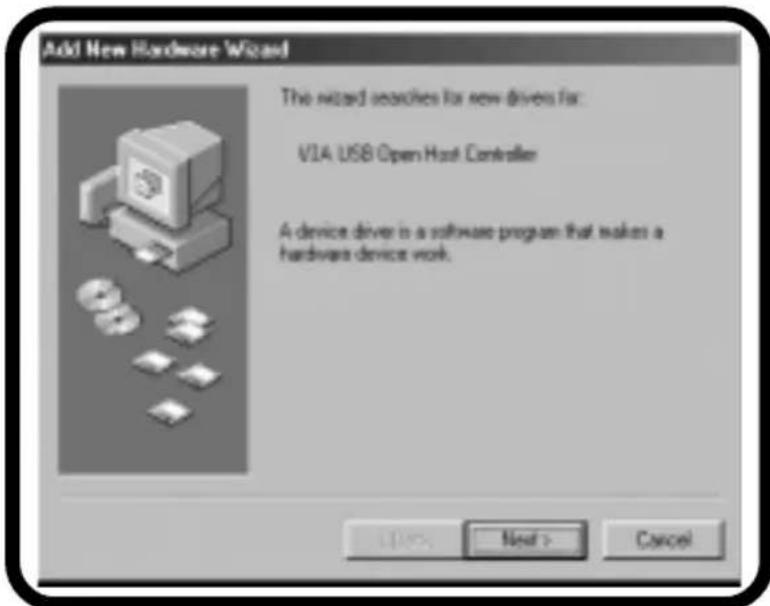
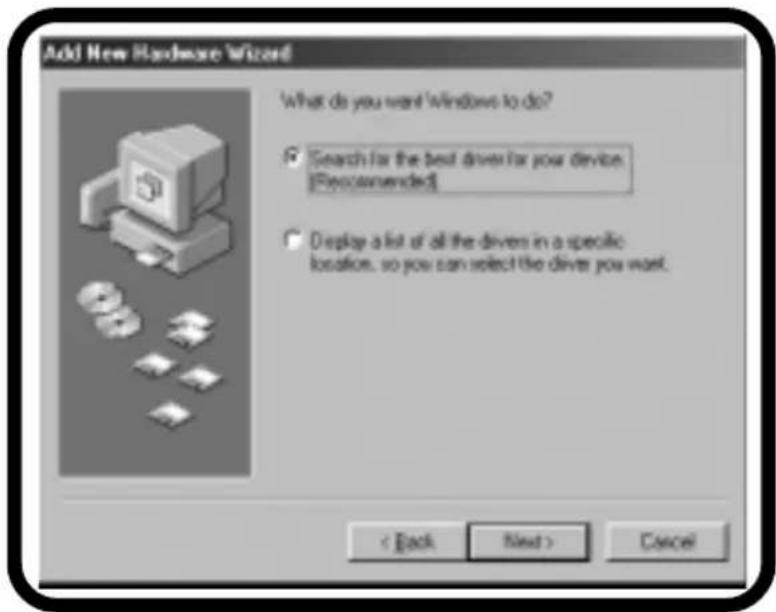
Select "Search for the best driver for your device" and click "Next" button.
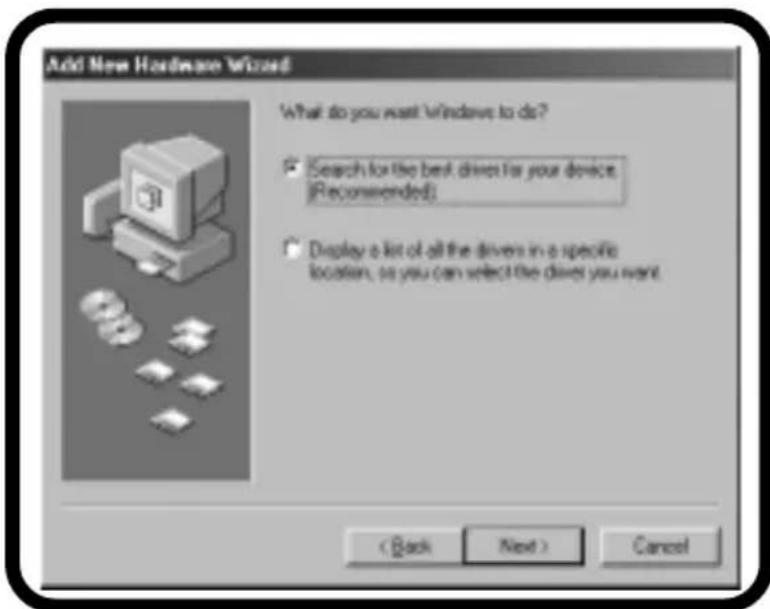
Click the "Next" button without any changes.
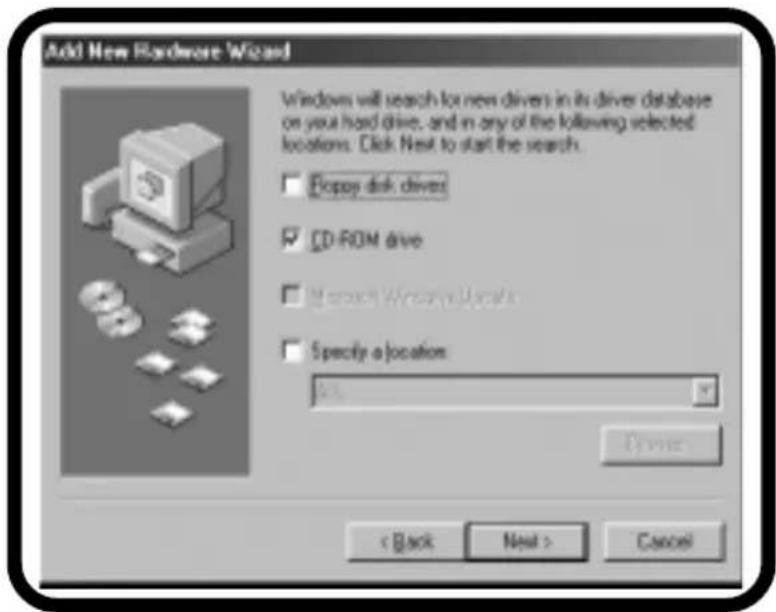
If the following message appears, please click "Next".
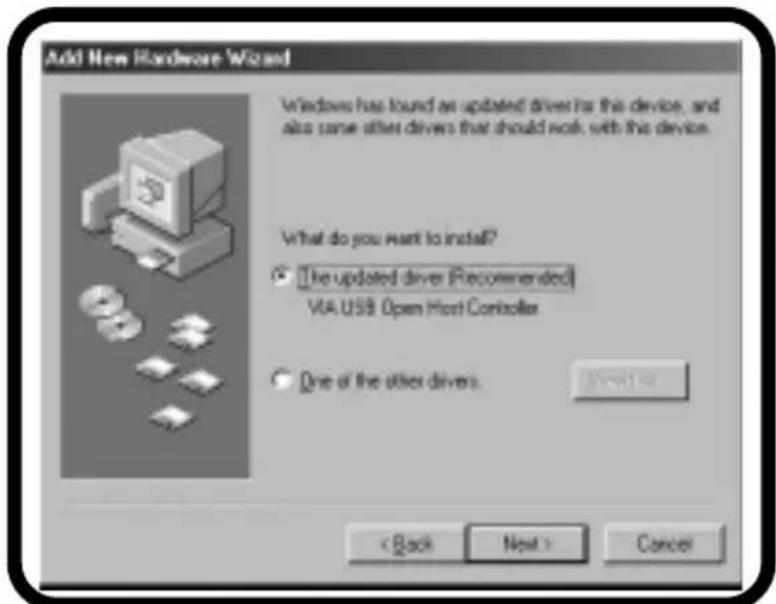
Windows has found a new driver, please click the "Next" button.
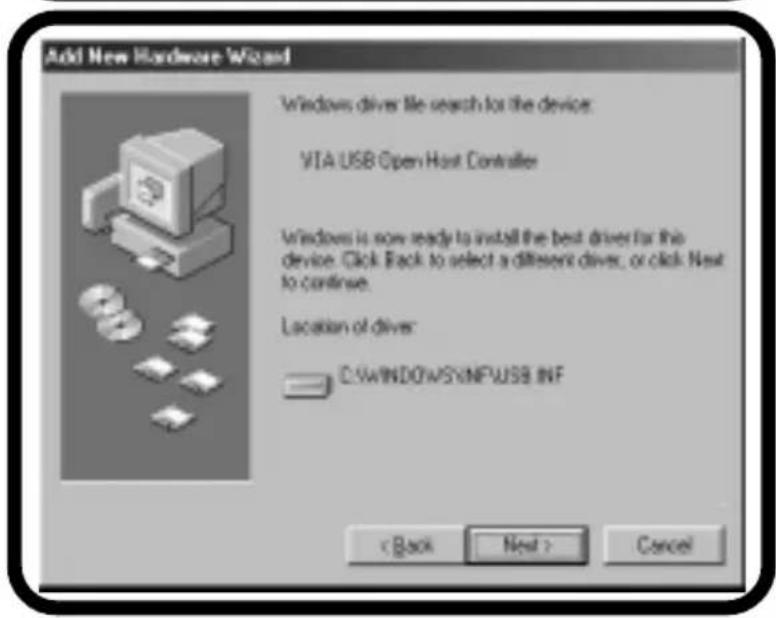
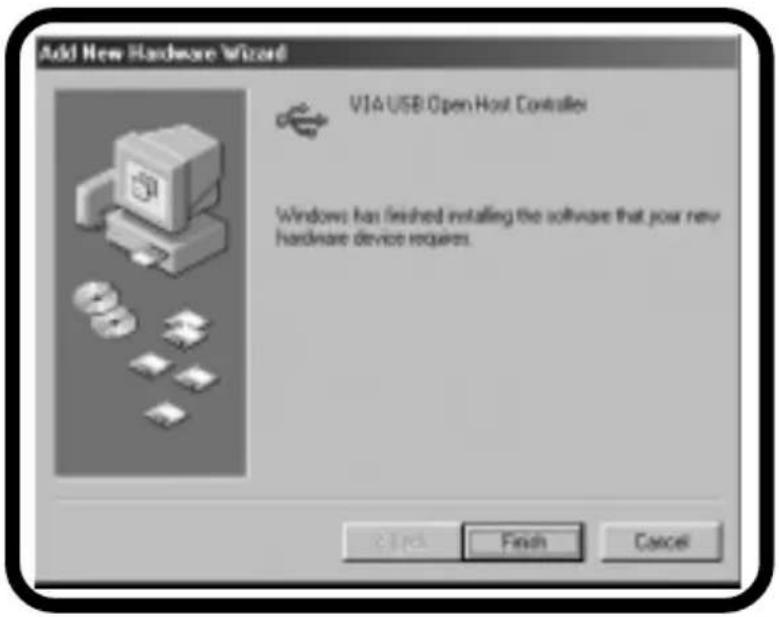
Now Windows installs the driver. Please click "Finish".
3.1.2 The driver USB 2.0
To install the USB 2.0 device driver, please, hold ready the enclosed driver diskette.
Again the"Add New Hardware Wizard appears.
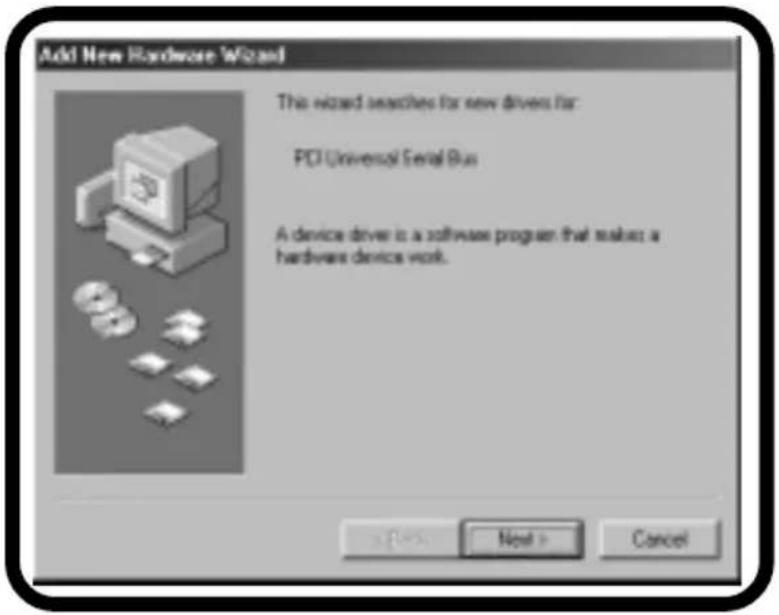
Please Click "Next" button again.
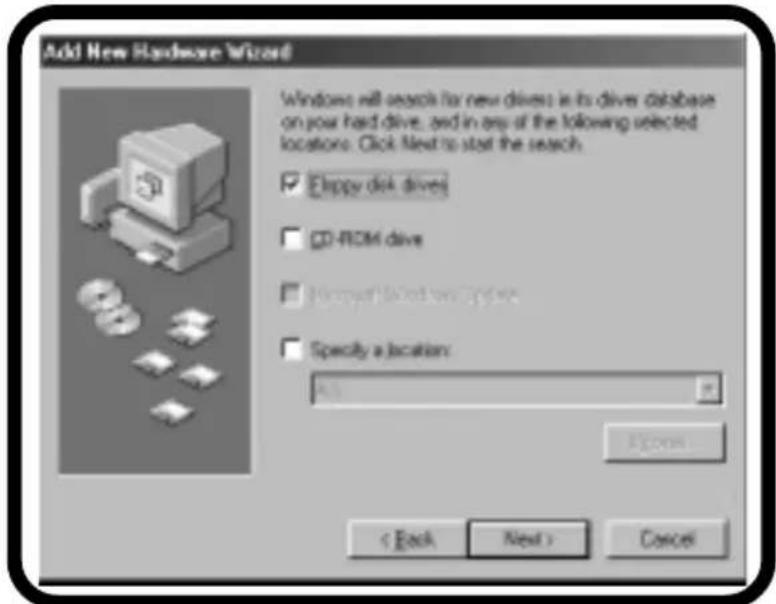
Please mark „Floppy disk drives“, insert your driver disk into the floppy disk drive and click "Next".
This massage appears, if Windows has found the driver. Please click "Next".
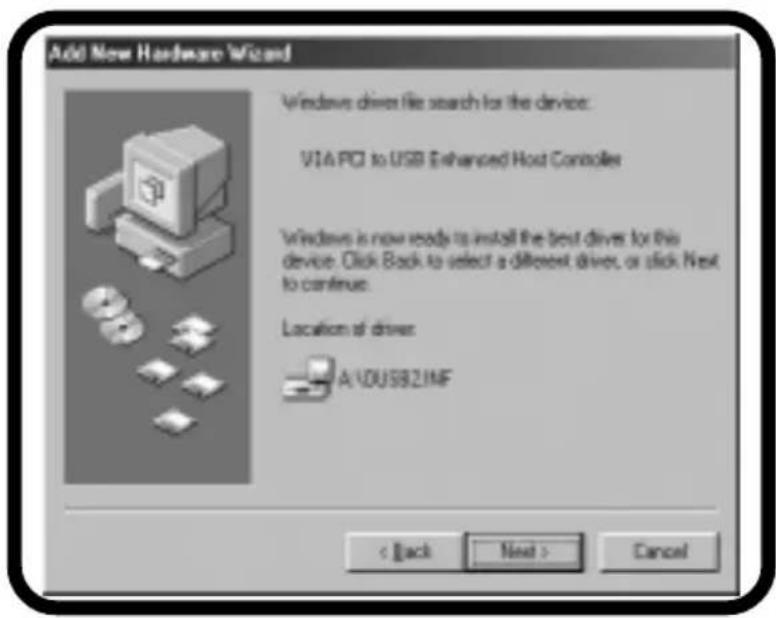
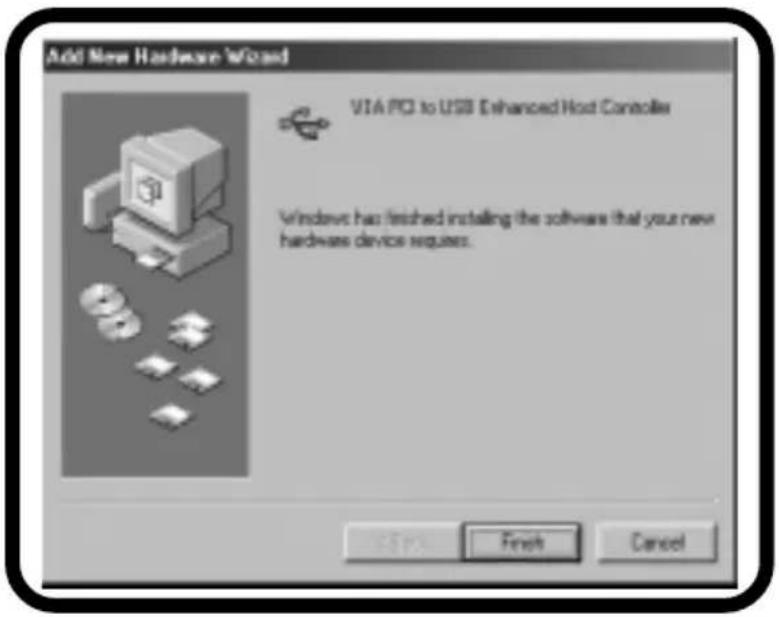
Now Windows installs the driver. Please click "Finish".
3.1.3 The IEEE 1394 driver
The IEEE 1394-drivers are automatically installed by Windows ME, only Windows 98SE requires the operating system CD.
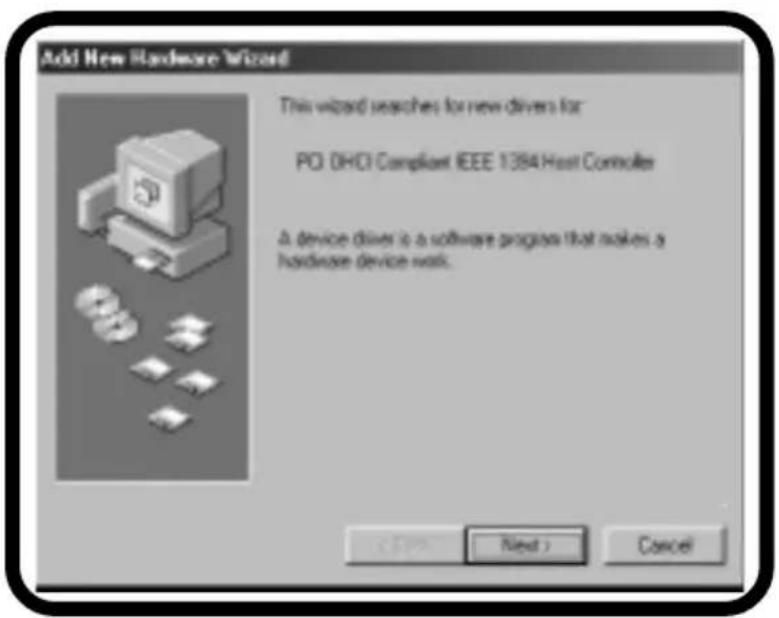
Again the"Add New Hardware Wizard appears. Click "Next" button.
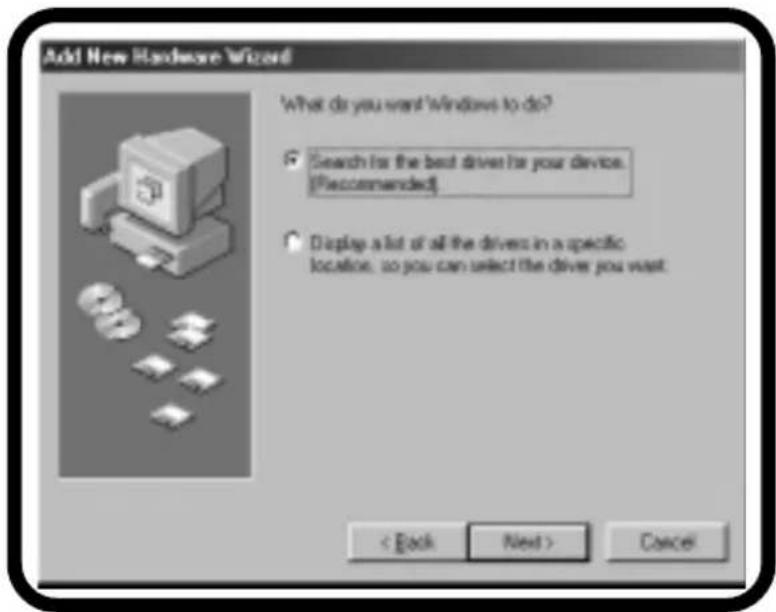
Select "Search for the best driver for your device" and click "Next" button.
Please mark CD-ROM drive", insert your Windows-CD into the CD-ROM drive and click "Next".
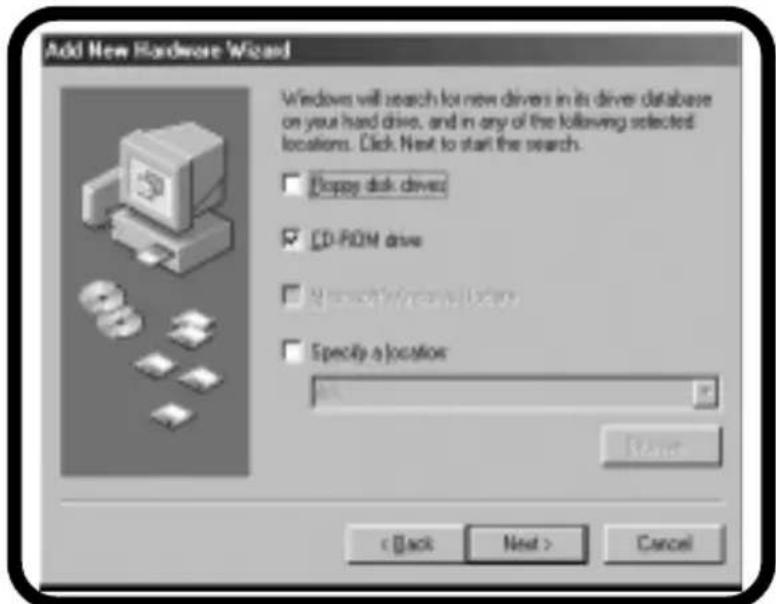
Windows has found a new driver, please click the "Next" button.
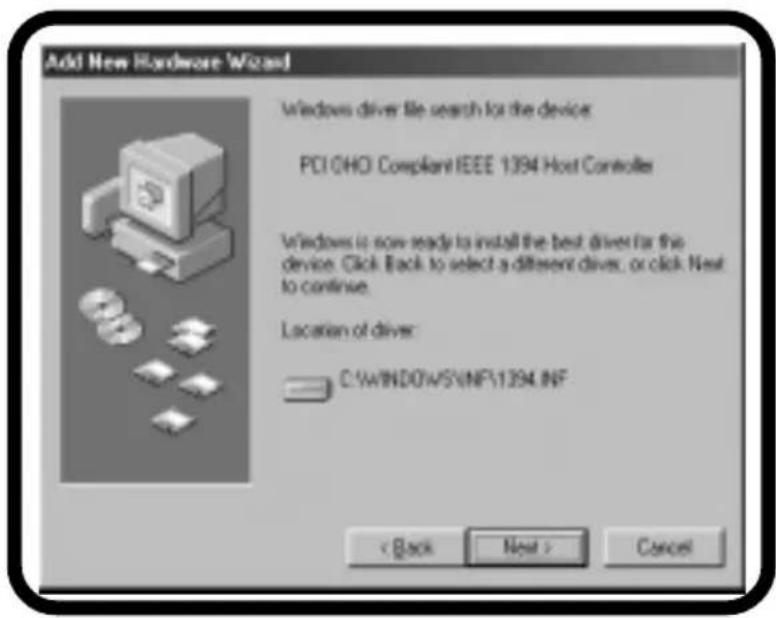
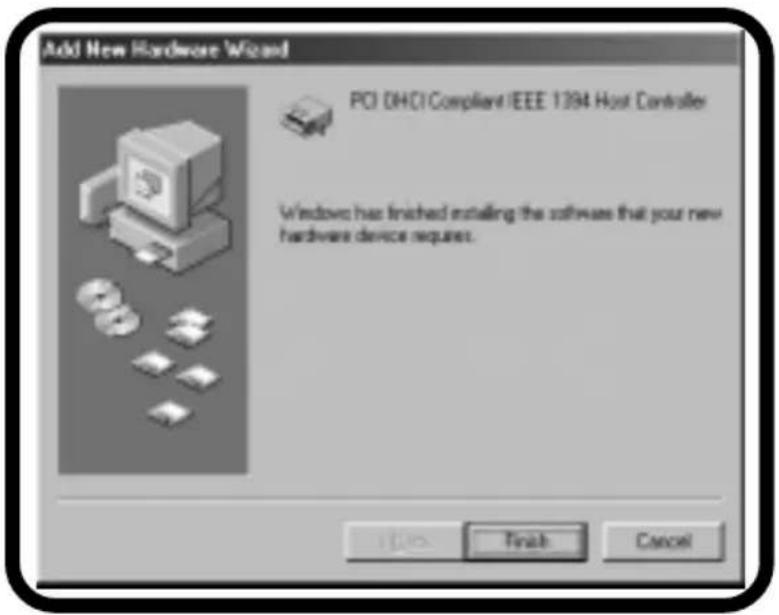
Windows now installs the driver. Please click "Finish".
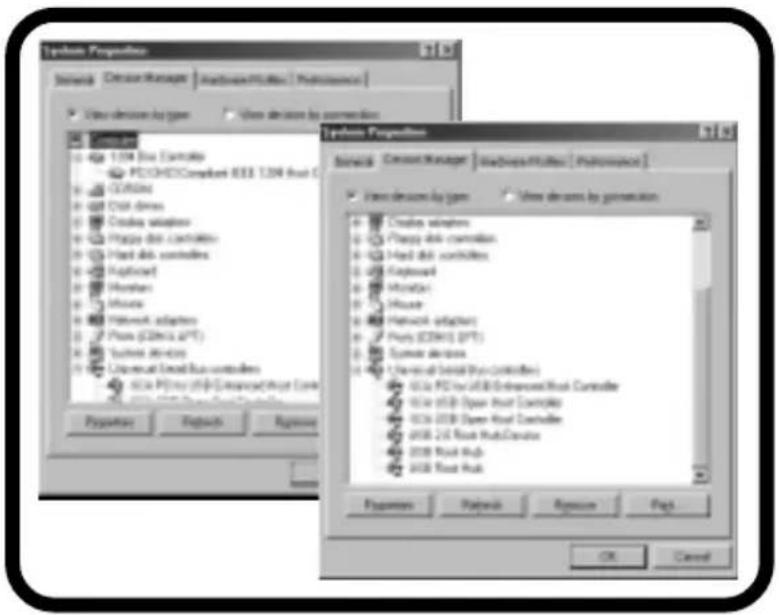
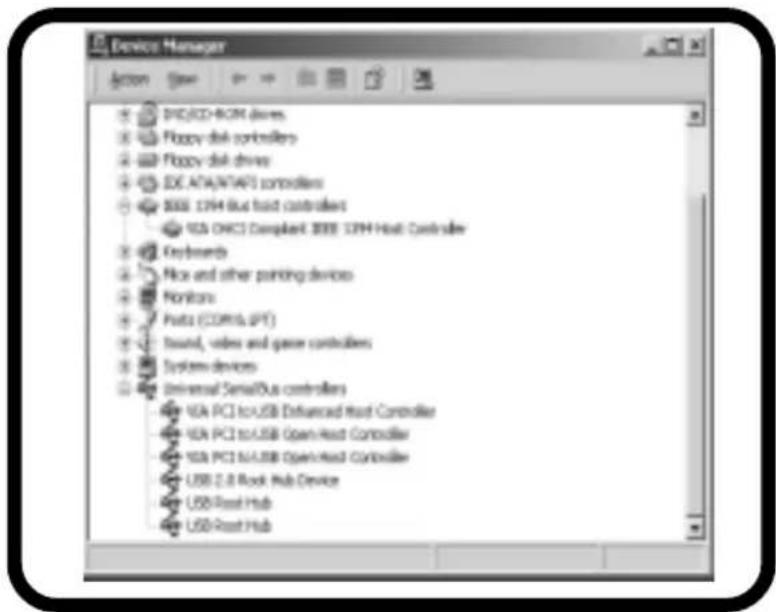
To verify a proper installation open the device manager and check, if the devices are registered without any problems.
3.2 Windows 2000 / XP / 2003
The software installation for the DC-DuoMedia runs in several phases. The drivers for the support USB 1.1, USB 2.0 and the section IEEE 1394 are installed.
The installation for the USB 1.1 and the IEEE 1394-driver support runs automatically, only the USB 2.0 driver has to be installed.
After having installed the DC-DuoMedia controller, the "Add New Hardware Wizard" appears during the first boot-up. Click "Next" button.
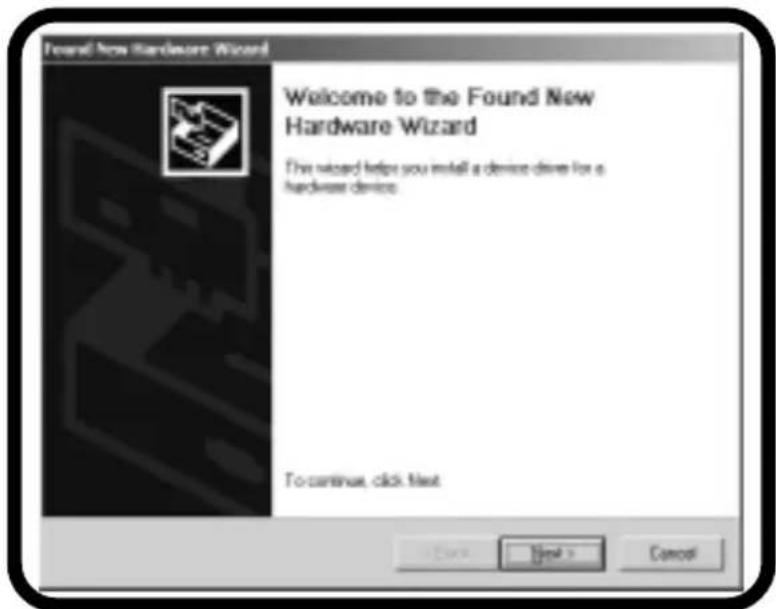
Select "Search for the best driver for your device" and click "Next" button.
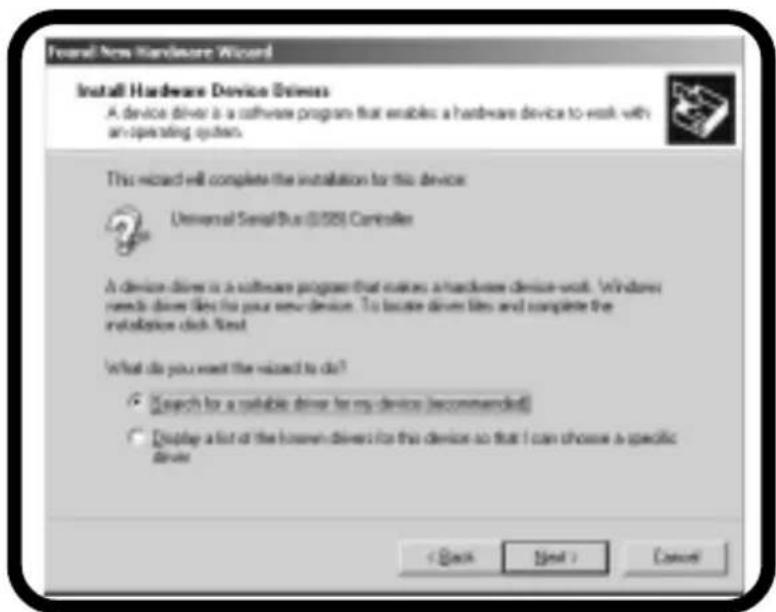
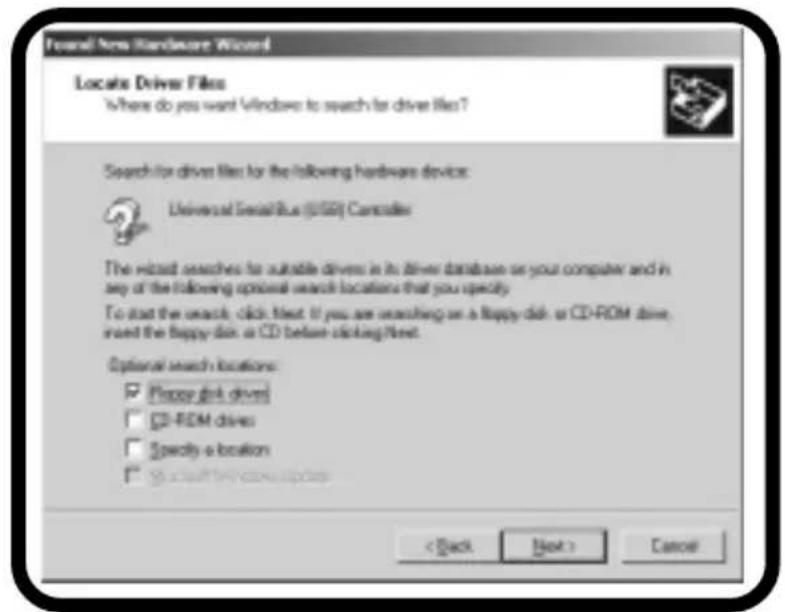
Please mark Floppy disk drive", insert your driver diskette into the floppy disk drive and click "Next".
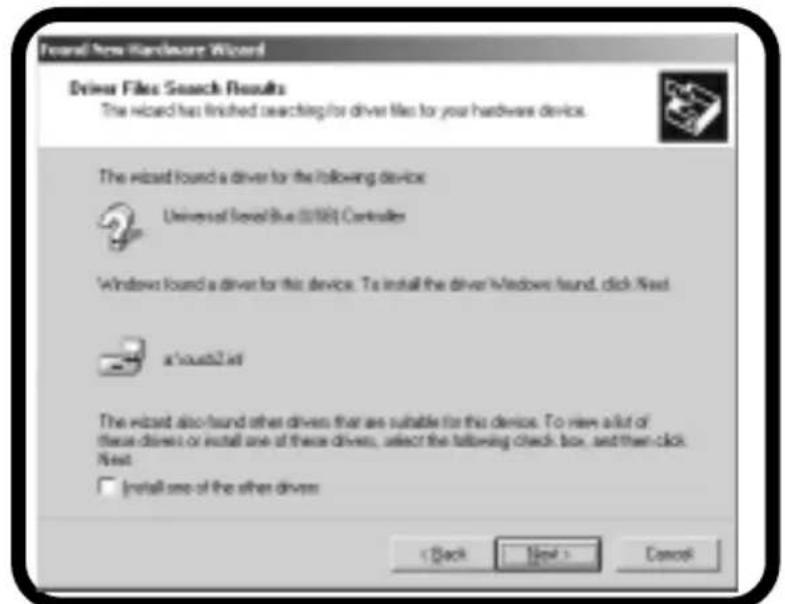
This massage appears, if Windows has found the driver. Please click "Next".
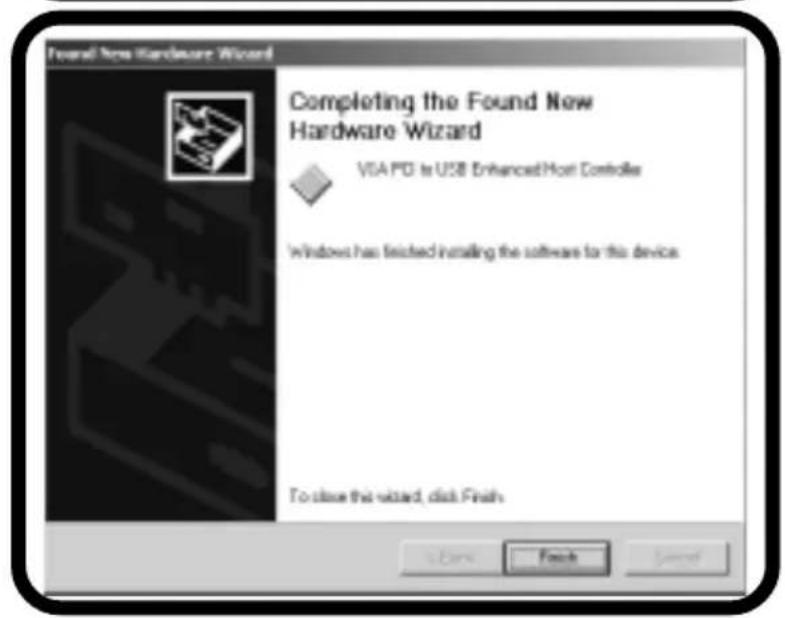
Now Windows installs the driver. Please click "Finish".
To verify a proper installation open the device manager and check if the devices are registered without any problems.
4. Videosware „ULEAD VideoStudio“
Insert the ULEAD-CD in your CD-ROM drive. If the installation doesn't start automatically, please run "Setup.exe" from the CD-ROM folder. Follow the on-screen installation guide.
5. Troubleshooting
Sometimes Windows 98SE doesn't recognize certain SONY Camcorder. To solve this problem, please open the Device Manager and select "Texas Instruments OHCI Compliant IEEE 1394 Host Controller". Click on "Properties" and on "Settings". Please mark "Support incompatible devices". Reboot your system.