MILLESIME - SAMSUNG - Free user manual and instructions
Find the device manual for free MILLESIME SAMSUNG in PDF.
Download the instructions for your in PDF format for free! Find your manual MILLESIME - SAMSUNG and take your electronic device back in hand. On this page are published all the documents necessary for the use of your device. MILLESIME by SAMSUNG.
USER MANUAL MILLESIME SAMSUNG
DA68-01096C Please read this manual carefully before switching on the power and nicely keep it for future reference. The product is subject to change without notice.
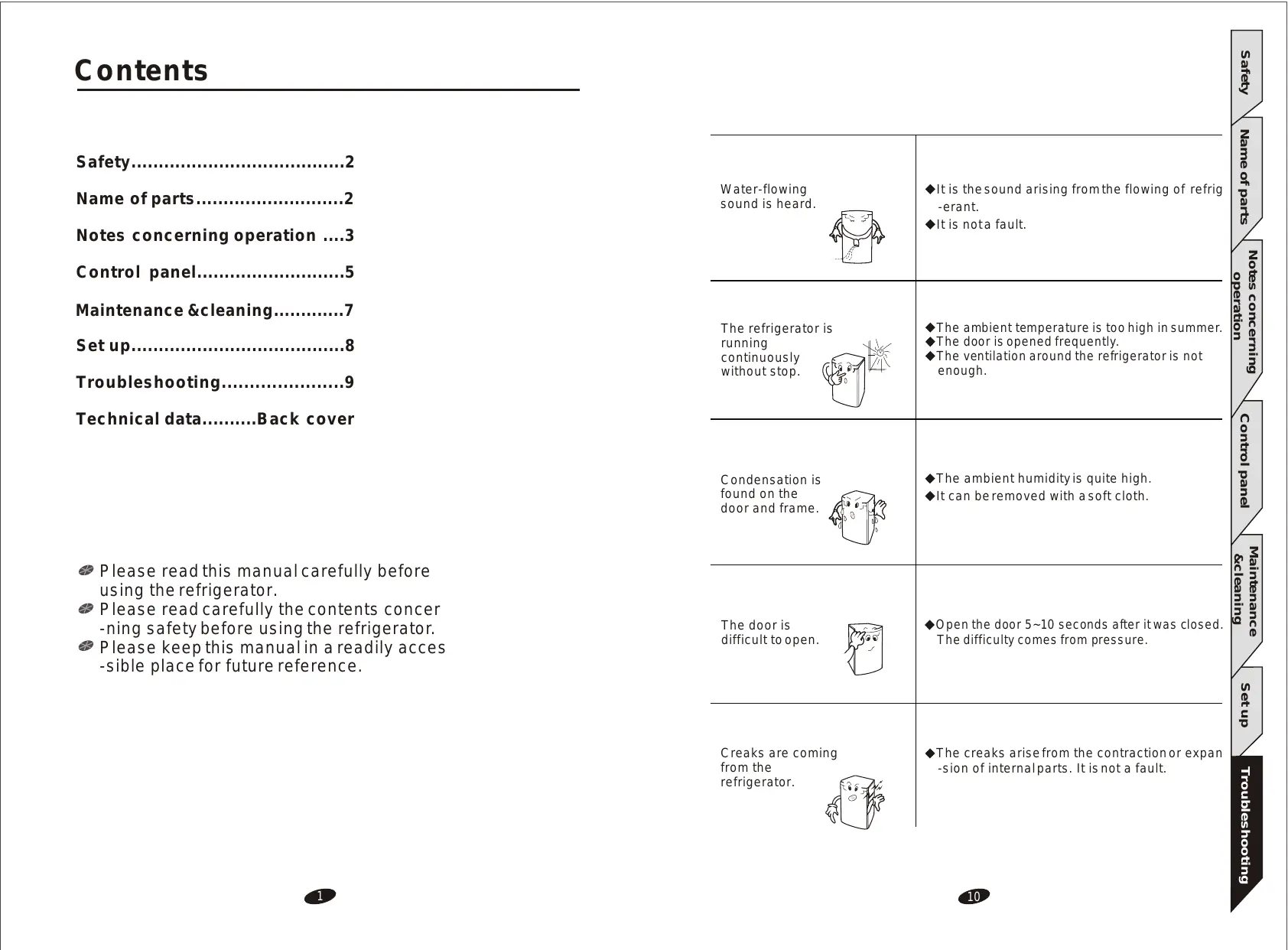
The ambient temperature is too high in summer. The door is opened frequently. The ventilation around the refrigerator is not enough.
Condensation is found on the door and frame.
The ambient humidity is quite high. It can be removed with a soft cloth.
The door is difficult to open.
Open the door 5~10 seconds after it was closed. The difficulty comes from pressure.
Creaks are coming from the refrigerator.
The creaks arise from the contraction or expan -sion of internal parts. It is not a fault.
Control panel5 Maintenance &cleaning7 Set up8 Troubleshooting9 Technical dataBack cover
Please read this manual carefully before using the refrigerator. Please read carefully the contents concer -ning safety before using the refrigerator. Please keep this manual in a readily acces -sible place for future reference.
Maintenance &cleaning
The refrigerator is running continuously without stop.
Notes concerning operation ....3
It is the sound arising from the flowing of refrig -erant. It is not a fault.
Notes concerning operation
Water-flowing sound is heard.
TROUBLESHOOTING SAFETY Please read carefully the contents in this manual concerning safety and operation before switching on the power.
Please keep this manual. Please keep this manual nicely for your future reference. The plug has not been nicely inserted into the outlet.
Please pay attention to the warnings on the wine refrigerator concerning operation and follow their instructions.
Please follow the instructions in this manual concerning operation.
There are noises in the refrigerator.
Top frame Large steel wire rack
Small steel wire rack
There is frost on the back wall inside the refrigerator.
It's normal when the refrigerator is running. It will disappear when the refrigerator stops working.
The frame is equipped with anti-condensation pipe, so the refrigerator will become hot when it is running. It is not a fault. There are radiating devices (condensers) inside both sides of refrigerator.
NAME OF PARTS Maintenance &cleaning
The front and sides of refrigerator are hot.
The things in the refrigerator have not been evenly placed. The refrigerator has not been placed on a rigid and flat surface. The refrigerator is too close to the wall. Something is behind or under the refrigerator. The sound is from the compressor.
Maintenance &cleaning
Please pay attention to warnings.
Notes concerning operation
The refrigerator doesn't work.
Please read this manual.
Safety Notes concerning operation
Do not use a damaged plug. Do not pull the plug. Do not touch the plug when your hands are wet.
Place the refrigerator on a rigid and horizontal surface and flat it with the adjusting foot.
The plug should not be over-bent or pressed under a heavy thing. Please remove the plug from the outlet when there are thunders and lightning or the refrigerator is not to be used for a long time. The refrigerator should not share the outlet with other appliances, otherwise electric shock and fire may happen.
The refrigerator should be put in a place with good ventilation. There should be a distance of over 5cm to both sides and the rear and over 10cm to the top.
Check the voltage of refrigerator if it is in conformity with that of outlet before plugging.
Do not place the refrigerator in a place with direct sunshine or near the heat source (such as gas stove and oven) or in a damp place.
The permissible voltage range is 98-143V. If the voltage of your power source is not in this range, you have to use a 500W automatic regulator, which can easily be found on the market.
The refrigerator should be put in a place near the outlet.
The extension of power line is not recommended. If you want to use a connection plate, it should be in line with the capacity of refrigerator and nicely grounded. The connection plate should be hung up or put at a place more than 200mm far from the refrigerator.
If the supply cord is damaged,it must be replaced by manufacturer, retailer it s service agent or similar qualified person in order to avoid a hazard.
Please use a separate 220~240V outlet for the refrigerator. The refrigerator should be nicely grounded. Do not ground it through phone line or gas pipe. The replacement of power line needs special tools, so please contact the service center if your power line is damaged.
Please do not put your hands under the refrigerator.
Noises will arise when something is beside, behind or on the refrigerator.
Do not put cigarette butts or candles on the refrigerator. The refrigerator should be far away from any heat source.
Maintenance &cleaning
ATTENTION Control panel
Please read the following section carefully to avoid any injury of personnel and damage of property.
Notes concerning operation
Maintenance &cleaning
SET UP Name of parts
NOTES CONCERNING OPERATION The ambient temperature should be over 5 may freeze up.
Please do not put heavy things on the refrigerator.
ATTENTION Do not clean the refrigerator with water or chemicals. If there is dirt on the plug, please use it after cleaning.
The refrigerator must be correctly grounded, otherwise incident may happen.
Please wait 5 minutes when you want to insert the plug into the outlet again after it was removed.
Do not put the refrigerator upside down or transversely. The slope between the refrigerator and the floor should never be more than 45 .
6-1 If you press the white wine key and the red wine key simultaneously, Do not disassemble, repair and rebuild the refrigerator by yourself.
6-2 After 3 seconds, all settings will become ex-factory ones.
Do not let children play around the refrigerator. If the refrigerator is to be discarded, please remove the door in order to prevent the child from being sealed in it. Do not put inflammable near the refrigerator.
7. KEYBOARD LOCK MODE When gas leaking happens, do not remove the plug from the outlet or adjust the temperature. Please turn off the gas first. Please remove the plug from the outlet immediately when there are noises, fumes or abnormal odor in the refrigerator and contact the service center promptly.
3 seconds. 7-2 The refrigerator will run in the keyboard lock mode if it was not running in that mode before the keys are pressed. Otherwise, the refrigerator will exit from
Do not put thermal bottle, medicine or metal chains on the refrigerator.
the keyboard lock mode. 7-3.In the keyboard lock mode, no action will happen and DIAPLAY will show "LO"
WARNING Control panel
MAINTENANCE & CLEANING K e e p v e n ti l a t i o n o p en i n g s , i n t h e a p p l i a nc e e n c l o s ur e o r i n t h e b u i l t - in structure, clear of obstruction. D o n o t u s e m e c h a n i ca l d e v i c e s o r o t h e r m e a n s t oa c c e l e ra t e t h e d e - f r o s ti n g p r o c e ss , o t h er t h a n t h o s e r e c o mm e n d e d b y t h e m a n u f a ct u r e r .
if any key is pressed (internal lamp key excluded). When the key is released, DISPLAY will show the actual temperature.
Notes concerning operation
7-1 Please press the white wine key and the internal lamp key together for
all indicators will go out.
Notes concerning operation
6. RESET MODE Set up
Inside Please take out the racks, wash them with sterilization spray and dry them with a clean cloth. The door should be cleaned carefully by using neutral detergent and a soft cloth.
ADDITION Instructions for replacing the illuminating lamps
Water collector Pour out the water in the collector and replace it after cleaning.
The plug should be removed from the outlet and the door should be opened when you are doing the cleaning or the refrigerator is not to be used for a long time. Do not clean the refrigerator with water or chemicals.
Finally,power on the wine chiller. Max.rated input of lamp:7W
When the lamp need to be replaced,please power off the wine chiller at first, then remove the two screws that were used to fix the lamp cover,removing the lamp cover and then pull the old lamp,replacing a new one,fixing the lamp cover with screws .
Do not use electric al appliances inside the food storage compartments o f t h e a p p l i a n ce , u n l e s s t h e y a r e o f t h e t y p e r e c o m mended by the man -ufacturer
Maintenance &cleaning
Do not damage the refrigerant circuit.
Please remove the plug from the outlet first before cleaning.
Safety Name of parts
2-3 When the white wine key isreleased, DISPLAY will show the actual temper -ature.
Red wine indicator White wine indicator Custom indicator
3.CUSTOM MODE Red wine
3-1 If you press the custom key when the refrigerator is in the custom mode, DISPLAY will show the temperature setting. 3-2 If you press the custom key when the refrigerator is not in the custom
After the power is switched on, all indicators will light up for self-inspection and
mode. 3-3 When the custom key is released, DISPLAY will show the actual tempera
Note : In the red wine mode, the temperature setting is 13 55 F |15 ~12 59 F 54 F ), Which is suitable mainly for the storage of red wine. 45 F
4-2 Press the user setting key for 3 seconds and the refrigerator will enter into the sate for adjustment of temperature. at that time, led willflash and show
In the custom mode, the temperature can be set in the range of 4 ~18 40 F 65 F according to user`s requirement.
the current temperature setting. 4-3 If you press the red wine key, the temperature setting will be increased by 1
(34 F) until it becomes 18
65 F . After that, the temperature setting
will no longer change if you press the red wine key again. alternately, if you press the white wine key, the temperature setting will be decreased by
1-1 If you press the red wine key when the refrigera t or is in the red wine mode, DISPLAY will show the temperature setting 13 55 F .
34 F until it becomes 4
40 F . After that, the temperature
setting will no longer change if you press the white wine key again. 4-4 DISPLAY will show the actual temperature after 5 seconds with the comp -letion of adjustment.
5. INTERNAL LAMP 5-1 If you press the internal lamp key, the internal lamp will go out when it is lit,
1-3 When the red wine key is released, DISPLAY will show the actual temper -ature.
and vice versa. 5-2 When the internal lamp is continuously lit for1 hour, it will go out automatically.
1-2 If you press the red wine key when the refrigerator is not in the red wine mode, the red wine indicator will light up, DISPLAY will show the temper -ature setting of red wine 13 55 F and the refrigerator will start running in the red wine mode.
4-1 Please let the refrigerator run in the user setting mode.
Maintenance &cleaning
48 F 41 F ), which is suitable mainly for the storage of white wine.
4. ADJUSTMENT OF TEMPERATURE Control panel
-ture preset by the user and the refrigerator will start running in the custom
the red wine indicator will light up and DISPLAY will show the actual temperature.
1.RED WINE MODE Troubleshooting
mode, the custom indicator will light up, DISPLAY will show the tempera
then the refrigerator will be automatically set on the red wine mode. At that time,
In the white wine mode, the temperature setting is 7
Maintenance &cleaning
2-2 If you press the white wine key when the refrigerator isnot in the white wine mode, the white wine indicator will light up, DISPLAY will showthe tempera -ture setting of white wine 7 45 F and the refrigerator will start running in the white wine mode.
Notes concerning operation
2-1 If you press the white wine key when the refrigerator is in the white wine mode, DISPLAY will show the temperature setting 7 45 F .
ManualGo.com