
IC 80 HD - Microscope LEICA - Free user manual and instructions
Find the device manual for free IC 80 HD LEICA in PDF.


| Product type | HD Digital Microscope |
| Brand | Leica |
| Model | IC 80 HD |
| Category | Microscope |
| Dimensions (H×W×D) | 40 × 25 × 30 cm |
| Weight | 5 kg |
| Lighting | Built-in LED, adjustable intensity |
| Magnification range | 10× to 200× |
| Camera resolution | HD (1920×1080 pixels) |
| Power supply | Mains 100-240 V AC, 50/60 Hz |
| Main functions | Observation in transmitted and reflected light, image and video capture, digital measurement |
| Maintenance and cleaning | Clean lenses with a soft, dry cloth; use compressed air for dust |
| Safety | Do not expose to moisture; unplug before cleaning |
| Spare parts and repairability | LED lamp, fuse, power cable available; repair by Leica certified technician |
| General information | User manual free download at notice-facile.com |
Frequently Asked Questions - IC 80 HD LEICA
User questions about IC 80 HD LEICA
0 question about this device. Answer the ones you know or ask your own.
Ask a new question about this device
Download the instructions for your Microscope in PDF format for free! Find your manual IC 80 HD - LEICA and take your electronic device back in hand. On this page are published all the documents necessary for the use of your device. IC 80 HD by LEICA.
USER MANUAL IC 80 HD LEICA
Compact, integrated high-definition stereomicroscope camera for professional visualization and documentation
Living up to Life
Go High Definition!
- Provides live HD image, use with or without a computer
- Very fast, high-resolution live preview on an HD monitor
- Ergonomic, easy switching between binocular tube and HD monitor
- Compact camera fits between the binocular tube and optics carrier
- Easy, affordable, fast, and high-quality image storage to an SD card
- Movie clips can be recorded directly to an SD card (MP4 format)
Control camera functions via two buttons, IR remote control, or computer - Store and manage captured images directly on the computer
- Best image quality and sharpness without vignetting or reflection
Automatic, default, or user-specific selection of camera parameters - High-resolution, fast live images with the 3-megapixel CMOS sensor
- USB2 connector for power supply and data transfer via computer
- Modular computer software or easy camera control, image acquisition, notation, and measuring
Digital high-definition (HD) image processing has never been easier. Leica Microsystems introduces the Leica IC80 HD camera, the latest addition to its family of high-performance stereomicroscope cameras for industrial and research applications. The affordable Leica IC80 HD is ideal for professional, high-quality image display when using an HD display unit. The complete ergonomic workstation allows the user to view samples on the monitor or through the binocular tube, and easily switch viewing mode, with or without computer connection. The camera sends a high-resolution live image directly to the HD monitor.
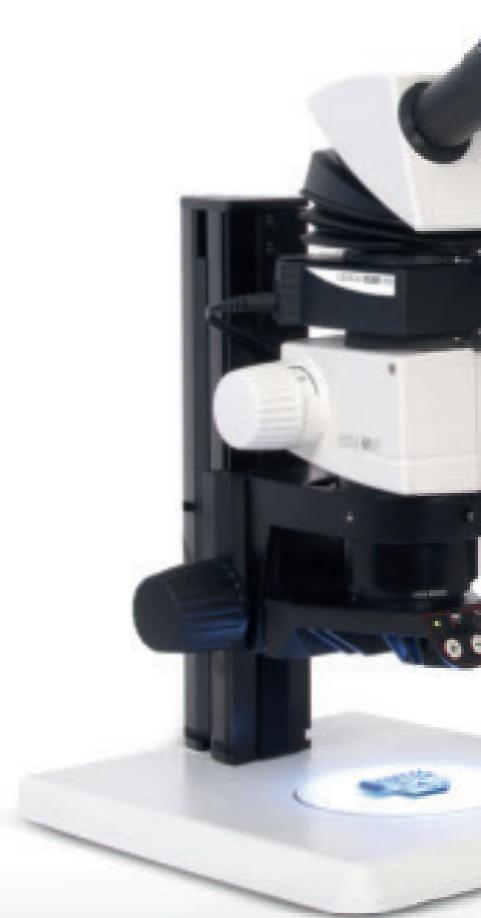
Seamless Design: The Leica IC80 HD fits between the optics carrier and binocular tube without an additional video or photo tube. It is designed to match newer generation Leica M-series stereomicroscopes. Previous M-series stereomicroscopes are easily retrofit with the Leica IC80 HD without additional adapters.
Ergonomic Workstation: Together with Leica ErgoTube™ and ErgoModule™ accessories, a Leica M-series stereomicroscope forms the platform for a highly compact, ergonomic workstation. And, the system provides comfortable viewing and switching between the binocular tube and HD monitor, which allows the user to always focus on the sample.
High-quality Images: The coaxial beam path of the stereomicroscope ensures the best image quality that reaches to the very edges of the monitor, and a reflection-free image seen through the binocular tube. The excellent reproduction quality, precision, and reliability can improve the efficiency and effectiveness of the user's work.
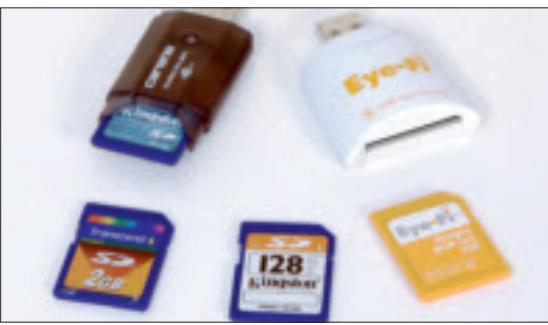
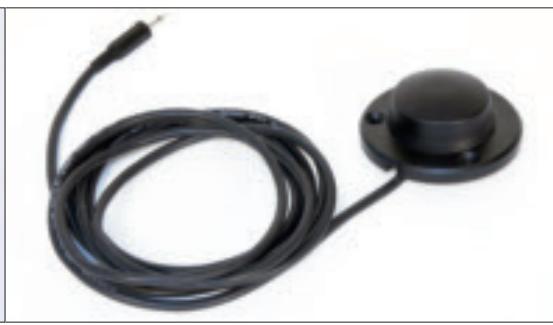
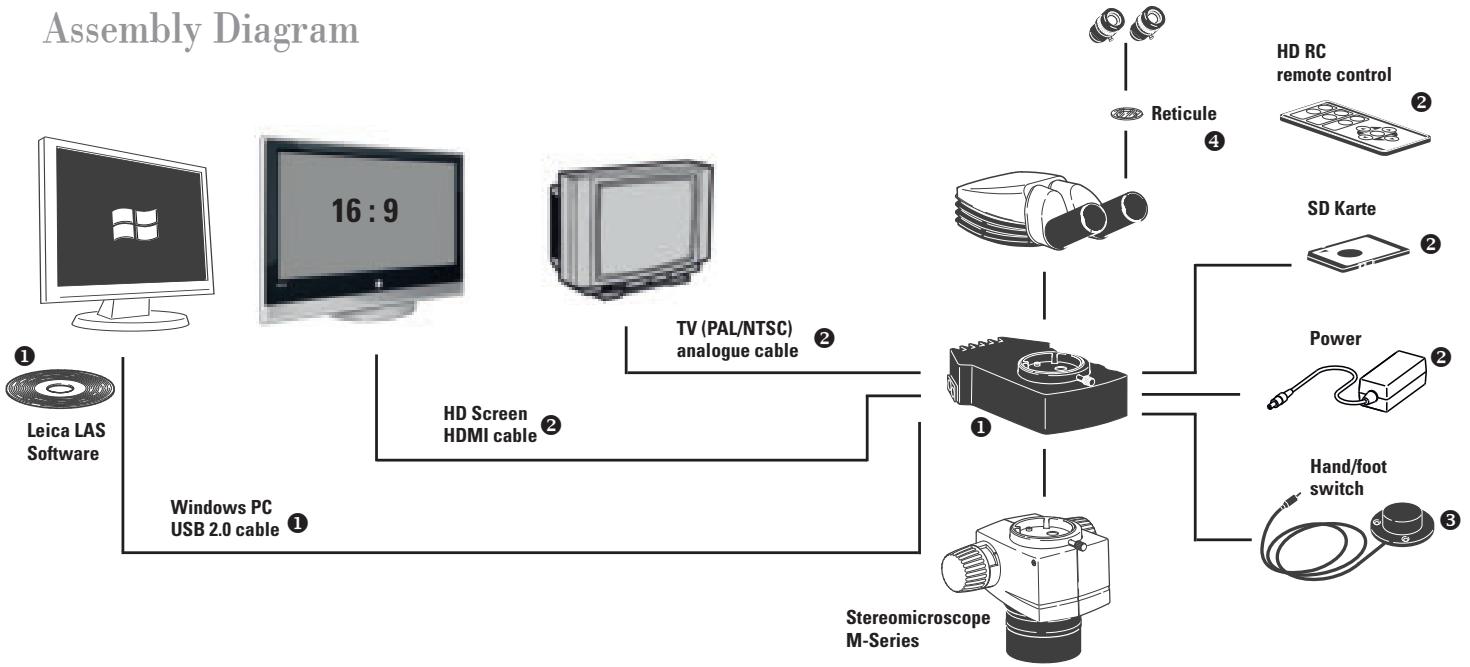
Any SD card, e.g., WORM and WIFI, palm and foot triggers can supplement the Leica IC80 HD camera.
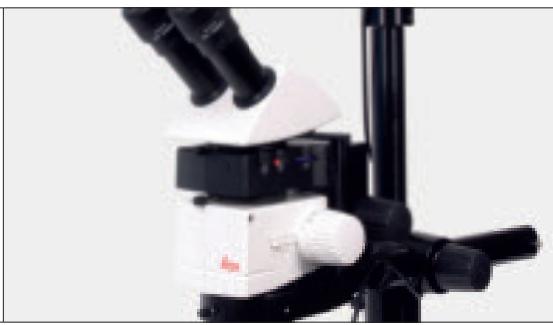
Easy to Operate: The Leica IC80 HD, specifically designed for stereomicroscope use, provides excellent image sharpness, brightness, and color impression. In addition, the user can work with the basic preset or adjust the camera's parameters as desired. Pushing the two buttons on the camera quickly switches camera modes, performs white balancing, or saves an image to an SD card.
Convenient Camera Control: The infrared (IR) remote control unit provides convenient control of camera settings including white balance, brightness, and image contrast. As needed, the user can rotate the live image 180^ or pause for visual inspection using the binocular tube or monitor. At the push of a button on the remote control, movie clips can be recorded directly to an SD card for fast documentation or training purposes.
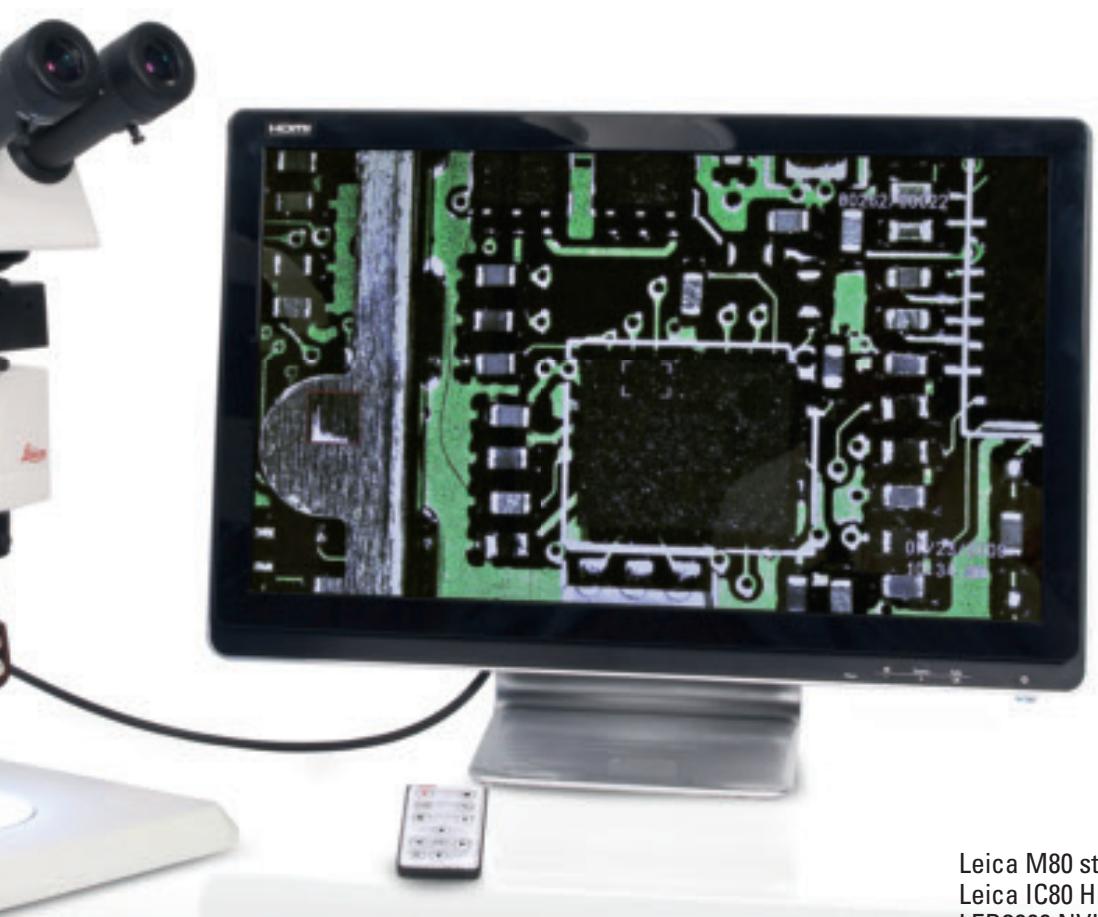
Leica M80 stereomicroscope with integrated Leica IC80 HD camera, HD RC remote control, LED3000 NVI illumination, ErgoTube, and full HD monitor.
IC80 HD - Specifications
| Camera | |
| Exposure time | 2 milliseconds to 2 seconds |
| Live image | 45 fps (1256 × 720 Px) – 20 fps (1920 × 1080 Px) |
| Full frame image acquisition | 2048 × 1536 pixels, 3.1 megapixels |
| Movie clip | 720 × 480 pixels (MP4) |
| Sensor size | 6.55 mm × 4.92 mm |
| Pixel size | 3.2 μm × 3.2 μm |
| Sensor grade | Micron 1/2" CMOS |
| Gain | 1× to 20× |
| Color depth | 24-bit |
| Data format | JPEG / TIFF / BMP / MP4 |
| Operating systems | Windows XP, Windows Vista |
| Software | LAS EZ software (PC), optional LAS modules available |
| Recommended computer configuration | Intel Pentium 4 or DuoCore, 2 GHz, 2 GB RAM, 24-bit graphics, 1248 × 1024, DVD |
| Mechanical and optical interfaces | |
| Mechanical | Standard connector between tube and Leica M-series optics carriers |
| Light distribution | Optical 50% / Camera 50% |
| Internal video magnification | 0.5× |
| Sensor | Centered on optical axis ± 0.1 mm |
| Sensor | Horizontal/vertical orientation ±1° |
| Electronic interfaces | ||
| Computer | USB 2.0, mini-USB plug | |
| Analog video connector | RCA plug with PAL video signal or NTSC (standard) 320 × 240 pixels | |
| High Definition connector | Mini-HDMI, HD-ready, and full HD | |
| Pin switch | Selection: HD-ready or full HD | |
| Selection: PAL or NTSC | ||
| Remote trigger | Hand and foot trigger | |
| LED with 2 colors | Ready (green), image capture (red) | |
| Integrated slot | SD (Secure Digital) card 1-8GB, WIFI,WORM supported | |
| Capture switch | For acquiring images | |
| Exposure switch | For changing exposure modes | |
| Other | ||
| Power supply | USB 2.0 or external power pack | |
| Power requirement | 4 W | |
| External power supply | Optional with stand-alone kit | |
| Operating temperature range | +5°C to 50°C | |
| Relative humidity | 10 to 90% | |
| Weight | 700 g (camera only) | |
| CE Declaration of Conformity | Available | |
| Tested standards | EMI/RFI: EN55011-B EMC: 61000-3-2 | EN50082-1 61000-3-3 |
Order numbers
| 12 730 216 | 1 | Leica IC80 HD camera (incl. USB cable and LAS EZ software) |
| 12 730 228 | 2 | Stand-alone kit (power pack, video cable, HDMI-cable, SD card, HD RC remote control) |
| 12 730 229 | 3 | Palm or foot switch with 2 m cable |
| 10 450 431 | 4 | Graticule for eyepiece specifying the sensor surface, live and capture image |
Brand : LEICA
Model : IC 80 HD
Category : Microscope