TBS-5001 - Speaker LENCO - Free user manual and instructions
Find the device manual for free TBS-5001 LENCO in PDF.

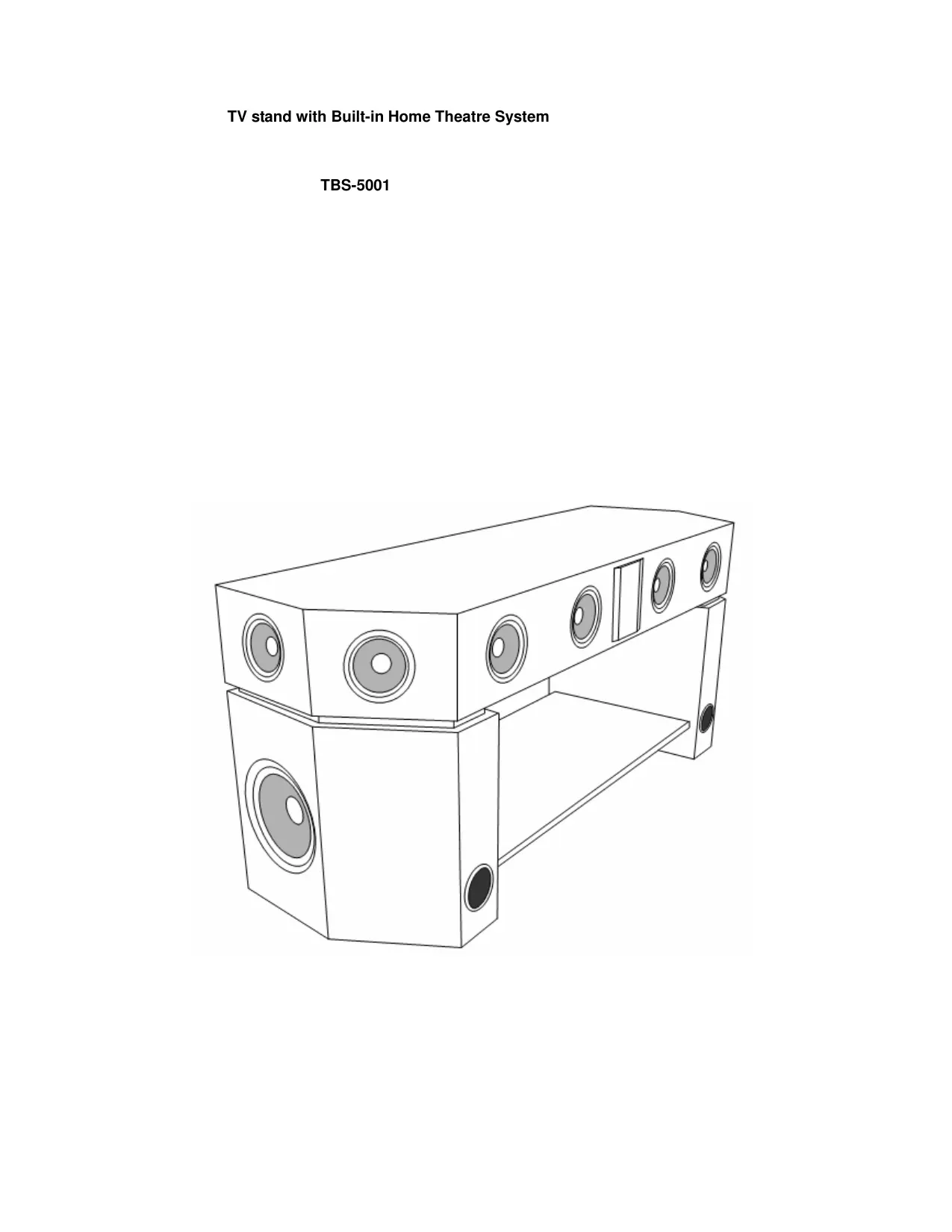


| Product type | TV unit with integrated 5.1 home theater system |
| Brand | LENCO |
| Model | TBS-5001 |
| Total RMS power | 100 W (subwoofer 30 W, center 18 W, front 13 W x2, rear 13 W x2) |
| Frequency response | 25 Hz – 20 kHz |
| Power supply | 230 V ~ 50 Hz |
| Power consumption | < 220 W (standby < 4 W) |
| Dimensions of subwoofer | 210 x 352 x 390 mm |
| Dimensions of satellite bar | 1185 x 145 x 390 mm |
| Package dimensions (subwoofer) | 802 x 292 x 462 mm |
| Package dimensions (satellite) | 1257 x 225 x 462 mm |
| Net weight | 46 kg |
| Gross weight | 49 kg |
| Connections | 5.1 channel input, 2 channel input, MP3 input, game console input, 3.5 mm audio jack (PC and console) |
| Remote control functions | Mute, Power, Reset, Volume +/-, Subwoofer +/-, Center +/-, Surround +/-, 2.0 ch and 5.1 ch modes |
| Assembly required | Yes (attaching the main panel to the subwoofers and metal bracket) |
| Safety | Do not open the casing, do not expose to water, leave 15 cm ventilation around the device |
| Maintenance | Clean with a dry, soft cloth; do not use solvents |
| Repairability | No user-serviceable parts; refer servicing to qualified personnel |
| Included accessories | User manual |
Frequently Asked Questions - TBS-5001 LENCO
User questions about TBS-5001 LENCO
0 question about this device. Answer the ones you know or ask your own.
Ask a new question about this device
Download the instructions for your Speaker in PDF format for free! Find your manual TBS-5001 - LENCO and take your electronic device back in hand. On this page are published all the documents necessary for the use of your device. TBS-5001 by LENCO.
USER MANUAL TBS-5001 LENCO
Emballage principal 1 élément
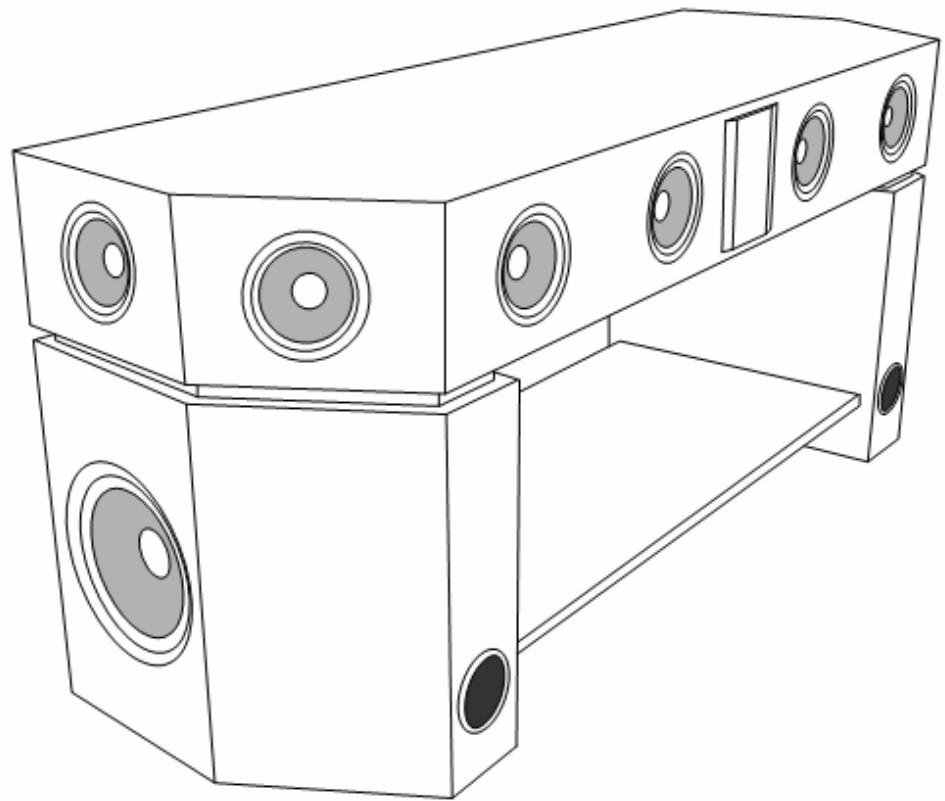
TV stand with Built-in Home Theatre System
TBS-5001
Thank you for purchasing our product. Please take a moment to read the instructions in this manual. Following these instruction will enable you to obtain optimum performance and listening enjoyment from this product.
Content
1 Warning
2 Safety warning
3 Parts Description
4□Front panel control
5 Remote control
6Rear Panel Control
7 Assembly
8 Specifications
Warning
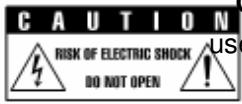
CAUTION: To reduce the risk of electric shock, do not remove. cover (or back) noer-serviceable parts inside refer servicing to qualified service personnel

The lightning flash with arrowhead symbol within an equilateral triangle is intended to alert user to the presence of uninsulated "dangerous voltage" within the product's enclosure that may be of sufficient magnitude to constitute a risk of electric shock to persons.

The exclamation point within an equilateral triangle is intended to alert the user to the presence of important operating and maintenance (servicing) instructions in the literature accompanying the appliance.
- The apparatus shall not be exposed to dripping or splashing and that no objects filled with liquids, such as vases, shall be placed on the apparatus.
- Where the MAINS plug or an appliance coupler is used as the disconnect device, the disconnect device shall remain readily operable.
Safety Waring:
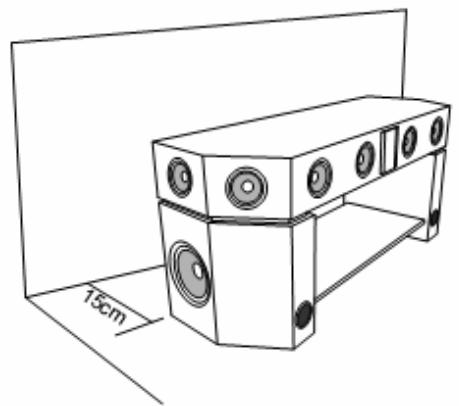
Leave 15cm for ventilation.

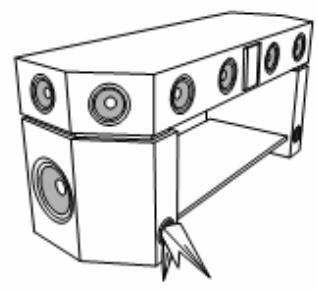
Do not block the pipe of the subwoofer.
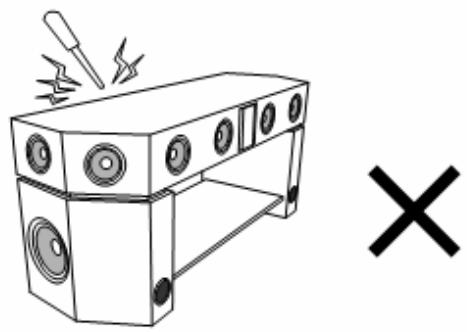
Do not open the cover and do not repair yourself.Refer servicing to qualified personnel.

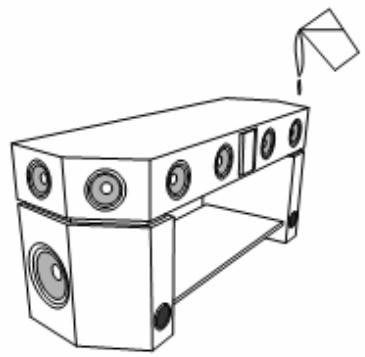
Do not operate this system if liquids or any fluid or foreign substances get into the subwoofer
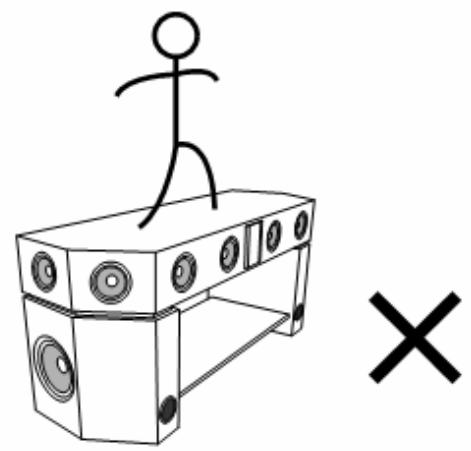
Dot not climb on this system.
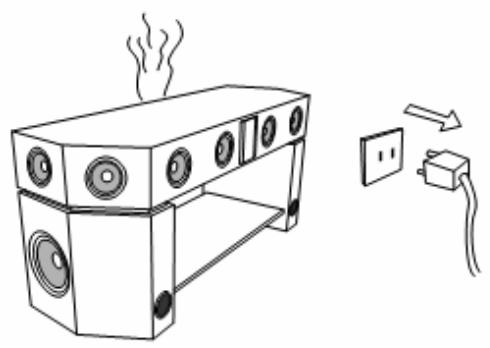
Pull out the plug if smoke, a peculiar smell or any strange noise come out of the unit.
Parts Description
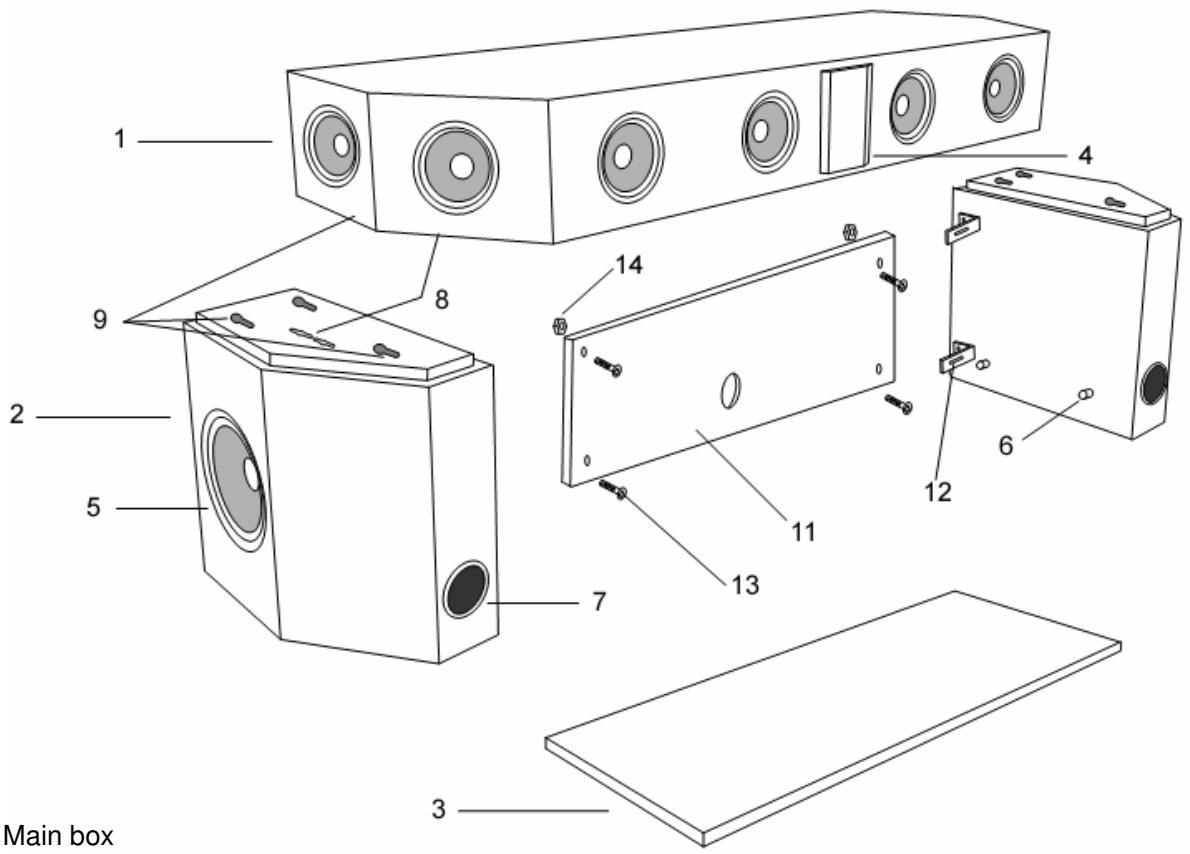
- Main box
- Subwoofer box
- Glass plate
- Control panel
- Subwoofer
- Install screw
- woofer piper
- Connection strap
- Connection hole
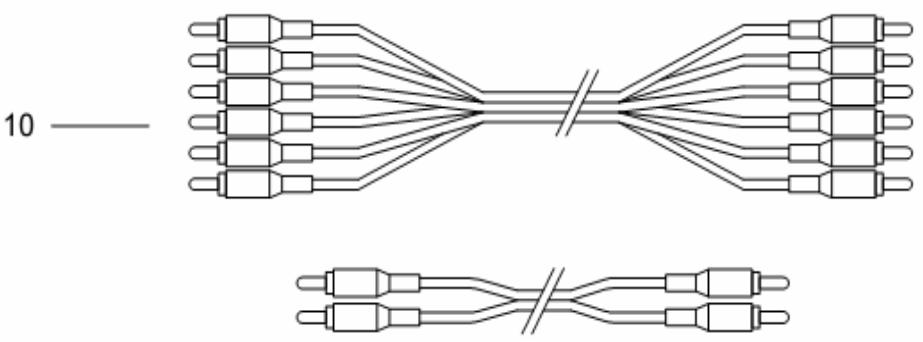
- Cable
- Back panel
- Metal stand
- Screw
- Screw cap
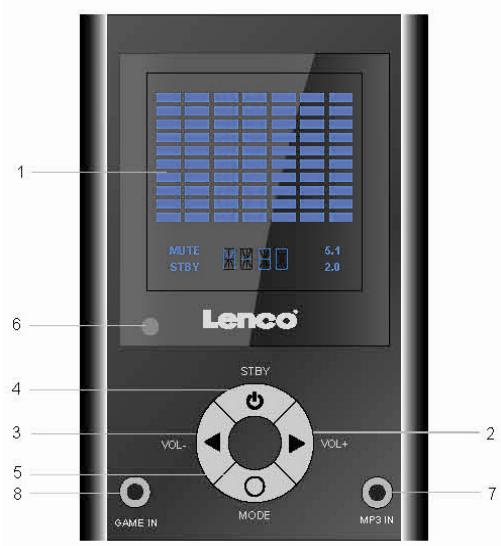
Front Panel Control
- LCD screen
- Volume up
- Volume down
- Standby
- Mode
- Receiver
- 3.5mm audio input jack (e.g. PC or MP3 player)
- 3.5 mm audio input jack for Game console
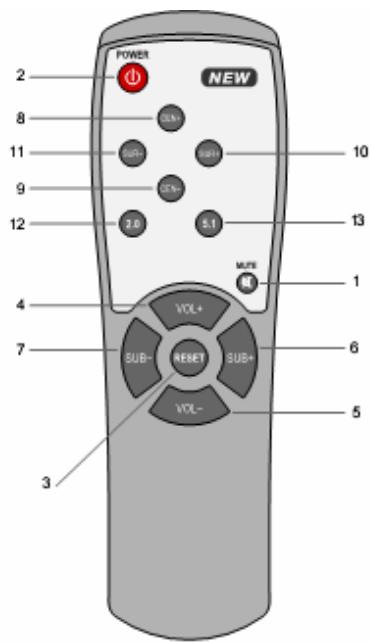
Remote control
- Mute
- Power On/Off
- Reset
- Volume up
- Volume down
- Subwoofer up
- Subwoofer down
- Center up
- Center down
- Surround up
- Surround down
- 2.0ch option
- 5.1ch option
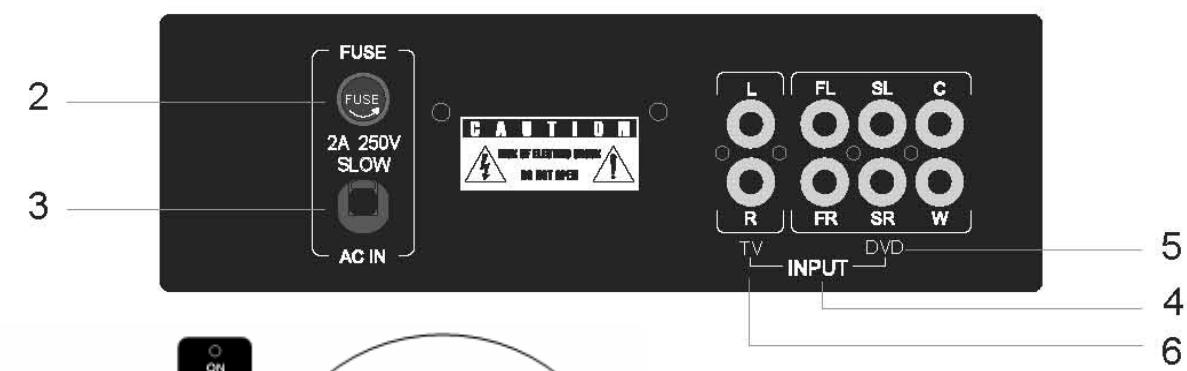
Rear Panel Control
1
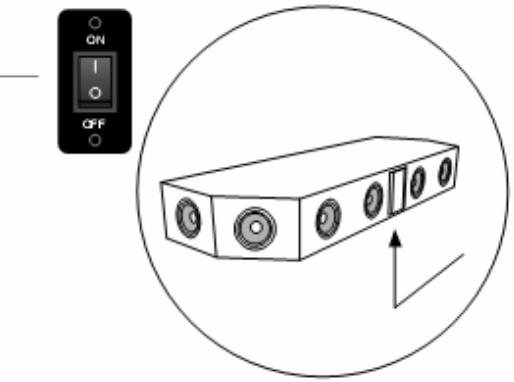
- Power On/Off
- Fuse
- Power cable
- Input option
- 5.1ch Input
- 2.0ch Input
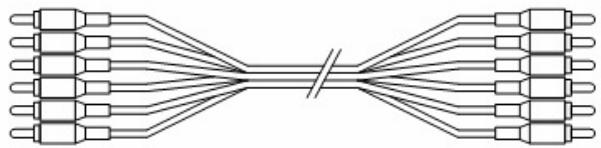

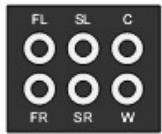
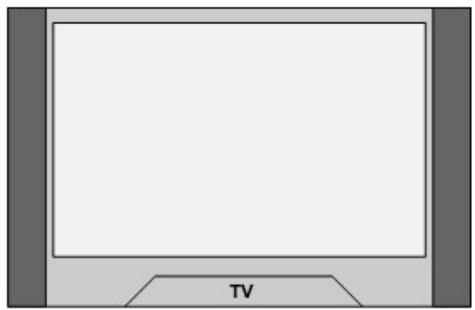

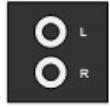
RCA to RCA




MP3
GAMEBOX
E
Assembly
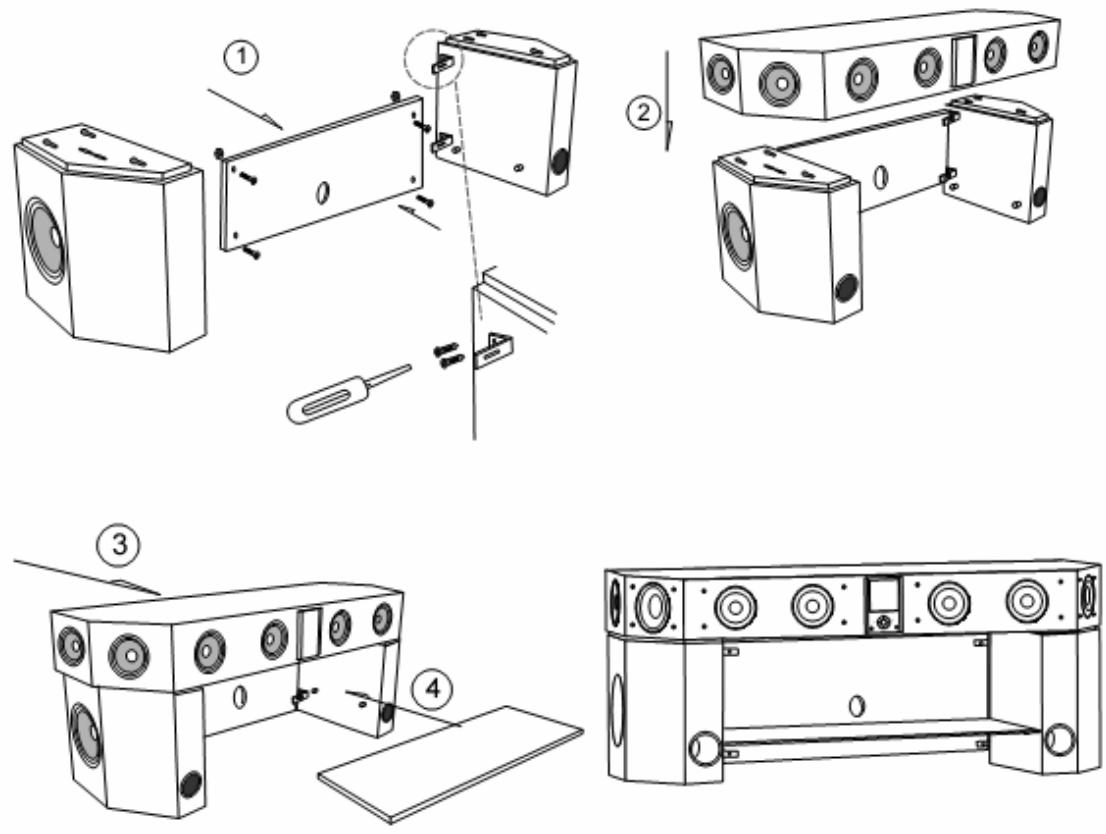
- Slightly put the main box on the both of subwoofer boxes, and lock the metal stand on the subwoofer. then lock the back panel
- Connect the main box with the subwoofer boxes by holes and straps.
- push the main box ahead to fasten.
- Put the glass plate onto the screws.
Specifications
1. Output power:
Subwoofer 30W
Center 18WX1
Front 13WX2
Rear 13WX2
-
Frequency Response: 25Hz-20KHz
-
Power requirement: 230V.AC-50Hz Power Consumption max. <220W (standby <4W)
4. Dimension (W× H× D) ..
Subwoofer unit 210 × 352 × 390 ~mm
Satellite unit 1185× 145× 390mm
5. Gift box Size (W× H× D)
Subwoofer unit 802X292X462mm
Satellite unit 1257X225X462mm
6.Net Weight: 46 kg
Gross Weight: 49 kg
7 PACKAGE CONTENTS
Main box 1pc
User's manual 1pc
Notes:
- The specification is only for reference.
- The specification is subject to change without prior notice.
If at any time in the future you should need to dispose of this product please note that: Waste electrical products should not be disposed of with household waste. Please recycle where facilities exist. Check with your Local Authority or retailer for recycling advice. (Waste Electrical and Electronic Equipment Directive)