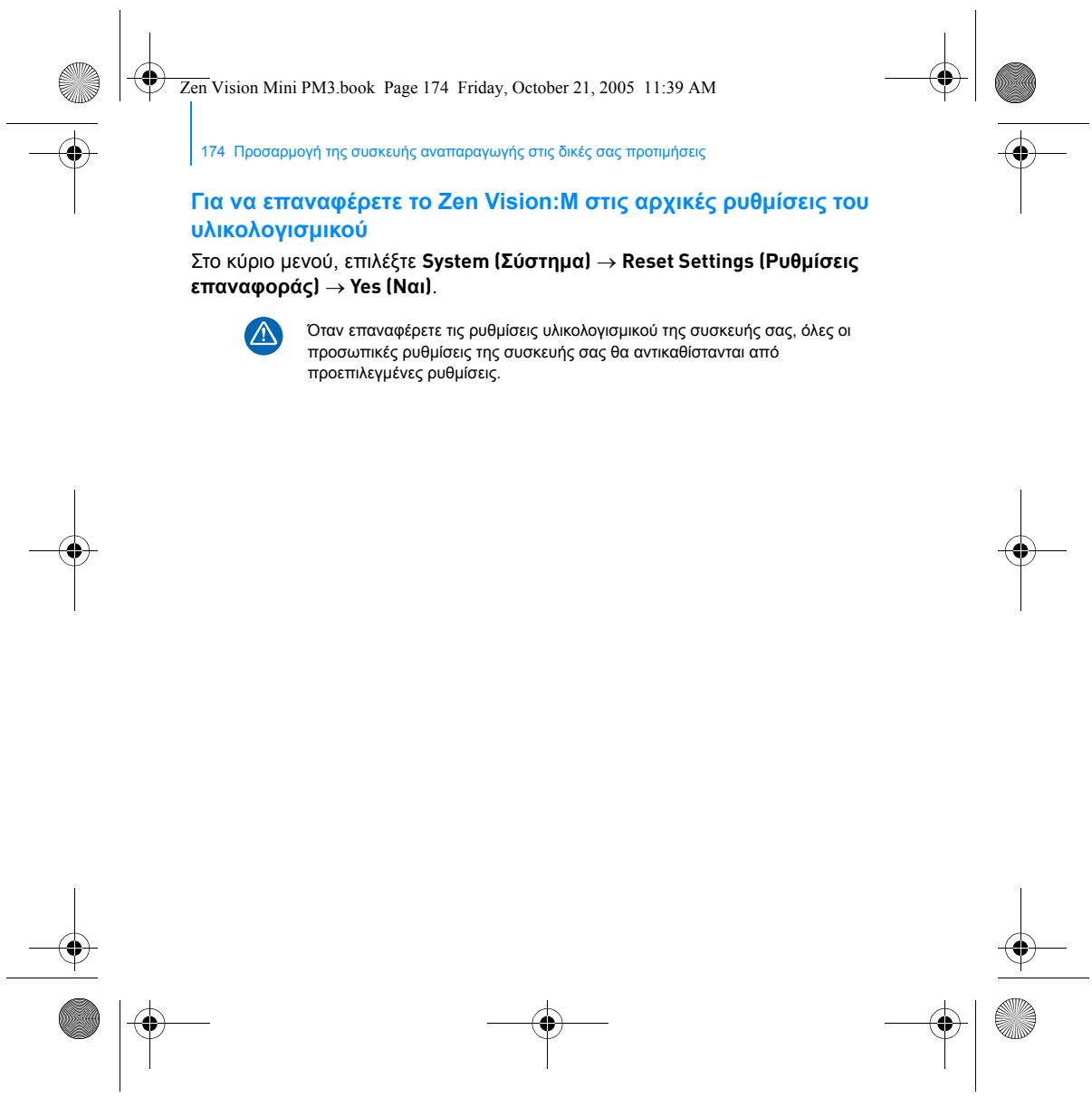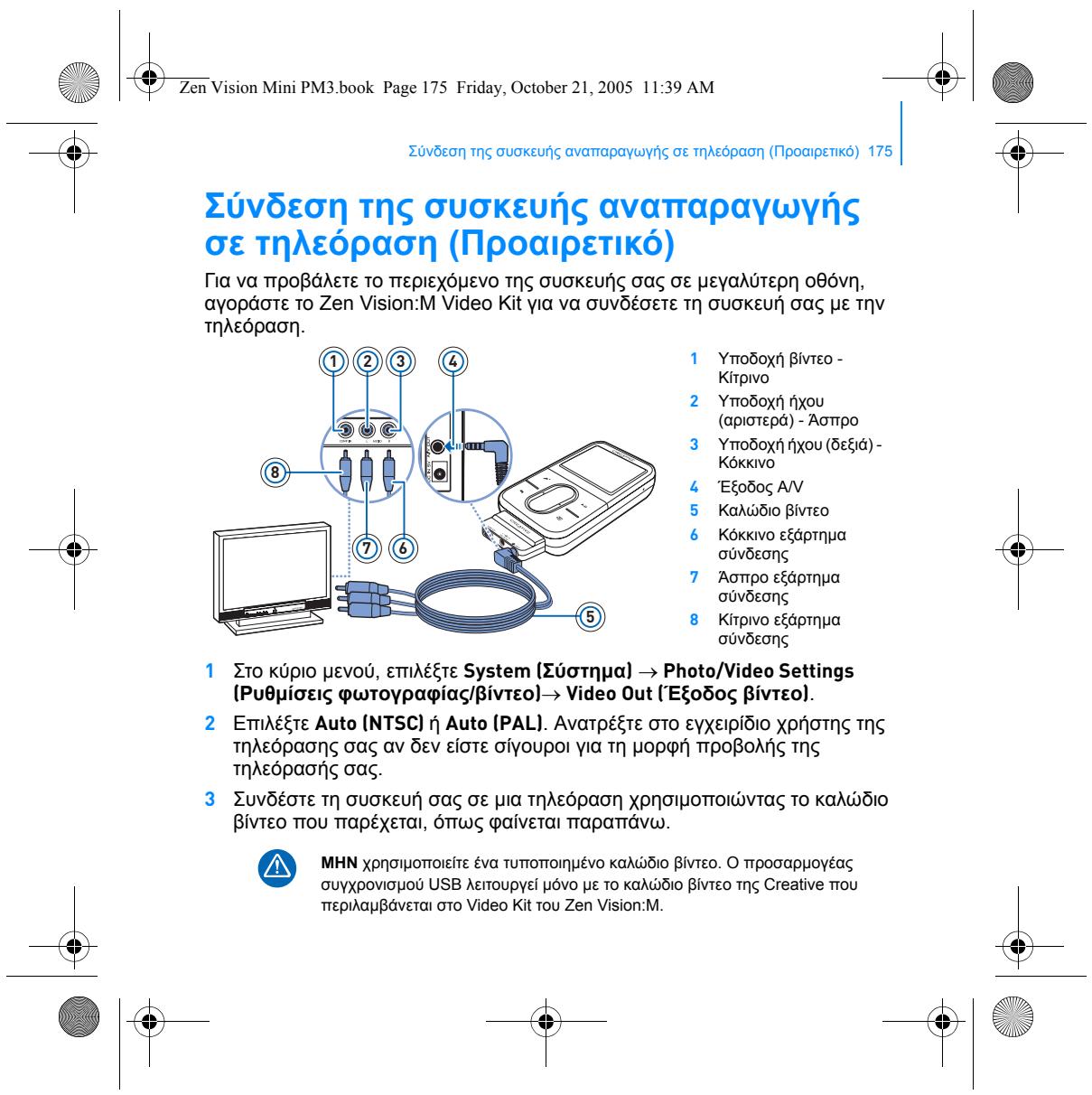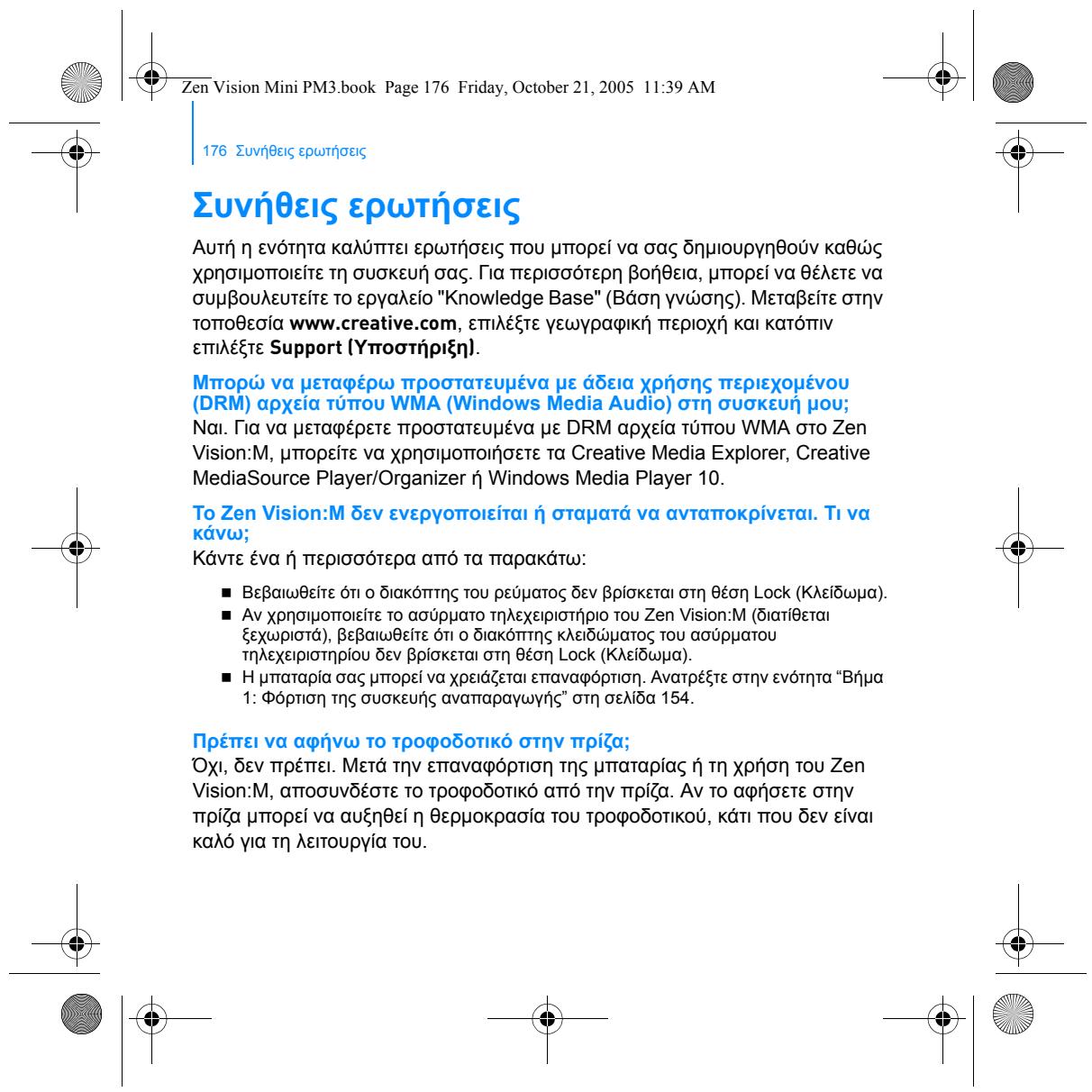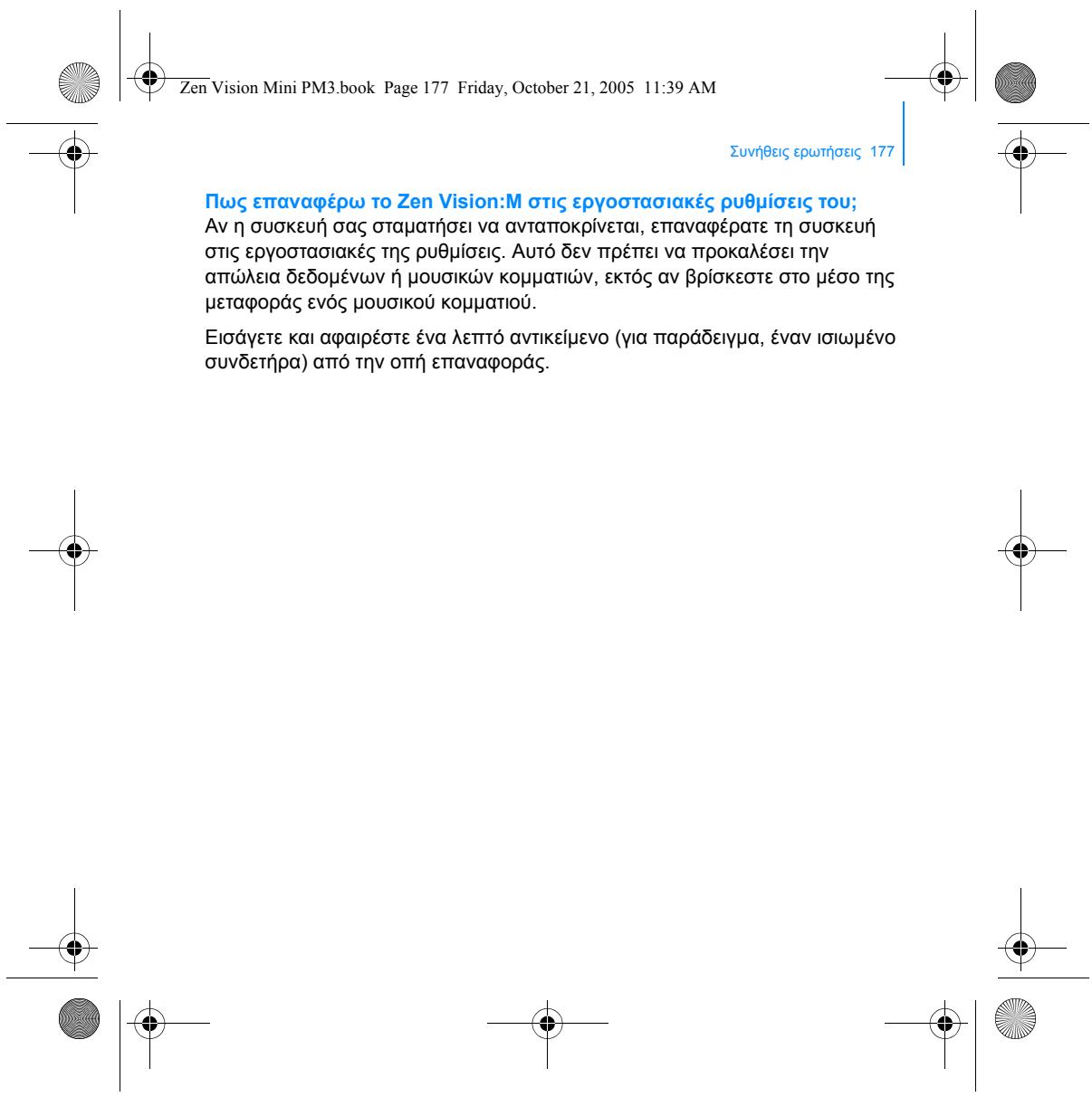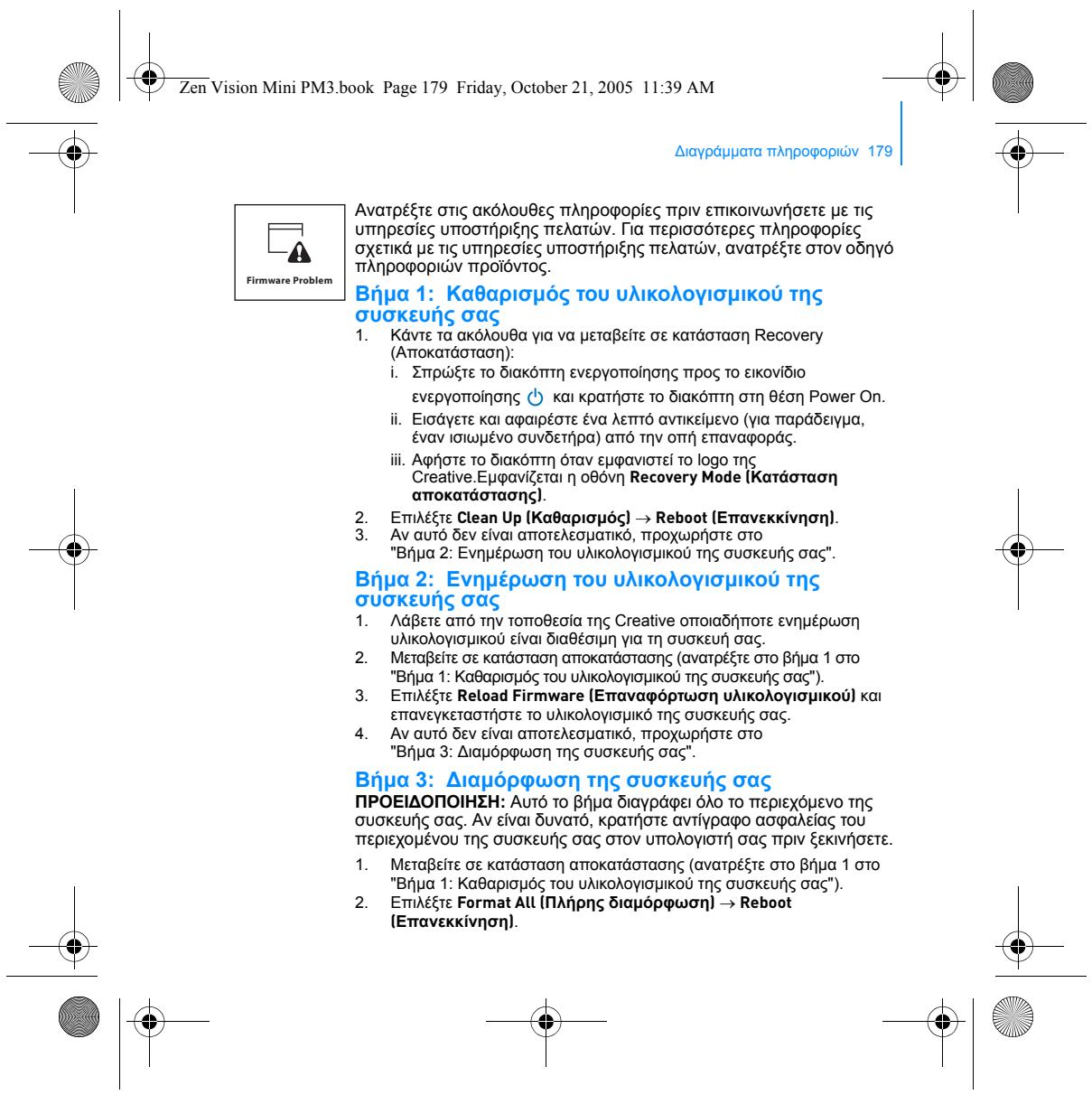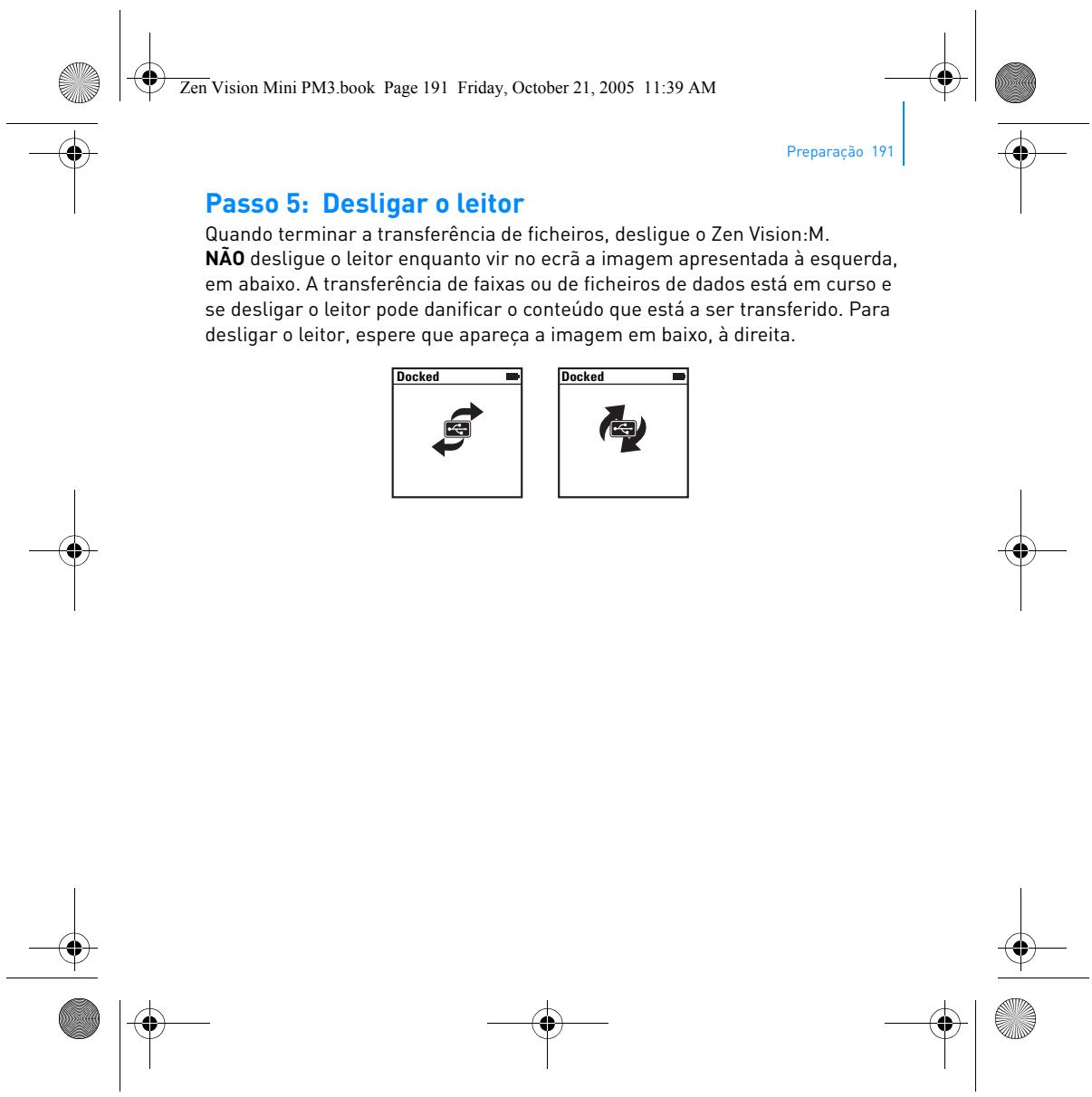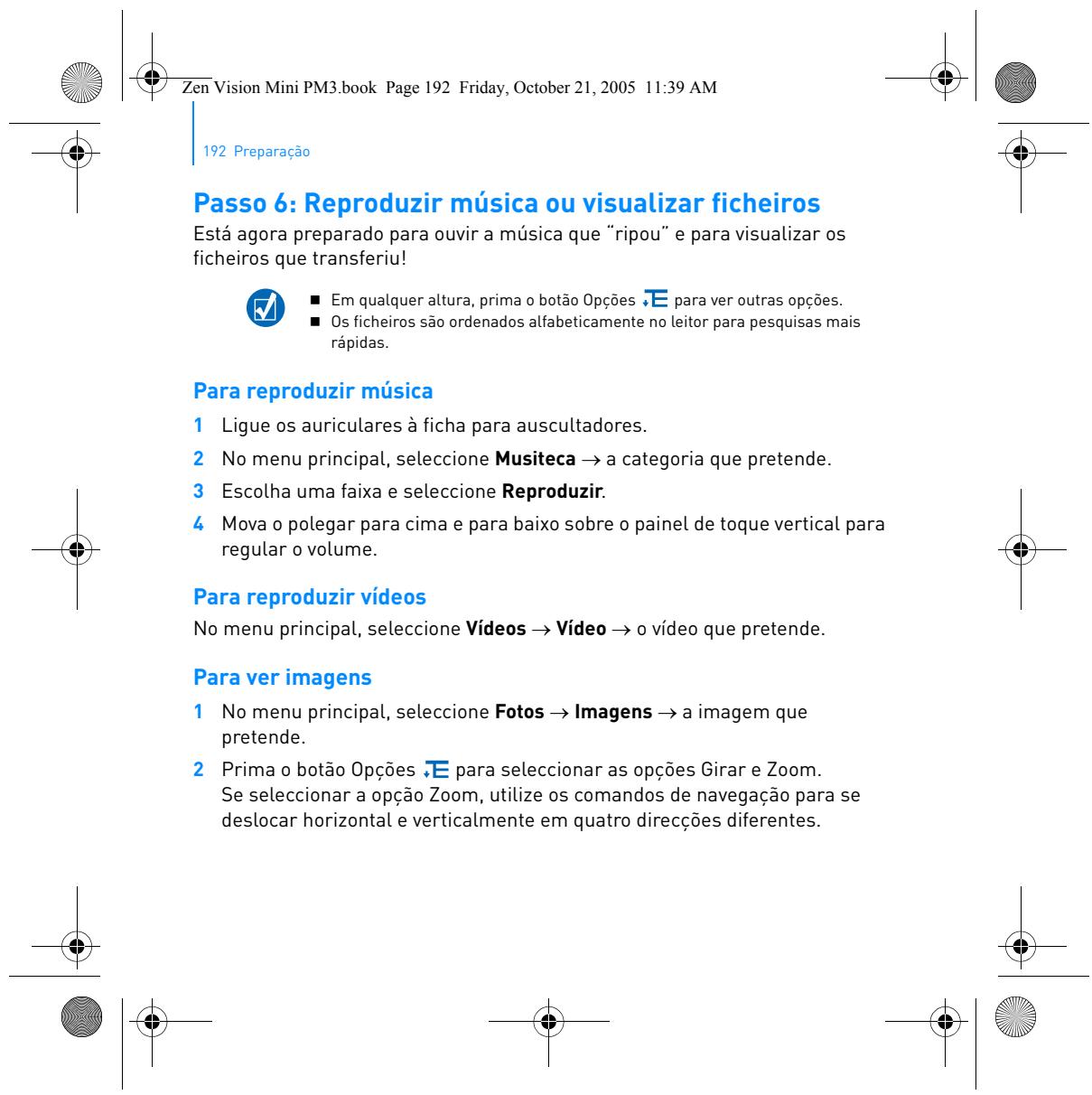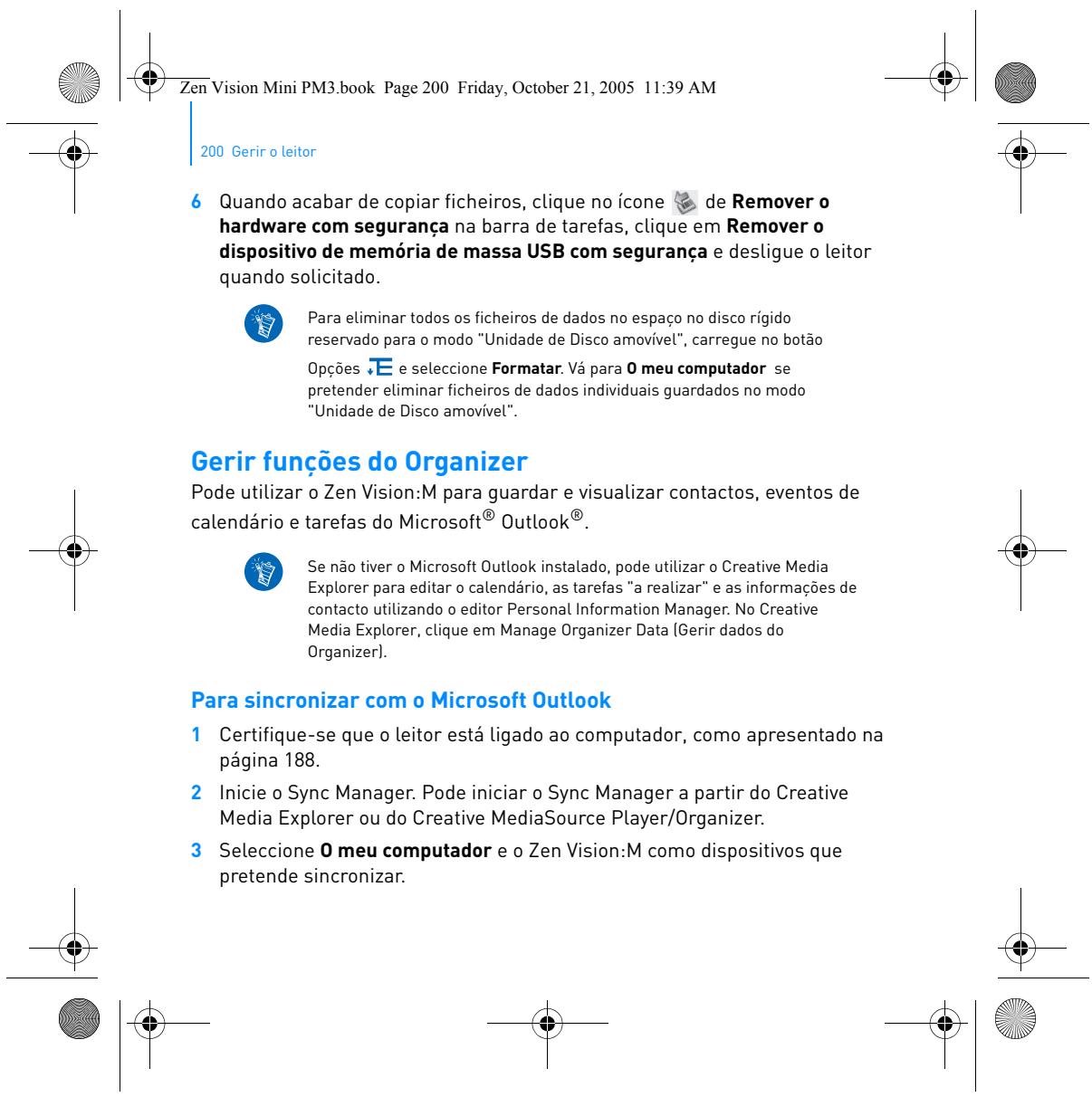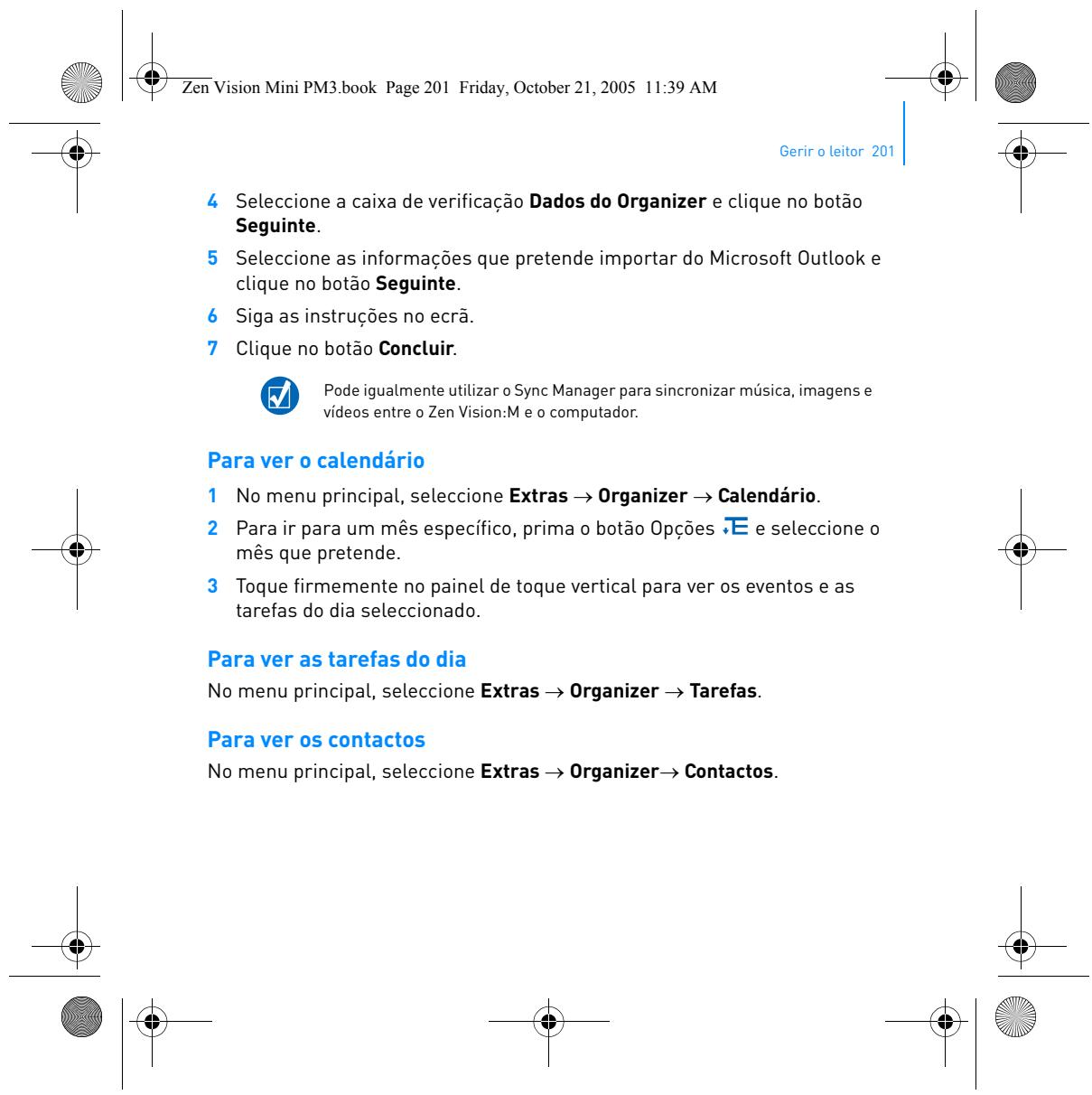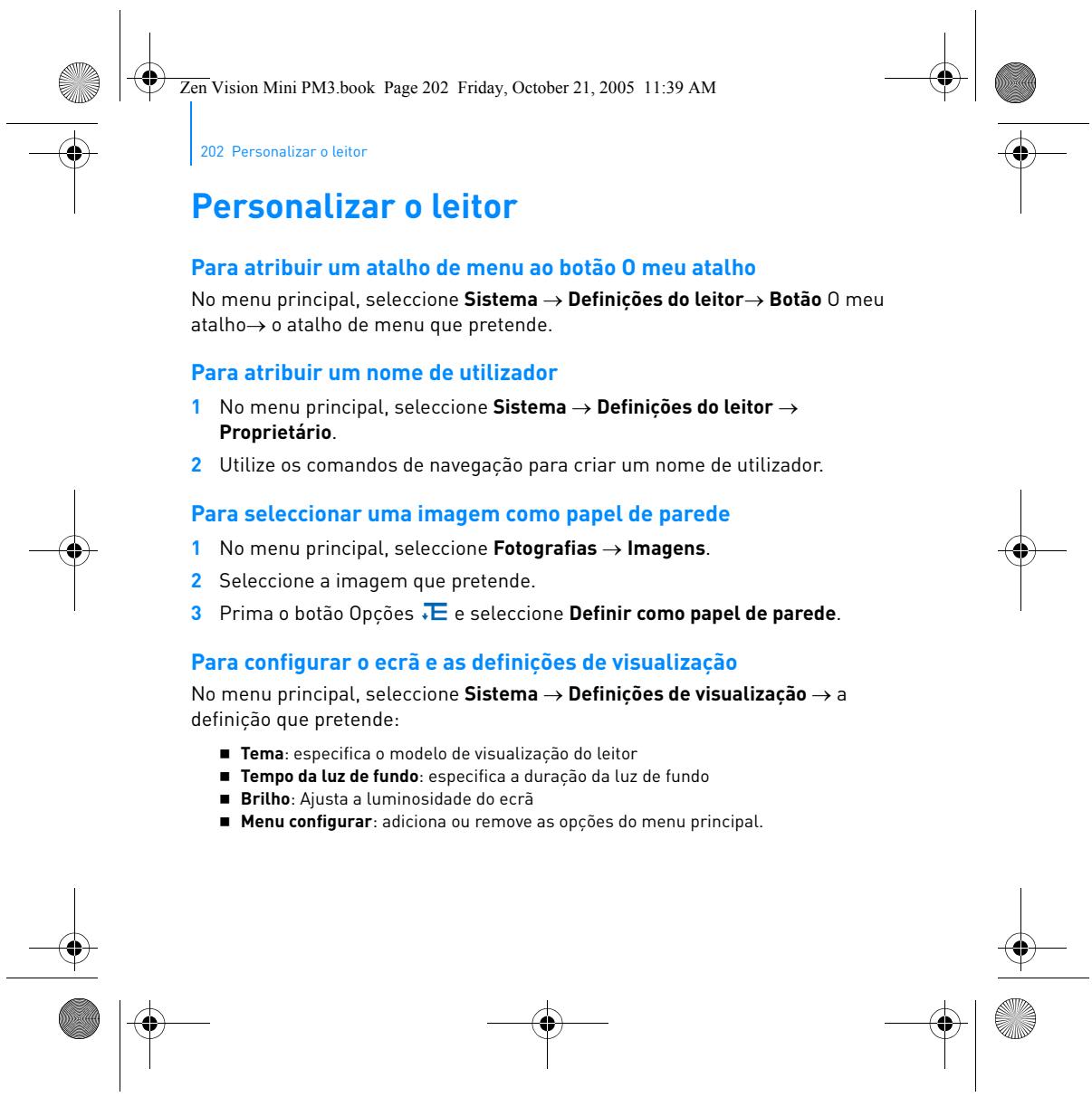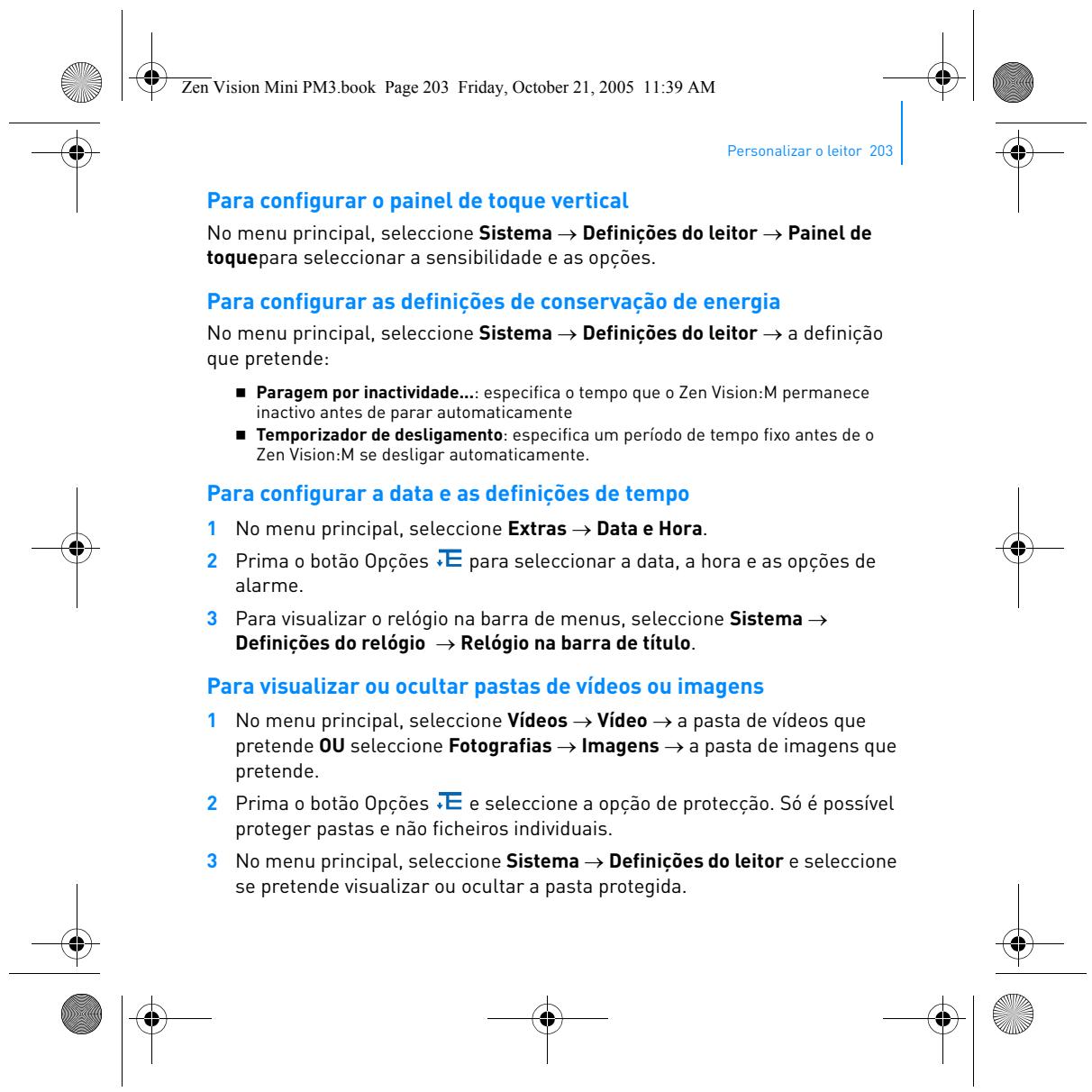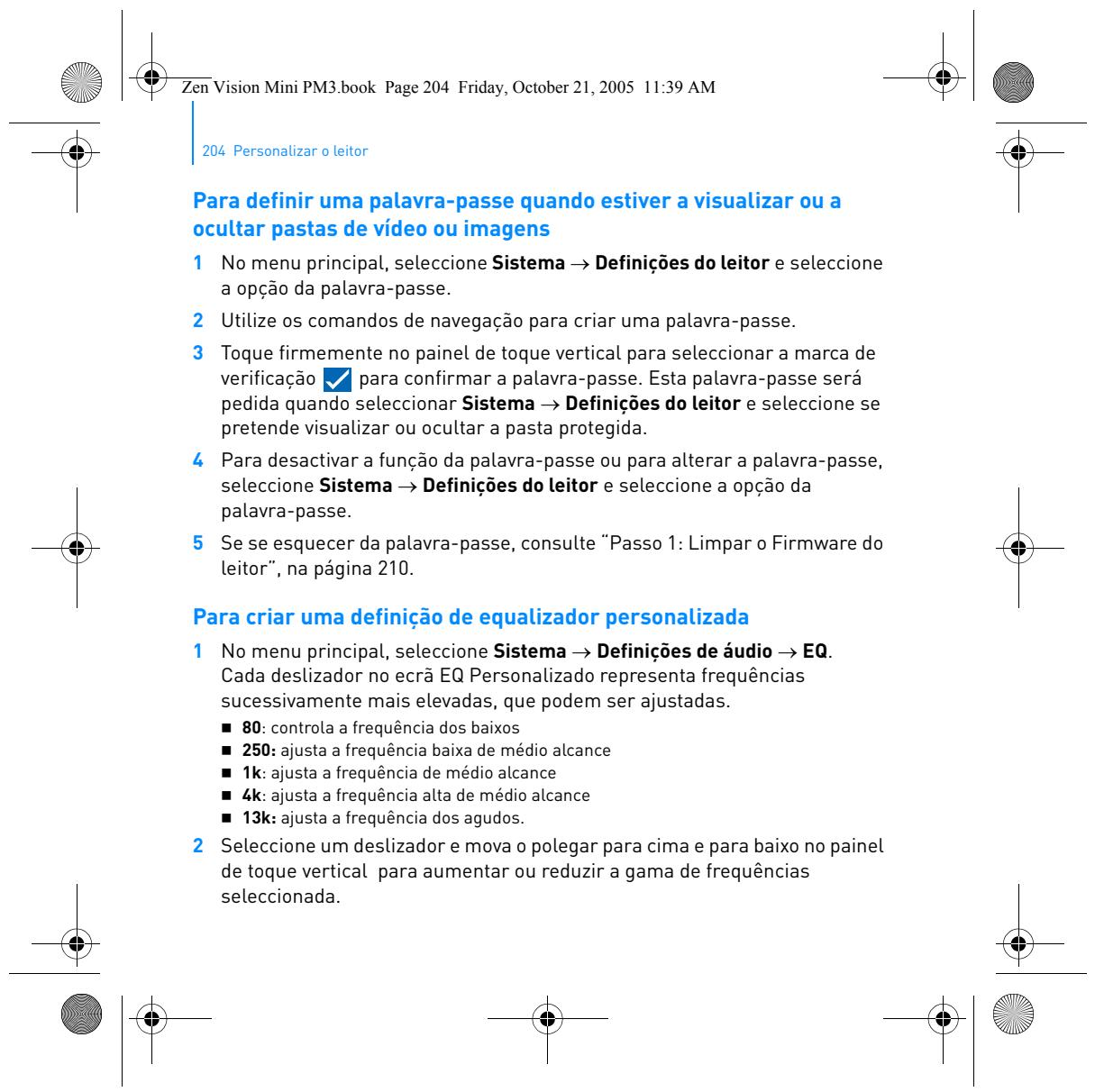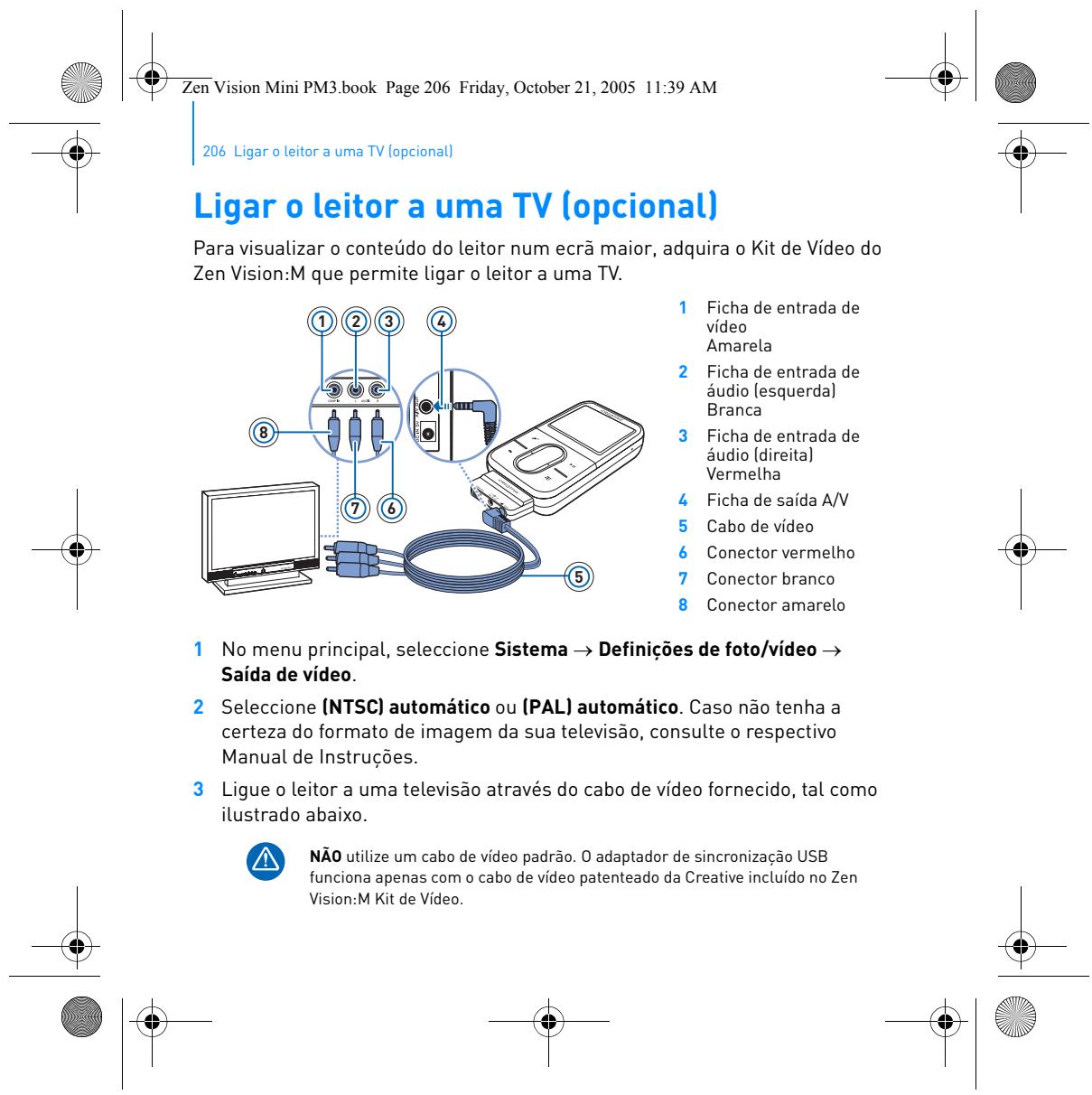


If your ZEN VISION M has received a charge (visible blue light) but refuses to start, here are the steps to follow:
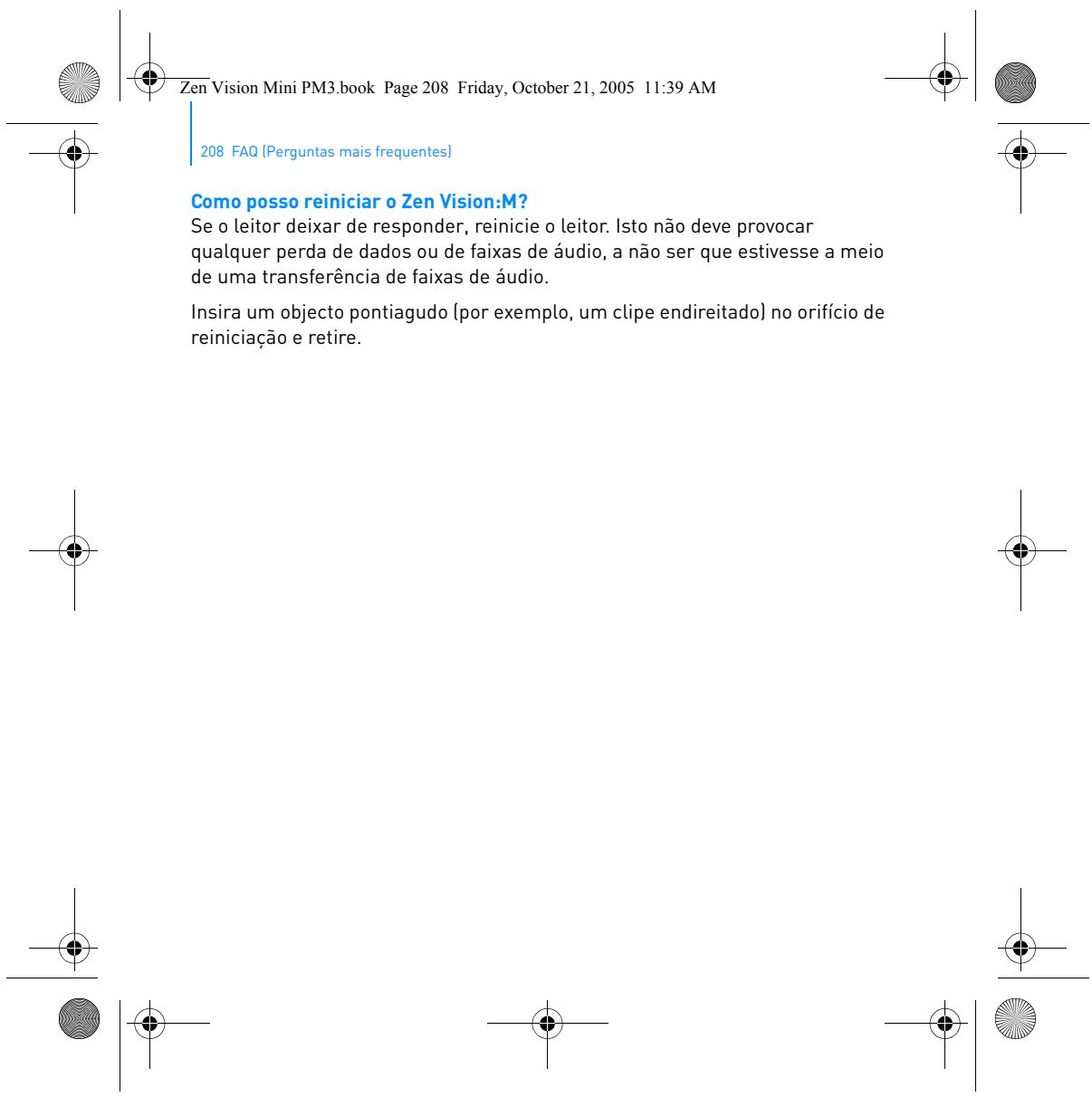
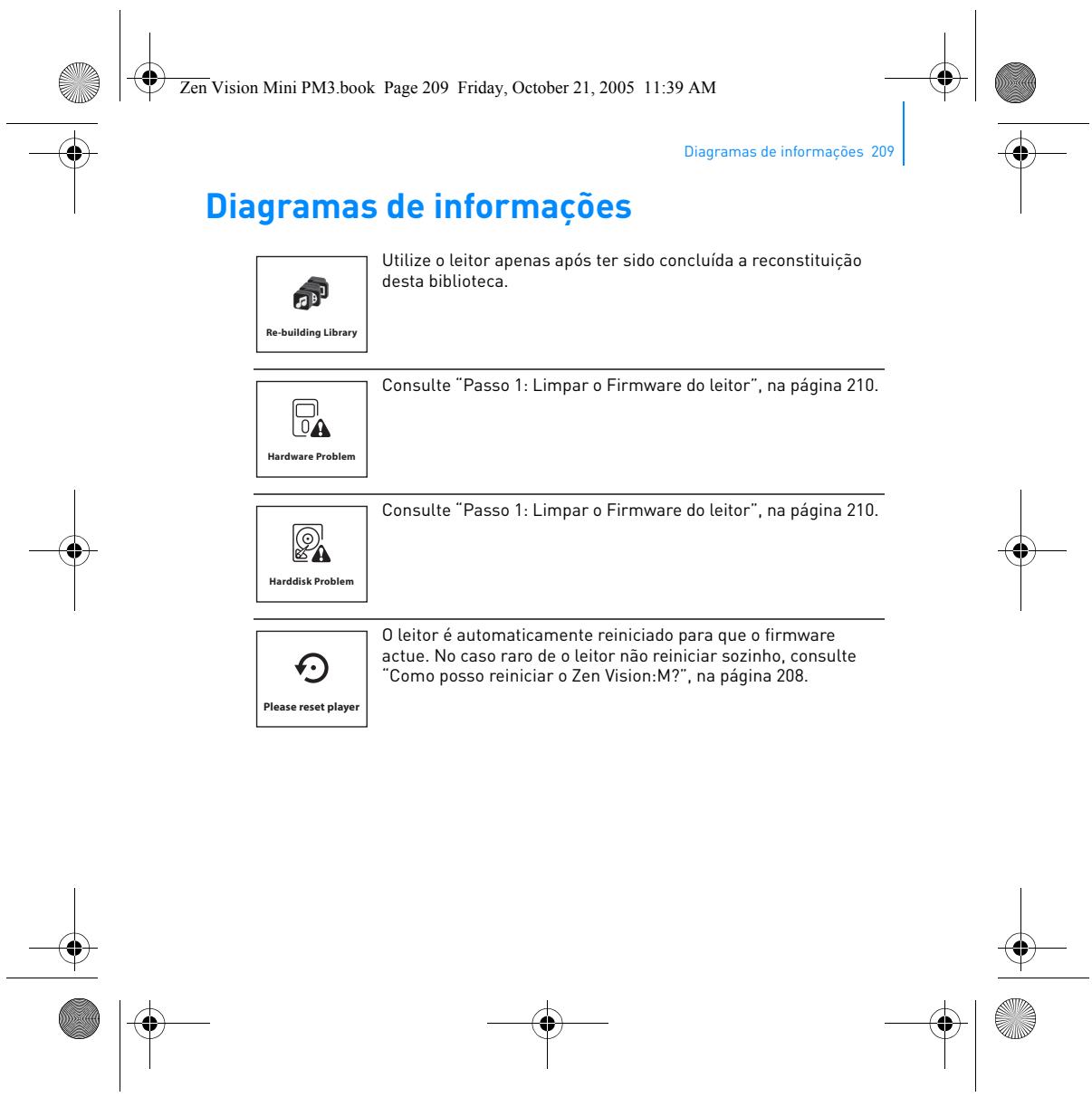
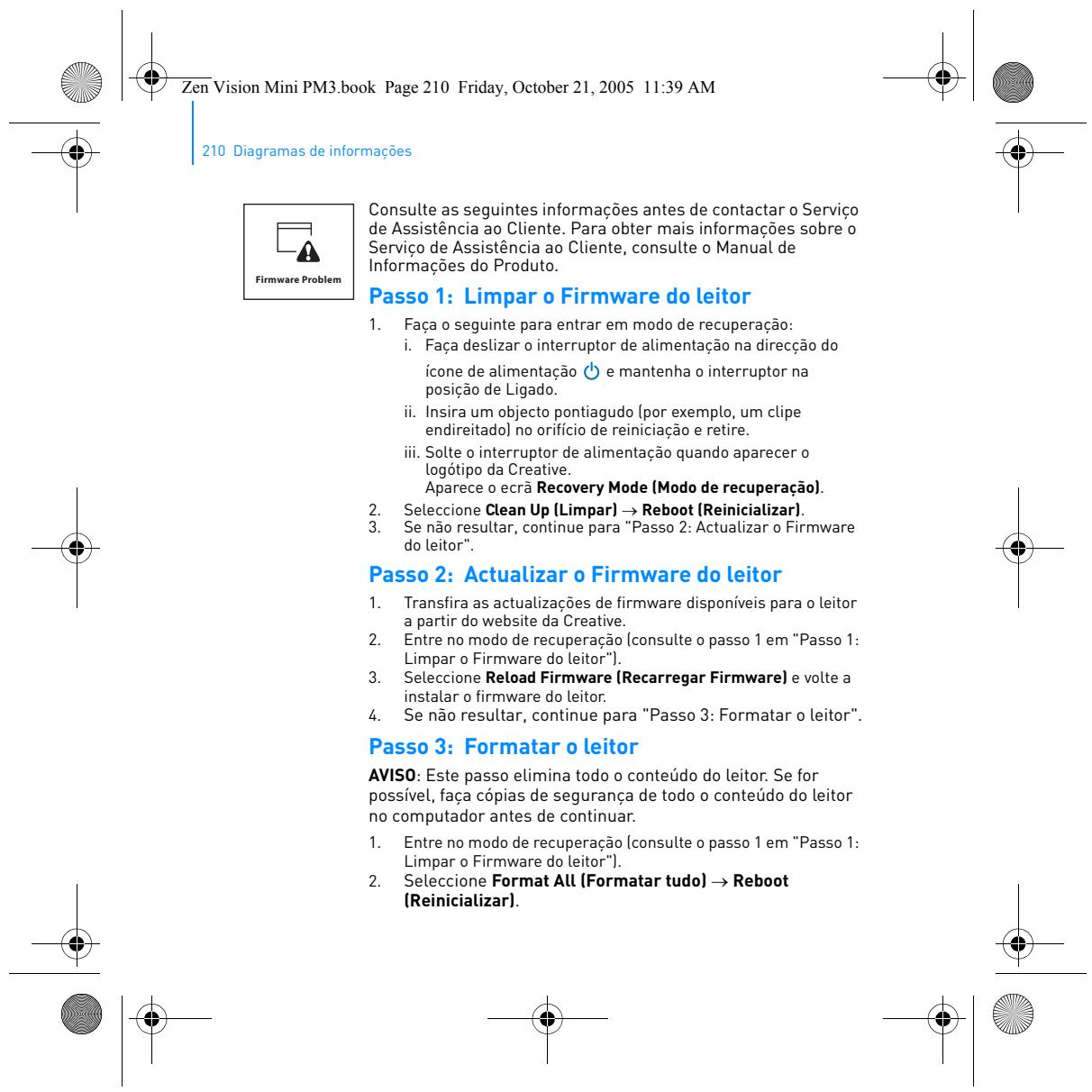
1. Force restart
Press and hold the Power button for at least 10 seconds to force a complete shutdown and restart of the device. After this duration, release the button and wait a few seconds. The device should display a startup screen.
2. Check for full charge
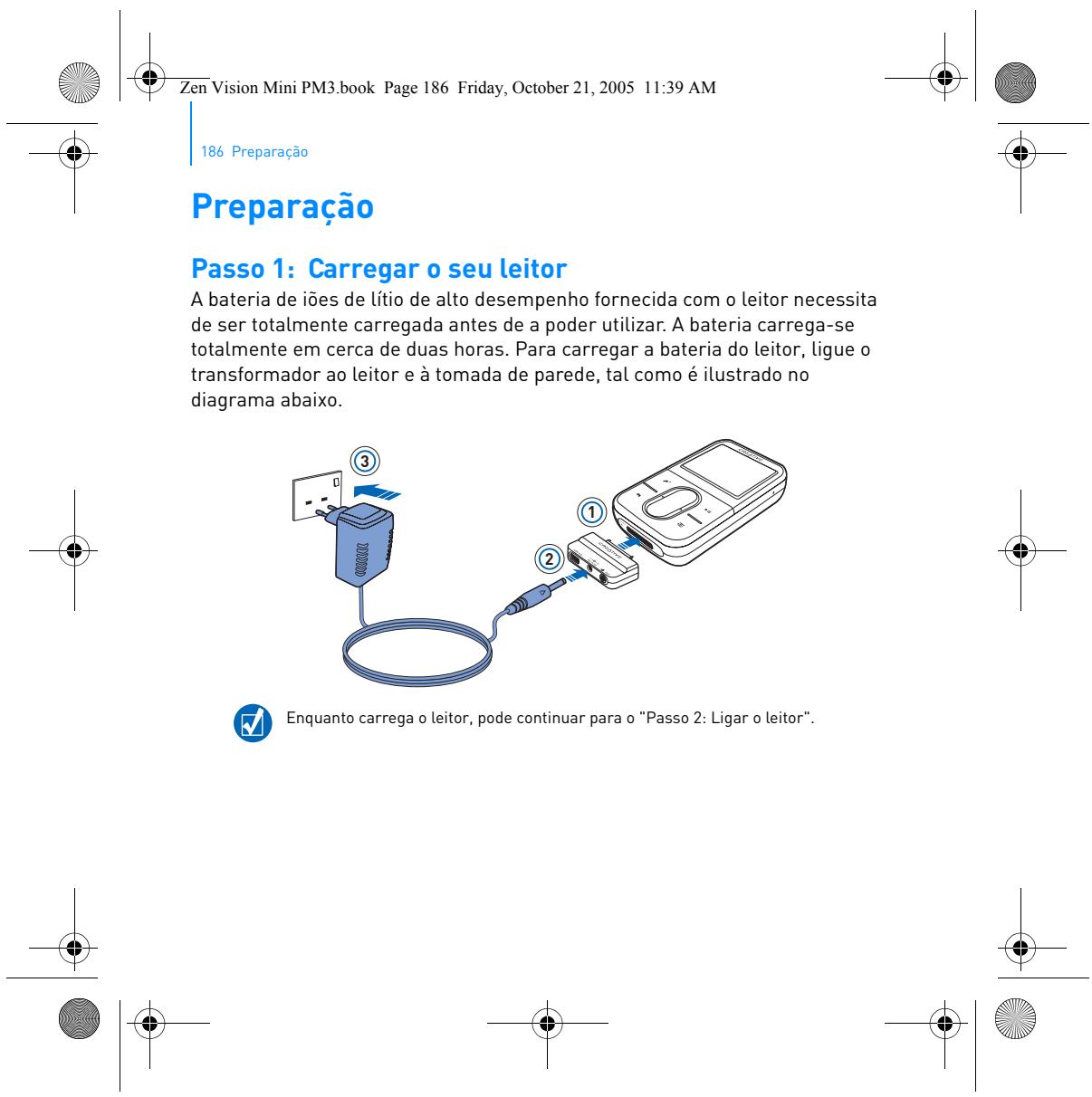
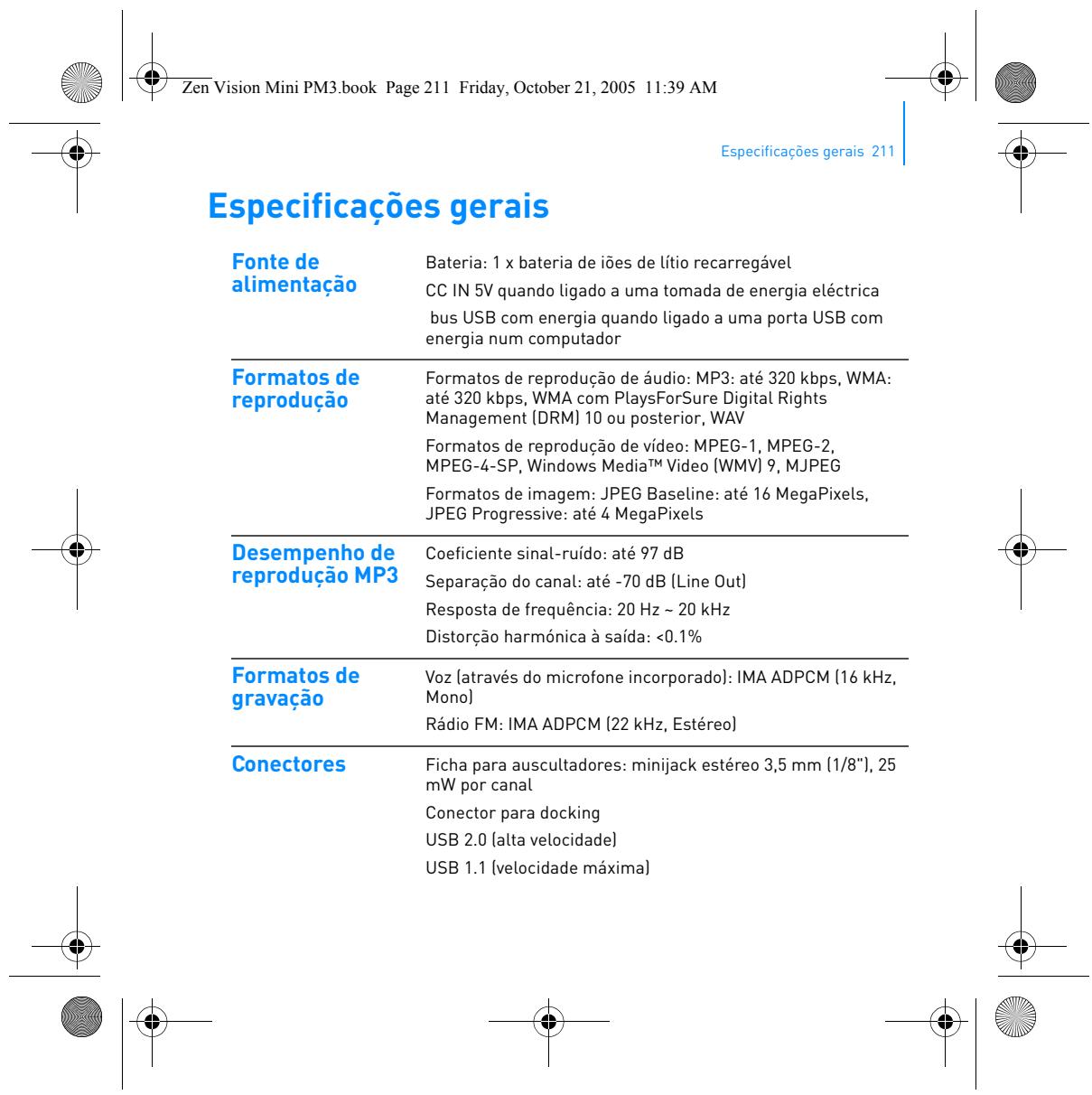
Reconnect your ZEN VISION M to a computer or a 5V power adapter for at least 1 to 2 hours. The blue light indicates charging is in progress. Wait for the battery to be fully charged before any further attempts.
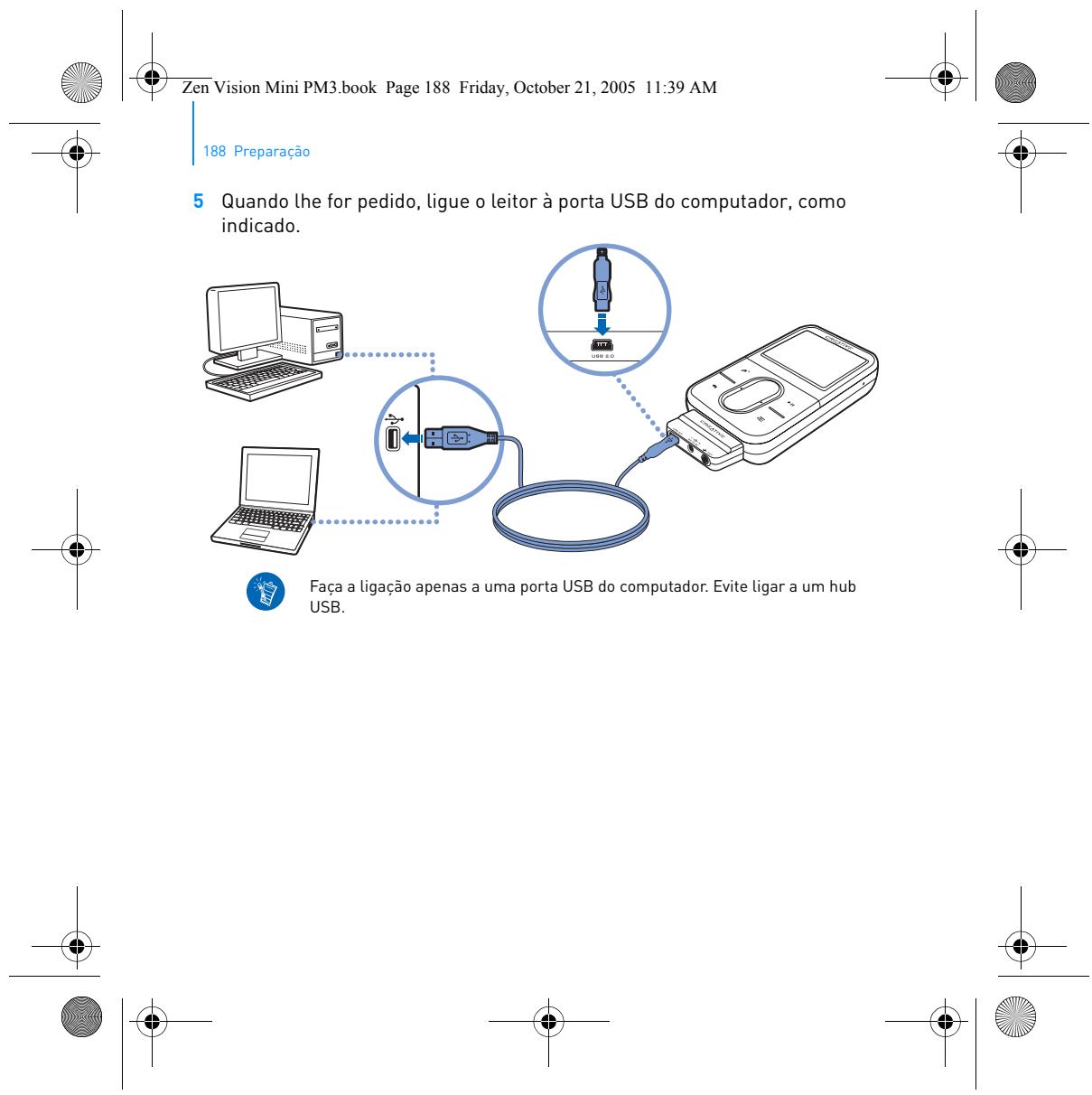
3. Charge using another USB cable
If the device still does not respond, test with another good condition USB 2.0 cable. A faulty cable may prevent proper charging. Also, try a different USB port or a good quality 5V adapter.
4. Let the battery rest
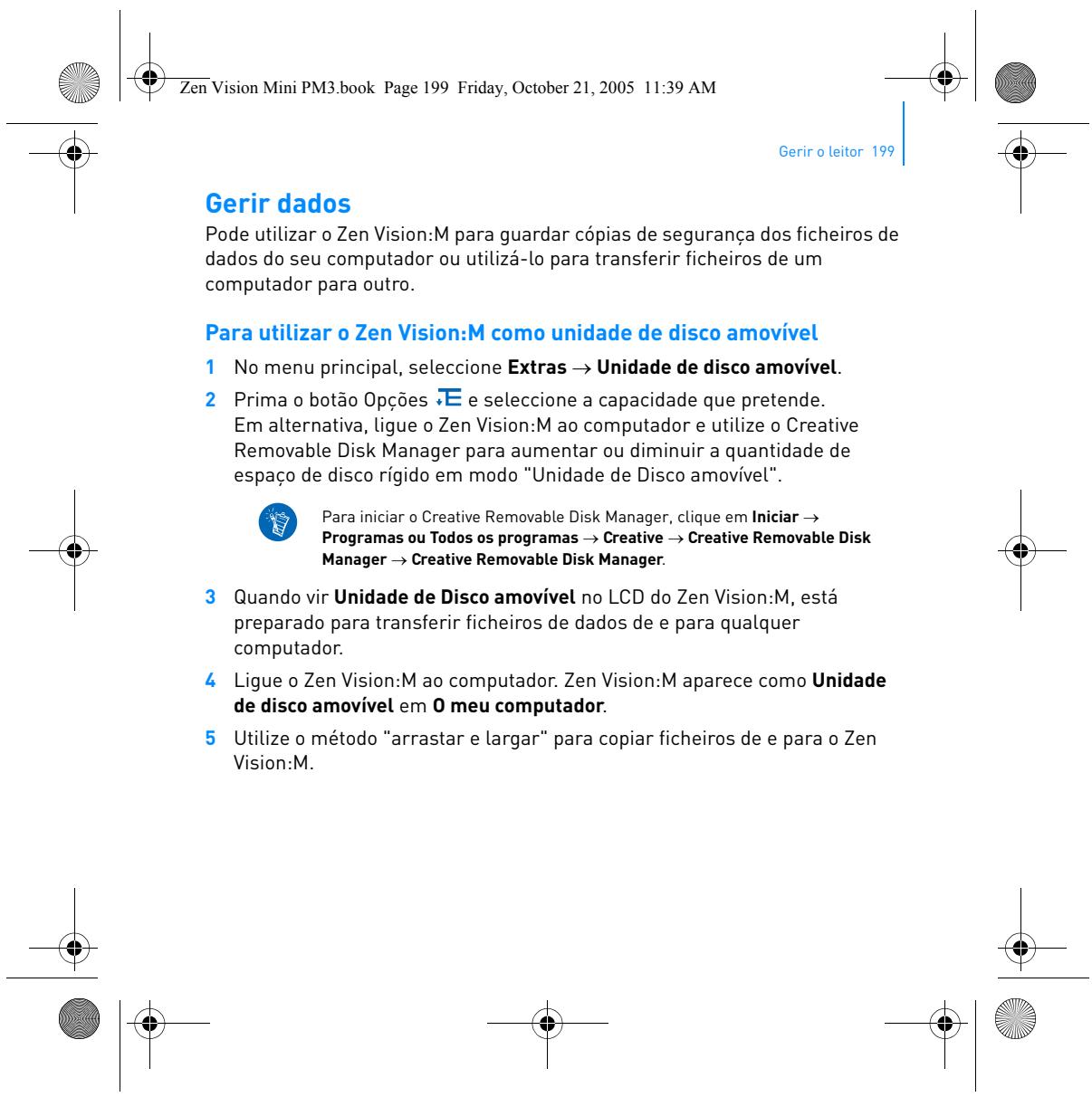
If the device has been inactive for a long time, the lithium-ion battery may be in deep sleep. Leave it plugged in for 30 minutes to 1 hour without forcing it, then hold the Power button for 10 seconds.
If after these steps the device still does not respond, the battery may be permanently discharged or a component may be faulty. In this case, replacement or repair will be necessary.