MICRO-CONNECT - Air-conditioner CIAT - Free user manual and instructions
Find the device manual for free MICRO-CONNECT CIAT in PDF.
Download the instructions for your Air-conditioner in PDF format for free! Find your manual MICRO-CONNECT - CIAT and take your electronic device back in hand. On this page are published all the documents necessary for the use of your device. MICRO-CONNECT by CIAT.
USER MANUAL MICRO-CONNECT CIAT
Simplified user manual 2 ) SAFETY INSTRUCTIONS
6 ) WEEKLY PROGRAMMING
7 ) FAULT CODE - TROUBLESHOOTING
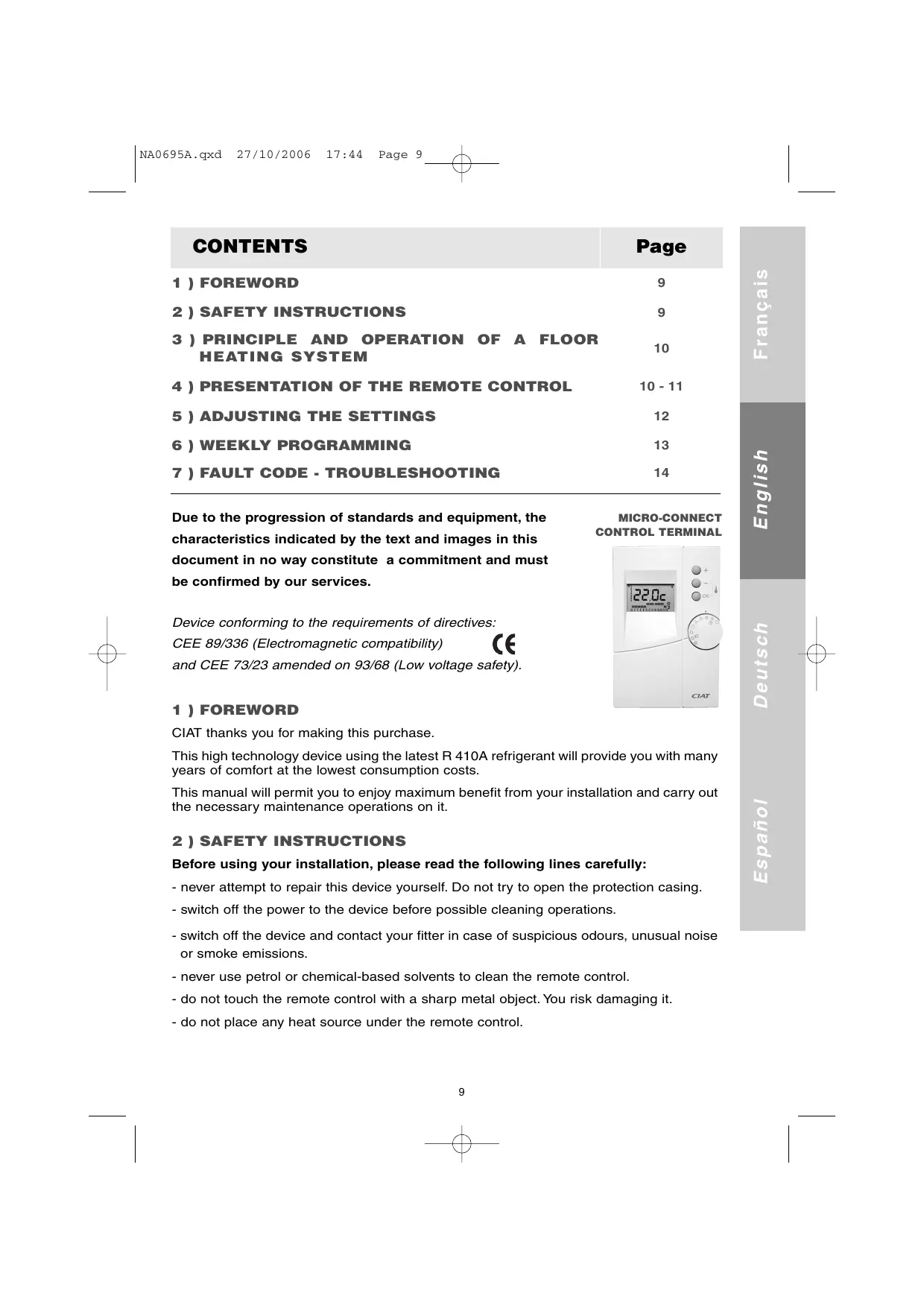
Due to the progression of standards and equipment, the characteristics indicated by the text and images in this Français 27/10/2006 document in no way constitute a commitment and must Device conforming to the requirements of directives: CEE 89/336 (Electromagnetic compatibility) and CEE 73/23 amended on 93/68 (Low voltage safety). 1 ) FOREWORD D e u t s ch be confirmed by our services. CIAT thanks you for making this purchase. This manual will permit you to enjoy maximum benefit from your installation and carry out the necessary maintenance operations on it. 2 ) SAFETY INSTRUCTIONS Before using your installation, please read the following lines carefully: - never attempt to repair this device yourself. Do not try to open the protection casing. - switch off the power to the device before possible cleaning operations. - switch off the device and contact your fitter in case of suspicious odours, unusual noise or smoke emissions. - never use petrol or chemical-based solvents to clean the remote control. - do not touch the remote control with a sharp metal object. You risk damaging it. - do not place any heat source under the remote control.
Español This high technology device using the latest R 410A refrigerant will provide you with many years of comfort at the lowest consumption costs. NA0695A.qxd 27/10/2006 17:44 Page 10 Français 3 ) PRINCIPLE AND OPERATION OF A FLOOR HEATING SYSTEM To use a floor heating system, you must be aware of the following key points: A floor heating system is an excellent means of heating since it uses low temperature radiation to heat the atmosphere evenly without any interfering air movement. Floor heating does not need to be very hot to be efficient. In fact it must never be very hot. At most it should be quite warm during cold weather. Given the effect of radiation, thermal comfort is generally obtained with lower air temperatures than with traditional heating methods (convection). English Another advantage of floor heating is that it has very stable regulation, thereby avoiding sudden changes of temperature. However, this great stability implies that reaction time is in the region of several hours. This means that with floor heating, warming up is always gradual and that temperature variations must be as low as possible. Taking into account the above, CIAT has opted for regulation based on response as a function of external temperature. The temperature of the floor therefore depends on the temperature outdoors. The specialists speak of regulation by water balance. The regulation of this water balance must be left to your fitter who will adjust it as a function of your dwelling and wishes. Español
1 - Day in progress.
2 - Set point display
(the desired temperature) ❒ 3 - Profile of daily program ❒ 4 - Compressor on indicator ❒ 5 - Electric make-up operating status (option) ❒ 6 - Boiler operation status indicator (option) ❒ 7 - Swimming pool heating on indicator (option) ❒ 8 - Programming mode indicator (reserved for the fitter) ❒ 9 - Test mode indicator (reserved for the fitter) ❒ 10 - Modification keys ❒ 11 - Display ambient temperature by pressing - and OK simultaneously ❒ 12 - Change mode (comfort, economic or programmed), confirm choice or cancel faults ❒ 13 - Function selector index ❒ 14 - Function selector
D e u t s ch 4-2 ) Main functions Français
4.2.1 Time setting
Set the control knob to Setting the day and time is done withr + and -
Each passage over 24.00 allows you to change the day. Brief press: Advance at steps of 1 minute. Long press: Fast advance. Pressing on the OK key triggers the passage to the following day. English NB: The unit is at standstill when in time setting mode.
4.2.2 Operating mode
The switch has 8 settings described below. Stop the device. Set the time. COOLING operating mode.
HEATING operating mode. D e u t s ch
COOLING weekly programming mode.
HEATING weekly programming mode. SWIMMING POOL heating mode (option). Caution, note that only reversible devices can operate in heating, frost free and swimming pool modes.
4.2.3 Programming
The remote control terminal is set in the factory for standard installation. You must configure the terminal as a function of the specific characteristics of your installation. This operation must be done once and for all by a qualified technician when starting up.
ANTI-FREEZE operating mode. NA0695A.qxd 27/10/2006 17:44 Page 12 Français
5 ) ADJUSTING THE SETTINGS
In heating ( ) or cooling ( ), modes, pressing repeatedly on the OK key permits switching the temperature setting to Comfort (Fig. 1), then to Economy to weekly temperature programming (Fig. 3), then to Comfort, etc... Fig. 1 Fig. 2 English
The active temperature setting can be modified by pressing the + and - keys. The settings can be modified within the ranges defined in the table below: In cooling mode In heating mode (option) 18 to 30°C 15 to 30°C In anti-freeze mode In swimming pool mode Floor heating or radiators or fan coil units 8 to 15°C Not applicable Swimming pool heating mode Not applicable 20 to 35°C Type of installation Español (Fig. 2), then Floor heating or radiators or fan coil units Type of installation
NA0695A.qxd 27/10/2006 17:44 Page 13 For each of the 2 operating modes,heating ( ) or cooling ( ), you can use a weekly program that permits the device to operate hour by hour as a function of the comfort or economy setting.
6.1 Modify your weekly programming
Français 6 ) WEEKLY PROGRAMMING These programs can be modified. English To modify the heating mode program, set the knob at position To modify the heating mode program, set the knob at position The display will be seen in this form. For each of the days of the week (vertical index), you can define hour by hour whether
) or the economy setting
+ key to set a comfort hour or the - key to obtain an economy hour (switch to the next time setting). D e u t s ch the device will operate with the comfort setting Repeat this operation for each time setting. 2 ) Press the OK key to confirm and change to the next day. 1 ) After programming the operating mode, set the switch at the position desired (heating or cooling
2 ) Press the OK key to activate or deactivate the weekly programming (cf. paragraph 5).
WARNING:
In the case of floor heating, the reduced mode is not advised.
6.2 Activate, deactivate your weekly programming
NA0695A.qxd 27/10/2006 17:44 Page 14 D e u t s ch English Français
7 ) FAULT CODE - TROUBLESHOOTING
7.1 Display
When the electronic regulation detects an operating fault, the screen displays a message of type dX.Y.
7.2 Fault codes
Each error code corresponds to a specific fault in the device.
d1 and d2 indicate a cooling circuit fault.
d3 indicates a water circulation fault.
d4 indicates a temperature probe fault.
d5 indicates that the device's operating limits have been exceeded.
d6, d7 and d8 indicate that there is a risk of freezing in the indoor exchanger.
d9 indicates a terminal operation fault.
7.3 Resetting
Two levels of fault can be distinguished. Español
1) - Temporary fault: the fault number flashes on the screen.
It is cleared automatically on return to normal operating conditions.
2) - Permanent fault: the fault number is displayed in steady light on the screen.
It is cleared manually. After having solved the problem on the installation, set the knob at stop position and press the OK key for 3 seconds.
17:45 Page 15 ÜBERSICHT Page 1 ) EINLEITUNG
2 ) SICHERHEITSHINWEISE
ManualGo.com