Bamba Precisioncare Titanium Perfectcut - Computer monitor CECOTEC - Free user manual and instructions
Find the device manual for free Bamba Precisioncare Titanium Perfectcut CECOTEC in PDF.


| Product type | LED computer monitor |
| Brand | Cecotec |
| Model | Bamba Precisioncare Titanium Perfectcut |
| Screen size | 24 inches |
| Resolution | 1920 x 1080 pixels (Full HD) |
| Refresh rate | 60 Hz |
| Connectivity | HDMI, VGA |
| Dimensions (with stand) | 540 x 400 x 200 mm |
| Weight | 5.5 kg |
| Power supply | 100-240 V, 50/60 Hz |
| Power consumption | 25 W (max) |
| Main functions | Image display, brightness and contrast adjustments, sleep mode |
| Maintenance and cleaning | Clean with a soft, dry cloth. Do not use chemical products. |
| Safety | Do not open the device. Avoid contact with water. Unplug before cleaning. |
| Spare parts and repairability | Removable stand, power cable. Repair by a professional only. |
| General information | 2-year warranty. Made in China. |
Frequently Asked Questions - Bamba Precisioncare Titanium Perfectcut CECOTEC
User questions about Bamba Precisioncare Titanium Perfectcut CECOTEC
0 question about this device. Answer the ones you know or ask your own.
Ask a new question about this device
Download the instructions for your Computer monitor in PDF format for free! Find your manual Bamba Precisioncare Titanium Perfectcut - CECOTEC and take your electronic device back in hand. On this page are published all the documents necessary for the use of your device. Bamba Precisioncare Titanium Perfectcut by CECOTEC.
USER MANUAL Bamba Precisioncare Titanium Perfectcut CECOTEC
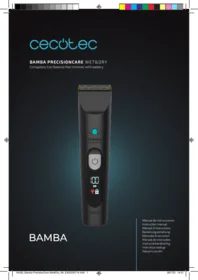
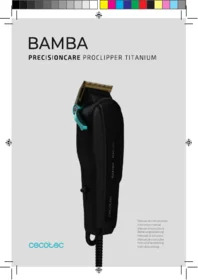
Brand : CECOTEC
Model : Bamba Precisioncare Titanium Perfectcut
Category : Computer monitor