USER MANUAL WII PARTY NINTENDO
PLEASE CAREFULLY READ THE Wii™ OPERATIONS MANUAL COMPLETELY BEFORE USING YOUR Wii HARDWARE SYSTEM, GAME DISC OR ACCESSORY. THIS MANUAL CONTAINS IMPORTANT HEALTH AND SAFETY INFORMATION.
IMPORTANT SAFETY INFORMATION: READ THE FOLLOWING WARNINGS BEFORE YOU OR YOUR CHILD PLAY VIDEO GAMES.
WARNING - Seizures
- Some people (about 1 in 4000) may have seizures or blackouts triggered by light flashes or patterns, and this may occur while they are watching TV or playing video games, even if they have never had a seizure before.
- Anyone who has had a seizure, loss of awareness, or other symptom linked to an epileptic condition should consult a doctor before playing a video game.
- Parents should watch their children play video games. Stop playing and consult a doctor if you or your child has any of the following symptoms:
Convulsions
Loss of awareness
Eye or muscle twitching
Involuntary movements
Altered vision
Disorientation
WARNING - Repetitive Motion Injuries and Eyestrain
Playing video games can make your muscles, joints, skin or eyes hurt. Follow these instructions to avoid problems such as tendinitis, carpal tunnel syndrome, skin irritation or eyestrain!
- Avoid excessive play. Parents should monitor their children for appropriate play,
Take a 10 to 15 minute break every hour, even if you don't think you need it.
- If your hands, wrists, arms or eyes become tired or sore while playing, or if you feel symptoms such as tingling, numbness, burning or stiffness, stop and rest for several hours before playing again.
- If you continue to have any of the above symptoms or other discomfort during or after play, stop playing and see a doctor.
CAUTION - Motion Sickness
Playing video games can cause motion sickness in some players. If you or your child feel dizzy or nauseous when playing video games, stop playing and rest. Do not drive or engage in other demanding activity until you feel better.
This Nintendo game is not designed for use with
any unauthorized device. Use of any such device will invalidate your Nintendo product warranty. Copying of any Nintendo game is illegal and is strictly prohibited by domestic and international intellectual property laws. "Back-up" or "archival" copies are not authorized and are not necessary to protect your software. Violators will be prosecuted.
You may need only simple instructions to correct a problem with your product. Try our website at support.nintendo.com or call our Consumer Assistance Hotline at 1-800-255-3700, rather than going to your retailer. Hours of operation are 6 a.m. to 7 p.m., Pacific Time, Monday - Sunday (times subject to change). If the problem cannot be solved with the troubleshooting information available online or over the telephone, you will be offered express factory service through Nintendo. Please do not send any products to Nintendo without contacting us first.
HARDWARE WARRANTY
Nintendo of America Inc. ("Nintendo") warrants to the original purchaser that the hardware product shall be free from defects in material and workmanship for twelve (12) months from the date of purchase. If a defect covered by this warranty occurs during this warranty period, Nintendo will repair or replace the defective hardware product or component, free of charge.* The original purchaser is entitled to this warranty only if the date of purchase is registered at point of sale or the consumer can demonstrate, to Nintendo's satisfaction, that the product was purchased within the last 12 months.
GAME & ACCESSORY WARRANTY
Nintendo warrants to the original purchaser that the product (games and accessories) shall be free from defects in material and workmanship for a period of three (3) months from the date of purchase. If a defect covered by this warranty occurs during this three (3) month warranty period, Nintendo will repair or replace the defective product, free of charge.*
SERVICE AFTER EXPIRATION OF WARRANTY
Please try our website at support.nintendo.com or call the Consumer Assistance Hotline at 1-800-255-3700 for troubleshooting information and repair or replacement options and pricing.*
*In some instances, it may be necessary for you to ship the complete product, FREIGHT PREPAID AND INSURED FOR LOSS OR DAMAGE, to Nintendo. Please do not send any products to Nintendo without contacting us first.
WARRANTY LIMITATIONS
THIS WARRANTY SHALL NOT APPLY IF THIS PRODUCT: (a) IS USED WITH PRODUCTS NOT SOLD OR LICENSED BY NINTENDO (INCLUDING, BUT NOT LIMITED TO, NON-Licensed GAME ENHANCEMENT AND COPIER DEVICES, ADAPTERS, SOFTWARE, AND POWER SUPPLIES); (b) IS USED FOR COMMERCIAL PURPOSES (INCLUDING RENTAL); (c) IS MODIFIED OR TAMPERED WITH; (d) IS DAMAGED BY NEGLIGENCE, ACCIDENT, UNREASONABLE USE, OR BY OTHER CAUSES UNRELATED TO DEFECTIVE MATERIALS OR WORKMANSHIP; OR (e) HAS HAD THE SERIAL NUMBER ALTERED, DEFACED OR REMOVED.
ANY APPLICABLE IMPLIED WARRANTYES, INCLUDING WARRANTYES OF MERCHANTABILITY AND FITNESS FOR A PARTICULAR PURPOSE, ARE HEREBY LIMITED IN DURATION TO THE WARRANTY PERIODS DESCRIBED ABOVE (12 MONTHS OR 3 MONTHS, AS APPLICABLE). IN NO EVENT SHALL NINTENDO BE LIABLE FOR CONSEQUENTIAL OR INCIDENTIAL DAMAGES RESULTING FROM THE BREACH OF ANY IMPLIED OR EXPRESS WARRANTYES. SOME STATES DO NOT ALLOW LIMITATIONS ON HOW LONG AN IMPLIED WARRANTY LASTS OR EXCLUSION OF CONSEQUENTIAL OR INCIDENTIAL DAMAGES, SO THE ABOVE LIMITATIONS MAY NOT APPLY TO YOU.
This warranty gives you specific legal rights. You may also have other rights which vary from state to state or province to province.
Nintendo's address is: Nintendo of America Inc., P.O. Box 957, Redmond, WA 98073-0957 U.S.A.
This warranty is only valid in the United States and Canada.
DOLBY
PRO LOGIC II
Dolby, Pro Logic, and the double-D symbol are trademarks of Dolby Laboratories. Manufactured under license from Dolby Laboratories.

CONTENT RATED BY
ESRB
This game is presented in Dolby® Pro Logic® II surround sound. Connect your game console to a sound system with Dolby Pro Logic, Dolby Pro Logic II, or Dolby Pro Logic IIx decoding to experience the excitement of surround sound. You may need to enable "Surround" in the sound settings of the game console.
© 2010 Nintendo. TM, ® and the Wii logo are trademarks of Nintendo. © 2010 Nintendo.
This product includes Mersenne Twister. © 1997 - 2002, Makoto Matsumoto and Takuji Nishimura, All rights reserved.
Contents
Controls 5
Starting the Game 7
Main Menu 9
The Basics 11
Party Games 14
Pair Games 16
House Party 17
Minigame Modes 20
Minigames 21
CAUTION: WRIST STRAP USE
Please use the wrist strap to help prevent injury to other people or damage to surrounding objects or the Wii Remote in case you accidentally let go of the Wii Remote during game play.
Also remember the following:
- Make sure all players put on the wrist strap properly when it is their turn.
- Do not let go of the Wii Remote during game play.
- Dry your hands if they become moist.
- Allow adequate room around you during game play, and make sure that all areas you might move into are clear of other people and objects.
- Stay at least three feet from the television.
- Use the Wii Remote Jacket.
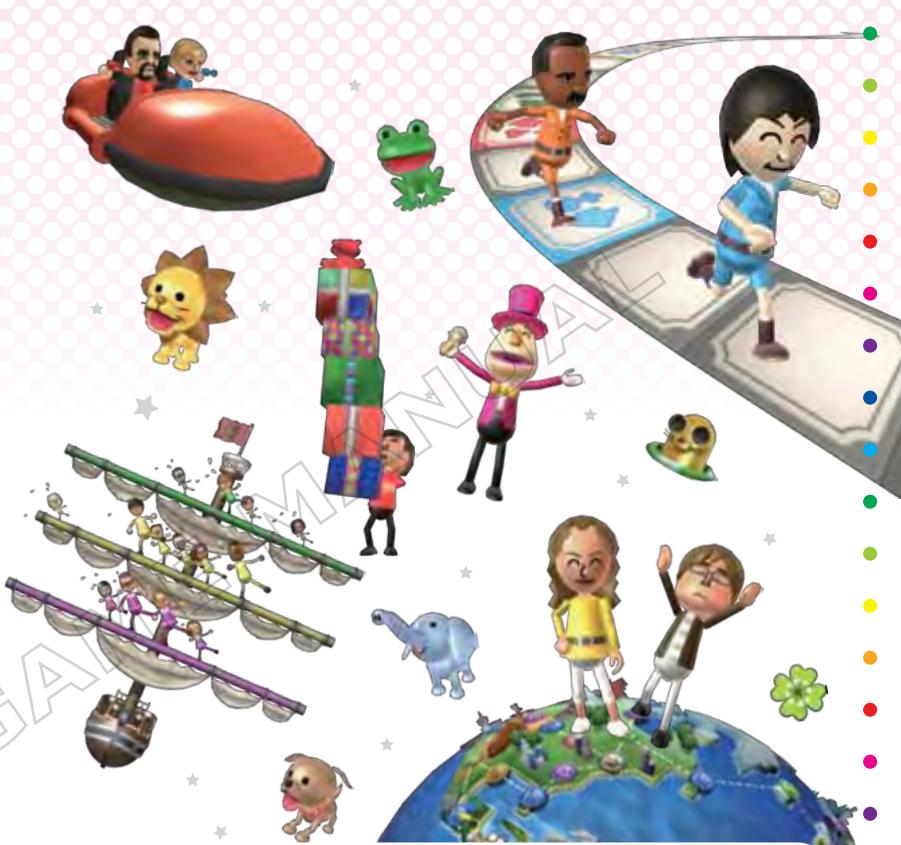
Please note that when first loading the Game Disc into the Wii console, the system will check if you have the latest version of the system menu, and if necessary, a Wii system menu update screen will appear. Select OK to proceed with the update. Please note that the Wii console must have the latest version of the Wii system menu in order to play the Game Disc.
When the system menu is updated, unauthorized hardware and/or software modifications may be detected and unauthorized content may be removed,
causing the immediate or delayed inoperability of your console. Failure to accept the update may render this game, and future games, unplayable. Please note that Nintendo cannot guarantee that unauthorized software or accessories will continue to function with the Wii console after this or future updates of the Wii system menu.
Controls
Wii Party is played using the Wii Remote™ controller. If two or more people are playing, please connect an additional Wii Remote for each player.
Note: Depending on the game mode, there will be times when the number of players differs from the number of Wii Remotes being used.

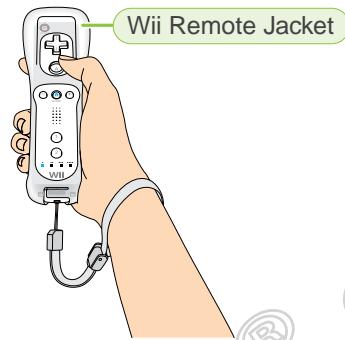
Holding the Wii Remote
Hold the Wii Remote as shown.
Note: For instructions on how to secure the Wii Remote and the Wii Remote Jacket, please see the Wii Operations Manual and the Wii Remote Jacket Manual.
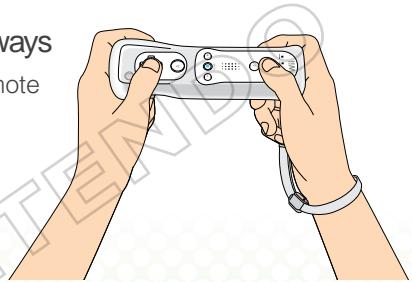
Holding the Wii Remote Sideways
Some games require the Wii Remote to be held sideways as shown.
Please note:
- In House Party mode P 17-19, there are games in which multiple Wii Remote controllers are placed on the floor or a table, or one Wii Remote is passed around among multiple players. For these games, please be careful with the Wii Remote controllers.

Wii Remote
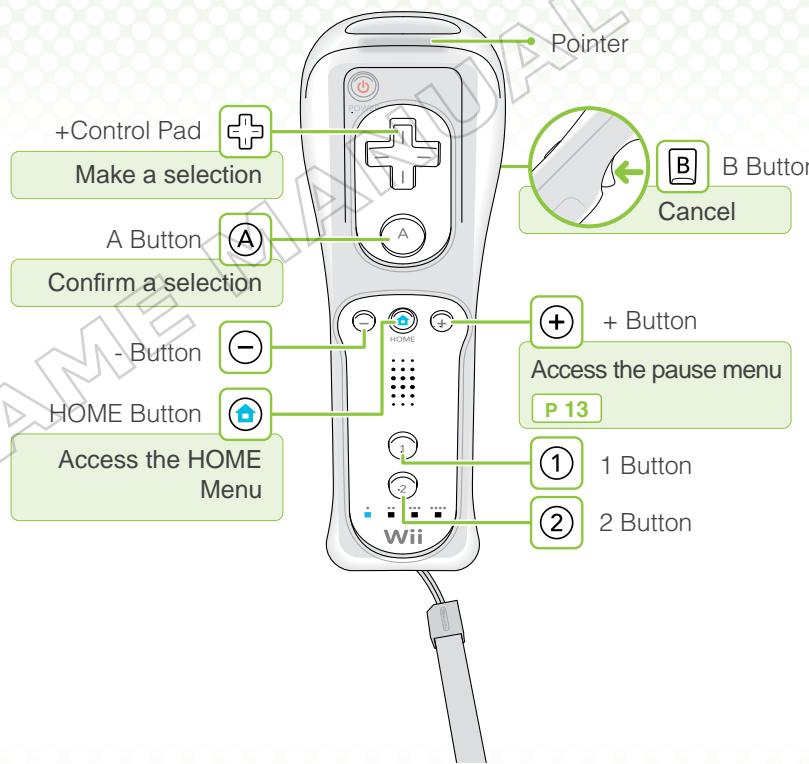
For menu selections, point with the Wii Remote or use to aim the pointer and then press A to make a selection. To go back to a previous screen, press B or point to and press A. For individual game controls, please read the explanations on-screen.
Pointing
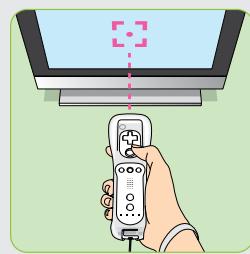
With the pointer facing the TV screen, line up the Wii Remote with the place you want to point at. You can use the pointer to make menu selections. You'll also use the pointer to play some of the games.
Starting the Game
Insert the Wii Party Game Disc into the disc slot on the Wii console. The console power will turn on.
Health and Safety Screen
The screen on the right will be displayed. Once you have read the message, press A to continue.

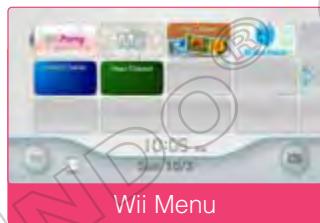
On the Wii Menu, point at the Disc Channel and press A to bring up the Channel Preview screen.
Note: If the Disc Channel does not appear in the Wii Menu, please read System Menu Update P 4.
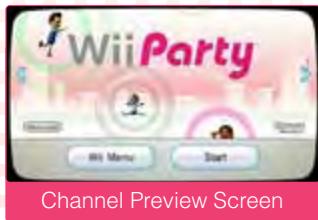
3 Channel Preview Screen
Point at Start and press A to bring up the Strap Usage screen.
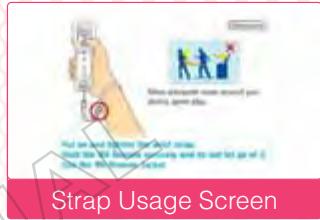
4 Strap Usage Screen
Once you have properly adjusted your wrist strap, press ④ to reach the title screen.
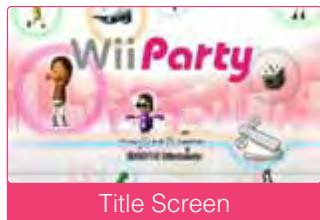
5 Title Screen
Press A and B at the same time to proceed to the main menu P 9-10.
First Time Playing
The first time the game is played, a Wii Party save file will be created. Two empty blocks on the Wii console are necessary to create the save file.
About Saving
Information, game records, and rankings for each participating MiiTM are saved automatically in the save file.
Please be careful: if participating Mii characters are erased from the Wii console or deleted from the Mii Channel, their information will be erased from the game.
Note: If you wish to delete this game's save file, delete the save data from the Data Management screen in Wii Options.
Note: If you want to delete a Mii, you can transfer that Mii character's information to another Mii. After deleting the Mii, choose a Mii to transfer the information to from the Mii selection screen.
Main Menu
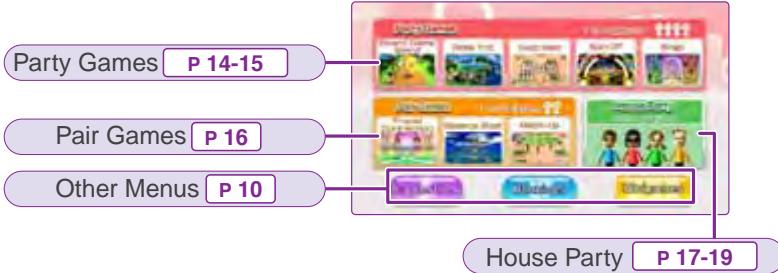
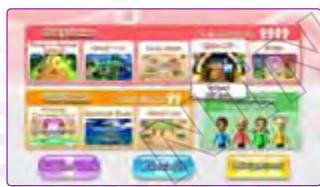
You can select the game you want to play from the main menu. From the other menus, you can see Suggestions, view Rankings, and play Minigames.

Main Menu
Point to the screen or use + , then press to confirm your selection.

Playing Games
Point the cursor at a game to see about how long it takes to play. Choose the game you'd like to play. Once you've confirmed the game contents and number of players, press (A) to continue. For game progression, see P11-13.

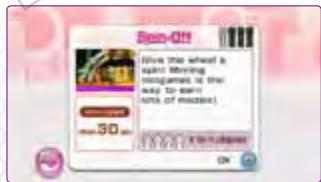

You can also select from the following three menus on the main menu.
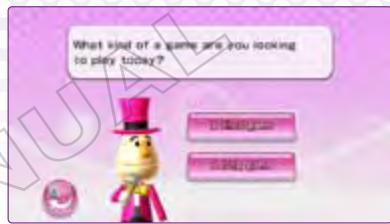
Suggestions
Answer questions about the number of players and the way you want to play, and see suggestions about which game to play.
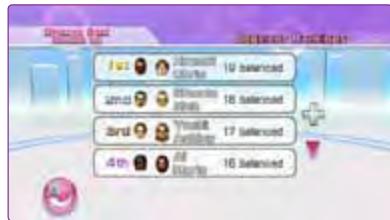
Rankings
View high scores and best times for games like Friend Connection and Balance Boat.
Minigames
A variety of minigame modes
P 21-22
For details, see P20.
The Basics
Choose the number of players and Mii characters in order using the steps below. When a game finishes, the rankings and scores are announced.
Number of Players
The number of players that can be selected depends on the type of game being played and the number of Wii Remotes connected.
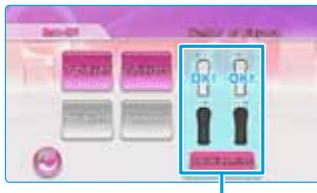
Wii Remotes
A connected Wii Remote will display OK!
Adding Wii Remotes
You can add one Wii Remote at a time by selecting Add Wii Remote. Press ① and ② at the same time on the Wii Remote you want to add. Once a Wii Remote is connected, the relative icon on the screen will light up.
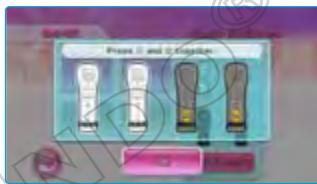
Note: You can also connect additional Wii Remotes from the HOME Menu.
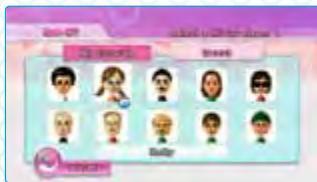
MiiTM Selection
Select the Mii you want to play with.
You can choose a Mii saved to the Wii console or a guest Mii.
Note: For information on how to add a Mii to your Wii console, please see the Wii Operations Manual.
Note: You cannot choose a Mii that is saved on the Wii Remote.
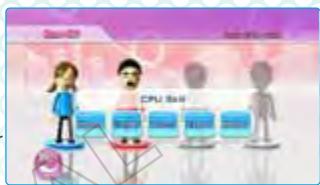
CPU Skill
Depending on the game, CPU Mii characters will be added automatically. You can choose the skill of these computer-controlled players. Also, for some games, you can choose the number of rounds or the difficulty level. Choose Start to begin the game.
4 Starting a Game
When a game is played for the first time, the rules will be explained by the host. From the second time onward, you can choose whether or not to hear the explanation. Press to skip an explanation and start the game.

Minigames
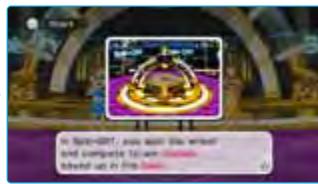
During each game, you'll also play several minigames. To learn the rules, view the Rules screen. To learn the controls, view the Controls screen. Choose Start to begin a minigame. You can also choose to practice each minigame if you'd like.

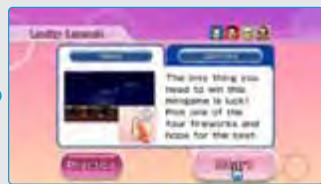
5 Scores and Rankings
When a game is finished, the scores are announced. Press A to proceed and see the overall rankings.


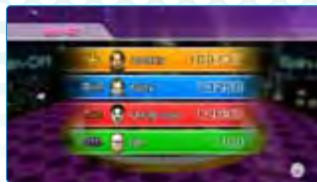
6 Finishing a Game
Once the scores and rankings are announced, a menu like the one shown to the right is displayed. You can choose to replay the same game or return to the main menu. If you started the game from Suggestions, you can also see another suggestion P 10
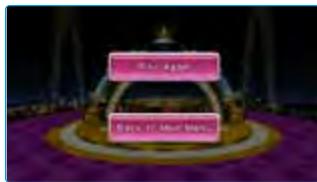
Note: The menu displayed may differ depending on the situation.
You can pause a game or minigame by pressing ① to access the pause menu. You can then continue the game by pressing ① again or choose another option.
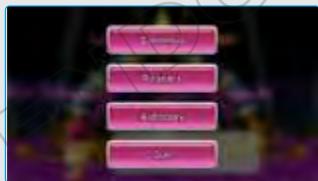
Continue
Return to the game.
Restart
Start the game over from the beginning.
Autopy
This is only available on the pause menu of Party Games. You can change a Mii that started as a human player to CPU control (except Player 1). You can also revert a Mii from CPU control if it started as a human player.
Quit
End the game and return to the main menu. When you quit a game, your progress will not be saved, so please be careful.
Party Games
Games for four players (including the computer). One to four human players can participate.

Indicates the number of players.
Indicates the approximate length of the game.

Board Game Islands

45 min.
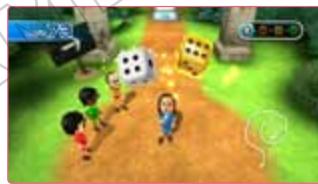
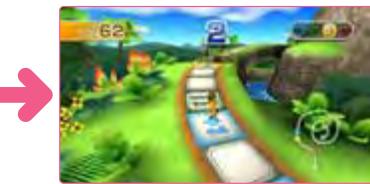
A board game in which players roll dice to move along a path toward the top of the island. The order players roll the dice each round is decided by a minigame. Players who come in first through third win a bonus die to roll along with the standard die. The player who reaches the top of the island first is the winner!

Globe Trot
1-4 players
60 min.
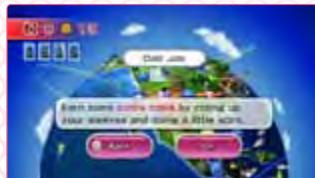
Players turn over numbered cards and move the indicated number of spaces. Players win coins in minigames that can be used to purchase vehicle cards to help them advance, or at airports and seaports to travel long distances. When players reach a hot spot, they can purchase a souvenir photo for 10 coins. After 10 turns, overtime begins and the first player to reach a hot spot and take a souvenir photo ends the game. The player who has collected the most souvenir photos and coins at that point is the winner!


Swap Meet 1-4 players 30 - 45min
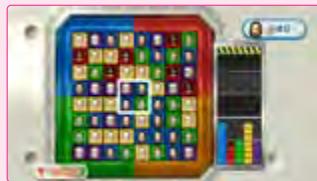
Players take turns choosing a Mii from the middle to swap out with a Mii from their area. Players who collect three Mii characters with the same-colored outfits in two different rows win points (various bonuses are possible depending on how Mii characters are

matched, so the points players will receive also varies). The player who has the most points after a set number of rounds is the winner!
Spin-Off 1-4 players 30 min.
Players take turns spinning a wheel to earn medals. Depending on where the wheel stops, players can win medals, lose medals, or add medals to the bank. Players can also win medals saved up in the bank by winning minigames. After 10 turns, overtime begins,
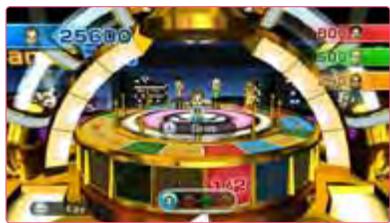
and the game ends after somebody wins a Bank Battle. (If 10 turns pass in overtime, a minigame automatically occurs that will award the remaining medals in the bank.) Once overtime has ended, the player with the most medals is the winner!
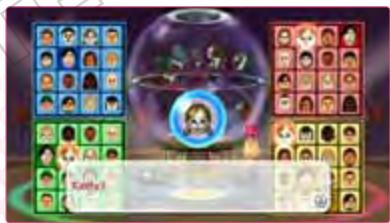
Bingo 1-4 players 15 min.
Players check off Mii characters on their bingo cards that match Mii balls that drop from the bingo machine. If a minigame ball drops from the bingo machine, players play a minigame and the winner checks off a Mii of his or her choice. The first player to complete a horizontal, vertical, or diagonal row gets a bingo and is the winner!
Pair Games
Pair Games are designed for two players. A single player can also play Balance Boat and Match-Up with the computer as a partner or opponent.
Friend Connection
2 players
5 min.
Two players answer a series of questions and play a cooperative minigame to find out their Friend Connection score. In the Question Test, players answer five questions using . In the Minigame Test, players must cooperate to clear the minigame. After both tests are
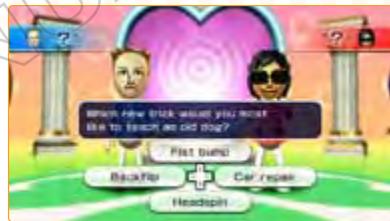
completed, the Friend Connection score is announced. The higher the score, the better Pair Ranking the two players will earn.
Note: Friend Connection requires two players.
Balance Boat 1-2 players 5-15min.
Players balance Mii characters on the spars of a boat that match the color of each Mii character's outfit. The size of each Mii
character depends on the resultsof a minigame. If the two playerscan successfully balance 20 Mii
characters without tipping over theboat and dunking any into the water
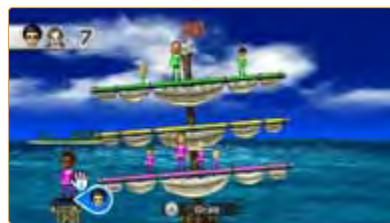
r, they win the game!
Match-Up
1-2 players
15 min.
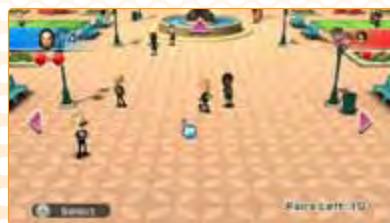
Players match up Mii characters wearing the same-colored shirts into pairs to score points (players don't know what color the Mii characters' shirts are until they select them). If players fail to match up a pair, they lose a heart. If players lose all of their hearts, they lose a turn. The player with
the most points at the end of the game is the winner!
House Party
House Party games are designed for two or more players and use the room beyond the TV screen as part of the fun.

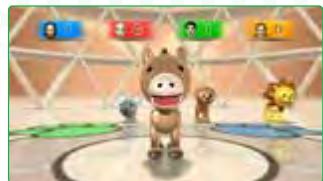
Animal Tracker
2-4 players
5 min.
From all the Wii Remotes being used, players try to be the first to grab the one playing the correct animal sound.
To play this game, line up the Wii Remotes on a flat surface like a table or the floor. Players earn one point each
time they grab the correct Wii Remote first. The first player to get three points is the winner!
Please note:
- This game requires at least two Wii Remote controllers regardless of the number of players.
- Be sure to turn up the volume on each Wii Remote controller's speaker before playing.
- When placing the Wii Remote controllers on a flat surface, do not use the wrist strap.

Hide 'n' Hunt
2-4 players
15 min.
One player (the hider) hides the Wii Remotes being used, and the other players (the hunters) try to find them before time runs out.
During the hunting phase, each Wii Remote will make a hint sound every 10 seconds.
Please note:
- This game requires one to four Wii Remote controllers regardless of the number of players.
- Be sure to turn up the volume on each Wii Remote controller's speaker before playing.
- Be careful not to hide the Wii Remote controllers in places where they might get damaged.
- If the Wii Remote controllers are hidden too far from the Wii console, communications with the Wii Remote could be interrupted, which may affect game play. If this occurs, bring the Wii Remote controllers closer to the Wii console and press any button.

Time Bomb
2-4 players
5 min.
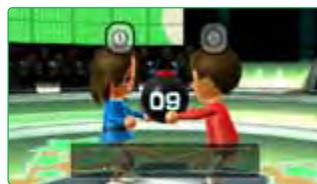
Players pass around a Wii Remote like a time bomb that will "explode" if shaken.
Each player passes the Wii Remote while holding the button displayed on the screen. The next player then takes the Wii Remote while holding the button
displayed. If the Wii Remote is shaken too much, the wrong buttons are pushed, or both players release their buttons at the same time, the bomb will explode.
Please note:
- This game requires one Wii Remote controller regardless of the number of players.
- Be sure to turn up the volume on each Wii Remote controller's speaker before playing and turn on the rumble feature.
- This game is played without using the wrist strap.

Word Bomb
2-4 players
5 min.
Players say a word within a given category and pass the Wii Remote “bomb” before the time limit is up. Press ④ after saying an answer word and then pass the Wii Remote to the next player. If the next player thinks the previous player’s
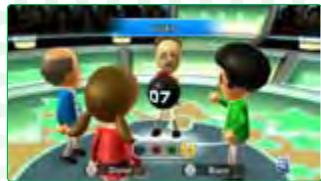
answer doesn't fit the category or was already said, they can press ② and pass it back. If a player fails to say a word and press ④ before time runs out, the bomb will explode.
Please note:
- This game requires one Wii Remote controller regardless of the number of players.
- Be sure to turn up the volume on each Wii Remote controller's speaker before playing and turn on the rumble feature.
- This game is played without using the wrist strap.
Note: The Wii Remote's speaker volume and rumble settings can be accessed from the HOME Menu.

Buddy Quiz
3-4 players
5 min.
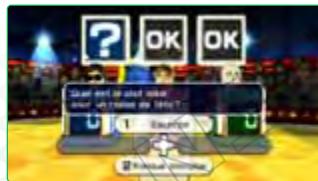
Players designate one participant as the Buddy and try to correctly predict the Buddy's answers to a series of questions. Players answer the questions using . If a player correctly predicts the Buddy's answer, points are scored. After all the questions have been answered, the player with the most points is the winner!

Please note:
- This game requires the same number of Wii Remote controllers as players.
- In this game, the Buddy does not compete to win the game.
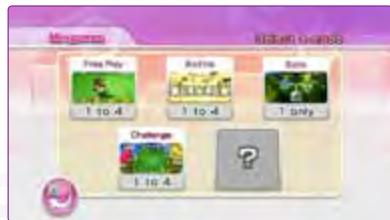
Minigame Modes
From the main menu, select Minigames to access the following modes.
Note: Certain conditions must be met to unlock some game modes.

Free Play
1-4 players
5min.
Players can choose any minigame to play one at a time.

Battle
1-4 players
5-30 min.
Players battle it out to win a set number of minigames.

Solo
1 player
15-60min.
A single-player minigame challenge.

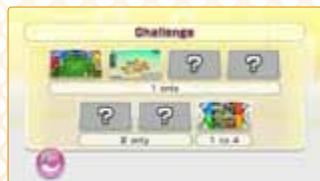
Challenge
1-4 players
5-30 min.
A set of more challenging minigames
P 22
Minigames
This is a list of all the minigames included in Wii Party! For instructions on how to play each one, please read the Rules and Controls screens before playing each minigame P 12.

4-Player Minigames
Derby Dash
- Shifty Gifts
- Chop Chops
- Jumbo Jump
- Popgun Posse
Flap Hurdles
- Puzzle Pick-Up
Moon Landing
- Zombie Tag
- Flag Fracas
Smile Snap
Dicey Descent
- Ram Jam
- Feathered Frenzy
Goal Getters
- Saucer Snap
- Quicker Chipper
Follow Your Face
- Maze Daze
- Chopper Hoppers
Space Brawl
- Stop Watchers
- Friendly Face-Off
- Barrel Daredevil
- Crash Balls
- Tropical Punch
Strategy Steps
Pearl Plunder
- Hammer Heads
- Cosmic Capers
- Rope Sling
Face Flip
- Spotlight Fight
- Shutterpup
Cry Babies
- Lucky Launch
Back Attack
- Chin-Up Champ
Walk-Off
- Balloon Buggies
- Risky Railroad

1 vs. 3 Minigames
- Splash Bash
Lumber Whacks
Flying Fruit
- Poserobics

1 vs. 1 Minigames

r Minigames
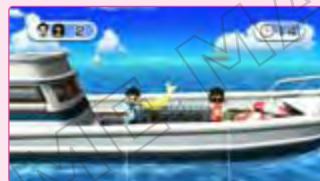
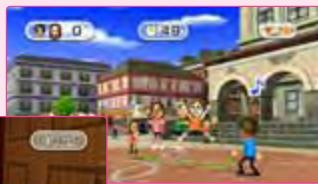

Challenge Minigames
Select Challenge from the Minigames menu to play more challenging versions of some familiar minigames and also some all-new ones.
Note: Certain conditions must be met to unlock some Challenge minigames.
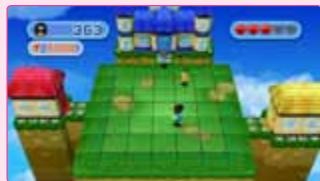
VEUILLEZ LIRE ATTENTIVEMENT L'INTÉGRAlité DU MODE D'EMPLOI DE LA Wii™ AVANT D'UTILISER VOTRE CONSOLE, VOTRE DISQUE DE JEU OU VOS ACCESSOIRS Wii. CE MODE D'EMPLOI CONTIENT D'IMPORTANTES INFORMATIONS SUR VOTURE SANTÉ ET VOTURE SECURITÉ.
INFORMATIONS IMPORTANTES CONCERNANT VOITE SECURITE: VEUILLEZ LIRE LES PRECAUTIONS SUIVANTES AVANT QUE VOUS OU QUE VOITE ENFANT NE JOUIEZ À DES JEUX VIDÉO.
Movements involontaires
Perte de conscience
Désorientation