
CC200 - Earphones EDIFIER - Free user manual and instructions
Find the device manual for free CC200 EDIFIER in PDF.


| Brand | Edifier |
| Model | CC200 |
| Product Type | Wireless In-Ear Headphones |
| Dimensions (Earbud) | Approx. 23 x 17 x 30 mm |
| Weight (per earbud) | Approx. 4.5 g |
| Weight (charging case) | Approx. 40 g |
| Power Supply | Rechargeable lithium-ion battery (earbuds: 50 mAh, case: 400 mAh) |
| Battery Life (earbuds) | Up to 5 hours per charge |
| Battery Life (with case) | Up to 20 hours |
| Charging Time (earbuds) | Approx. 1.5 hours |
| Charging Time (case) | Approx. 2 hours (via USB-C) |
| Bluetooth Version | Bluetooth 5.0 |
| Supported Audio Codecs | SBC, AAC |
| Frequency Response | 20 Hz - 20 kHz |
| Noise Reduction | Passive noise reduction (silicone ear tips) |
| Water Resistance | IPX4 (earbuds) |
| Main Features | Touch controls, voice activation, volume control, play/pause, hands-free calling |
| Maintenance and Cleaning | Clean with a soft, dry cloth. Do not use chemicals. |
| Safety | Do not expose to extreme temperatures. Do not immerse. |
| Spare Parts and Repairability | Replacement ear tips available. For any repairs, contact Edifier customer service. |
| General Information | Made in China. 2-year warranty. |
Frequently Asked Questions - CC200 EDIFIER
User questions about CC200 EDIFIER
0 question about this device. Answer the ones you know or ask your own.
Ask a new question about this device
Download the instructions for your Earphones in PDF format for free! Find your manual CC200 - EDIFIER and take your electronic device back in hand. On this page are published all the documents necessary for the use of your device. CC200 by EDIFIER.
USER MANUAL CC200 EDIFIER
EDIFIER
CC200
Wireless Mono Headset
Manual

EN
Power ON/OFF
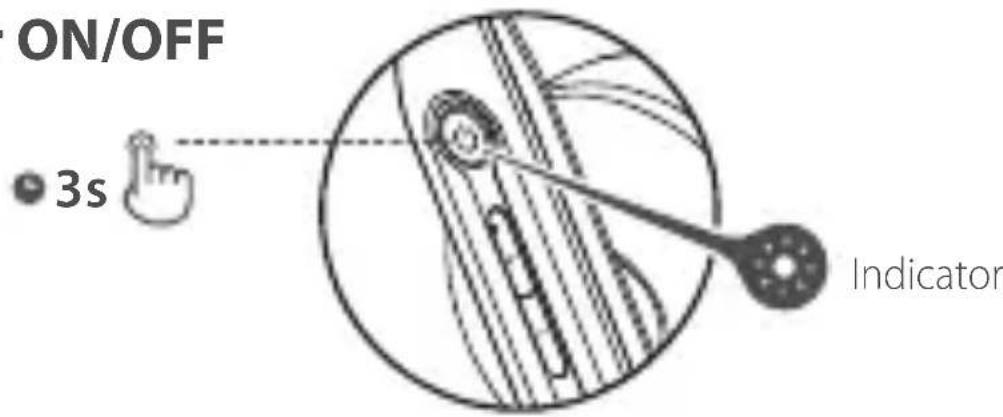
Power ON: Press and hold the " 🔊" button for 3s when power OFF. Green LED will be lit for 1s.
Power OFF: Press and hold the " 🔍" button for 3s when power ON. Red LED will be lit for 1s.
Pairing
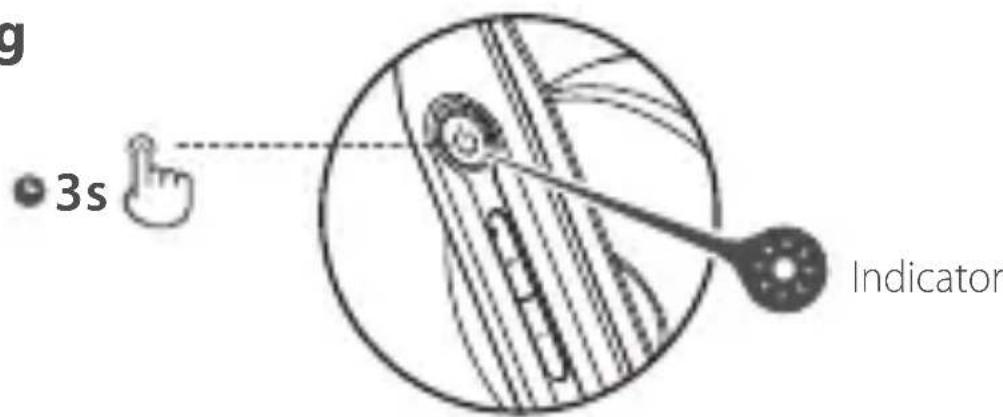
Pairing for the first time
- Press and hold the "💡" button for 3s when power off. Red and Green LED will blink alternately and rapidly.
- Select "EDIFIER CC200" in your device setting to connect. Green LED will blink twice rapidly then off after connected.
Note: For subsequent use, the headset will auto-connect to device used last time.
Pairing for new device
- Press and hold the "💡" button for 5s when power off. Red and Green LED will blink alternately and rapidly.
- Select "EDIFIER CC200" in your device setting to connect. Green LED will blink twice rapidly then off after connected.
Reset

Indicator
- Power on and disconnected to any Bluetooth devices.
- Simultaneously press and hold the "+" "-" buttons for 5s to reset and start Bluetooth pairing.
- Green LED will blink 6 times rapidly when successful.
Multiple calls

A

B
The B call rings when accepting the A call:
- Press the " 🔒" button to accept the B call and remain the A call.
- Press 2 times the " 🔗" button to accept the B call and end the A call.
- Press and hold the " 🔍" button for 2s to reject the B call.
- When accepting the B call and remaining the A call, press 2 times the "Button" button to switch between the A and B calls.
Charge
- Connect the product to power source with the included Type-C charging cable for charging.
- Red LED is on when charging and Red LED is off when fully charged.
Input: 5V=500mA

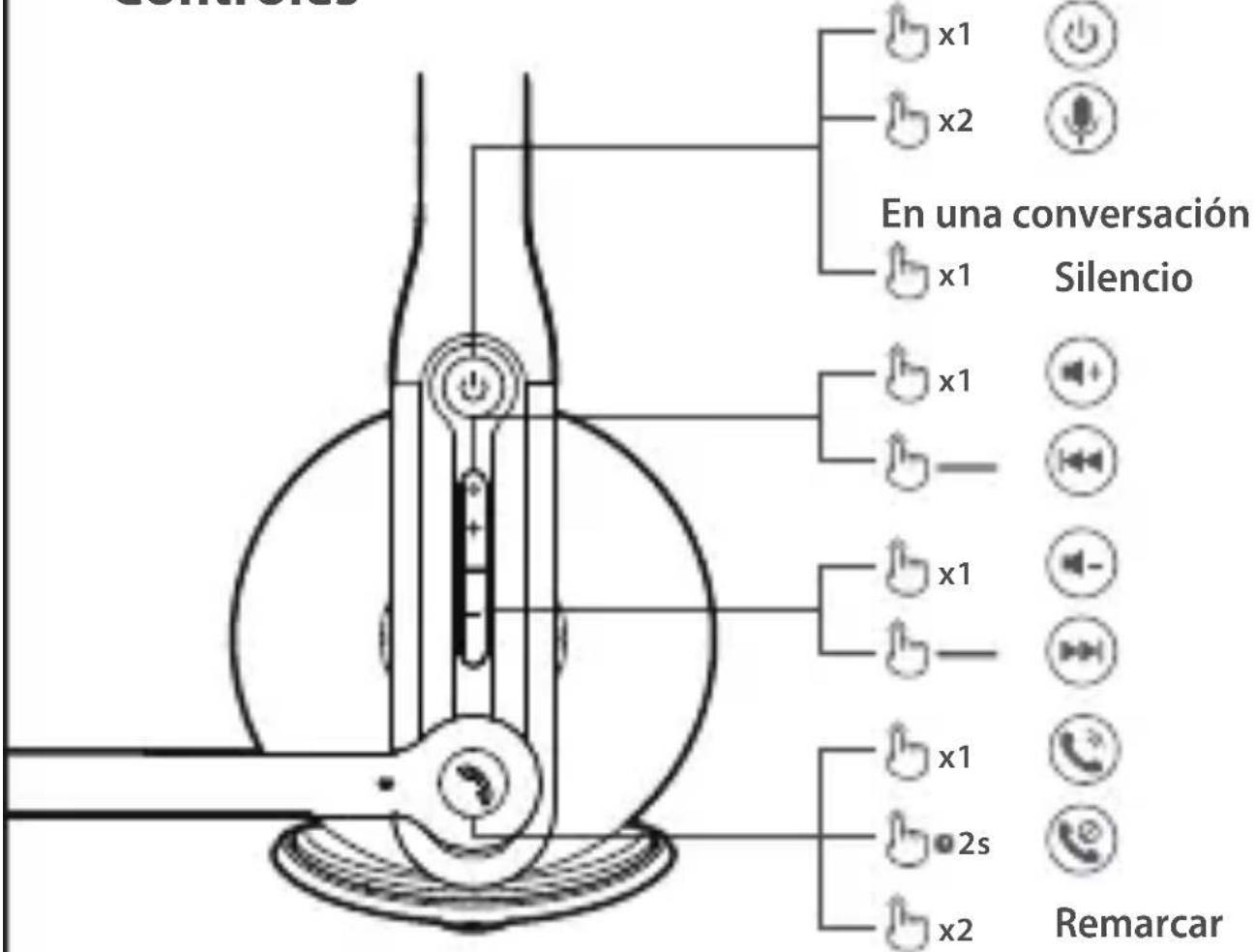
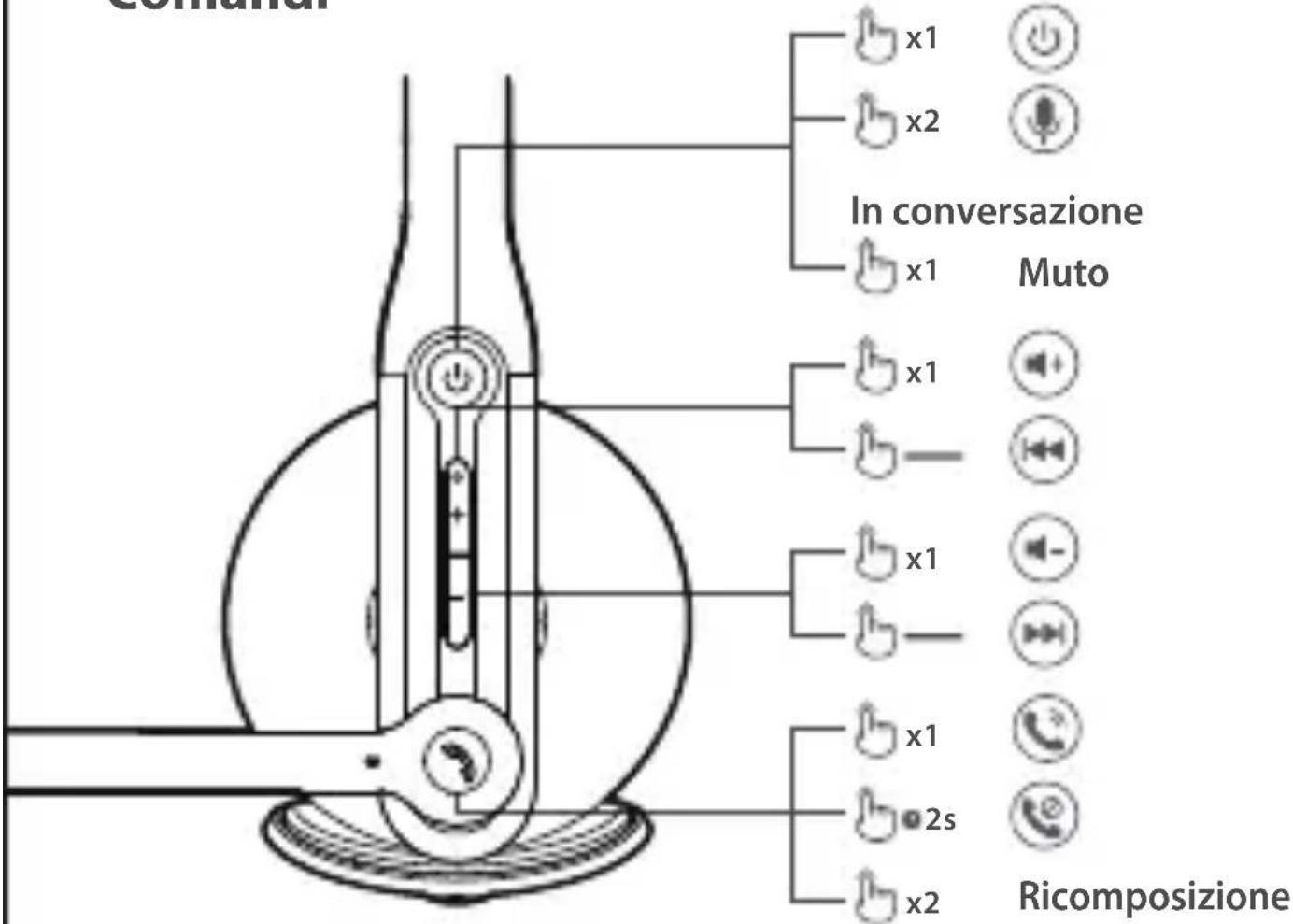
Controls

Not in a conversation
Note:
- —: Press and hold.
- Please do not charge the headset when there is sweat or other liquids inside the charging port, which may damage the headset.
- Images are for illustrative purposes only and may differ from the actual product.
For more information, please visit our website:
www.edifier.com


@Edifierglobal

@Edifier_Global

@Edifier_Global
Model: EDF200042
Edifier International Limited
P.O. Box 6264
General Post Office
Hong Kong
www.edifier.com
© 2021 Edifier International Limited. All rights reserved.
Printed in China
NOTICE:
For the need of technical improvement and system upgrade, information contained herein may be subject to change from time to time without prior notice.
Products of EDIFIER will be customized for different applications.
Pictures and illustrations shown on this manual may be slightly different from actual product. If any difference is found, the actual product prevails.
FR
Allumer/Éteindre

Commandes
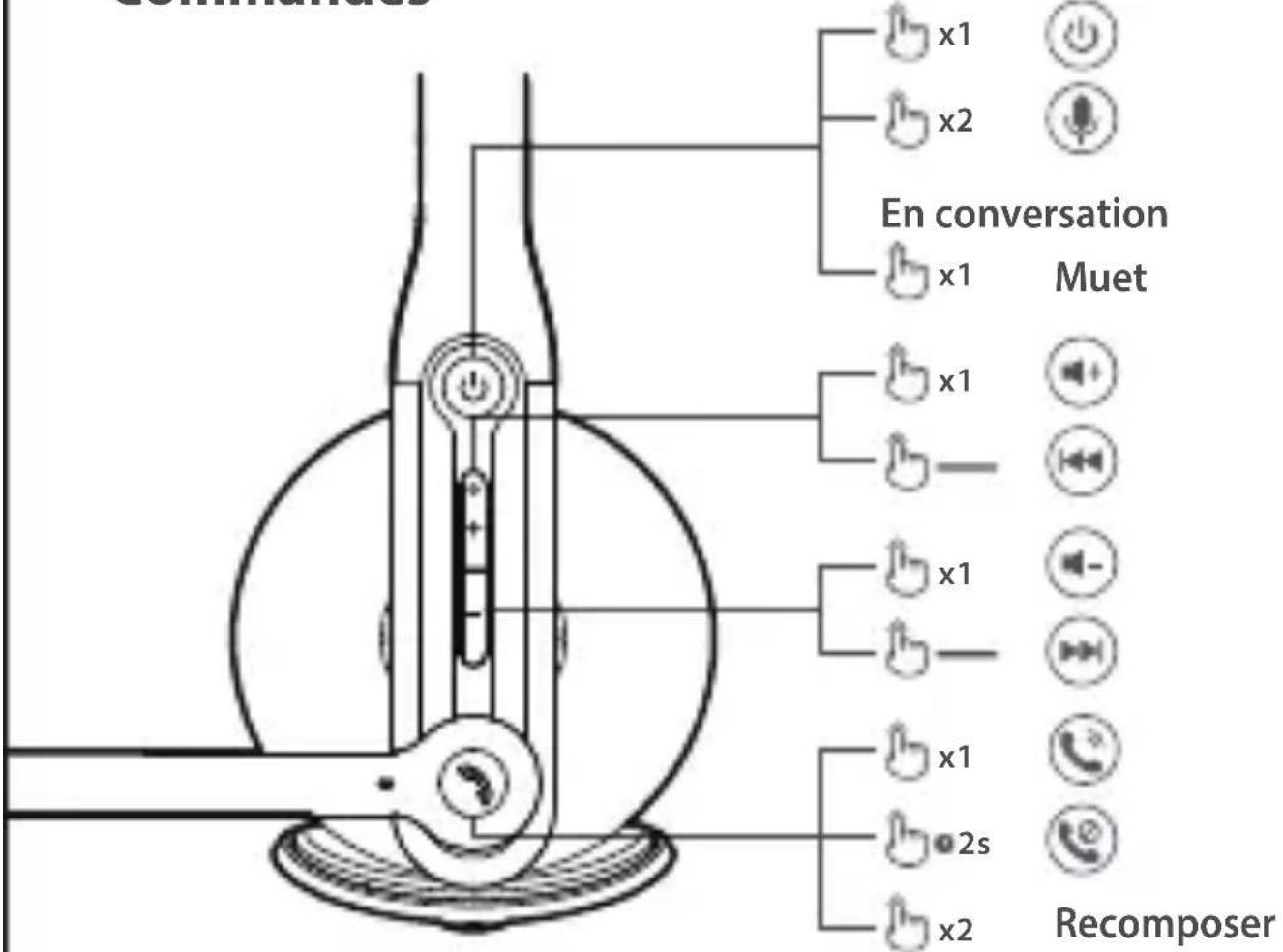
Pas en conversation
Remarque:
Controles
Anzeige
Erste Kopplung
B

Anzeige
Bedienfelder

Indicatore
Indicatore
Comandi
B

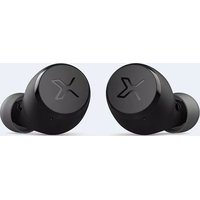


Brand : EDIFIER
Model : CC200
Category : Earphones