ManualGo.com
CM425D10 - Coffee maker TEFAL - Free user manual and instructions
Find the device manual for free CM425D10 TEFAL in PDF.



Download the instructions for your Coffee maker in PDF format for free! Find your manual CM425D10 - TEFAL and take your electronic device back in hand. On this page are published all the documents necessary for the use of your device. CM425D10 by TEFAL.
USER MANUAL CM425D10 TEFAL
1-4 cups keep on-off warm
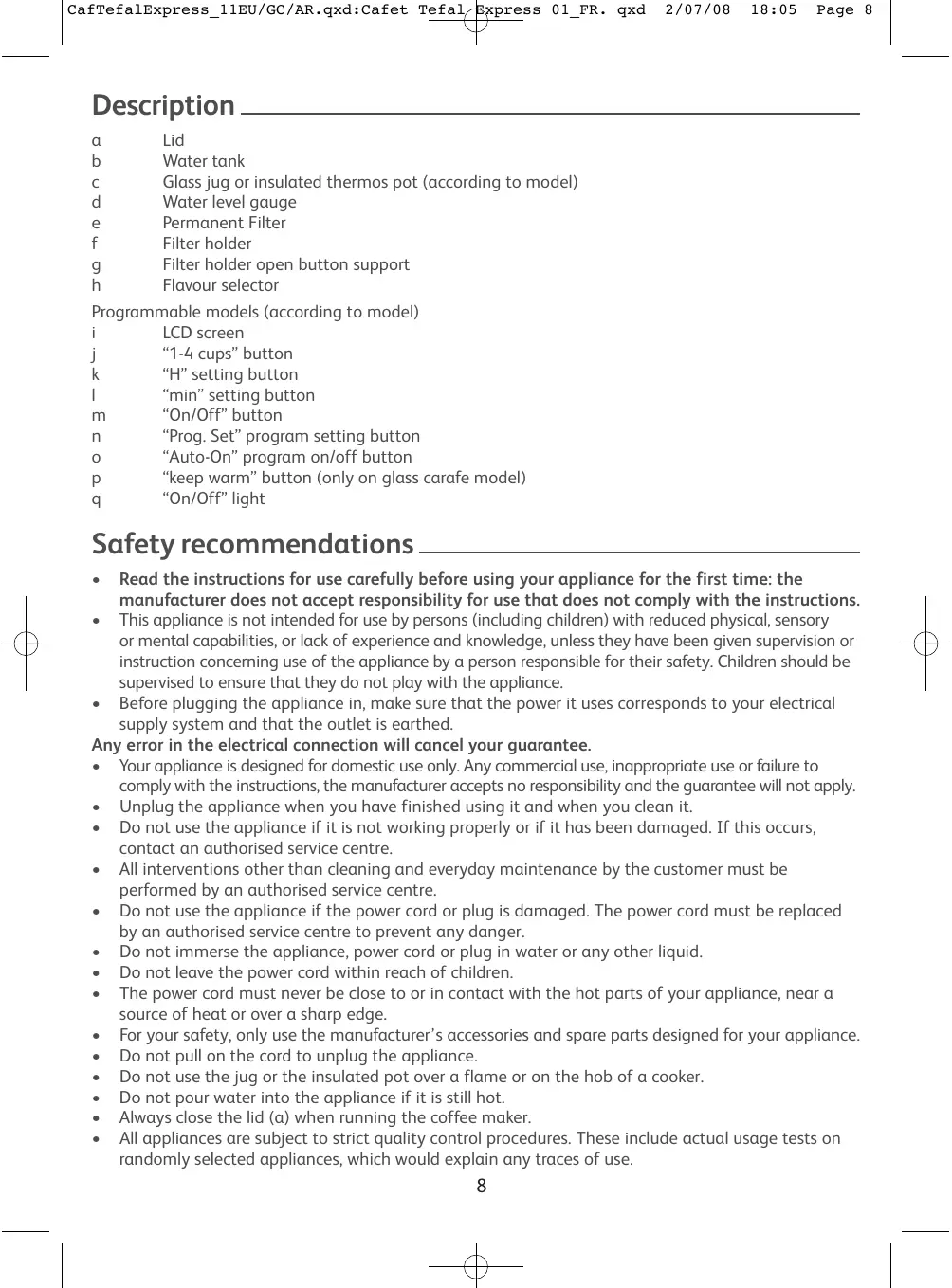
CafTefalExpress_11EU/GC/AR.qxd:Cafet Tefal Express 01_FR. qxd 2/07/08 18:05 Page 8 Description Lid Water tank Glass jug or insulated thermos pot (according to model) Water level gauge Permanent Filter Filter holder Filter holder open button support Flavour selector Programmable models (according to model) LCD screen “1-4 cups” button “H” setting button “min” setting button “On/Off” button “Prog. Set” program setting button “Auto-On” program on/off button “keep warm” button (only on glass carafe model) “On/Off” light Safety recommendations Read the instructions for use carefully before using your appliance for the first time: the manufacturer does not accept responsibility for use that does not comply with the instructions.
- This appliance is not intended for use by persons (including children) with reduced physical, sensory or mental capabilities, or lack of experience and knowledge, unless they have been given supervision or instruction concerning use of the appliance by a person responsible for their safety. Children should be supervised to ensure that they do not play with the appliance.
- Before plugging the appliance in, make sure that the power it uses corresponds to your electrical supply system and that the outlet is earthed. Any error in the electrical connection will cancel your guarantee.
- Your appliance is designed for domestic use only. Any commercial use, inappropriate use or failure to comply with the instructions, the manufacturer accepts no responsibility and the guarantee will not apply.
- Unplug the appliance when you have finished using it and when you clean it.
- Do not use the appliance if it is not working properly or if it has been damaged. If this occurs, contact an authorised service centre.
- All interventions other than cleaning and everyday maintenance by the customer must be performed by an authorised service centre.
- Do not use the appliance if the power cord or plug is damaged. The power cord must be replaced by an authorised service centre to prevent any danger.
- Do not immerse the appliance, power cord or plug in water or any other liquid.
- Do not leave the power cord within reach of children.
- The power cord must never be close to or in contact with the hot parts of your appliance, near a source of heat or over a sharp edge.
- For your safety, only use the manufacturer’s accessories and spare parts designed for your appliance.
- Do not pull on the cord to unplug the appliance.
- Do not use the jug or the insulated pot over a flame or on the hob of a cooker.
- Do not pour water into the appliance if it is still hot.
- Always close the lid (a) when running the coffee maker.
- All appliances are subject to strict quality control procedures. These include actual usage tests on randomly selected appliances, which would explain any traces of use.
2/07/08 18:05 Page 9 Never place your jug or your insulated pot in a microwave oven, in a dishwasher or on a cooking hob. Never put your hand inside the insulated pot. Do not use the jug or the insulated pot without their lid. Always place your coffee maker on a flat, stable, heat-resistant worksurface away from water splashes and any external sources of heat. Do not leave the appliance unattended whilst in operation. Always place your appliance on a flat, stable, heat-resistant surface, away from sources of heat and water splashes. Before using for the first time
Run the coffee maker for the first time without coffee, rinsing the circuit with 1 litre of water. Making coffee (Follow illustrations 1-8)
- Open the Filter holder support using the open button (g) located on the top of the coffee maker.
- Use cold water only and a No. 4 paper filter or the permanent filter. Do not use the insulated pot without its top.
- Do not exceed the maximum amount of water indicated on the water tank level indicator.
- This coffee maker is equipped with a drip-stop feature so that you can serve a cup of coffee before all the water has finished flowing through. Return the jug or the insulated pot to its base quickly to avoid spillage.
- For better heat preservation, rinse the insulated pot with hot water before use.
- The lid of the isothermal coffee pot must be screwed on firmly in a clockwise direction until the arrow on the handle is aligned with “unlock” to prepare and keep your coffee warm. To pour the coffee, unscrew the lid by 1/2 turn until the arrow on the handle is aligned with “lock”.
- Wait a few minutes before preparing another pot of coffee. Flavour selector (Follow illustration 9)
- The flavour selector (h) allows you to adjust the intensity of the coffee prepared.
- Turn the selector (h) to the right to the position to obtain a normal coffee, where the entire amount of water contained in the tank passes through the coffee grounds.
- To obtain a very weak coffee, position the selector (h) to the left to the position . Only about half of the amount of water contained in the tank passes through the coffee grounds.
- The intermediate positions on the selector (h) allow you to adjust the intensity. For the programmable model Indication Program-On indicator: The will display when you push on at “Auto-On” mode. 1-4 cups indicator: The icon will display when you push on the “1-4 cups” button but will not start the brewing. ON indicator: The icon will display when you push ON the “On-Off” button (red light “R”). If the “1-4 cups” is pressed, the icon will be shown together. Detail function key and operation method Setting the time
- “H” and “min” buttons are used to set Time of Day;
- Default Time of Day is 0:00
2/07/08 18:05 Page 10 To set the hour, press the “H” button once, HOUR will increase from the initial 0:00 at one-hour intervals. Pressing and Holding the “H” button for more than 2 seconds will make the HOUR advance at a rate of about 3-5 hours per second. To set minute, press the “min” button once, MINUTE will increase from the initial 0 at one-minute intervals. Pressing and Holding the “min” button for more than 2 seconds will make the MINUTE advance at a rate of about 3-5 minutes per second. Brewing the coffee:
- To activate the brewing cycle manually: The “On/Off” button is pressed, LCD shows the current time of day. The icon indicated on the LCD: red light “R” will become activated, and brewing cycle starts.
- To deactivate the brewing cycle manually: The “On/Off” button is pressed, the logo shut off: the red light will be deactivated and the heater will turn off, and brewing process will stop. Program-on Function:
- Default “Program-set” time is 12:00.
- Press the “Auto-On” button, the LCD displays the current time of day. The icon will be indicated on the LCD and Program-on function (green light “R”) will become activated. Brewing cycle will start automatically at programmed time. At programmed time, the icon shuts off and the icon indicated on the LCD (red light “R” becomes activated).
- To disable the “Program-on” function: Press the “Auto-On” button and icon will shut off and the green light “R” will be deactivated. Setting the Program-On Time procedures:
- Press the “Prog. Set” button once then LCD starts flashing with the Program-on time and the coffee maker enters in Program-on time setting mode (Prog Set mode).
- To set hour, press the “H” button once, HOUR will increase from the initial 12:00 at one-hour intervals. Pressing and Holding the “H” button for more than 2 seconds will make the HOUR advance at a rate of about 3-5 hours per second. To set minute, press the “min” button once, MINUTE will increase from the initial 0 at one-minute intervals. Pressing and Holding the “min” button for more than 2 seconds will make the MINUTE advance at a rate of about 3-5 minutes per second.
- To exit “Set Program Time” Mode : - Press the “Prog. Set” button to leave the program setting mode; - Do nothing. If neither the “H” nor “min” button is pressed for a period of 5 seconds, the “Set Program Time” mode will be exited and the programmed setting will be in effect (green light “R” will become activated). 1-4 cups Function:
- The “1-4 cups” function adjusts the speed of water flow to improve the flavour of a smaller quantity of brewed coffee.
- Activate/deactivate the “1-4 cups” feature by pressing the “1-4 cups” button at any mode. icon will become activated. Keep warm (glass jug version)
- “H” and “min” buttons are used to set keep warm time.
- Default time is 2:00.
- Maximum time is 2 hours.
- To set hour, press the “H” button once, HOUR will increase from the initial 0:00 at one-hour interval. Pressing and Holding the “H” button for more than 2 seconds will make the HOUR advance at a rate of about 3-5 hours per second. To set minute, press the “min” button once, MINUTE will increase from the initial 0 at one-minute intervals. Pressing and Holding the “min” button for more than 2 seconds will make the MINUTE advance at a rate of about 3-5 minutes per second.
To dispose of the used coffee grounds, remove the permanent filter or filter paper (f) from the coffee maker and dispose of the paper filter and grounds. Unplug the appliance. Do not clean the appliance while hot. Clean with a damp cloth or sponge. Never put the appliance in water or under running water. The filter holder and/or permanent filter can be washed in the dishwasher. Replace the filter holder (f) by aligning the markers and visible on the circumference. Descaling
- Descale your coffee maker after every 40 cycles. You can use:
- A packet of limescale remover diluted in 2 large cups of water or 2 cups of white vinegar.
- Pour into the tank (b) and switch the coffee maker on (without coffee).
- Let the equivalent of one cup flow into the jug or the insulated pot (c), then switch off.
- Leave to act for one hour.
- Switch the coffee maker back on to run the rest of the liquid through.
- Rinse the coffee maker by running 1 litre of water through it 2 or 3 times. The guarantee does not cover coffee makers that do not work properly or do not work at all because they have not been descaled. Accessories - Insulated pot - Glass jug Troubleshooting - Check:
- that it is plugged in properly.
- that the switch is in the on position.
- that the filter holder door is properly locked. - If the water flow-through time is too long or makes too much noise descale your coffee maker. If your appliance still doesn’t work please call our Helpline. If you have any product problems or queries, please contact our Customer Relations Team first for expert help and advice: 0845 602 1454 UK (01) 677 4003 Ireland or consult our website - www.tefal.co.uk Environment protection first! Your appliance contains valuable materials which can be recovered or recycled. Leave it at a local civic waste collection point.