
DT 327 TV - Audio/video extension Trevi - Free user manual and instructions
Find the device manual for free DT 327 TV Trevi in PDF.


| Product type | Audio/video extender |
| Brand | Trevi |
| Model | DT 327 TV |
| Dimensions (L x W x H) | 120 x 70 x 30 mm |
| Weight | 200 g |
| Power supply | 5 V DC via mains adapter (included) |
| Power consumption | 2.5 W |
| Video input | HDMI (type A) |
| Video output | HDMI (type A) with amplification |
| Audio input | 3.5 mm stereo jack |
| Audio output | 3.5 mm stereo jack |
| Transmission distance | Up to 30 meters with standard HDMI cable |
| Maximum resolution | 1920 x 1080 pixels (Full HD) |
| Refresh rate | 60 Hz |
| Main features | Audio/video signal extension, amplification, HDCP compatible |
| Maintenance and cleaning | Unplug the device before cleaning; use a soft, dry cloth |
| Safety instructions | Do not expose to moisture, do not open the casing, use only the supplied adapter |
| Spare parts and repairability | Parts not available separately; contact Trevi after-sales service |
| Operating temperature | 0 °C to 40 °C |
| Relative humidity | 20 % to 80 % (non-condensing) |
Frequently Asked Questions - DT 327 TV Trevi
User questions about DT 327 TV Trevi
0 question about this device. Answer the ones you know or ask your own.
Ask a new question about this device
Download the instructions for your Audio/video extension in PDF format for free! Find your manual DT 327 TV - Trevi and take your electronic device back in hand. On this page are published all the documents necessary for the use of your device. DT 327 TV by Trevi.
USER MANUAL DT 327 TV Trevi
DT 327 TV


Schermata
Android

Thank you for choosing Trevi DT 327 TV Mini DVB-T TV Tuner for Android tablets and smartphones. Please read this manual carefully to learn how to use the device and appreciate its features and usability.
- Our company reserves the right to change the contents of this manual without prior notice.
- The settings described in this manual are the default settings of the device.
- TREVI is not responsible for problems in speed and performance caused by third-party software.
- TREVI is not responsible for incompatibility or performance issues caused by changes to the device system settings made by the user.
- TREVI is not responsible for any “virus” or “damage” to the software caused by the user’s internet browsing.
- TREVI declines any liability for the violation of the copyright laws by the user.
- Make sure the product is not damaged, if so please contact the seller.
- Check that you have all the accessories.
- Do not open the device: there are no controls that can be manipulated by the user or spare parts inside. For all operations contact a Trevi Authorized Service Center.
- All trademarks and copyrights are property of their respective owners.
PACKAGE CONTENT:
In the package are included:
- Appliance
- Telescopic antenna
- Bipolar Antenna
• 75 Ohm Antenna adapter - Instruction manual
NOTES ON USE
This is a high-precision electronic device; avoid using it in the following cases:
- Near strong heat sources, such as central heating plants or stoves.
• In an environment that is too cold or too hot. - In very humid places such as bathrooms, swimming pools, etc.
• In very dusty places.
• In places with strong magnetic fields.
• In places subject to strong vibrations.
WARNING
- Do not use the device near flammable or explosive gases. This could cause a malfunction or a fire hazard.
- Keep the device away from children. The device is not a toy. The device is made of small removable parts that, if ingested, can cause suffocation.
- Do not place the machine on unstable or uneven surfaces.
- If any liquid gets into the device, unplug it from the USB port immediately and take it to the nearest TREVI authorised service centre.
- Use only accessories provided in the package, other products may cause overheating, explosion or fire.
- Switch off your device in areas where the device is not permitted, such as airports or hospitals.
- Do not use the device in the vicinity of places where it can affect normal operation of high-precision electronic devices. The radio frequencies may cause malfunction of electronic devices (hearing aids, pacemakers and other electronic medical devices) and create other problems.
CAR SAFETY
Refer to the laws and regulations on the use of mobile phones in the car when you are driving on road networks.
- Avoid using your device while driving, as the decreased ability to focus caused by the use of the device is able to significantly increase the risk of road accidents.
- The proper functioning of the device when the vehicle is in motion is not guaranteed.
• RF can affect electronic devices in the vehicle, such as car stereos and safety equipment. - If the vehicle is equipped with an air bag do not obstruct with portable wireless equipment in order to avoid serious injury caused by a malfunction of the air bag.
CARE AND MAINTENANCE
Use a slightly damp soft cloth for cleaning. Do not use solvents and abrasive substances.
IMPORTANT
This appliance has been carefully built to ensure long-lasting perfect performance. However, should any inconvenience occur, please contact your local authorised TREVI Service Centre.
2. TOOLTIP AND STATUS LEDS

| Led Led status Meaning | ||
| Power Led (blue) | Flashing System startup of the device | |
| Turned on Device ready | ||
| Charging Led (red) | Turned off (with charging device) | Charged battery |
| Turned on Charging battery | ||
3. BATTERY CHARGING AND POWER ON/OFF
- Insert the microUSB connector of the supplied usb cable into the microUSB port of the device and the USB connector of the supplied USB cable into the USB port of a computer or a USB power adapter. The charging Led will turn on to indicate the battery is charging. At the end of charging, the Led will turn off.
- Turn the power switch to ON to TURN on the device.
- Turn the power switch to OFF to turn off the device.
4. CONNECT THE TREVI DT 327 TV TO TABLET AND SMARTPHONE
- Insert the telescopic antenna, or the bipolar antenna (if you are in an area with poor reception), or the antenna 75 Ohm adapter connected to the home antenna (if you are in an area with television system), in the antenna input.
- Turn on the device using the power ON/OFF switch.
- Turn on the Wi-Fi Tablet or Smartphone and search for new networks.
- Select the iDTV_WiFi_XXXXXX network and enter the password i8888 to connect your Tablet or Smartphone to device.
Notes: the DT 327 TV only can support one user login at the same time.
The device turns off automatically after 5 minutes of disconnection between it and the Tablet/Smartphone. You must turn it off and turn it back on again using the power ON/OFF switch.
- Download the Air DTV Wi-Fi application from Google Play Store® or Apple App Store®. Note: this operation must be done only at the first use.



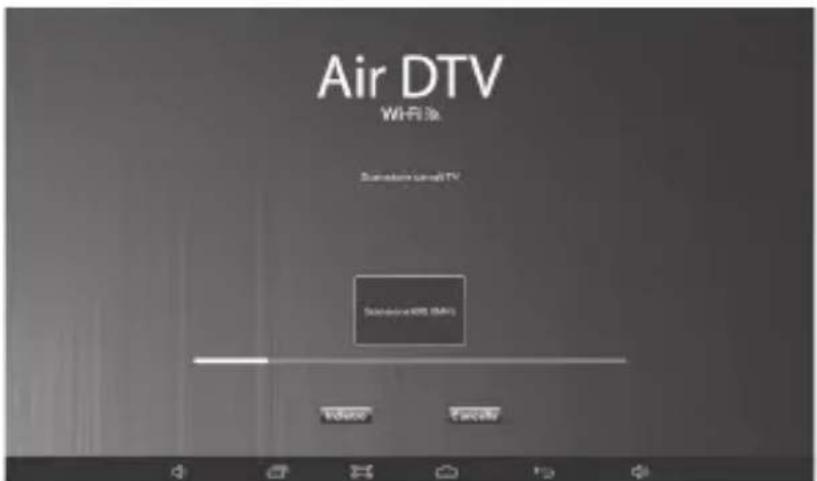
- Open the application Air DTV Wi-Fi. They will present the first installation screen:
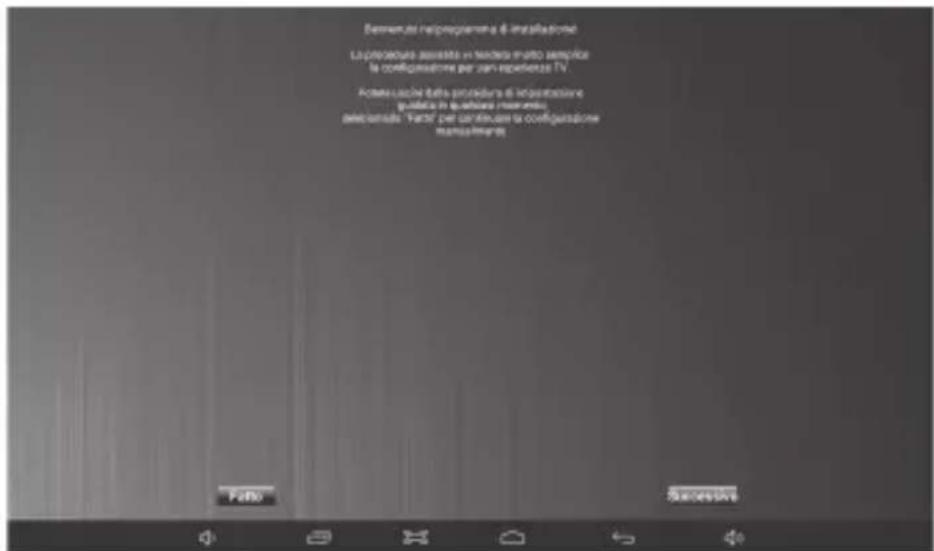
- Select the Country where you find and launch a search by pressing on Scan.

Android view
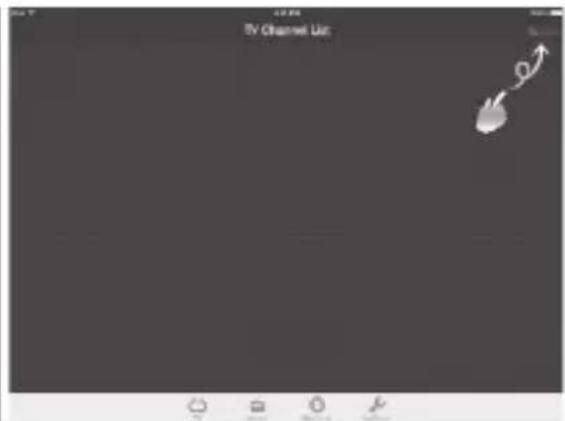
iOS view


- Once channel search you can view TV channels.

5. ANDROID INTERFACE DESCRIPTION
Tap anywhere on the screen to bring up the command bar.

BACK: Allows you to return to the main screen of the program.
CHANNEL INFORMATION: Displays the name of the channel and program information.
SIGNAL: Indicates the received TV signal level.
CHANNEL LIST: Allows access to the channel list.
SOUND: Allows adjusting the volume.
RECORD: Allows recording programs and save them in the Air DTV Wi-Fi Application gallery.
FULL SCREEN: Allows Full Screen view.
CAPTURE: Captures an image from the received transmission.
SETTINGS: Allows adjusting the settings (Audio Track, Subtitles and VideDecoder).
6. iOS INTERFACE DESCRIPTION
Tap anywhere on the screen to bring up the command bar.

CHANNEL INFORMATION: Displays the name of the channel and program information.
CHANNEL LIST: Allows access to the channel list.
SOUND: Allows adjusting the volume.
RECORD: Allows recording programs and save them in the Air DTV Wi-Fi Application gallery.
SETTINGS: Allows adjusting the settings (Audio Track and Subtitles).
7. DISPLAYING HD CHANNELS
The Air DTV Wi-Fi application allows you to receive and display HD channel.
Note: the view of HD channels is not available for Apple® devices.
Note: to view the HD channels you need a Quad Core processor and 1GB RAM or higher.
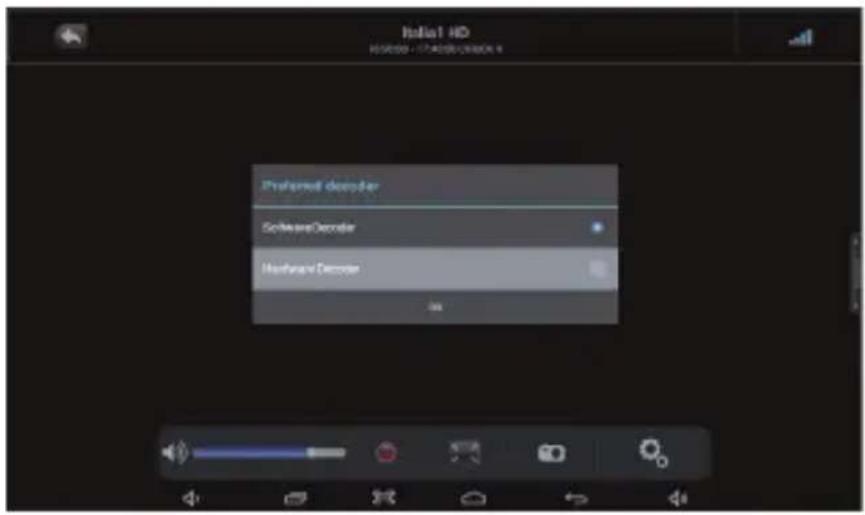
To view them you must follow these steps:
- Tune to an HD channel.
- Tap anywhere on the screen to bring up the command bar.
- Tap the Settings icon
- Select VideoDecoder.

5. Select Hardware Decoder.

8. TECHNICAL SPECIFICATIONS
TV tuner Input Signal: 75ohm (VHF / UHF)
Received Frequency: VHF 174\~230MHz
UHF 470\~862MHz
System Requirements Hardware: Dual Core Processor or higher
O.S.: Android 4.2 or higher, Apple iOS 5.1 or higher
Power supply: Internal rechargeable lithium Battery
Size 64 x 40 x 20mm
9. TROUBLESHOOTING
This chapter lists some problems that may occur when using the device.
| Trouble Possible causes Possible solutions | ||
| Will not turn on Battery | low Charge the battery | |
| It receives no signal / Still Image | The device is not suffi ciently covered by the TV signalTelescopic Antenna is not properly inserted | Make sure the device is covered by TV signal or connect the device to a home antennaInsert the telescopic Antenna on the device |
1. PRÉFACE ET AVERTISSEMENTS

Available on the App Store
Vue iOS

Android anzeigen
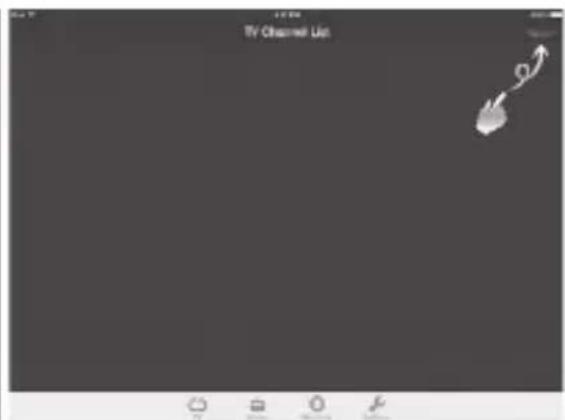
iOS anzeigen


Vista de Android

Vista de iOS

5. Seleccione Hardware Decoder.

8. CARACTERÍSTICAS TÉCNICAS
Precautions for correct disposal of the product.
The symbol shown on the equipment indicates that waste must be disposed of in “separate collection” and so the product must not be disposed of together with urban waste. The user must take the product to special “separate waste collection centres” provided by local government, or deliver it to the retailer against the purchase of a new product. Separate collection of waste and subsequent treatment, recycling and disposal operations promotes the production of equipment with recycled materials and limits negative effects on the environment and on health caused by improper handling of waste. Illegal disposal of the product leads to the enforcement of administrative penalties.

Charge the battery at a temperature between 5°C and 35°C.
Do not prolong charging more than 6 hours to avoid the risk of overheating and explosion. The battery charging over the indicated time period or a prolonged period of inactivity can shorten battery life.
The rechargeable battery is subject to wear and its capacity will gradually decrease. To extend battery life, use it when it is fully charged to completely discharge, then fully charge it again before using it again.
By charging a battery is not fully discharged, its duration will be reduced. In this case, repeat the cycle load / unload complete several times.
UTILISATION CORRECTE DE RECHARGEABLE
- DT 327 TV
- PACKAGE CONTENT
- NOTES ON USE
- WARNING
- CAR SAFETY
- CARE AND MAINTENANCE
- IMPORTANT
- TOOLTIP AND STATUS LEDS
- BATTERY CHARGING AND POWER ON/OFF
- CONNECT THE TREVI DT 327 TV TO TABLET AND SMARTPHONE
- ANDROID INTERFACE DESCRIPTION
- IOS INTERFACE DESCRIPTION
- DISPLAYING HD CHANNELS
- SELECT HARDWARE DECODER
- TECHNICAL SPECIFICATIONS
- TROUBLESHOOTING
- PRÉFACE ET AVERTISSEMENTS
- SELECCIONE HARDWARE DECODER
- CARACTERÍSTICAS TÉCNICAS
- PRECAUTIONS FOR CORRECT DISPOSAL OF THE PRODUCT
- UTILISATION CORRECTE DE RECHARGEABLE
Brand : Trevi
Model : DT 327 TV
Category : Audio/video extension